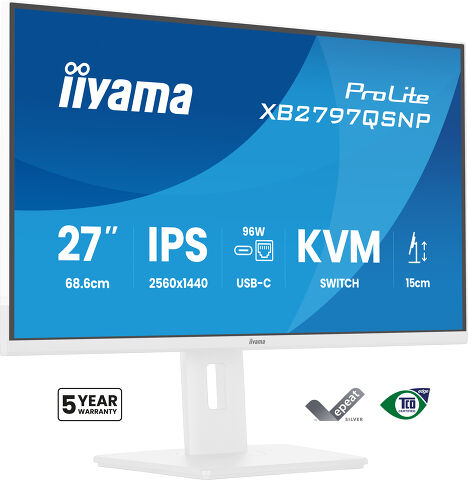
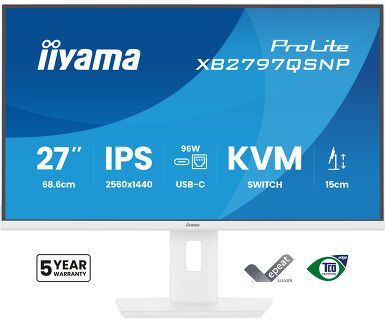
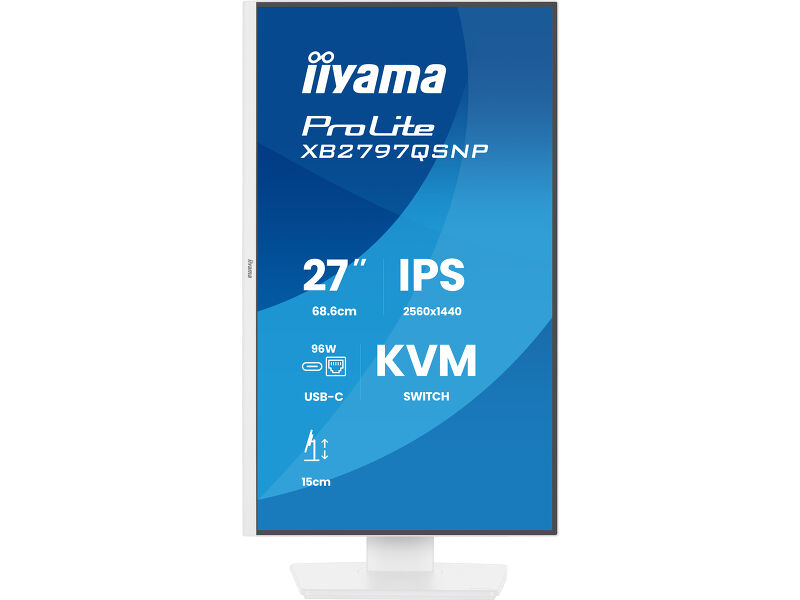
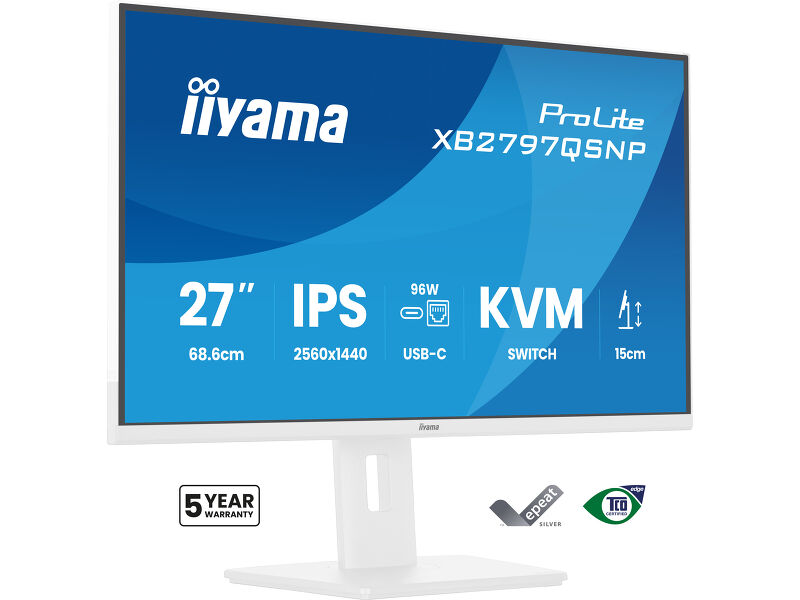
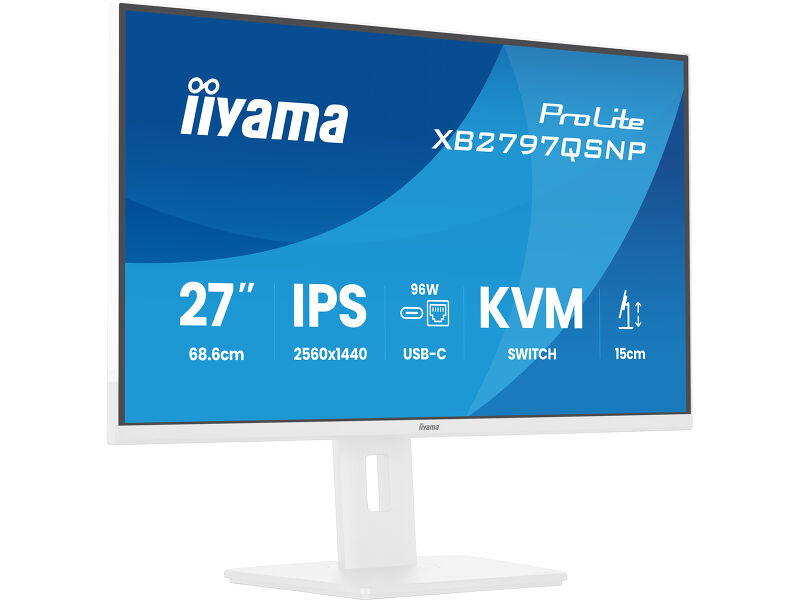
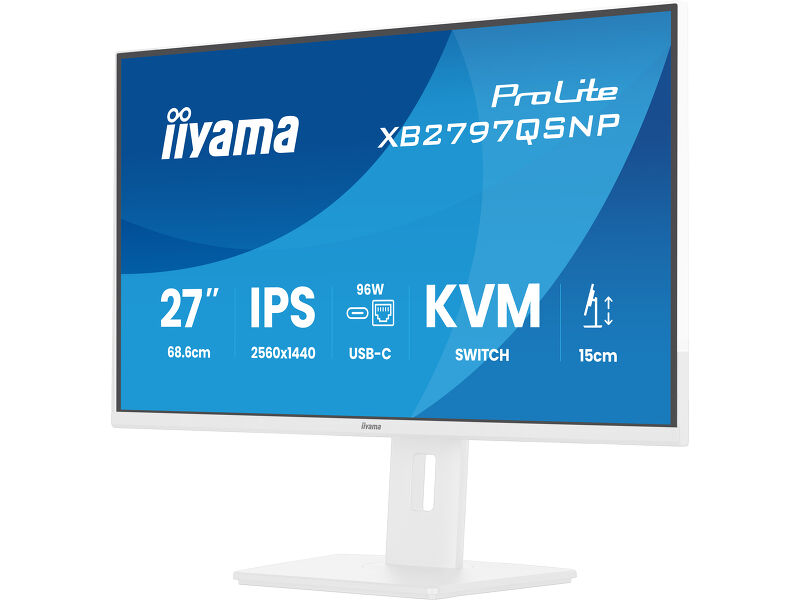
ProLite XB2797QSNP-W1
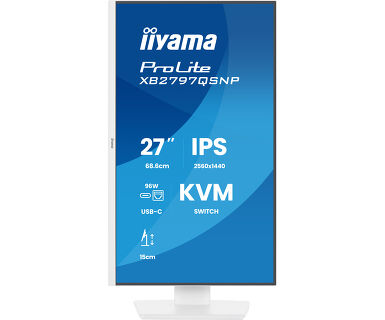
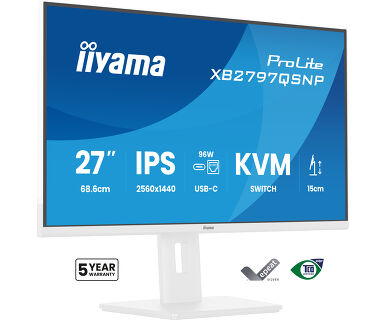
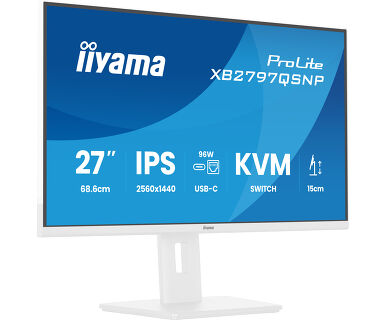
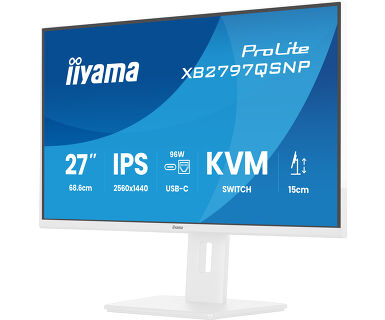
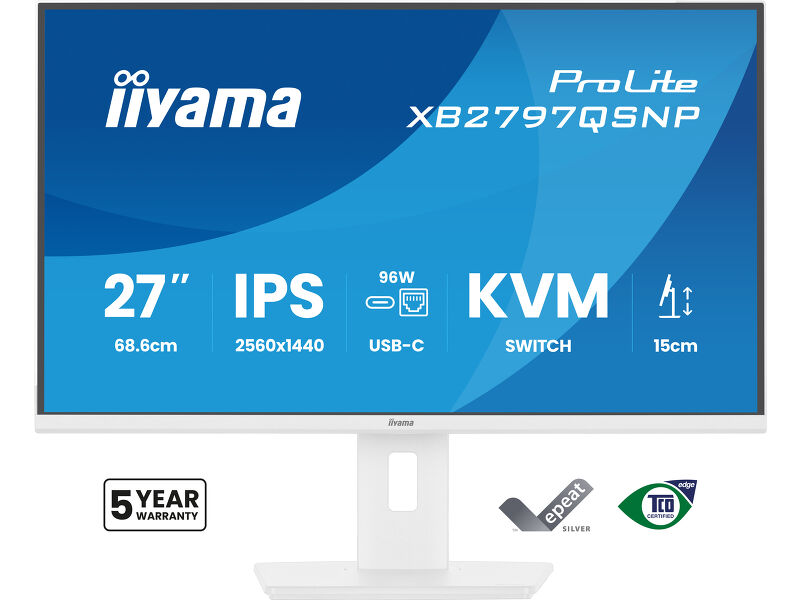
27” QHD monitor with USB-C docking, KVM and LAN - everything you need in a single display
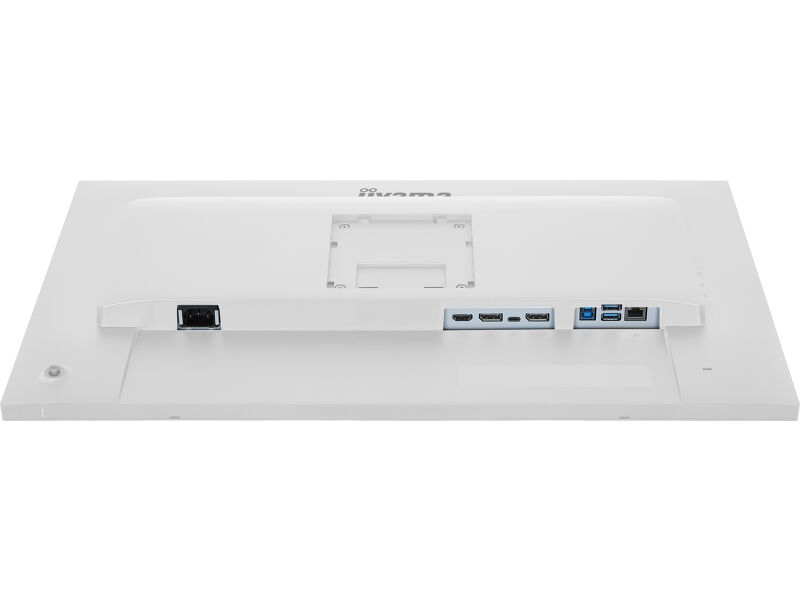
Ostanite povezani i smanjite gomilu kablova uz ProLite XB2797QSNP. Integrisana USB-C dok stanica sa napajanjem od 96W omogućava vam prenos videa, zvuka, podataka i napajanja putem jednog kabla, održavajući vaš radni prostor čistim i efikasnim. RJ45 port obezbeđuje brzu i stabilnu žičanu mrežnu vezu bez dodatnih adaptera.
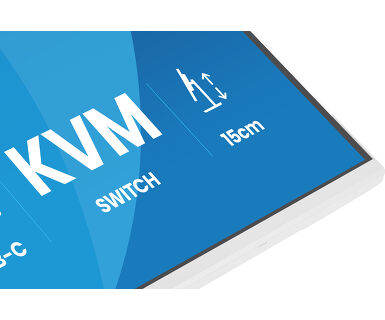
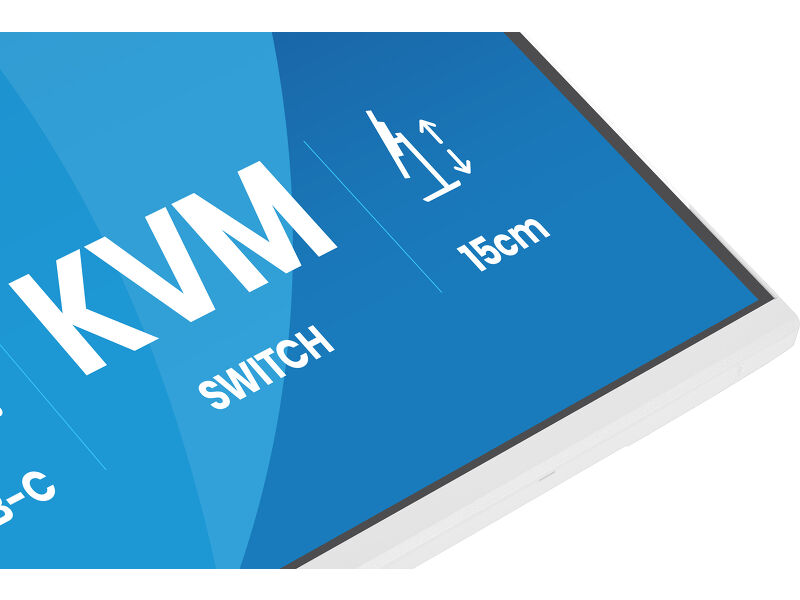
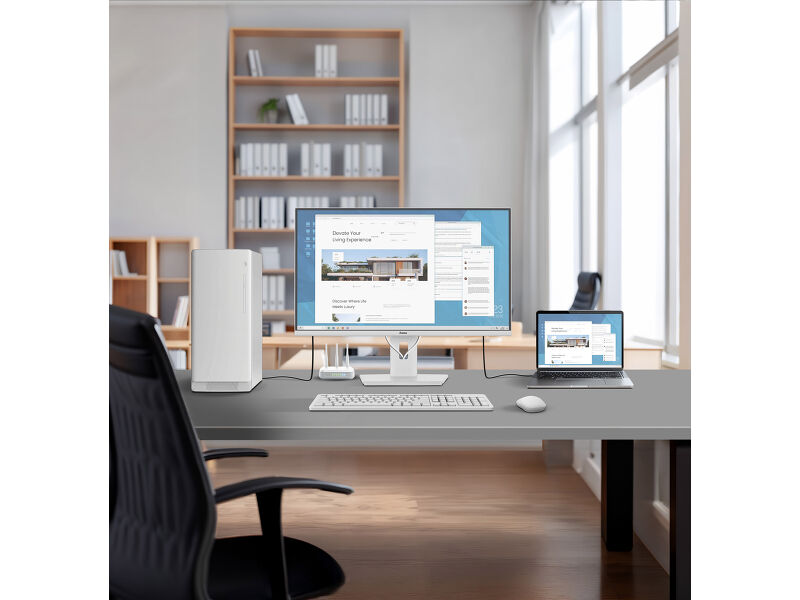
Sa ugrađenim KVM prekidačem, možete kontrolisati dva računara pomoću jedne tastature i miša, što olakšava prebacivanje između sistema i održava glatki tok rada.
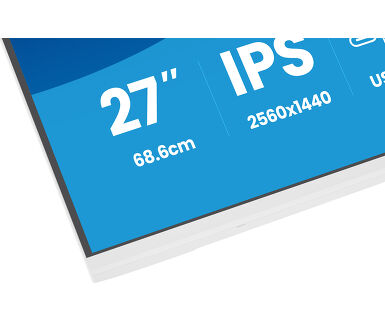
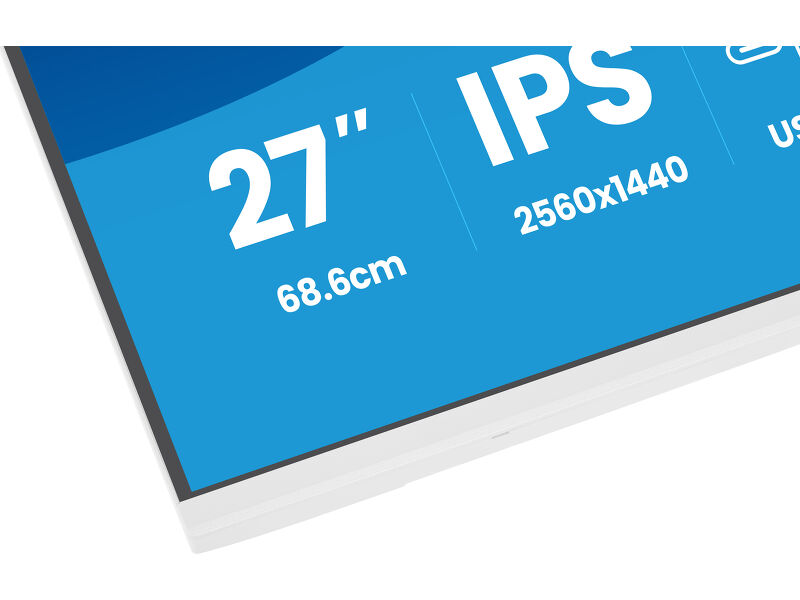
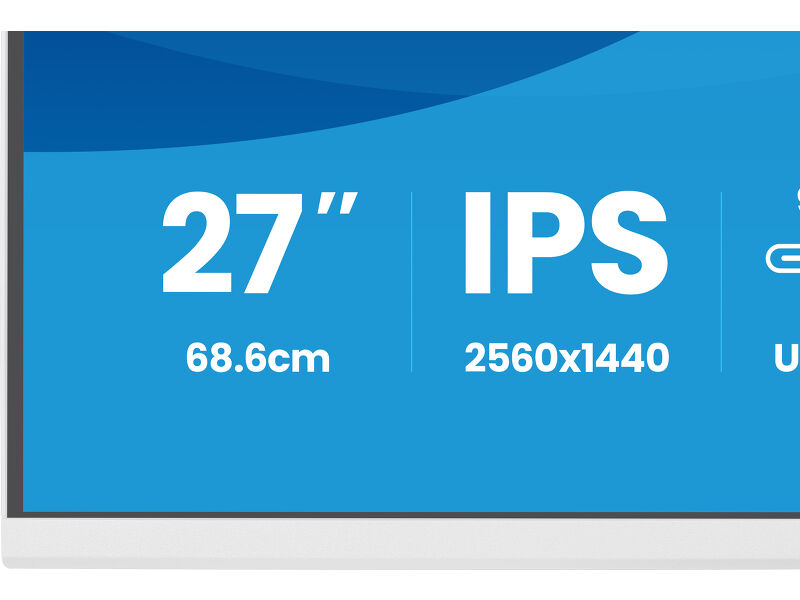
27-inčni QHD IPS panel pruža visoku rezoluciju i preciznu reprodukciju boja sa širokim uglovima gledanja, podržavajući detaljan rad kao što je kreiranje sadržaja, tabele ili dizajnerski zadaci. DisplayPort izlaz omogućava brzo podešavanje konfiguracije sa dva monitora kako bi se proširio prostor na ekranu i povećala produktivnost.
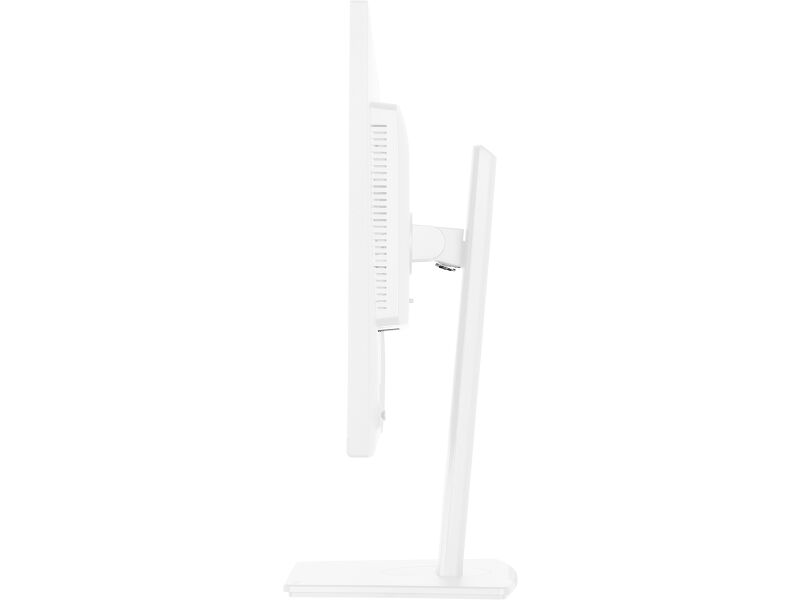
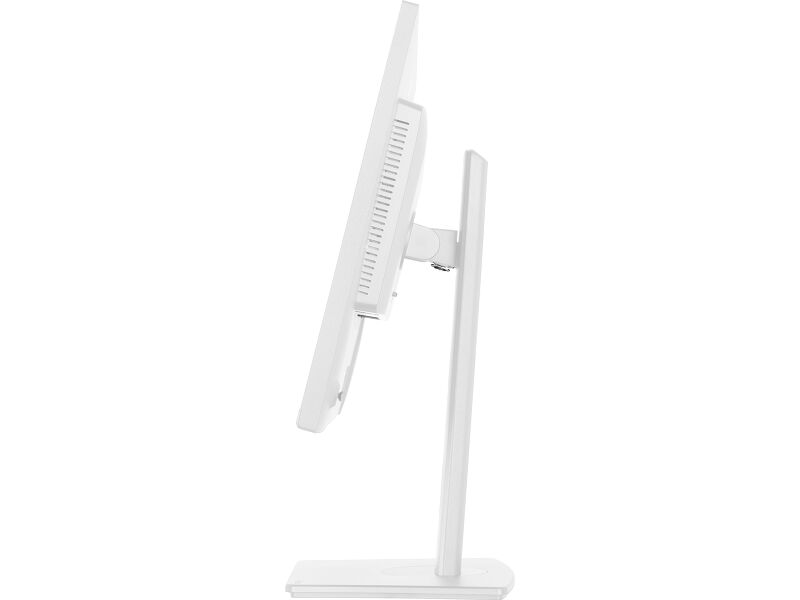
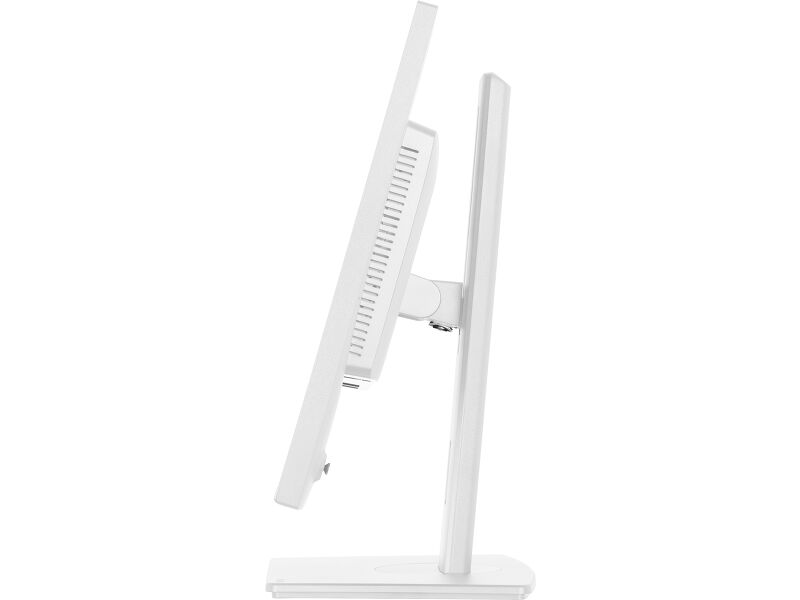
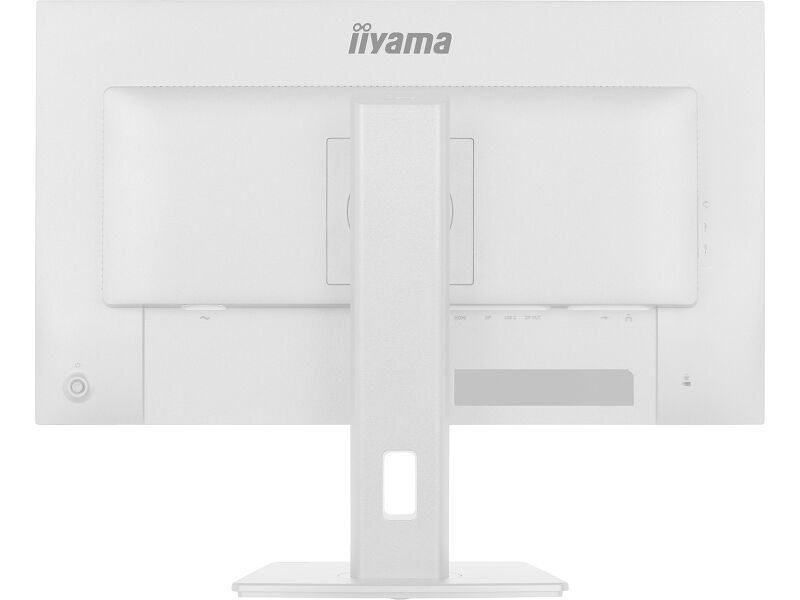
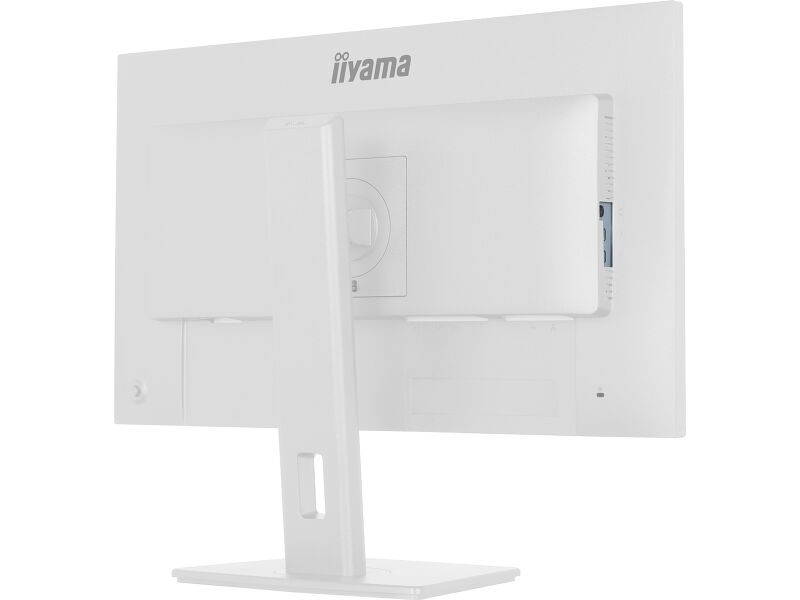
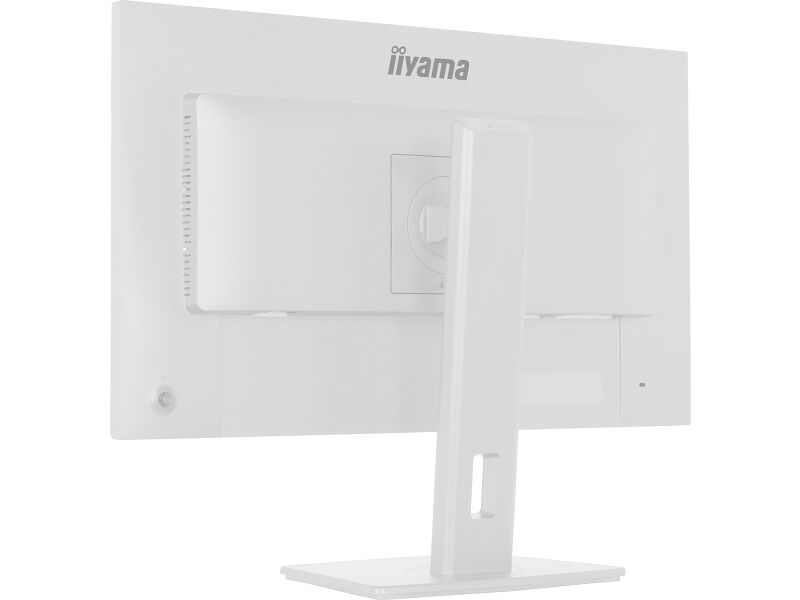
Postolje nudi podešavanje visine od 15 cm, zajedno sa funkcijama nagiba, okretanja i rotacije, uključujući portretni režim, tako da možete udobno raditi u željenom položaju. Testiran i sertifikovan od strane TÜV Rheinland za udobnost očiju, XB2797QSNP ispunjava stroge standarde za prikazivanje kako bi se smanjio zamor vida tokom duže upotrebe, podržavajući dugotrajan fokus i blagostanje na poslu.
Dostupan i bez USB-C priključka: XB2797QSU-W1.
Takođe dostupan u crnoj : ProLite XB2797QSNP-B1
Jednostavna kontrola više uređaja pomoću KVM-a
Lako prelazite između više računara koristeći jedan monitor, tastaturu i miš, što čini multitasking glatkim i efikasnim.
USB-C dok za uredan sto i lako povezivanje
Povežite sve samo jednim kablom - upravljajte videom, podacima i napajanjem, a da pritom vaš sto bude čist i organizovan.
Expand your view with QHD
QHD 2560x1440 resolution offers up to 77% more screen space than Full HD, giving you plenty of room to multitask efficiently, view more content at once, and work with greater precision, without constantly switching between windows.
Hardware-based low blue light built into the panel, flicker-free technology and true-to-life colour accuracy all work together to support more comfortable viewing throughout the day. Backed by TÜV Rheinland Eye Comfort certification, this display lets you work, browse and create for longer with greater ease.
You Tube
Tehnička specifikacija




KARAKTERISTIKE EKRANA
| Dizajn | tanak okvir sa 4 strane |
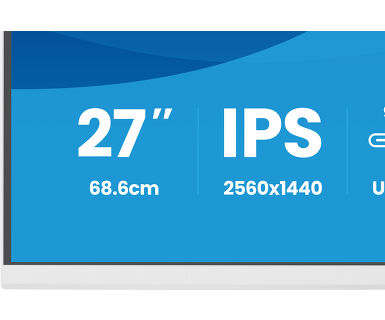
| Dijagonala | 27", 68.5cm |
| Panel | LED panel sa IPS tehnologijam i mat završnom obradom |
| Osnovna rezolucija | 2560 x 1440 @75Hz (3.7 megapixel QHD) |
| Osnovna rezolucija | 75Hz |
| Format ekrana | 16:9 |
| Osvetljenje | 350 cd/m² |
| Statički kontrast | 1000:1 |
| Napredni kontrast | 80M:1 |
| Vreme odziva (MPRT) | 1ms |
| Zona gledanja | horizontalno/vertikalno: 178°/178°, desno/levo: 89°/89°, gore/dole: 89°/89° |
| Podržane boje | 16.7mln (sRGB: 100%; NTSC: 72%) |
| Horizontalna sinhronizacija | 30 - 112KHz |
| Vidljiva površina Š x V | 596.7 x 335.7mm, 23.5 x 13.2" |
| Razmak piksela | 0.233mm |
| Boja | mat, bela |
KONEKTORI / KONTROLE
| Ulaz signala |
HDMI x1 (v.1.4) DisplayPort x1 (v.1.2) USB-C x1 (PD 96W) |
| Izlaz signala | DisplayPort x1 (2560 x 1440) |
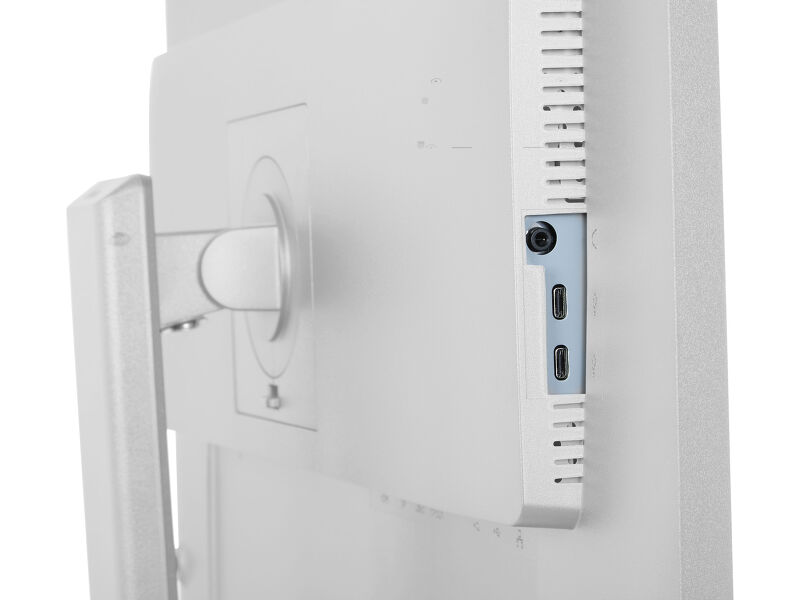
| USB HUB | x4 (2x Type-A v.3.2 Gen 1 (5Gbps, 4.5W) 2x Type-C (7.5Gbps, 5W) |
| USB-C DOCK | x1 (Napajanje 96W, LAN, DP out, USB v.3.2 (Gen 1, 5Gbit)) |
| HDCP | da |
| Priključak za slušalice | da |
| RJ45 (LAN) | x1 |
KARAKTERISTIKE
| KVM svič | da |
| Bez treperenja | da |
| Dodatno | i-Style boje, Eye Comfort |
| OSD jezici | EN, DE, FR, ES, IT, RU, JP, CZ, NL, PL, UA |
| Kontrolni tasteri | Joystick: Power/Menu (Centre), Up/Signal Select, Down, Left/Shortcut, Right/Volume |
| Korisničke kontrole | picture adjust (brightness, contrast, ECO, ACR, OD, MBR, Adaptive Sync), colour settings (i-Style colour, RGB range, colour temp., user preset), OSD (OSD H. position, OSD V. position, OSD rotate, OSD time, OSD background, DDC/CI control, display information), language, extra 1 (sharpness, video mode adjust, opening logo, power LED, USB charge, USB-C spedd, MST DP-out), Extra 2 (shortcut key, Mac address, FW version), KVM (HDMI, DisplayPort, USB-C), input select, audio settings (volume, mute), reset (reset all?) |
| Zvučnici | 2 x 2W |
| Pogodnost | Kensington-lock™ priprema, DDC/CI, DDC2B |
MEHANIČKI
| Podešavanje položaja prikaza | visina, okretanje, nagib, pivot (rotacija u obe strane) |
| Podešavanje visine | 150mm |
| Rotacija (PIVOT funkcija) | 90° |
| Okretno postolje | 120°; 60° levo; 60° desno |
| Ugao nagiba | 23° gore; 5° dole |
| VESA montiranje | 100 x 100mm |
UKLJUČENI DODACI
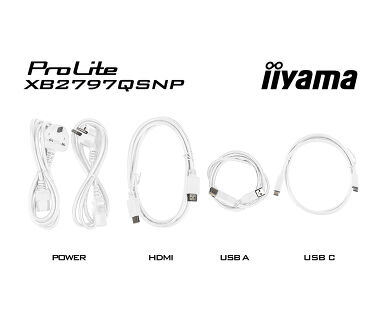
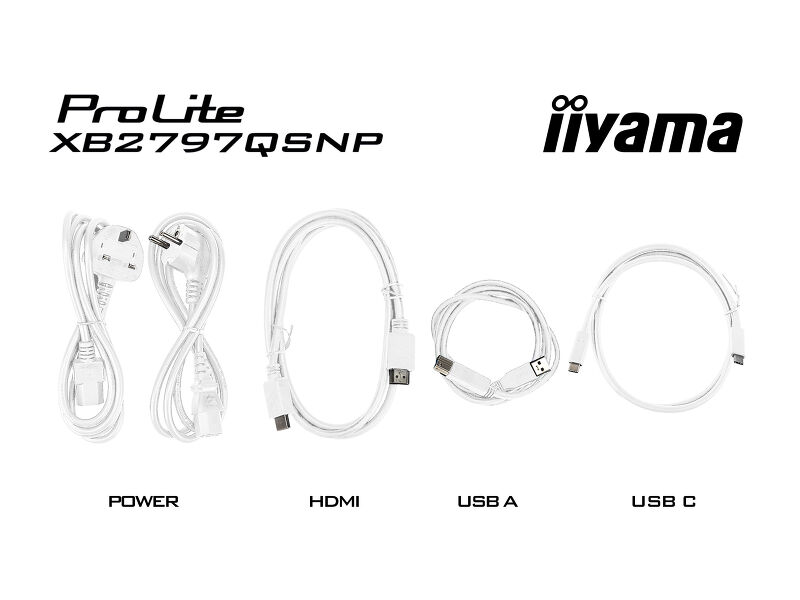
| Kablovi | Strujni kabl (1.5m), USB (1.5m), HDMI (1.5m), USB-C (1.0m) |
| Ostalo | kratko uputstvo, bezbednosni vodič |
UPRAVLJANJE NAPAJANJEM
| Napajanje | interna |
| Potrošnja energije | 21W default , 0.5W stand by, 0.3W iskljucen |
ODRŽIVOST
| Propisi | CE, TÜV-GS, EAC, VCCI-B, PSE, RoHS podrška, ErP, WEEE, REACH, UKCA, TCO Edge |
| Klasa energetske efikasnosti (Regulation (EU) 2017/1369) | E |
| EPEAT Silver | *registration varies by country, go to www.epeat.net for details |
| REACH SVHC | iznad 0,1%: olovo, olovo monoksid, dibor trioksid |
| Garancija | 5 godina (za detalje i zemlje koje ispunjavaju uslove potražite odeljak Garancija na našoj web stranici) |
DIMENZIJE / TEŽINA
| Dimenzije proizvoda Š x V x D | 613 x 403.5 (547.5) x 209.5mm |
| Dimenzije kutije Š x V x D | 691 x 447 x 142mm |
| Težina (bez kutije) | 5.9kg |
| Težina (sa kutijom) | 8.0kg |
| EAN kod | 4948570125951 |



Preuzimanja
| Uputstvo za upotrebu | XB2797QSNP(H)-usermanual-e.pdf | Preuzimanje |
| Specifikacija | ProLite XB2797QSNP-W1 - sr_rs.pdf | Preuzimanje |
| Sheme | XB2797QSNP-B1.pdf | Preuzimanje |
| EU Energetska oznaka | XB2797QSNP-W1 EU Energy Label (2547953).pdf | Preuzimanje |
| UK Energetska oznaka | XB2797QSNP-W1 UK Energy Label (2547953).pdf | Preuzimanje |
| Guarantee label | XB2797QSNP-W1.pdf | Preuzimanje |
FAQS
Why can't I set the native resolution with the maximum refresh rate on my monitor?
+If you are unable to set the native resolution with the maximum refresh rate on your monitor, try the following troubleshooting steps:
1. Ensure you are using a cable that supports both the native resolution and the desired refresh rate.
2. Visit the product page on our website and check technical specification tab - Interfaces / Connectors / Controls section to see what resolution and refresh rate are supported under the signal input you have seleced (e.g. HDMI signal input does not always support the maxium refresh rate, please check the DisplayPort connection instead).
3. Check the settings and specifications of your PC / graphics card to see if they support the desired resolution or refresh rate.
Why isn’t my notebook charging when connected to the USB-C input of my monitor in standby mode?
+To resolve the issue of your laptop not charging, please try the following steps:
1. Activate USB BC or disable USB standby mode in the monitor’s settings menu.
2. Update your PC’s BIOS/UEFI.
Why is my monitor displaying a "No Signal" message?
+If your monitor is displaying a "No Signal" message, please check the following:
1. Ensure the cables are properly connected at both ends.
2. Select the correct signal input (HDMI/DP) or choose AUTO.
For guidance on selecting an input while the screen is in standby mode, please consult the user manual. On desktop monitors, common methods include pressing the INPUT, AUTO, or "2" buttons, or moving the joystick backward.
I have an Apple MAC-system, will my iiyama monitor work?
+Yes, your iiyama monitor will work with your Apple Mac system. However, it depends on the signal input how to connect. Since Apple Mac systems from 2020 onwards only have Thunderbolt 3 (USB-C) ports for video output, you have two options:
1. Connect directly to the USB-C signal input on your iiyama monitor.
2. In case your monitor only has HDMI or Displayport, you will need a Mac-compatible dongle that supports one of the video inputs available. Apple offers a USB-C Digital AV Multiport Adapter (MW5M3AM) that can be used for this purpose.
3. If your iiyama monitor has touchscreen capabilities, please refer to the user manual to verify touch functionality compatibility with your Mac system.
The picture on my monitor is flickering. What steps can I take to fix it?
+To resolve the issue of a blinking picture, please follow these steps:
1. Inspect the Signal Cable.
Ensure the signal cable is securely connected at both ends and free from any physical damage. Avoid any sharp bends or squishing of the cable.
2. Use a Shorter Cable.
If possible, use a cable shorter than 3 meters and connect the monitor directly to a wall power socket, avoiding the use of adapters.
3. Disable FreeSync/Adaptive Sync.
For desktop or gaming monitors, try disabling FreeSync or Adaptive Sync in the monitor's settings menu.
Is Adaptive Sync compatible with AMD FreeSync or NVIDIA G-Sync?
+Yes, Adaptive Sync is compatible with AMD FreeSync and NVIDIA G-Sync.
Why can't I select MBR when FreeSync/Adaptive Sync is activated?
+MBR cannot be selected when FreeSync/AdaptiveSync is activated, because MBR can interfere with the FreeSync/Adaptive Sync technology as they have different methods of improving motion clarity. MBR reduces motion blur (response time), while Adaptive Sync/FreeSync addresses stuttering. We recommend activating Adaptive Sync/FreeSync on systems with fluctuating or unstable frame rates. MBR performs best on powerful systems that maintain a consistently high frame rate.
How can I recognize which iiyama monitor has a USB-C Dock and LAN support?
+iiyama monitors with USB-C Dock capabilities can be recognized by an "N" in their model names, such as HSN or QSN. For example, XUB****HSN. You can also visit our product selector page and use the available filters.
How to use the USB-C dock?
+To explore the features and benefits of a monitor with a USB-C dock, please watch the video below.
The DP-out currently mirrors the main monitor. How can I change it to extend the desktop instead?
+To extend the desktop via DP-out, enable the MST function in the screen settings. For detailed instructions, please refer to your user manual.
Opcioni dodaci