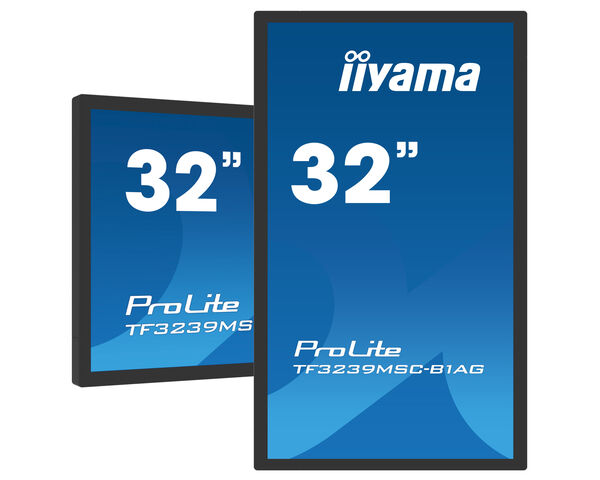
ProLite TF3239MSC-B1AG (EOL) Helyettesíthető ezzel: ProLite TF3239AS-B1AG
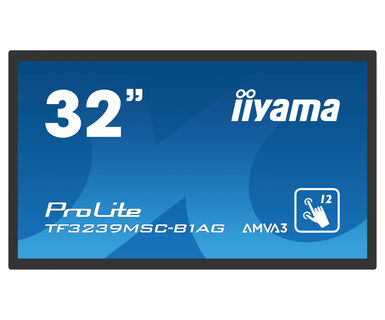
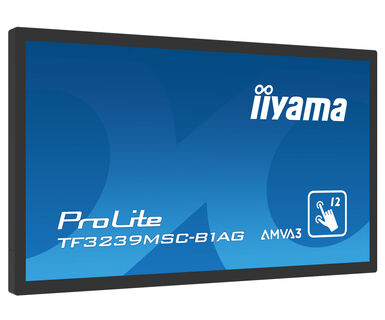
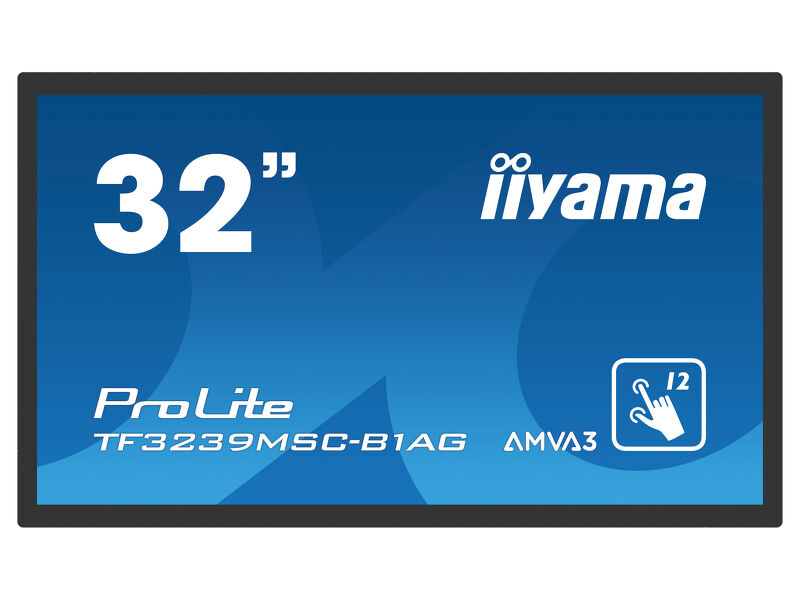
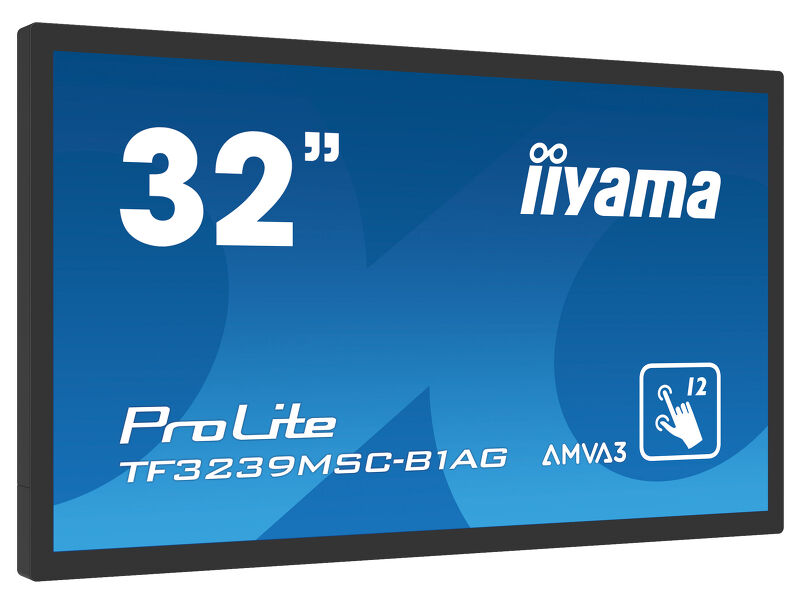
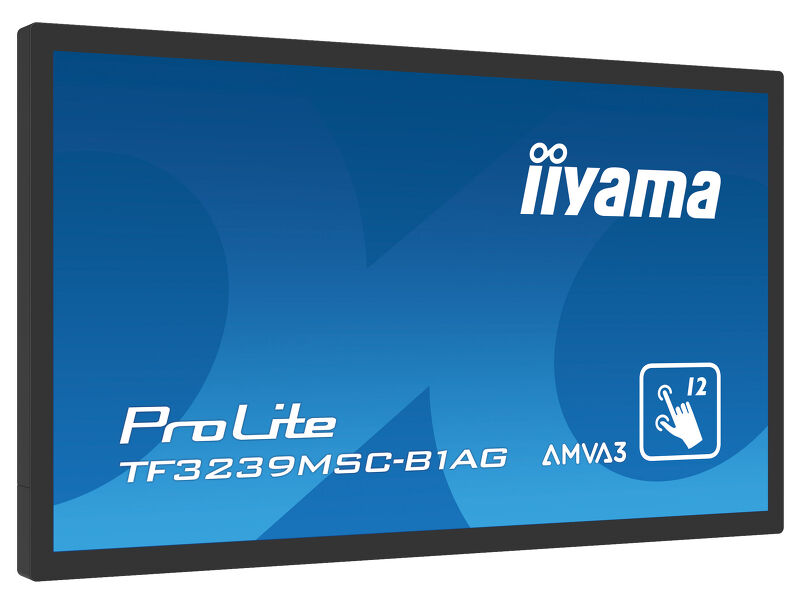
32" 12pt Open Frame PCAP interactive large format display
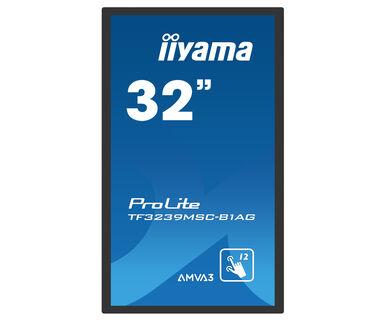
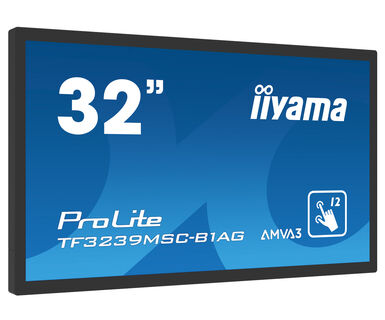
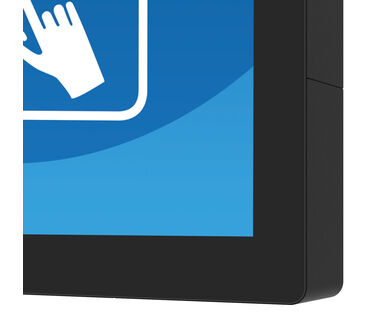
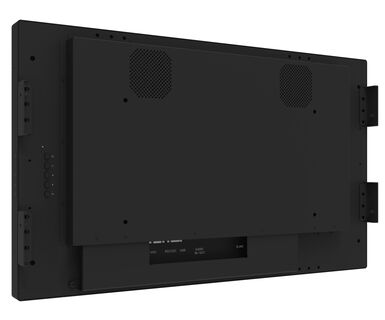
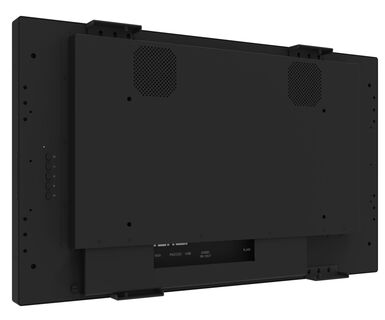
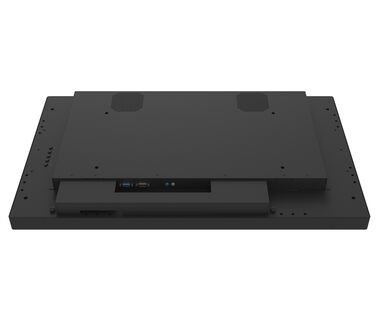
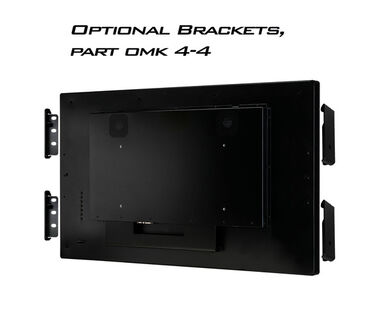
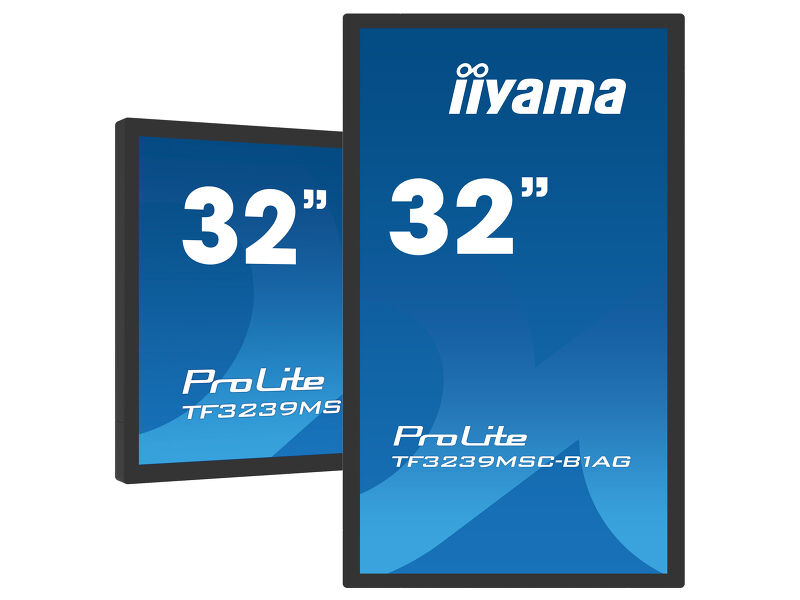
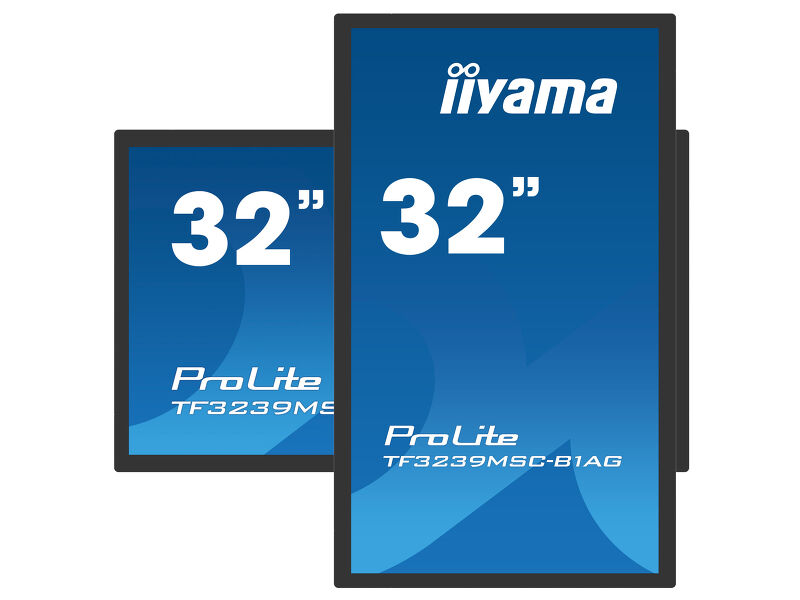
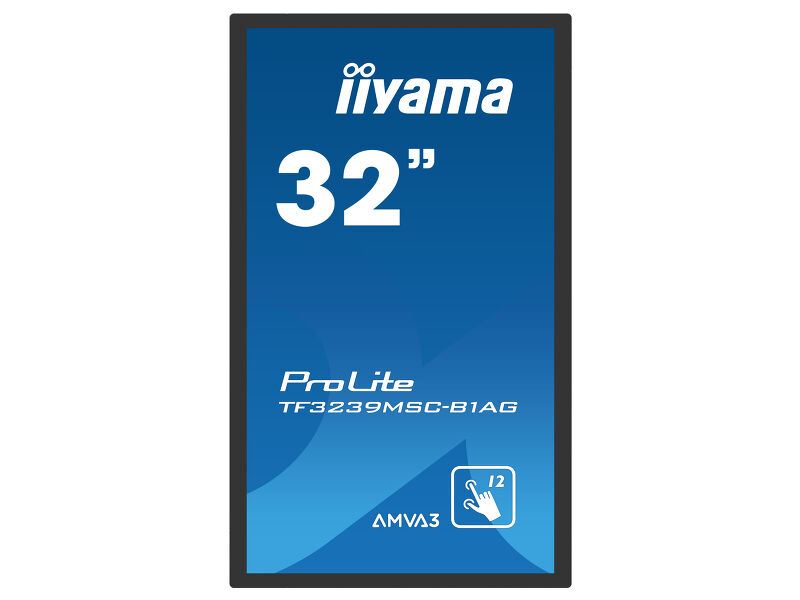
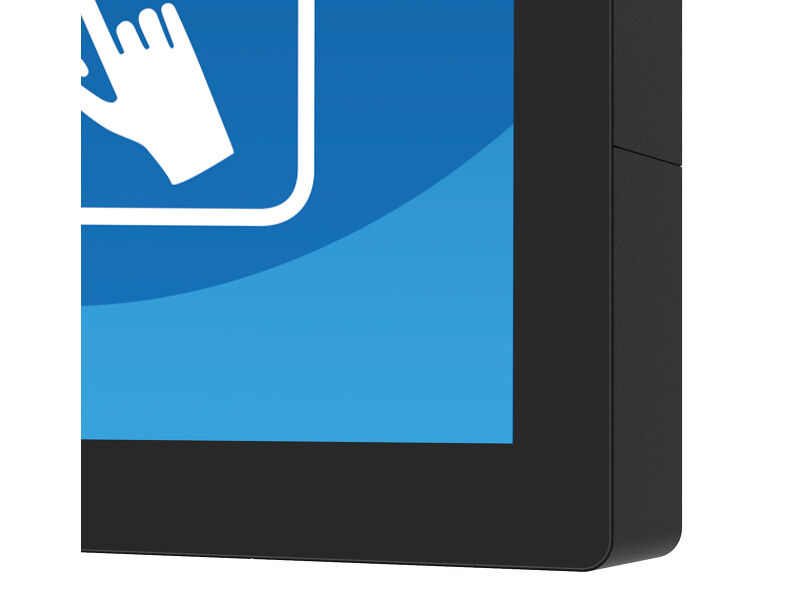
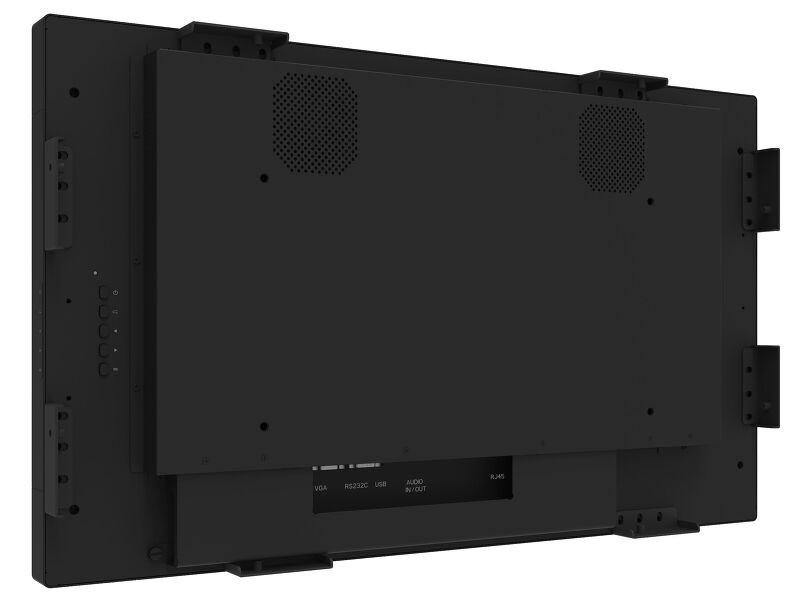
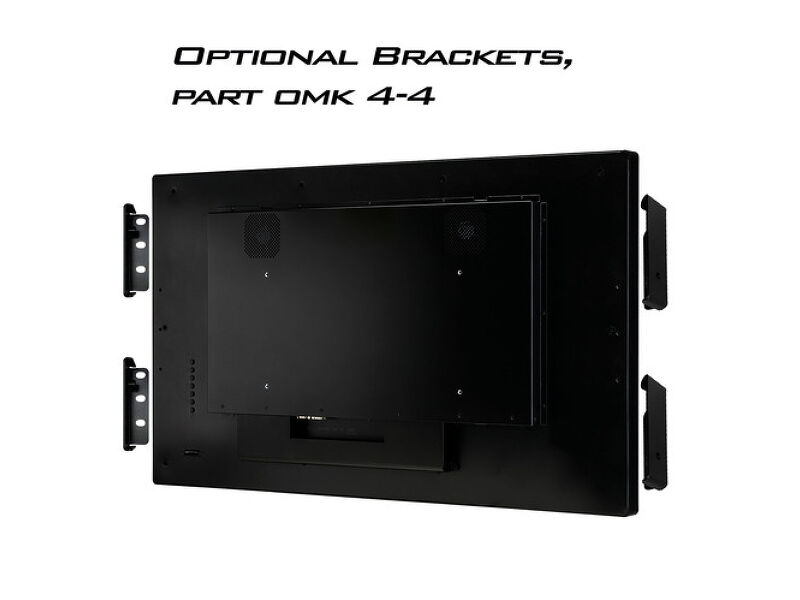
The Full HD (1920x1080) TF3239MSC Open Frame monitor with slim borders is the ideal display solution for interactive shop windows, education, kiosks and in-store communications. The Projective Capacitive (PCAP) touch technology with 12 touch points ensures a seamless and accurate touch response. Thanks to the touch-through-glass technology it’s possible to turn glass surfaces into touchscreens. It can be installed in landscape, portrait and face-up orientation for maximum flexibility and accessibility. With its AMVA3 LED panel, it offers exceptional colour performance, high contrast and wide viewing angles. Featuring a metal housing with a 60950-1 ball-drop proof, scratch-resistant, edge-to-edge glass, this display can be installed in the most demanding environments and build in different set-ups as a result of its Open Frame side mounting holes. For ease of integration, the TF3239MSC can be equipped with optional external mounting brackets (OMK4-4) making it an ideal solution for kiosk integrators and interactive multimedia.

-

-
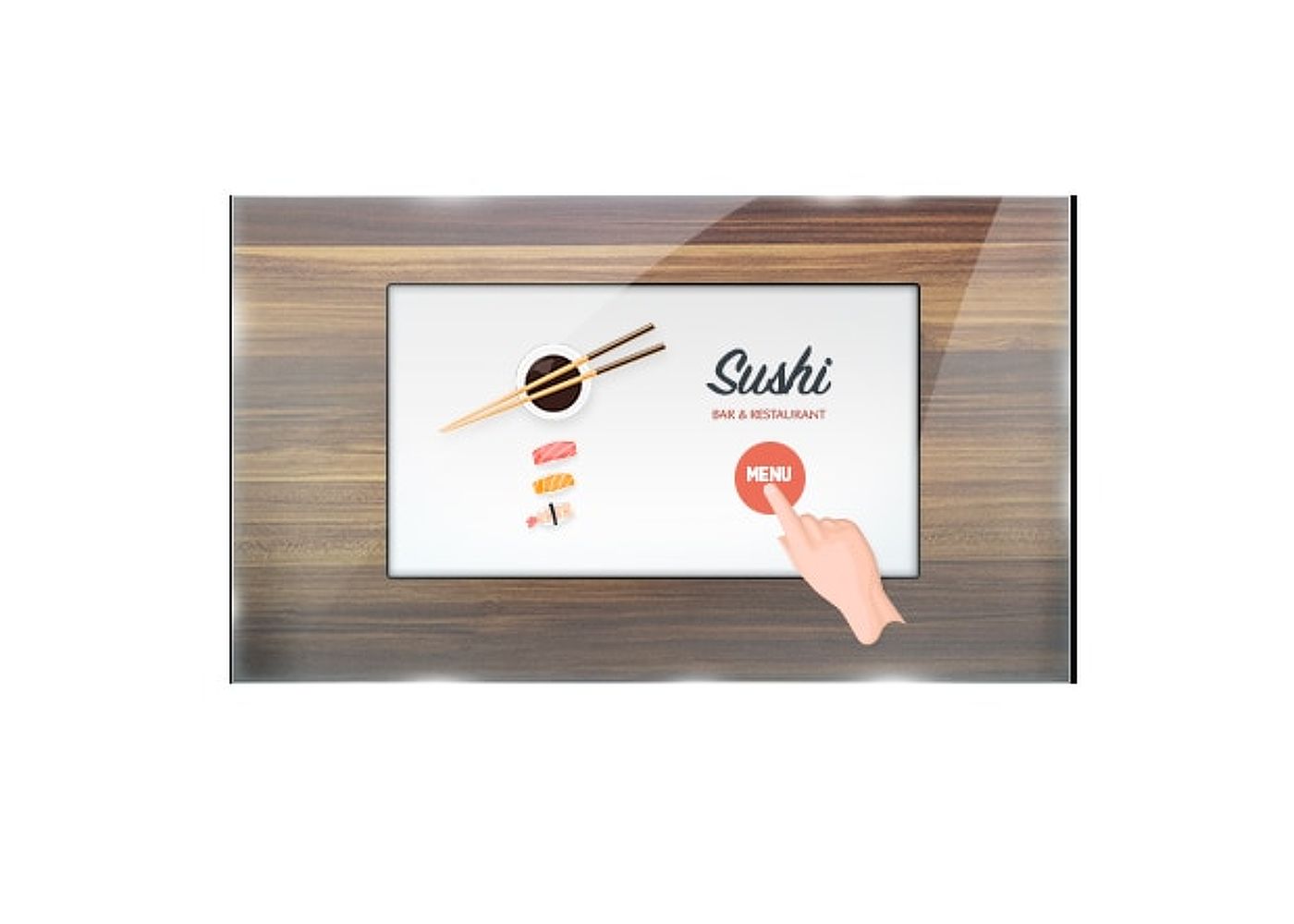
Üvegen keresztüli érintő funkció
Ez az üvegen keresztüli érintő funkció közvetlenül az üvegen keresztül működik, és az üvegfelületeket interaktív érintőképernyővé alakíthatja. Használja kirakati ablakokon, ingatlanirodában, üzlethelyiségekben vagy éttermekben.
-
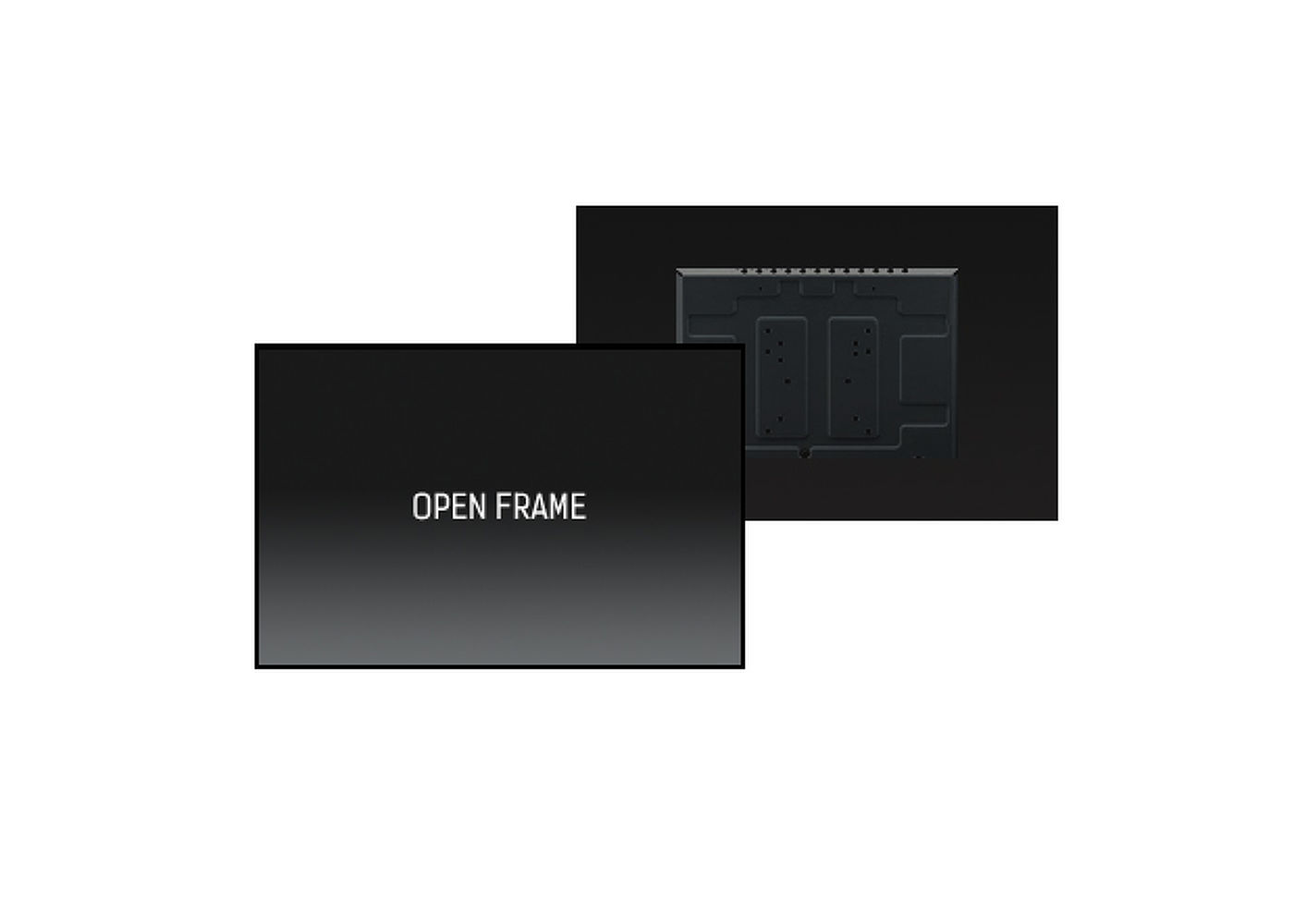
Open frame LFD
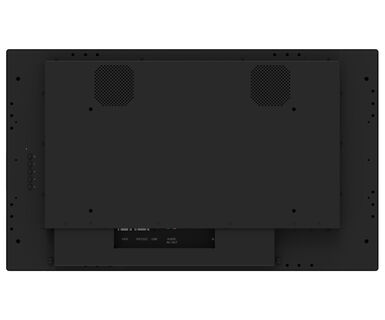
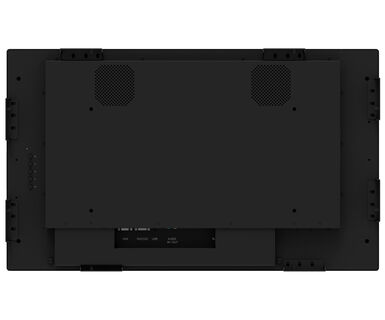
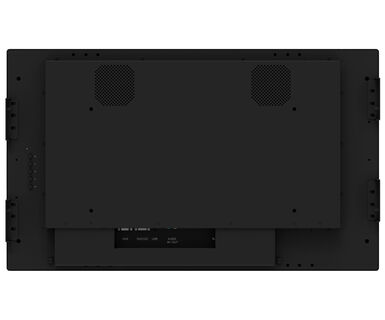
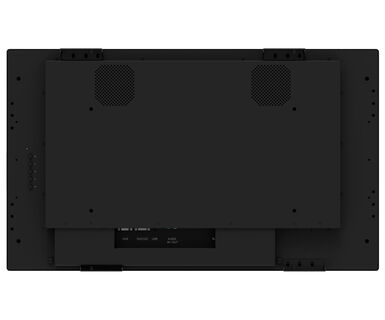
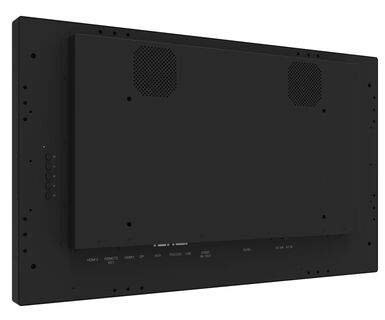
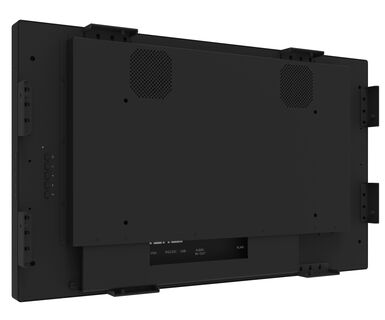
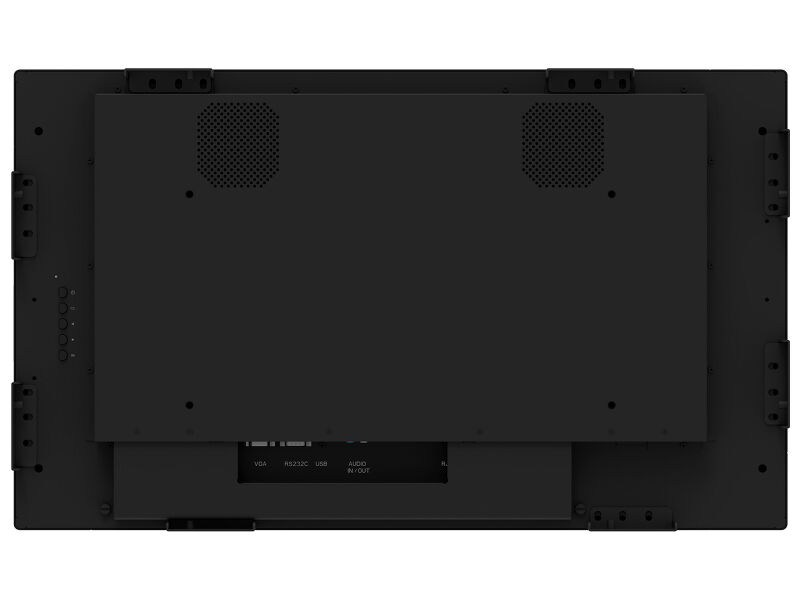
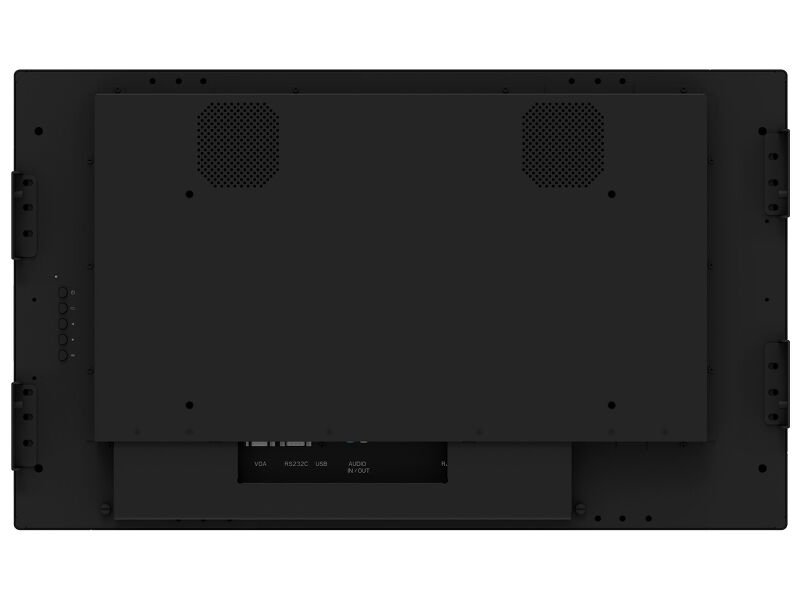
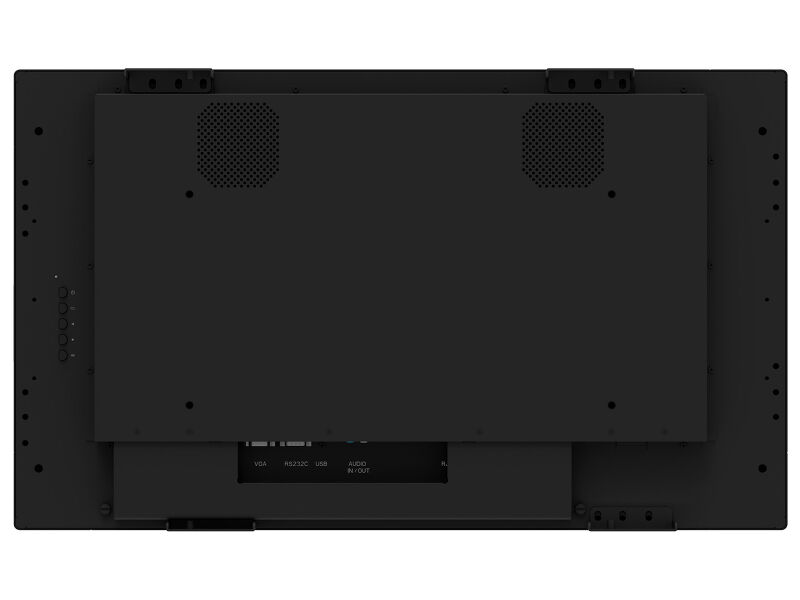
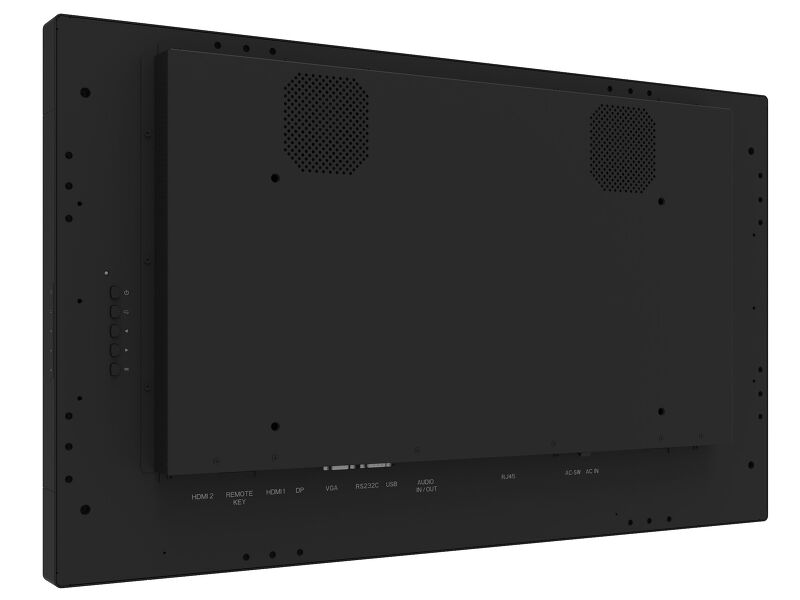
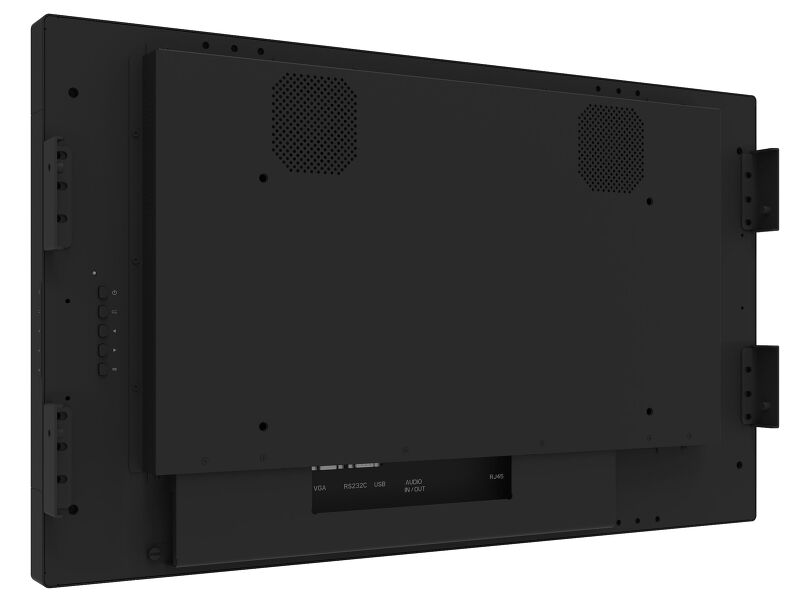
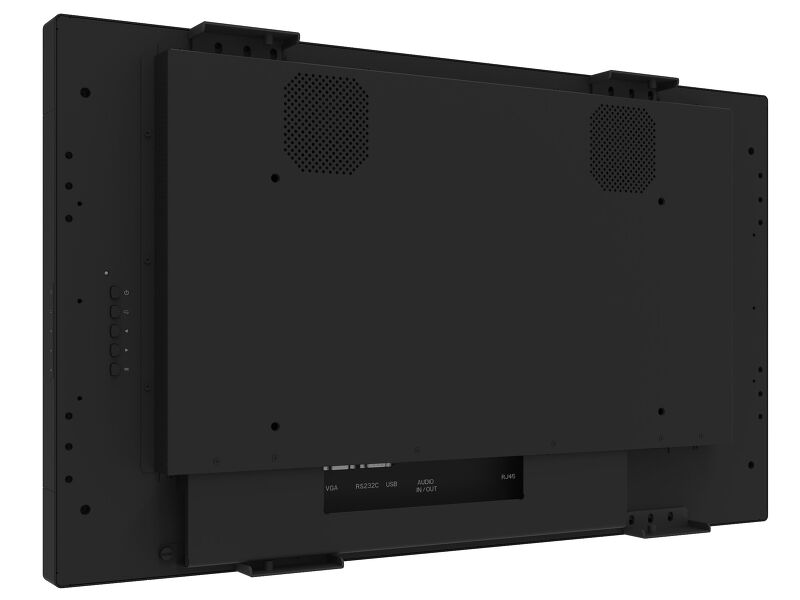
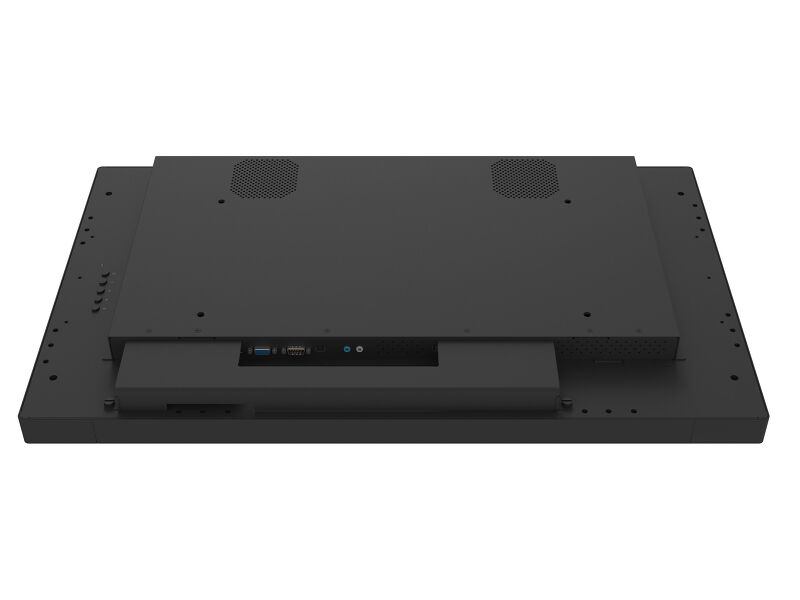
Open frame monitors feature special mounting screw holes on all sides of the monitor that can be used for installing the monitor. Open Frame monitors are an ideal solution for kiosk integrators and Instore Retail.
-
-
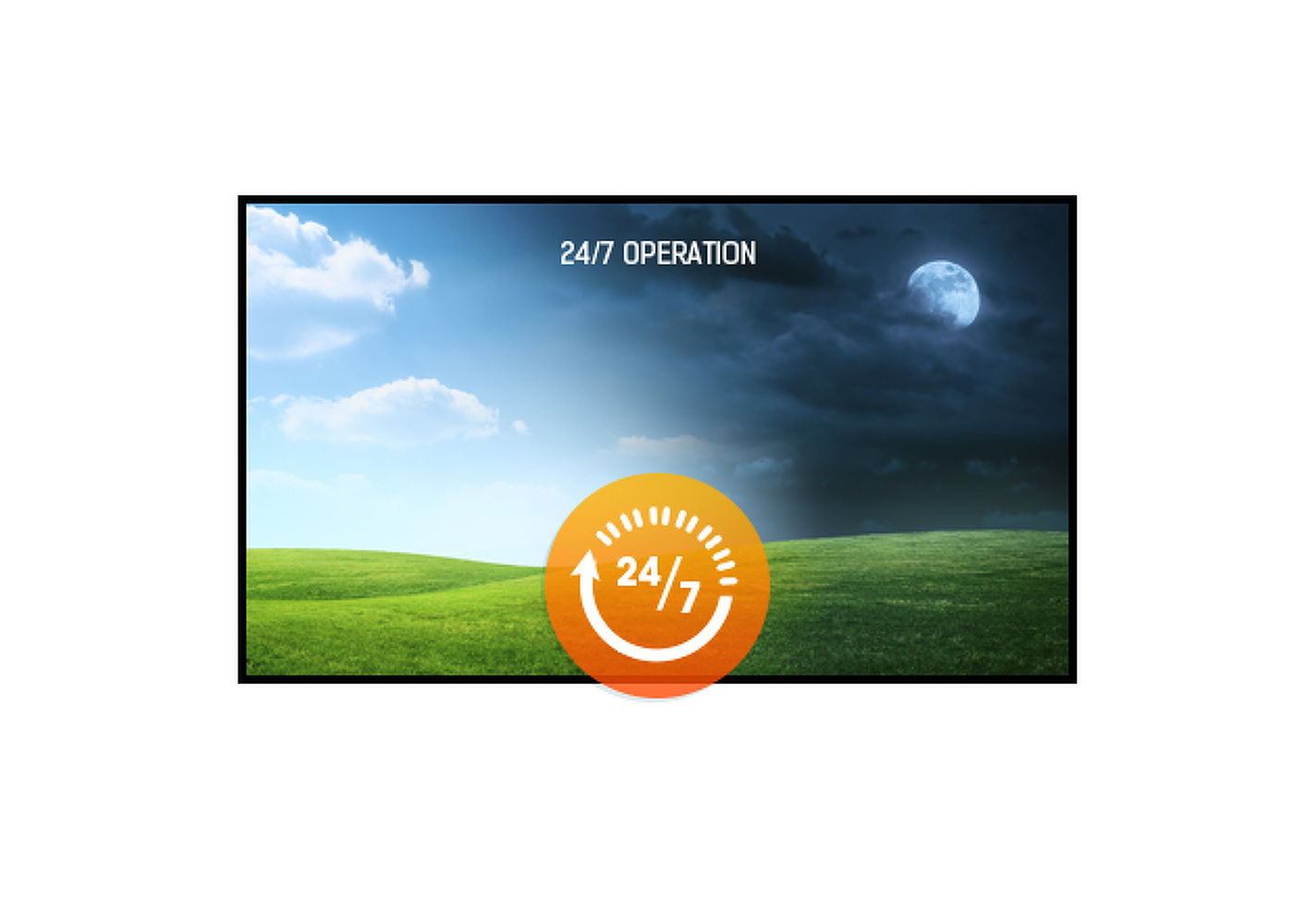
24/7 displays are designed for a continuous operation.
Video
Műszaki adatok



KIJELZŐ JELLEMZŐI
| Dizájn | Széltől szélig érő üveg, Open Frame |
| Átló | 31.5", 80cm |
| Panel | AMVA3 LED, Anti-glare coated glass |
| Natív felbontás | 1920 x 1080 @60Hz (2.1 megapixel Full HD) |
| Képarány | 16:9 |
| Fényerő | 500 cd/m² |
| Fényáteresztés | 84% |
| Statikus kontraszt | 3000:1 |
| Válaszidő (GTG) | 8ms |
| Látótér | horizontális/vertikális: 178°/178°, jobb/bal: 89°/89°, fel/le: 89°/89° |
| Szín támogatás | 16.7mln 8bit |
| Horizontális szinkronizálás | 30 - 83kHz |
| Látható terület Sz x M | 698.4 x 392.8mm, 27.5 x 15.5" |
| Pixel magasság | 0.3637mm |
| Káva színe és felülete | fekete, matt |
| Ajánlott használat | kereskedelem, oktatás |
ÉRINTŐKÉPERNYŐ
| Éríntőképernyős technológia | projektív kapacitív |
| Érintőpontok | 12 (HID, only with supported OS) |
| Érintési mód | ceruza, újj, kesztyű (latex) |
| Érintőképernyő interfész | USB |
| Támogatott operációs rendszerek | All iiyama monitors are Plug & Play and compatible with Windows and Linux. For details regarding the supported OS for the touch models, please refer to the driver instruction file available in the downloads section. |
| Üvegen keresztüli érintés | 6mm |
| Tenyérérzékelés elutasítása | igen |
INTERFÉSZEK / CSATLAKOZÓK / VEZÉRLŐK
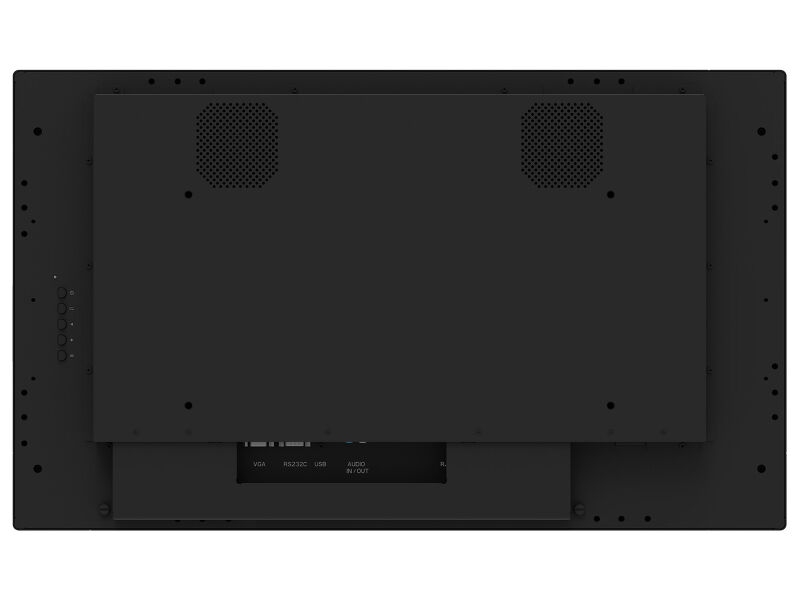
| Analóg jelbemenet | VGA x1 |
| Digitális jelbemenet |
HDMI x2 DisplayPort x1 |
| Audio bemenet | Mini jack x1 |
| Monitor vezérlő bemenet |
RS-232c x1 RJ45 (LAN) x1 |
| Audio kimenet |
Mini jack x1 Hangszórók 2 x 8W |
| HDCP | igen |
JELLEMZŐK
| Extra | touch through-glass, temperature sensor with fan control |
| Kioszk mód | igen |
| Max. non-stop üzemidő | 24/7 |
| Üveg vastagsága | 2mm |
| Üveg keménysége | 7H |
| 60950 Ball drop teszt | igen |
| Víz- és porvédelem | IP54 (elől) |
| Ház (káva) | fém |
| OSD billentyűzár | igen |
ÁLTALÁNOS
| Képernyőn megjelenő nyelvek | EN, DE, FR, ES, IT, RU, NL, PL |
| Vezérlőgombok | Power, menu, exit, up, down |
| Felhasználói vezérlők | picture (picture mode, backlight, contrast, brightness, chroma, phase, sharpness, color temperature, reset), sound (treble, bass, balance, volume, mute, speaker, audio source, reset), screen (aspect, adjust screen, touch feature, touch switch), setting (language, schedule, power save, control settings, network settings, advanced), setting (advanced, information, all reset) |
| Plug&Play | DDC2B |
MECHANIKUS
| Tájolás | tájkép, portré, oldalával felfelé |
| VESA állvány | 400 x 200mm |
| Működési hőmérséklet tartomány | 0°C - 40°C |
| Tárolási hőmérséklet tartomány | - 20°C - %2°C |
| MTBF | 50000 óra |
TARTOZÉKOKAT TARTALMAZZA
| Kábelek | áramellátás, USB, HDMI, DP |
| Útmutatók | gyors üzembe helyezési útmutató, biztonsági útmutató |
| Kábel takaró | igen |
ENERGIAGAZDÁLKODÁS
| Tápegység | belső |
| Áramellátás | AC 100 - 240V, 50/60Hz |
| Energiafogyasztás | 60W jellemző, 1.5W készenlét, 0.3W kikapcsolva |
| Áramfogyasztás | 1.5W készenlét |
FENNTARTHATÓSÁG
| Előírások | CE, EAC, RoHS támogatás, ErP, WEEE, cULus, HATÓTÁVOLSÁG, UKCA |
| Energiahatékonysági osztály ((EU) 2017/1369 rendelet) | G |
| REACH SVHC | 0,1% felett: Vezet |
MÉRETEK / SÚLY
| Termék méretei Sz x H x M | 738.7 x 439,9 x 67mm |
| Doboz mértei Sz x H x M | 187 x 590 x 900mm |
| Raklap térfogata | 18db |
| Súly (doboz nélkül) | 13.4kg |
| Súly (dobozzal) | 17.2kg |
| EAN kód | 4948570118021 |
KOMPATIBILIS TARTOZÉKOK
| Tartók / állványok / konzolok | OMK4-4 |
KAPCSOLÓDÓ INFORMÁCIÓK
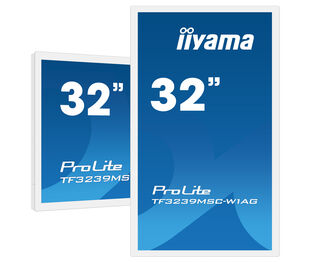
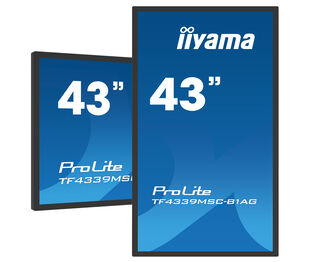
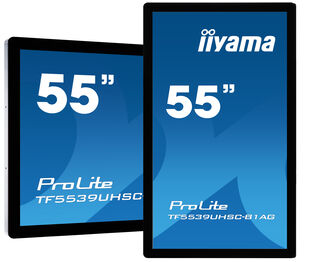
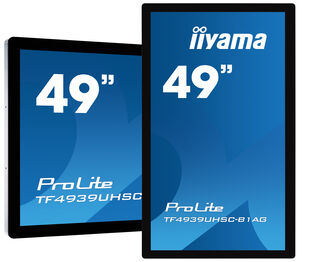
| Terméksorozatok | ProLite TF3239MSC-W1AG, ProLite TF4339MSC-B1AG, ProLite TF5539UHSC-B1AG, ProLite TF4939UHSC-B1AG, ProLite TF6539UHSC-B1AG |


FAQS
How can I change the settings on my monitor remotely?
+If you wish to change the settings on your monitor remotely, please refer to the RS232/LAN protocol document available in the DOWNLOAD section on the product page.
What software should I use to control my monitor remotely using RS232 commands?
+The commands can be sent to the screen with a terminal app, for example Hercules SETUP utility. For more information, please refer to the RS232/LAN protocol document available in the DOWNLOAD section on the product page.
Why is the Touch functionality not working?
+If your touch functionality is not working, please check the following:
1. Ensure your PC is connected to the monitor with the supplied USB cable.
2. Verify in the user manual that your operating system is supported by the screen.
How should I clean my Touch monitor?
+When cleaning, please follow these guidelines to avoid damaging your Touch monitor:
1. Avoid using paper towels, abrasive cloths, or any harsh cleaning agents, as they can scratch the screen or damage the touch sensors.
2. Do not spray the cleaning solution directly onto the screen to prevent liquid from seeping into the monitor.
3. Avoid excessive cleaning, as it can wear out the screen over time.
4. For more details, please check our dedicated Cleaning page.
Why is my monitor displaying a "No Signal" message?
+If your monitor is displaying a "No Signal" message, please check the following:
1. Ensure the cables are properly connected at both ends.
2. Select the correct signal input (HDMI/DP) or choose AUTO.
For guidance on selecting an input while the screen is in standby mode, please consult the user manual. On desktop monitors, common methods include pressing the INPUT, AUTO, or "2" buttons, or moving the joystick backward.
I have an Apple MAC-system, will my iiyama monitor work?
+Yes, your iiyama monitor will work with your Apple Mac system. However, it depends on the signal input how to connect. Since Apple Mac systems from 2020 onwards only have Thunderbolt 3 (USB-C) ports for video output, you have two options:
1. Connect directly to the USB-C signal input on your iiyama monitor.
2. In case your monitor only has HDMI or Displayport, you will need a Mac-compatible dongle that supports one of the video inputs available. Apple offers a USB-C Digital AV Multiport Adapter (MW5M3AM) that can be used for this purpose.
3. If your iiyama monitor has touchscreen capabilities, please refer to the user manual to verify touch functionality compatibility with your Mac system.
The picture on my monitor is flickering. What steps can I take to fix it?
+To resolve the issue of a blinking picture, please follow these steps:
1. Inspect the Signal Cable.
Ensure the signal cable is securely connected at both ends and free from any physical damage. Avoid any sharp bends or squishing of the cable.
2. Use a Shorter Cable.
If possible, use a cable shorter than 3 meters and connect the monitor directly to a wall power socket, avoiding the use of adapters.
3. Disable FreeSync/Adaptive Sync.
For desktop or gaming monitors, try disabling FreeSync or Adaptive Sync in the monitor's settings menu.
Kompatibilis tartozékok
Kapcsolódó termékek
Letöltések
| Használati utasítás | TF32_4339MSC-x1AG_usermanual-e-revE.pdf | Letöltés |
| Műszaki adatok | ProLite TF3239MSC-B1AG - hu_hu.pdf | Letöltés |
| Rajz | TF3239MSC-B.W1AG.pdf | Letöltés |
| EU Energiacimke | TF3239MSC-B1AG EU Energy Label pdf data(396170).pdf | Letöltés |
| UK Energiacimke | TF3239MSC-B1AG UK Energy Label pdf data(396170).pdf | Letöltés |
Illesztőprogramok/ Firmware / Szoftver
| Mac OS Driver for OS version 10.14-13.x | UPDD_07_01_13.zip | Letöltés |
| TFxx39_RS232_Protocol_20211222 | TFxx39_RS232_Protocol_20211222.pdf | Letöltés |

