Subscribe to our newsletter
Keep up #withiiyama
You have successfully subscribed to our newsletter.

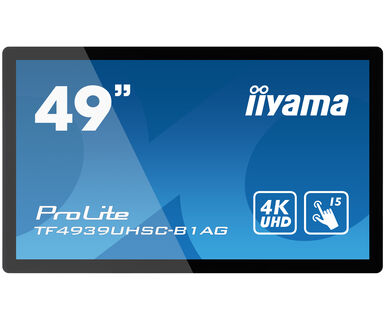
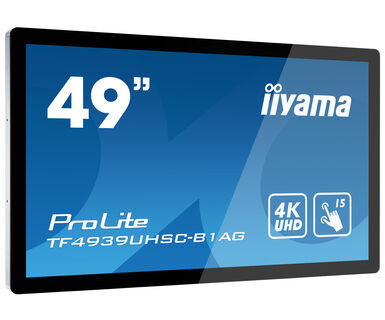
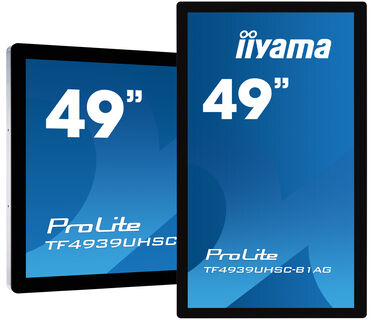
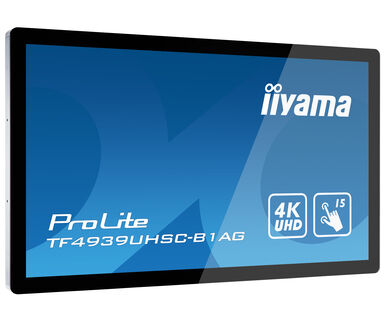
49" PCAP monitor sa dodirnim panelom od 15 tačaka, otvorenog okvira sa staklom od ivice do ivice i IPS tehnologijom
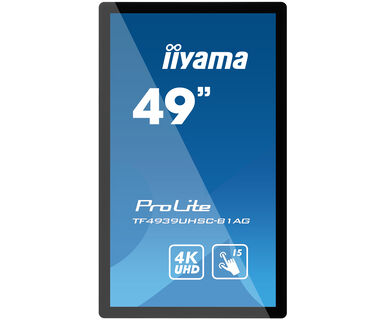
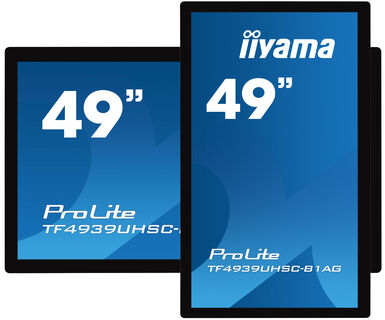
4K UHD (3840x2160) monitor otvorenog okvira TF4939UHSC'B1AG sa Touch-Trough-Glass funkcijom garantuje tačan i precizan odgovor na dodir. idealno je rešenje za interaktivni prikaz za obrazovanje, reklamne panele, interaktivne digitalne reklame i kao komunikaciju u prodavnici. IPS tehnologija panela nudi izuzetan prikaz boja i široke uglove gledanja. Sadrži metalno kućište sa staklom od ivice do ivice sa 60950-1 zaštitom od udaraca i ogrebotina i IPS panelom; ovaj ekran se može koristiti u pejzažnom i portretnom položaju u najzahtevnijim okruženjima radi maksimalne fleksibilnosti i pristupačnosti. Bilo kao samostalno rešenje montirano na zid ili kao ugrađeni radni sto ili kiosk zahvaljujući Open frame otvorima za pričvršćivanje.
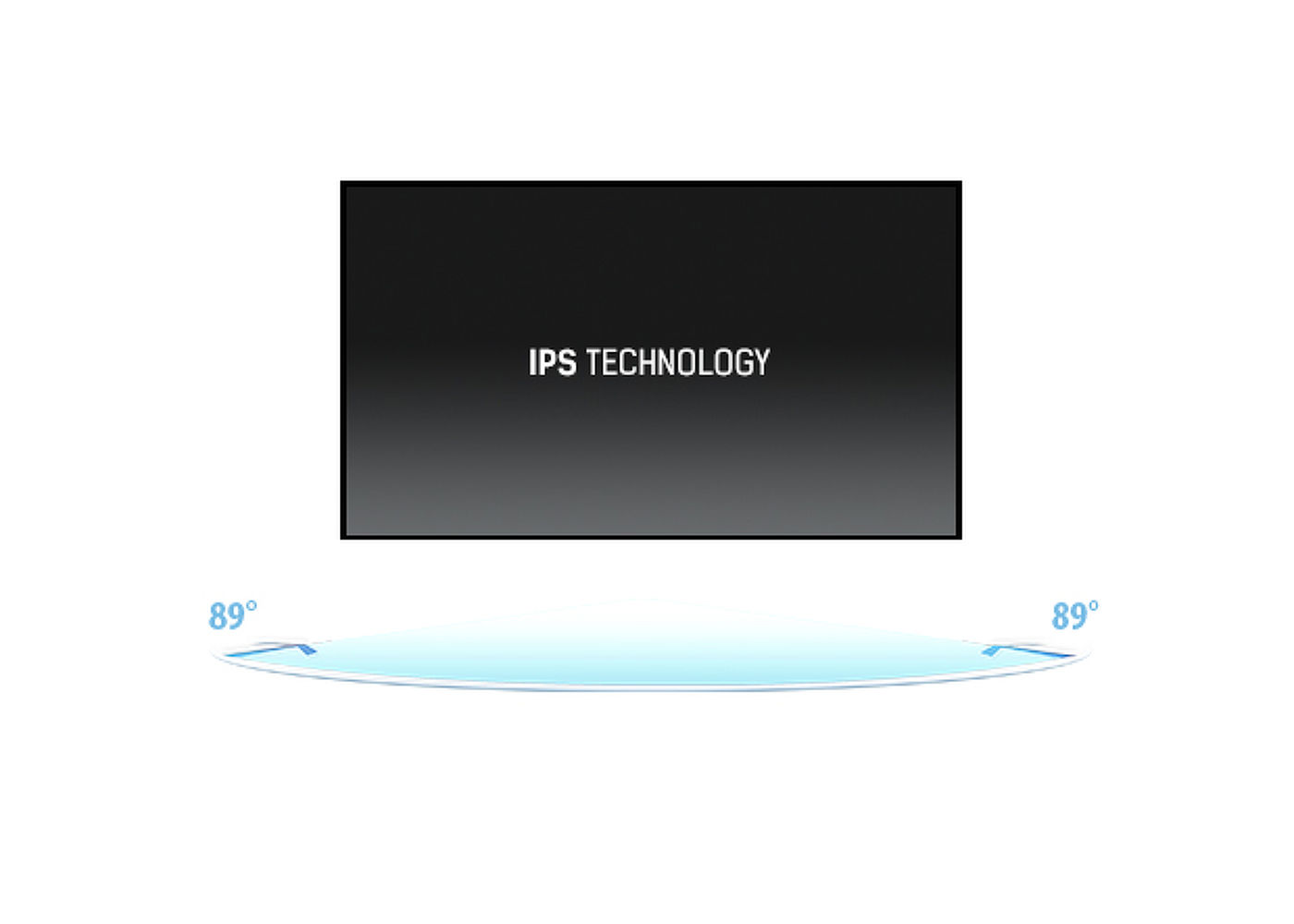
IPS displeji su najpoznatiji po širokim uglovima gledanja i prirodnim, izuzetno tačnim nijansama boja. Posebno su pogodni za primenu u situacijama gde je potrebno prikazati veliki broj nijansi boja.
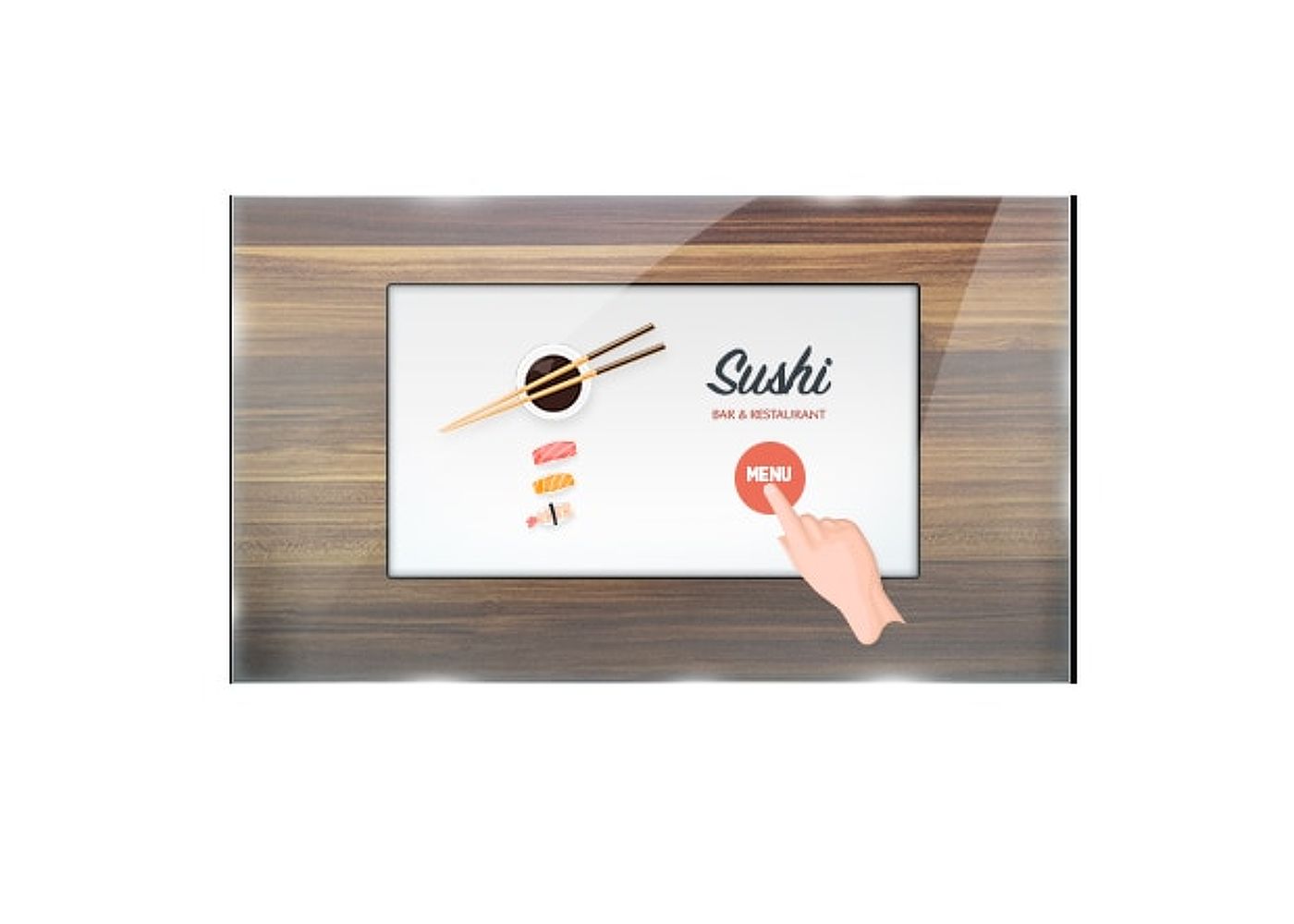
Ekran osetljiv na dodir deluje pravo kroz staklo i može pretvoriti staklene površine u interaktivni ekran osetljiv na dodir. Možete ga koristiti u izlogu, kancelariji, u trgovinama kao POS terminal ili u restoranima.
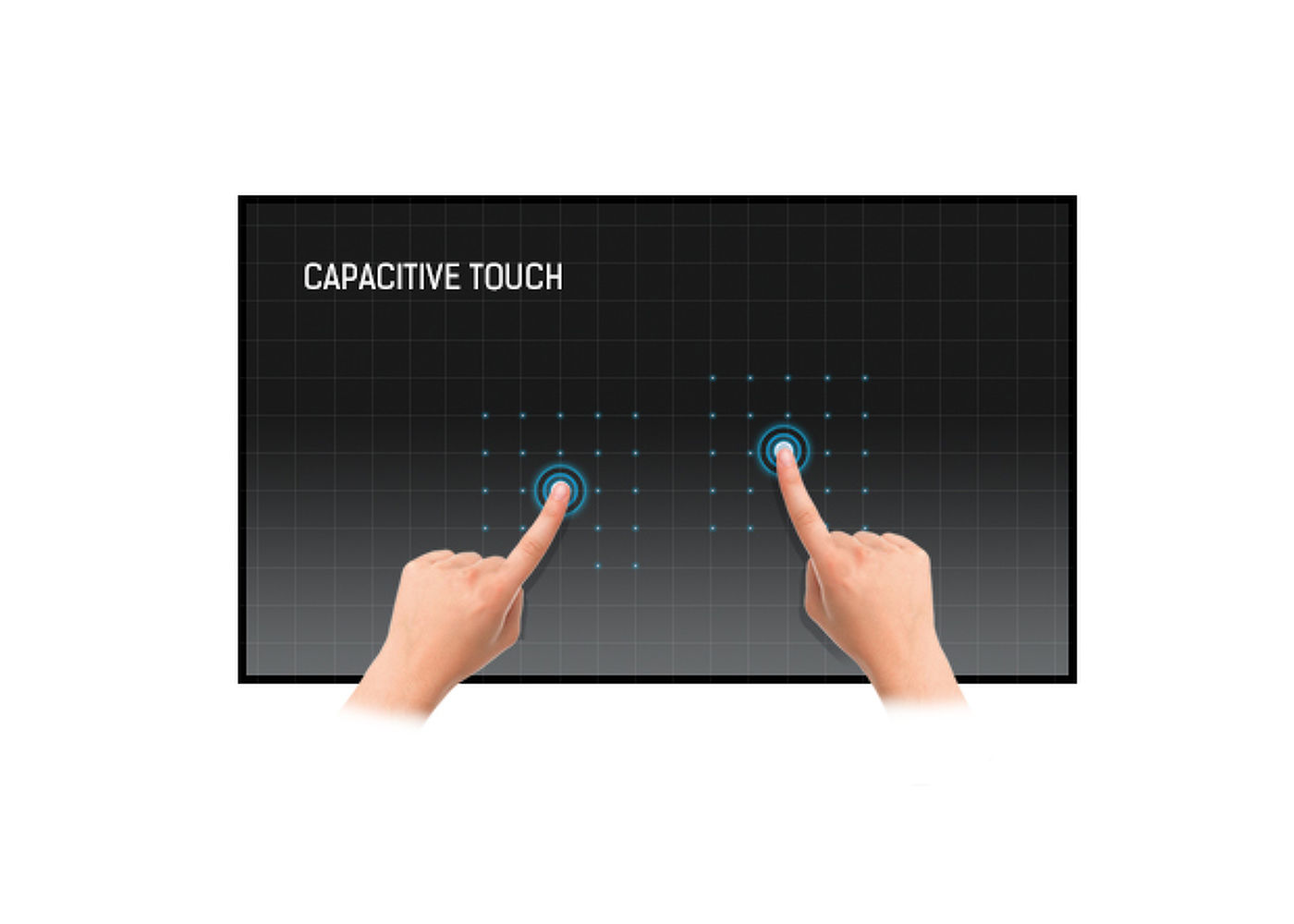
Ova tehnologija koristi senzornu mrežu mikro finih žica integrisanih u staklo koje pokriva ekran. Dodir se prepoznaje jer se električne karakteristike mreže senzora menjaju kada se ljudski prst stavi na staklo. Zahvaljujući prekrivanju staklom ova je tehnologija vrlo izdržljiva, a funkcija dodira ostaje netaknuta čak i ako se staklo ogrebe. Nudi savršene performanse slike i radiće sa ljudskim prstom (takođe i u rukavicama od lateksa) i olovkom.
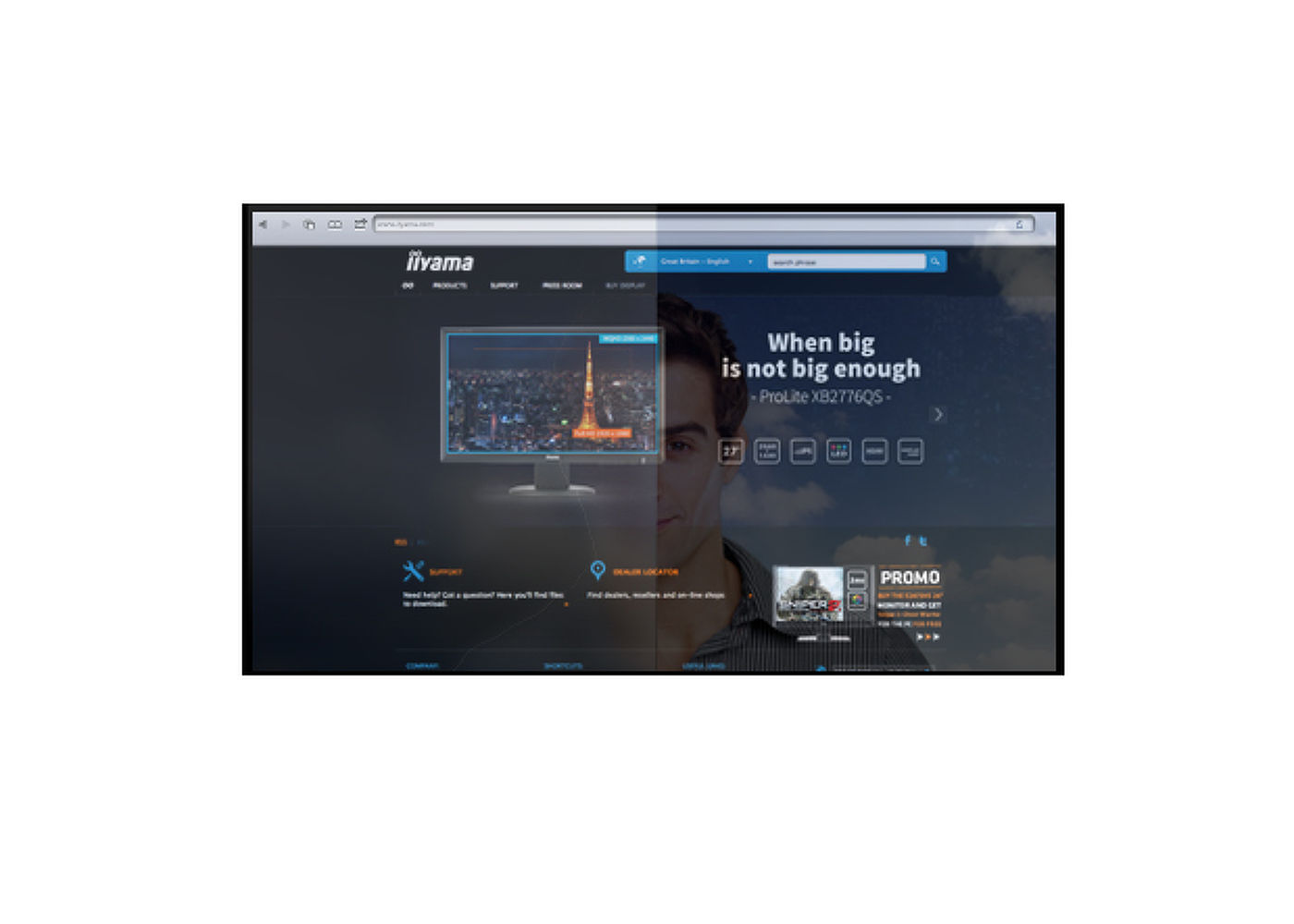
Premaz protiv odsjaja koristi se na profesionalnim ekranima kako bi se izbegli problemi sa refleksijom i spoljnim izvorima svetlosti koji utiču na reprodukciju boja, kontrast i oštrinu. Takođe čini ekran manje osetljivim na prašinu, masnoće i tragove prljavštine.
24/7 displeji dizajnirani su za kontinuirani rad.



| Dizajn | Staklo od ivice do ivice, Otvoreni okvir |
| Dijagonala | 49", 123cm |
| Panel | IPS Led, AG zaštitno staklo |
| Osnovna rezolucija | 3840 x 2160 @60Hz (8.3 megapiksel 4K UHD) |
| Osnovna rezolucija | 60Hz |
| Format ekrana | 16:9 |
| Osvetljenje | 500 cd/m² |
| Propusnost svetla | 84% |
| Statički kontrast | 1100:1 |
| Vreme odziva (GTG) | 8ms |
| Zona gledanja | horizontalno/vertikalno: 178°/178°, desno/levo: 89°/89°, gore/dole: 89°/89° |
| Podržane boje | 16.7miliona 8bit |
| Horizontalna sinhronizacija | 30 - 83KHz |
| Vidljiva površina Š x V | 1076 x 606.5mm, 42.4 x 23.9" |
| Širina okvira (stranice, vrh, dno) | 27mm, 27mm, 27mm |
| Razmak piksela | 0.2796mm |
| Boja okvra | crna, mat |
| Touch tehnologija | projektivni kapacitivni |
| Tačke dodira | 15 (HID, samo sa podržanim OS) |
| Preciznost dodira | +- 3mm |
| Način dodira | olovka, prst, rukavica (lateks) |
| Interfejs dodira | USB |
| Podržani operativni sistemi | Svi iiyama monitori su Plug & Play kompatibilni sa Windows Linux operativnim sistemima. Detalje o podržanom OS-u za modele osetljive na dodir potražite u odjeljku za preuzimanje u uputstvima za instalaciju drajvera. |
| Kroz staklo | 6mm |
| Odbijanje dlana | da |
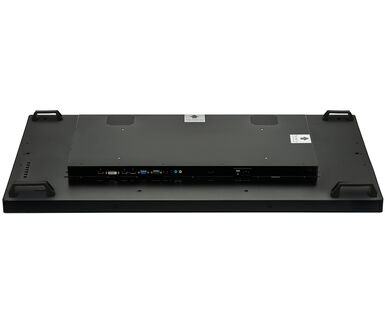
| Ulaz analognog signala | VGA x1 (max. 1920x1200 @60Hz) |
| Ulaz digitalnog signala |
HDMI x2 (v.2.0 x1 max. 3840x2160 @60Hz, v.1.4 x1 max. 3840x2160 @30Hz) DisplayPort x1 (v.1.2 max. 3840x2160 @60Hz) |
| Audio ulaz | Mini konektor x1 |
| Kontrolni ulaz |
RS-232c x1 RJ45 (LAN) x1 |
| Audio izlaz |
Mini konektor x1 Zvučnici 2 x 8W |
| HDCP | da |
| Dodatno | ručke, zaštitno dodirno staklo |
| Maksimalno neprekidno radno vreme | 24/7 |
| Protiv zadržavanja slike | da |
| Debljina stakla | 3mm |
| Tvrdoća stakla | 7H |
| 60950 test udara | da |
| Zaštita od vode i prašine | IP54 (prednja strana) |
| Kućište (okvir) | metal |
| OSD jezici | EN, DE, FR, ES, IT, RU, NL, PL |
| Kontrolni tasteri | power, menu, exit, up, down |
| Korisničke kontrole | picture (backlight, contrast, brightness, sharpness, H/V-position, phase, Chroma, adjust screen, colour temp., picture mode), sound (treble, bass, balance, volume, mute, speaker, audio source), screen (aspect, Touch feature, reset), settings (OSD time, OSD H/V position, language, schedule, power save, control setting, network setting, advanced, information, all reset) |
| Plug&Play | DDC2B |
| Orijentacija | pejzaž, portret, face-up |
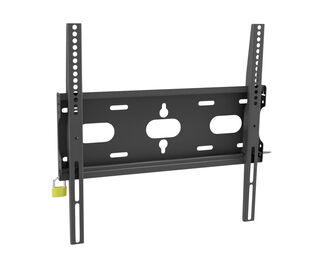
| VESA montiranje | 400 x 200mm |
| Nosač za mini PC | VESA 100 x 100, NUC INTEL |
| Opseg radne temperature | 0°C - 40°C |
| Temperatura skladištenja | - 20°C - 60°C |
| MTBF - Prosecno vreme izmedju kvarova | 50000 sati (izuzimajući pozadinsko osvetljenje) |
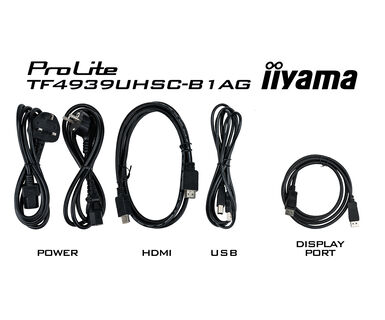
| Kablovi | Strujni kabl, USB, HDMI, DP |
| Upustva | kratko uputstvo, bezbednosni vodič |
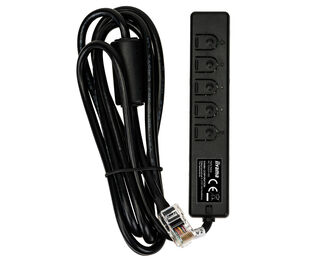
| Ostalo | nastavak za IR kontroler |
| Poklopac kabla | da |
| Napajanje | interna |
| Potrošnja energije | % 1W tipično, 1.5W stand by, 0.3W iskljucen |
| Propisi | CE, EAC, RoHS podrška, ErP, WEEE, cULus, REACH, UKCA |
| Klasa energetske efikasnosti (Regulation (EU) 2017/1369) | G |
| REACH SVHC | iznad 0.1%: Olova |
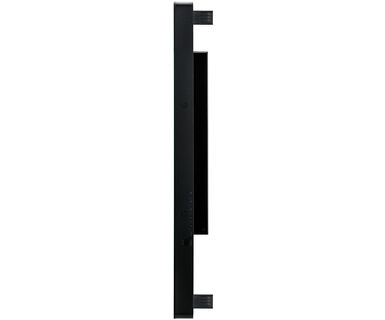
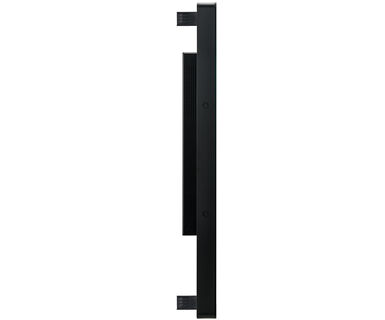
| Dimenzije proizvoda Š x V x D | 1130 x 660.5 x 72.5mm |
| Dimenzije kutije Š x V x D | 1280 x 835 x 245mm |
| Zapremina palete | 8pcs |
| Dimenzije palete Š x V x D | 1300 x 1250 x 1796mm |
| Težina (bez kutije) | 31kg |
| Težina (sa kutijom) | 36.7kg |
| EAN kod | 4948570118052 |
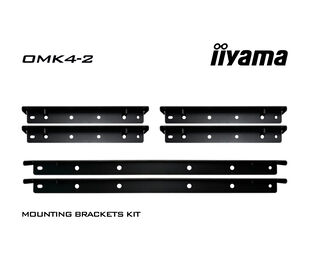
| Nosači / Stalci / Ručke | OMK4-2 |
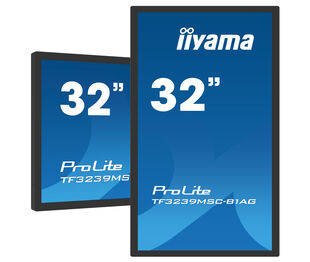
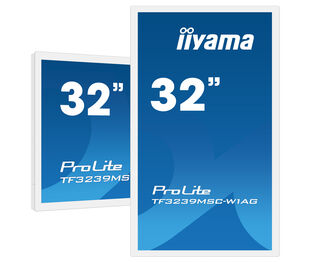
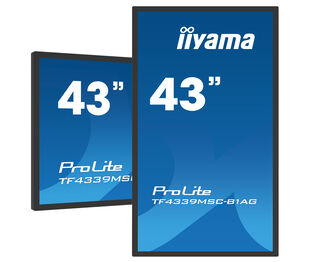
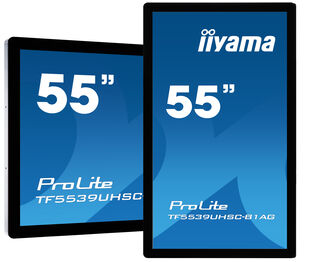
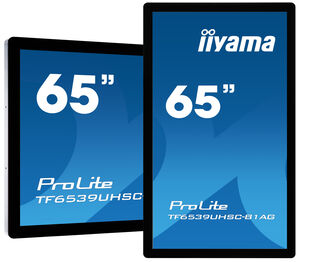
| Serija proizvoda | ProLite TF3239MSC-B1AG , ProLite TF3239MSC-W1AG, ProLite TF4339MSC-B1AG, ProLite TF5539UHSC-B1AG, ProLite TF6539UHSC-B1AG |
| Mac OS Driver for OS version 10.14-13.x | UPDD_07_01_13.zip | |
| TFxx39_RS232_Protocol_20211222 | TFxx39_RS232_Protocol_20211222.pdf |

If you are unable to set the native resolution with the maximum refresh rate on your monitor, try the following troubleshooting steps:
1. Ensure you are using a cable that supports both the native resolution and the desired refresh rate.
2. Visit the product page on our website and check technical specification tab - Interfaces / Connectors / Controls section to see what resolution and refresh rate are supported under the signal input you have seleced (e.g. HDMI signal input does not always support the maxium refresh rate, please check the DisplayPort connection instead).
3. Check the settings and specifications of your PC / graphics card to see if they support the desired resolution or refresh rate.
If you wish to change the settings on your monitor remotely, please refer to the RS232/LAN protocol document available in the DOWNLOAD section on the product page.
The commands can be sent to the screen with a terminal app, for example Hercules SETUP utility. For more information, please refer to the RS232/LAN protocol document available in the DOWNLOAD section on the product page.
If your touch functionality is not working, please check the following:
1. Ensure your PC is connected to the monitor with the supplied USB cable.
2. Verify in the user manual that your operating system is supported by the screen.
When cleaning, please follow these guidelines to avoid damaging your Touch monitor:
1. Avoid using paper towels, abrasive cloths, or any harsh cleaning agents, as they can scratch the screen or damage the touch sensors.
2. Do not spray the cleaning solution directly onto the screen to prevent liquid from seeping into the monitor.
3. Avoid excessive cleaning, as it can wear out the screen over time.
4. For more details, please check our dedicated Cleaning page.
If your monitor is displaying a "No Signal" message, please check the following:
1. Ensure the cables are properly connected at both ends.
2. Select the correct signal input (HDMI/DP) or choose AUTO.
For guidance on selecting an input while the screen is in standby mode, please consult the user manual. On desktop monitors, common methods include pressing the INPUT, AUTO, or "2" buttons, or moving the joystick backward.
Yes, your iiyama monitor will work with your Apple Mac system. However, it depends on the signal input how to connect. Since Apple Mac systems from 2020 onwards only have Thunderbolt 3 (USB-C) ports for video output, you have two options:
1. Connect directly to the USB-C signal input on your iiyama monitor.
2. In case your monitor only has HDMI or Displayport, you will need a Mac-compatible dongle that supports one of the video inputs available. Apple offers a USB-C Digital AV Multiport Adapter (MW5M3AM) that can be used for this purpose.
3. If your iiyama monitor has touchscreen capabilities, please refer to the user manual to verify touch functionality compatibility with your Mac system.
To resolve the issue of a blinking picture, please follow these steps:
1. Inspect the Signal Cable.
Ensure the signal cable is securely connected at both ends and free from any physical damage. Avoid any sharp bends or squishing of the cable.
2. Use a Shorter Cable.
If possible, use a cable shorter than 3 meters and connect the monitor directly to a wall power socket, avoiding the use of adapters.
3. Disable FreeSync/Adaptive Sync.
For desktop or gaming monitors, try disabling FreeSync or Adaptive Sync in the monitor's settings menu.