Subscribe to our newsletter
Keep up #withiiyama
You have successfully subscribed to our newsletter.
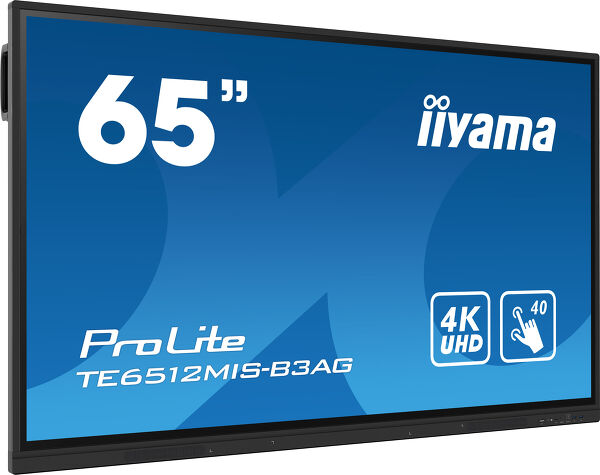
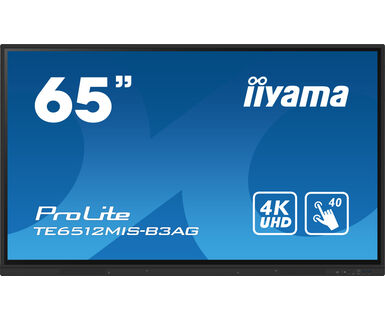
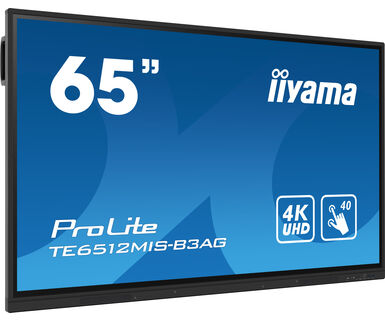
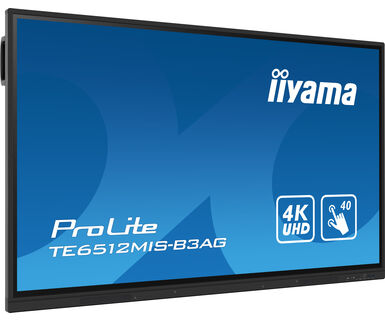
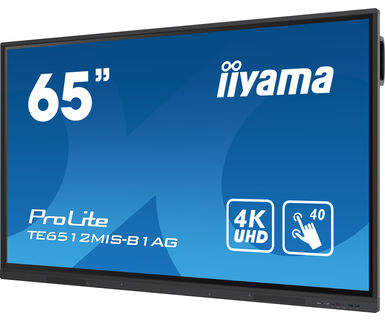
65" Interaktivni 4K UHD LCD dodirni ekran sa integrisanim softverom za beleške
The TE6512MIS-B3AG is an exceptional 4K UHD interactive display designed by iiyama to enhance collaboration, communication, and engagement. With key features like Zero Airgap LCD screen eliminating parallax, accurate PureTouch-IR, iiWare 10 with Android 11, Wifi, and the iiyama DMS (Device management System), this display transforms the way you engage with content, making it an indispensable tool for modern workspaces and educational settings.
Boasting a new 4K Interface with User Profiles for simple login and access to your very own bespoke application and Cloud Drives or harmonize with your existing estate and unleash the true power of Windows and Office applications. iiyama TE6512MIS-B3AG becomes a highly personalised & flexible device within a busy hybrid environment for multiple users.
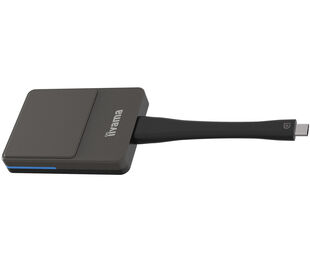
Share wirelessly more easily than ever before with iiyama Share and EShare app, bringing effortless ideation and efficient collaboration in your enterprise or school. This affordable display transforms the modern workplaces, educational institutions, dynamic meeting spaces and beyond. Elevate your interactive experience with the iiyama TE12 SERIES displays and embrace the future of visual communication.
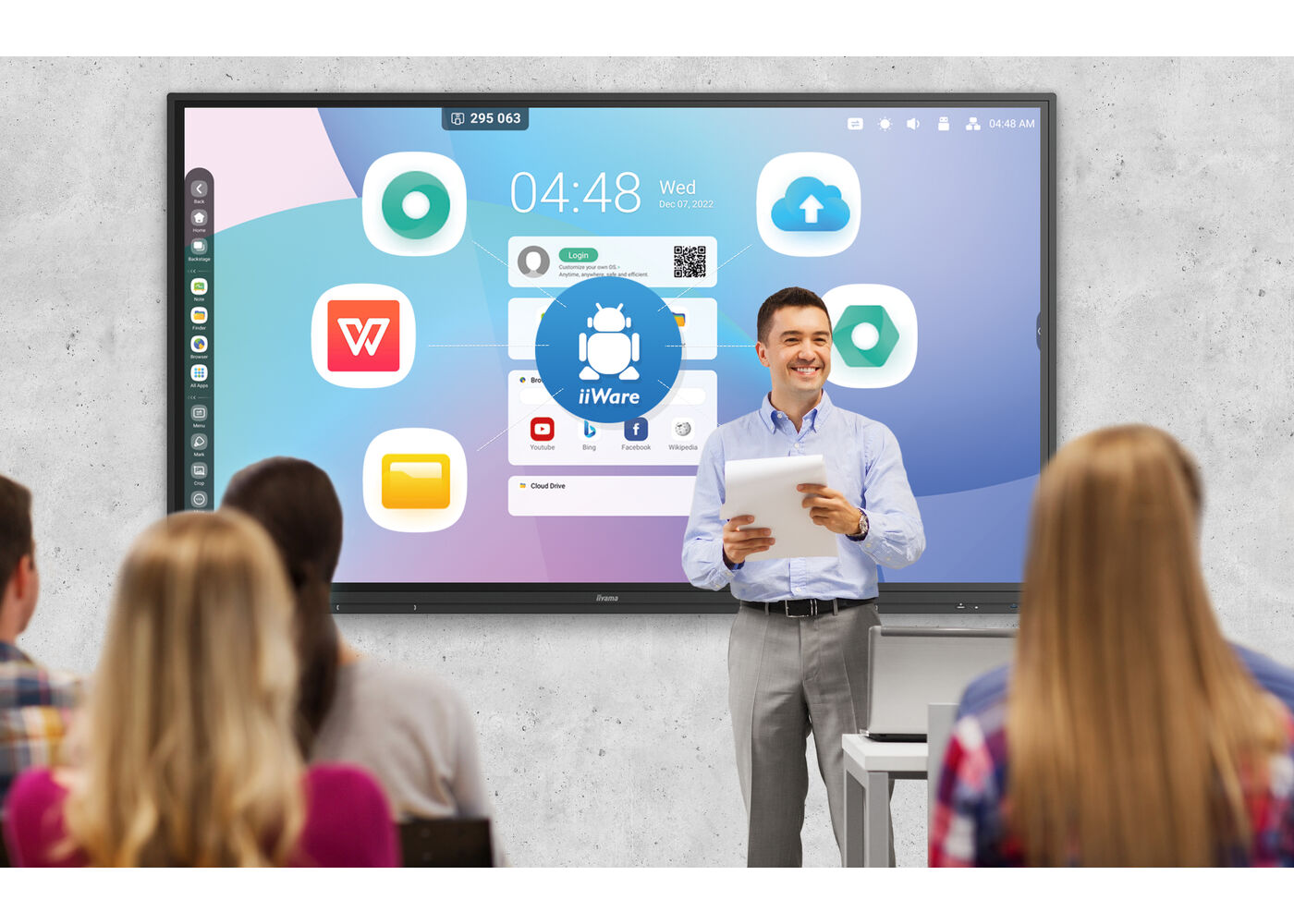
iiWare 10 sadrži notes, pretraživač, Cloud Drive i opciju za učitavanje relevantnih aplikacija koje su vam potrebne za vašu organizaciju.
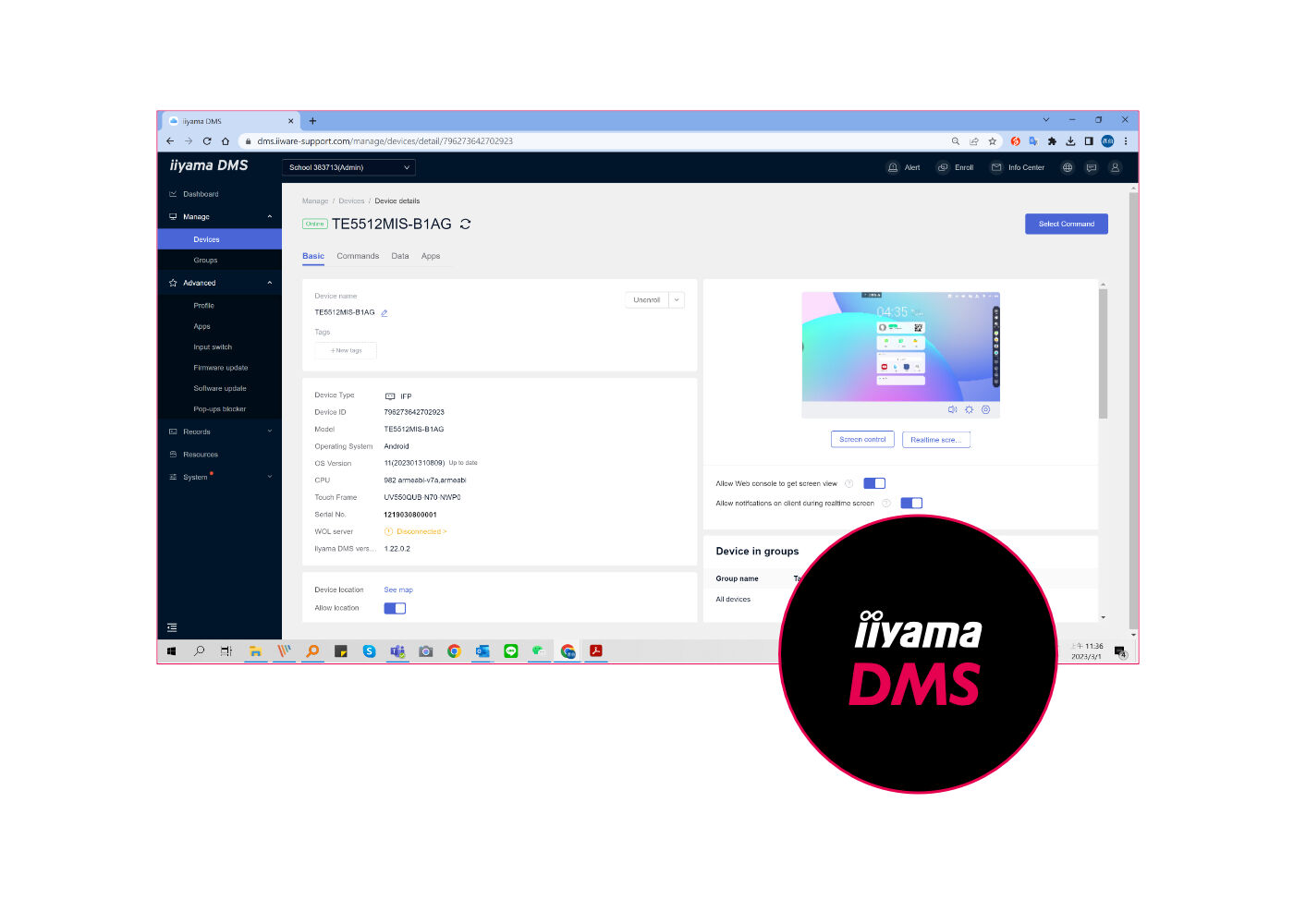
Ovaj softver pruža organizacijama odgovarajuće i brzo objedinjeno rešenje za upravljanje terminalnom opremom, gradi efikasan sistem upravljanja opremom u realnom vremenu, pomaže u digitalizaciji okruženja kampusa/kancelarije i čini upravljanje kampusom/kancelarijom praktičnijim.
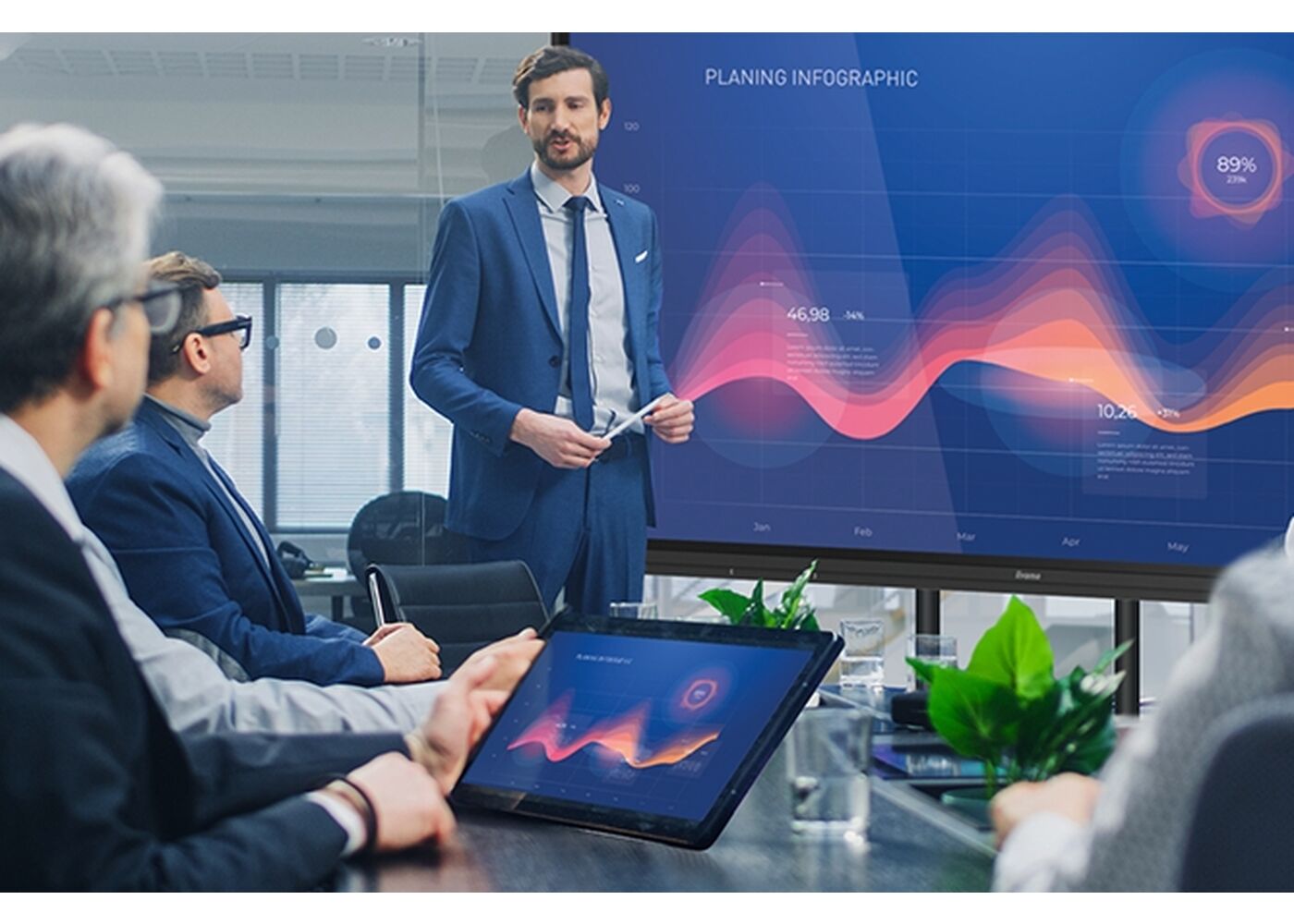
Povežite do 9 uređaja i lako delite, strimujte i uređujte sadržaj sa svog uređaja na interaktivni ekran i obrnuto, nazad na laptop, tablet ili telefon. iiiama Share podržava AirPlay, Chromecast i Miracast.

PureTouch-IR kompanije iiyama pruža tačnost dodira od 1 mm za najglatkiju i najbržu belešku.

Koristite zaključavanje ekrana i zaštitu USB šifrom da biste osigurali bezbednost korisnika, a nova aplikacija Clean će obrisati sve podatke i lozinke koje se koriste.


| Dizajn | Tanki okvir |
| Dijagonala | 65", 163.9cm |
| Panel | IPS |
| Dodirno staklo | AG presvučeno staklo, bez vazdupnih džepova |
| Panel | IPS |
| Osnovna rezolucija | 3840 x 2160 (8.3 megapixel 4K UHD) |
| Format ekrana | 16:9 |
| Osvetljenje | 400 cd/m² |
| Osvetljenje | 350 cd/m² sa dodirom |
| Propusnost svetla | 92% |
| Statički kontrast | 1200:1 |
| Dinamički kontrast | 4000:1 |
| Vreme odziva (GTG) | 8ms |
| Zona gledanja | horizontalno/vertikalno: 178°/178°, desno/levo: 89°/89°, gore/dole: 89°/89° |
| Podržane boje | 1.07B (8bit+FRC) |
| Horizontalna sinhronizacija | 30 - 135KHz |
| Vidljiva površina Š x V | 1428.5 x 803.5mm, 56.3 x 31.7" |
| Širina okvira (stranice, vrh, dno) | 16.5mm, 16.5mm, 45mm |
| Razmak piksela | 0.372mm |
| Boja okvra | crna, mat |
| Touch tehnologija | PureTouch-IR |
| Tačke dodira | 40, 5pt writing (HID, samo uz podržani OS) |
| Preciznost dodira | +- 1.5mm |
| Način dodira | olovka, prst, rukavica |
| Interfejs dodira | USB |
| Podržani operativni sistemi | Svi iiyama monitori su Plug & Play kompatibilni sa Windows Linux operativnim sistemima. Detalje o podržanom OS-u za modele osetljive na dodir potražite u odjeljku za preuzimanje u uputstvima za instalaciju drajvera. |
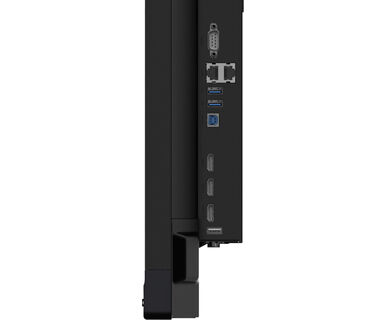
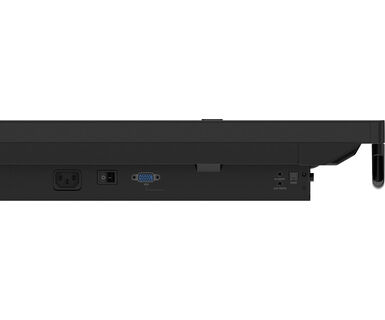
| Ulaz analognog signala | VGA x1 (max. 1920x1080 @60Hz) |
| Ulaz digitalnog signala |
HDMI x3 (2.0, max. 3840x2160 @60Hz, YUV444 (HDMI x1 compatible ARC/CEC)) USB-C x1 (v.3.2 (Gen 1, 5Gbit), 3840x2160 @60Hz - RGB444 - (65W charging, Touch) |
| Audio ulaz | Mini konektor x1 |
| Kontrolni ulaz |
RS-232c x1 (DSUB 9pin) RJ45 (LAN) x1 (LAN Control) IR x1 |
| Digitalni izlaz signala | HDMI x1 |
| Audio izlaz |
S/PDIF (Optički) x1 Mini konektor x1 Zvučnici 2 x 16W (Front) |
| HDCP | HDMI 1: 2.1, USB-C: 2.2 |
| USB portovi | x5 (media playback / peripherals / storage – front side: 2x v.3.2 (Gen 1, 5Gbit), 1x USB-C v.3.2 (Gen 1, 5Gbit, 65W PD), right side: 2x v.3.2 (Gen 1, 5Gbit)) |
| RJ45 (LAN) | x2 (Automatsko prebacivanje na PC i Android, 1000 MB) |
| Integrisani softver | iiWare 10 (Android OS 11) koji sadrži iiyama DMS, Note, web pregledač, menadžer datoteka, cloude diskove, WPS office, iiyama Share i EShare za bežičnu vezu sa Windovs / iOS / Android uređajima |
| WiFi | da (WiFi 6 - Dual WiFi Bandwidth: 2.4GHz/5GHz, WiFi Standard: IIEEE 802.11 a/b/g/n/ac/ax, Bluetooth Support: 2.1+EDR/ 3.0/ 4.x/ 5.0) |
| Hardver | CPU: A55*4, GPU: Mali G52, RAM: 8GB, ROM: 64GB |
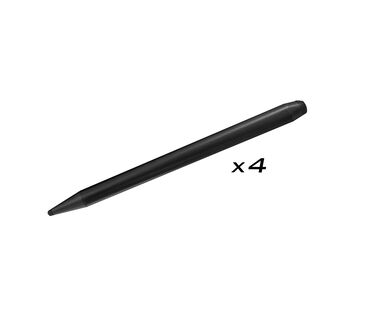
| Dodatno | Slot for optional OPS Slot PC, 4x Touch pen |
| Kiosk mod | da |
| Maksimalno neprekidno radno vreme | 24/7 |
| Reprodukcija medija | da |
| Debljina stakla | 3mm |
| Tvrdoća stakla | 7H |
| Kućište (okvir) | metal |
| Zaključavanje OSD tastera | da |
| OSD jezici | EN, DE, FR, ES, IT, RU, CZ, NL, PL, SV, FI, DA, NB |
| Kontrolni tasteri | Power, Power Indicator, Remote Sensor, Light Sensor |
| Korisničke kontrole | opšta podešavanja (ulaz, jačina zvuka, pozadinsko osvetljenje), audio (jačina zvuka, bas, visoki tonovi, ravnoteža, režim zvuka, mutacija), postavke ekrana (odnos slike, pomeranje piksela), podešavanja ekrana (osvetljenost, kontrast, nijansa, oštrina boja, načina prikaza temp), podešavanja (H-položaj, V-položaj, sat, faza, auto), podešavanja (bežična i mreža, deljenje, uređaj, lično, sistem) |
| Redukcija plavog svetla | da |
| Plug&Play | DDC2B |
| Garancija | 5 godina (za detalje i zemlje koje ispunjavaju uslove potražite odeljak Garancija na našoj web stranici) |
| Orijentacija | pejzaž |
| Dizajniran bez ventilatora | da |
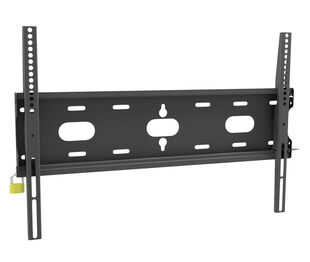
| VESA montiranje | 600 x 400mm |
| Opseg radne temperature | 0°C - 40°C |
| Temperatura skladištenja | - 20°C - 60°C |
| MTBF - Prosecno vreme izmedju kvarova | 50.000 sati (izuzimajući pozadinsko osvetljenje) |
| Kablovi | Strujni kabl, USB, HDMI |
| Olovka za dodir | x4 (Saveti za dvostruke funkcije) |
| Upustva | kratko uputstvo, bezbednosni vodič |
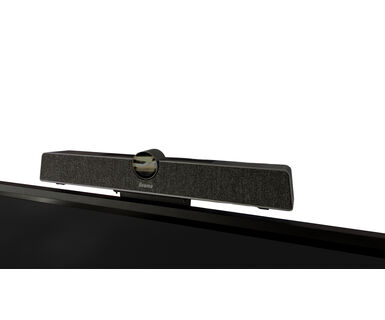
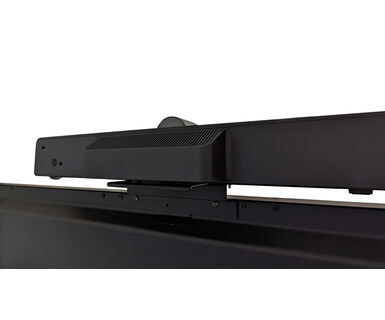
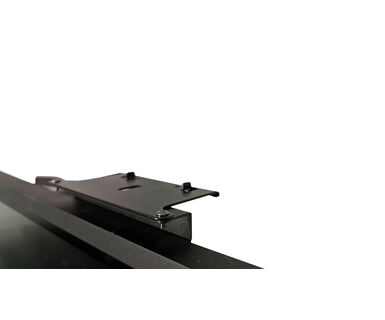
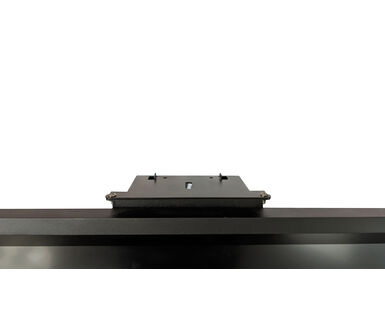
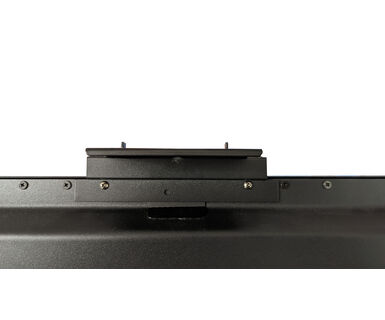
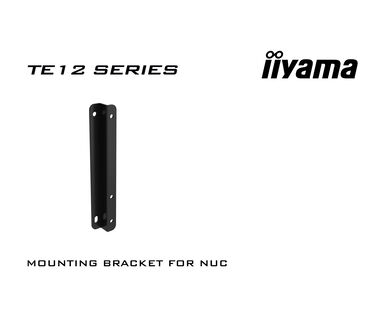
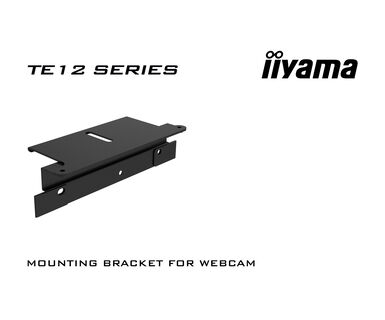
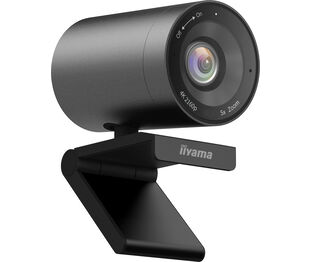
| Ostalo | Mounting bracket for NUC, Mounting bracket for webcam |
| Daljinski upravljač | da (baterije uključene) |
| Napajanje | interna |
| Potrošnja energije | % 1W tipično, 0.5W stand by, 0.3W iskljucen |
| Propisi | CB, CE, TÜV-Bauart, EAC, RoHS podrška, ErP, WEEE, REACH, EPA 8.0 |
| REACH SVHC | iznad 0.1%: Olova |
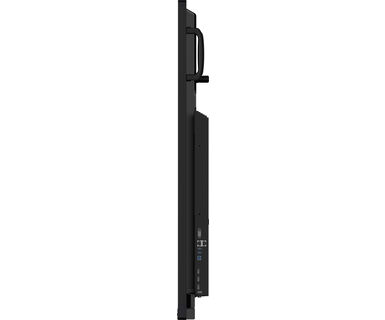
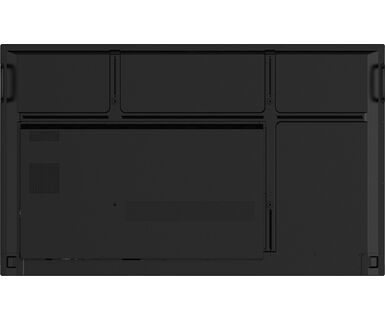
| Dimenzije proizvoda Š x V x D | 1488.5 x 896.5 x 87.5mm |
| Dimenzije kutije Š x V x D | 1628 x 1005 x 208mm |
| Težina (bez kutije) | 35kg |
| Težina (sa kutijom) | 44.7kg |
| EAN kod | 4948570123698 |
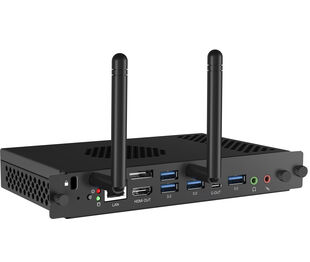
| Ostalo | OPS Slot PC |
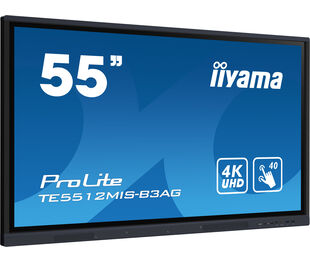
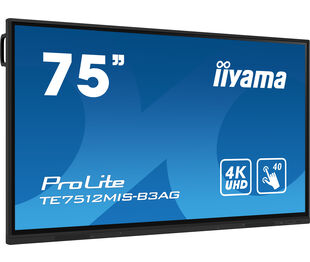
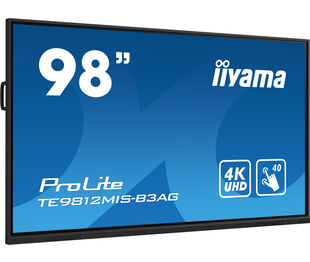
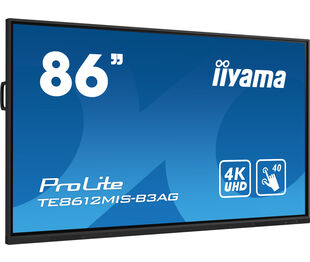
| Povezani prizvodi | ProLite TE5512MIS-B3AG, ProLite TE7512MIS-B3AG, ProLite TE9812MIS-B3AG, ProLite TE8612MIS-B3AG |

To update firmware on your iiyama TE12 or TE14 series interactive display, please refer to this document.
If you are unable to set the native resolution with the maximum refresh rate on your monitor, try the following troubleshooting steps:
1. Ensure you are using a cable that supports both the native resolution and the desired refresh rate.
2. Visit the product page on our website and check technical specification tab - Interfaces / Connectors / Controls section to see what resolution and refresh rate are supported under the signal input you have seleced (e.g. HDMI signal input does not always support the maxium refresh rate, please check the DisplayPort connection instead).
3. Check the settings and specifications of your PC / graphics card to see if they support the desired resolution or refresh rate.
No, you cannot install apps on your iiyama monitor through the official Google Play Store. However, you do have the option to sideload applications onto your display.
Please visit the iiyama signup webpage and enter the model name or serial number of your iiyama screen. You will be directed to all available software applications for your product, along with instructions on how to activate them.
All iiyama LFDs and IFP displays can be used in portrait mode, except for products with item names starting with TE or LE, which can only operate in landscape mode. Always follow the installation instructions provided with the monitor and the guidelines in the User Manual.
If you wish to change the settings on your monitor remotely, please refer to the RS232/LAN protocol document available in the DOWNLOAD section on the product page.
The commands can be sent to the screen with a terminal app, for example Hercules SETUP utility. For more information, please refer to the RS232/LAN protocol document available in the DOWNLOAD section on the product page.
If your touch functionality is not working, please check the following:
1. Ensure your PC is connected to the monitor with the supplied USB cable.
2. Verify in the user manual that your operating system is supported by the screen.
When cleaning, please follow these guidelines to avoid damaging your Touch monitor:
1. Avoid using paper towels, abrasive cloths, or any harsh cleaning agents, as they can scratch the screen or damage the touch sensors.
2. Do not spray the cleaning solution directly onto the screen to prevent liquid from seeping into the monitor.
3. Avoid excessive cleaning, as it can wear out the screen over time.
4. For more details, please check our dedicated Cleaning page.
If your monitor is displaying a "No Signal" message, please check the following:
1. Ensure the cables are properly connected at both ends.
2. Select the correct signal input (HDMI/DP) or choose AUTO.
For guidance on selecting an input while the screen is in standby mode, please consult the user manual. On desktop monitors, common methods include pressing the INPUT, AUTO, or "2" buttons, or moving the joystick backward.
Yes, your iiyama monitor will work with your Apple Mac system. However, it depends on the signal input how to connect. Since Apple Mac systems from 2020 onwards only have Thunderbolt 3 (USB-C) ports for video output, you have two options:
1. Connect directly to the USB-C signal input on your iiyama monitor.
2. In case your monitor only has HDMI or Displayport, you will need a Mac-compatible dongle that supports one of the video inputs available. Apple offers a USB-C Digital AV Multiport Adapter (MW5M3AM) that can be used for this purpose.
3. If your iiyama monitor has touchscreen capabilities, please refer to the user manual to verify touch functionality compatibility with your Mac system.
To resolve the issue of a blinking picture, please follow these steps:
1. Inspect the Signal Cable.
Ensure the signal cable is securely connected at both ends and free from any physical damage. Avoid any sharp bends or squishing of the cable.
2. Use a Shorter Cable.
If possible, use a cable shorter than 3 meters and connect the monitor directly to a wall power socket, avoiding the use of adapters.
3. Disable FreeSync/Adaptive Sync.
For desktop or gaming monitors, try disabling FreeSync or Adaptive Sync in the monitor's settings menu.