Subscribe to our newsletter
Keep up #withiiyama
You have successfully subscribed to our newsletter.
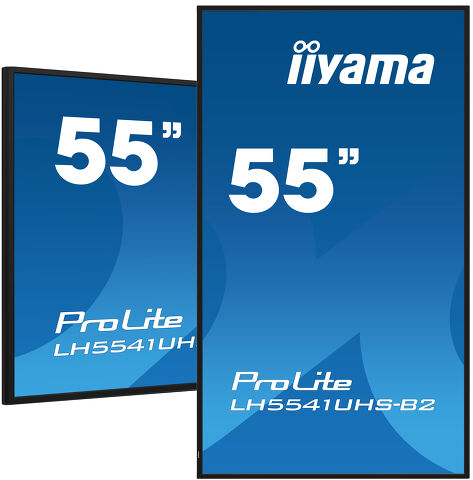
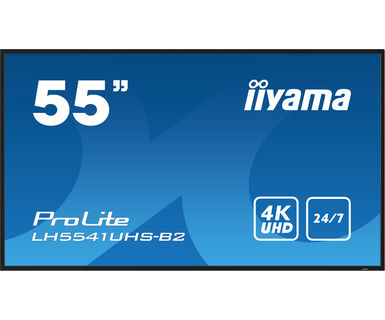
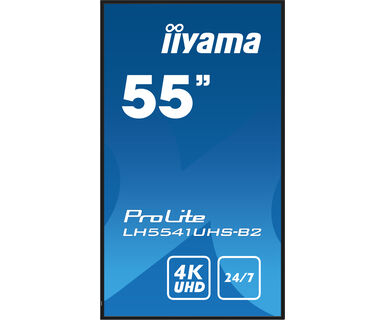
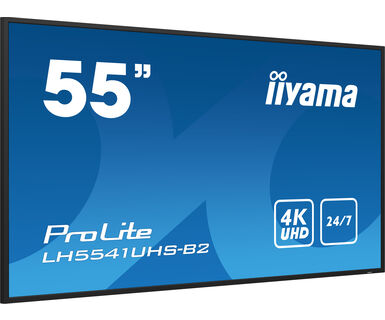
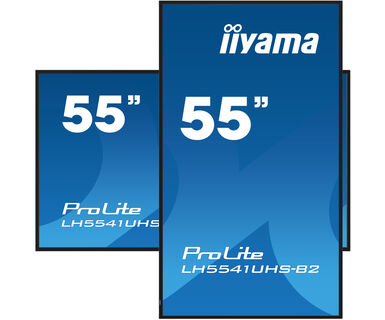
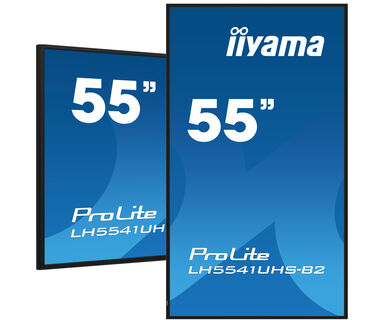
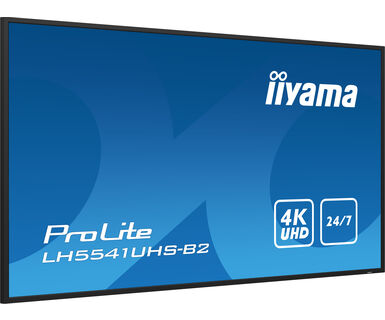
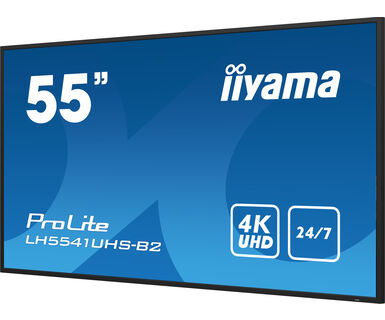
55" profesionalni ekran za digitalno oglašavanje sa 4K UHD rezolucijom i radnim vremenom 24/7
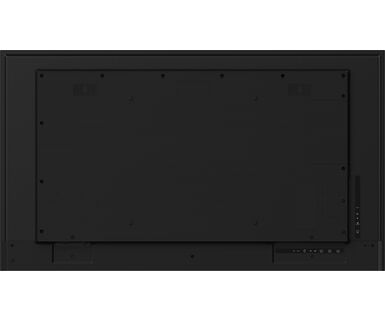
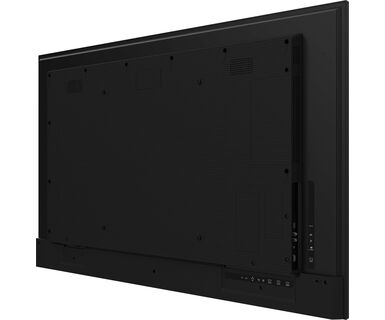
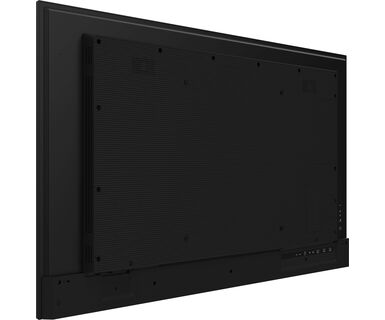
Postavljen u tanak okvir, iiyama LH5541UHS je profesionalni digitalni displej koji nudi radno vreme 24/7 u portretnoj i pejzažnoj orijentaciji.
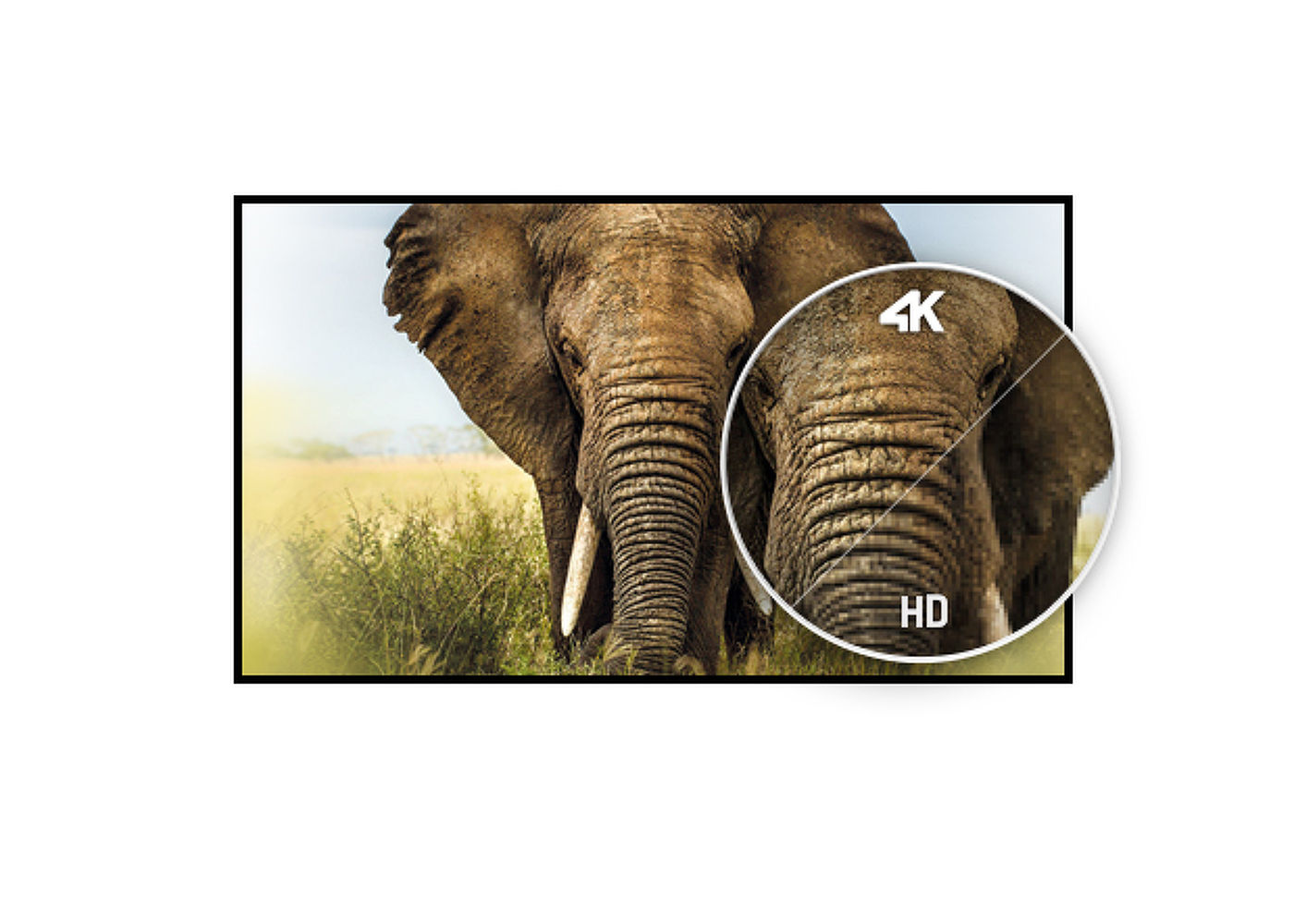
4K UHD rezolucija (3840x2160) pruža izuzetne performanse boja i slika. Pomoću ugrađenog medija plejera možete da puštate svoju omiljenu muziku i prikazujete svoje najlepše video zapise, fotografije i slike direktno na ekranu.
UHD rezolucija (3840x2160), poznatija kao 4K, nudi gigantsko vidljivo područje sa 4 puta više informacija i radnim prostorom od Full HD ekrana. Zbog visokog DPI-ja (tačke po inču), prikazuje neverovatno oštre i jasne slike.
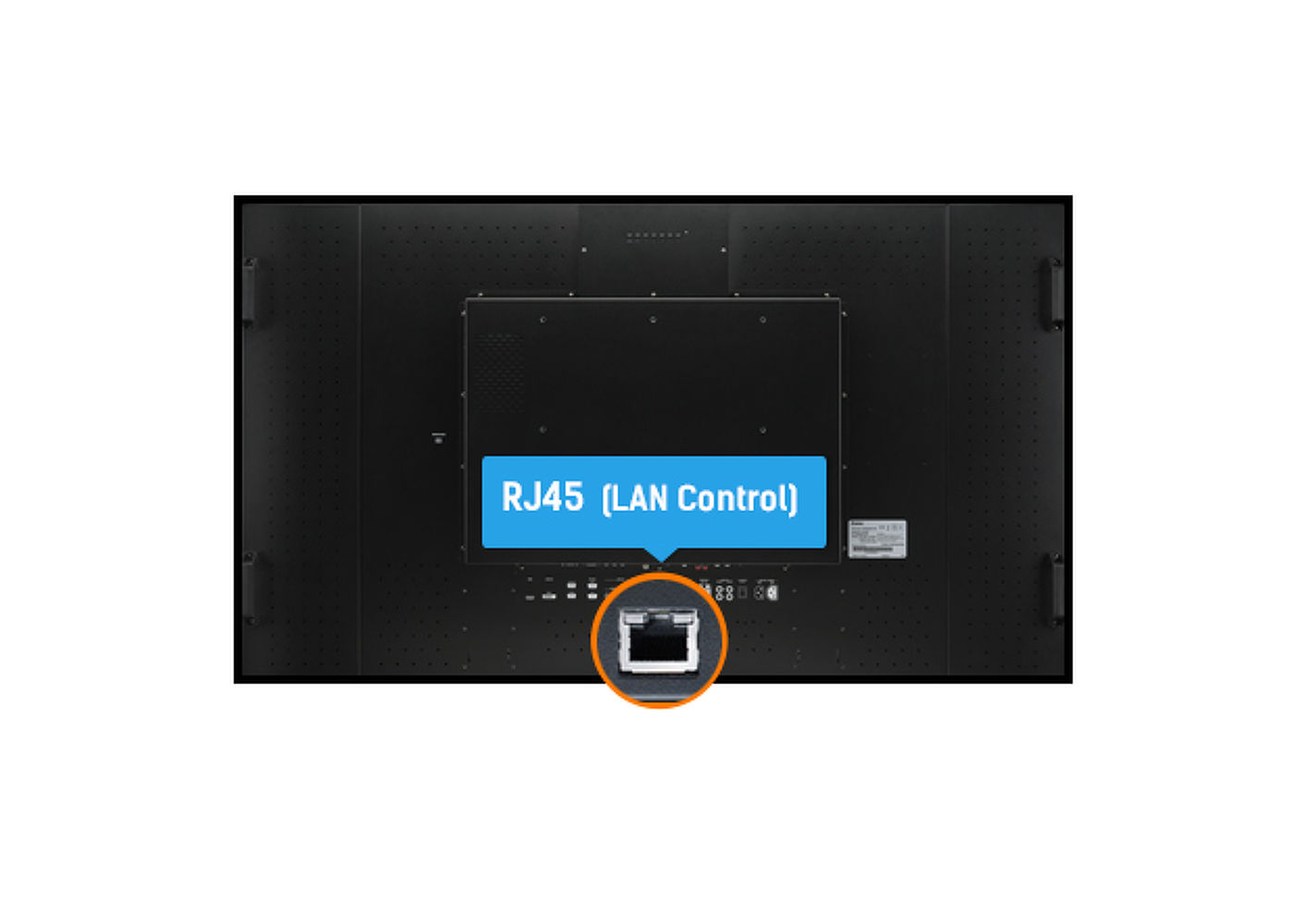
LAN kontrola omogućava vršenje izmena u OSD meniju ekrana putem Vaše mreže (softver nije uključen).
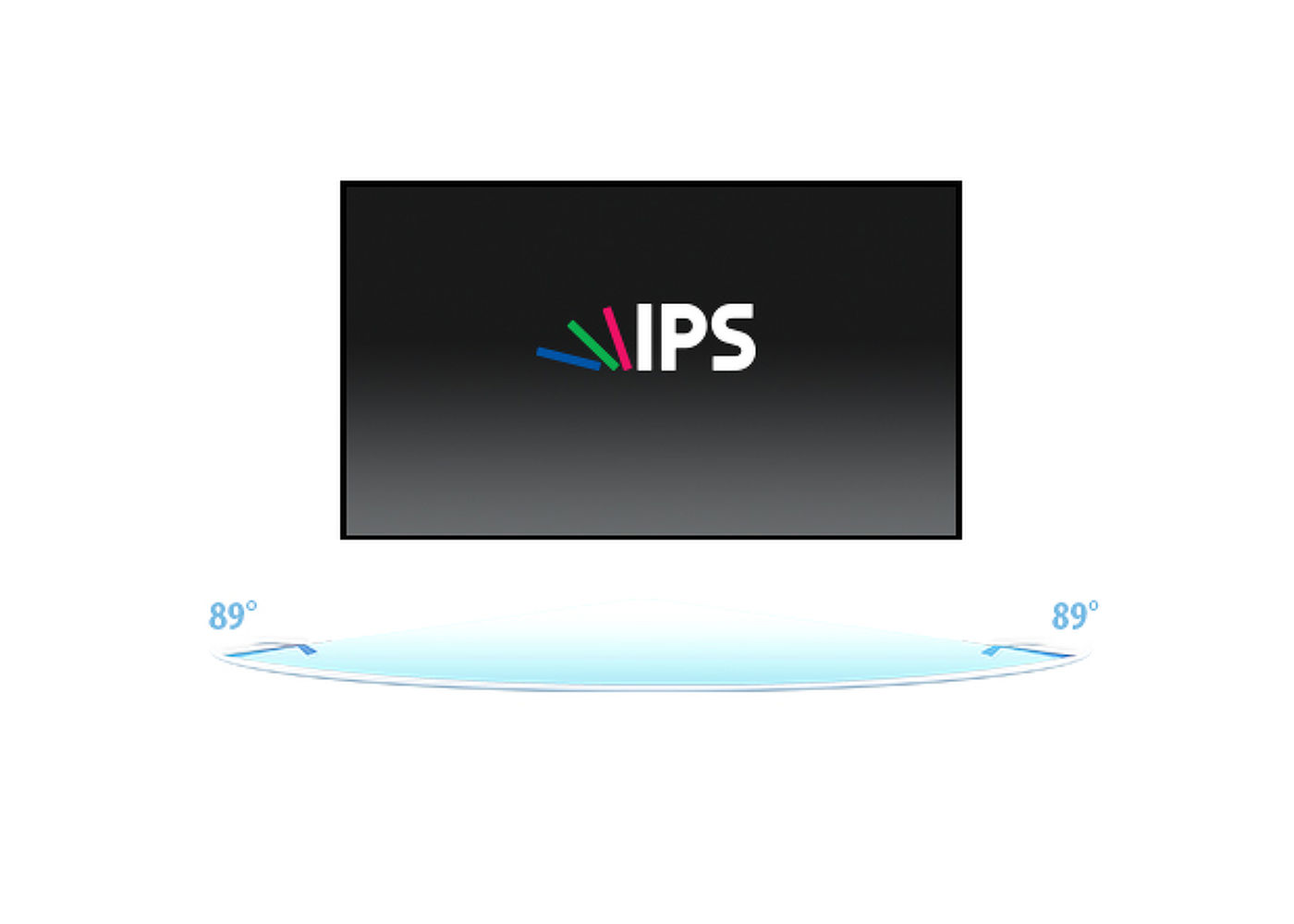
IPS tehnologija nudi veći kontrast, tamnije crne i mnogo bolje uglove gledanja od standardne TN tehnologije. Ekran će izgledati dobro bez obzira pod kojim ga uglom gledate.
24/7 displeji dizajnirani su za kontinuirani rad.
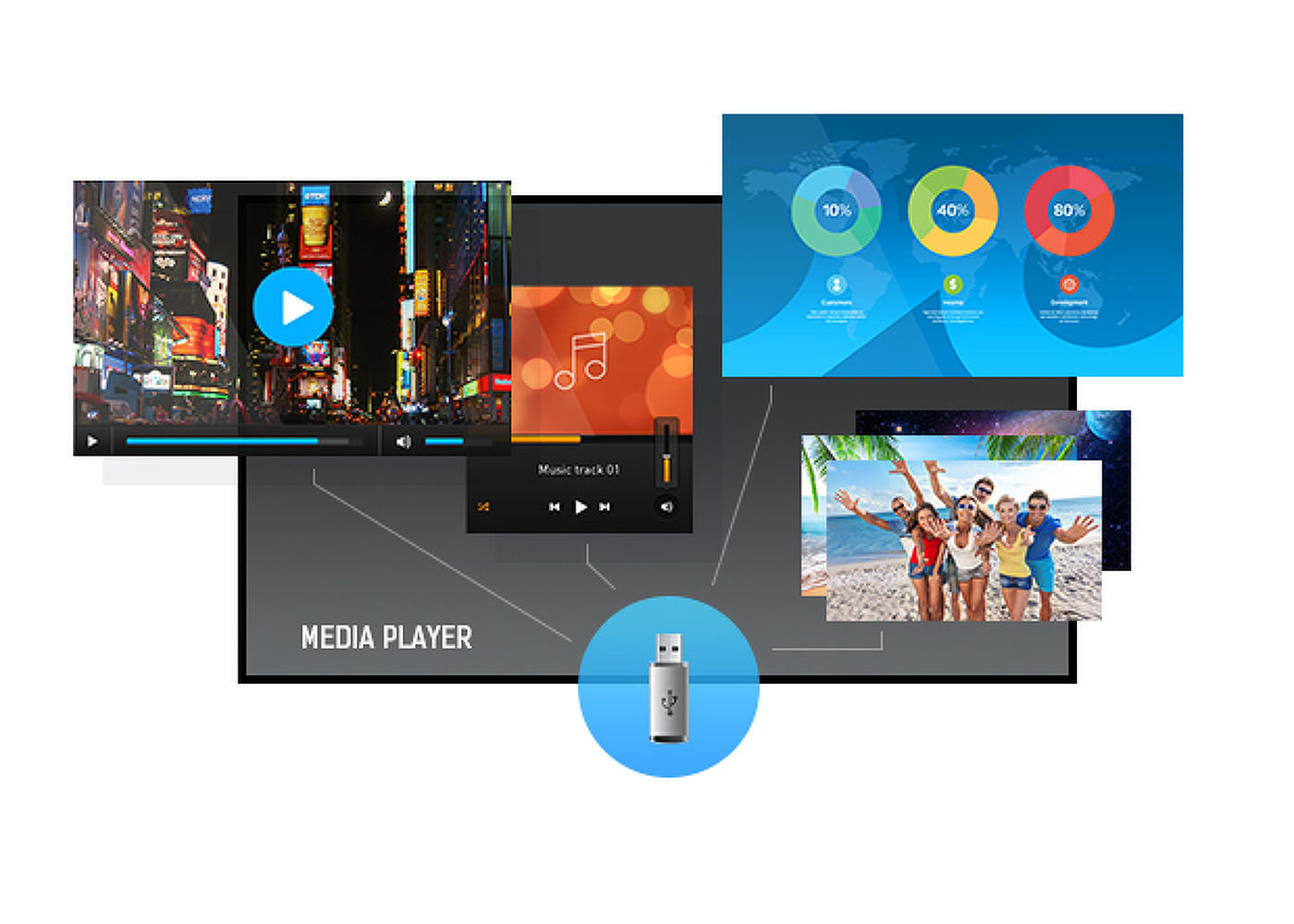
Reprodukujte svoju omiljenu muziku i pokažite svoje najlepše video snimke i fotografije direktno na ekranu sa USB flash diska ili interne memorije pomoću ugrađenog media plejera.


| Dizajn | Tanki okvir |
| Dijagonala | 54.6", 139cm |
| Panel | IPS, haze 1% |
| Osnovna rezolucija | 3840 x 2160 (8.3 megapixel 4K UHD) |
| Format ekrana | 16:9 |
| Osvetljenje | 500 cd/m² |
| Statički kontrast | 1200:1 |
| Vreme odziva (GTG) | 8ms |
| Zona gledanja | horizontalno/vertikalno: 178°/178°, desno/levo: 89°/89°, gore/dole: 89°/89° |
| Podržane boje | 1.07B 10bit (8bit + Hi-FRC) (NTSC 72%) |
| Horizontalna sinhronizacija | 30 - 83KHz |
| Vidljiva površina Š x V | 1209.6 x 680.4mm, 47.6 x 26.8" |
| Širina okvira (stranice, vrh, dno) | 14mm, 14,.5mm, 15mm |
| Razmak piksela | 0.3155mm |
| Boja okvra | crna, sjajna |
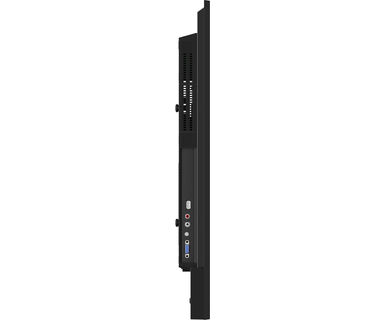
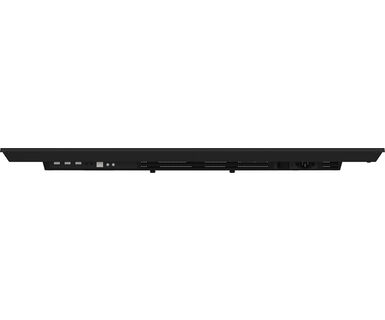
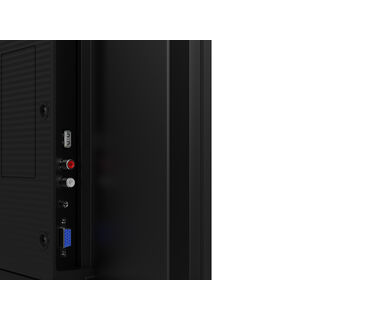
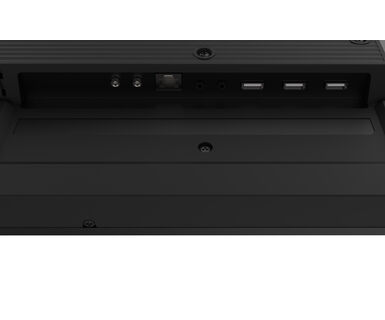
| Ulaz analognog signala | VGA x1 (max. 1920x1080 @60Hz) |
| Ulaz digitalnog signala | HDMI x3 (2.0, max. 3840x2160 @60Hz) |
| Audio ulaz | Mini konektor x1 |
| Kontrolni ulaz |
RS-232c x1 RJ45 (LAN) x1 IR x1 |
| Audio izlaz |
RCA (L/R) x1 Zvučnici 2 x 10W |
| Monitor kontrolni izlaz |
RS-232c x1 IC loop x1 |
| HDCP | 2.2 |
| USB portovi | x1 (2.0, USB Media Player) |
| Maksimalno neprekidno radno vreme | 24/7 |
| Reprodukcija medija | Yes (in pivot not supported) |
| Kućište (okvir) | metal |
| OSD jezici | EN, DE, FR, ES, IT, RU, JP, NL |
| Kontrolni tasteri | Uključivanje |
| Korisničke kontrole | slika (format slike, temp. boje, smanjenje šuma, dinamički kontrast, gama, osvetljenost, nivo crne, boja, kontrast, nijansa, oštrina, RGB opseg, resetovanje), zvuk (visoki tonovi, basovi, balans, zvučnik, audio izlaz, resetovanje ), opšta podešavanja 1 (jezici menija, sat, raspored, HDMI CEC veza, HDMI režimi, podešavanje komunikacije), ekran (automatsko podešavanje, sat, faza, H. pozicija, V. pozicija, resetovanje), opšta podešavanja 2 (automatsko napajanje isključeno, stanje pripravnosti mreže, upravljanje napajanjem, automatsko otkrivanje signala, automatska reprodukcija, lokalno KB zaključavanje, RC zaključavanje, ID monitora, LED, pomeranje piksela, informacije, fabrička podešavanja) |
| Orijentacija | pejzaž, portret |
| Dizajniran bez ventilatora | da |
| VESA montiranje | 400 x 400mm |
| Opseg radne temperature | 0°C - 40°C |
| Temperatura skladištenja | - 20°C - 60°C |
| MTBF - Prosecno vreme izmedju kvarova | 50000 sati (izuzimajući pozadinsko osvetljenje) |
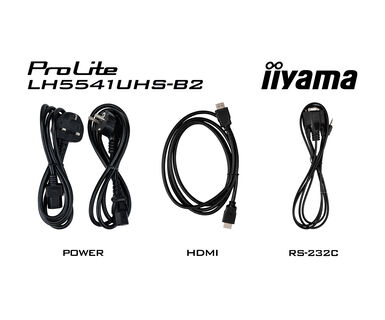
| Kablovi | Strujni kabl, HDMI, RS-232c |
| Upustva | kratko uputstvo, bezbednosni vodič |
| Daljinski upravljač | da (baterije uključene) |
| Napajanje | interna |
| Potrošnja energije | % 1W tipično, 0.5W stand by, 0.3W iskljucen |
| Propisi | CB, CE, TÜV-Bauart, EAC, RoHS podrška, ErP, WEEE, REACH (RoHS2.0, PFOS) |
| REACH SVHC | iznad 0.1%: Olova |
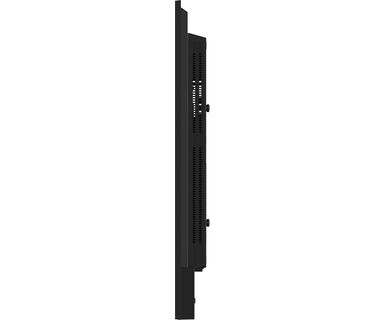
| Dimenzije proizvoda Š x V x D | 1237.5 x 710 x 55mm |
| Dimenzije kutije Š x V x D | 1386 x 845 x 130mm |
| Težina (bez kutije) | 14.3kg |
| EAN kod | 4948570123544 |
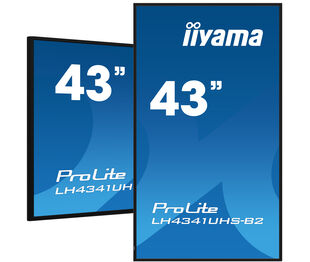
| Povezani prizvodi | ProLite LH4341UHS-B2 |
To fix the issue with rotating the picture displayed on your screen, please note there are two possible methods:
1. If the content is coming from an external source (e.g., a Windows device), the picture orientation must be adjusted in the display settings of that device.
2.If the content source is the monitor itself, the screen content may rotate automatically, depending on the monitor model. In some cases, however, it is necessary to adjust picture orientation in monitor's settings manually. Please note that NOT all monitors support screen rotation or portrait installation. For detailed information, refer to your monitor's user manual.
If you are unable to set the native resolution with the maximum refresh rate on your monitor, try the following troubleshooting steps:
1. Ensure you are using a cable that supports both the native resolution and the desired refresh rate.
2. Visit the product page on our website and check technical specification tab - Interfaces / Connectors / Controls section to see what resolution and refresh rate are supported under the signal input you have seleced (e.g. HDMI signal input does not always support the maxium refresh rate, please check the DisplayPort connection instead).
3. Check the settings and specifications of your PC / graphics card to see if they support the desired resolution or refresh rate.
Please visit the iiyama signup webpage and enter the model name or serial number of your iiyama screen. You will be directed to all available software applications for your product, along with instructions on how to activate them.
All iiyama LFDs and IFP displays can be used in portrait mode, except for products with item names starting with TE or LE, which can only operate in landscape mode. Always follow the installation instructions provided with the monitor and the guidelines in the User Manual.
If you wish to change the settings on your monitor remotely, please refer to the RS232/LAN protocol document available in the DOWNLOAD section on the product page.
The commands can be sent to the screen with a terminal app, for example Hercules SETUP utility. For more information, please refer to the RS232/LAN protocol document available in the DOWNLOAD section on the product page.
If your monitor is displaying a "No Signal" message, please check the following:
1. Ensure the cables are properly connected at both ends.
2. Select the correct signal input (HDMI/DP) or choose AUTO.
For guidance on selecting an input while the screen is in standby mode, please consult the user manual. On desktop monitors, common methods include pressing the INPUT, AUTO, or "2" buttons, or moving the joystick backward.
Yes, your iiyama monitor will work with your Apple Mac system. However, it depends on the signal input how to connect. Since Apple Mac systems from 2020 onwards only have Thunderbolt 3 (USB-C) ports for video output, you have two options:
1. Connect directly to the USB-C signal input on your iiyama monitor.
2. In case your monitor only has HDMI or Displayport, you will need a Mac-compatible dongle that supports one of the video inputs available. Apple offers a USB-C Digital AV Multiport Adapter (MW5M3AM) that can be used for this purpose.
3. If your iiyama monitor has touchscreen capabilities, please refer to the user manual to verify touch functionality compatibility with your Mac system.
To resolve the issue of a blinking picture, please follow these steps:
1. Inspect the Signal Cable.
Ensure the signal cable is securely connected at both ends and free from any physical damage. Avoid any sharp bends or squishing of the cable.
2. Use a Shorter Cable.
If possible, use a cable shorter than 3 meters and connect the monitor directly to a wall power socket, avoiding the use of adapters.
3. Disable FreeSync/Adaptive Sync.
For desktop or gaming monitors, try disabling FreeSync or Adaptive Sync in the monitor's settings menu.