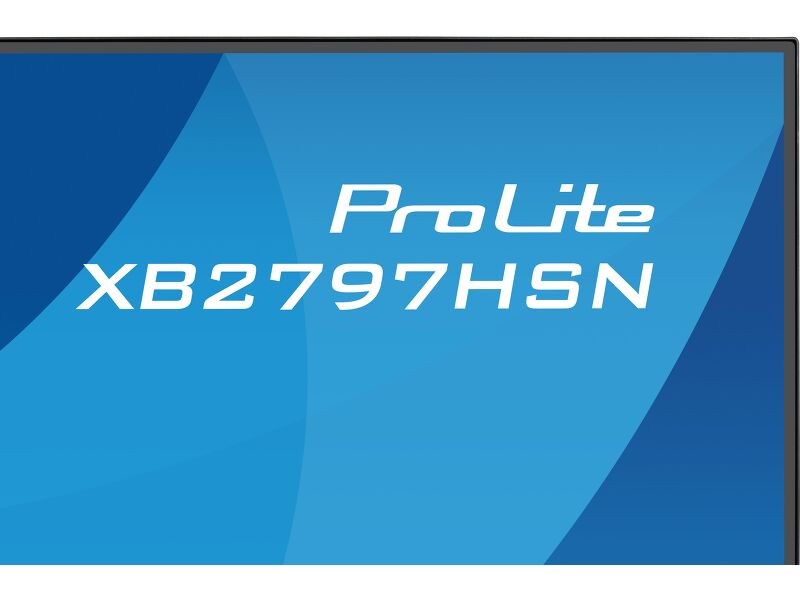
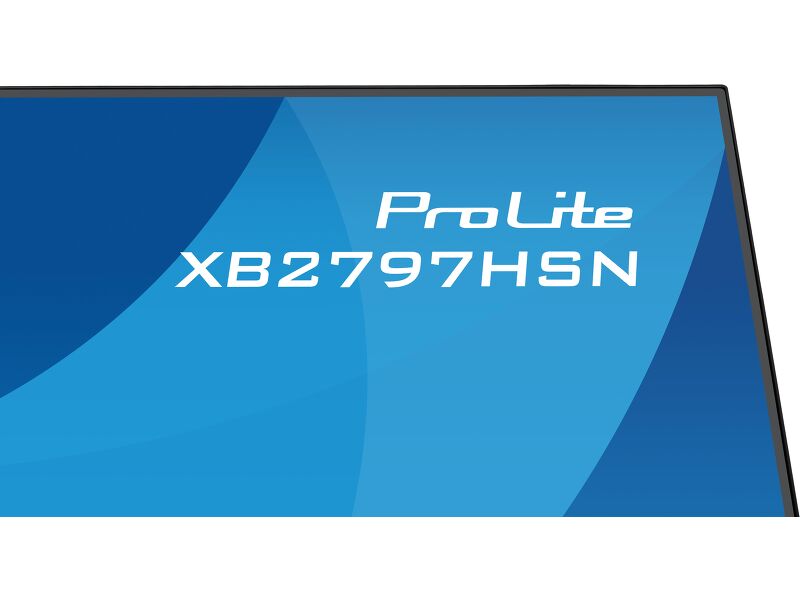
ProLite XB2797HSN-B1
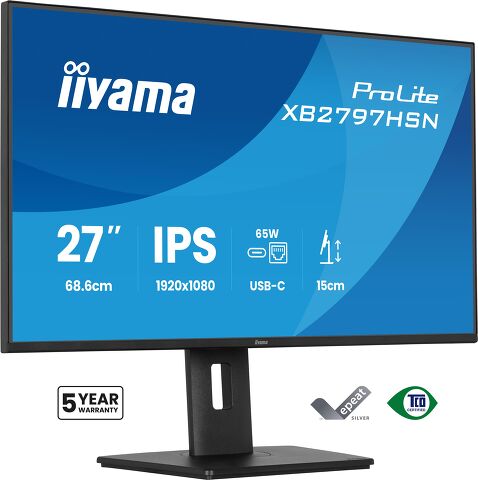
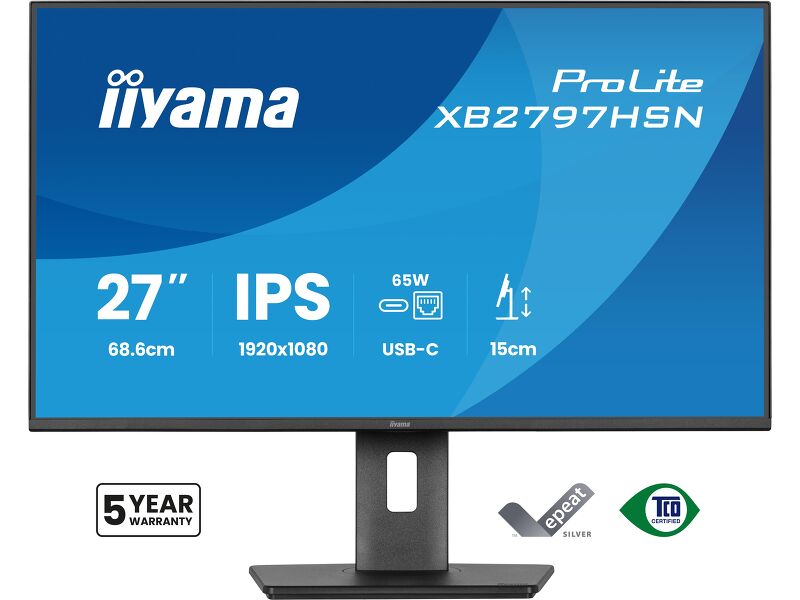
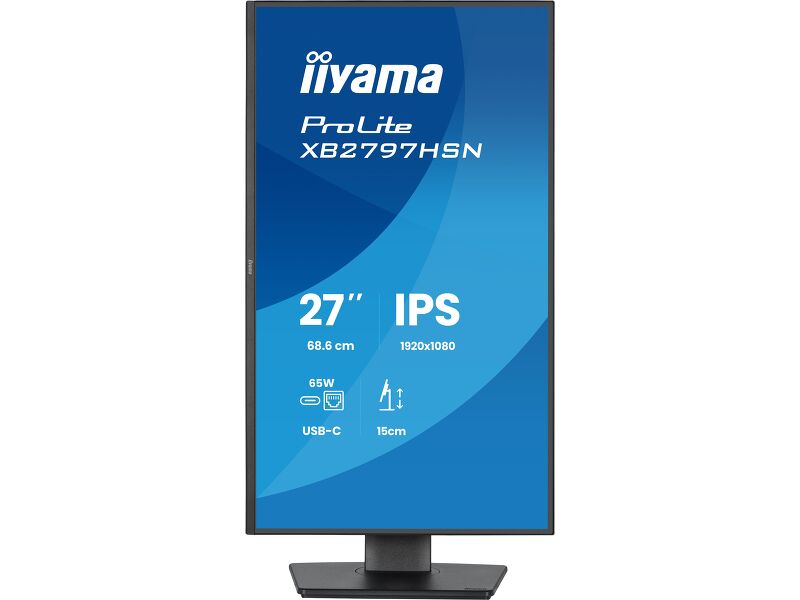
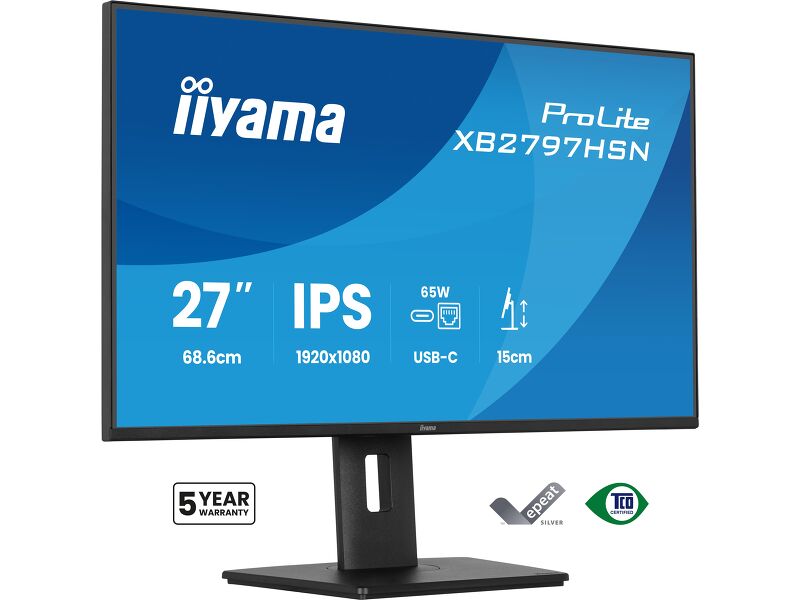
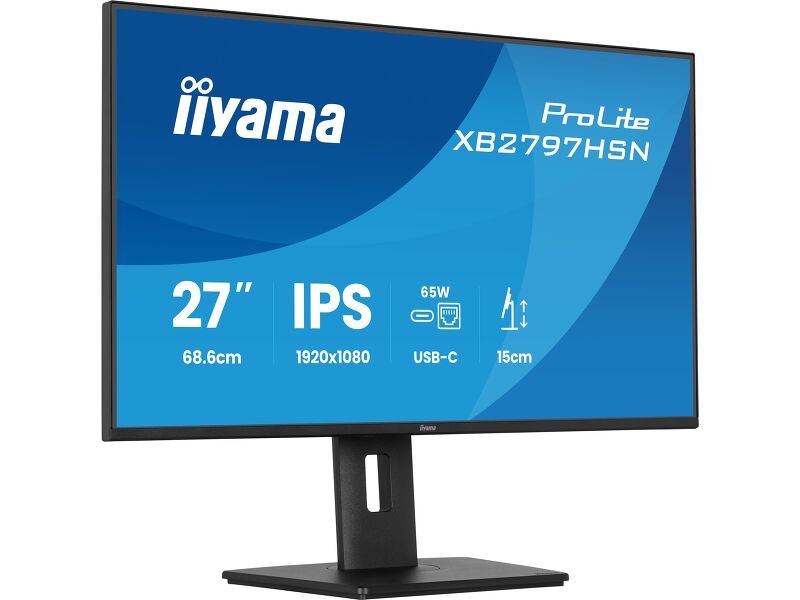
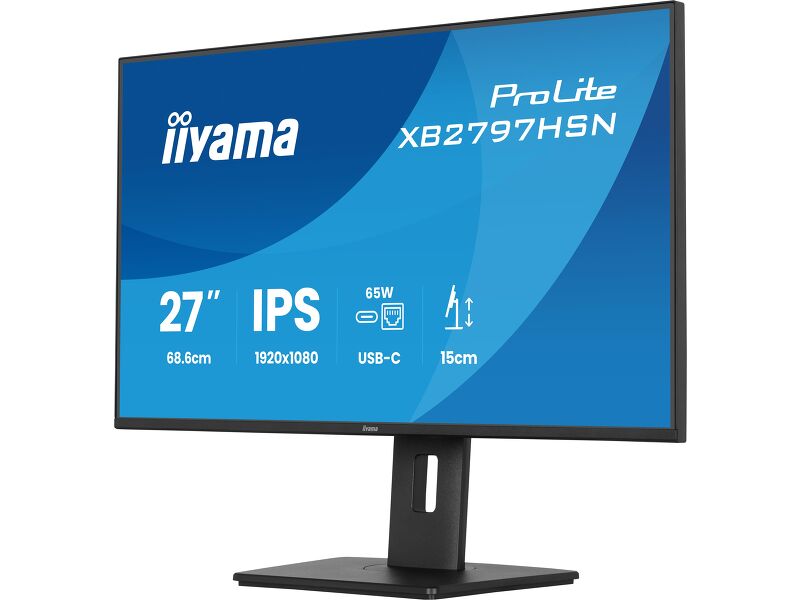
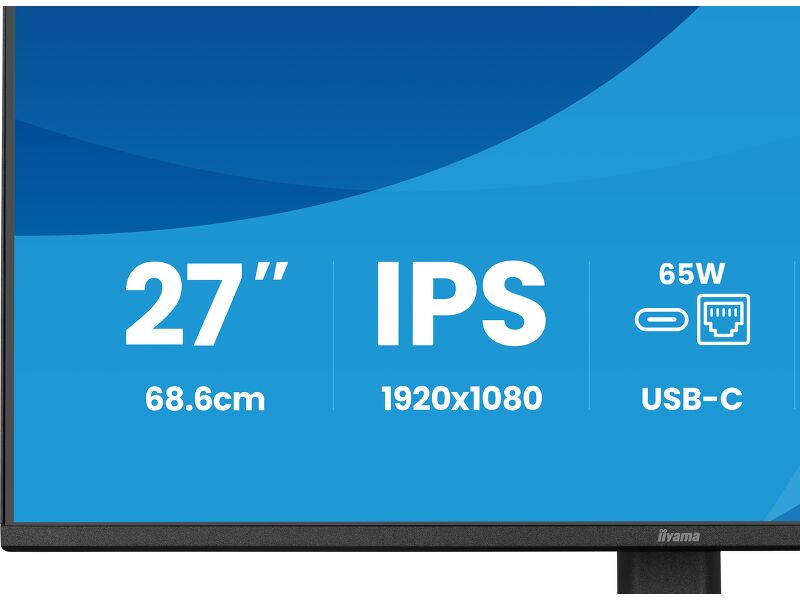
27" Full HD monitor sa USB-C čvorištemi LAN portom za pojednostavljeno svakodnevno podešavanje.
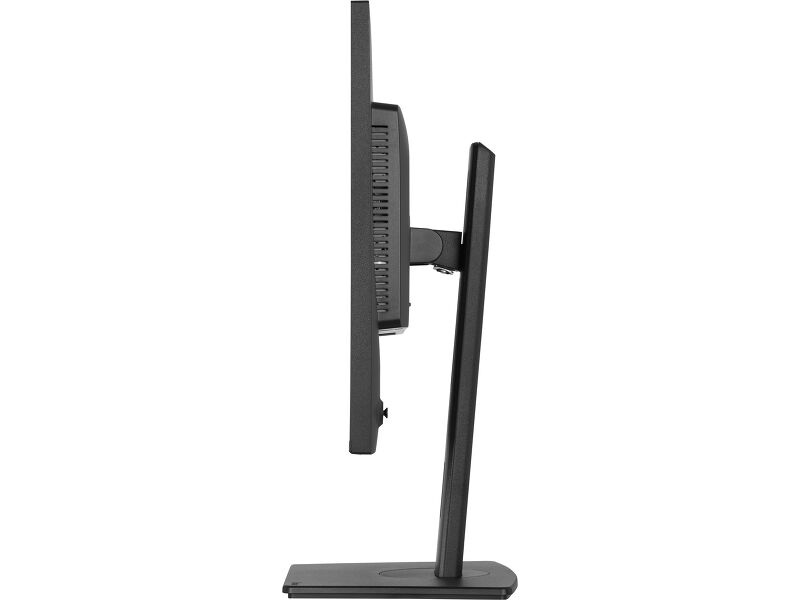
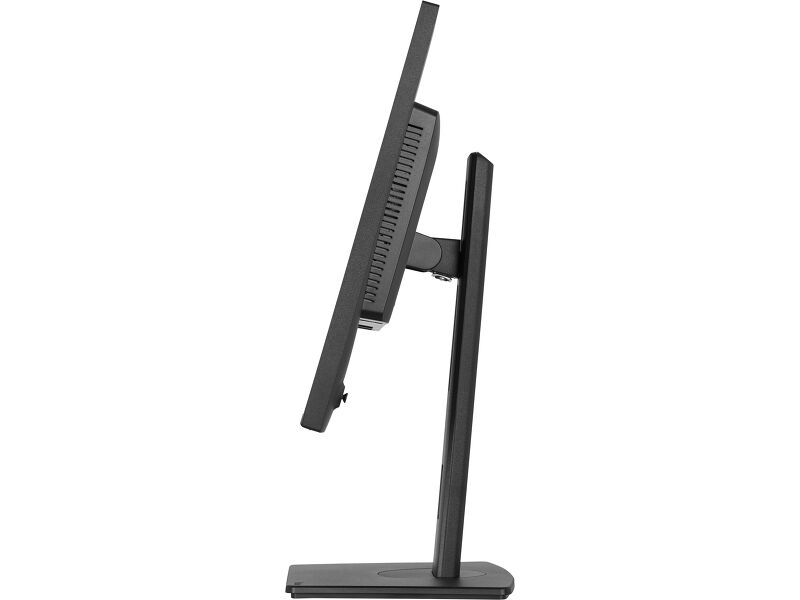
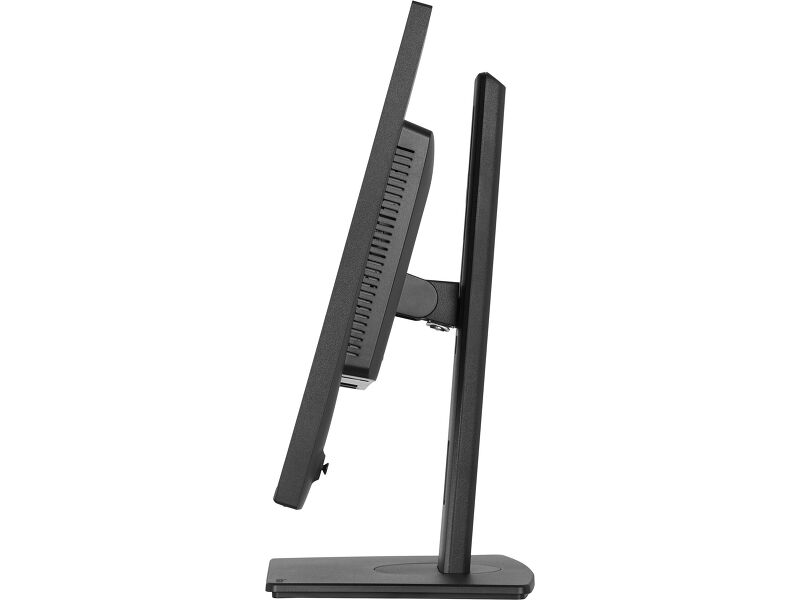
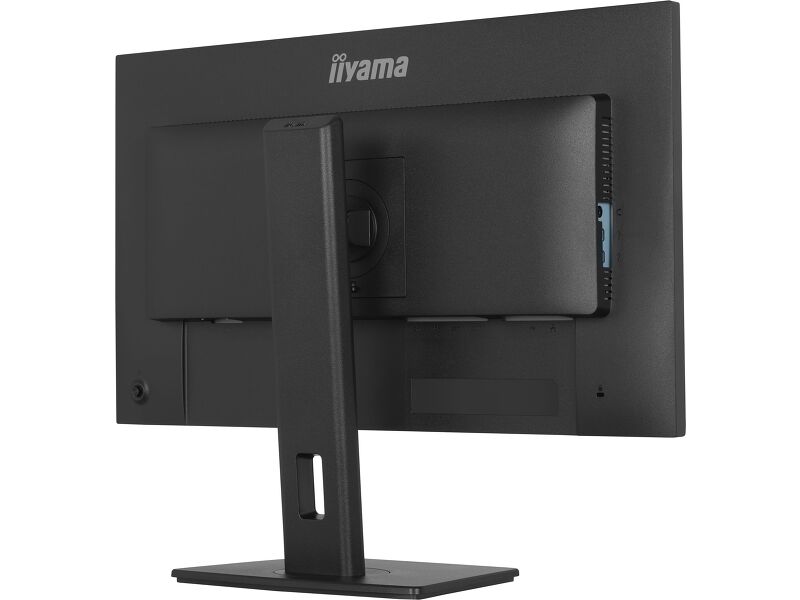
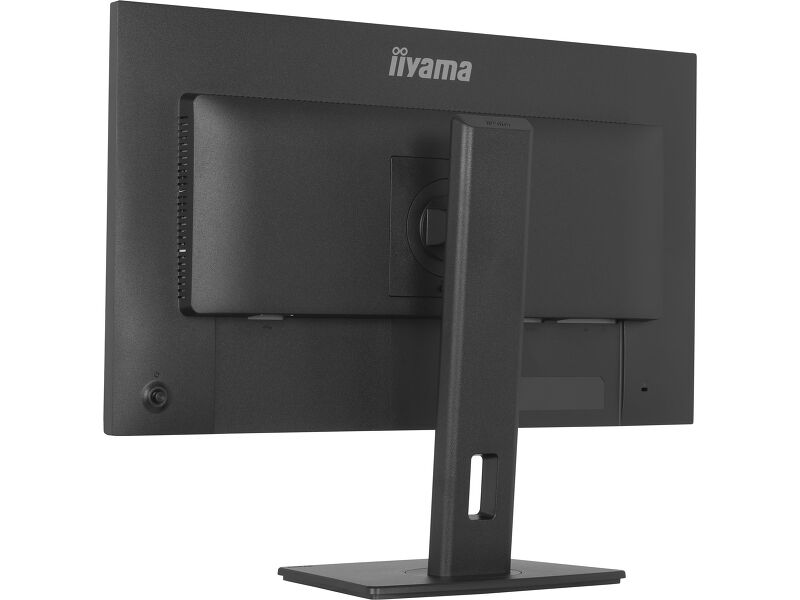
A 15cm height-adjustable stand with tilt, swivel and pivot functions, including portrait mode, allows you to customise the screen position for optimal ergonomics. TÜV Rheinland Eye Comfort certification confirms reduced blue light emissions and flicker-free technology, supporting comfortable viewing and sustained focus during long working hours.
Dizajniran za moderne profesionalce koji cene efikasnost i radni prostor bez nereda, ProLite XB2797HSN objedinjuje pametno povezivanje i pouzdane performanse u svestranom 27-inčnom displeju napravljenom za svakodnevnu poslovnu upotrebu.
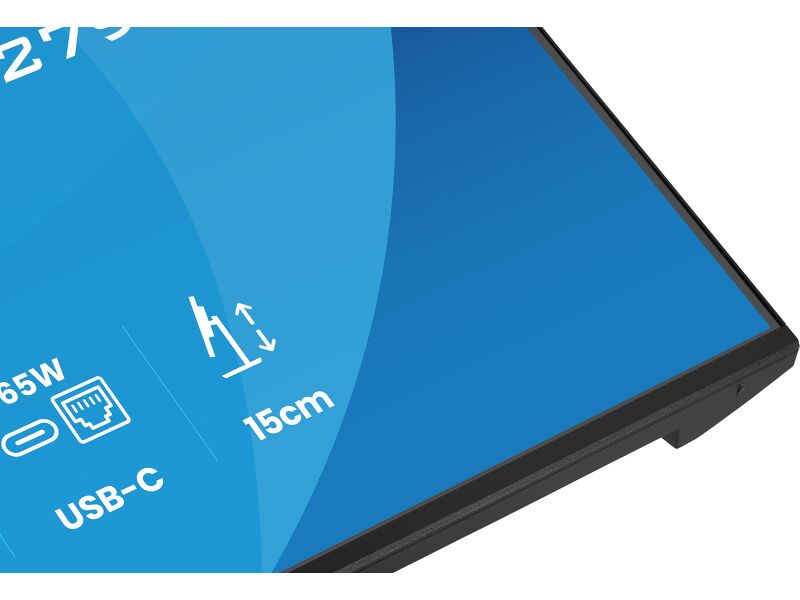
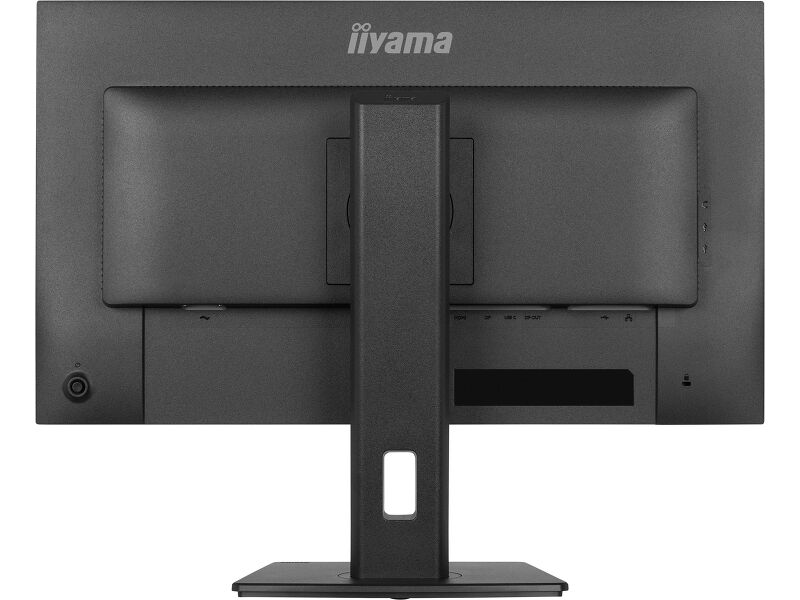
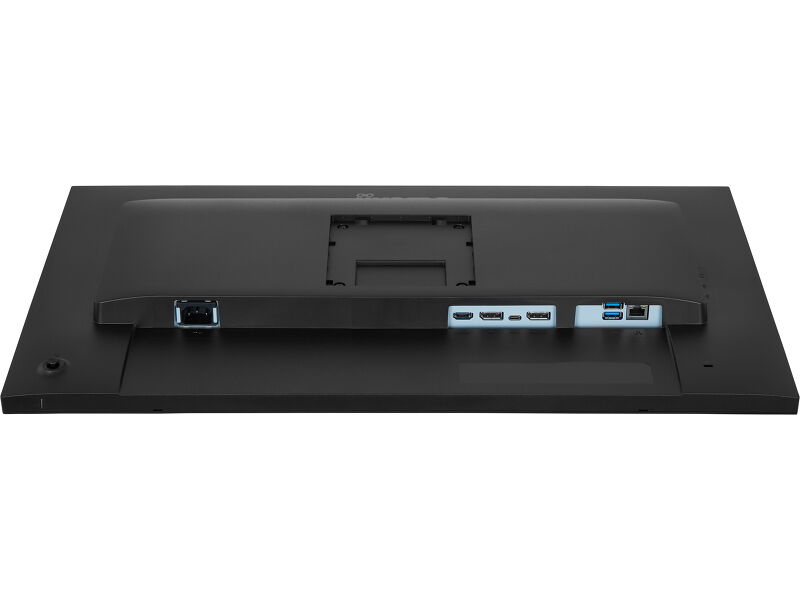
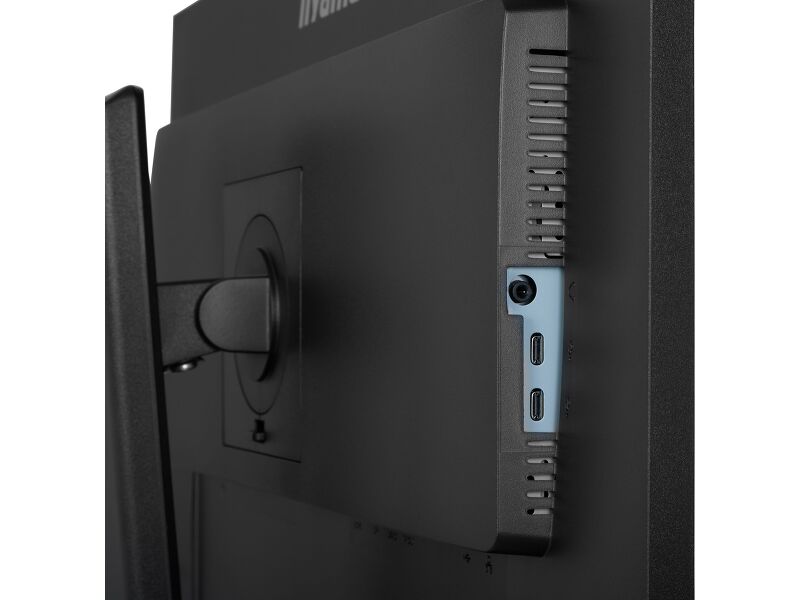
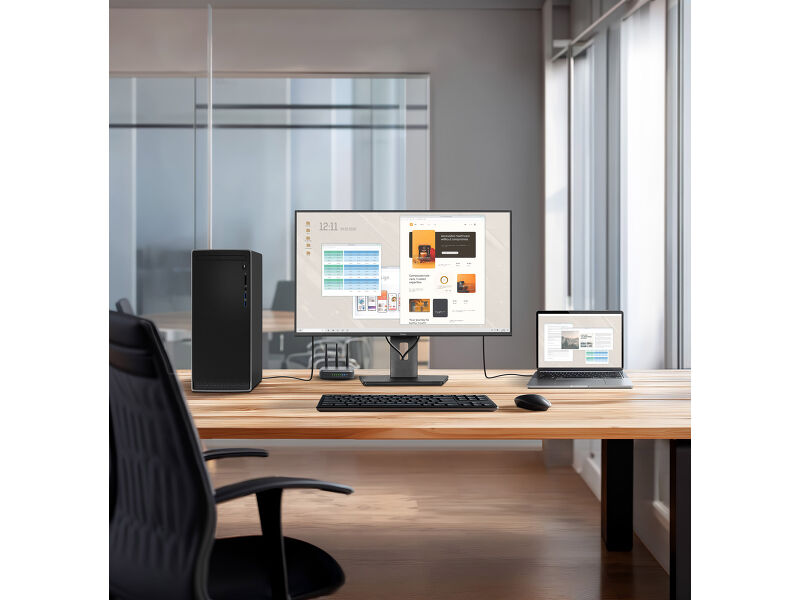
Integrisana USB-C dok stanica sa napajanjem od 65W vam omogućava da prenosite video, audio i podatke, a istovremeno napajate laptop preko jednog kabla. Ovo pojednostavljeno rešenje održava vaš sto urednim, smanjuje nered kablova i čini „hot desk“ brzim i jednostavnim. Ugrađeni RJ45 (LAN) port obezbeđuje stabilnu žičanu mrežnu vezu direktno preko monitora, eliminišući potrebu za dodatnim adapterima i podržavajući konzistentne performanse tokom celog radnog dana.
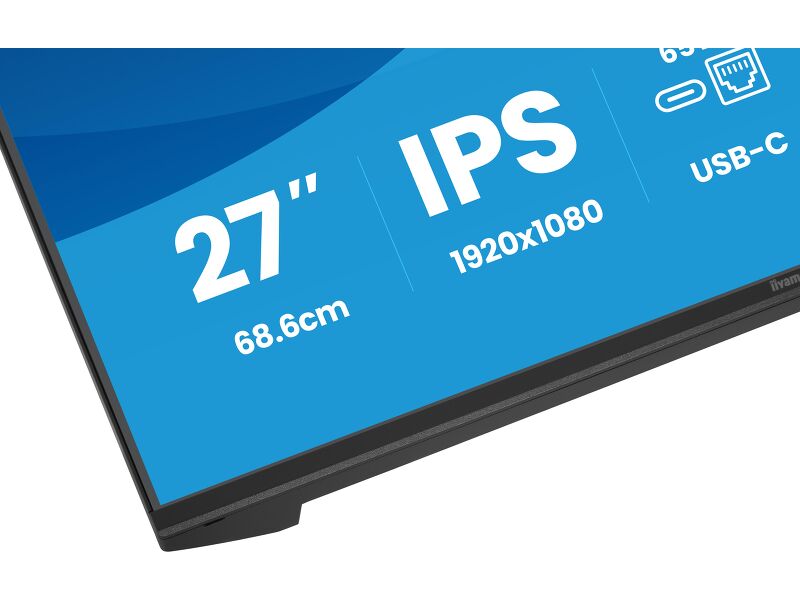
27-inčni Full HD IPS panel (1920×1080) pruža jasne, detaljne slike i preciznu reprodukciju boja sa širokim uglovima gledanja, što ga čini idealnim za kancelarijske aplikacije, rukovanje dokumentima, veb zadatke i svakodnevni multitasking. DisplayPort izlaz omogućava jednostavno povezivanje za podešavanje dva monitora, pomažući vam da proširite svoj radni prostor i poboljšate produktivnost uz minimalan napor.
Postolje sa podesivom visinom od 15 cm sa funkcijama nagiba, okretanja i osovine, uključujući portretni režim, omogućava vam da prilagodite položaj ekrana za optimalnu ergonomiju. Sertifikat TÜV Rheinland Eye Comfort potvrđuje smanjenu emisiju plavog svetla i tehnologiju bez treperenja, podržavajući udobno gledanje i održiv fokus tokom dugog radnog vremena.
USB-C dock for tidy desk & easy connectivity
Connect everything with just one cable - handle video, data, and power while keeping your desk clean and organized.
Built-in audio without extra clutter
Enjoy clear, pleasant sound for calls, videos, and music while keeping your desk free of extra speakers, thanks to the integrated audio.
Feel the difference with certified eye comfort
Hardware-based low blue light built into the panel, flicker-free technology and true-to-life colour accuracy all work together to support more comfortable viewing throughout the day. Backed by TÜV Rheinland Eye Comfort certification, this display lets you work, browse and create for longer with greater ease.
Versatile connectivity for all your devices
Connect multiple devices and accessories in one simple step with HDMI, DisplayPort and the USB hub, streamlining your workspace for maximum efficiency and ensuring a tidy, uninterrupted workflow.
You Tube
Tehnička specifikacija




KARAKTERISTIKE EKRANA
| Dizajn | tanak okvir sa 4 strane |
| Dijagonala | 27", 68.6cm |
| Panel | IPS LED panel tehnologijam mat završna obrada |
| Osnovna rezolucija | 1920 x 1080 @100Hz (2.1 megapixel Full HD) |
| Osnovna rezolucija | 100Hz |
| Format ekrana | 16:9 |
| Osvetljenje | 350 cd/m² |
| Statički kontrast | 1500:1 |
| Napredni kontrast | 80M:1 |
| Vreme odziva (MPRT) | 1ms |
| Zona gledanja | horizontalno/vertikalno: 178°/178°, desno/levo: 89°/89°, gore/dole: 89°/89° |
| Podržane boje | 16.7mln (sRGB: 99%; NTSC: 72%) |
| Horizontalna sinhronizacija | 30 - 115KHz |
| Vidljiva površina Š x V | 597.9 x 336.3mm, 23.5 x 13.2" |
| Razmak piksela | 0.311mm |
| Boja | mat, crna |
KONEKTORI / KONTROLE
| Ulaz signala |
HDMI x1 (v.1.4) DisplayPort x1 (v.1.2) USB-C x1 (PD 65W) |
| USB HUB | x4 (2x Type-A v.3.2 Gen 1 (5Gbps, 4.5W) 2x Type-C (5Gbps, 7.5W) |
| USB-C DOCK | x1 (Napajanje od 65W, LAN, DP out, USB v.3.2 (Gen 1, 5Gbit)) |
| HDCP | da |
| Priključak za slušalice | da |
| RJ45 (LAN) | x1 |
KARAKTERISTIKE
| Bez treperenja | da |
| Dodatno | i-Style boje, Udobno za oči |
| OSD jezici | EN, DE, FR, ES, IT, RU, JP, CZ, NL, PL, UA |
| Kontrolni tasteri | Džojstik: Napajanje/Meni (Central), Gore/Izbor signala, Dole, Levo/Prečica, Desno/Jačina zvuka |
| Korisničke kontrole | podešavanje slike (osvetljenost, kontrast, ECO, ACR, OD, MBR, adaptivna sinhronizacija), podešavanja boja (i-Style boja, RGB opseg, temperatura boja, korisnička podešavanja), OSD (horizontalna pozicija OSD-a, vertikalna pozicija OSD-a, rotacija OSD-a, vreme OSD-a, pozadina OSD-a, DDC/CI kontrola, informacije o ekranu), jezik, dodatno 1 (oštrina, podešavanje video režima, početni logo, LED lampica za napajanje, punjenje preko USB-a, brzina USB-C-a, MST DP-izlaz), dodatno 2 (prečica, Mac adresa, verzija firmvera), izbor ulaza, podešavanja zvuka (jačina zvuka, isključivanje zvuka), resetovanje (resetovati sve?) |
| Zvučnici | 2 x 2W |
| Pogodnost | Kensington-lock™ priprema, DDC/CI, DDC2B |
MEHANIČKI
| Podešavanje položaja prikaza | visina, okretanje, nagib, pivot (rotacija u obe strane) |
| Podešavanje visine | 150mm |
| Rotacija (PIVOT funkcija) | 90° |
| Okretno postolje | 120°; %3° levo; %3° desno |
| Ugao nagiba | 23° gore; 5° dole |
| VESA montiranje | 100 x 100mm |
UKLJUČENI DODACI
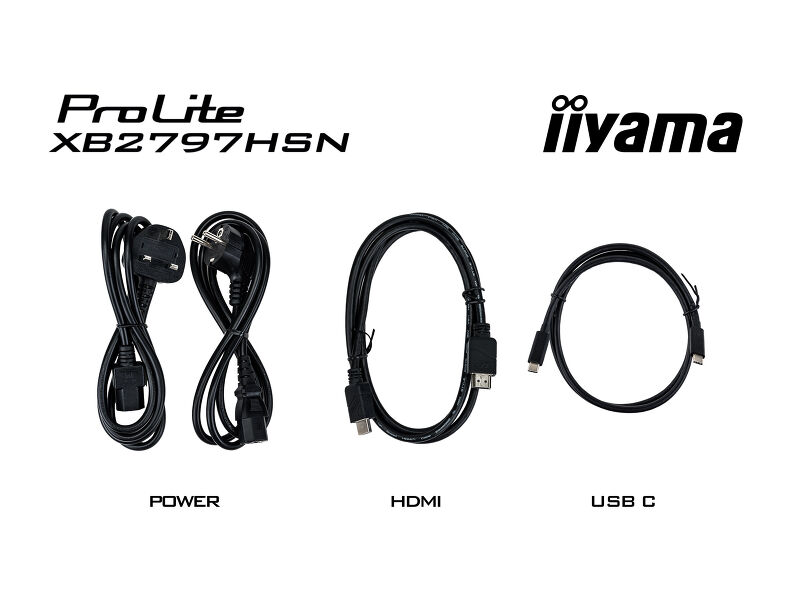
| Kablovi | Strujni kabl (1.5m), HDMI (1.5m), USB-C (1.0m) |
| Ostalo | kratko uputstvo, bezbednosni vodič |
UPRAVLJANJE NAPAJANJEM
| Napajanje | interna |
| Potrošnja energije | 17W default , 0.5W stand by, 0.3W iskljucen |
ODRŽIVOST
| Propisi | CE, TÜV-GS, EAC, VCCI-B, PSE, RoHS podrška, ErP, WEEE, REACH, UKCA, TCO Edge |
| Klasa energetske efikasnosti (Regulation (EU) 2017/1369) | D |
| REACH SVHC | iznad 0,1%: olovo, olovo monoksid, dibor trioksid |
| Garancija | 5 godina (za detalje i zemlje koje ispunjavaju uslove potražite odeljak Garancija na našoj web stranici) |
DIMENZIJE / TEŽINA
| Dimenzije proizvoda Š x V x D | 611.5 x 403.5 (547.5) x 209.5mm |
| Dimenzije kutije Š x V x D | 691 x 447 x 142mm |
| Težina (bez kutije) | 5.4kg |
| Težina (sa kutijom) | 8.0kg |
| EAN kod | 4948570125913 |


Preuzimanja
| Uputstvo za upotrebu | XB24_2797HSN_2497HSNH_2797QSN-usermanual-e_rev.f.pdf | Preuzimanje |
| Specifikacija | ProLite XB2797HSN-B1 - sr_rs.pdf | Preuzimanje |
| Sheme | XB2797HSN-B1-6 views (1).pdf | Preuzimanje |
| EU Energetska oznaka | XB2797HSN-B1 EU Energy Label (2562289).pdf | Preuzimanje |
| UK Energetska oznaka | XB2797HSN-B1 UK Energy Label (2562289).pdf | Preuzimanje |
| Product carbon footprint document | XB2797HSN-B1.pdf | Preuzimanje |
| Disclosure of critical mineral content | XB2797HSN-B1_5.2.1 Disclosure of critical mineral content.pdf | Preuzimanje |
| USB-C Dock white paper | USB-C_Dock_White_Paper_12.2024.pdf | Preuzimanje |
| Disclosure of declarable substances | 6.2.2 Disclosure of declarable substances.pdf | Preuzimanje |
| Disclosure of PFAS | 6.2.5b Disclosure of PFAS.pdf | Preuzimanje |
| Guarantee label | XB2797HSN-B1.pdf | Preuzimanje |
FAQS
How to use the USB-C dock?
+To explore the features and benefits of a monitor with a USB-C dock, please watch the video below.
Why isn’t my notebook charging when connected to the USB-C input of my monitor in standby mode?
+To resolve the issue of your laptop not charging, please try the following steps:
1. Activate USB BC or disable USB standby mode in the monitor’s settings menu.
2. Update your PC’s BIOS/UEFI.
Is Adaptive Sync compatible with AMD FreeSync or NVIDIA G-Sync?
+Yes, Adaptive Sync is compatible with AMD FreeSync and NVIDIA G-Sync.
Why can't I select MBR when FreeSync/Adaptive Sync is activated?
+MBR cannot be selected when FreeSync/AdaptiveSync is activated, because MBR can interfere with the FreeSync/Adaptive Sync technology as they have different methods of improving motion clarity. MBR reduces motion blur (response time), while Adaptive Sync/FreeSync addresses stuttering. We recommend activating Adaptive Sync/FreeSync on systems with fluctuating or unstable frame rates. MBR performs best on powerful systems that maintain a consistently high frame rate.
Why is my monitor displaying a "No Signal" message?
+If your monitor is displaying a "No Signal" message, please check the following:
1. Ensure the cables are properly connected at both ends.
2. Select the correct signal input (HDMI/DP) or choose AUTO.
For guidance on selecting an input while the screen is in standby mode, please consult the user manual. On desktop monitors, common methods include pressing the INPUT, AUTO, or "2" buttons, or moving the joystick backward.
I have an Apple MAC-system, will my iiyama monitor work?
+Yes, your iiyama monitor will work with your Apple Mac system. However, it depends on the signal input how to connect. Since Apple Mac systems from 2020 onwards only have Thunderbolt 3 (USB-C) ports for video output, you have two options:
1. Connect directly to the USB-C signal input on your iiyama monitor.
2. In case your monitor only has HDMI or Displayport, you will need a Mac-compatible dongle that supports one of the video inputs available. Apple offers a USB-C Digital AV Multiport Adapter (MW5M3AM) that can be used for this purpose.
3. If your iiyama monitor has touchscreen capabilities, please refer to the user manual to verify touch functionality compatibility with your Mac system.
The picture on my monitor is flickering. What steps can I take to fix it?
+To resolve the issue of a blinking picture, please follow these steps:
1. Inspect the Signal Cable.
Ensure the signal cable is securely connected at both ends and free from any physical damage. Avoid any sharp bends or squishing of the cable.
2. Use a Shorter Cable.
If possible, use a cable shorter than 3 meters and connect the monitor directly to a wall power socket, avoiding the use of adapters.
3. Disable FreeSync/Adaptive Sync.
For desktop or gaming monitors, try disabling FreeSync or Adaptive Sync in the monitor's settings menu.
Opcioni dodaci