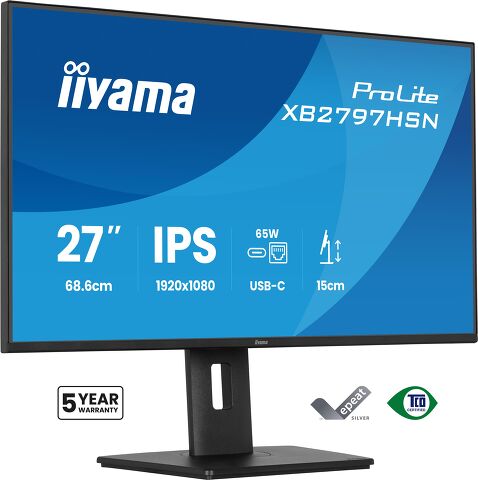
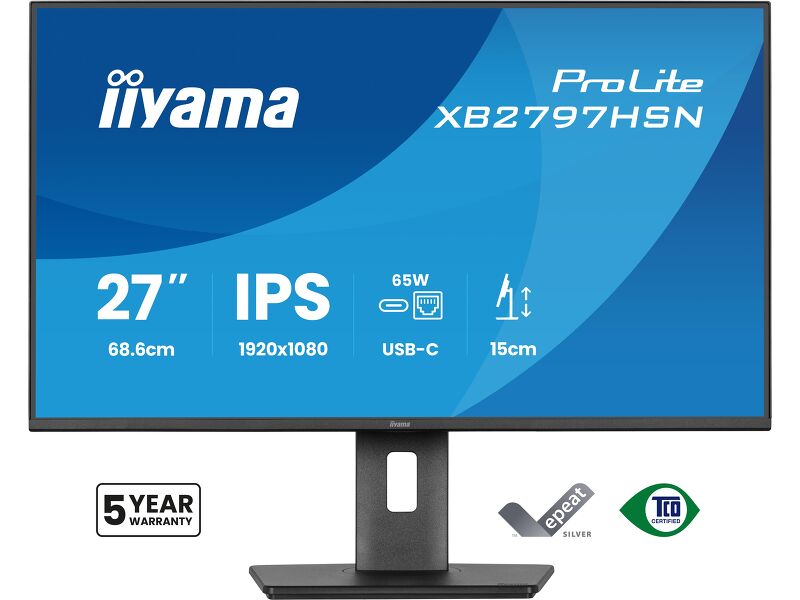
ProLite XB2797HSN-B1
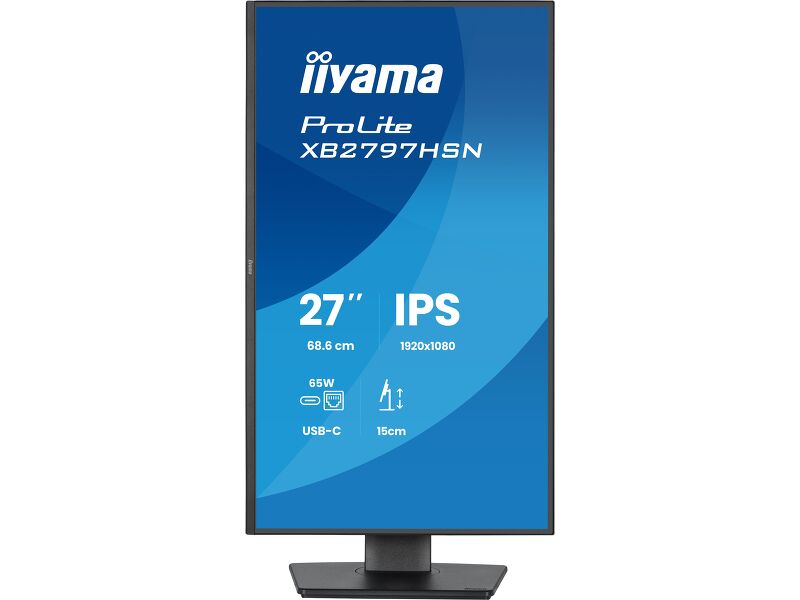
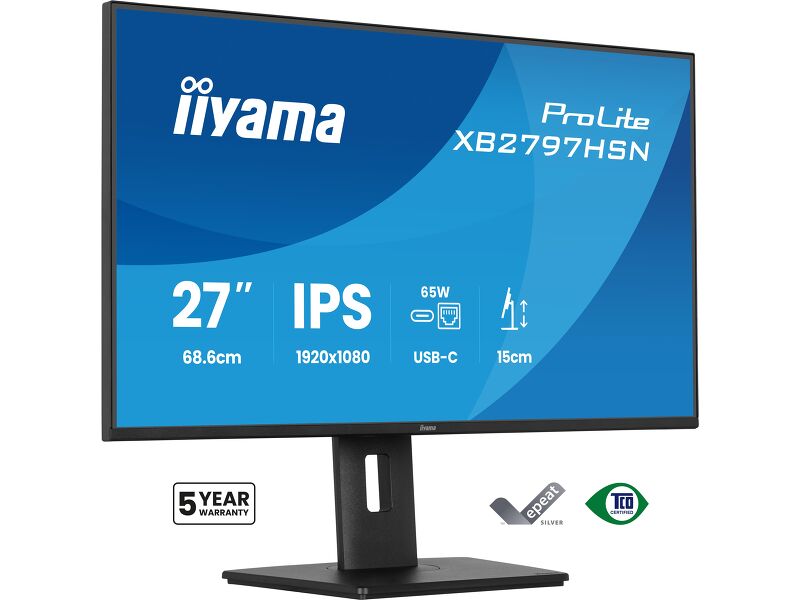
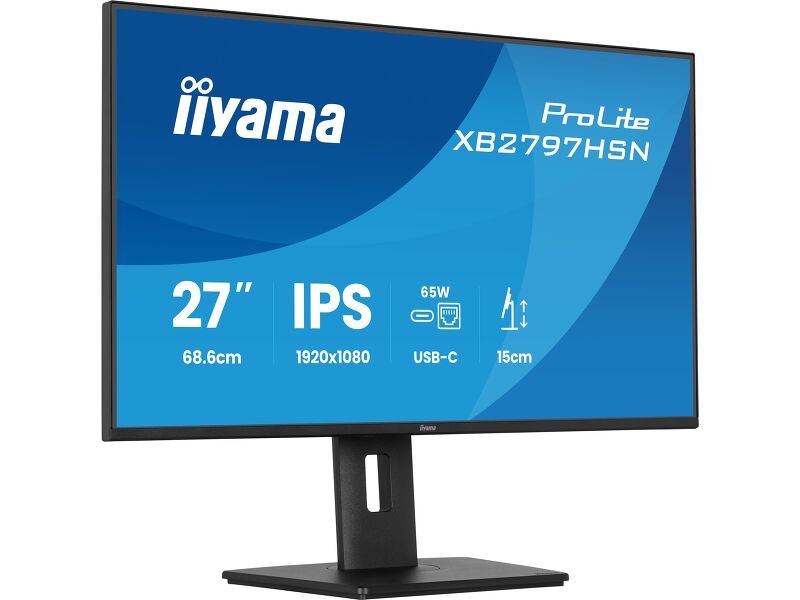
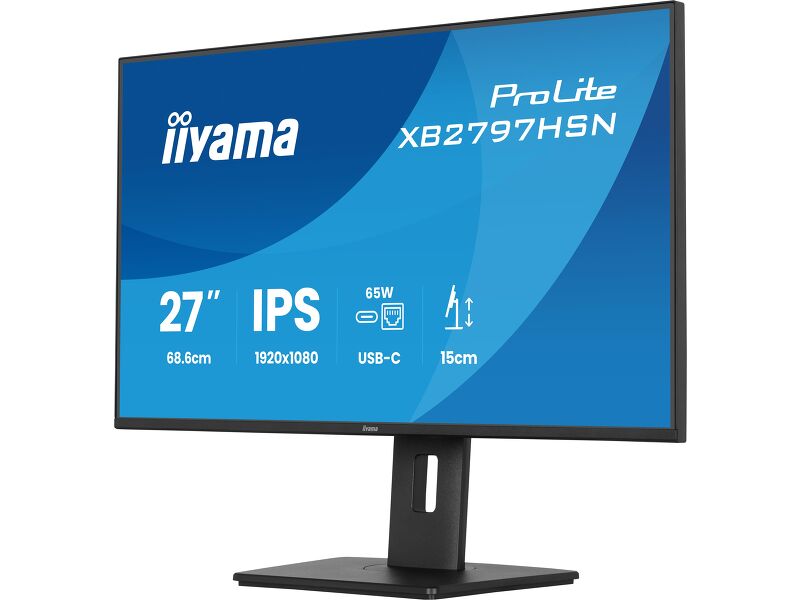
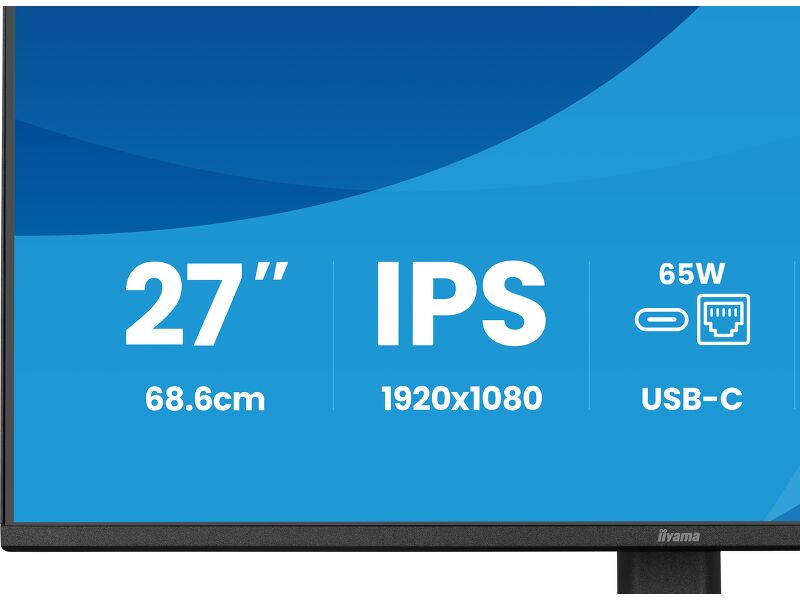
27” Full HD monitor with USB-C docking and LAN that simplifies your daily setup
Designed for modern professionals who value efficiency and a clutter-free workspace, the ProLite XB2797HSN brings smart connectivity and reliable performance together in a versatile 27” display built for everyday business use.
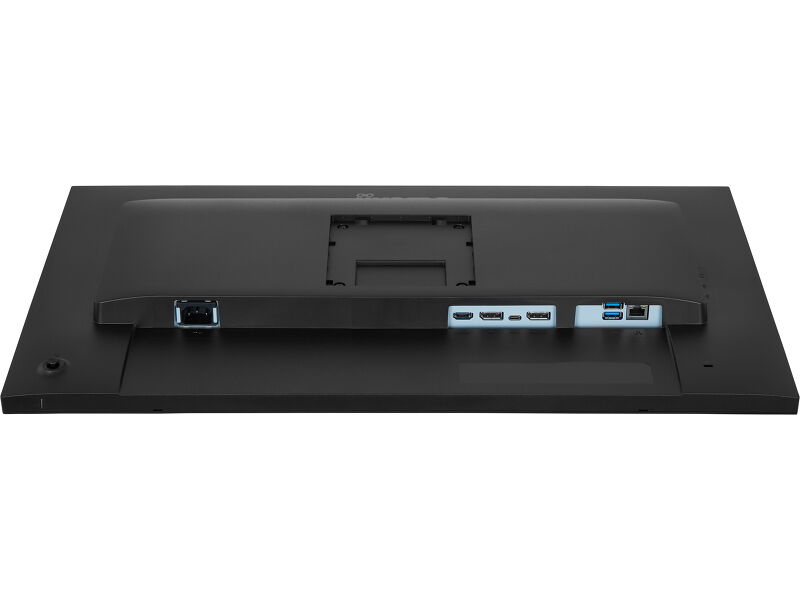
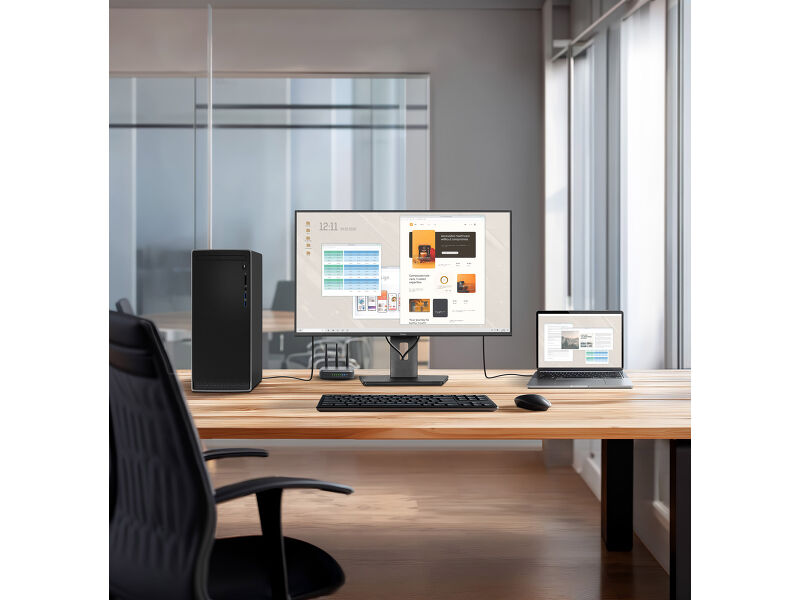
The integrated USB-C dock with 65W Power Delivery allows you to transmit video, audio and data while simultaneously powering your laptop through a single cable. This streamlined solution keeps your desk tidy, reduces cable clutter and makes hot-desking quick and effortless. The built-in RJ45 (LAN) port ensures a stable wired network connection directly via the monitor, removing the need for additional adapters and supporting consistent performance throughout the working day.
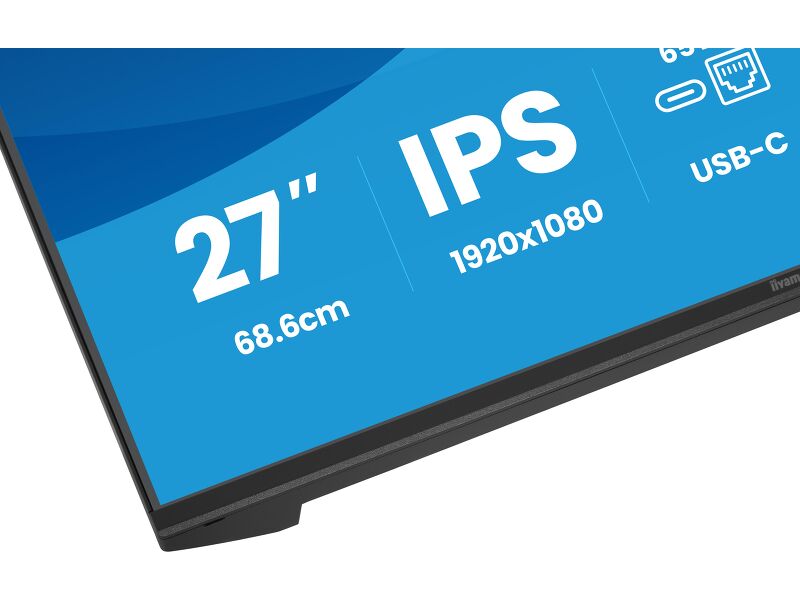
The 27” Full HD IPS panel (1920×1080) delivers clear, detailed visuals and accurate colour reproduction with wide viewing angles, making it ideal for office applications, document handling, web-based tasks and day-to-day multitasking. A DisplayPort output enables easy daisy-chaining for a dual-monitor setup, helping you expand your workspace and improve productivity with minimal effort.
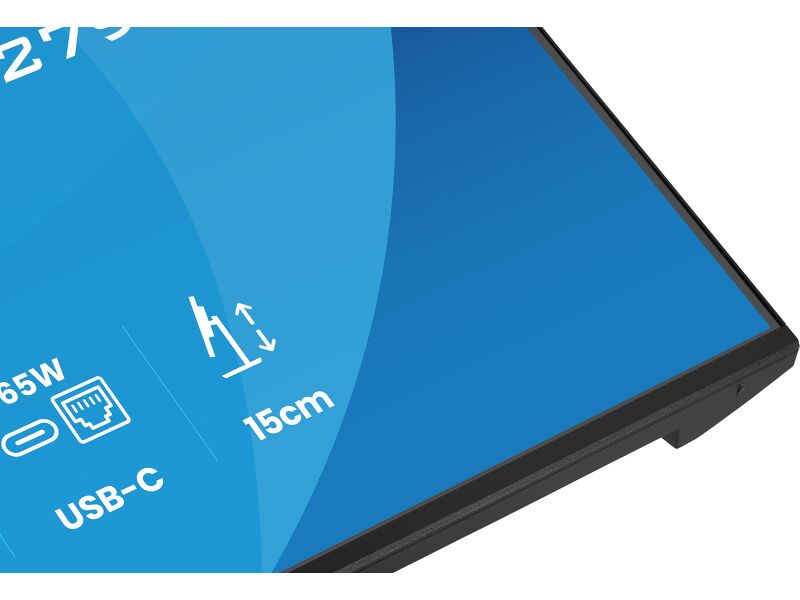
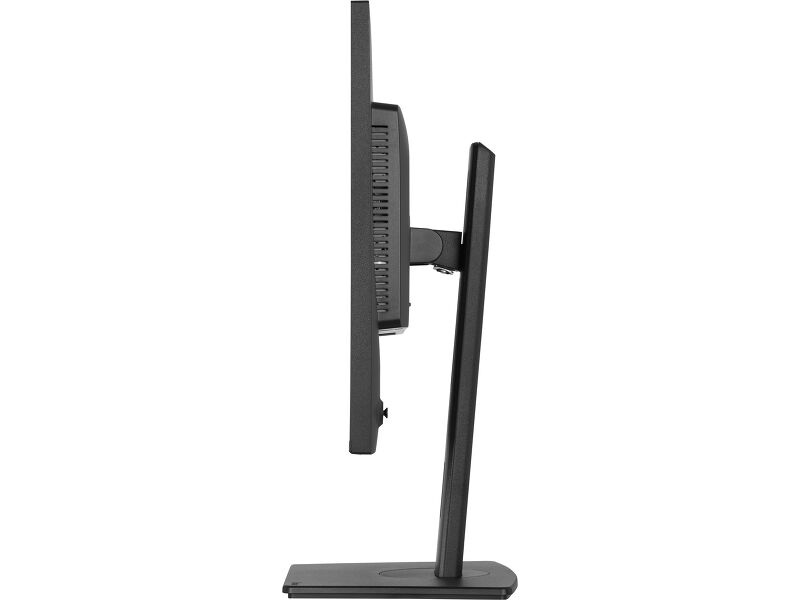
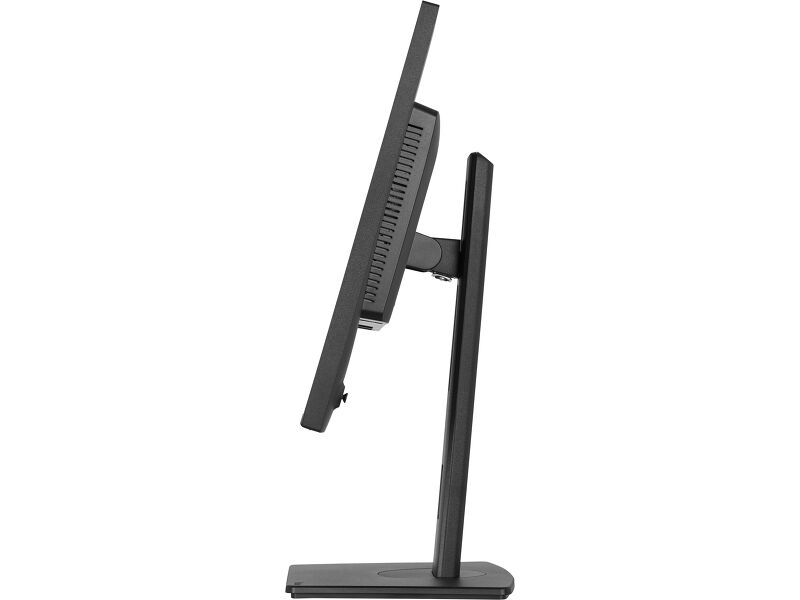
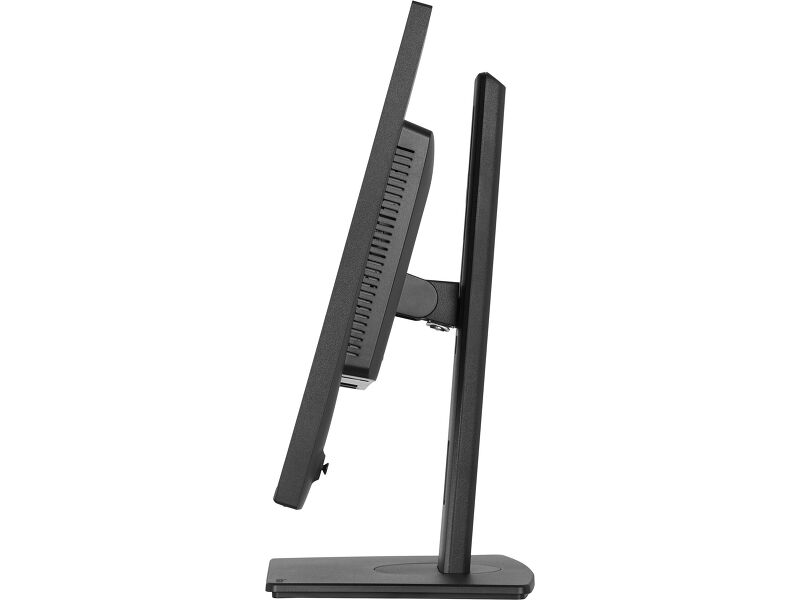
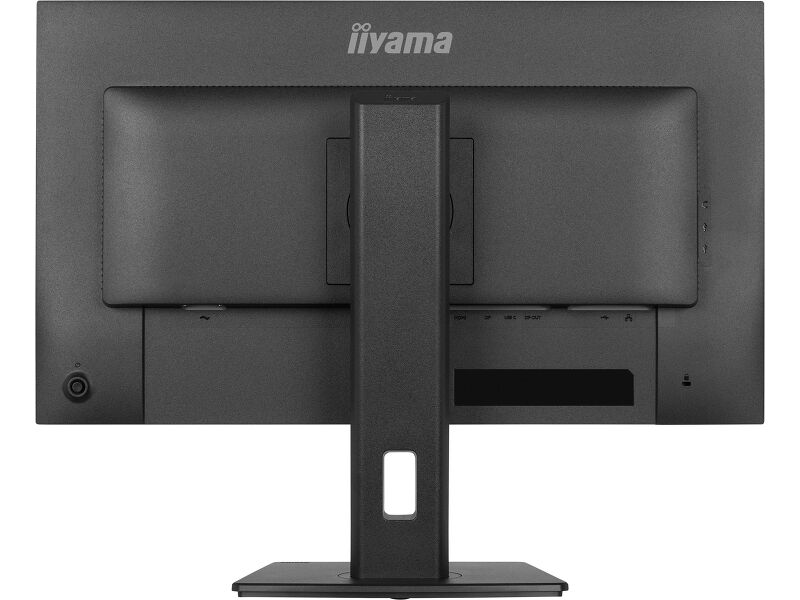
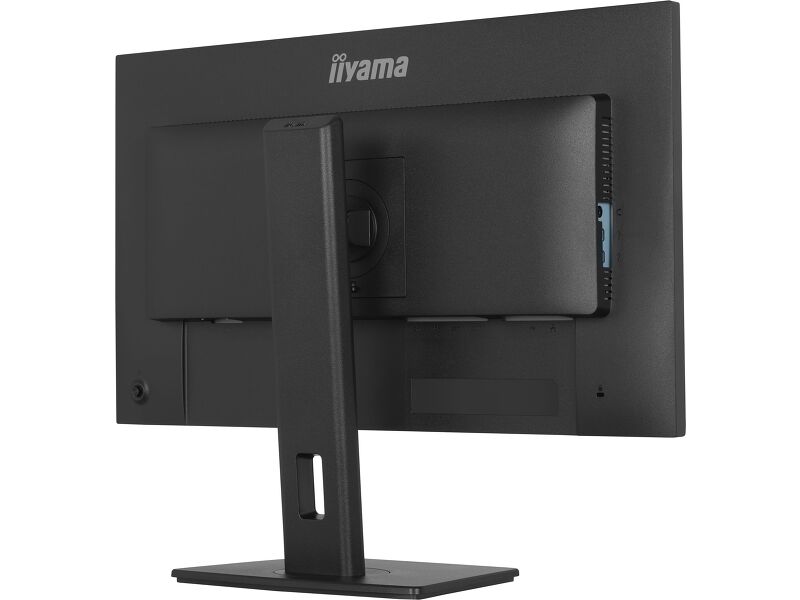
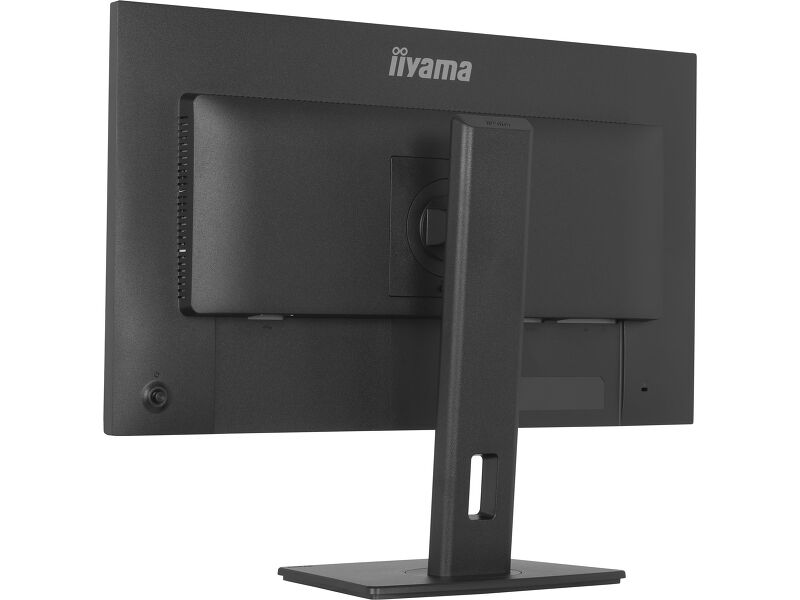
A 15cm height-adjustable stand with tilt, swivel and pivot functions, including portrait mode, allows you to customise the screen position for optimal ergonomics. TÜV Rheinland Eye Comfort certification confirms reduced blue light emissions and flicker-free technology, supporting comfortable viewing and sustained focus during long working hours.
USB-C dock for tidy desk & easy connectivity
Connect everything with just one cable - handle video, data, and power while keeping your desk clean and organized.
Adjustable stand for optimal comfort
Find your perfect screen position easily and maintain a healthy, comfortable posture all day long. Thanks to its fully adjustable stand, you can effortlessly adapt the monitor to your needs. Raise or lower the height, swivel left or right, or tilt the screen to reduce glare and find the optimal viewing angle. Whether you're working, designing, or attending long video calls, this flexibility helps reduce neck and back strain, improving both comfort and productivity throughout your day.
Built-in audio without extra clutter
Enjoy clear, pleasant sound for calls, videos, and music while keeping your desk free of extra speakers, thanks to the integrated audio.
Feel the difference with certified eye comfort
Hardware-based low blue light built into the panel, flicker-free technology and true-to-life colour accuracy all work together to support more comfortable viewing throughout the day. Backed by TÜV Rheinland Eye Comfort certification, this display lets you work, browse and create for longer with greater ease.
Versatile connectivity for all your devices
Connect multiple devices and accessories in one simple step with HDMI Display Port and the USB hub, streamlining your workspace for maximum efficiency and ensuring a tidy, uninterrupted workflow.
Video
Технические характеристики



ХАРАКТЕРИСТИКИ ДИСПЛЕЯ
| Дизайн | 4-side slim bezel |
| Диагональ | 27", 68.6см |
| Панель | IPS Panel Technology LED, матовый |
| Разрешение | 1920 x 1080 @100Гц (2.1 megapixel Full HD) |
| Соотношение сторон | 16:9 |
| Яркость | 350 cd/m² |
| Контрастность | 1500:1 |
| Расширенная контрастность | 80M:1 |
| Время отклика (MPRT) | 1ms |
| Видимая область | горизонталь/вертикаль: 178°/178°, право/лево: 89°/89°, вверх/вниз: 89°/89° |
| Поддержка цвета | 16.7mln (sRGB: 99%; NTSC: 72%) |
| Частота горизонтальной развертки | 30 - 115kГц |
| Видимая область Ш x В | 597.9 x 336.3мм, 23.5 x 13.2" |
| Размер пикселя | 0.311мм |
| Colour | матовый, чернить |
ИНТЕРФЕЙСЫ / РАЗЪЕМЫ / УПРАВЛЕНИЕ
| Вход сигнала |
HDMI x1 (v.1.4) DisplayPort x1 (v.1.2) USB-C x1 (PD 65W) |
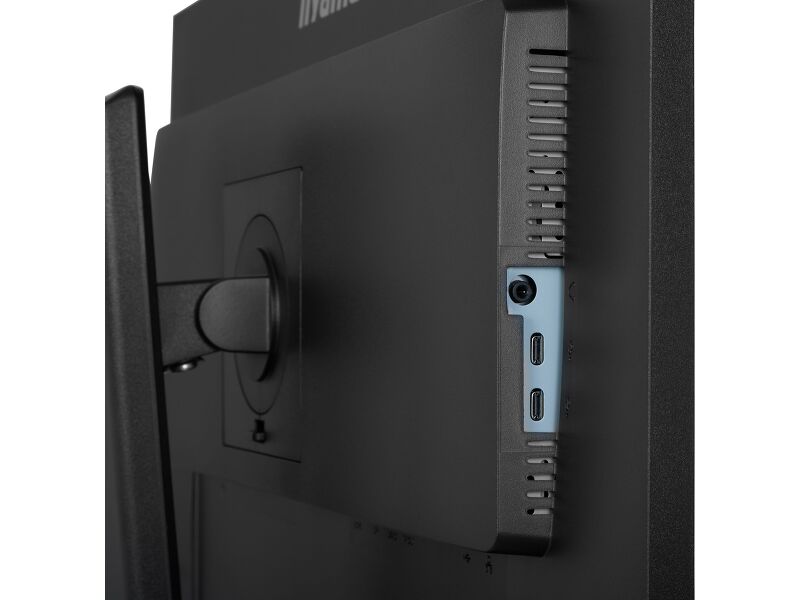
| USB HUB | x4 (2x Type-A v.3.2 Gen 1 (5Gbps, 4.5W) 2x Type-C (5Gbps, 7.5W)) |
| USB-C DOCK | x1 (Power delivery 65W, LAN, DP out, USB v.3.2 (Gen 1, 5Gbit)) |
| HDCP | да |
| Разъем для наушников | да |
| RJ45 (LAN) | x1 |
ФУНКЦИИ
| Flicker Free LED | да |
| Extra | i-Style colour, Eye Comfort |
| Языки экранного меню | EN, DE, FR, ES, IT, RU, JP, CZ, NL, PL, UA |
| Кнопки управления | Joystick: Power/Menu (Centre), Up/Signal Select, Down, Left/Shortcut, Right/Volume |
| Настройки пользователя | picture adjust (brightness, contrast, ECO, ACR, OD, MBR, Adaptive Sync), colour settings (i-Style colour, RGB range, colour temp., user preset), OSD (OSD H. position, OSD V. position, OSD rotate, OSD time, OSD background, DDC/CI control, display information), language, extra 1 (sharpness, video mode adjust, opening logo, power LED, USB charge, USB-C speed, MST DP-out), extra 2 (shortcut key, Mac address, FW version), input select, audio settings (volume, mute), reset (reset all?) |
| Колонки | 2 x 2Вт |
| Дополнительно | подготовка Kensington-lock™, DDC/CI, DDC2B |
МЕХАНИЧЕСКИЕ ХАРАКТЕРИСТИКИ
| Эргономика | высота, вращение подставки, наклон, pivot (вращение в обе стороны) |
| Настройка высоты (HAS) | 150мм |
| Вращение экрана (PIVOT) | 90° |
| Вращение подставки (Swivel) | 120°; %3° лево; %3° право |
| Угол наклона экрана | 23° вверх; 5° вниз |
| Крепление VESA | 100 x 100mm |
6.АКСЕССУАРЫ
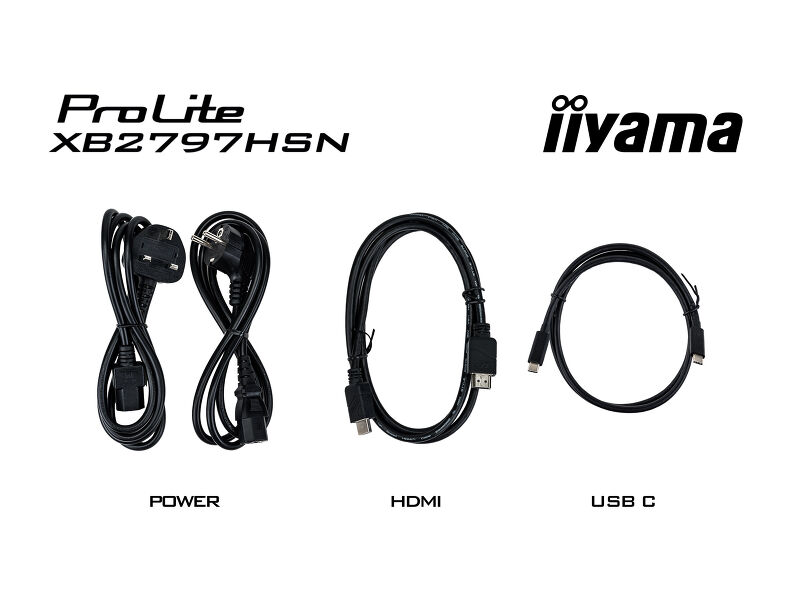
| Кабели | Питание (1.5m), HDMI (1.5m), USB-C (1.0m) |
| Прочее | Краткое руководство по началу работы, Руководство по безопасности |
POWER-MANAGEMENT
| Блок питания | внутренний |
| Питание | AC 100 - 240V, 50/60Гц |
| Потребляемая мощность | 17W default, 0.5W ожидание, 0.3W отключено |
Стандарты
| Сертификаты | CE, TÜV-GS, EAC, VCCI-B, PSE, RoHS support, ErP, WEEE, REACH, UKCA, TCO Edge |
| REACH SVHC | above 0.1%: Lead, Lead monoxide, Diboron trioxide |
| Гарантия | 5 years (for details and eligible countries please check the Warranty section of our website) |
РАЗМЕР / ВЕС
| Размер продукта Ш x В x Г | 611.5 x 403.5 (547.5) x 209.5мм |
| Размер коробки Ш x В x Г | 691 x 447 x 142мм |
| Вес (без упаковки) | 5.4кг |
| Вес (с упаковкой) | 8.0кг |
| EAN код | 4948570125913 |


Загрузки
| Руководства | XB24_2797HSN_2497HSNH_2797QSN-usermanual-e_rev.f.pdf | Download |
| Технические характеристики | ProLite XB2797HSN-B1 - by_ru.pdf | Download |
| Drawing | XB2797HSN-B1-6 views (1).pdf | Download |
| EU Energy Label | XB2797HSN-B1 EU Energy Label (2562289).pdf | Download |
| UK Energy Label | XB2797HSN-B1 UK Energy Label (2562289).pdf | Download |
| Product carbon footprint document | XB2797HSN-B1.pdf | Download |
| Disclosure of critical mineral content | XB2797HSN-B1_5.2.1 Disclosure of critical mineral content.pdf | Download |
| USB-C Dock white paper | USB-C_Dock_White_Paper_12.2024.pdf | Download |
| Disclosure of declarable substances | 6.2.2 Disclosure of declarable substances.pdf | Download |
| Disclosure of PFAS | 6.2.5b Disclosure of PFAS.pdf | Download |
| Guarantee label | XB2797HSN-B1.pdf | Download |
FAQS
Как использовать док-станцию USB-C?
+Чтобы узнать о возможностях и преимуществах монитора с док-станцией USB-C, посмотрите видео ниже.
Почему мой ноутбук не заряжается при подключении к входу USB-C моего монитора в режиме ожидания?
+Чтобы решить проблему отсутствия зарядки ноутбука, выполните следующие действия:
1. Включите USB BC или отключите режим ожидания USB в меню настроек монитора.
2. Обновите BIOS/UEFI компьютера
Совместима ли Adaptive Sync с AMD FreeSync или NVIDIA G-Sync?
+Да, Adaptive Sync совместима с AMD FreeSync и NVIDIA G-Sync.
Почему я не могу выбрать MBR, когда активирована FreeSync/Adaptive Sync?
+MBR нельзя выбирать, если активирована функция FreeSync/AdaptiveSync, поскольку MBR может помешать работе технологии FreeSync/Adaptive Sync, так как они используют разные методы улучшения четкости движения. MBR уменьшает размытость движения (время отклика), а Adaptive Sync/FreeSync устраняет заикания. Мы рекомендуем активировать Adaptive Sync/FreeSync на системах с нестабильной частотой кадров. MBR лучше всего работает на мощных системах, которые поддерживают стабильно высокую частоту кадров.
Почему на моем мониторе отображается сообщение "Нет сигнала"?
+Если на мониторе отображается сообщение "Нет сигнала", проверьте следующее:
1. Убедитесь, что кабели правильно подключены с обоих концов.
2. Выберите правильный вход сигнала (HDMI/DP) или выберите AUTO.
Для получения инструкций по выбору входа, когда экран находится в режиме ожидания, обратитесь к руководству пользователя. На настольных мониторах распространенными способами являются нажатие кнопок INPUT, AUTO или «2», а также перемещение джойстика назад.
У меня Apple MAC-система, будет ли работать мой монитор iiyama?
+Да, ваш монитор iiyama будет работать с системой Apple Mac. Однако способ подключения зависит от входного сигнала. Поскольку системы Apple Mac, начиная с 2020 года, оснащены только портами Thunderbolt 3 (USB-C) для вывода видеосигнала, у вас есть два варианта:
1. подключиться непосредственно к сигнальному входу USB-C на мониторе iiyama.
2. если ваш монитор оснащен только HDMI или Displayport, вам понадобится Mac-совместимый донгл, поддерживающий один из доступных видеовходов. Apple предлагает адаптер USB-C Digital AV Multiport Adapter (MW5M3AM), который можно использовать для этой цели.
3. Если ваш монитор iiyama оснащен сенсорным экраном, обратитесь к руководству пользователя, чтобы проверить совместимость сенсорных функций с вашей системой Mac.
Изображение на моем мониторе мерцает. Какие шаги я могу предпринять, чтобы исправить это?
+Чтобы решить проблему мигающего изображения, выполните следующие действия:
1. Осмотрите сигнальный кабель.
Убедитесь, что сигнальный кабель надежно подключен с обеих сторон и не имеет физических повреждений. Избегайте резких изгибов или сдавливания кабеля.
2. Используйте более короткий кабель.
По возможности используйте кабель короче 3 метров и подключайте монитор непосредственно к розетке, избегая использования переходников.
3. Отключите FreeSync/адаптивную синхронизацию.
Для настольных или игровых мониторов попробуйте отключить FreeSync или Adaptive Sync в меню настроек монитора.
аксессуары