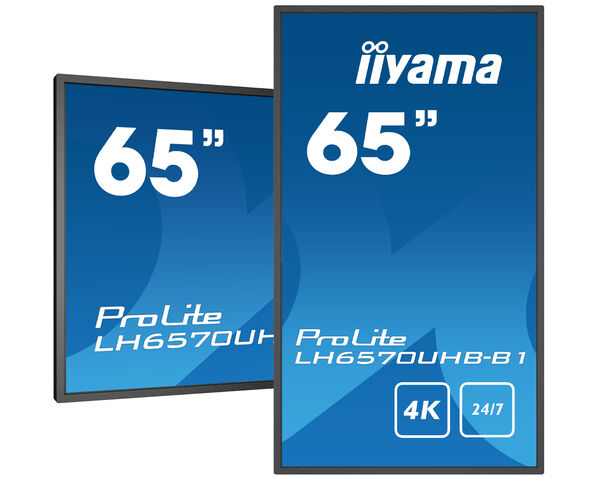
ProLite LH6570UHB-B1 (EOL) Helyettesíthető ezzel: ProLite LH6565UHSB-B1
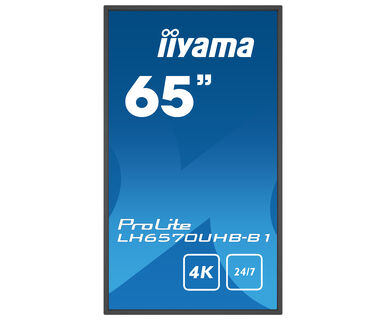
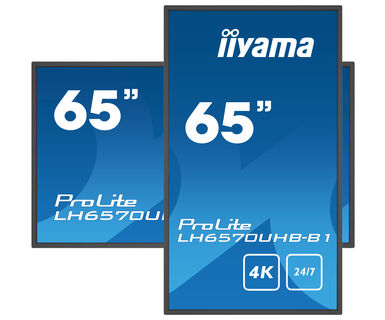
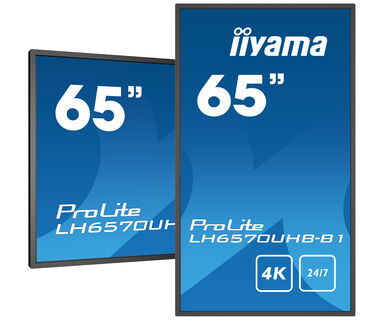
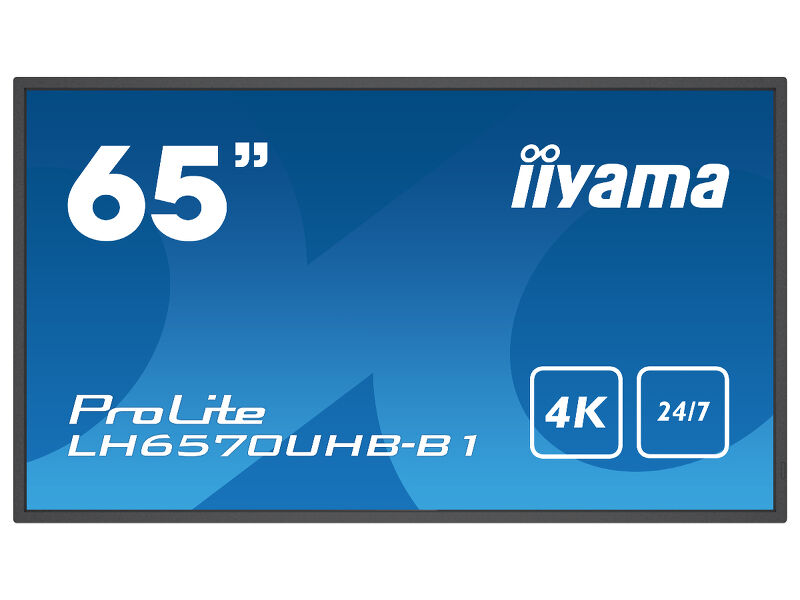
65" 4K UHD Professional Digital Signage kijelző
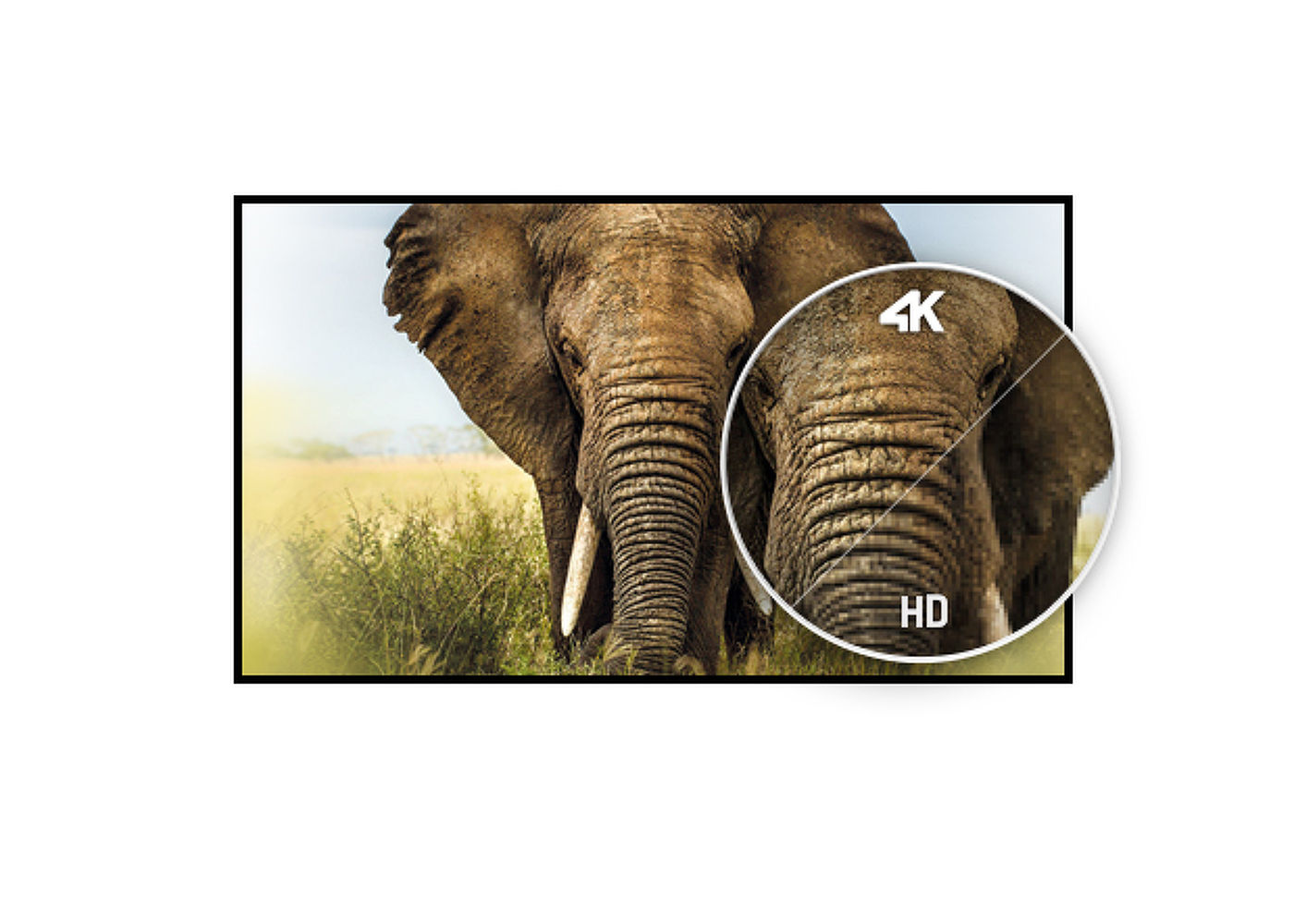
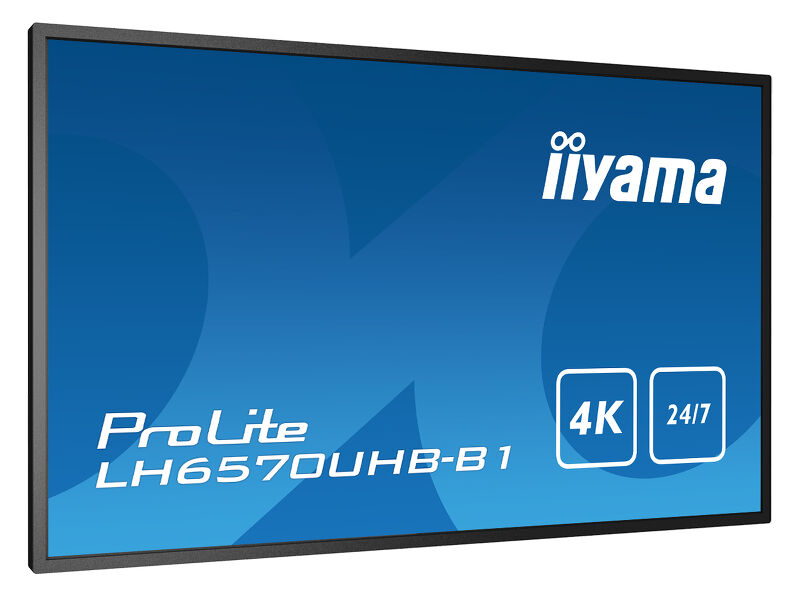
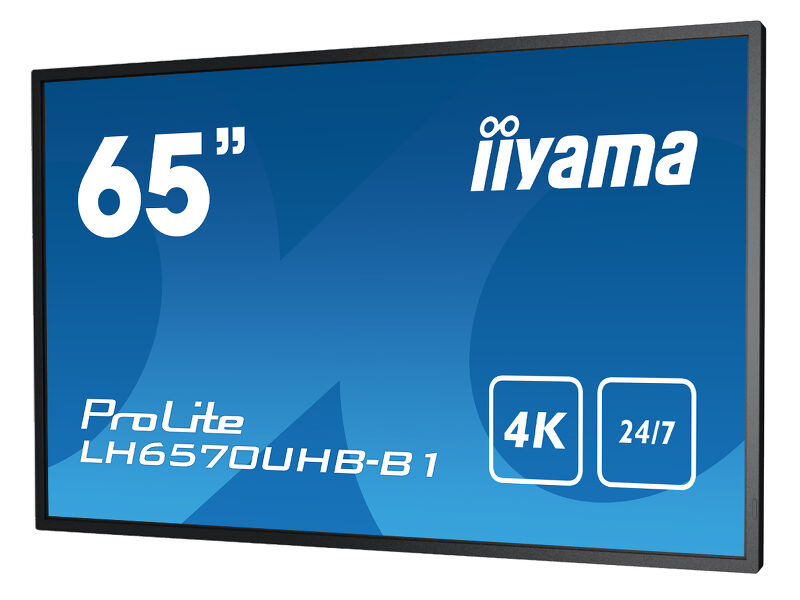
This high brightness display will deliver dynamic and sharp content, designed to entice and captivate your audience. The slim bezel and true commercial display with a 4K UHD resolution (3840x2160), 700cd/m2 and a contrast ratio of 4000:1 provides vibrant, detailed and sublime images. Thanks to on-board Android 9.0 you can easily customize the display by installing applications directly to it and makes it the perfect choice for Digital Signage, In-store communication and messaging.
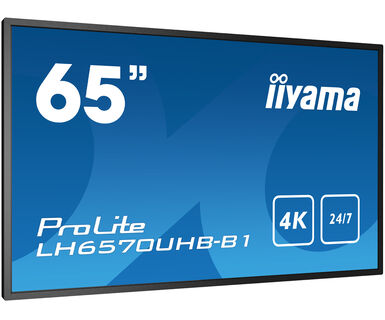
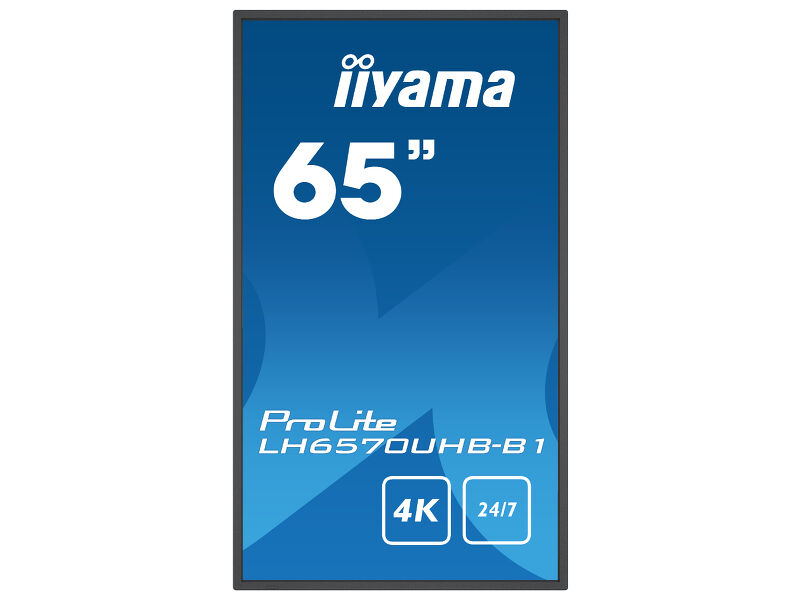
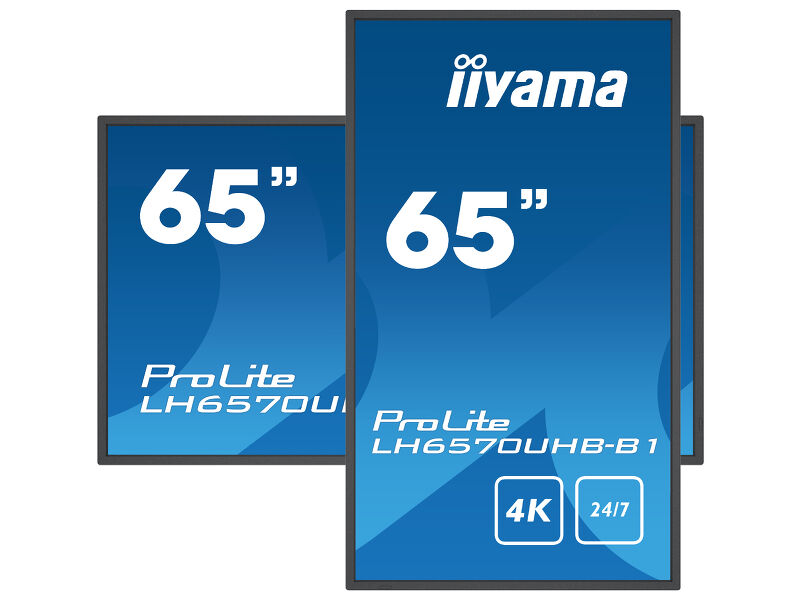
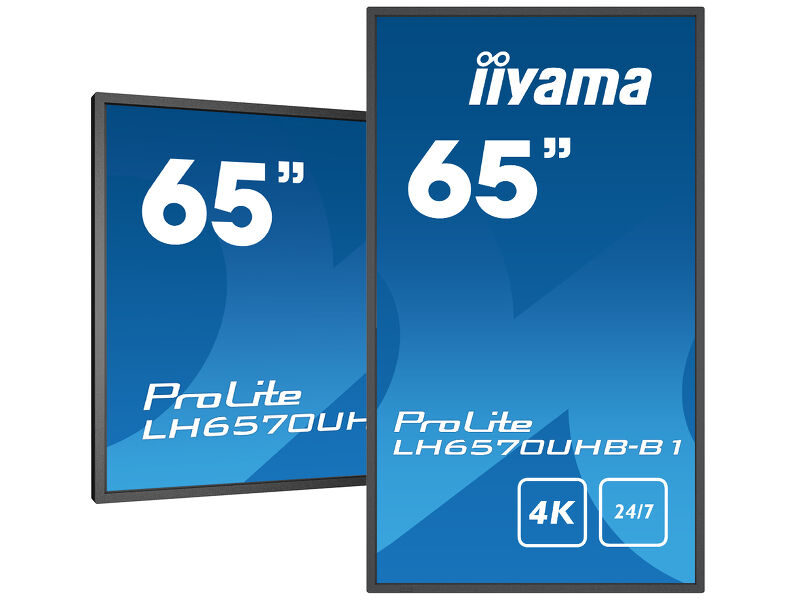
Designed to perform in continual, around the clock environments, the LH6570UHB can be installed and utilised in landscape and portrait orientation. The jaw dropping and best-in-class 35mm total depth (when used with the included proprietary brackets) will mean this display can be installed discreetly and elegantly in all areas.
-
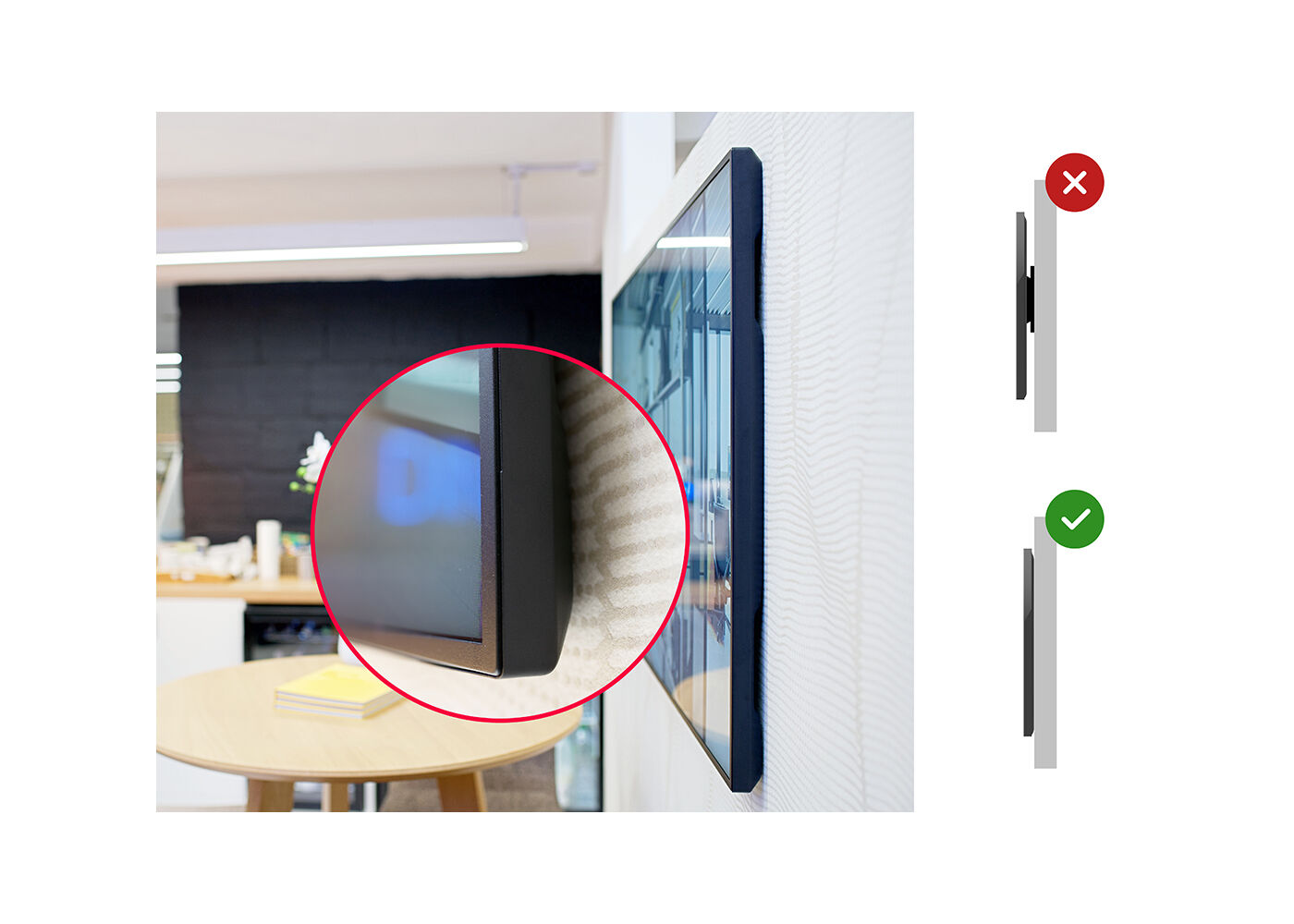
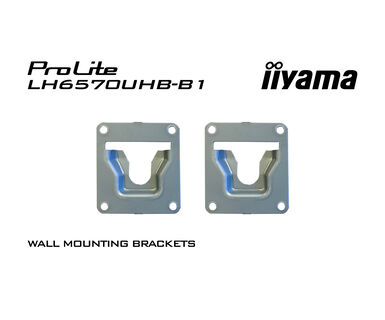
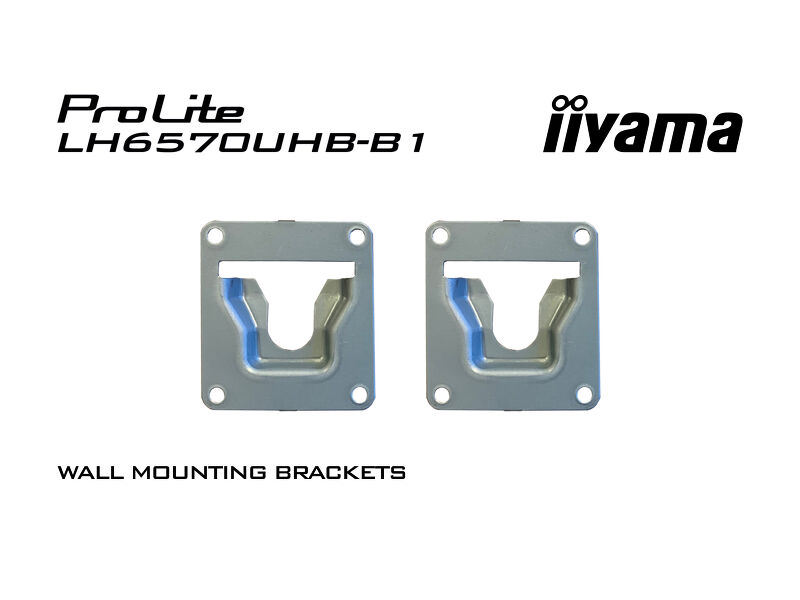
Zero-Gap Wall Mount
Style commercial interiors with Ultra Slim line displays and portray them like smart artwork, using the included Zero-Gap wall mount brackets.
-
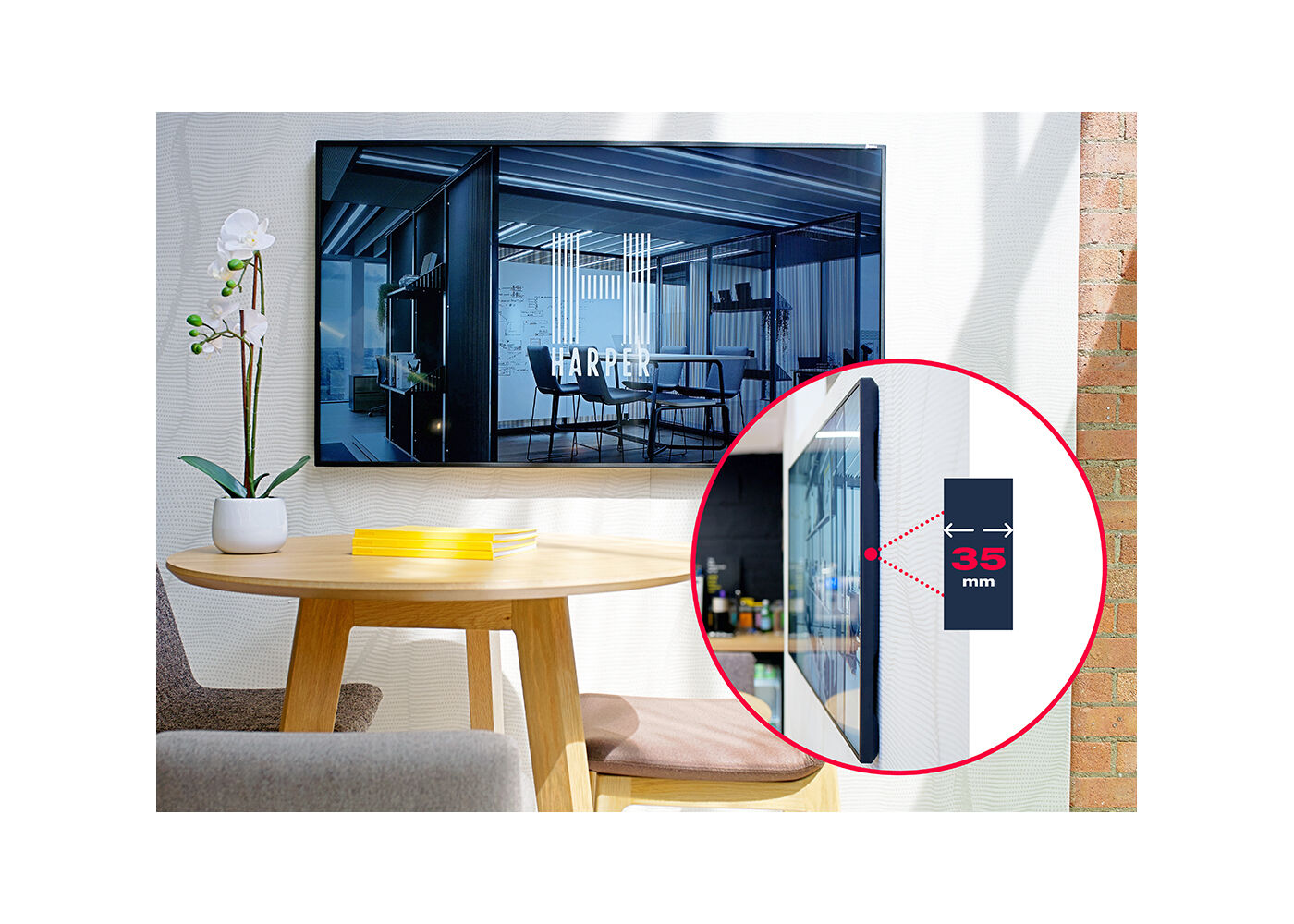
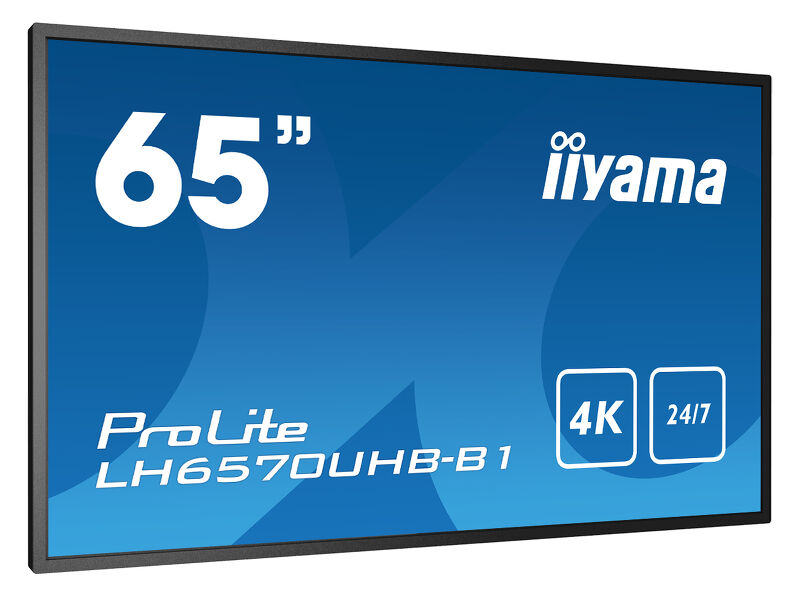
Ultra Slim
With 50 percent depth saving over similar models, the jaw-dropping and best in class 35mm total depth display can be installed discretely and elegantly in all areas.
-
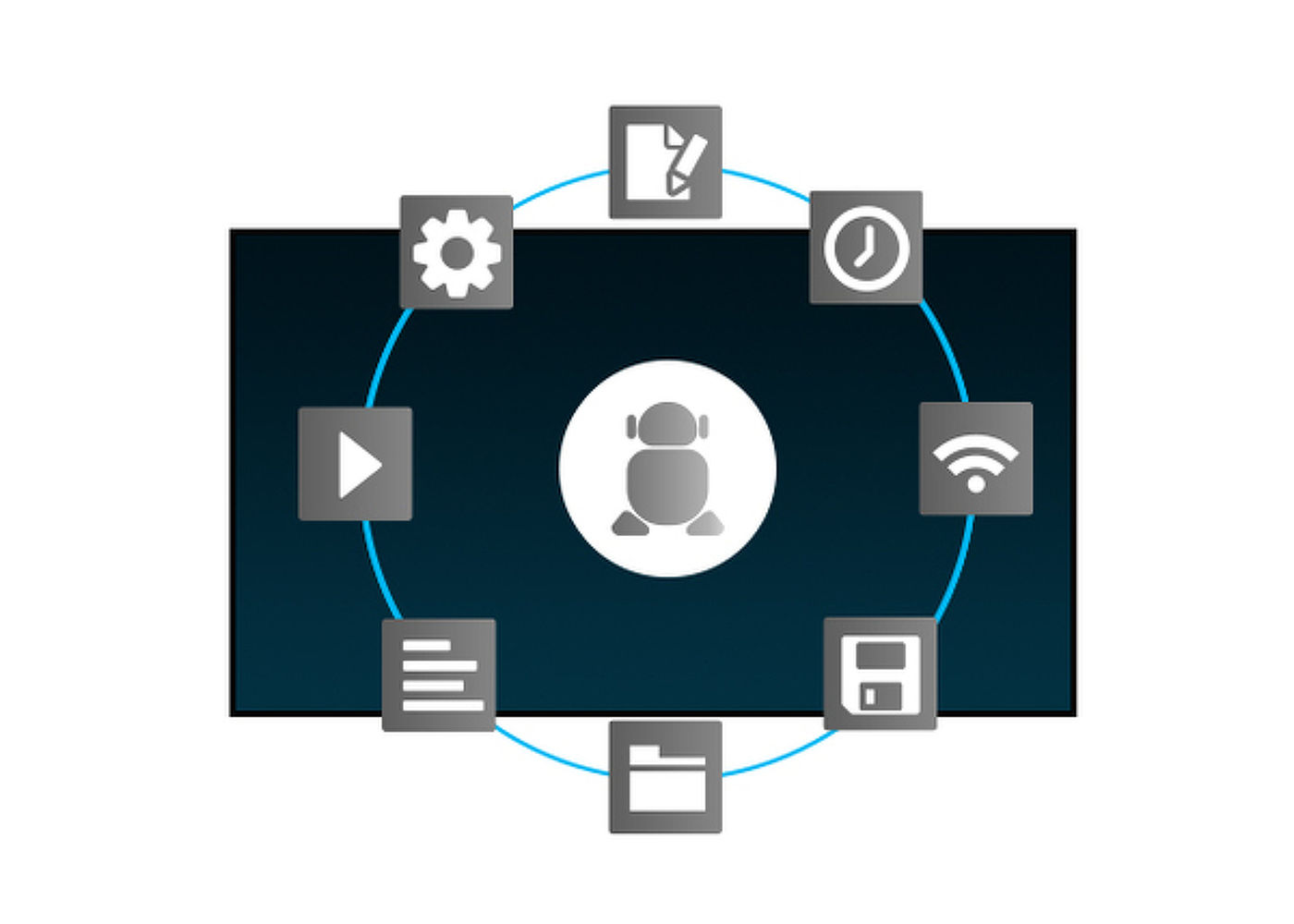
Android OS
Az Android OS-nek köszönhetően a kijelző könnyedén testre szabhó az Ön igényeinek megfelelően úgy, hogy közvetlenül telepít rá alkalmazásokat.
-
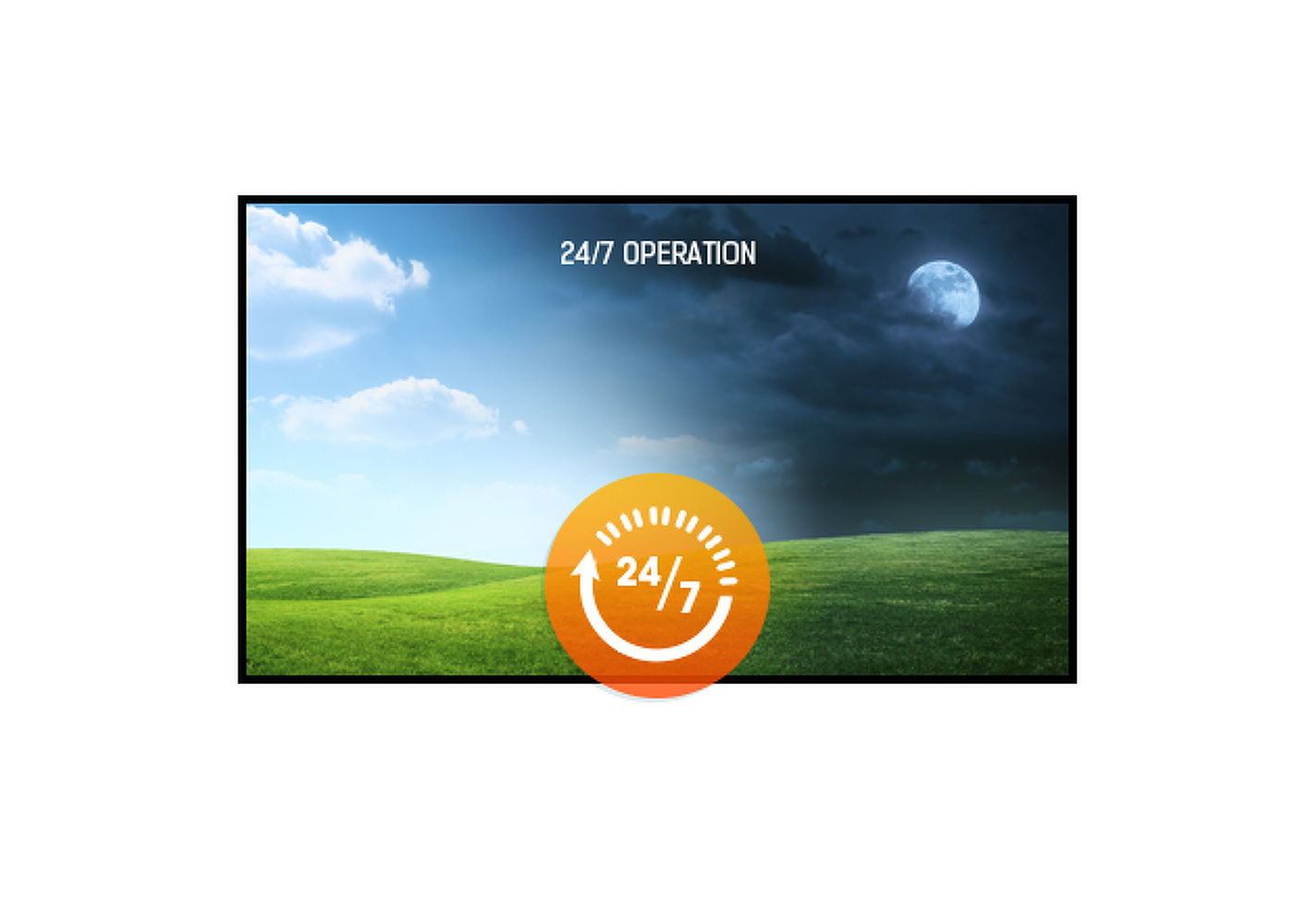
24/7 displays are designed for a continuous operation.
-
Video
Műszaki adatok



KIJELZŐ JELLEMZŐI
| Dizájn | Vékony káva |
| Átló | 64.5", 164cm |
| Panel | VA, haze 2% |
| Natív felbontás | 3840 x 2160 @60Hz (8.3 MegaPixels 4K UHD) |
| Képarány | 16:9 |
| Fényerő | 700 cd/m² |
| Statikus kontraszt | 4000:1 |
| Válaszidő (GTG) | 8ms |
| Látótér | horizontális/vertikális: 178°/178°, jobb/bal: 89°/89°, fel/le: 89°/89° |
| Szín támogatás | 1.07B 10bit (8bit + Hi-FRC) |
| Horizontális szinkronizálás | 28 - 135kHz |
| Látható terület Sz x M | 1428.5 x 803.5mm, 56.2 x 26.8" |
| Káva szélessége (oldal, felső, alsó) | 12mm, 12mm, 12mm |
| Pixel magasság | 0.372mm |
| Káva színe és felülete | fekete, matt |
INTERFÉSZEK / CSATLAKOZÓK / VEZÉRLŐK
| Digitális jelbemenet | HDMI x2 (v.2.0, max. 3840x2160 @60Hz) |
| Monitor vezérlő bemenet |
RS-232c x1 (2.5mm mini jack) RJ45 (LAN) x1 IR x1 (3.5mm stereo mini) |
| Audio kimenet | Mini jack x1 (3.5mm - stereo) |
| HDCP | v.2.3 |
| USB portok | x2 (v.2.0) |
JELLEMZŐK
| Beépített szoftver | Android OS 9.0 (Full HD), iiWare |
| Hardver | CPU: A53*2, quad core 1.5G, GPU: Mali G51 MP2, Memory: 3GB DDR4, Storage: 32GB eMMC |
| Max. non-stop üzemidő | 24/7 |
| Anti képmegőrzés | igen |
| Média lejátszás | igen |
| Ház (káva) | fém |
ÁLTALÁNOS
| Képernyőn megjelenő nyelvek | EN, DE, FR, ES, IT, CN, RU, JP, CZ, NL, PL |
| Vezérlőgombok | Bekapcsolás |
| Felhasználói vezérlők | kép (fényerő, kontraszt, élesség, fekete szint, árnyalat, szín, zajcsökkentés, gamma választás, színhőmérséklet, színszabályozás, intelligens teljesítmény, túlszkennelés, kép visszaállítása), képernyő (H. pozíció, V. pozíció, óra, óra fázis, zoom mód, egyéni zoom, automatikus beállítás, képernyő visszaállítása), hang (egyensúly, magas, mély,, hangerő, hangkimenet, maximális hangerő, minimális hangerő, némítás, hangforrás, hang visszaállítás, hangkimenet szinkron., hangszóró beállítása), 1. konfiguráció (bekapcsolási állapot, panel mentés, RS232-útválasztás, rendszerindítás a forráson, WOL, 1. konfiguráció visszaállítása, gyári visszaállítás), 2. konfiguráció (OSD kikapcsolása, OSD H pozíció, OSD V pozíció, rendszer forgatása, információ OSD, logó, monitor azonosító, hőállapot, monitor információk, DP verzió, HDMI verzió, 2. konfiguráció visszaállítása), speciális opció (IR-vezérlés, tápfeszültség-LED kijelző, billentyűzet-vezérlés, képaláírás, kikapcsolási időzítő, ütemezés, HDMI egy vezetékkel, HDMI egy vezeték kikapcsolás, FailOver, nyelv, OSD átlátszóság, energiatakarékosság, SDM beállítások, speciális opció visszaállítása), Android-beállítások (hálózat, jelzések megjelenítése, alkalmazások, kijelző, biztonság, dátum és idő, fejlesztői lehetőségek, névjegy) |
| Plug&Play | DDC2B |
MECHANIKUS
| Tájolás | tájkép, portré |
| Ventilátor nélküli kialakítás | igen |
| VESA állvány | 400 x 400mm |
| Működési hőmérséklet tartomány | 0°C - 40°C |
| Tárolási hőmérséklet tartomány | - 20°C - 60°C |
| MTBF | 50.000 óra (kivéve háttérvilágítás) |
TARTOZÉKOKAT TARTALMAZZA
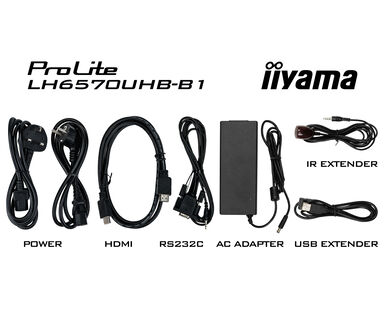
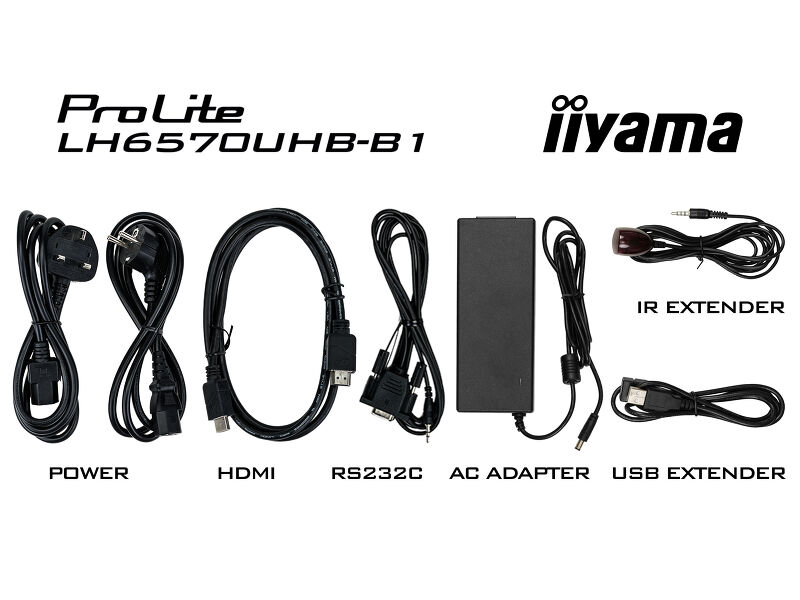
| Kábelek | áramellátás, USB, HDMI, RS-232c, IR-Hosszabbító |
| Útmutatók | gyors üzembe helyezési útmutató, biztonsági útmutató |
| Egyéb | Fali konzol, Csavarhelyek alkalmas matricákkal, Kábelkötegelő |
ENERGIAGAZDÁLKODÁS
| Tápegység | külső |
| Tápellátás | DC 24 V |
| Energiafogyasztás | 150W jellemző, 0.5W készenlét, 0.3W kikapcsolva |
| Áramfogyasztás | 0.5W készenlét |
FENNTARTHATÓSÁG
| Előírások | CE, TÜV-Bauart, RoHS támogatás, ErP, WEEE, HATÓTÁVOLSÁG, UKCA |
| Energiahatékonysági osztály ((EU) 2017/1369 rendelet) | G |
MÉRETEK / SÚLY
| Termék méretei Sz x H x M | 1456 x 831 x 35mm |
| Doboz mértei Sz x H x M | 1640 x 970 x 190mm |
| Raklap térfogata | 12db |
| Súly (doboz nélkül) | 29kg |
| Súly (dobozzal) | 36kg |
| EAN kód | 4948570120512 |
KAPCSOLÓDÓ INFORMÁCIÓK
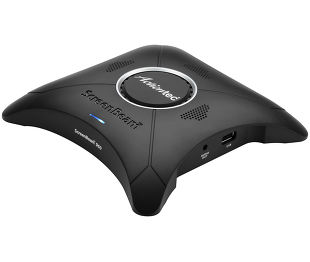
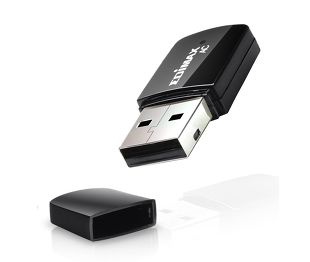
| Kapcolódó termékek | WP II960A, EW-7811UTC |



FAQS
I have rotated my screen to portrait mode, but the picture is still displayed in landscape. How can I fix this?
+To fix the issue with rotating the picture displayed on your screen, please note there are two possible methods:
1. If the content is coming from an external source (e.g., a Windows device), the picture orientation must be adjusted in the display settings of that device.
2.If the content source is the monitor itself, the screen content may rotate automatically, depending on the monitor model. In some cases, however, it is necessary to adjust picture orientation in monitor's settings manually. Please note that NOT all monitors support screen rotation or portrait installation. For detailed information, refer to your monitor's user manual.
Can I install apps on my iiyama monitor through Google Play Store?
+No, you cannot install apps on your iiyama monitor through the official Google Play Store. However, you do have the option to sideload applications onto your display.
Where can I get a license for EShare, iiSignage², iiControl or iiyama DMS?
+Please visit the iiyama signup webpage and enter the model name or serial number of your iiyama screen. You will be directed to all available software applications for your product, along with instructions on how to activate them.
Can I install my monitor in portrait mode?
+All iiyama LFDs and IFP displays can be used in portrait mode, except for products with item names starting with TE or LE, which can only operate in landscape mode. Always follow the installation instructions provided with the monitor and the guidelines in the User Manual.
How can I change the settings on my monitor remotely?
+If you wish to change the settings on your monitor remotely, please refer to the RS232/LAN protocol document available in the DOWNLOAD section on the product page.
What software should I use to control my monitor remotely using RS232 commands?
+The commands can be sent to the screen with a terminal app, for example Hercules SETUP utility. For more information, please refer to the RS232/LAN protocol document available in the DOWNLOAD section on the product page.
Why is my monitor displaying a "No Signal" message?
+If your monitor is displaying a "No Signal" message, please check the following:
1. Ensure the cables are properly connected at both ends.
2. Select the correct signal input (HDMI/DP) or choose AUTO.
For guidance on selecting an input while the screen is in standby mode, please consult the user manual. On desktop monitors, common methods include pressing the INPUT, AUTO, or "2" buttons, or moving the joystick backward.
I have an Apple MAC-system, will my iiyama monitor work?
+Yes, your iiyama monitor will work with your Apple Mac system. However, it depends on the signal input how to connect. Since Apple Mac systems from 2020 onwards only have Thunderbolt 3 (USB-C) ports for video output, you have two options:
1. Connect directly to the USB-C signal input on your iiyama monitor.
2. In case your monitor only has HDMI or Displayport, you will need a Mac-compatible dongle that supports one of the video inputs available. Apple offers a USB-C Digital AV Multiport Adapter (MW5M3AM) that can be used for this purpose.
3. If your iiyama monitor has touchscreen capabilities, please refer to the user manual to verify touch functionality compatibility with your Mac system.
The picture on my monitor is flickering. What steps can I take to fix it?
+To resolve the issue of a blinking picture, please follow these steps:
1. Inspect the Signal Cable.
Ensure the signal cable is securely connected at both ends and free from any physical damage. Avoid any sharp bends or squishing of the cable.
2. Use a Shorter Cable.
If possible, use a cable shorter than 3 meters and connect the monitor directly to a wall power socket, avoiding the use of adapters.
3. Disable FreeSync/Adaptive Sync.
For desktop or gaming monitors, try disabling FreeSync or Adaptive Sync in the monitor's settings menu.
Kompatibilis tartozékok
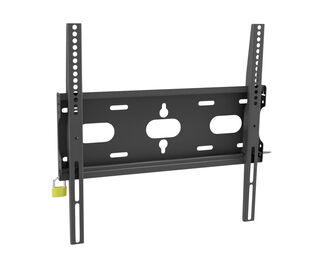
Kapcsolódó termékek
Letöltések
| Használati utasítás | LH43_50_55_6570UHB-usermanual-e.pdf | Letöltés |
| Műszaki adatok | ProLite LH6570UHB-B1 - hu_hu.pdf | Letöltés |
| Rajz | ii_ProLite LH6570UHB_Drawing.pdf | Letöltés |
| EU Energiacimke | LH6570UHB-B1 EU Energy Label (1264618).pdf | Letöltés |
| UK Energiacimke | LH6570UHB-B1 UK Energy Label (1264618).pdf | Letöltés |
Illesztőprogramok/ Firmware / Szoftver
| LHxx70UHB-B1_RJ45-RS232 Protocol | LHxx70UHB-B1_RJ45-RS232 Protocol.zip | Letöltés |

