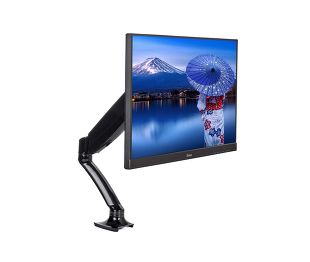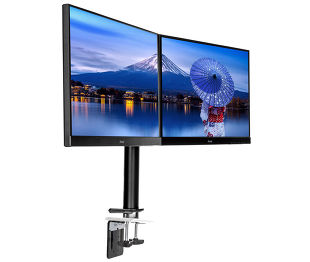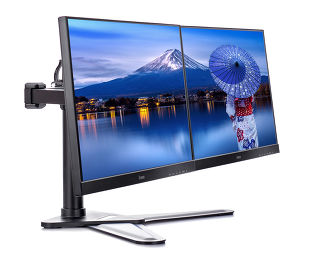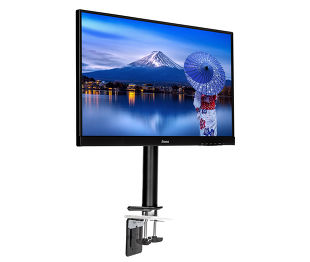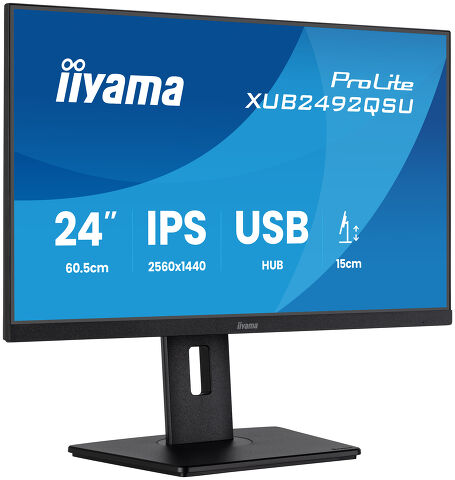
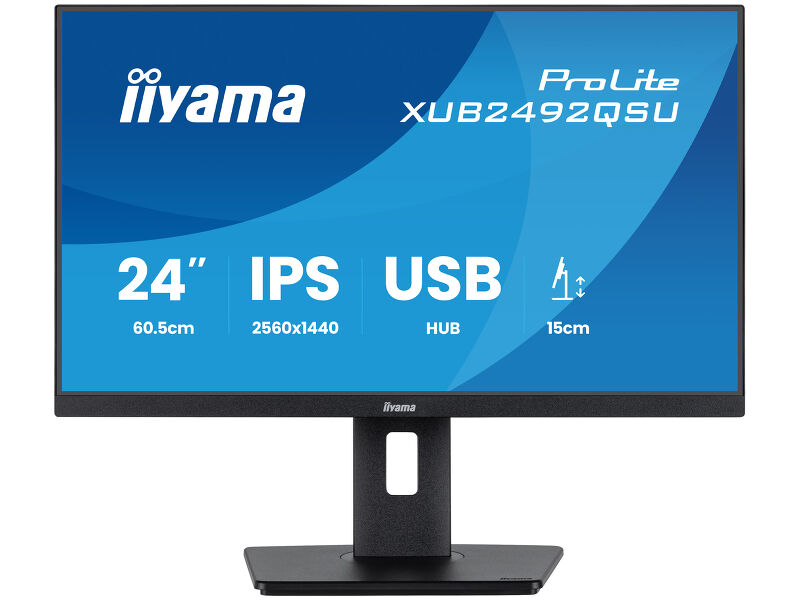
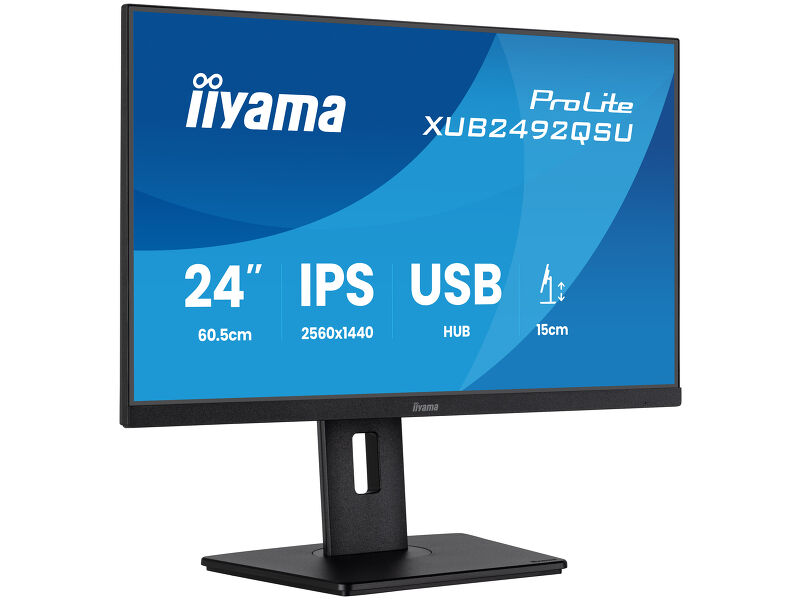
ProLite XUB2492QSU-B1
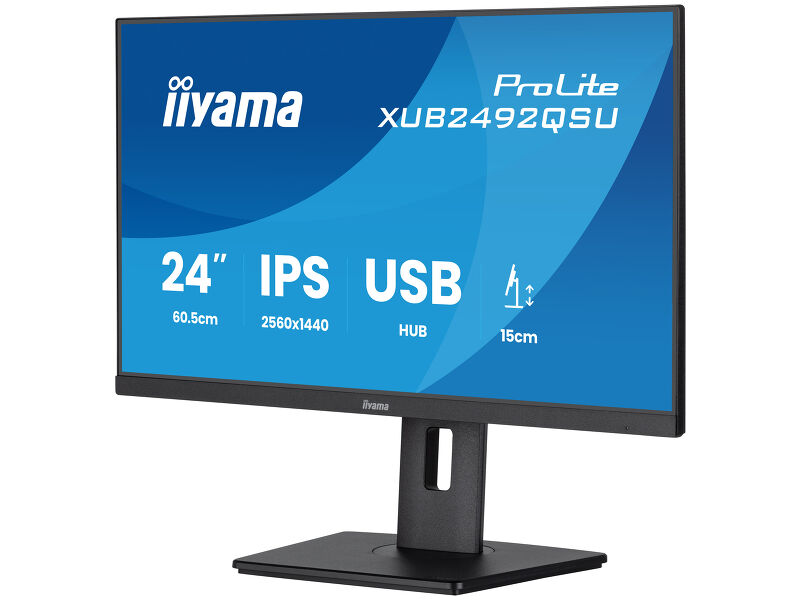
24” QHD panel sa IPS tehnologijom, sa USB čvorištem, brzinom osvežavanja od 100 Hz i postoljem podesivim po visini
Moderan dizajn od ivice do ivice čini da je ProLite XUB2492QSU koji nudi QHD (2560x1440) rezoluciju savršenim za podešavanja sa više monitora. Tehnologija IPS panela nudi preciznu i doslednu reprodukciju boja sa širokim uglovima gledanja. Brzina osvežavanja od 100 Hz zajedno sa funkcijom FreeSinc obezbeđuje trenutno, opipljivo poboljšanje glatkoće slike. Visoke vrednosti kontrasta i osvetljenosti znače da će monitor pružiti odlične performanse za digitalnu obradu fotografije i veb dizajn. Opremljen zvučnicima, USB 3.2 čvorištem, utičnicom za slušalice, HDMI i DisplaiPort priključcima, funkcijom redukcije plavog svetla za smanjenje zamora očiju i ergonomskim postoljem podesivim po visini od 150 mm za optimalnu udobnost korisnika, čine ovaj monitor od 24 inča odličnim izborom za višestruke monitor konfiguracije i kancelarijskih aplikacija.
Takođe dostupan sa fiksnim postoljem : ProLite X2492HSU-B1 (1920x1080)
Expand your view with QHD
QHD 2560x1440 resolution offers up to 77% more screen space than Full HD, giving you plenty of room to multitask efficiently, view more content at once, and work with greater precision, without constantly switching between windows.
Versatile connectivity for all your devices
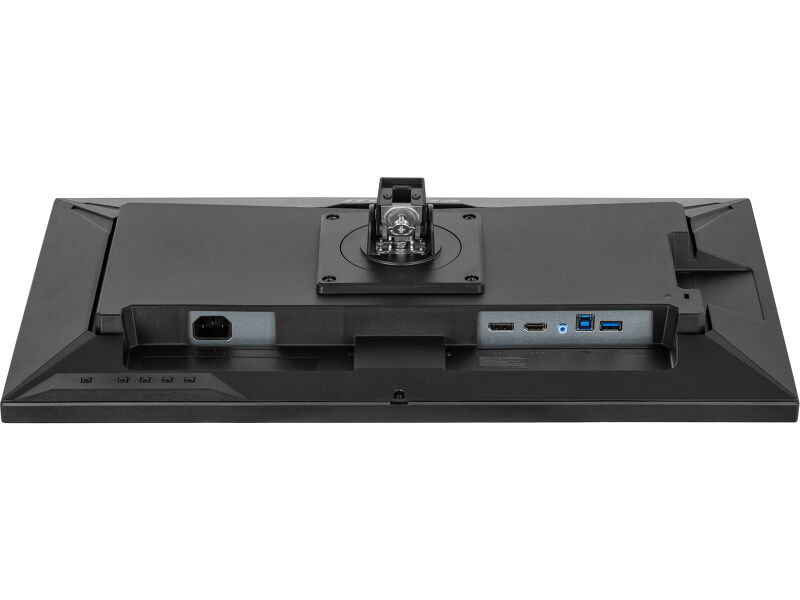
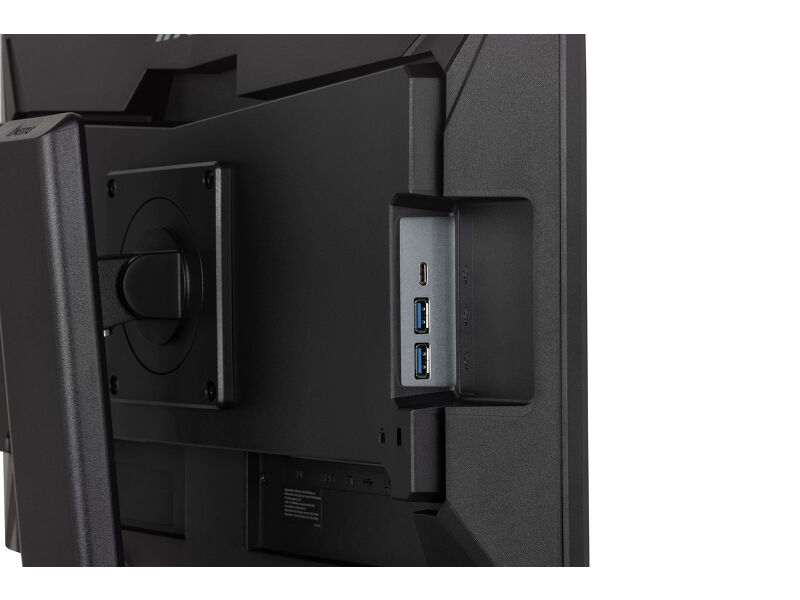
Connect multiple devices and accessories in one simple step with HDMI, DisplayPort and the USB hub, streamlining your workspace for maximum efficiency and ensuring a tidy, uninterrupted workflow.
Reduced eye strain & fatigue
Work, study or play for longer with greater visual comfort. The Blue Light Reducer feature lets you lower blue light emissions through software settings, helping minimise eye strain during extended screen time. Combined with flicker-free technology, it supports a more comfortable viewing experience so you can stay focused throughout the day.
Built-in audio without extra clutter
Enjoy clear, pleasant sound for calls, videos, and music while keeping your desk free of extra speakers, thanks to the integrated audio.
You Tube
Tehnička specifikacija



KARAKTERISTIKE EKRANA
| Dizajn | bez okvira sa tri strane |
| Dijagonala | 23.8", 60.5cm |
| Panel | IPS Panel Technology LED, mat finiš |
| Osnovna rezolucija | 2560 x 1440 @100Hz (3.7 megapixel QHD) |
| Osnovna rezolucija | 100Hz |
| Format ekrana | 16:9 |
| Osvetljenje | 350 cd/m² |
| Statički kontrast | 1300:1 |
| Napredni kontrast | 80M:1 |
| Vreme odziva (MPRT) | 0.5ms |
| Zona gledanja | horizontalno/vertikalno: 178°/178°, desno/levo: 89°/89°, gore/dole: 89°/89° |
| Podržane boje | 16.7mln (sRGB: 99%; NTSC: 72%) |
| Horizontalna sinhronizacija | 30 - 155KHz |
| Vidljiva površina Š x V | 527 x 296mm, 20.7 x 11.7" |
| Razmak piksela | 0.206mm |
| Boja | mat, crna |
KONEKTORI / KONTROLE
| Ulaz signala |
HDMI x1 (v.1.4) DisplayPort x1 (v.1.2) |
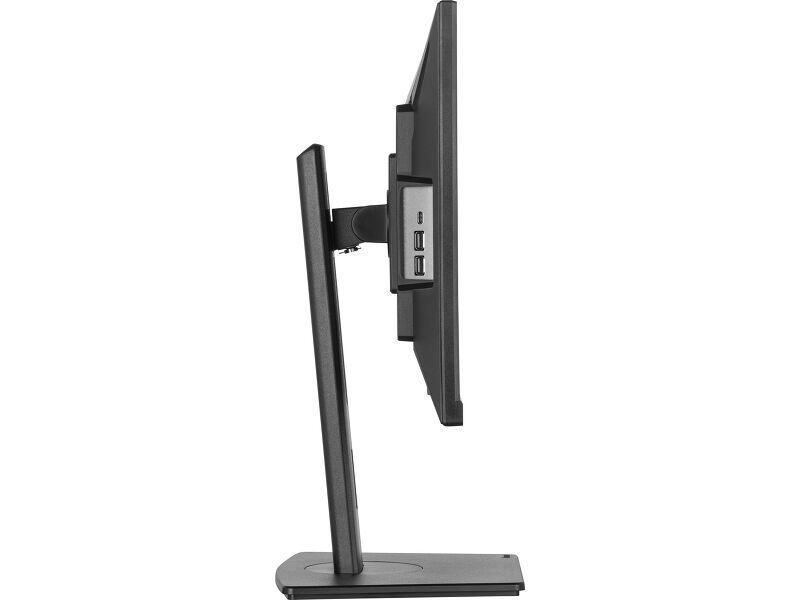
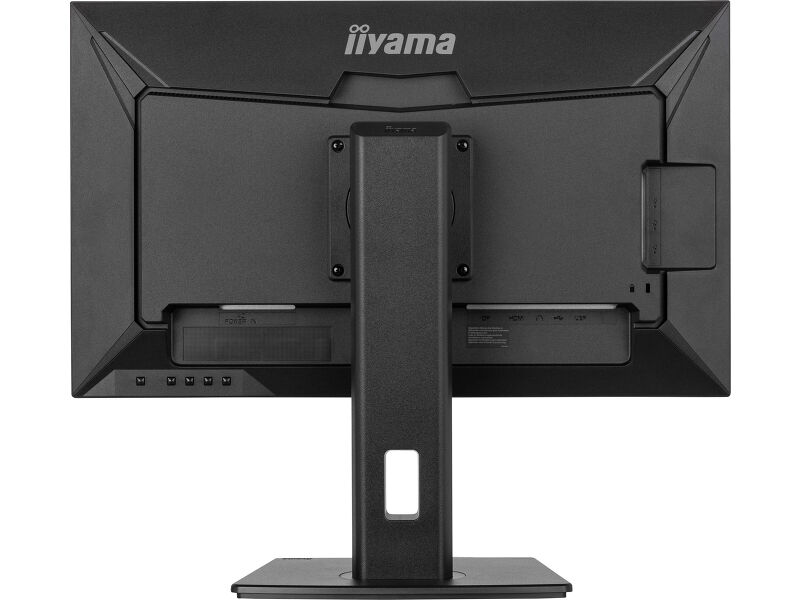
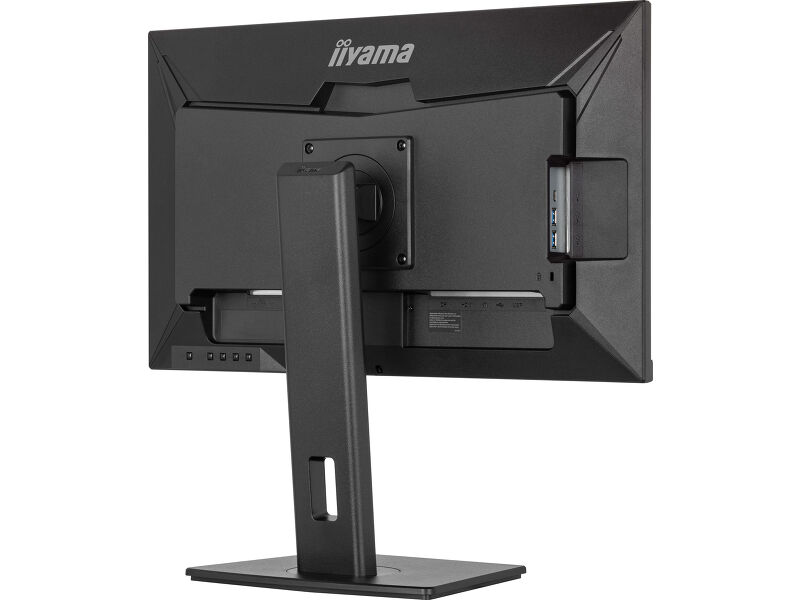
| USB HUB | x3 (x3 (2x v3.2 Gen1 (5Gbps, 4,5W) 1x Type C (5Gbs, 15W))) |
| HDCP | da |
| Priključak za slušalice | da |
KARAKTERISTIKE
| Smanjeno emitovanje plave svetlosti | da |
| Bez treperenja | da |
| Adaptive Sync podrška | da |
| Dodatno | i-Style boje |
| OSD jezici | EN, DE, FR, IT, RU, JP, CZ, NL, PL |
| Zvučnici | 2 x 2W |
| Pogodnost | Kensington-lock™ priprema, DDC/CI, DDC2B, Mac OSX |
MEHANIČKI
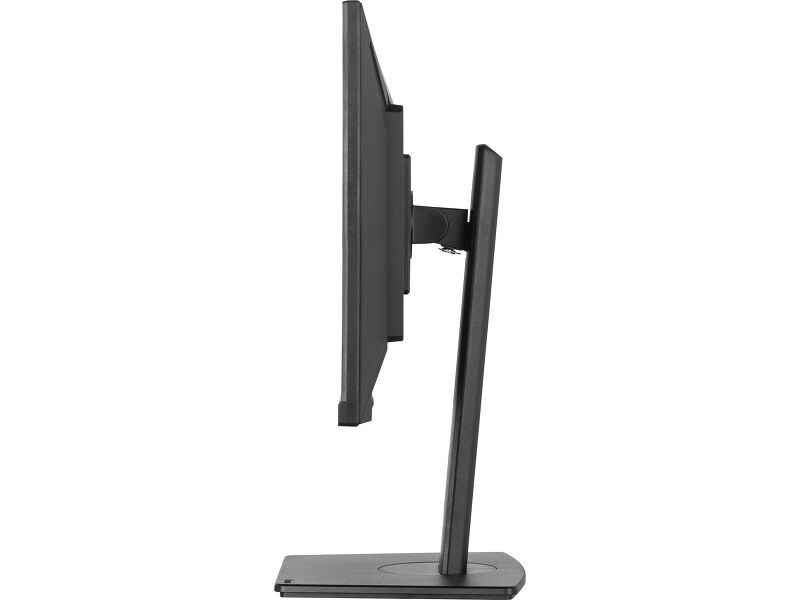
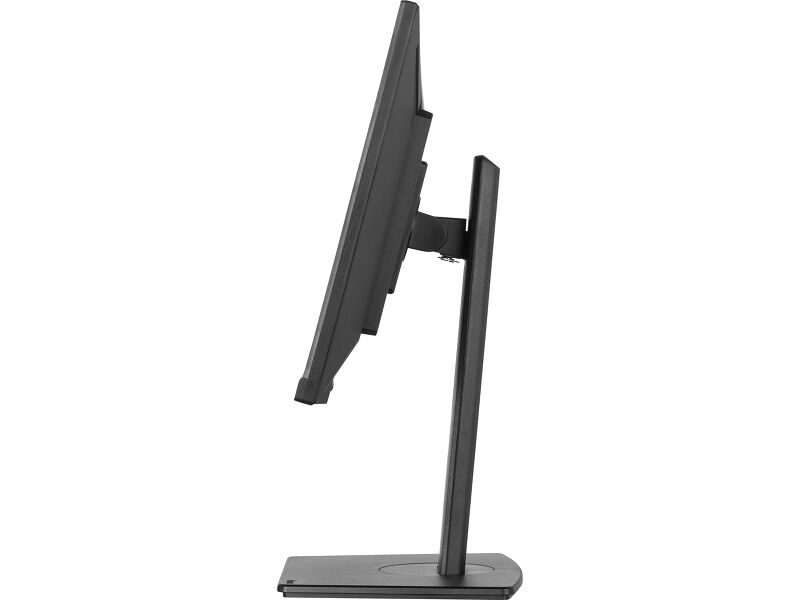
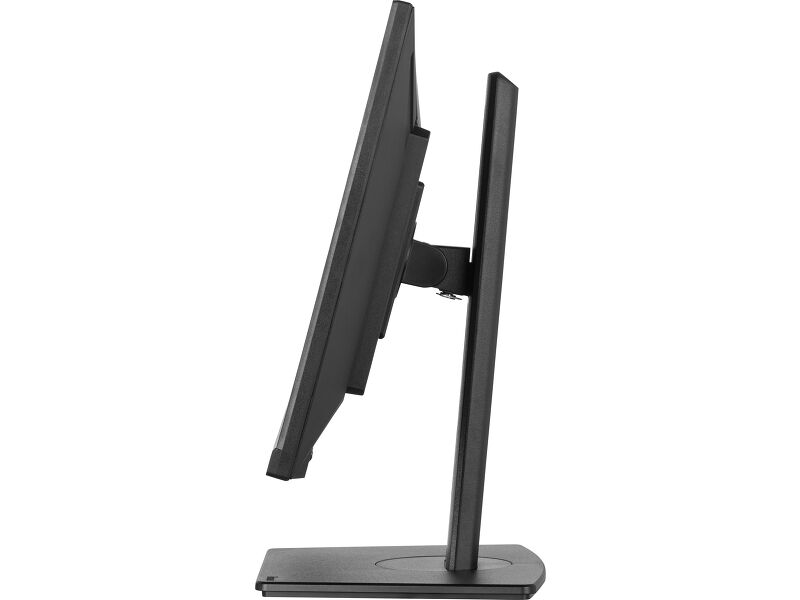
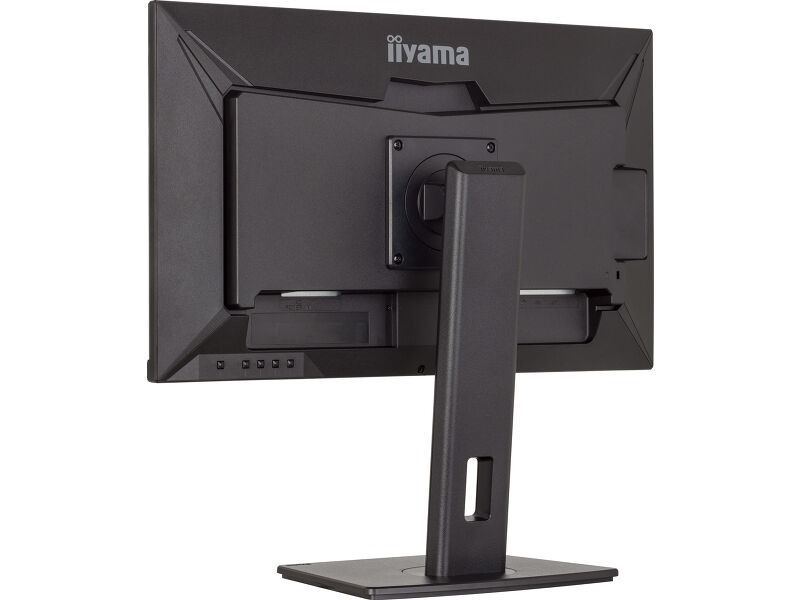
| Podešavanje položaja prikaza | visina, okret (rotacija), okretanje, nagib |
| Podešavanje visine | 150mm |
| Rotacija (PIVOT funkcija) | 90° |
| Okretno postolje | 120°; 60° levo; 60° desno |
| Ugao nagiba | 23° gore; 5° dole |
| VESA montiranje | 100 x 100mm |
| Sistem upravljanja kablovima | da |
UKLJUČENI DODACI
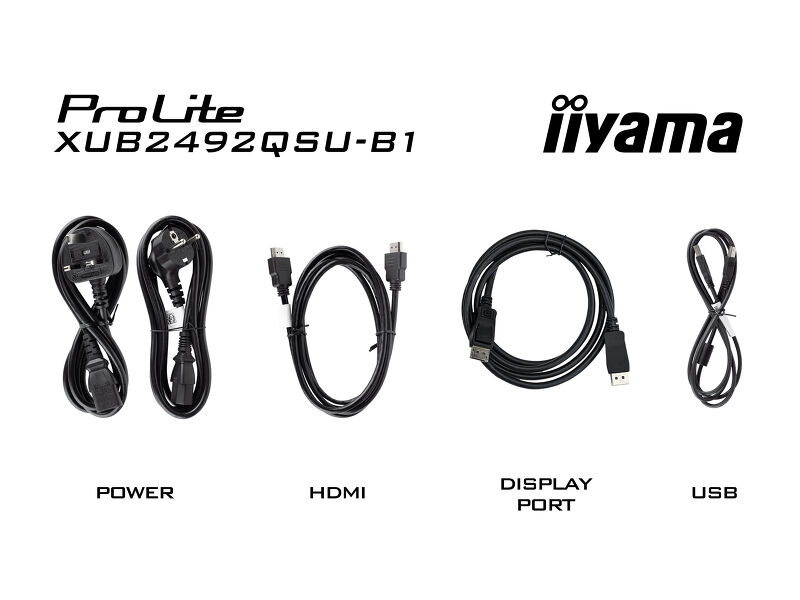
| Kablovi | Strujni kabl, USB, HDMI, DP |
| Ostalo | kratko uputstvo, bezbednosni vodič |
UPRAVLJANJE NAPAJANJEM
| Napajanje | interna |
| Potrošnja energije | % 1W tipično, 0.5W stand by, 0.3W iskljucen |
ODRŽIVOST
| Propisi | CE, TÜV-Bauart, EAC, VCCI-B, PSE, RoHS podrška, ErP, WEEE, REACH, UKCA |
| Klasa energetske efikasnosti (Regulation (EU) 2017/1369) | E |
| REACH SVHC | iznad 0,1%: olovo, olovo monoksid |
DIMENZIJE / TEŽINA
| Dimenzije proizvoda Š x V x D | 540 x 358 (508) x 209.5mm |
| Težina (bez kutije) | 5.9kg |
| Težina (sa kutijom) | 7.4kg |
| EAN kod | 4948570123179 |


Preuzimanja
| Uputstvo za upotrebu | XUB2492QSU-B1_A-usermanual-e-revG.pdf | Preuzimanje |
| Specifikacija | ProLite XUB2492QSU-B1 - sr_rs.pdf | Preuzimanje |
| Sheme | XUB2492QSU-B1.pdf | Preuzimanje |
| EU Energetska oznaka | XUB2492QSU-B1 A EU Energy Label (2083266).pdf | Preuzimanje |
| UK Energetska oznaka | XUB2492QSU-B1 A UK Energy Label (2083266).pdf | Preuzimanje |
| Guarantee label | XUB2492QSU-B1-A.pdf | Preuzimanje |
Sustainability & Environmental Documents
| Carbon Footprint | XUB2492QSU-B1.pdf | Preuzimanje |
FAQS
Is Adaptive Sync compatible with AMD FreeSync or NVIDIA G-Sync?
+Yes, Adaptive Sync is compatible with AMD FreeSync and NVIDIA G-Sync.
Why can't I select MBR when FreeSync/Adaptive Sync is activated?
+MBR cannot be selected when FreeSync/AdaptiveSync is activated, because MBR can interfere with the FreeSync/Adaptive Sync technology as they have different methods of improving motion clarity. MBR reduces motion blur (response time), while Adaptive Sync/FreeSync addresses stuttering. We recommend activating Adaptive Sync/FreeSync on systems with fluctuating or unstable frame rates. MBR performs best on powerful systems that maintain a consistently high frame rate.
Why is my monitor displaying a "No Signal" message?
+If your monitor is displaying a "No Signal" message, please check the following:
1. Ensure the cables are properly connected at both ends.
2. Select the correct signal input (HDMI/DP) or choose AUTO.
For guidance on selecting an input while the screen is in standby mode, please consult the user manual. On desktop monitors, common methods include pressing the INPUT, AUTO, or "2" buttons, or moving the joystick backward.
I have an Apple MAC-system, will my iiyama monitor work?
+Yes, your iiyama monitor will work with your Apple Mac system. However, it depends on the signal input how to connect. Since Apple Mac systems from 2020 onwards only have Thunderbolt 3 (USB-C) ports for video output, you have two options:
1. Connect directly to the USB-C signal input on your iiyama monitor.
2. In case your monitor only has HDMI or Displayport, you will need a Mac-compatible dongle that supports one of the video inputs available. Apple offers a USB-C Digital AV Multiport Adapter (MW5M3AM) that can be used for this purpose.
3. If your iiyama monitor has touchscreen capabilities, please refer to the user manual to verify touch functionality compatibility with your Mac system.
The picture on my monitor is flickering. What steps can I take to fix it?
+To resolve the issue of a blinking picture, please follow these steps:
1. Inspect the Signal Cable.
Ensure the signal cable is securely connected at both ends and free from any physical damage. Avoid any sharp bends or squishing of the cable.
2. Use a Shorter Cable.
If possible, use a cable shorter than 3 meters and connect the monitor directly to a wall power socket, avoiding the use of adapters.
3. Disable FreeSync/Adaptive Sync.
For desktop or gaming monitors, try disabling FreeSync or Adaptive Sync in the monitor's settings menu.
Opcioni dodaci