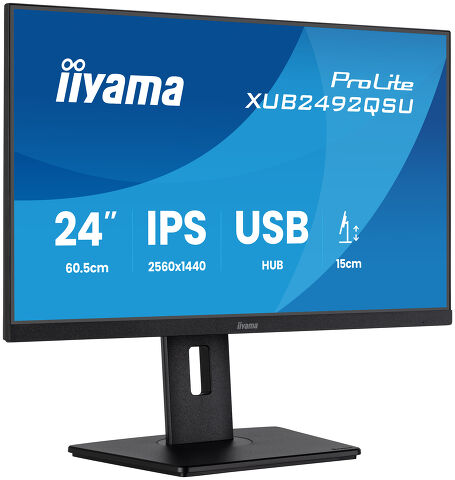
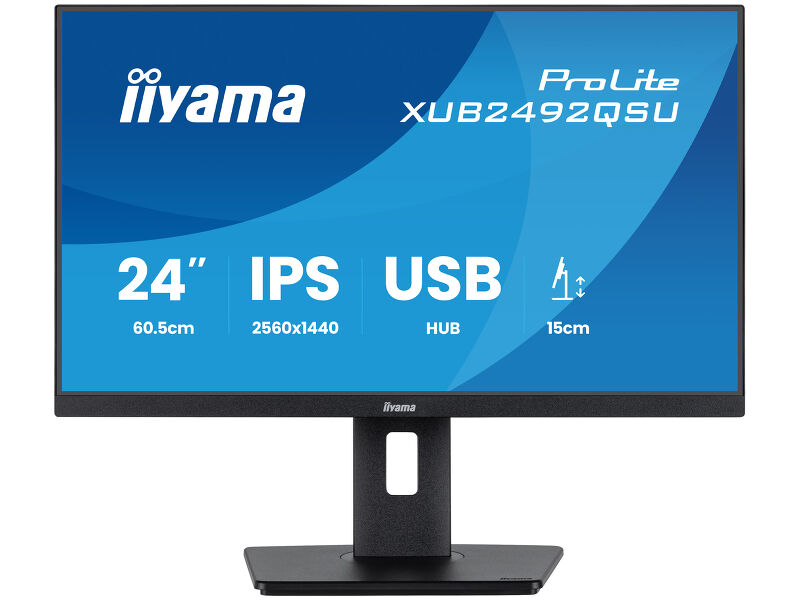
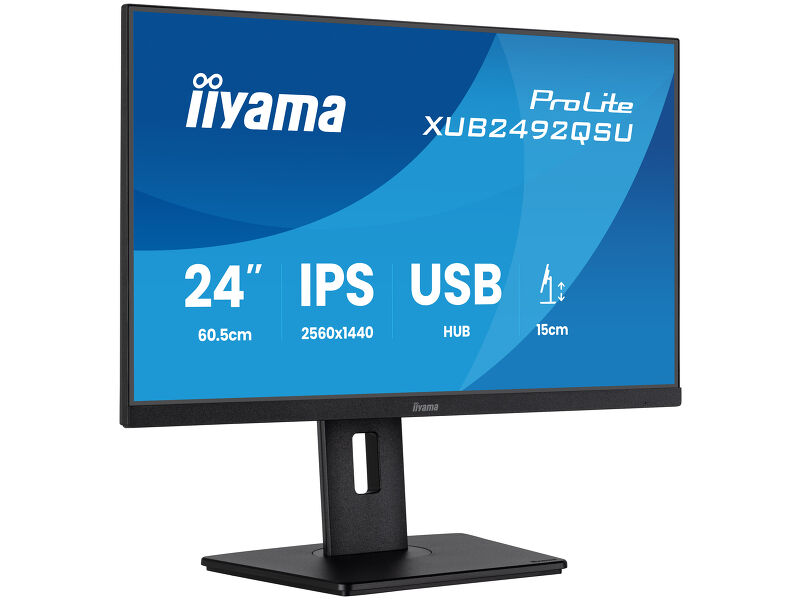
ProLite XUB2492QSU-B1
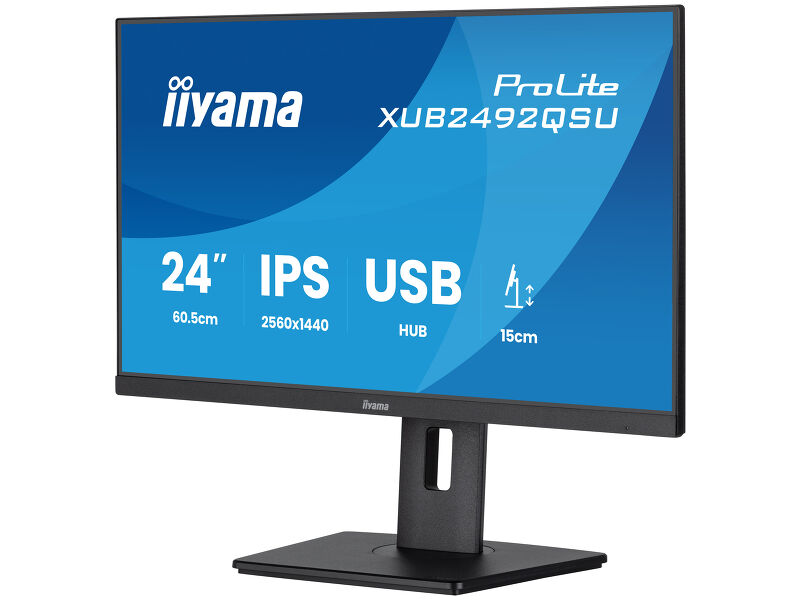
24” QHD IPS technology panel with USB hub, 100Hz refresh rate and height adjustable stand
Stylish edge-to-edge design makes the ProLite XUB2492QSU offering QHD (2560x1440) resolution is perfect for multi-monitor set-ups. The IPS panel technology offers accurate and consistent colour reproduction with wide viewing angles. The 100Hz refresh rate together with FreeSync function provides an instant, tangible improvement in image smoothness. High contrast and brightness values mean the monitor will provide excellent performance for photographic and web design. Equipped with speakers, USB 3.2 hub, headphone socket, HDMI and DisplayPort connections, a blue light reducer function to reduce eye fatigue and an ergonomic 150mm height adjustable stand for optimal user comfort, make this 24’’ monitor a great choice for both multi-monitor configuration and office applications.
Szintén elérhető rögzített állvánnyal : ProLite X2492HSU-B1 (1920x1080)
Expand your view with QHD
QHD 2560x1440 resolution offers up to 77% more screen space than Full HD, giving you plenty of room to multitask efficiently, view more content at once, and work with greater precision, without constantly switching between windows.
Adjustable stand for optimal comfort
Find your perfect screen position easily and maintain a healthy, comfortable posture all day long.
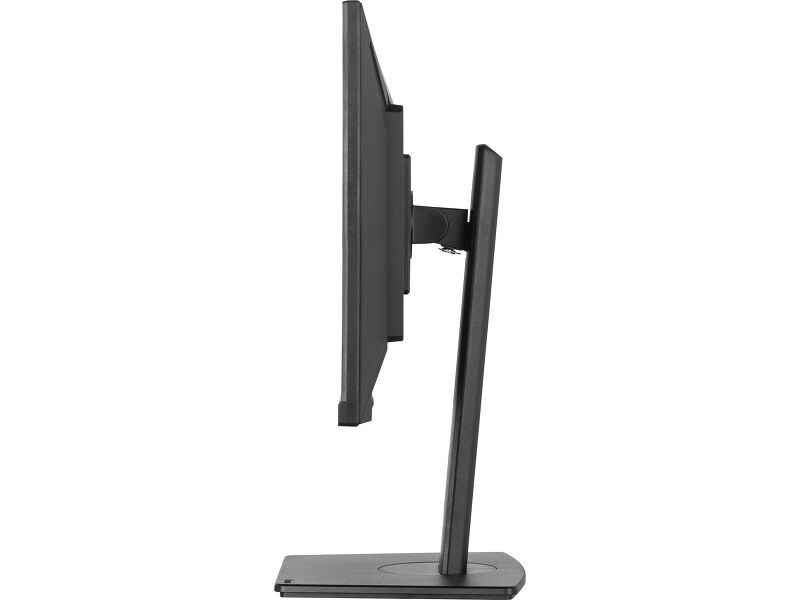
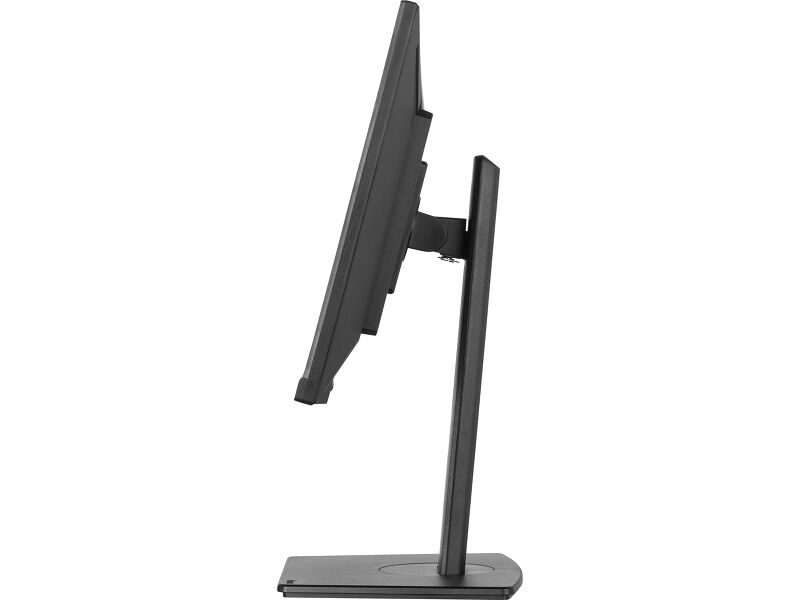
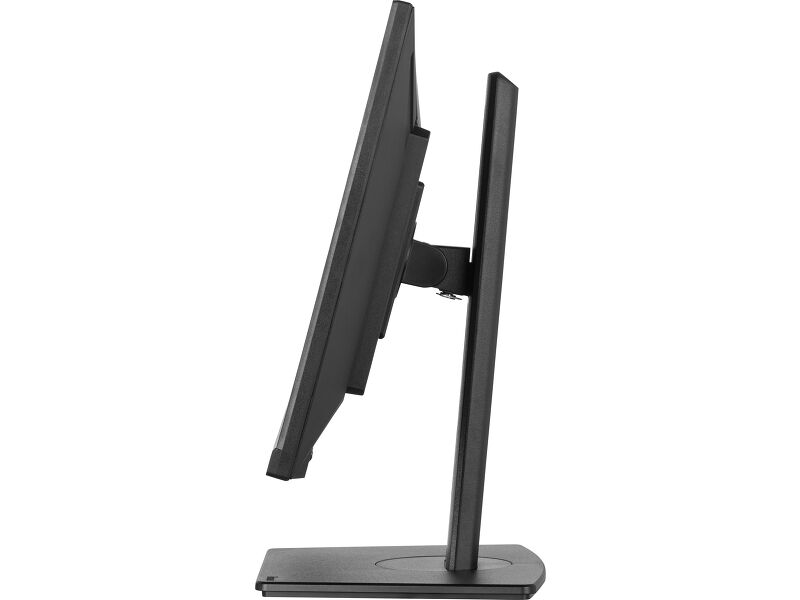
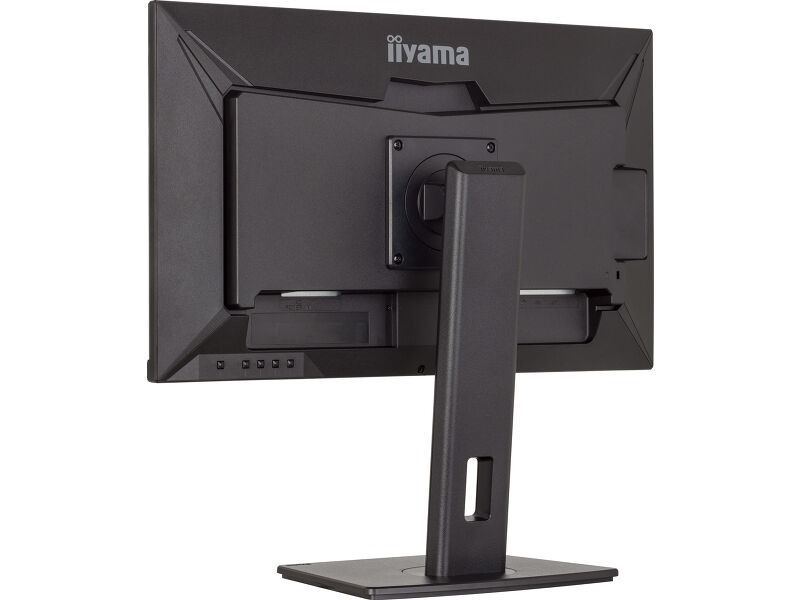
Thanks to its fully adjustable stand, you can effortlessly adapt the monitor to your needs. Raise or lower the height, swivel left or right, or tilt the screen to reduce glare and find the optimal viewing angle. Whether you're working, designing, or attending long video calls, this flexibility helps reduce neck and back strain, improving both comfort and productivity throughout your day.
Versatile connectivity for all your devices
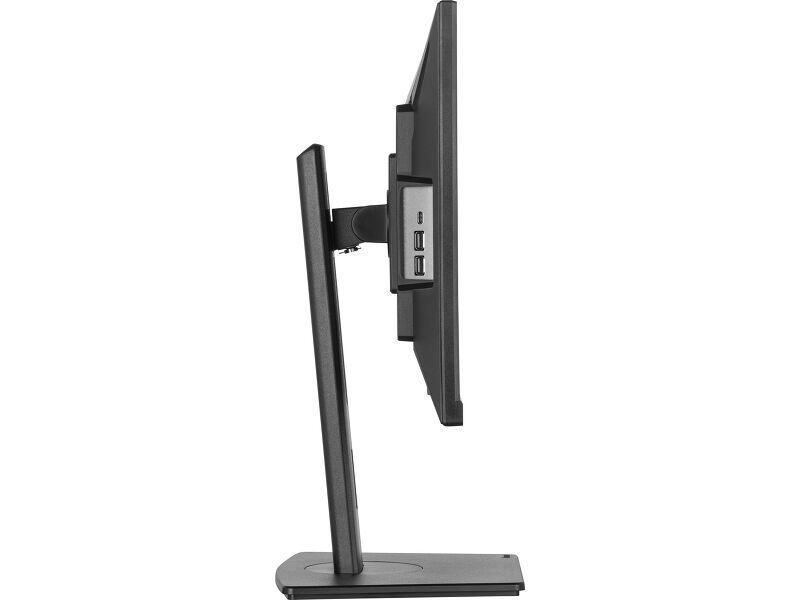
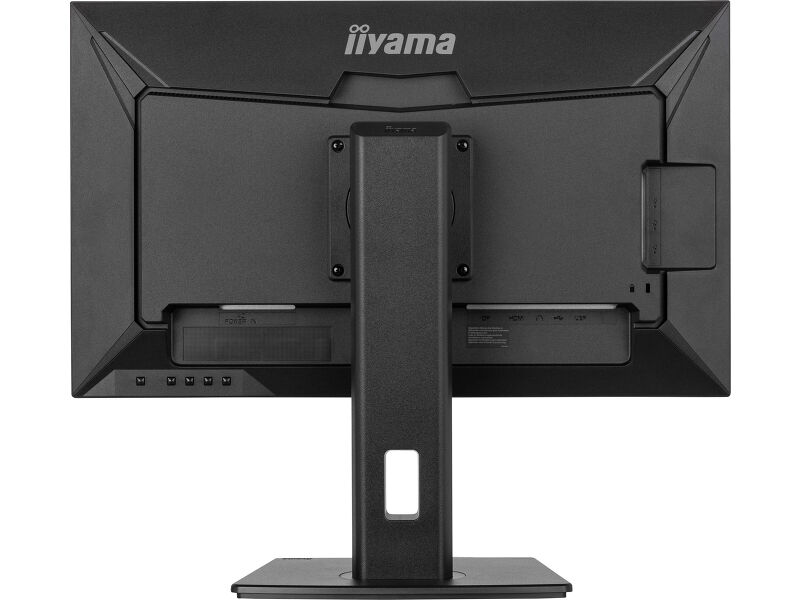
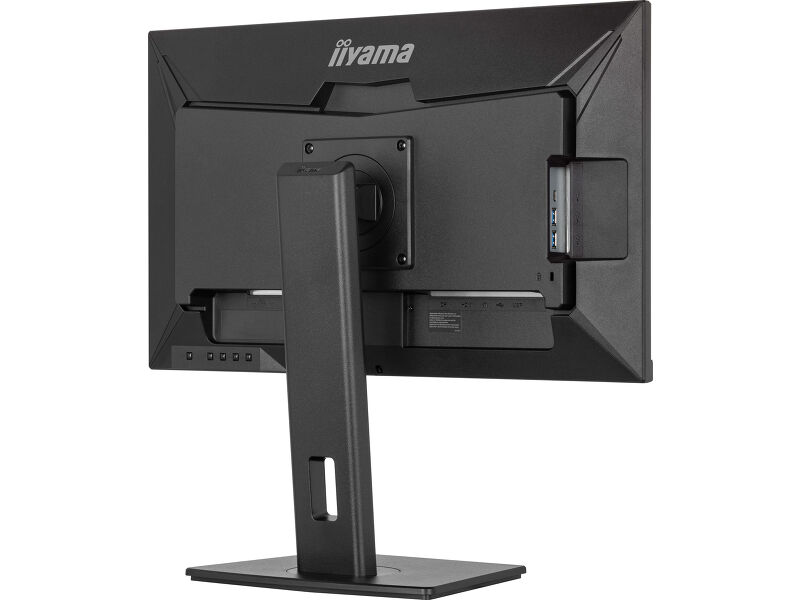
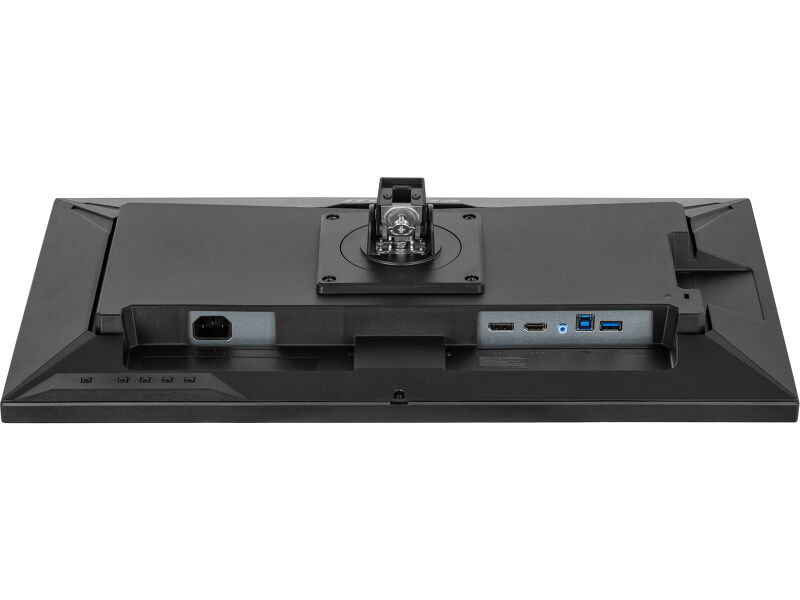
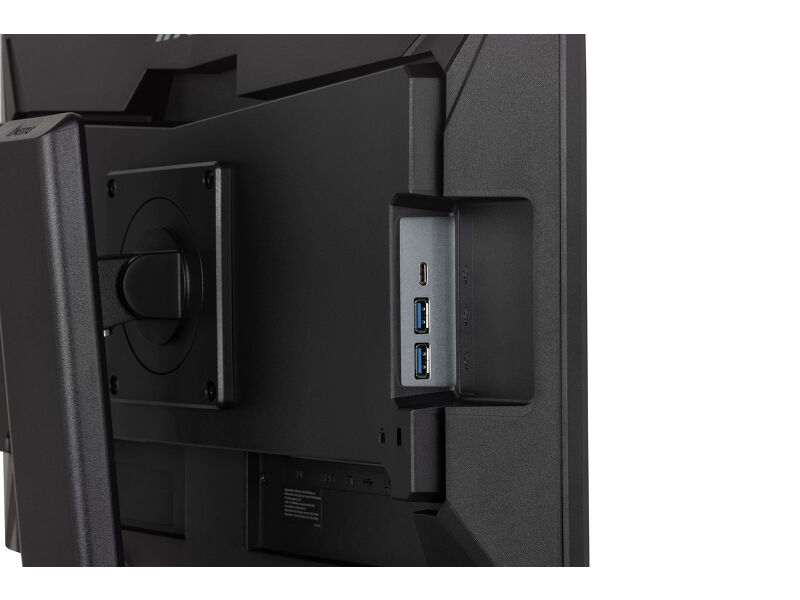
Connect multiple devices and accessories in one simple step with HDMI, DisplayPort and the USB hub, streamlining your workspace for maximum efficiency and ensuring a tidy, uninterrupted workflow.
Reduced eye strain & fatigue
Work, study or play for longer with greater visual comfort. The Blue Light Reducer feature lets you lower blue light emissions through software settings, helping minimise eye strain during extended screen time. Combined with flicker-free technology, it supports a more comfortable viewing experience so you can stay focused throughout the day.
Built-in audio without extra clutter
Enjoy clear, pleasant sound for calls, videos, and music while keeping your desk free of extra speakers, thanks to the integrated audio.
Video
Műszaki adatok



KIJELZŐ JELLEMZŐI
| Design | 3-side borderless |
| Átló | 23.8", 60.5cm |
| Panel | IPS Panel Technology LED, matte finish |
| Natív felbontás | 2560 x 1440 @100Hz (3.7 megapixel QHD) |
| Képarány | 16:9 |
| Fényerő | 350 cd/m² |
| Statikus kontraszt | 1300:1 |
| Speciális kontraszt | 80M:1 |
| Válaszidő (MPRT) | 0.5ms |
| Látótér | horizontális/vertikális: 178°/178°, jobb/bal: 89°/89°, fel/le: 89°/89° |
| Szín támogatás | 16.7mln (sRGB: 99%; NTSC: 72%) |
| Horizontális szinkronizálás | 30 - 155kHz |
| Látható terület Sz x M | 527 x 296mm, 20.7 x 11.7" |
| Pixel magasság | 0.206mm |
| Szín | matt, fekete |
INTERFÉSZEK / CSATLAKOZÓK / VEZÉRLŐK
| Jelbemenet |
HDMI x1 (v.1.4) DisplayPort x1 (v.1.2) |
| USB HUB | x3 (x3 (2x v3.2 Gen1 (5Gbps, 4,5W) 1x Type C (5Gbs, 15W))) |
| HDCP | igen |
| Hangszóró csatlakozó | igen |
JELLEMZŐK
| Kékfény csökkentés | igen |
| Villogásmentes | igen |
| Adaptive Sync támogatás | igen |
| Extra | i-Style colour |
| OSD nyelvek | EN, DE, FR, IT, RU, JP, CZ, NL, PL |
| Vezérlőgombok | Power, Menu, Up / Volume, Down / Eco, Input / Exit |
| Felhasználói vezérlők | colour settings (gamma, RGB range, colour temp.), image settings (video mode adjust, blue light reducer, sharp&soft, MBR, adaptive sync), OSD (OSD H. position, OSD V. position, OSD time, OSD background, OSD rotate, language, display), extra (reset, DDC/CI, signal select, LED, opening logo, USB BC, UP date for system) |
| Hangszórók | 2 x 2W |
| Kényelem | Kensington-lock™ előkészítve, DDC/CI, DDC2B, Mac OSX |
MECHANIKUS
| Kijelző helyzetének beállításai | magasság, forgatás, forgatható, billenthető |
| Magasság beállítása | 150mm |
| Forgatás (PIVOT funkció - portré mód) | 90° |
| Forgó állvány | 120°; 60° bal; 60° jobb |
| Hajlásszög | 23° fel; 5° le |
| VESA állvány | 100 x 100mm |
| Kábelkezelő rendszer | igen |
TARTOZÉKOKAT TARTALMAZZA
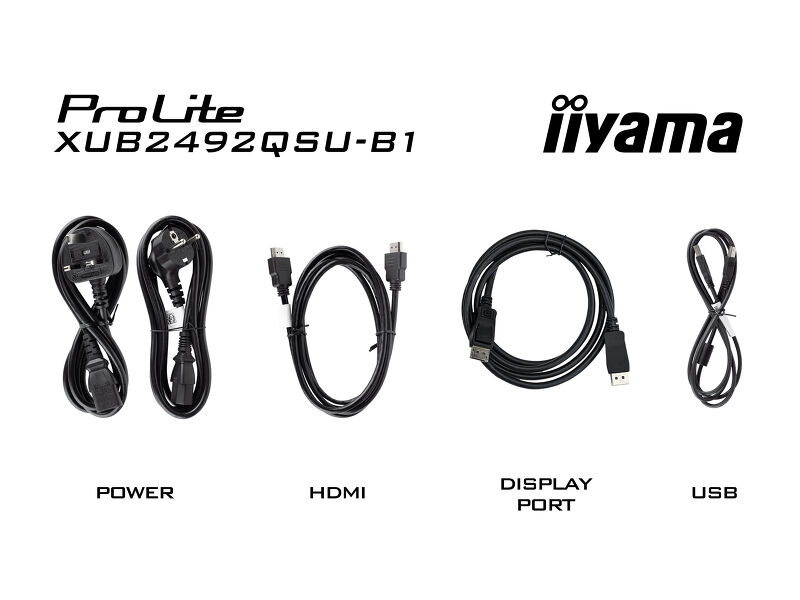
| Kábelek | áramellátás, USB, HDMI, DP |
| Egyéb | gyors üzembe helyezési útmutató, biztonsági útmutató |
ENERGIAGAZDÁLKODÁS
| Tápegység | belső |
| Áramellátás | AC 100 - 240V, 50/60Hz |
| Energiafogyasztás | 21W jellemző, 0.5W készenlét, 0.3W kikapcsolva |
| Áramfogyasztás | 0.5W készenlét |
FENNTARTHATÓSÁG
| Előírások | CE, TÜV-Bauart, EAC, VCCI-B, PSE, RoHS támogatás, ErP, WEEE, HATÓTÁVOLSÁG, UKCA |
| Energiahatékonysági osztály ((EU) 2017/1369 rendelet) | E |
MÉRETEK / SÚLY
| Termék méretei Sz x H x M | 540 x 358 (508) x 209.5mm |
| Súly (doboz nélkül) | 5.9kg |
| Súly (dobozzal) | 7.4kg |
| EAN kód | 4948570123179 |


Letöltések
| Használati utasítás | XUB2492QSU-B1_A-usermanual-e-revG.pdf | Letöltés |
| Műszaki adatok | ProLite XUB2492QSU-B1 - hu_hu.pdf | Letöltés |
| Rajz | XUB2492QSU-B1.pdf | Letöltés |
| EU Energiacimke | XUB2492QSU-B1 A EU Energy Label (2083266).pdf | Letöltés |
| UK Energiacimke | XUB2492QSU-B1 A UK Energy Label (2083266).pdf | Letöltés |
| Guarantee label | XUB2492QSU-B1-A.pdf | Letöltés |
Sustainability & Environmental Documents
| Carbon Footprint | XUB2492QSU-B1.pdf | Letöltés |
FAQS
Is Adaptive Sync compatible with AMD FreeSync or NVIDIA G-Sync?
+Yes, Adaptive Sync is compatible with AMD FreeSync and NVIDIA G-Sync.
Why can't I select MBR when FreeSync/Adaptive Sync is activated?
+MBR cannot be selected when FreeSync/AdaptiveSync is activated, because MBR can interfere with the FreeSync/Adaptive Sync technology as they have different methods of improving motion clarity. MBR reduces motion blur (response time), while Adaptive Sync/FreeSync addresses stuttering. We recommend activating Adaptive Sync/FreeSync on systems with fluctuating or unstable frame rates. MBR performs best on powerful systems that maintain a consistently high frame rate.
Why is my monitor displaying a "No Signal" message?
+If your monitor is displaying a "No Signal" message, please check the following:
1. Ensure the cables are properly connected at both ends.
2. Select the correct signal input (HDMI/DP) or choose AUTO.
For guidance on selecting an input while the screen is in standby mode, please consult the user manual. On desktop monitors, common methods include pressing the INPUT, AUTO, or "2" buttons, or moving the joystick backward.
I have an Apple MAC-system, will my iiyama monitor work?
+Yes, your iiyama monitor will work with your Apple Mac system. However, it depends on the signal input how to connect. Since Apple Mac systems from 2020 onwards only have Thunderbolt 3 (USB-C) ports for video output, you have two options:
1. Connect directly to the USB-C signal input on your iiyama monitor.
2. In case your monitor only has HDMI or Displayport, you will need a Mac-compatible dongle that supports one of the video inputs available. Apple offers a USB-C Digital AV Multiport Adapter (MW5M3AM) that can be used for this purpose.
3. If your iiyama monitor has touchscreen capabilities, please refer to the user manual to verify touch functionality compatibility with your Mac system.
The picture on my monitor is flickering. What steps can I take to fix it?
+To resolve the issue of a blinking picture, please follow these steps:
1. Inspect the Signal Cable.
Ensure the signal cable is securely connected at both ends and free from any physical damage. Avoid any sharp bends or squishing of the cable.
2. Use a Shorter Cable.
If possible, use a cable shorter than 3 meters and connect the monitor directly to a wall power socket, avoiding the use of adapters.
3. Disable FreeSync/Adaptive Sync.
For desktop or gaming monitors, try disabling FreeSync or Adaptive Sync in the monitor's settings menu.
Kompatibilis tartozékok