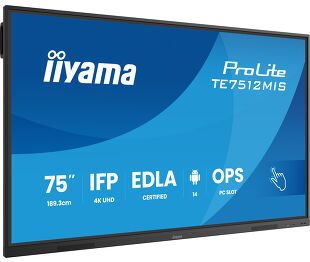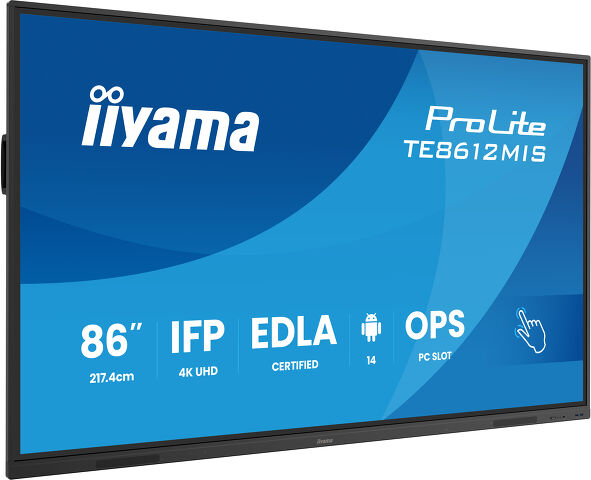
ProLite TE8612MIS-B4AG (EOL)
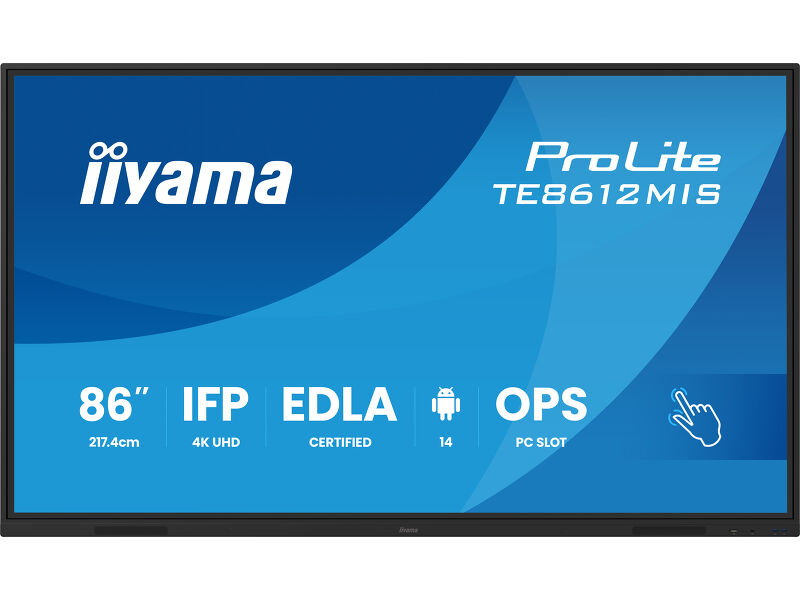
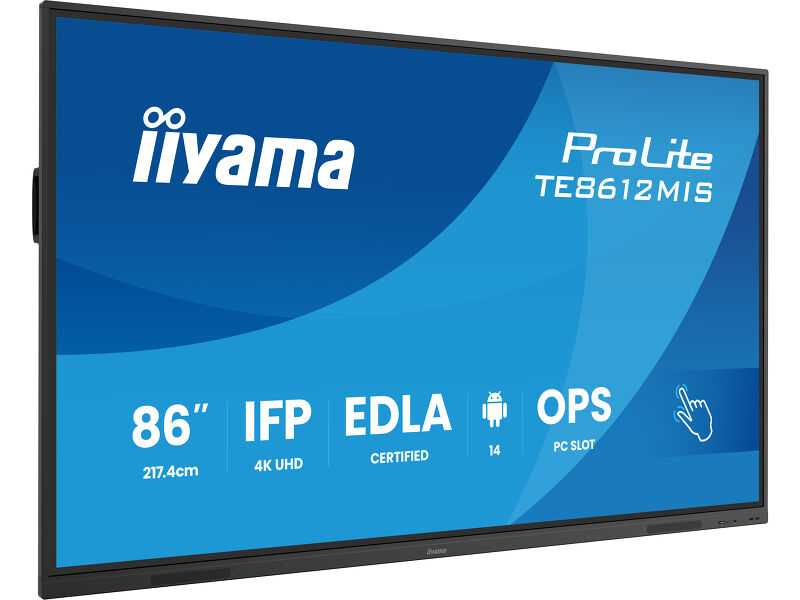
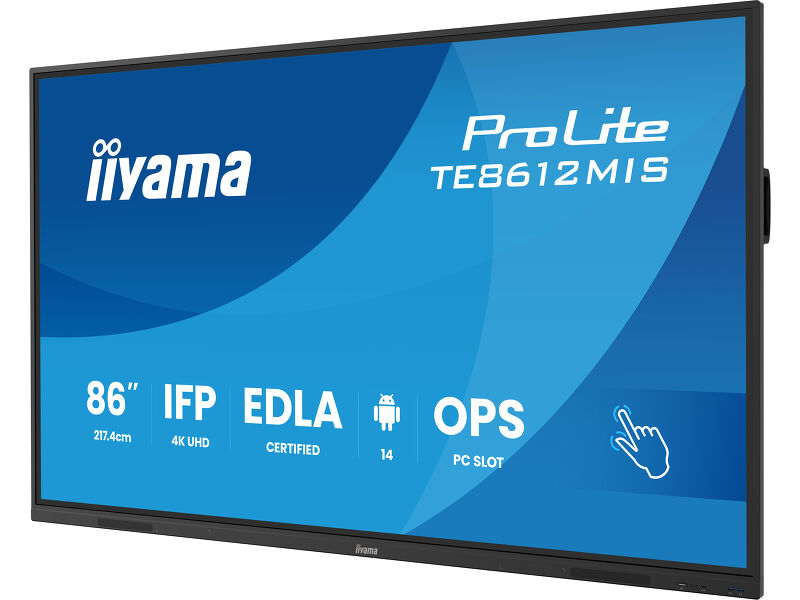
86" Interactive 4K UHD Touchscreen elevating interactive collaboration
The TE8612MIS-B4AG is an exceptional 4K UHD interactive display designed by iiyama to enhance collaboration, communication, and engagement. With key features like Zero Airgap LCD DLED screen eliminating parallax, accurate PureTouch-IR, iiWare 13E with Android 14, WiFi and the iiyama DMS (Device management System), this display transforms the way you engage with content, making it an indispensable tool for modern workspaces and educational settings.
Boasting a new 4K Interface with User Profiles for simple login and access to your very own bespoke application and Cloud Drives or harmonize with your existing estate and unleash the true power of Windows and Office applications. iiyama TE8612MIS-B4AG becomes a highly personalised & flexible device within a busy hybrid environment for multiple users.
Share wirelessly more easily than ever before with iiyama Share and EShare app, bringing effortless ideation and efficient collaboration in your enterprise or school. This affordable display transforms the modern workplaces, educational institutions, dynamic meeting spaces and beyond. Elevate your interactive experience with the iiyama TE12 SERIES displays and embrace the future of visual communication.
Google EDLA Certified
Google Enterprise Device License Agreement allows Google apps, accounts, files, and collaborative tools to be easily accessed directly from the Google EDLA certified iiyama displays, offering seamless integration with the Google ecosystem and the entire Microsoft 365 suite for enhanced user experience, productivity, and collaboration in all environments, especially the education and enterprise sectors alike.
iiWare 13E
Empower your presentations with iiWare 13E, featuring Google EDLA, iiyama DMS, iiyama Share, Note, Browser, Cloud Drive via an intuitive and user-friendly software that allows you to effortlessly manage, customize, and access various applications with ease.
iiyama DMS
iiyama DMS provides organizations with a convenient and fast unified management solution for terminal equipment, builds an efficient and real-time equipment management system, helps digitize the campus/office estate environment and makes device management ultra convenient. iiyama DMS is committed to maintaining compliance with GDPR.
iiyama Share
Connect up to 9 devices and easily share, stream and edit content from your device to your interactive display and vice versa, back to your laptop, tablet or phone. iiyama Share supports AirPlay, Chromecast and Miracast.
PureTouch-IR
Delivers 1mm Touch accuracy for the smoothest and fastest annotation with 40pt infrared Touch technology.
Multi-Window Mode
- You can easily read and control your content when standing in front of your audience. Simply can drag and drop information between the apps. The windows are flexible, easy-to-use, designed specifically for large screen presentation and education.

Built-in speakers
The built-in front-facing speakers support conferencing configurations.
Standalone Solution
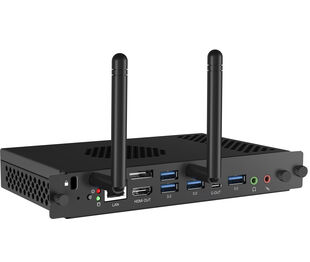
Unlock all of the security and flexibility of Windows IoT with the optional OPS Slot PC.
USB-C Connection
Delivers the latest in video, audio and Touch signal, all through one port and even charges your device with 65W power delivery.
Technical specification


DISPLAY CHARACTERISTICS
| Design | Thin bezel |
| Diagonal | 85.6", 217.4cm |
| Panel | IPS DLED |
| Touch Glass | Anti-Glare Coated Glass, Zero-Gap Air Bonding |
| Native resolution | 3840 x 2160 (8.3 megapixel 4K UHD) |
| Aspect ratio | 16:9 |
| Panel brightness | 400 cd/m² |
| Light transmittance | 92% |
| Static contrast | 1200:1 |
| Dynamic contrast | 4000:1 |
| Response time (GTG) | 6.5ms |
| Viewing zone | horizontal/vertical: 178°/178°, right/left: 89°/89°, up/down: 89°/89° |
| Colour support | 1.07B 8bit+FRC |
| Horizontal Sync | 30 - 135kHz |
| Viewable area W x H | 1895 x 1066mm, 74.6 x 42" |
| Bezel width (sides, top, bottom) | 16.5mm, 16.5mm, 30mm |
| Pixel pitch | 0.493mm |
| Bezel colour and finish | black, matte |
TOUCH
| Touch technology | PureTouch-IR |
| Touch points | 40, 5pt writing (HID, only with supported OS) |
| Touch accuracy | +- 1.5mm |
| Touch method | stylus, finger, glove (Passive pen, Opaque objects) |
| Touch interface | USB |
| Supported operating systems | All iiyama monitors are Plug & Play and compatible with Windows and Linux. For details regarding the supported OS for the touch models, please refer to the driver instruction file available in the downloads section. |
INTERFACES / CONNECTORS / CONTROLS
| Analog signal input | VGA x1 (max. 1920x1080 @60Hz) |
| Digital signal input |
HDMI x2 (2.0, max. 3840x2160 @60Hz, YUV444 (HDMI x1 compatible ARC/ CEC) DisplayPort x1 (max. 3840x2160 @60Hz) USB-C x2 (3.2 (Gen 1, 5Gbit), 3840x2160 @60Hz - RGB444 - (Touch, 1x Front 65W PD, 1x Back 15W PD) |
| Audio input | Mini jack x1 |
| Monitor control input |
RS-232c x1 (DSUB 9pin) RJ45 (LAN) x1 (LAN Control) IR x1 |
| Digital signal output | HDMI x1 (3840x2160 @60Hz) |
| Audio output |
S/PDIF (Optical) x1 Mini jack x1 Speakers 2 x 16W (Front) |
| Monitor control output | OPS Slot x1 |
| HDCP | HDMI 1: 2.1, USB-C: 2.2 |
| USB ports | x5 (media playback / peripherals / storage – front side: 2x USB 3.2 (Gen 1, 5Gbit), 1x USB-C 3.2 (Gen 1, 5Gbit, 65W PD), side: 2x USB 3.2 (Gen 1, 5Gbit), back: 1x USB-C 2.0 (Gen 1, 5Gbit, 15W PD)) |
| RJ45 (LAN) | x2 (Auto switch for PC & Android, 1000MB) |
FEATURES
| Integrated software | iiWare 13E (Android 14 OS) featuring Google EDLA, iiyama DMS, Note, File Manager, Cloud Drives, WPS Office, iiyama Share and EShare for wireless connection with Windows/iOS/Android devices |
| WiFi | yes (WiFi 6 - Dual WiFi Bandwidth: 2.4GHz/5GHz, WiFi Standard: IIEEE 802.11 a/b/g/n/ac/ax, Bluetooth Support: 2.1+EDR/ 3.0/ 4.x/ 5.0) |
| Hardware | CPU: RK3576 Octa-core A72*4 + A53*4, GPU: Mali G52 MC3, RAM: 8GB, ROM: 128GB |
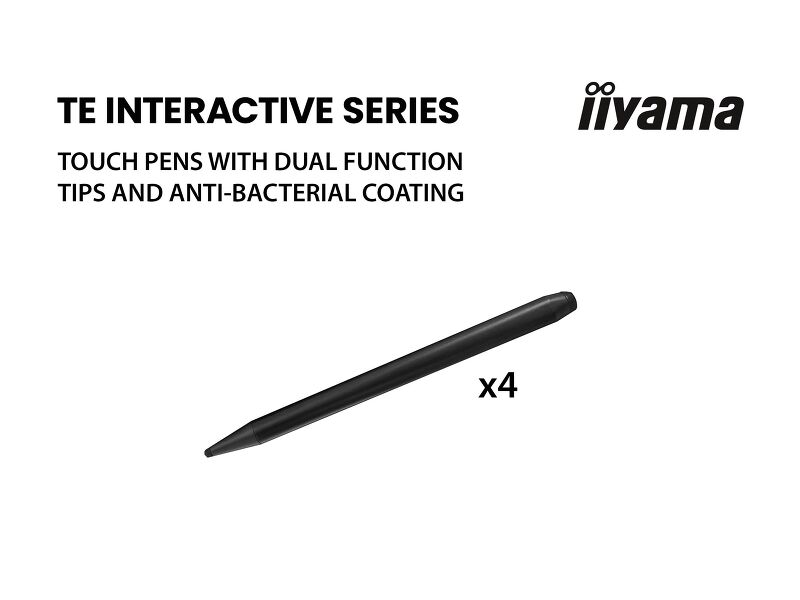
| Extra | Slot for optional OPS Slot PC, 4x Touch pen |
| Kiosk mode | yes |
| Max. non-stop operating time | 24/7 |
| Media playback | yes |
| Glass thickness | 3mm |
| Glass hardness | 7H |
| Housing (bezel) | metal |
| OSD key lock | yes |
GENERAL
| OSD languages | EN, DE, FR, ES, IT, RU, CZ, NL, PL, SV, FI, DA, NB |
| Control buttons | Power, Power Indicator, Remote Sensor, Light Sensor |
| User controls | general settings (input, volume, backlight), audio settings (volume, bass, treble, balance, sound mode, mute), screen settings (aspect ratio, pixel shift), display settings (brightness, contrast, hue, sharpness, display mode, colour temp.), adjust settings (H-position, V-position, clock, phase, auto), settings (wireless & networks, personal, input & output, application, system) |
| Blue light reducer | yes |
| Plug&Play | DDC2B |
| Warranty | 5 years (for details and eligible countries please check the Warranty section of our website) |
MECHANICAL
| Orientation | landscape |
| Fanless design | yes |
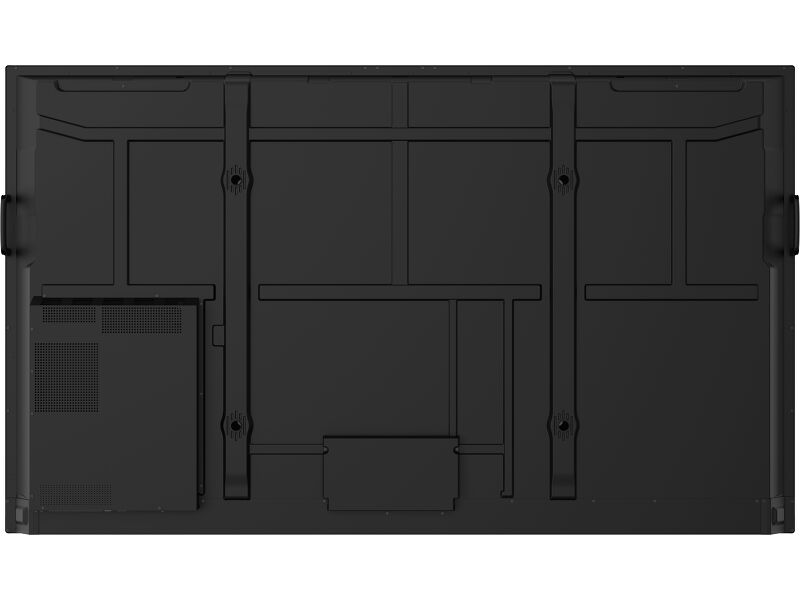
| VESA mounting | 800 x 600mm |
| Operation temperature range | 0°C - 40°C |
| Storage temperature range | - 20°C - 60°C |
| MTBF | 50.000 hours (excluding backlight) |
ACCESSORIES INCLUDED
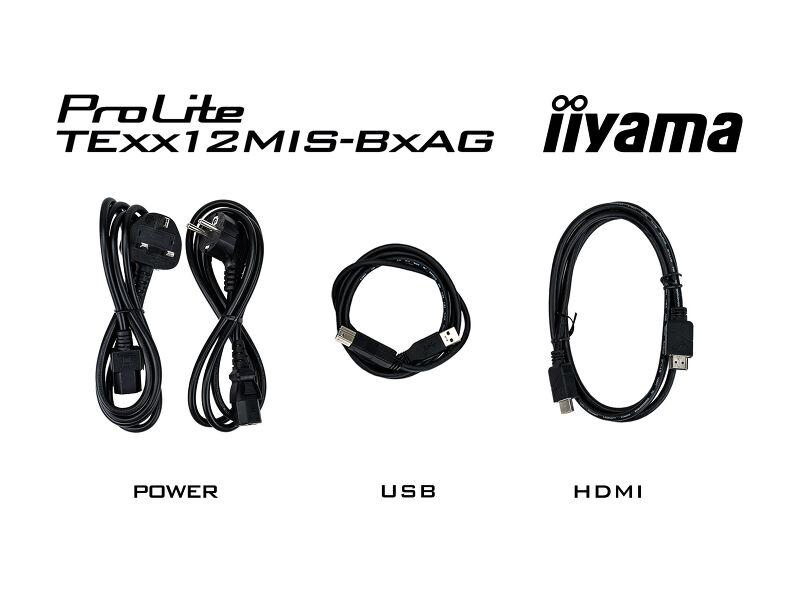
| Cables | power (3m), USB (3m), HDMI (3m) |
| Touch pen | x4 (Dual function tips) |
| Guides | quick start guide, safety guide |
| Remote control | yes (batteries included) |
POWER MANAGEMENT
| Power supply unit | internal |
| Power supply | AC 100 - 240V, 50/60Hz |
| Power usage | 181W typical, 0.5W stand by, 0.3W off mode |
SUSTAINABILITY
| Regulations | CB, CE, TÜV-Bauart, EAC, RoHS support, ErP, WEEE, REACH, EPA 8.0 (RoHS) |
| REACH SVHC | above 0.1%: Lead |
DIMENSIONS / WEIGHT
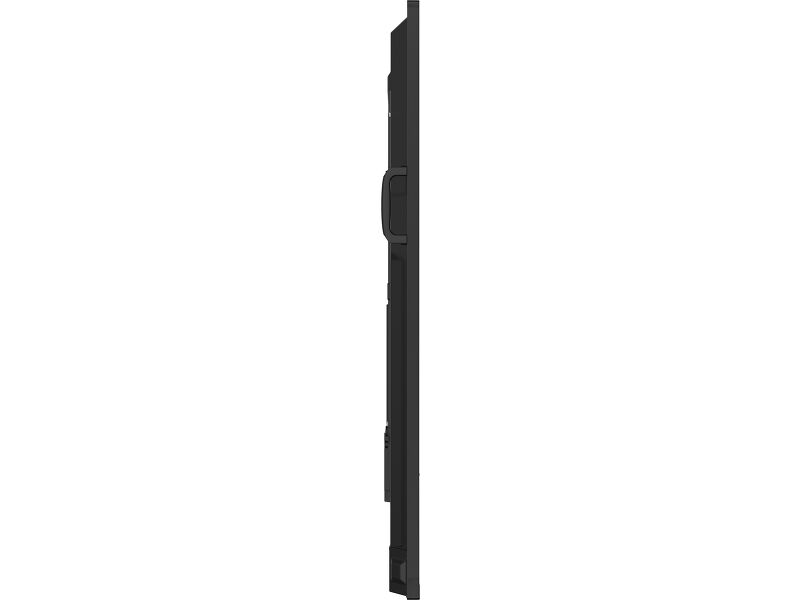
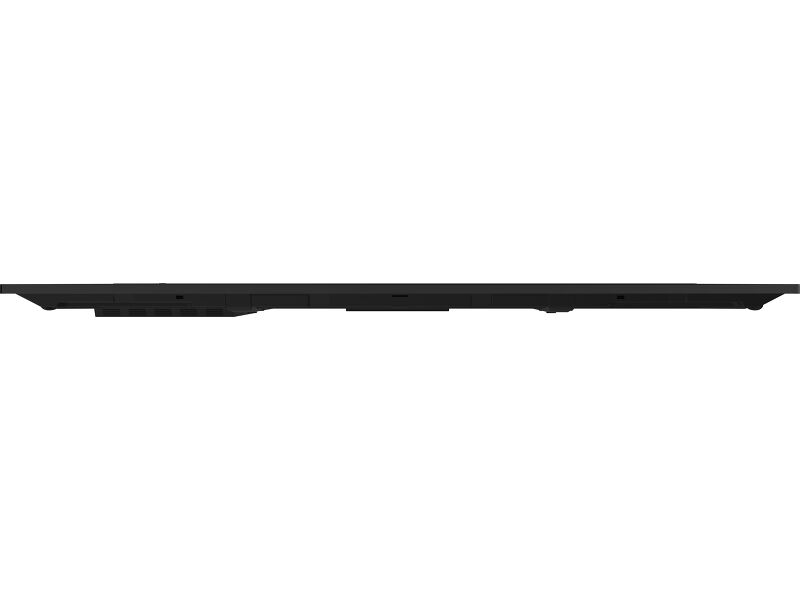
| Product dimensions W x H x D | 1957 x 1160 x 98mm |
| Box dimensions W x H x D | 2110 x 1291 x 225mm |
| Weight (without box) | 48.5kg |
| Weight (with box) | 64.5kg |
| EAN code | 4948570125500 |
COMPATIBLE ACCESSORIES
| Other | OPS PC Slot, Micro SD Slot |
RELATED INFORMATION
| Related products | ProLite TE6512MIS-B4AG, ProLite TE7512MIS-B4AG |


Downloads
| User manual | TE65_75_8612MIS-B4AG-usermanual-e-revC.pdf | Download |
| Technical specification | ProLite TE8612MIS-B4AG - gb_en.pdf | Download |
| Drawing | TE8612MIS-B4AG_Drawing.pdf | Download |
| EShare Users Guide | ESHARE User Guide_V7.3_(20220906b)-e.pdf | Download |
| EU Energy Label | TE8612MIS-B4AG EU Energy Label (2259965).pdf | Download |
| UK Energy Label | TE8612MIS-B4AG UK Energy Label (2259965).pdf | Download |
Drivers/ Firmware / Software
| MAC OS DRIVER FOR OS VERSION 10 & 11 | Mac OS Driver for OS version 10 & 11_UPDD_06_00_729.zip | Download |
| MAC AIR UPDATE TO MACOS V11.6 | MAC AIR update to MACOS V11.6_UPDD_06_00_717.zip | Download |
| RS232 and LAN Settings | TExx12_RS232_LAN Commands-20221118.zip | Download |
| EShare Network Requirements | EShare Network Requirements v7.4-e.pdf | Download |
| RS232 and RJ45 Protocol | IFP - Interactive Series | TExx02 - TExx18 RS232-RJ45 protocol_01-2024.zip | Download |
Catalogues & leaflets
| 1-Pager | IFP - Interactive SERIES | ii_IFP_one_pager_A4_03_2025_EN_web.pdf | Download |
Compatible accessories
Related products