Subscribe to our newsletter
Keep up #withiiyama
You have successfully subscribed to our newsletter.
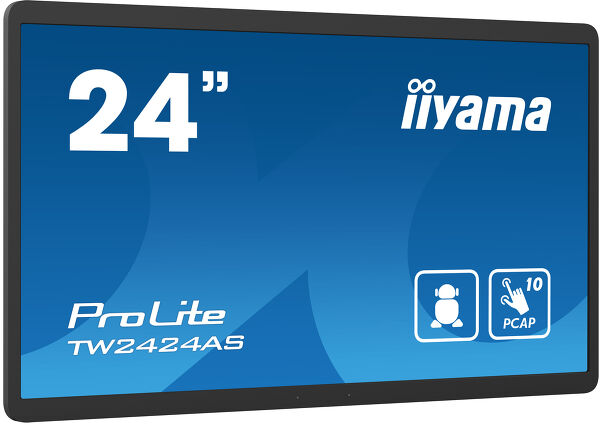
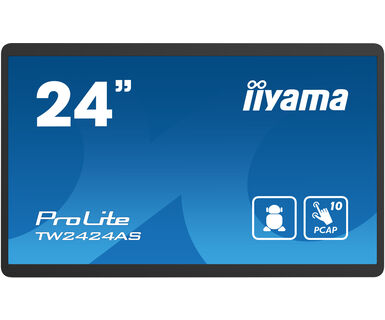
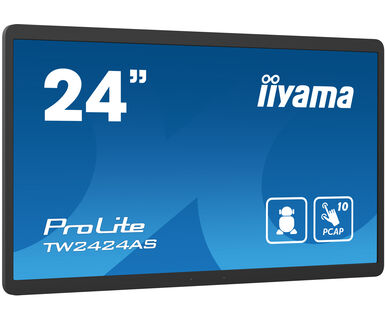
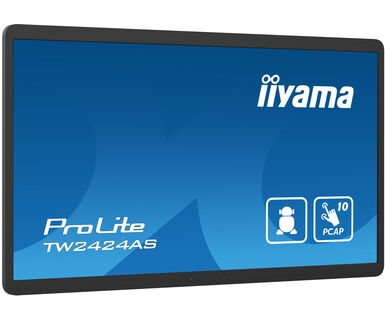
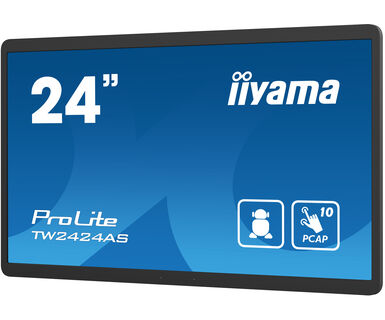
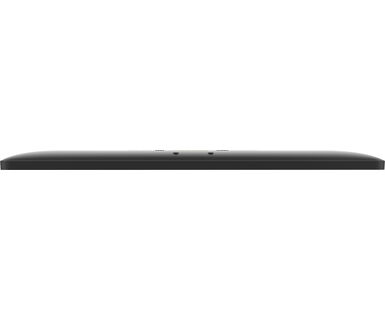
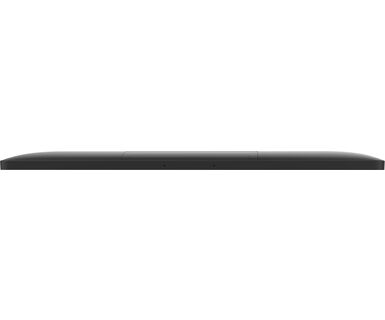
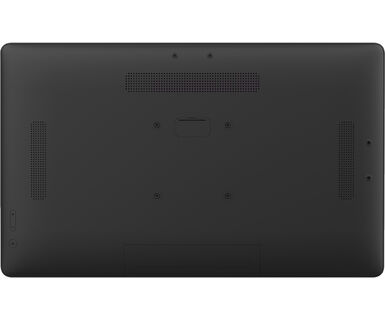
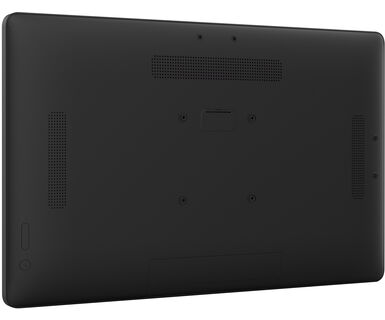
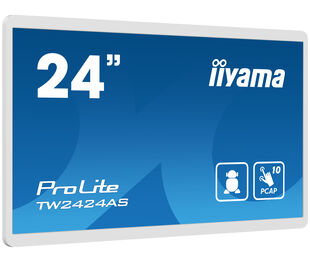
23.8” Full HD In-cell PCAP 10pt interactive Touch Panel PC with Android OS, IPS panel technology and anti glare coating
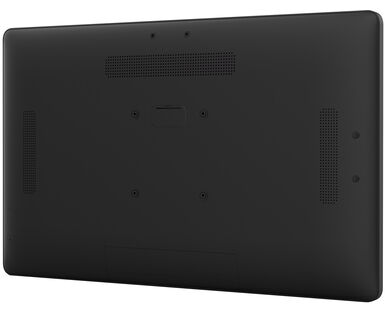
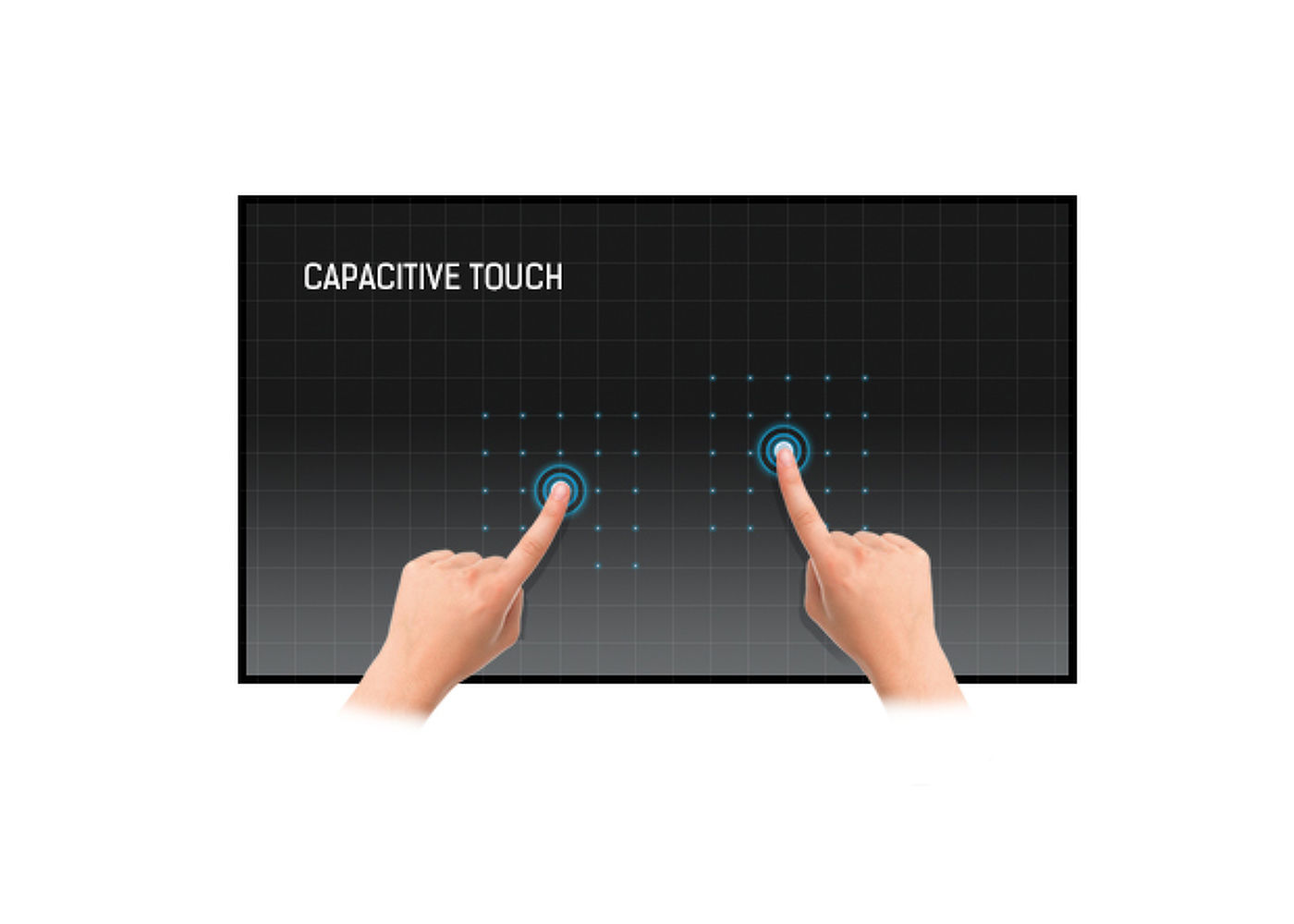
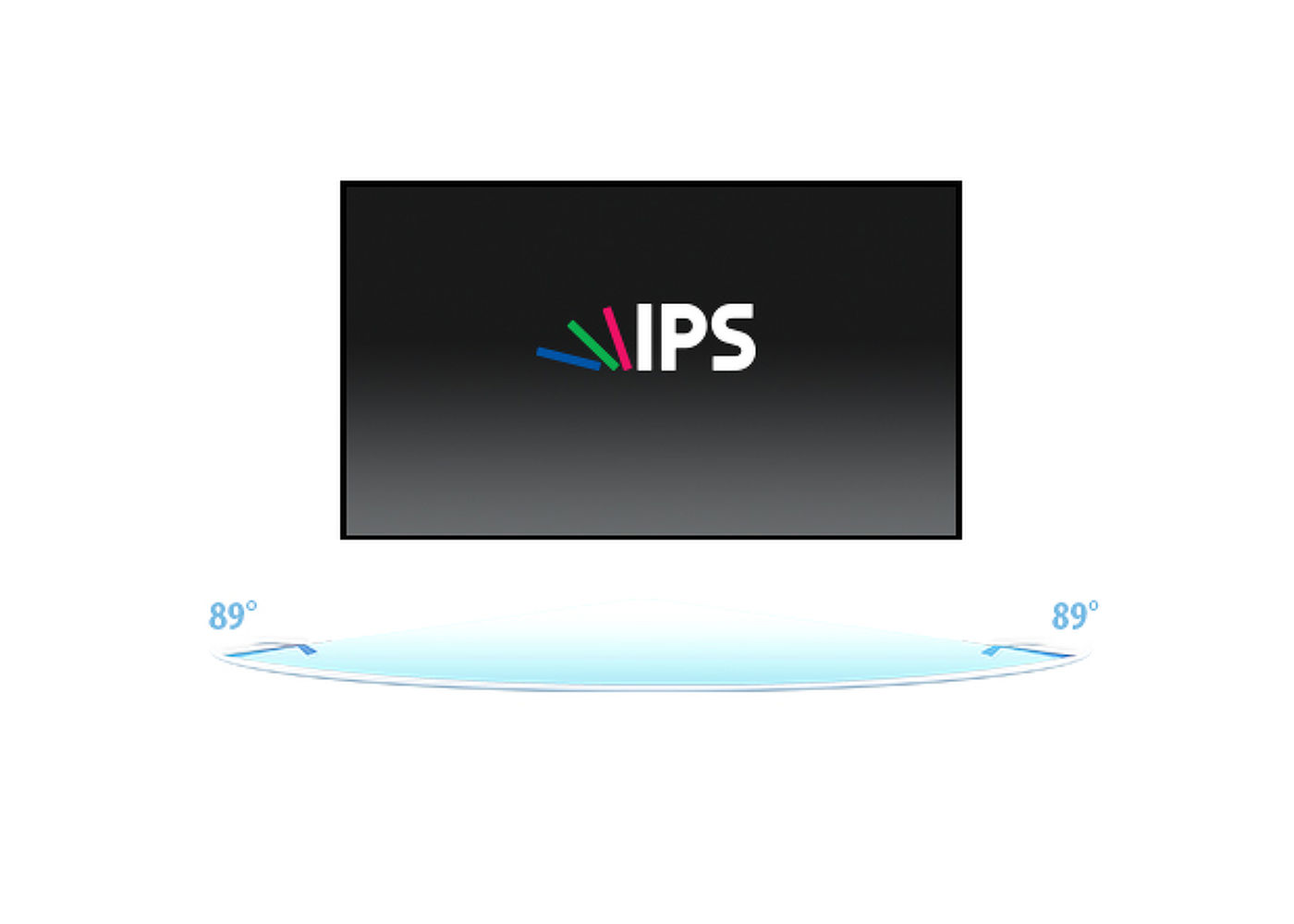
The ProLite TW2424AS-B1 interactive Touchpanel-PC is a perfect choice for high-use environments. The IPS panel, integrated in a slim and elegant bezel, delivers both excellent colour performance with wide viewing angles and noticeably sharper images. The In-cell 10tp PCAP touch technology ensures a fluid and natural touch experience. This monitor can operate in landscape, portrait and face-up orientation in 24/7 operating time. Thanks to the pre-installed Android 12 operating system, it is possible to easily customize the monitor by installing applications directly to it. In combination with the 32GB storage, Wi-Fi connection, LAN (RJ45) and Bluetooth connectors, it makes the monitor especially suited for POS systems or information points in retail shops to educate customers about your products, as well as virtually limitless smart home applications.
Szintén elérhető fehér színben: ProLite TW2424AS-W1
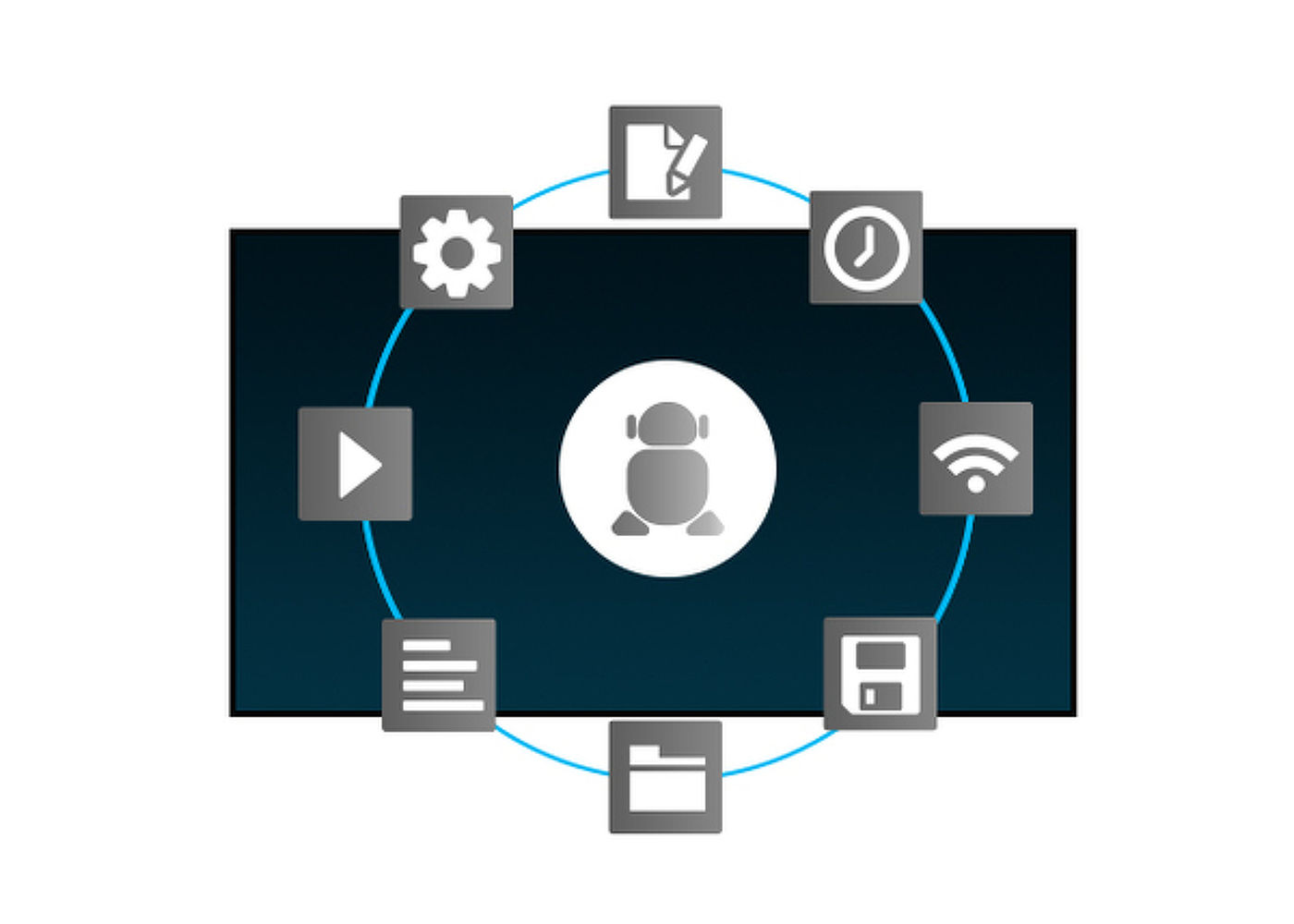
Az Android OS-nek köszönhetően a kijelző könnyedén testre szabhó az Ön igényeinek megfelelően úgy, hogy közvetlenül telepít rá alkalmazásokat.
24/7 displays are designed for a continuous operation.


| Dizájn | Vékony káva |
| Átló | 23.8", 60.5cm |
| Panel | IPS |
| Natív felbontás | 1920 x 1080 (2 megapixel HD) |
| Képarány | 16:9 |
| Fényerősség | 250 cd/m² érintéssel |
| Statikus kotraszt | 1000:1 érintéssel |
| Válaszidő (GTG) | 14ms |
| Látótér | horizontális/vertikális: 178°/178°, jobb/bal: 89°/89°, fel/le: 89°/89° |
| Szín támogatás | 16.7mln |
| Horizontális szinkronizálás | 31 - 83.kHz |
| Látható terület Sz x M | 527 x 296.5mm, 20.7 x 10.6" |
| Pixel magasság | 0.275mm |
| Káva színe és felülete | fekete, matt |
| Éríntőképernyős technológia | projektív kapacitív |
| Érintőpontok | 10 (HID, only supported by integrated OS, external OS only support single touch) |
| Érintési mód | újj, kesztyű (latex), érintőceruza |
| Érintőképernyő interfész | USB |
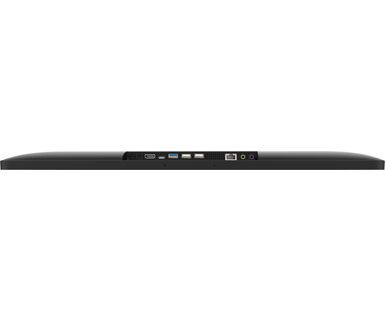
| Digitális jelbemenet | HDMI x1 (1920x1080 @60Hz) |
| Audio bemenet | Mini jack x1 |
| Digitális jelkimenet | USB-C x1 (DC5V, 900mA) |
| Audio kimenet |
Mini jack x1 Hangszórók 2 x 5W |
| HDCP | igen |
| RJ45 (LAN) | x1 |
| USB HUB | x3 (2x 2.0 (DC5V, 500mA), 1x v. 3.2 (Gen 1, 5Gbit; DC5V, 900mA) |
| Microphone | x1 |
| Beépített szoftver | Android 12 with GMS |
| CPU | Rockchip RK3399 Hexa-core A72*2 + A53*4 |
| GPU | T860 MP4 |
| Tárhely | 32Gb eMMC |
| Memória | 4Gb LPDDR4 |
| WiFi | IEEE802.11a/b/g/n/ac |
| Bluetooth | 5.2 |
| Extra | auto-rotation, 2x5W speakers, microphone, anti-glare coating |
| Max. non-stop üzemidő | 24/7 |
| Anti képmegőrzés | igen |
| Üveg keménysége | 3H |
| OSD billentyűzár | igen |
| Vezérlőgombok | Volume +, volume -, power switch |
| Alkalmazások | Lock applications, manage restart time, manage power on/off, calculator, calender, Chrome, alarm/ clock, Timer, Stopwatch, Manage files, orginize albums, Gmail, play audio files, Play Store, search engine, system preferences, sound recorder, play videos |
| Villogásmentes | igen |
| Tájolás | tájkép, portré, oldalával felfelé |
| VESA állvány | 100 x 100mm |
| MTBF | 50000 óra (kivéve háttérvilágítás) |
| Kábelek | áramellátás |
| Útmutatók | gyors üzembe helyezési útmutató, biztonsági útmutató |
| Egyéb | AC adapter |
| Kábel takaró | igen |
| Tápegység | külső |
| Tápellátás | DC 12 V |
| Energiafogyasztás | 19W jellemző, 0.5W készenlét, 0.3W kikapcsolva |
| Áramfogyasztás | 0.5W készenlét |
| Előírások | CE, EAC, RoHS támogatás, ErP, WEEE, HATÓTÁVOLSÁG, UKCA |
| REACH SVHC | 0,1% felett: Vezet |
| Termék méretei Sz x H x M | 549.5 x 336 x 28mm |
| Doboz mértei Sz x H x M | 580 x 375 x 126mm |
| Súly (doboz nélkül) | 4.23kg |
| Súly (dobozzal) | 6.15kg |
| EAN kód | 4948570122943 |
| Terméksorozatok | ProLite TW2424AS-W1 |
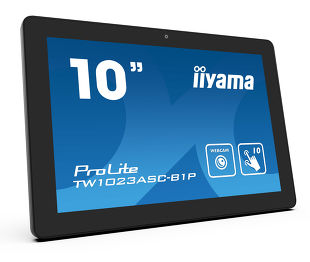
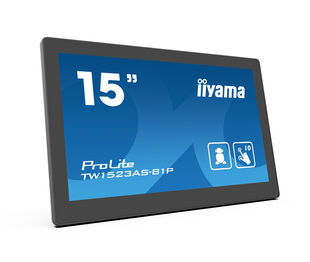
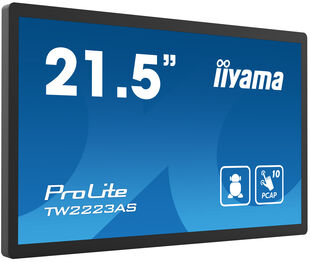
| Kapcolódó termékek | ProLite TW1023ASC-B1P, ProLite TW1523AS-B1P, ProLite TW2223AS-B1 |

You can install apps on your iiyama monitor through the official Google Play Store. However, the functionality of these apps may vary, depending on the specific app you wish to install.
If your touch functionality is not working, please check the following:
1. Ensure your PC is connected to the monitor with the supplied USB cable.
2. Verify in the user manual that your operating system is supported by the screen.
When cleaning, please follow these guidelines to avoid damaging your Touch monitor:
1. Avoid using paper towels, abrasive cloths, or any harsh cleaning agents, as they can scratch the screen or damage the touch sensors.
2. Do not spray the cleaning solution directly onto the screen to prevent liquid from seeping into the monitor.
3. Avoid excessive cleaning, as it can wear out the screen over time.
4. For more details, please check our dedicated Cleaning page.
If your monitor is displaying a "No Signal" message, please check the following:
1. Ensure the cables are properly connected at both ends.
2. Select the correct signal input (HDMI/DP) or choose AUTO.
For guidance on selecting an input while the screen is in standby mode, please consult the user manual. On desktop monitors, common methods include pressing the INPUT, AUTO, or "2" buttons, or moving the joystick backward.
Yes, your iiyama monitor will work with your Apple Mac system. However, it depends on the signal input how to connect. Since Apple Mac systems from 2020 onwards only have Thunderbolt 3 (USB-C) ports for video output, you have two options:
1. Connect directly to the USB-C signal input on your iiyama monitor.
2. In case your monitor only has HDMI or Displayport, you will need a Mac-compatible dongle that supports one of the video inputs available. Apple offers a USB-C Digital AV Multiport Adapter (MW5M3AM) that can be used for this purpose.
3. If your iiyama monitor has touchscreen capabilities, please refer to the user manual to verify touch functionality compatibility with your Mac system.
To resolve the issue of a blinking picture, please follow these steps:
1. Inspect the Signal Cable.
Ensure the signal cable is securely connected at both ends and free from any physical damage. Avoid any sharp bends or squishing of the cable.
2. Use a Shorter Cable.
If possible, use a cable shorter than 3 meters and connect the monitor directly to a wall power socket, avoiding the use of adapters.
3. Disable FreeSync/Adaptive Sync.
For desktop or gaming monitors, try disabling FreeSync or Adaptive Sync in the monitor's settings menu.