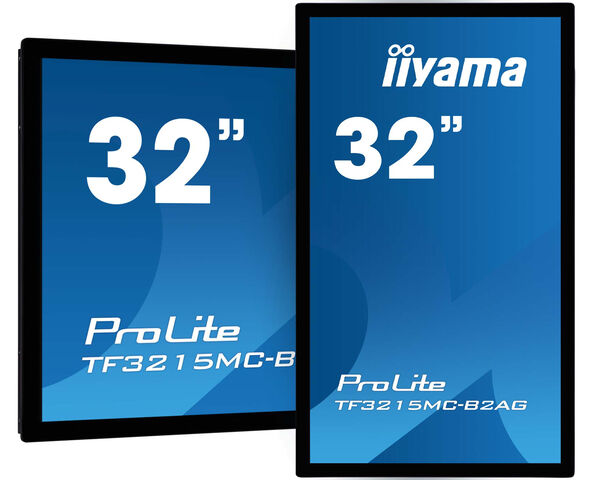
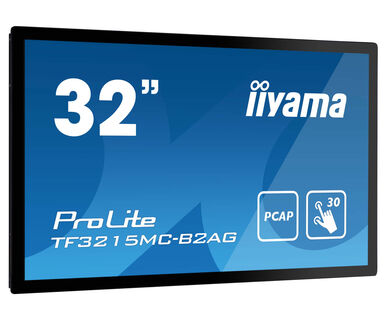
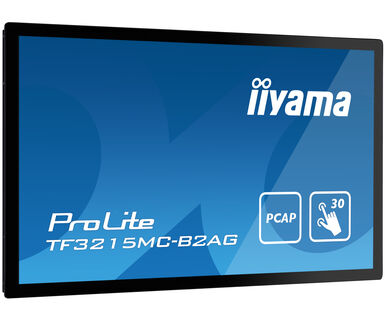
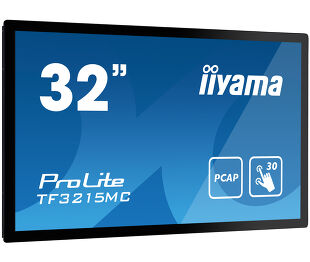
ProLite TF3215MC-B2AG
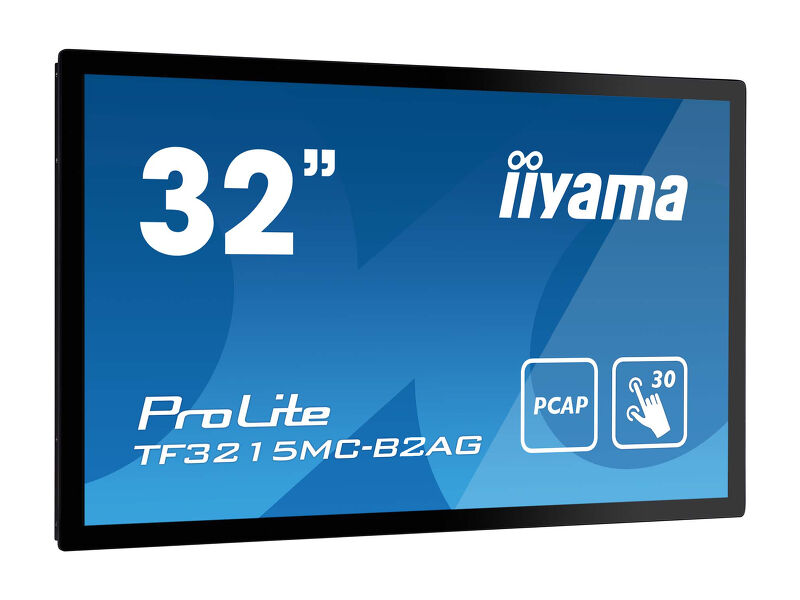
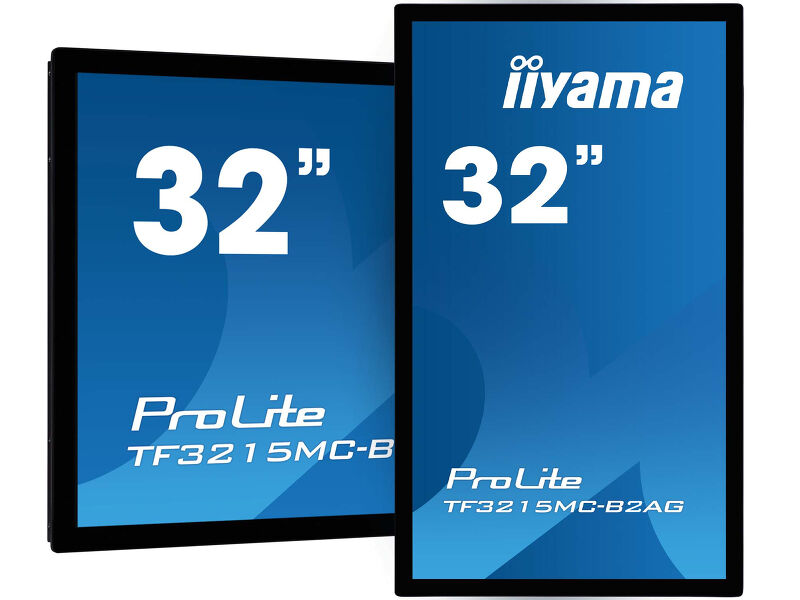
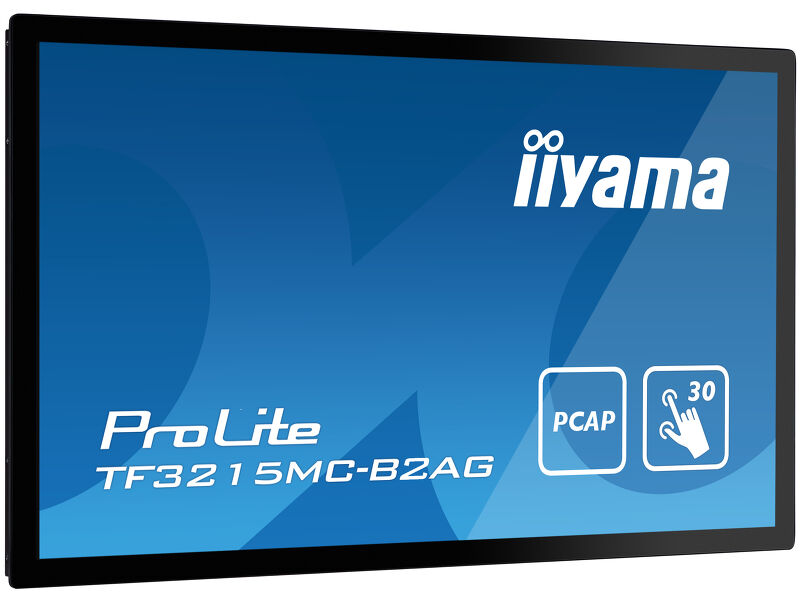
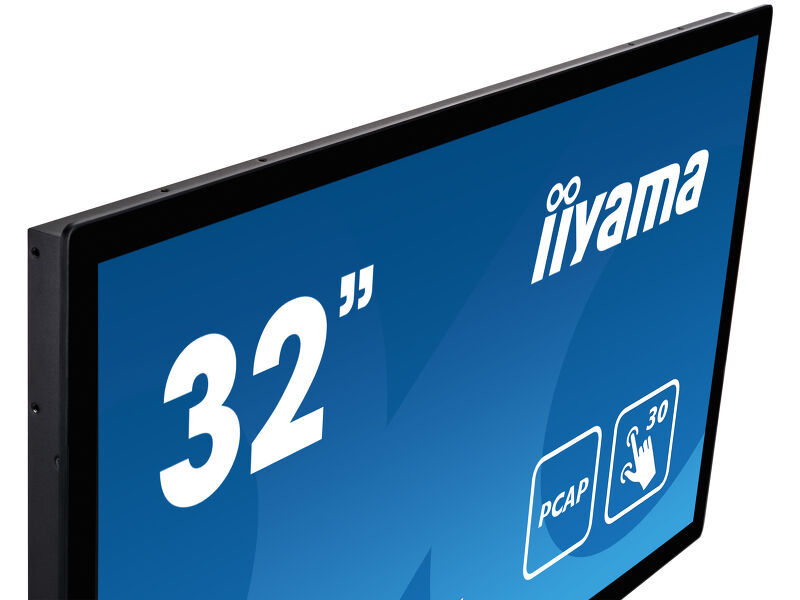
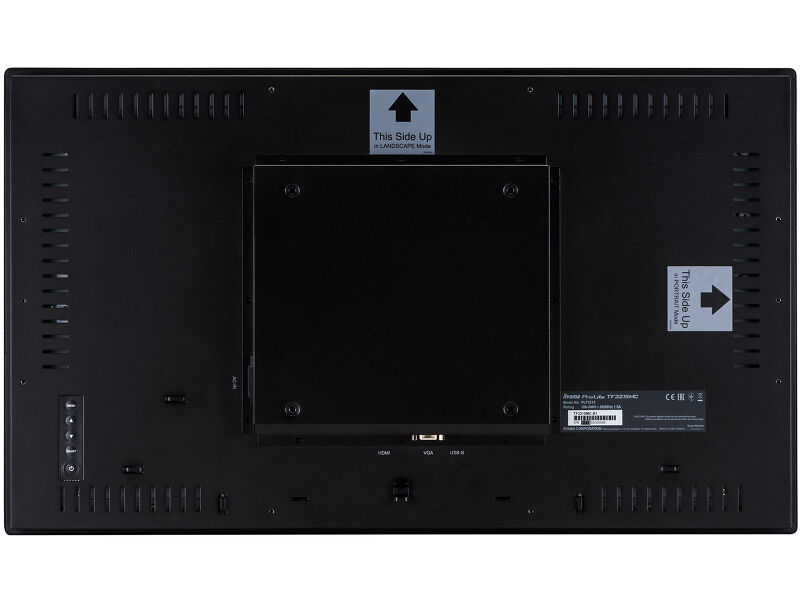
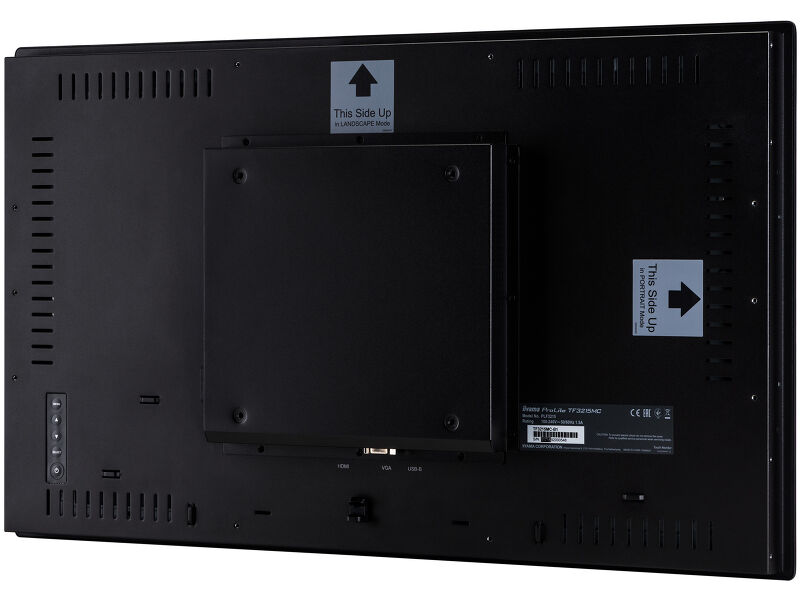
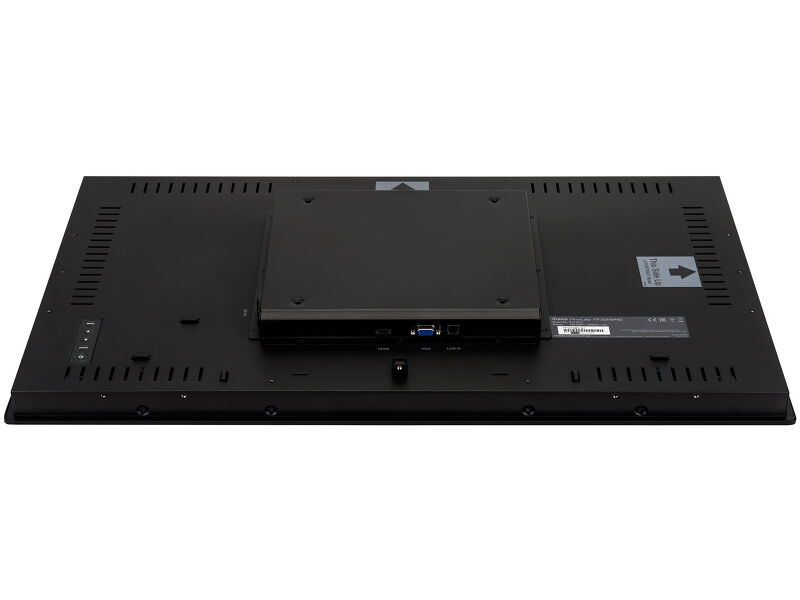
Open Frame PCAP 30 point touch screen with AG coating equipped with a foam seal finish for seamless integration
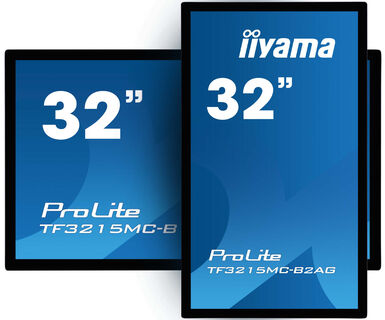
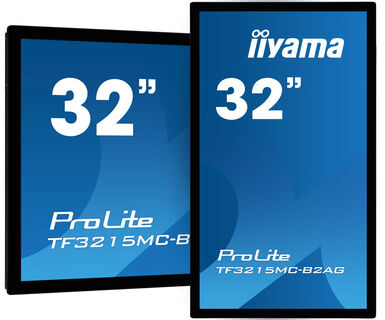
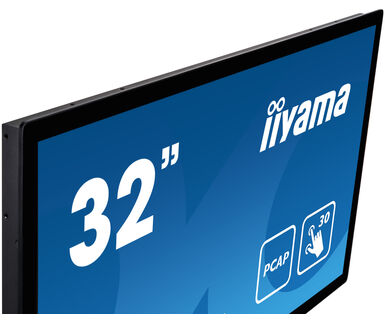
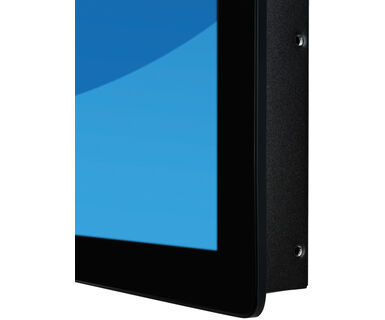
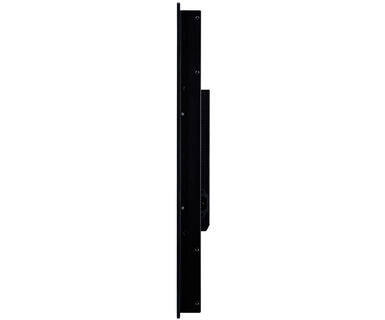
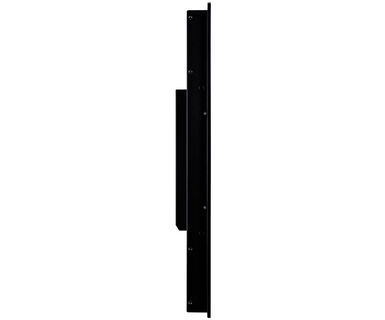
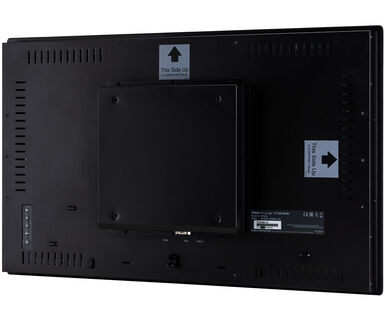
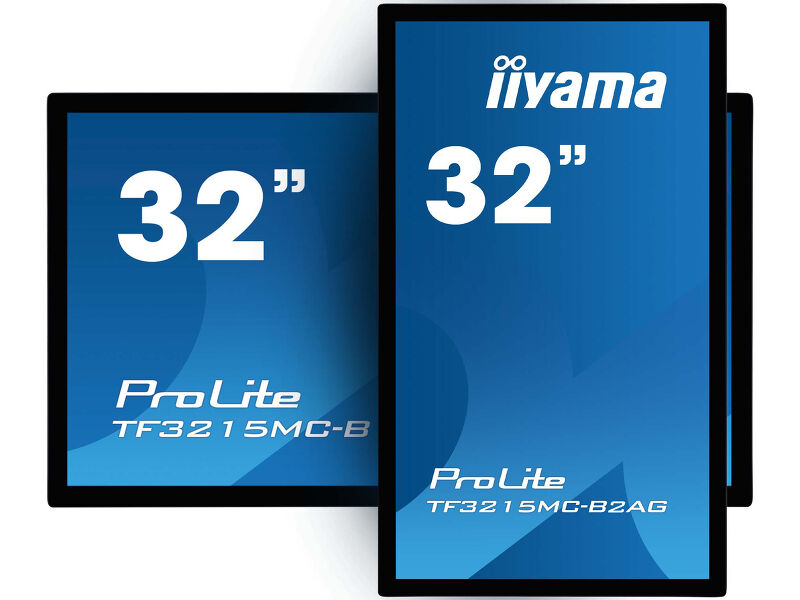
The ProLite TF3215MC-B2AG (31.5 inch) uses PCAP touch technology and is built into an eye-catching bezel with edge-to-edge anti-glare coated glass drastically reducing ambient reflections in high-brightness environments without compromising the sharpness and clarity of the image. The rugged bezel equipped with a foam seal finish supports seamless integration into kiosks and provides IP65 rating resulting in dust and water resistance from the front making it perfect for high use public facing applications. Landscape and portrait orientation ensures flexible mounting possibilities in almost any installation. The TF3215MC-B1AG is the ideal solution for kiosk integrators, industrial environments, control rooms and interactive multimedia.
-

-
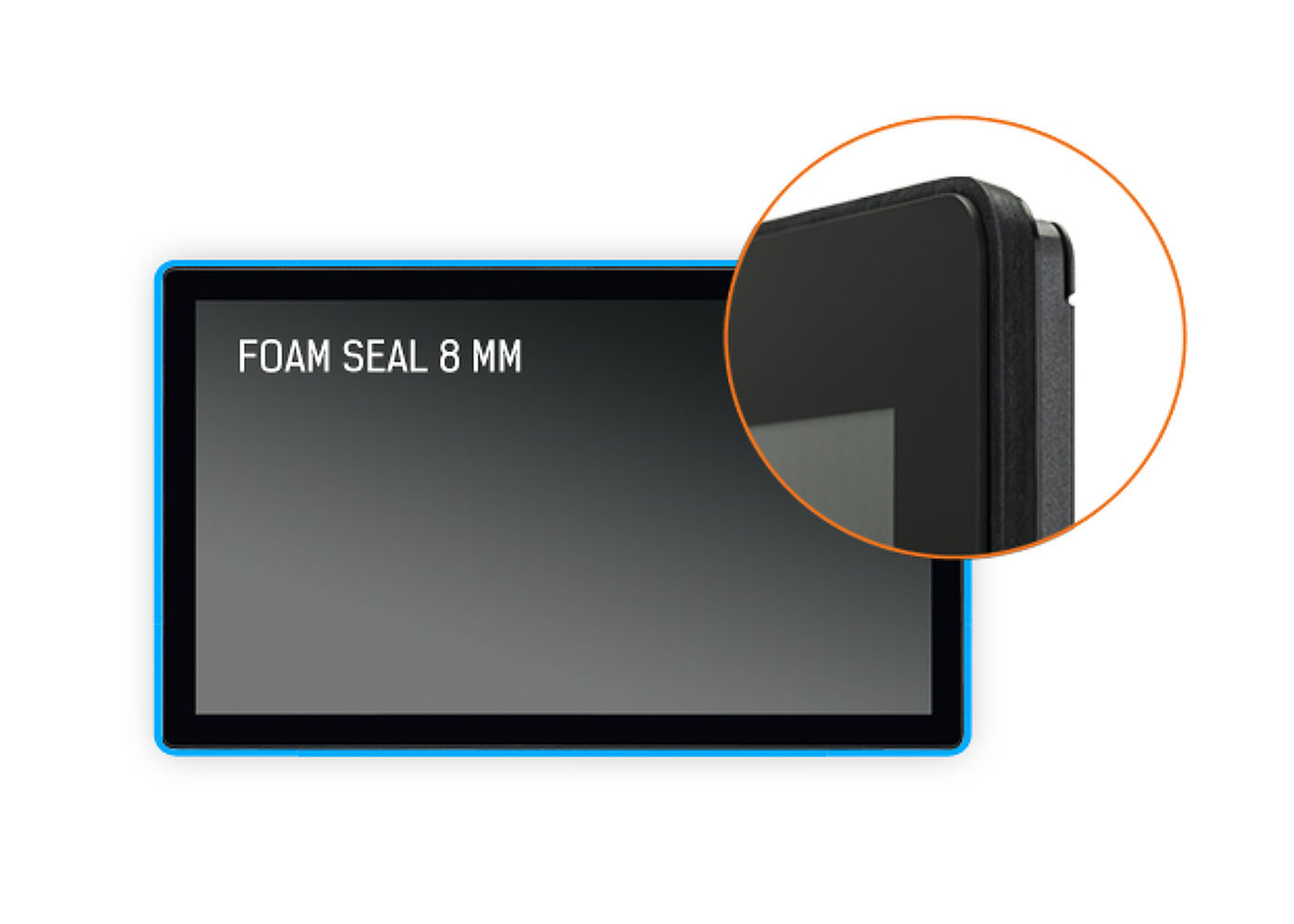
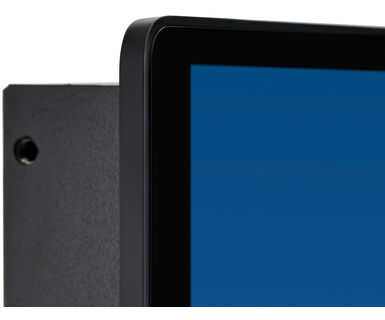
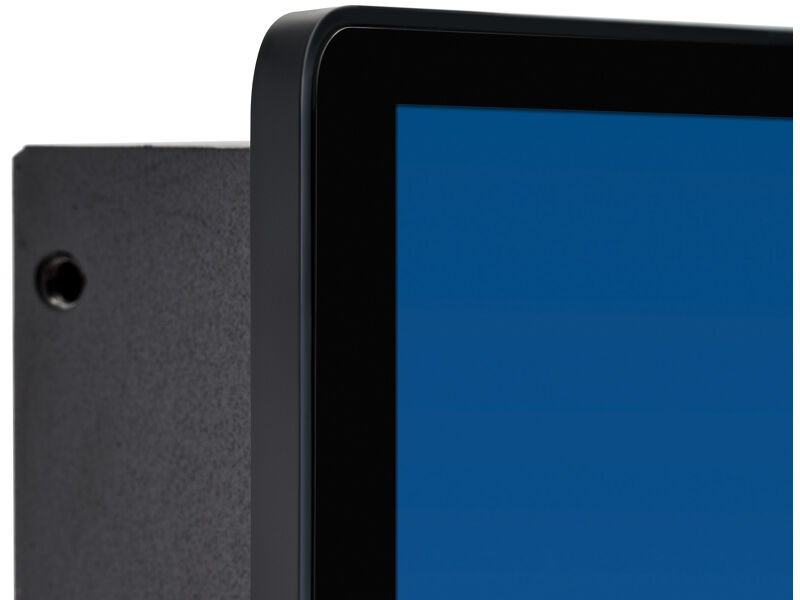
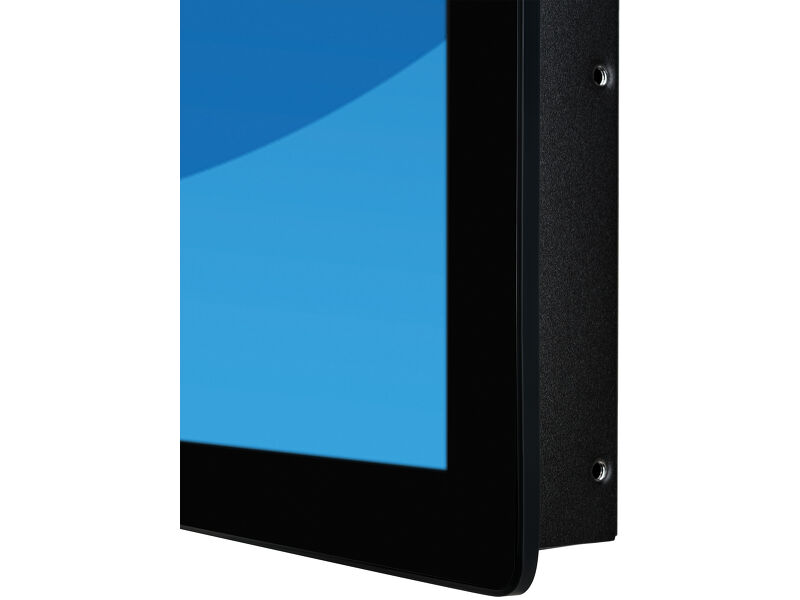
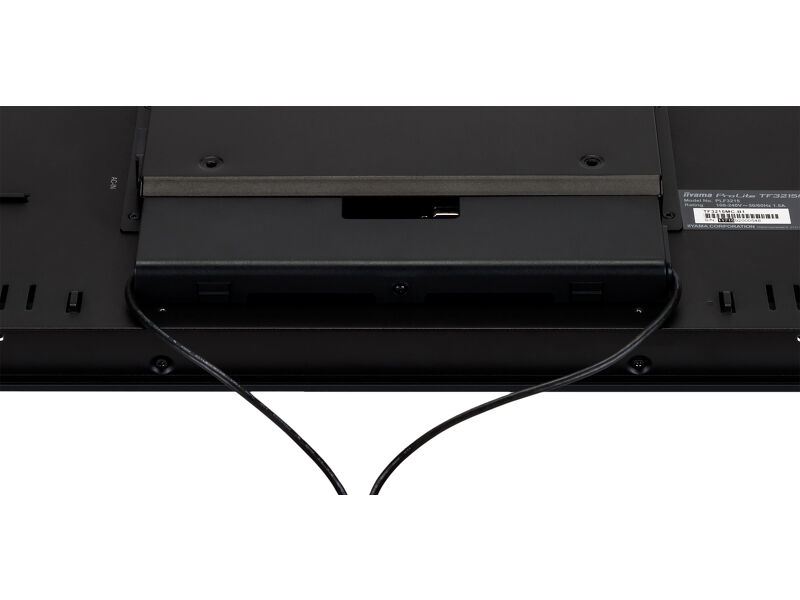
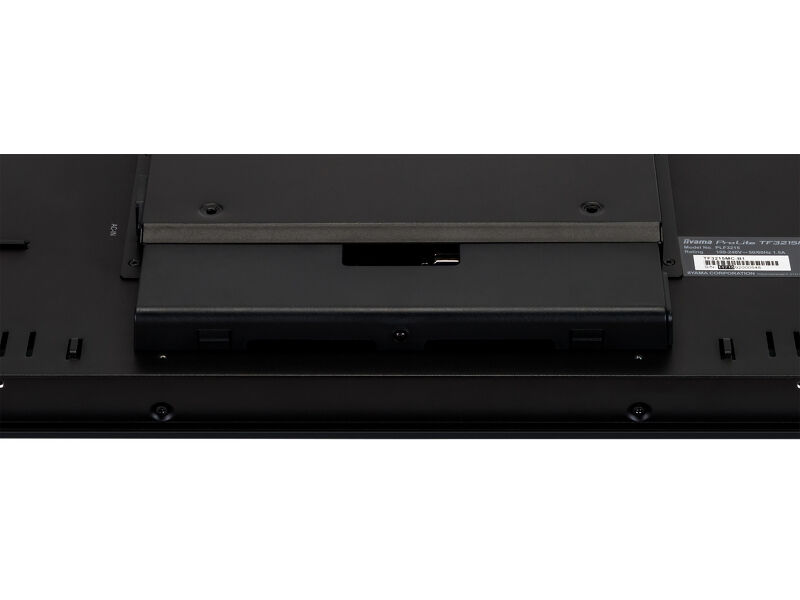
Foam Seal
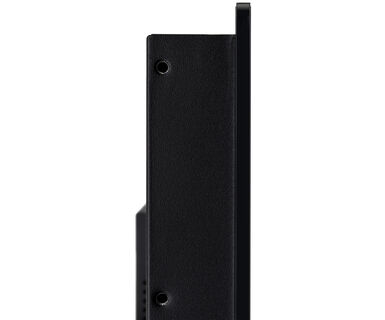
A foam seal finish (8mm) around the monitor ensures seamless integration and optimal dust protection.
-
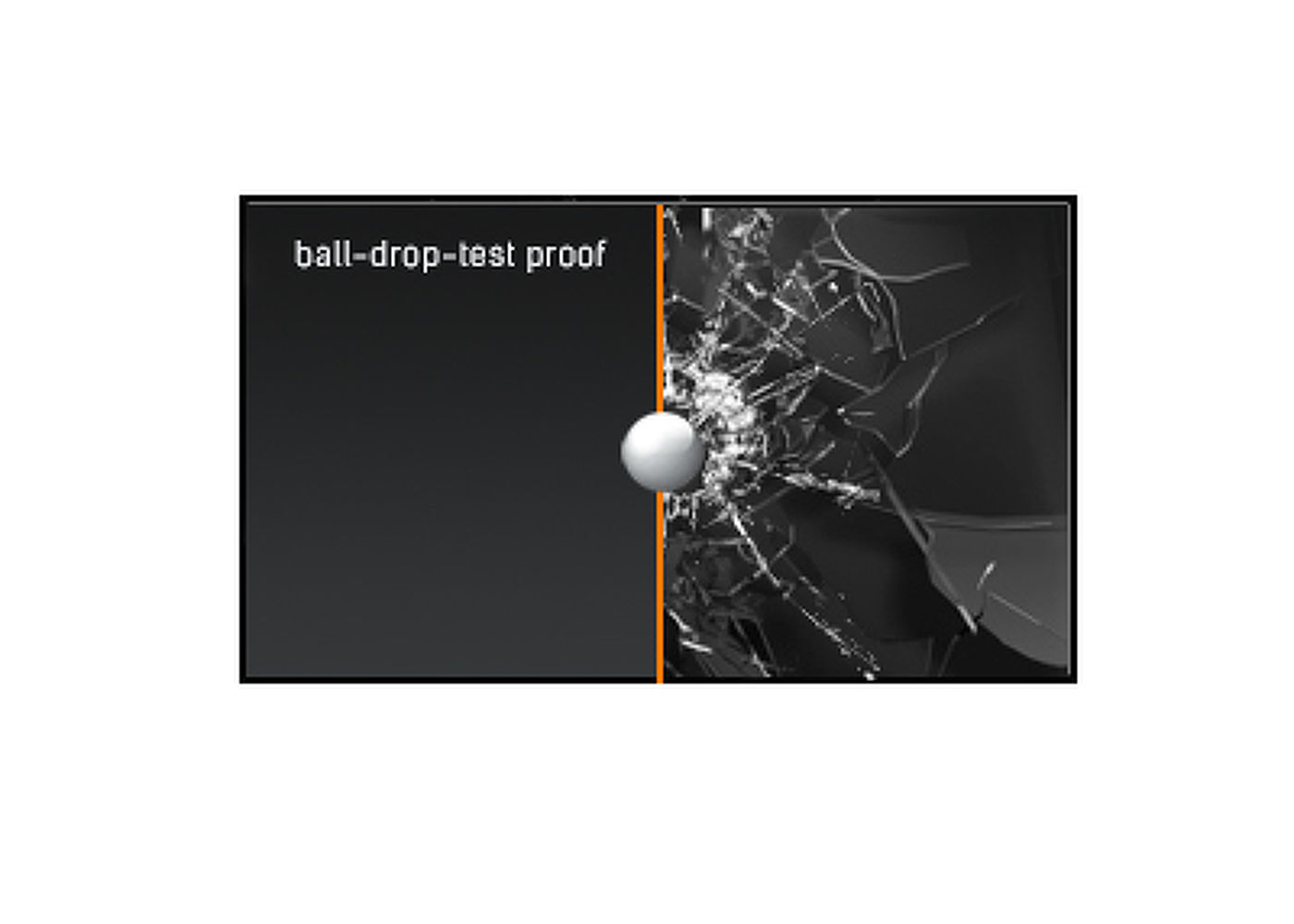
Ball-drop-test proof
The ball-drop-test uses a half-kilo steel ball, which is dropped onto the touch screen from a height of 1.3 meter. If the touch screen surface remains unaffected, the monitor passes the ball-drop-test for high impact resistance and durability.
-
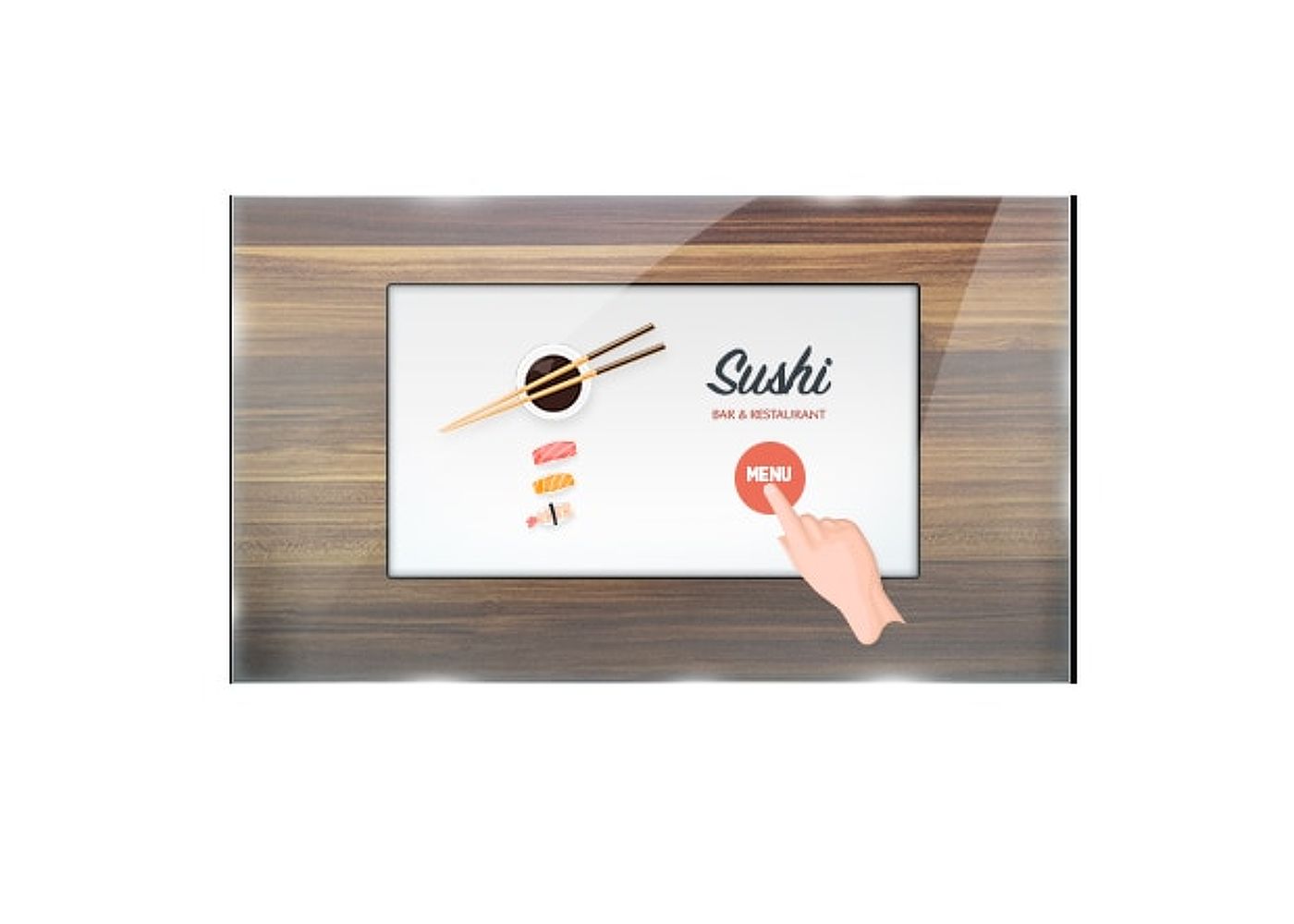
Üvegen keresztüli érintő funkció
Ez az üvegen keresztüli érintő funkció közvetlenül az üvegen keresztül működik, és az üvegfelületeket interaktív érintőképernyővé alakíthatja. Használja kirakati ablakokon, ingatlanirodában, üzlethelyiségekben vagy éttermekben.
-
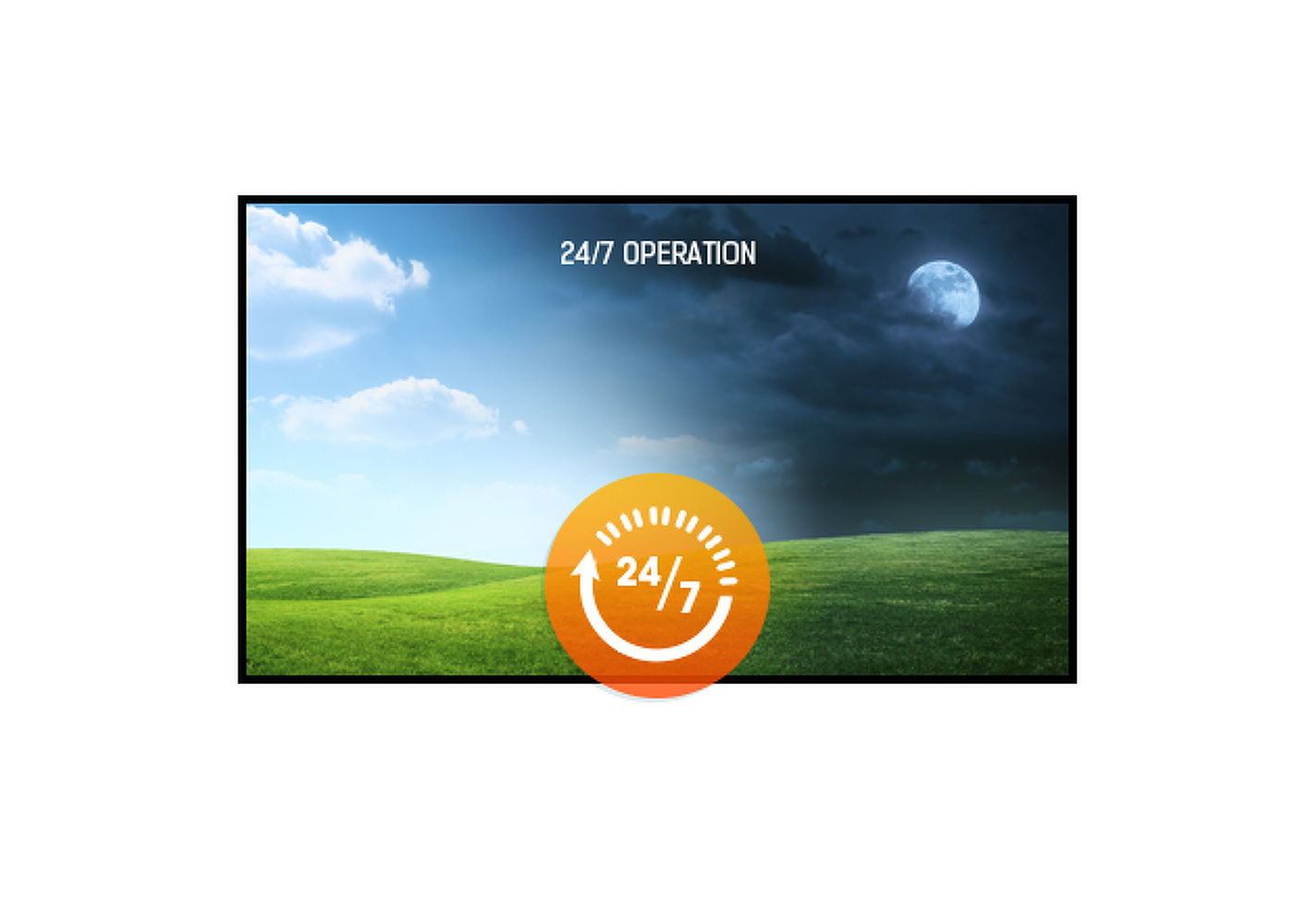
24/7 displays are designed for a continuous operation.
Video
Műszaki adatok



KIJELZŐ JELLEMZŐI
| Dizájn | Open Frame |
| Átló | 31.5", 80cm |
| Panel | VA, Anti-Glare coating |
| Natív felbontás | 1920 x 1080 (2.1 megapixel Full HD) |
| Képarány | 16:9 |
| Fényerő | 500 cd/m² |
| Fényerősség | 425 cd/m² érintéssel |
| Fényáteresztés | 85% |
| Statikus kotraszt | 3000:1 érintéssel |
| Válaszidő (GTG) | 8ms |
| Látótér | horizontális/vertikális: 178°/178°, jobb/bal: 89°/89°, fel/le: 89°/89° |
| Szín támogatás | 16.7mln 8bit |
| Horizontális szinkronizálás | 30 - 68kHz |
| Látható terület Sz x M | 698.4 x 392.8mm, 27.5 x 15.5" |
| Pixel magasság | 0.3637mm |
| Káva színe és felülete | fekete |
| Ajánlott használat | kereskedelem |
ÉRINTŐKÉPERNYŐ
| Éríntőképernyős technológia | projektív kapacitív |
| Érintőpontok | 30 (HID, only with supported OS) |
| Érintés pontossága | +- 2mm |
| Érintési mód | újj, kesztyű (latex), érintőceruza |
| Érintőképernyő interfész | USB |
| Támogatott operációs rendszerek | Minden iiyama monitor Plug & Play funkcióval rendelkezik, és kompatibilis a Windows és a Linux rendszerekkel. Az érintőképernyős modellek által támogatott operációs rendszerekre vonatkozó részletes információk a letöltések részben található illesztőprogram-fájlban találhatók. |
| Üvegen keresztüli érintés | 6mm |
INTERFÉSZEK / CSATLAKOZÓK / VEZÉRLŐK
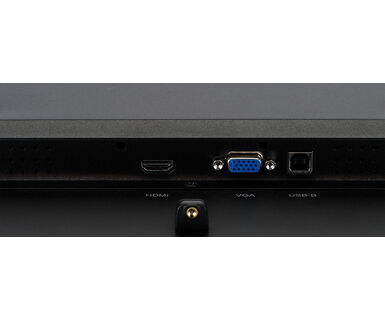
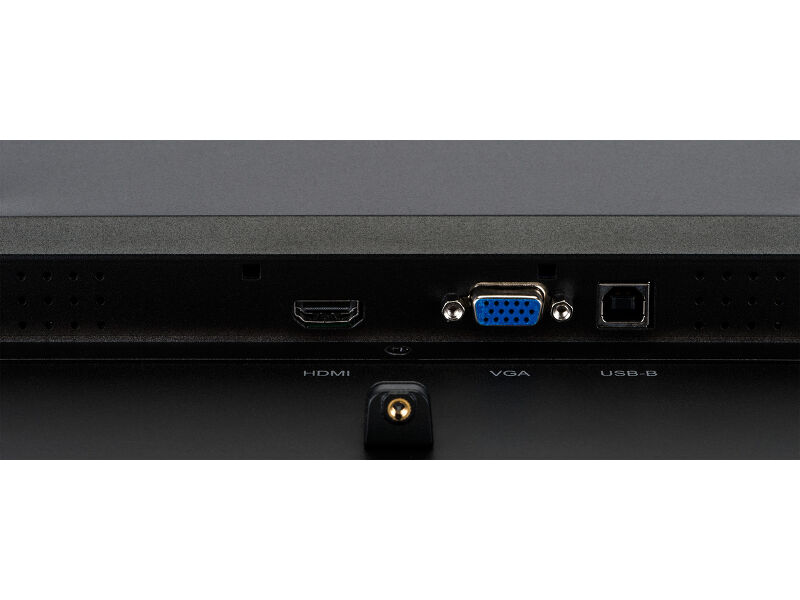
| Analóg jelbemenet | VGA x1 |
| Digitális jelbemenet |
HDMI x1 DisplayPort x1 |
| HDCP | igen |
JELLEMZŐK
| Extra | Touch Through-Glass, Anti-glare coating |
| Kioszk mód | igen |
| Max. non-stop üzemidő | 24/7 |
| Üveg keménysége | 6H |
| 60950 Ball drop teszt | igen |
| Hatásvizsgálat | IK-7 |
| Víz- és porvédelem | IP65 (elől) |
| Ház (káva) | fém |
| Vízzáró tömítés | igen |
| OSD billentyűzár | igen |
ÁLTALÁNOS
| Képernyőn megjelenő nyelvek | EN, DE, FR, ES, IT, CN, JP |
| Vezérlőgombok | Menu, Scroll up/ Brightness, Scroll down/ Contrast, Select, Power |
| Felhasználói vezérlők | contrast, brightness, auto adjust, H.position, V.position, phase, OSD H.position, OSD V.position, OSD timeout, reset, input select, OSD language, colour temperature, sharpness, touch switch (normal, glove, through-glass) |
| Plug&Play | DDC2B |
MECHANIKUS
| Tájolás | tájkép, portré |
| Ventilátor nélküli kialakítás | igen |
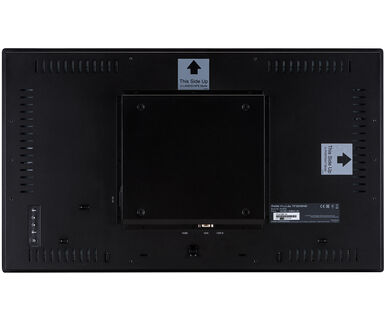
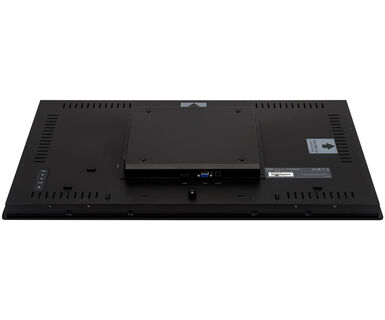
| VESA állvány | 200 x 200mm |
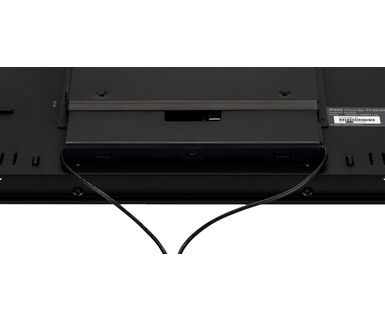
| Kábelkezelő rendszer | cable cover |
| Működési hőmérséklet tartomány | 0°C - 40°C |
| Tárolási hőmérséklet tartomány | - 20°C - 60°C |
| MTBF | 50000 óra |
TARTOZÉKOKAT TARTALMAZZA
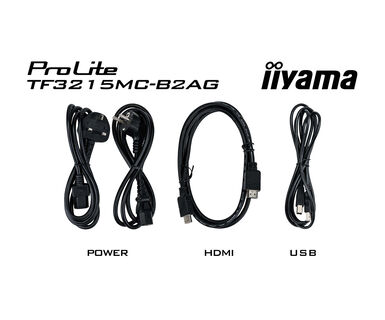
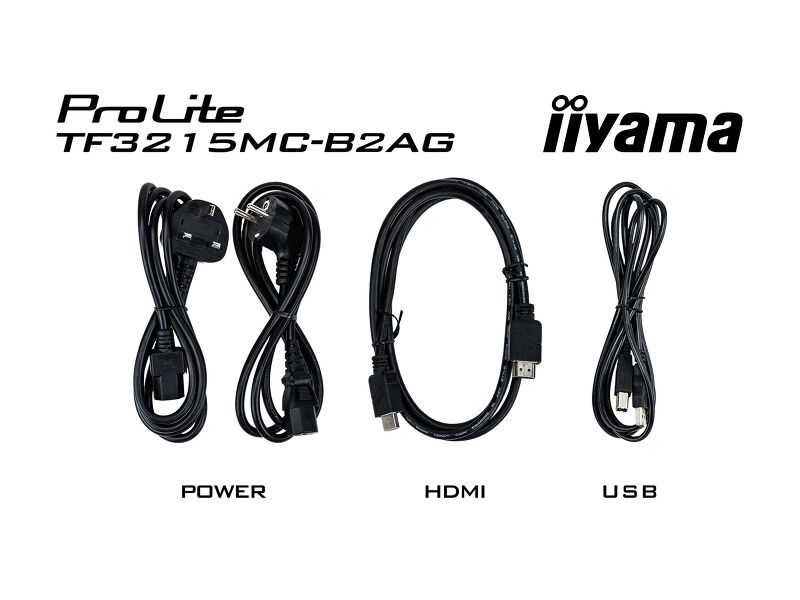
| Kábelek | áramellátás, USB, HDMI |
| Útmutatók | gyors üzembe helyezési útmutató, biztonsági útmutató |
| Kábel takaró | igen |
ENERGIAGAZDÁLKODÁS
| Tápegység | belső |
| Áramellátás | AC 100 - 240V, 50/60Hz |
| Energiafogyasztás | 32W jellemző, 1.5W készenlét, 0.3W kikapcsolva |
| Áramfogyasztás | 1.5W készenlét |
FENNTARTHATÓSÁG
| Energiahatékonysági osztály ((EU) 2017/1369 rendelet) | F |
| REACH SVHC | 0,1% felett: Vezet |
MÉRETEK / SÚLY
| Termék méretei Sz x H x M | 743 x 437 x 61mm |
| Doboz mértei Sz x H x M | 890 x 630 x 155mm |
| Raklap térfogata | 21db |
| Raklap méretei Sz x H x M | 1000 x 2040 x 1200mm |
| Súly (doboz nélkül) | 10kg |
| Súly (dobozzal) | 12.85kg |
| EAN kód | 4948570123674 |
KAPCSOLÓDÓ INFORMÁCIÓK
| Terméksorozatok | ProLite TF1015MC-B2, ProLite TF1515MC-B2, ProLite TF2215MC-B2, ProLite TF2415MC-B2, ProLite TF3215MC-B2 |
FAQS
Why is the Touch functionality not working?
+If your touch functionality is not working, please check the following:
1. Ensure your PC is connected to the monitor with the supplied USB cable.
2. Verify in the user manual that your operating system is supported by the screen.
How should I clean my Touch monitor?
+When cleaning, please follow these guidelines to avoid damaging your Touch monitor:
1. Avoid using paper towels, abrasive cloths, or any harsh cleaning agents, as they can scratch the screen or damage the touch sensors.
2. Do not spray the cleaning solution directly onto the screen to prevent liquid from seeping into the monitor.
3. Avoid excessive cleaning, as it can wear out the screen over time.
4. For more details, please check our dedicated Cleaning page.
Why is my monitor displaying a "No Signal" message?
+If your monitor is displaying a "No Signal" message, please check the following:
1. Ensure the cables are properly connected at both ends.
2. Select the correct signal input (HDMI/DP) or choose AUTO.
For guidance on selecting an input while the screen is in standby mode, please consult the user manual. On desktop monitors, common methods include pressing the INPUT, AUTO, or "2" buttons, or moving the joystick backward.
I have an Apple MAC-system, will my iiyama monitor work?
+Yes, your iiyama monitor will work with your Apple Mac system. However, it depends on the signal input how to connect. Since Apple Mac systems from 2020 onwards only have Thunderbolt 3 (USB-C) ports for video output, you have two options:
1. Connect directly to the USB-C signal input on your iiyama monitor.
2. In case your monitor only has HDMI or Displayport, you will need a Mac-compatible dongle that supports one of the video inputs available. Apple offers a USB-C Digital AV Multiport Adapter (MW5M3AM) that can be used for this purpose.
3. If your iiyama monitor has touchscreen capabilities, please refer to the user manual to verify touch functionality compatibility with your Mac system.
The picture on my monitor is flickering. What steps can I take to fix it?
+To resolve the issue of a blinking picture, please follow these steps:
1. Inspect the Signal Cable.
Ensure the signal cable is securely connected at both ends and free from any physical damage. Avoid any sharp bends or squishing of the cable.
2. Use a Shorter Cable.
If possible, use a cable shorter than 3 meters and connect the monitor directly to a wall power socket, avoiding the use of adapters.
3. Disable FreeSync/Adaptive Sync.
For desktop or gaming monitors, try disabling FreeSync or Adaptive Sync in the monitor's settings menu.
Kompatibilis tartozékok
Kapcsolódó termékek
Letöltések
| Műszaki adatok | ProLite TF3215MC-B2AG - hu_hu.pdf | Letöltés |
| Rajz | TF3215MC_drawing.pdf | Letöltés |
| EU Energiacimke | TF3215MC-B2AG EU Energy Label (1791037).pdf | Letöltés |
| UK Energiacimke | TF3215MC-B2AG UK Energy Label (1791037).pdf | Letöltés |
| Guarantee label | TF3215MC-B2AG.pdf | Letöltés |
Illesztőprogramok/ Firmware / Szoftver
| Driver instruction EETI_02_2021 | Driver instruction EETI_02_2021.pdf | Letöltés |
Technical support & Certificates
| CE & TUV | TF3215MC-1 CE DoC.pdf | Letöltés |

