Subscribe to our newsletter
Keep up #withiiyama
You have successfully subscribed to our newsletter.
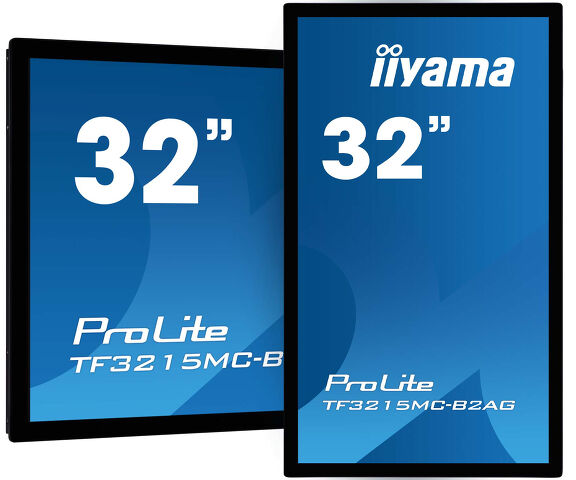
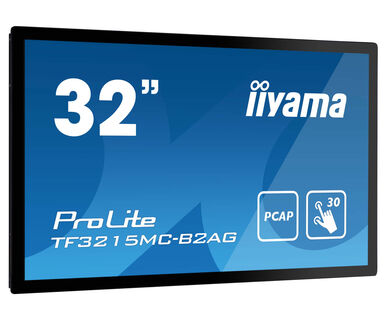
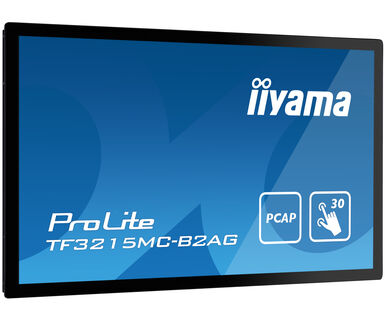
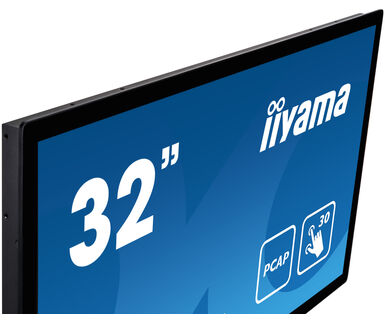
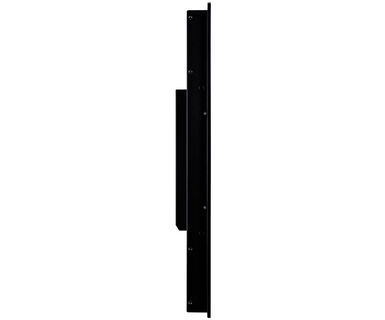
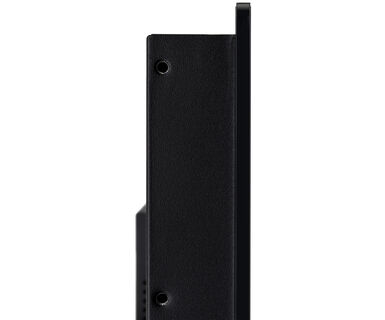
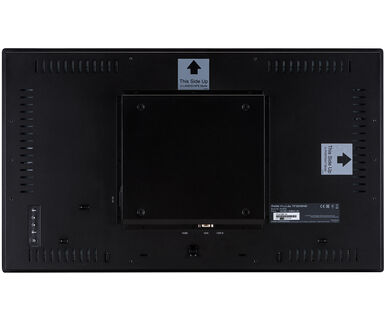
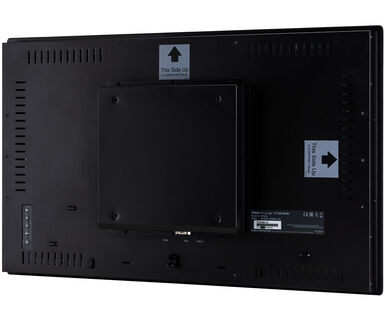
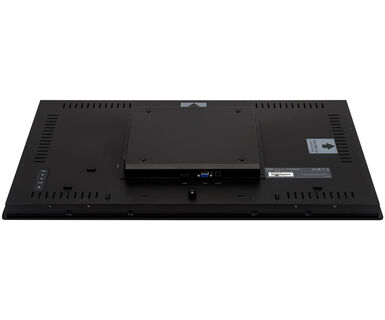
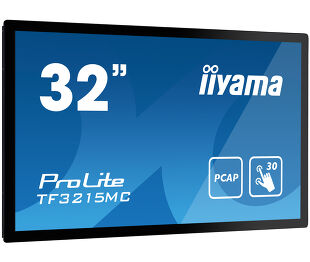
Open Frame PCAP 30-point Touch monitor with AG coating equipped with a foam seal finish for seamless integration
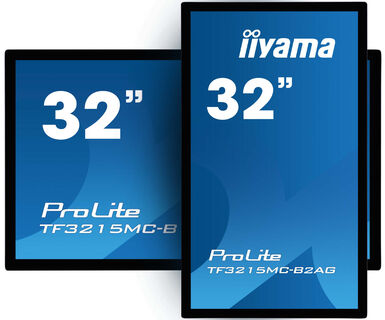
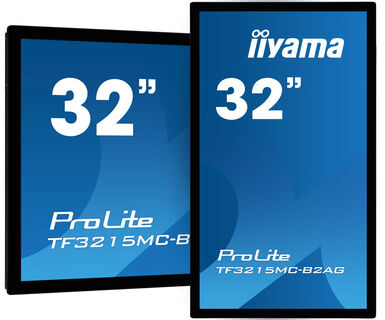
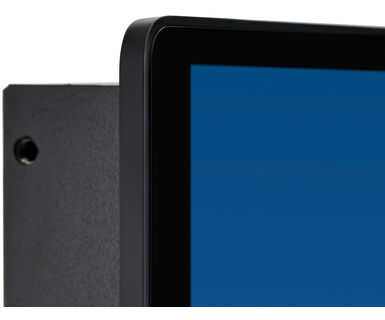
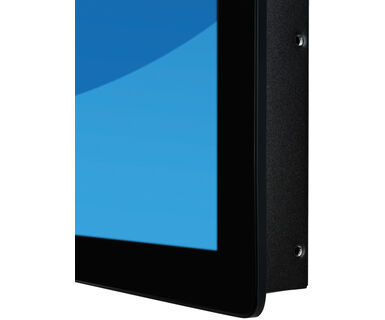
The ProLite TF3215MC-B2AG uses PCAP Touch technology and is built into an eye-catching bezel with edge-to-edge anti-glare coated glass drastically reducing ambient reflections in high-brightness environments without compromising the sharpness and clarity of the image. The rugged bezel equipped with a foam seal finish supports seamless integration into kiosks and provides IP65 rating resulting in dust and water resistance from the front making it perfect for high use public facing applications. Landscape and portrait orientation ensures flexible mounting possibilities in almost any installation. The TF3215MC-B2AG is the ideal solution for kiosk integrators, industrial environments, control rooms and interactive multimedia.
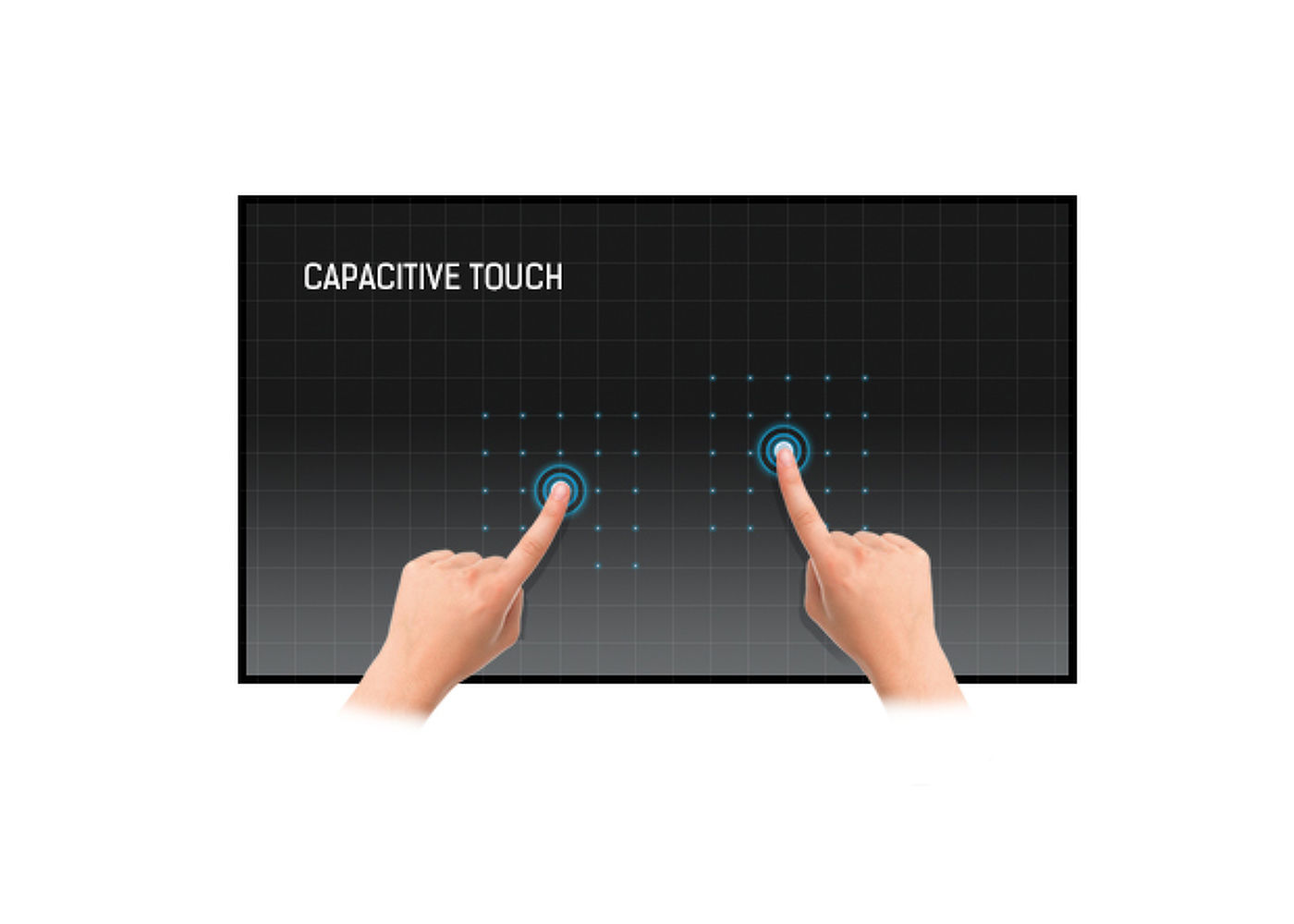
This technology uses a sensor-grid of micro-fine wires integrated into the glass that covers the screen. Touch is detected because electrical characteristics of the sensor grid change when human finger is placed on the glass. Thanks to the glass overlay this technology is highly durable, and the touch function remains unaffected even if the glass is scratched. It offers perfect picture performance and will work with human finger (also latex gloved) and stylus-pen.
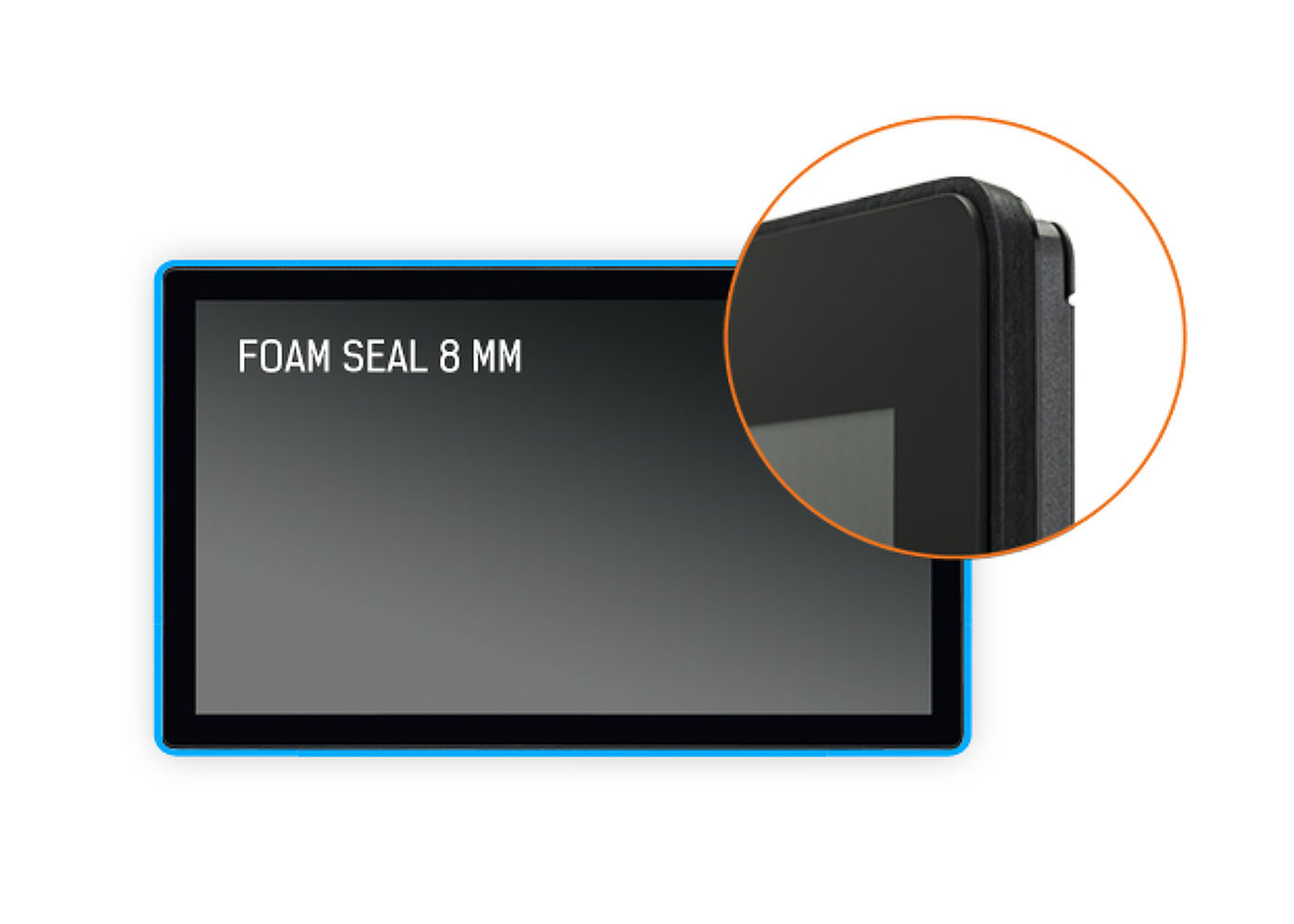
A foam seal finish (8mm) around the monitor ensures seamless integration and optimal dust protection.
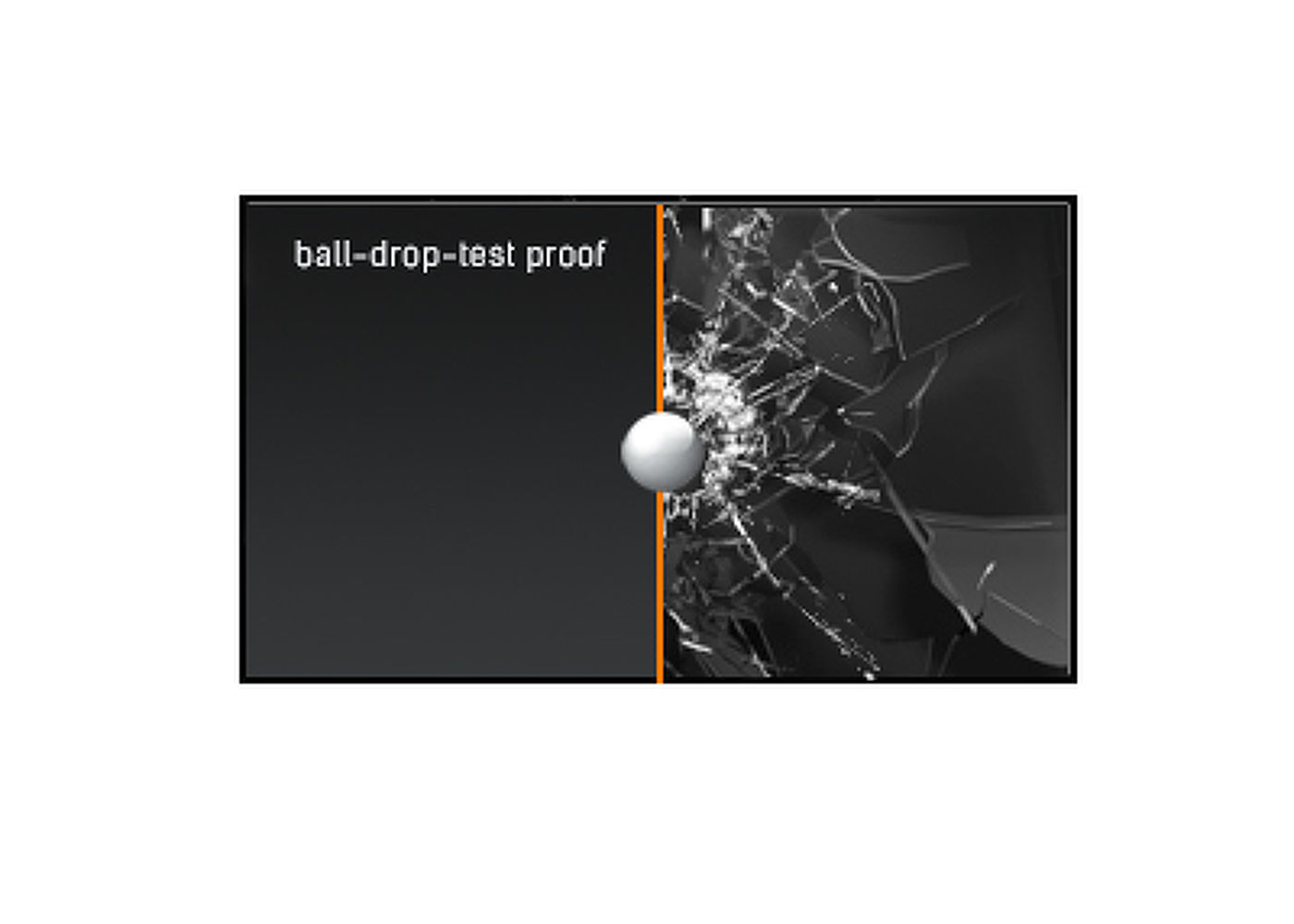
The ball-drop-test uses a half-kilo steel ball, which is dropped onto the touch screen from a height of 1.3 meter. If the touch screen surface remains unaffected, the monitor passes the ball-drop-test for high impact resistance and durability.
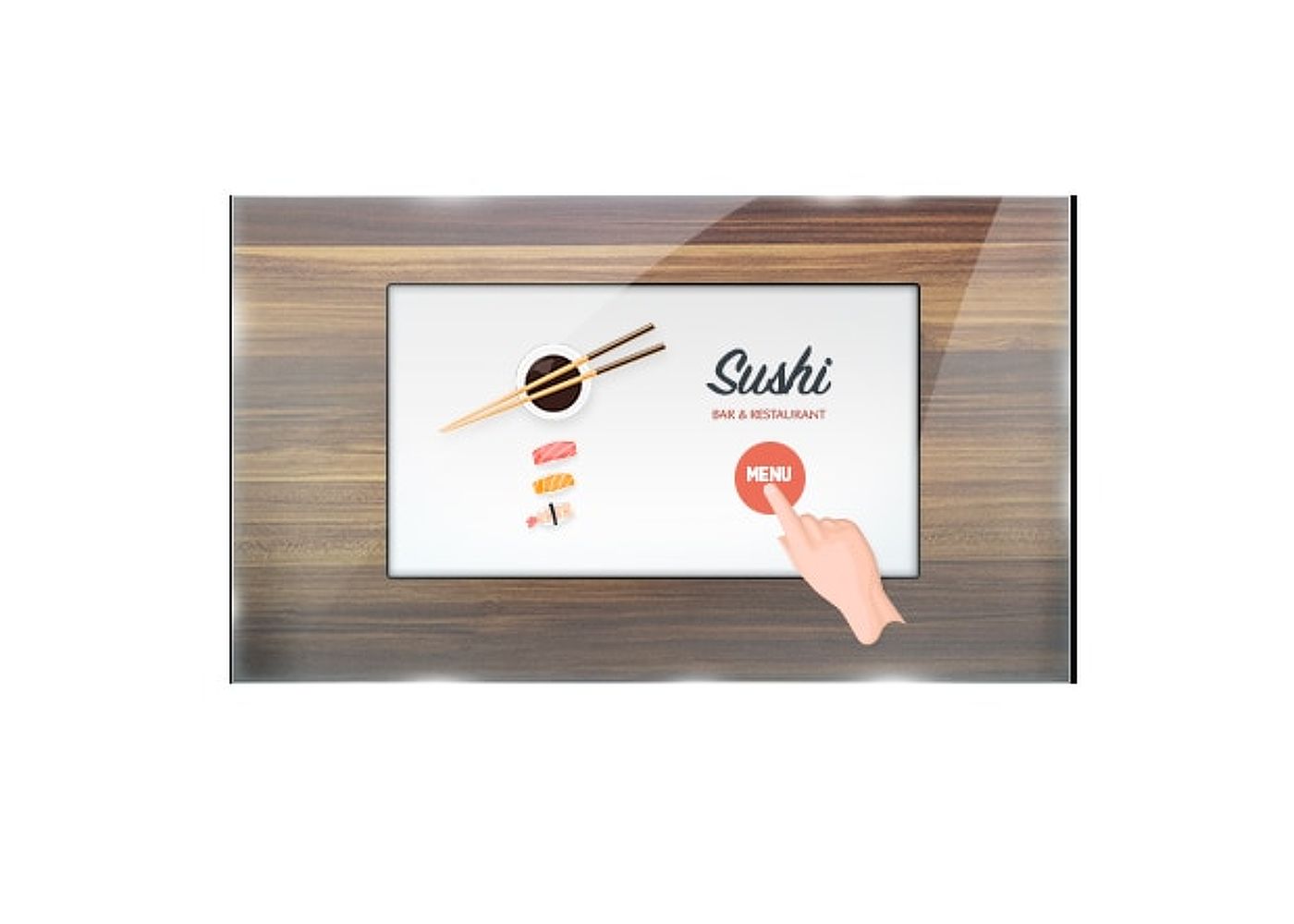
This through glass touch screen works right through glass and can turn glass surfaces into an interactive touch screen display. Use it on storefront windows, real estate office, in-store for POS or restaurants.
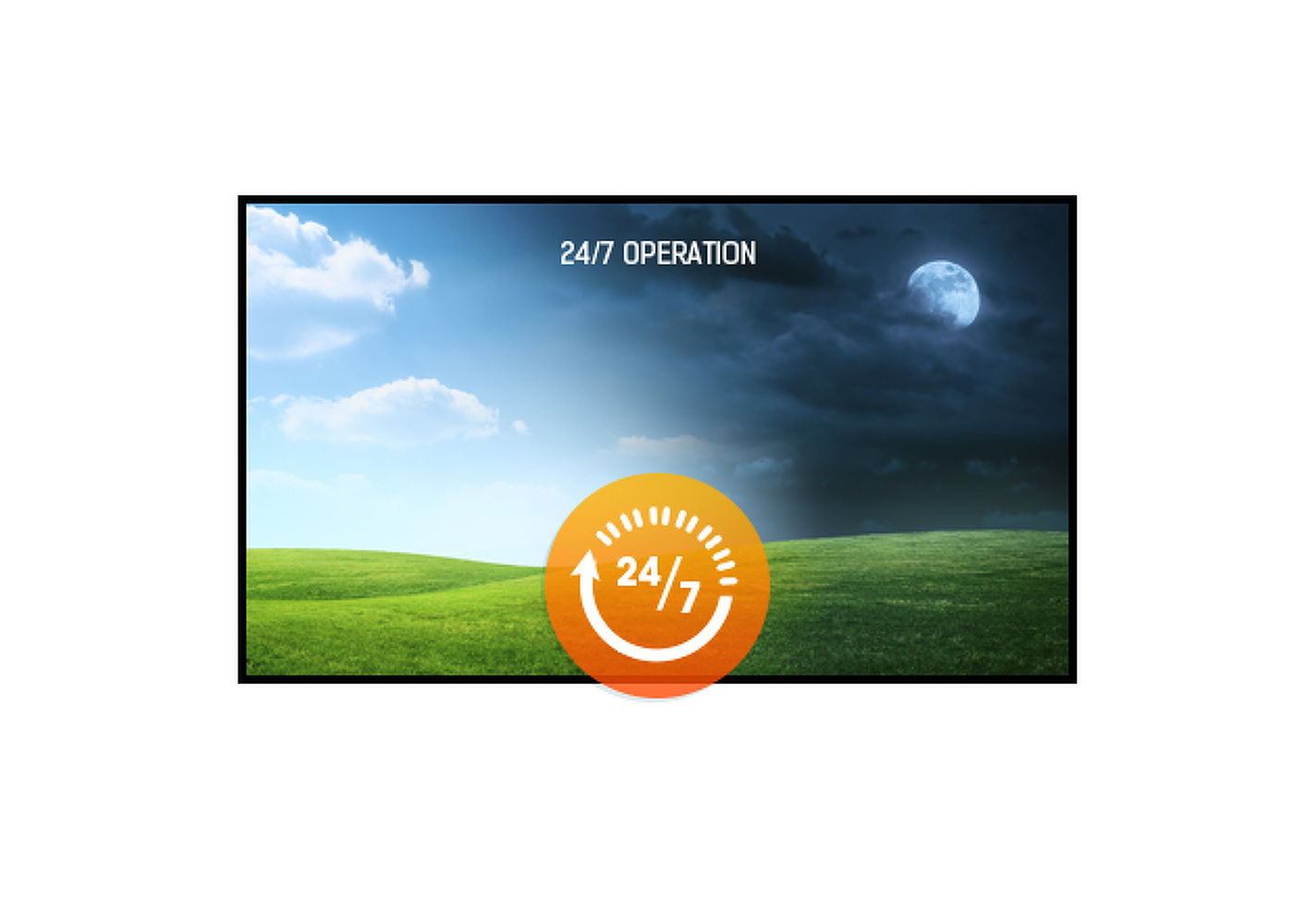
24/7 displays are designed for a continuous operation.



| Design | Open Frame |
| Diagonal | 31.5", 80cm |
| Panel | VA, Anti-Glare coating |
| Native resolution | 1920 x 1080 (2.1 megapixel Full HD) |
| Aspect ratio | 16:9 |
| Panel brightness | 500 cd/m² |
| Brightness | 425 cd/m² with touch |
| Light transmittance | 85% |
| Static contrast | 3000:1 with touch |
| Response time (GTG) | 8ms |
| Viewing zone | horizontal/vertical: 178°/178°, right/left: 89°/89°, up/down: 89°/89° |
| Colour support | 16.7mln 8bit |
| Horizontal Sync | 30 - 68kHz |
| Viewable area W x H | 698.4 x 392.8mm, 27.5 x 15.5" |
| Pixel pitch | 0.3637mm |
| Bezel colour and finish | black |
| Reommended usage | retail |
| Touch technology | projective capacitive |
| Touch points | 30 (HID, only with supported OS) |
| Touch accuracy | +- 2mm |
| Touch method | finger, glove (latex), capacitive stylus |
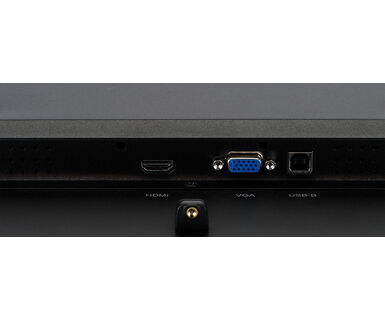
| Touch interface | USB |
| Supported operating systems | All iiyama monitors are Plug & Play and compatible with Windows and Linux. For details regarding the supported OS for the touch models, please refer to the driver instruction file available in the downloads section. |
| Through-Glass | 6mm |
| Analog signal input | VGA x1 |
| Digital signal input |
HDMI x1 DisplayPort x1 |
| HDCP | yes |
| Extra | Touch Through-Glass, Anti-glare coating |
| Kiosk mode | yes |
| Max. non-stop operating time | 24/7 |
| Glass hardness | 6H |
| 60950 Ball drop test | yes |
| Impact testing | IK-7 |
| Water and dust protection | IP65 (front) |
| Housing (bezel) | metal |
| Water tight seal | yes |
| OSD key lock | yes |
| OSD languages | EN, DE, FR, ES, IT, CN, JP |
| Control buttons | Menu, Scroll up/ Brightness, Scroll down/ Contrast, Select, Power |
| User controls | contrast, brightness, auto adjust, H.position, V.position, phase, OSD H.position, OSD V.position, OSD timeout, reset, input select, OSD language, colour temperature, sharpness, touch switch (normal, glove, through-glass) |
| Plug&Play | DDC2B |
| Orientation | landscape, portrait |
| Fanless design | yes |
| VESA mounting | 200 x 200mm |
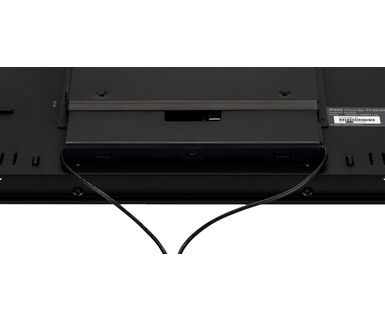
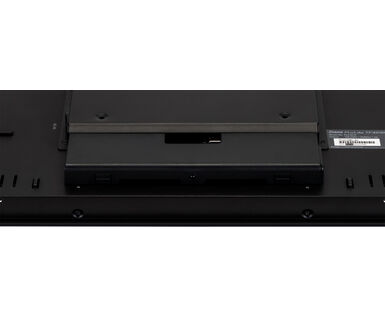
| Cable management system | cable cover |
| Operation temperature range | 0°C - 40°C |
| Storage temperature range | - 20°C - 60°C |
| MTBF | 50000 hours |
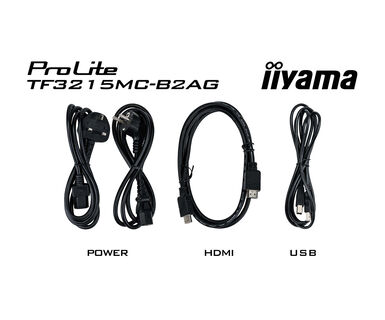
| Cables | power, USB, HDMI |
| Guides | quick start guide, safety guide |
| Cable cover | yes |
| Power supply unit | internal |
| Power supply | AC 100 - 240V, 50/60Hz |
| Power usage | 32W typical, 1.5W stand by, 0.3W off mode |
| Energy efficiency class (Regulation (EU) 2017/1369) | F |
| REACH SVHC | above 0.1%: Lead |
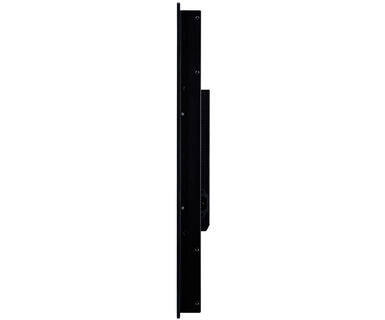
| Product dimensions W x H x D | 743 x 437 x 61mm |
| Box dimensions W x H x D | 890 x 630 x 155mm |
| Pallet volume | 21pcs |
| Pallet dimensions W x H x D | 1000 x 2040 x 1200mm |
| Weight (without box) | 10kg |
| Weight (with box) | 12.85kg |
| EAN code | 4948570123674 |
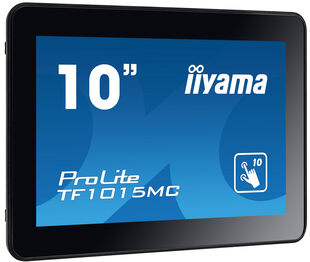
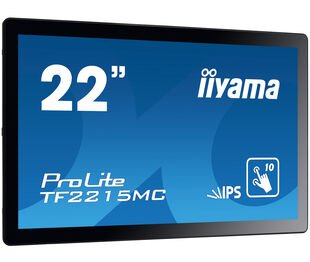
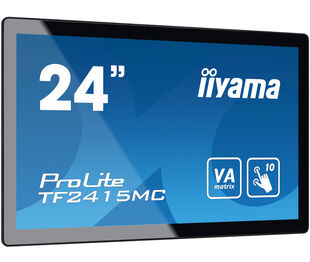
| Product series | ProLite TF1015MC-B2, ProLite TF1515MC-B2, ProLite TF2215MC-B2, ProLite TF2415MC-B2, ProLite TF3215MC-B2 |

If your touch functionality is not working, please check the following:
1. Ensure your PC is connected to the monitor with the supplied USB cable.
2. Verify in the user manual that your operating system is supported by the screen.
When cleaning, please follow these guidelines to avoid damaging your Touch monitor:
1. Avoid using paper towels, abrasive cloths, or any harsh cleaning agents, as they can scratch the screen or damage the touch sensors.
2. Do not spray the cleaning solution directly onto the screen to prevent liquid from seeping into the monitor.
3. Avoid excessive cleaning, as it can wear out the screen over time.
4. For more details, please check our dedicated Cleaning page.
If your monitor is displaying a "No Signal" message, please check the following:
1. Ensure the cables are properly connected at both ends.
2. Select the correct signal input (HDMI/DP) or choose AUTO.
For guidance on selecting an input while the screen is in standby mode, please consult the user manual. On desktop monitors, common methods include pressing the INPUT, AUTO, or "2" buttons, or moving the joystick backward.
Yes, your iiyama monitor will work with your Apple Mac system. However, it depends on the signal input how to connect. Since Apple Mac systems from 2020 onwards only have Thunderbolt 3 (USB-C) ports for video output, you have two options:
1. Connect directly to the USB-C signal input on your iiyama monitor.
2. In case your monitor only has HDMI or Displayport, you will need a Mac-compatible dongle that supports one of the video inputs available. Apple offers a USB-C Digital AV Multiport Adapter (MW5M3AM) that can be used for this purpose.
To resolve the issue of a blinking picture, please follow these steps:
1. Inspect the Signal Cable.
Ensure the signal cable is securely connected at both ends and free from any physical damage. Avoid any sharp bends or squishing of the cable.
2. Use a Shorter Cable.
If possible, use a cable shorter than 3 meters and connect the monitor directly to a wall power socket, avoiding the use of adapters.
3. Disable FreeSync/Adaptive Sync.
For desktop or gaming monitors, try disabling FreeSync or Adaptive Sync in the monitor's settings menu.