Subscribe to our newsletter
Keep up #withiiyama
You have successfully subscribed to our newsletter.
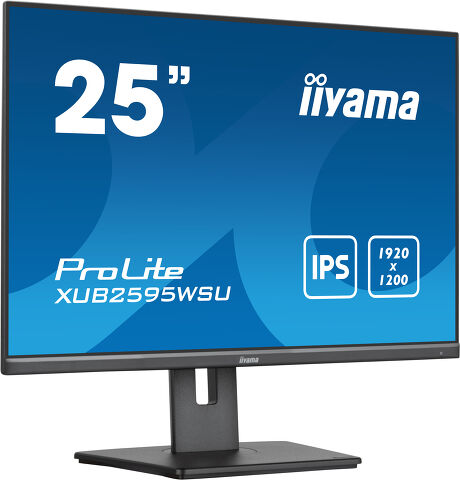
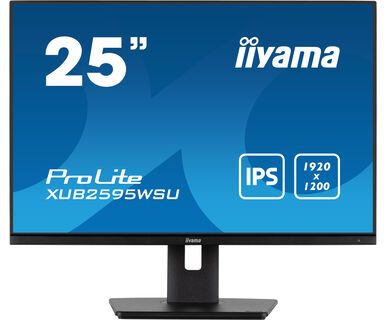
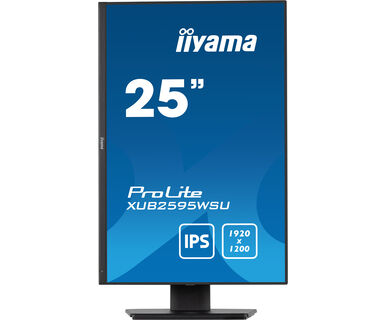
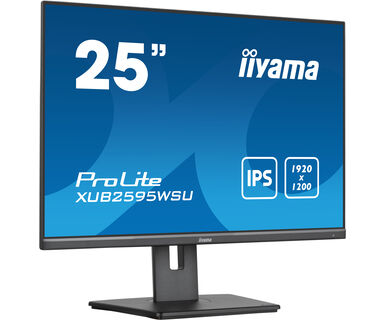
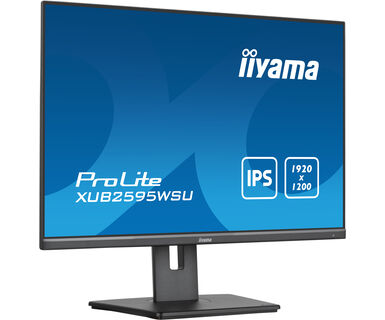
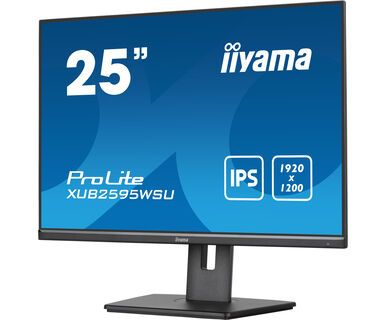
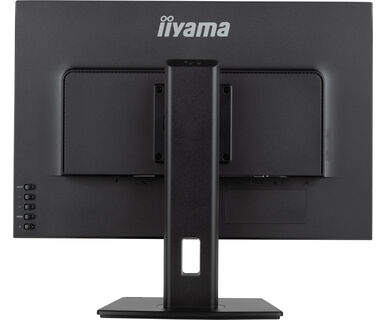
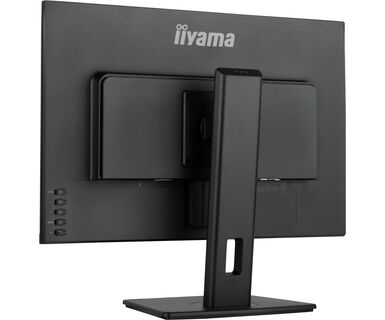
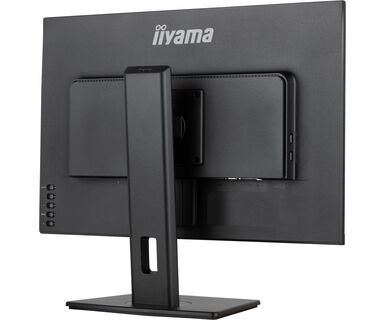
25” 1920 x 1200 monitor sa IPS panelom i postoljem podesivim po visini
Pružajući odlične performanse slike, ProLite XUB2595VSU je odličan izbor za kancelarijske, grafičke i CAD aplikacije. Monitor poseduje LED panel IPS tehnologije koji nudi izvornu rezoluciju od 1920 x 1200 sa preciznom reprodukcijom boja i širokim uglovima gledanja. Funkcija redukcije plavog svetla i LED-ovi bez treperenja pomažu da se značajno ograniči zamor očiju koji obično izaziva rad sa ekranom računara. Postolje podesivo po visini od 150 mm omogućava vam da lako prilagodite položaj ekrana prema vašim željama. Odličan je izbor za Digitalno Oglašavanje na više monitora kao i za kancelarijske aplikacije.
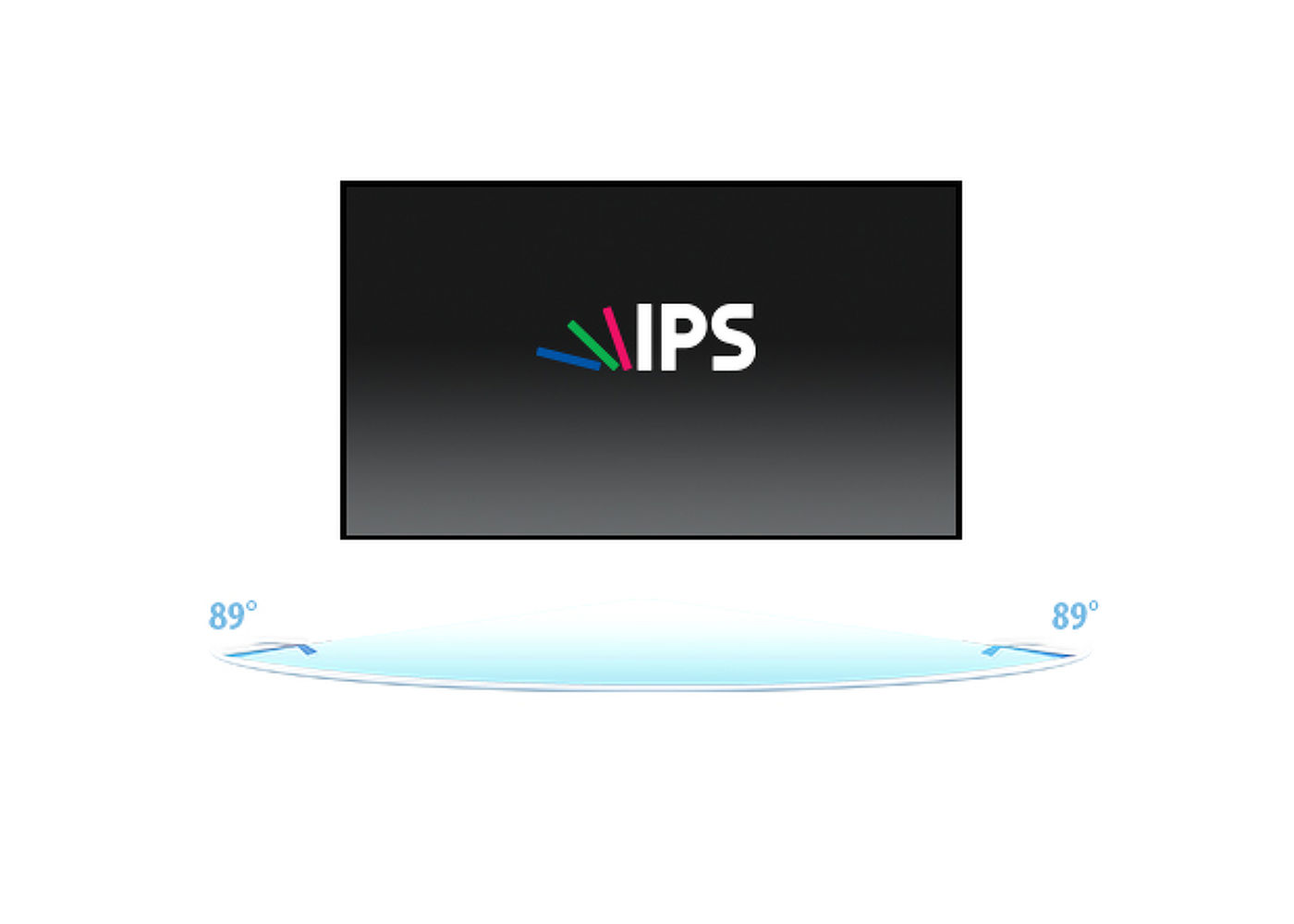
IPS tehnologija nudi veći kontrast, tamnije crne i mnogo bolje uglove gledanja od standardne TN tehnologije. Ekran će izgledati dobro bez obzira pod kojim ga uglom gledate.
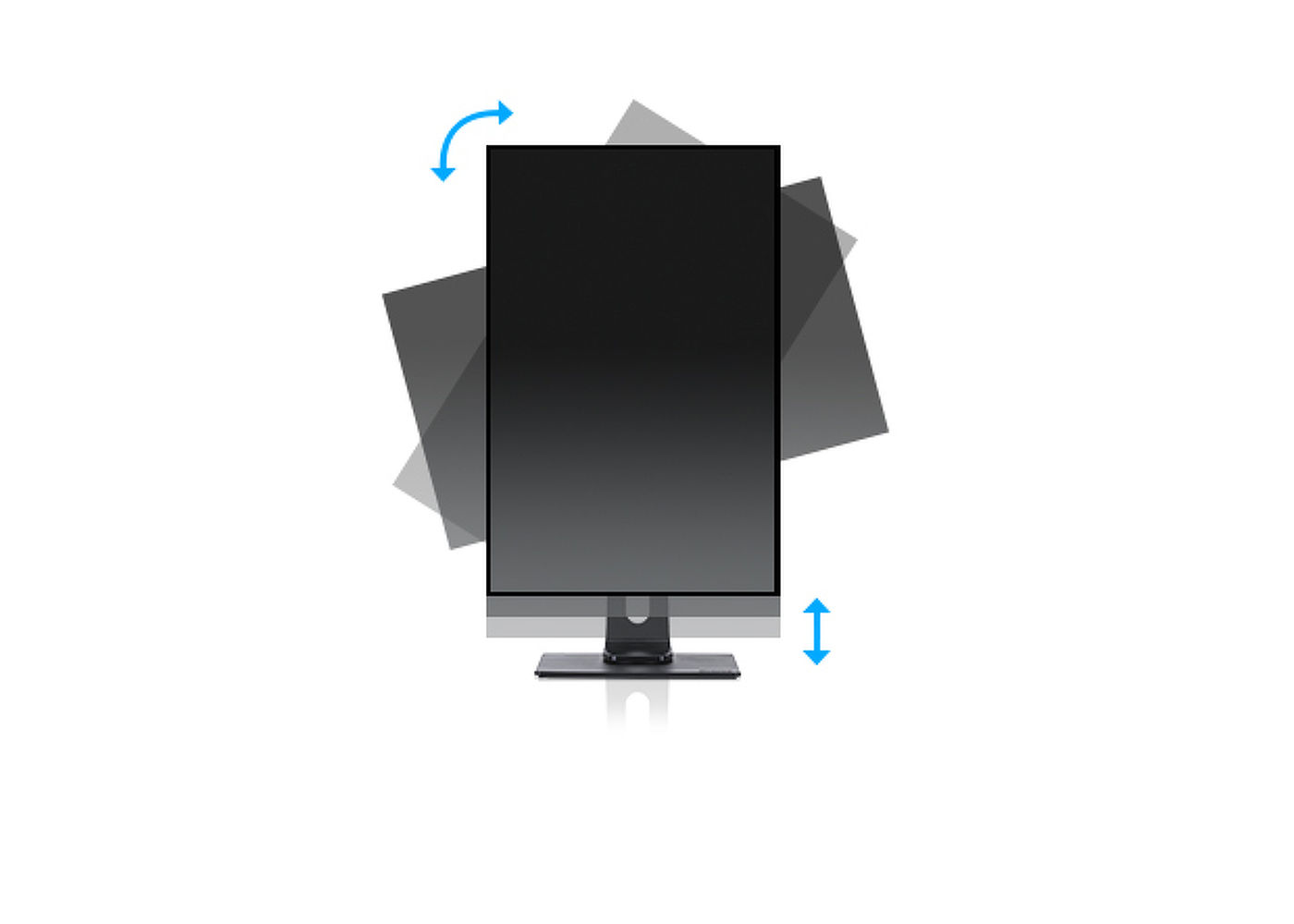
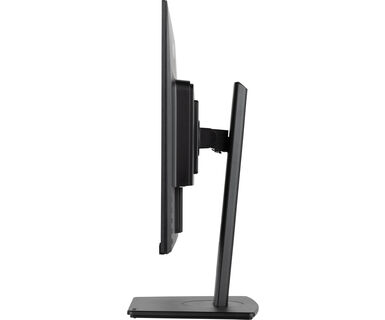
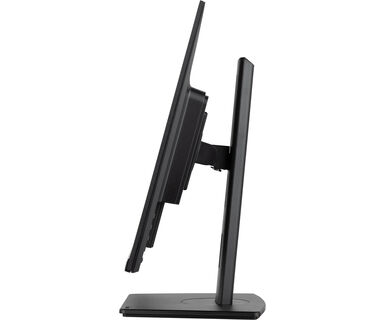
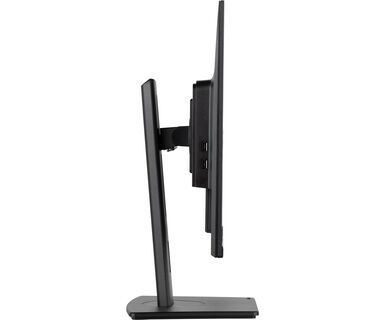
Pomoću postolja podesivog po visini stvorićete ergonomsko radno držanje i položaj koji zadovoljava sve zdravstvene i sigurnosne zahteve. To ne samo da će sprečiti bilo kakve zdravstvene probleme, već će i povećati Vašu produktivnost. Funkcija okretanja ekrana omogućava okretanje iz pejzažne u portretnu orijentaciju. Ova funkcionalnost može biti korisna ako aplikaciji treba veća visina nego širina.
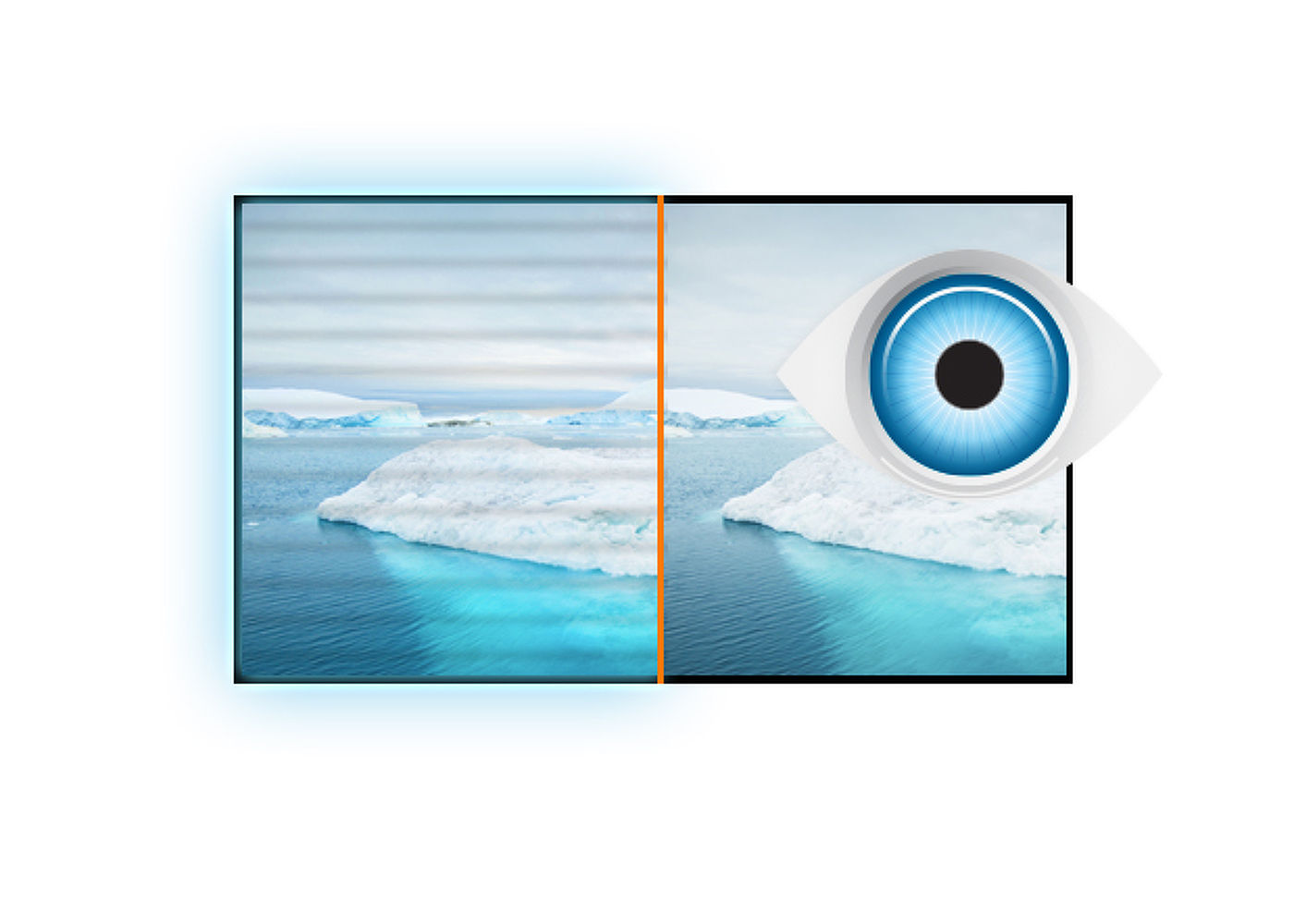
Vrhunsko rešenje za udobnost i zdravlje Vaših očiju. Monitori bez treperenja sa funkcijom reduktora plave svetlosti značajno smanjuju naprezanje i umor uzrokovan treperenjem i emitovanjem plave svetlosti običnih monitora.
Igrate sa prijateljima? Koristite integrisane visokokvalitetne zvučnike. Ne želite nikoga uznemiravati? Uključite slušalice i pojačajte jačinu zvuka.
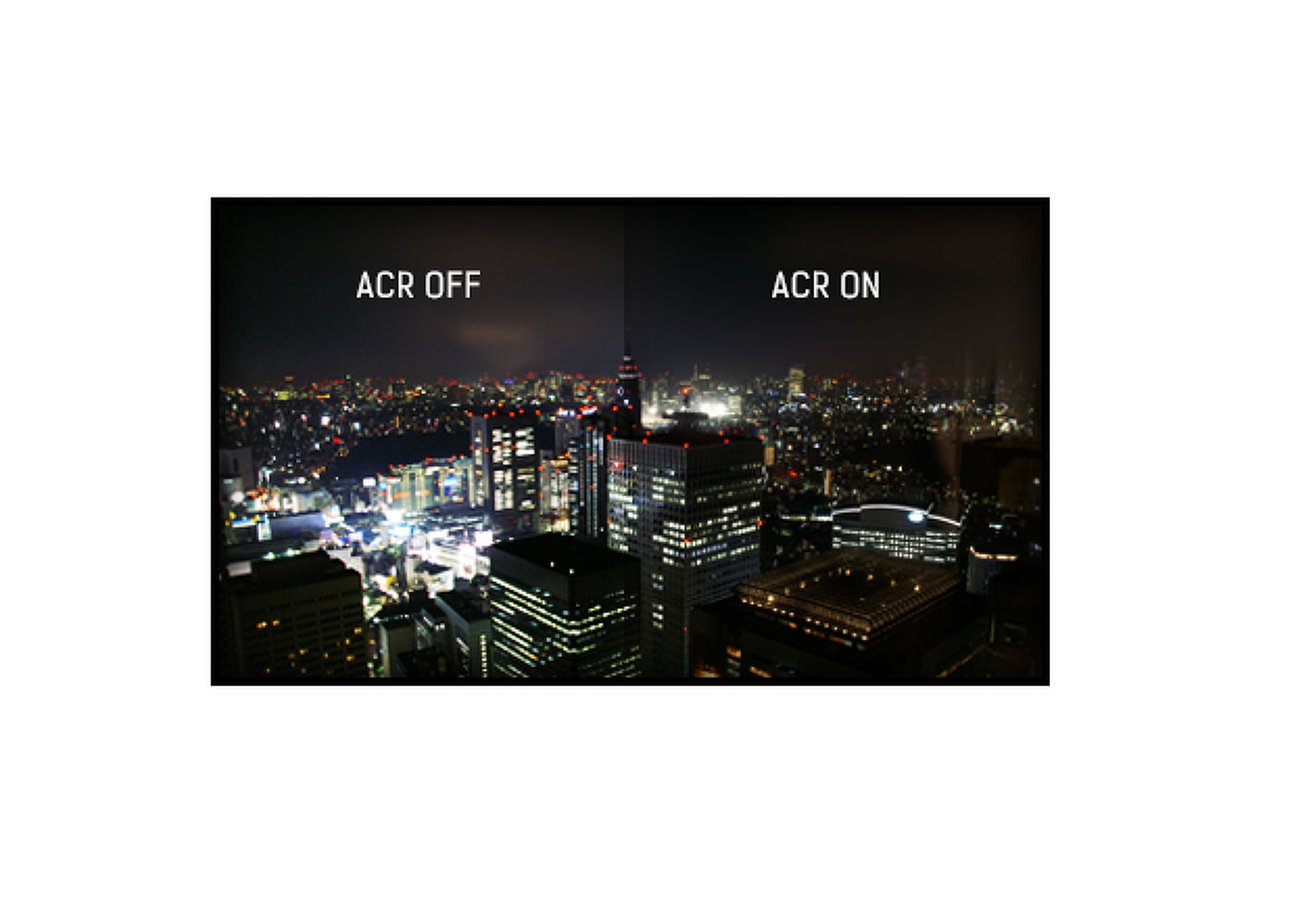
Odnos kontrasta predstavlja merilo razlike između najmračnije crne i najsvetlije bele boje koju Vaš monitor može prikazati. Advanced Contrast Ratio je funkcija koja automatski prilagođava kontrast i osvetljenost ekrana kako bi se osigurao savršen kvalitet slike dok gledate filmove i igrate igre.




| Dizajn | Bez rama sa tri strane |
| Dijagonala | 25", 63.36cm |
| Panel | IPS LED, mat finiš |
| Osnovna rezolucija | 1920 x 1200 (2.3 megapixel WUXGA) |
| Format ekrana | 16:10 |
| Osvetljenje | 300 cd/m² |
| Statički kontrast | 1000:1 |
| Napredni kontrast | 5M:1 |
| Vreme odziva (GTG) | 4ms |
| Zona gledanja | horizontalno/vertikalno: 178°/178°, desno/levo: 89°/89°, gore/dole: 89°/89° |
| Podržane boje | 16.7mln |
| Horizontalna sinhronizacija | 30 - 89KHz |
| Vidljiva površina Š x V | 535.4 x 338.7mm, 21.1 x 13.3" |
| Razmak piksela | 0.279x0.282mm |
| Boja | mat, crna |
| Ulaz signala |
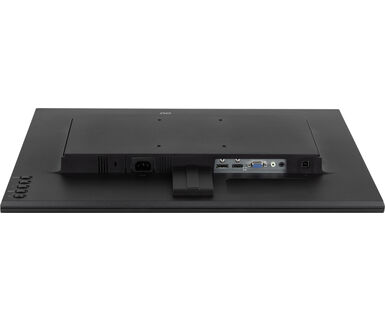
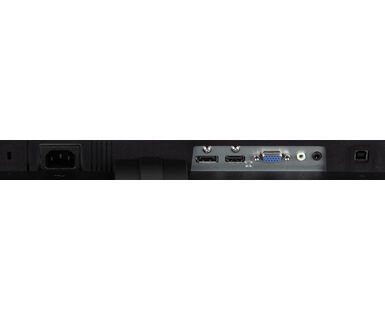
VGA x1 (max. 1920 x 1200 @60Hz) HDMI x1 (max. 1920 x 1200 @60Hz) DisplayPort x1 (max. 1920 x 1200 @75Hz) |
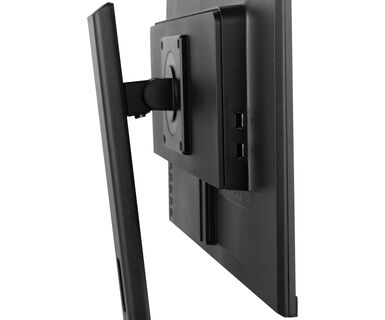
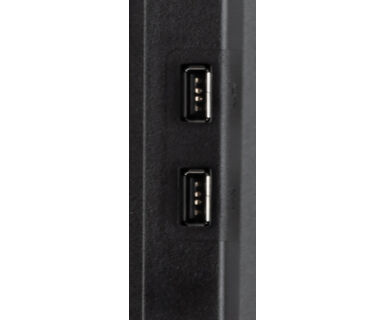
| USB HUB | x2 (v.2.0) |
| HDCP | da |
| Priključak za slušalice | da |
| Smanjeno emitovanje plave svetlosti | da |
| Bez treperenja | da |
| Adaptive Sync podrška | DisplayPort @48-75Hz |
| OSD jezici | EN, DE, FR, RU, JP, NL, PL |
| Zvučnici | 2 x 2W |
| Pogodnost | Kensington-lock™ priprema, DDC/CI, DDC2B, Mac OSX |
| Podešavanje položaja prikaza | visina, okretanje, nagib, pivot (rotacija u obe strane) |
| Podešavanje visine | 150mm |
| Rotacija (PIVOT funkcija) | 90° |
| Okretno postolje | 90°; 45° levo; 45° desno |
| Ugao nagiba | 23° gore; 5° dole |
| VESA montiranje | 100 x 100mm |
| Sistem upravljanja kablovima | da |
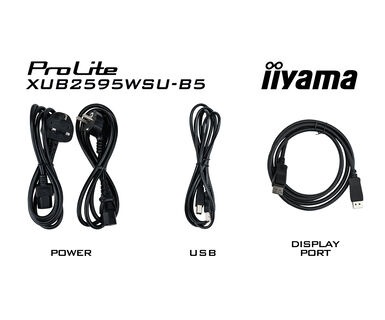
| Kablovi | Strujni kabl, USB, HDMI, DP |
| Ostalo | kratko uputstvo, bezbednosni vodič |
| Napajanje | interna |
| Potrošnja energije | % 1W tipično, 0.5W stand by, 0.3W iskljucen |
| Propisi | TCO Sertifikat, CE, TÜV-Bauart, EAC, PSE, RoHS podrška, ErP, WEEE, VCCI, REACH, UKCA |
| Klasa energetske efikasnosti (Regulation (EU) 2017/1369) | F |
| REACH SVHC | iznad 0.1%: Olova |
| Dimenzije proizvoda Š x V x D | 546.5 x 376.5 (526.5) x 209.5mm |
| Dimenzije kutije Š x V x D | 629 x 452 x 160mm |
| Težina (bez kutije) | 5kg |
| Težina (sa kutijom) | 6.5kg |
| EAN kod | 4948570121465 |
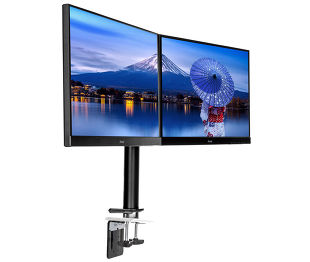
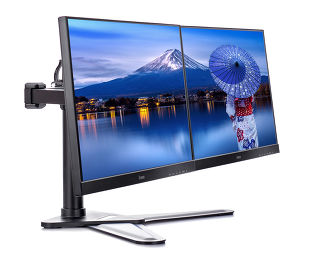
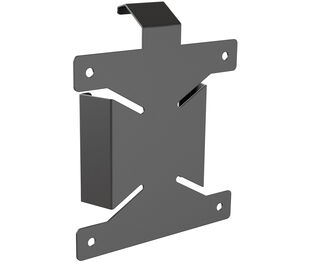

If you are unable to set the native resolution with the maximum refresh rate on your monitor, try the following troubleshooting steps:
1. Ensure you are using a cable that supports both the native resolution and the desired refresh rate.
2. Visit the product page on our website and check technical specification tab - Interfaces / Connectors / Controls section to see what resolution and refresh rate are supported under the signal input you have seleced (e.g. HDMI signal input does not always support the maxium refresh rate, please check the DisplayPort connection instead).
3. Check the settings and specifications of your PC / graphics card to see if they support the desired resolution or refresh rate.
Yes, Adaptive Sync is compatible with AMD FreeSync and NVIDIA G-Sync.
MBR cannot be selected when FreeSync/AdaptiveSync is activated, because MBR can interfere with the FreeSync/Adaptive Sync technology as they have different methods of improving motion clarity. MBR reduces motion blur (response time), while Adaptive Sync/FreeSync addresses stuttering. We recommend activating Adaptive Sync/FreeSync on systems with fluctuating or unstable frame rates. MBR performs best on powerful systems that maintain a consistently high frame rate.
If your monitor is displaying a "No Signal" message, please check the following:
1. Ensure the cables are properly connected at both ends.
2. Select the correct signal input (HDMI/DP) or choose AUTO.
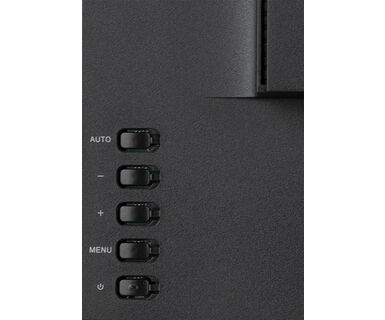
For guidance on selecting an input while the screen is in standby mode, please consult the user manual. On desktop monitors, common methods include pressing the INPUT, AUTO, or "2" buttons, or moving the joystick backward.
Yes, your iiyama monitor will work with your Apple Mac system. However, it depends on the signal input how to connect. Since Apple Mac systems from 2020 onwards only have Thunderbolt 3 (USB-C) ports for video output, you have two options:
1. Connect directly to the USB-C signal input on your iiyama monitor.
2. In case your monitor only has HDMI or Displayport, you will need a Mac-compatible dongle that supports one of the video inputs available. Apple offers a USB-C Digital AV Multiport Adapter (MW5M3AM) that can be used for this purpose.
3. If your iiyama monitor has touchscreen capabilities, please refer to the user manual to verify touch functionality compatibility with your Mac system.
To resolve the issue of a blinking picture, please follow these steps:
1. Inspect the Signal Cable.
Ensure the signal cable is securely connected at both ends and free from any physical damage. Avoid any sharp bends or squishing of the cable.
2. Use a Shorter Cable.
If possible, use a cable shorter than 3 meters and connect the monitor directly to a wall power socket, avoiding the use of adapters.
3. Disable FreeSync/Adaptive Sync.
For desktop or gaming monitors, try disabling FreeSync or Adaptive Sync in the monitor's settings menu.