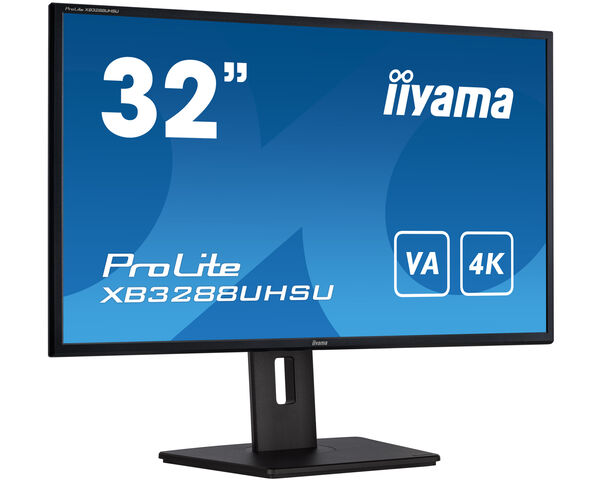
ProLite XB3288UHSU-B5 (EOL) Zamenjen sa: ProLite XB3294UHSCP-B1
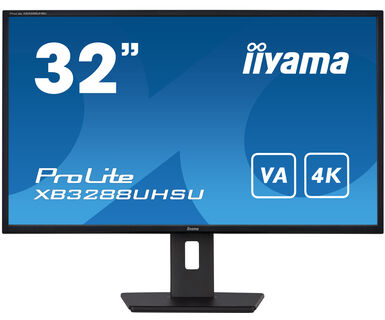
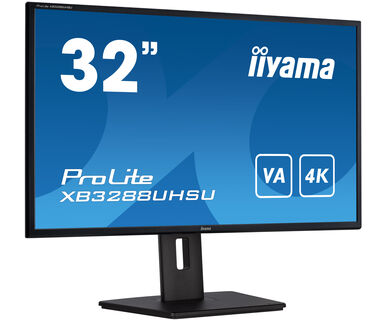
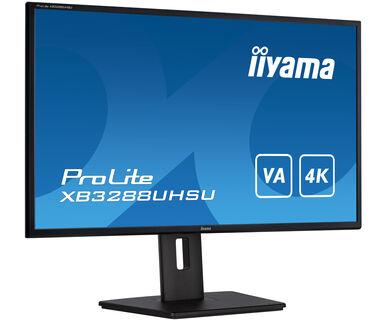
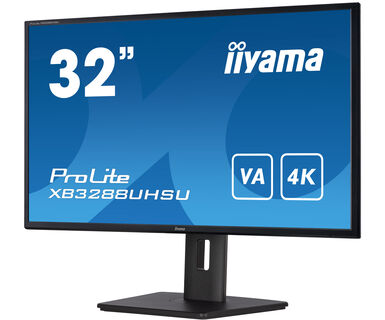
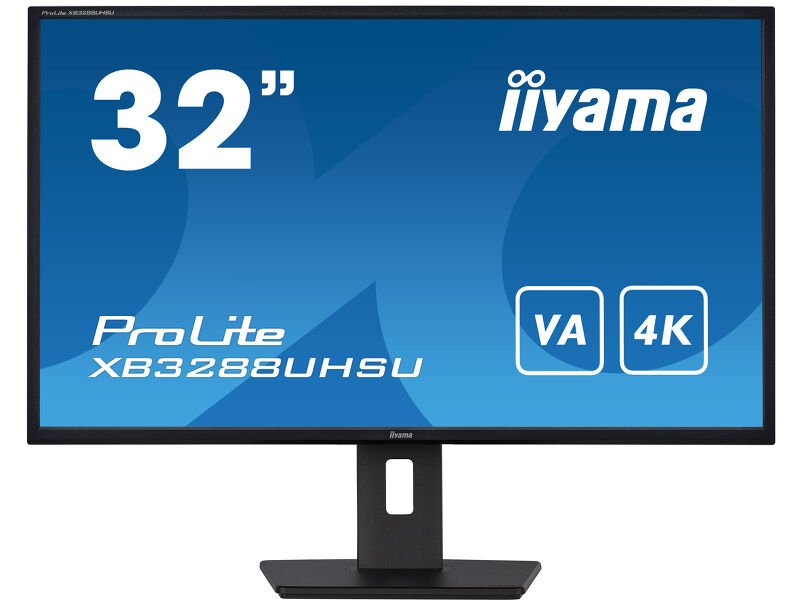
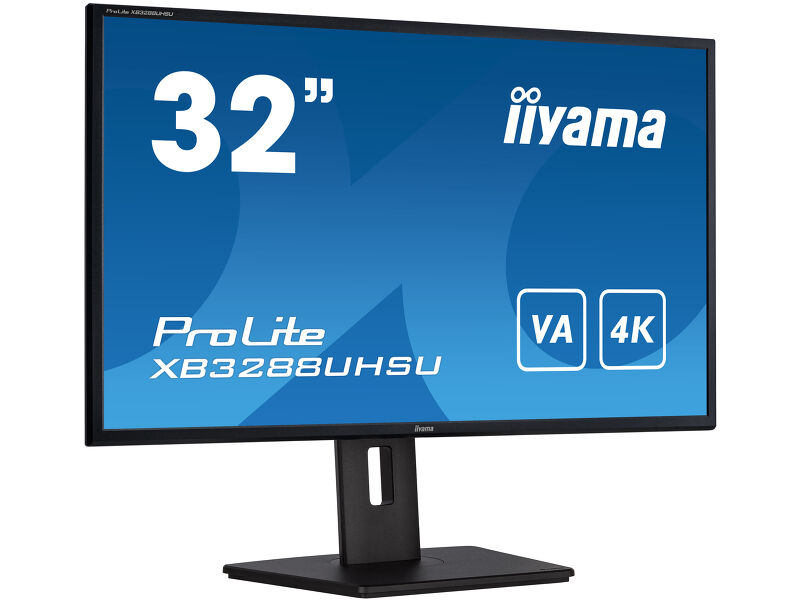
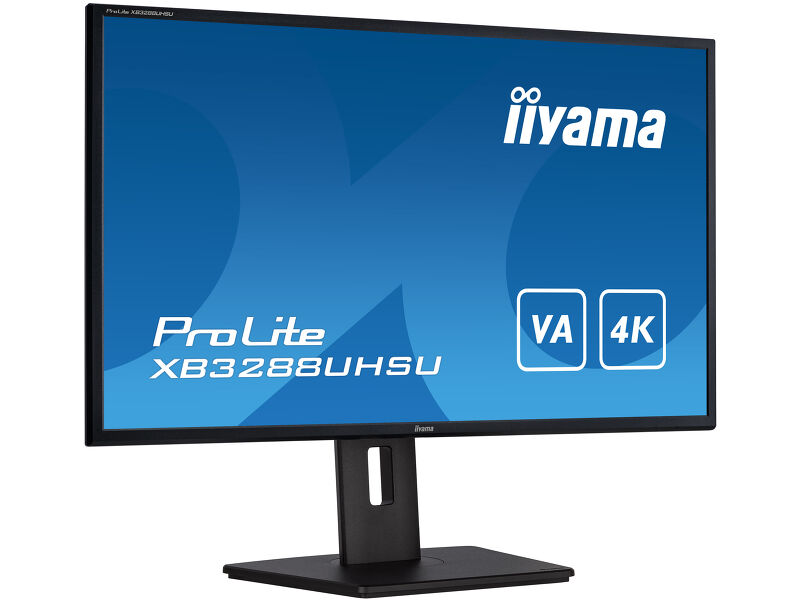
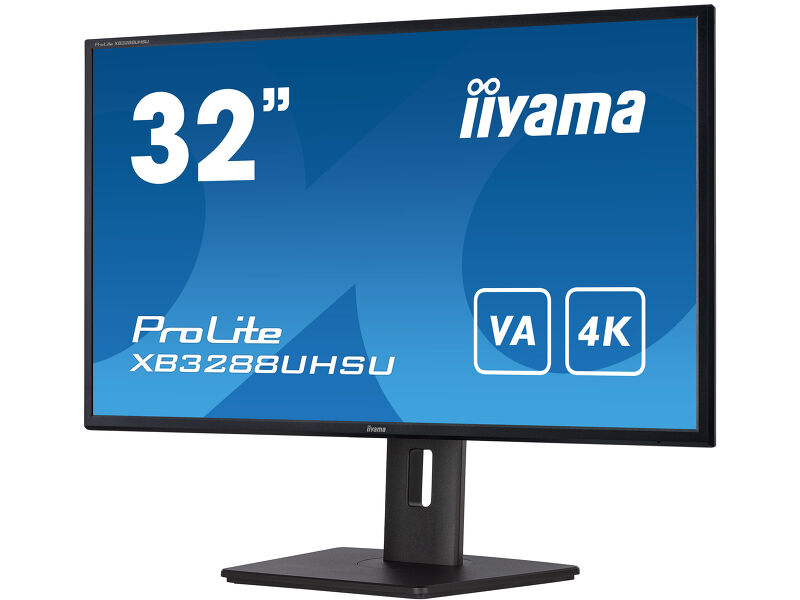
32'' monitor sa VA tehnologijom ekrana i 4K rezolucijom
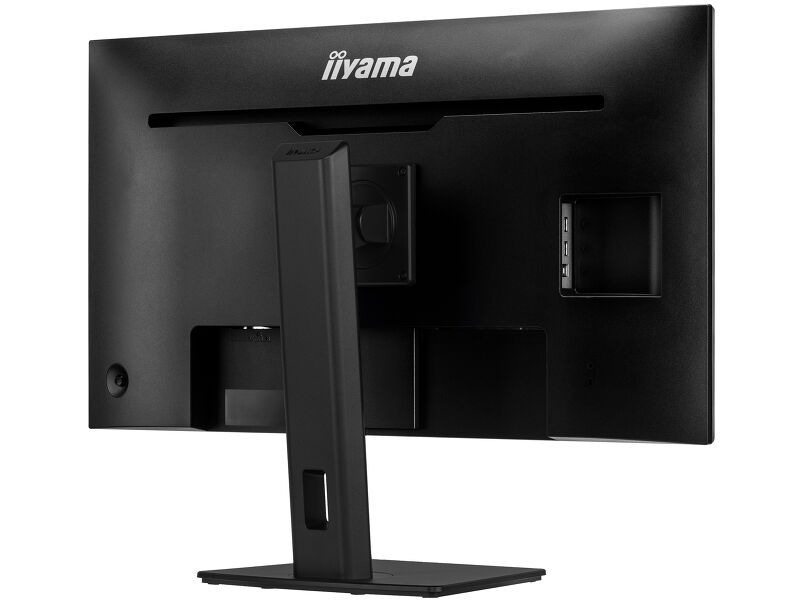
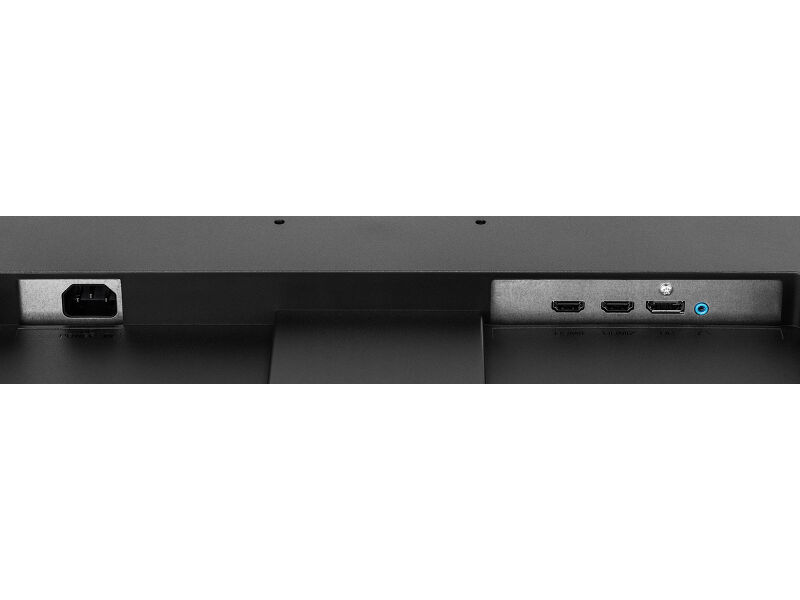
ProLite XB3288UHSU je 32'' 4K monitor koji može da prikaze 4 puta više informacija od Full HD ekrana. Stoga će odgovarati velikom broju aplikacija koje zahtevaju nadprosečnu vidljivu površinu, kao što su programi za pripremu štampe, CAD/CAM crteže, virtualizaciju podataka, digitalnu obradu fotografija i web dizajna. VA tehnologija ekrana pruža izvanredne prikaze boja, visoki kontrast slike i široke uglove gledanja. HDMI, Display Port i ulaz za slušalice obezbeđuju kompatibilnost sa velikim brojem uređaja. Podesivo postolje od 150mm omogućava lako podešavanje visine ekrana prema Vašim potrebama.
-
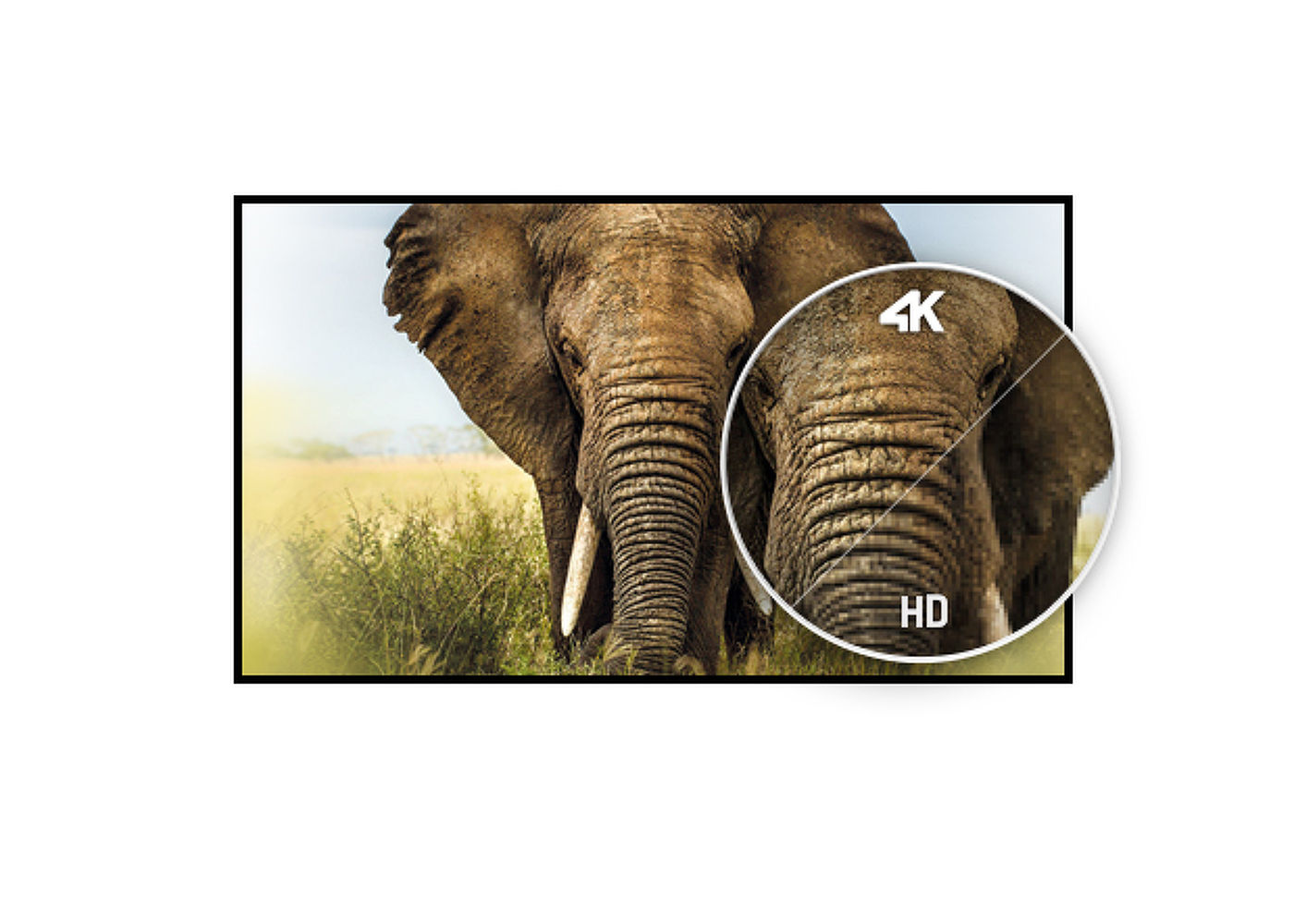
4K
UHD rezolucija (3840x2160), poznatija kao 4K, nudi gigantsko vidljivo područje sa 4 puta više informacija i radnim prostorom od Full HD ekrana. Zbog visokog DPI-ja (tačke po inču), prikazuje neverovatno oštre i jasne slike.
-
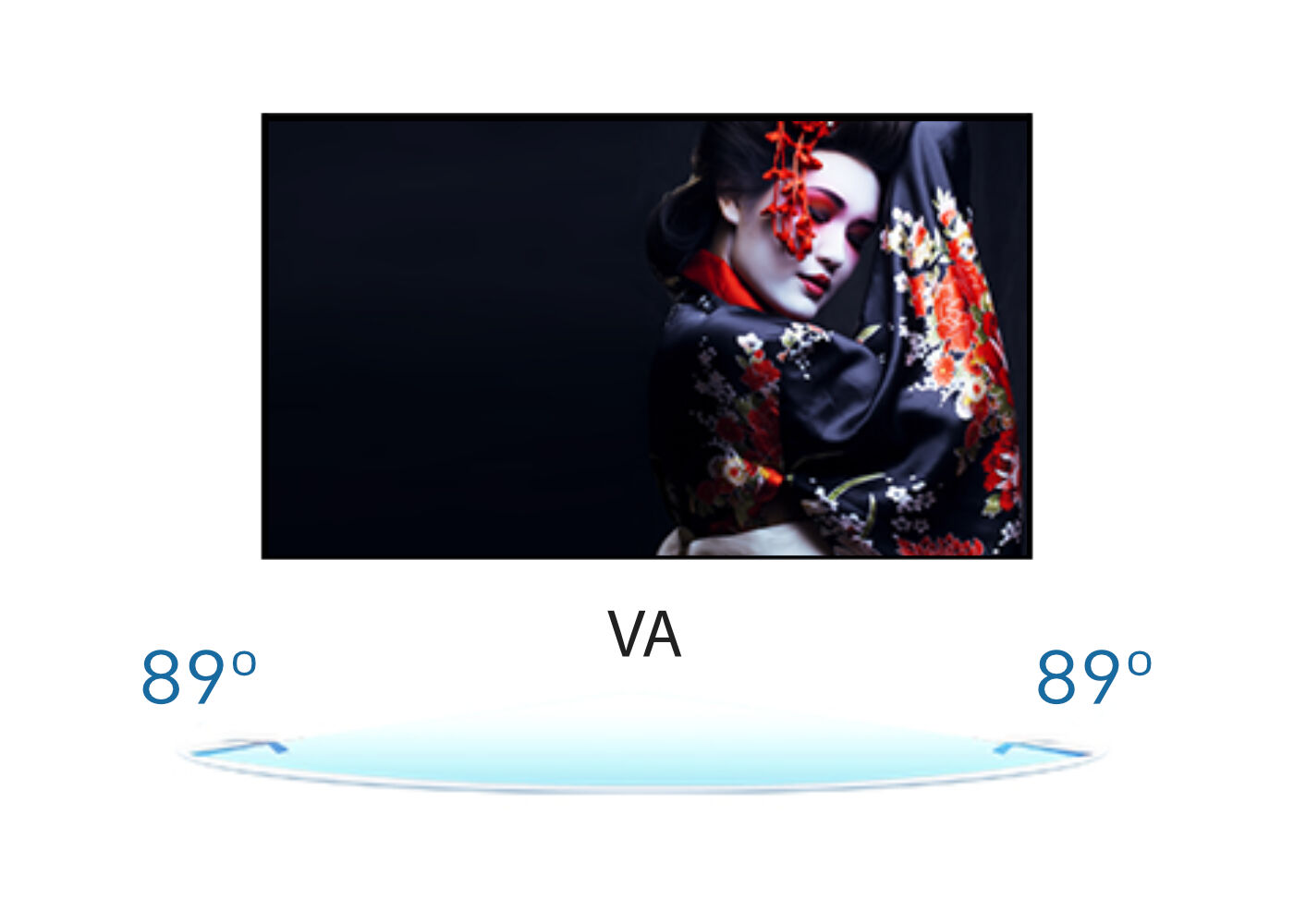
VA matrica
Tehnologija VA panela nudi veći kontrast, tamnije crne i mnogo bolje uglove gledanja od standardne TN tehnologije. Ekran će izgledati dobro bez obzira pod kojim uglom gledate.
-
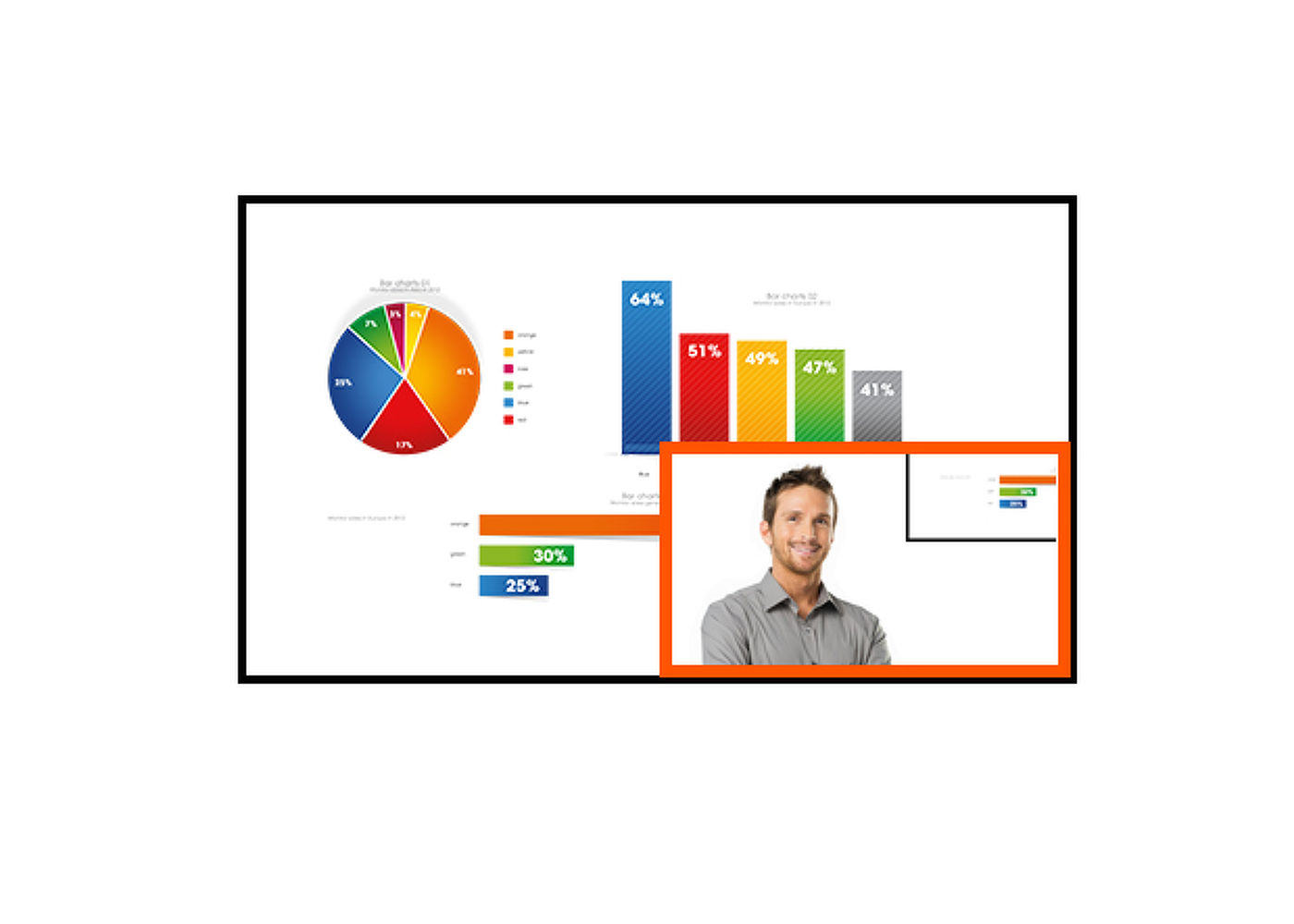
PIP
PIP (slika u slici) funkcija omogućuje istovremeno gledanje slika koje dolaze iz dva različita izvora.
-
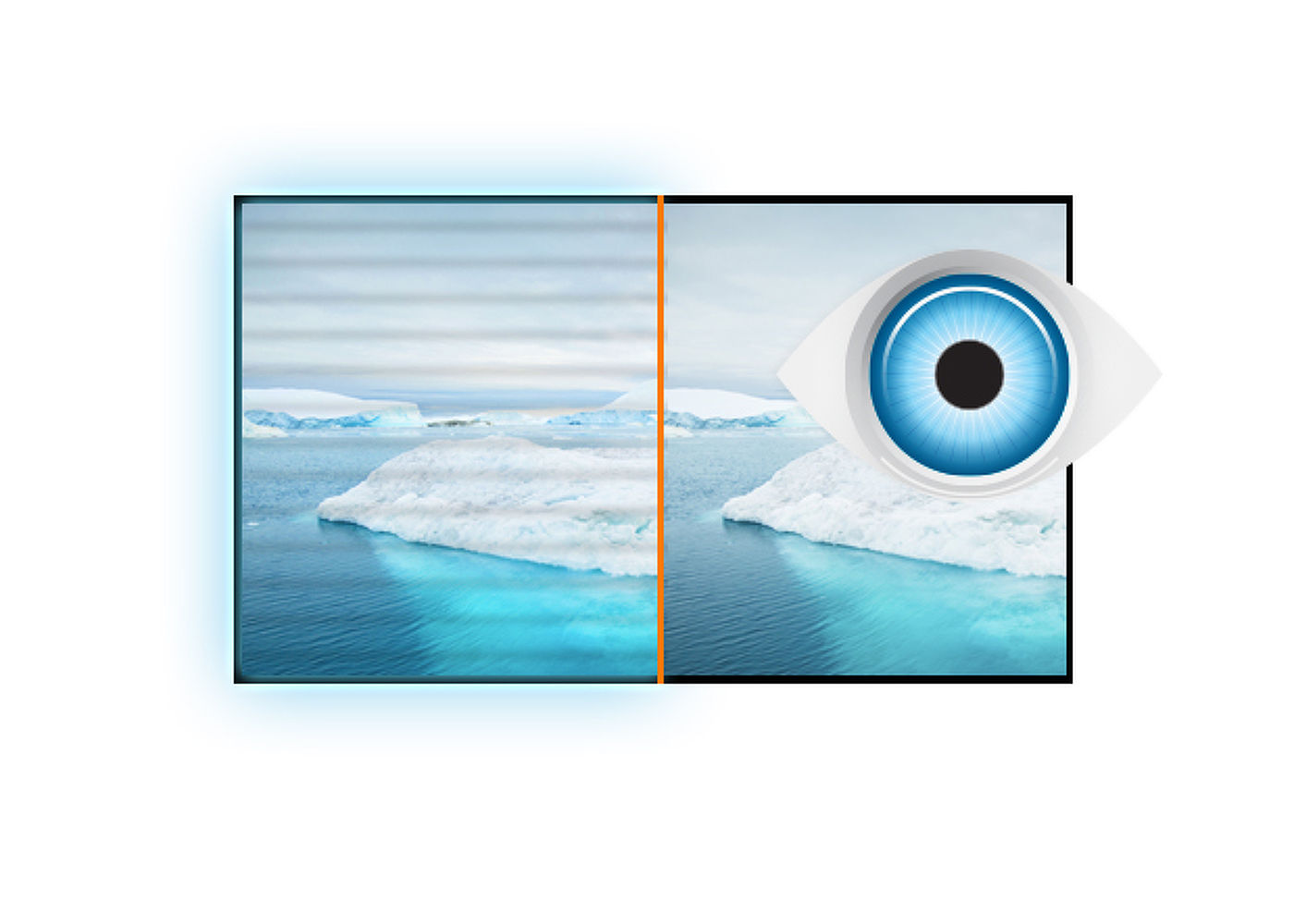
Bez treperenja + Plavo svetlo
Vrhunsko rešenje za udobnost i zdravlje Vaših očiju. Monitori bez treperenja sa funkcijom reduktora plave svetlosti značajno smanjuju naprezanje i umor uzrokovan treperenjem i emitovanjem plave svetlosti običnih monitora.
-
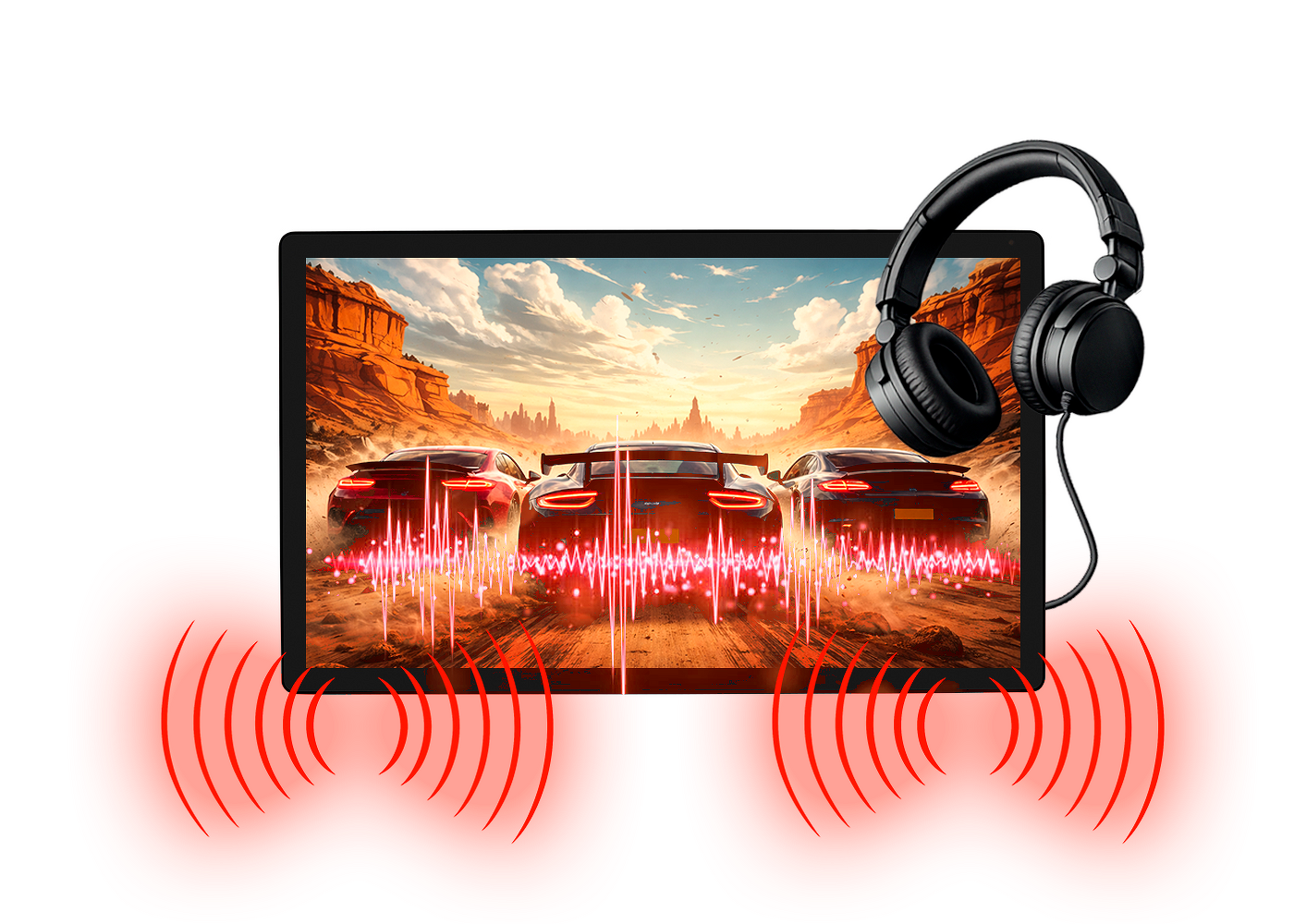
Zvučnici i slušalice
Igrate sa prijateljima? Koristite integrisane visokokvalitetne zvučnike. Ne želite nikoga uznemiravati? Uključite slušalice i pojačajte jačinu zvuka.
You Tube
Tehnička specifikacija



KARAKTERISTIKE EKRANA
| Dijagonala | 31.5", 80cm |
| Panel | VA, mat finiš |
| Osnovna rezolucija | 3840 x 2160 @60Hz (8.3 megapixel 4K UHD) |
| Osnovna rezolucija | 60Hz |
| Format ekrana | 16:9 |
| Osvetljenje | 300 cd/m² |
| Statički kontrast | 3000:1 |
| Napredni kontrast | 80M:1 |
| Vreme odziva (GTG) | 3ms |
| Zona gledanja | horizontalno/vertikalno: 178°/178°, desno/levo: 89°/89°, gore/dole: 89°/89° |
| Podržane boje | 1.07B 10bit (NTSC: 95%) |
| Horizontalna sinhronizacija | 30 - 135KHz |
| Vidljiva površina Š x V | 698.4 x 392.9mm, 27.5 x 15.5" |
| Razmak piksela | 0.181mm |
| Boja | mat, crna |
KONEKTORI / KONTROLE
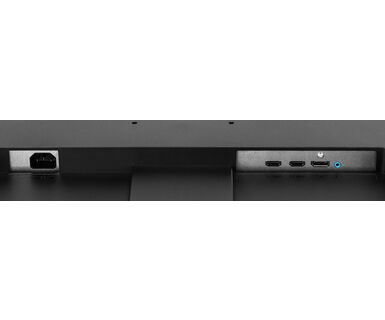
| Ulaz signala |
HDMI x2 (v. 2.0) DisplayPort x1 (v. 1.2) |
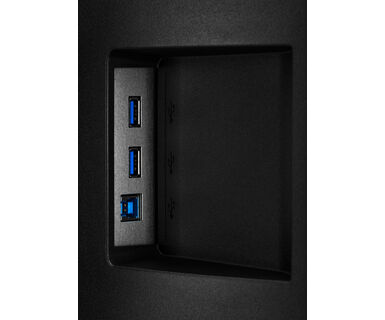
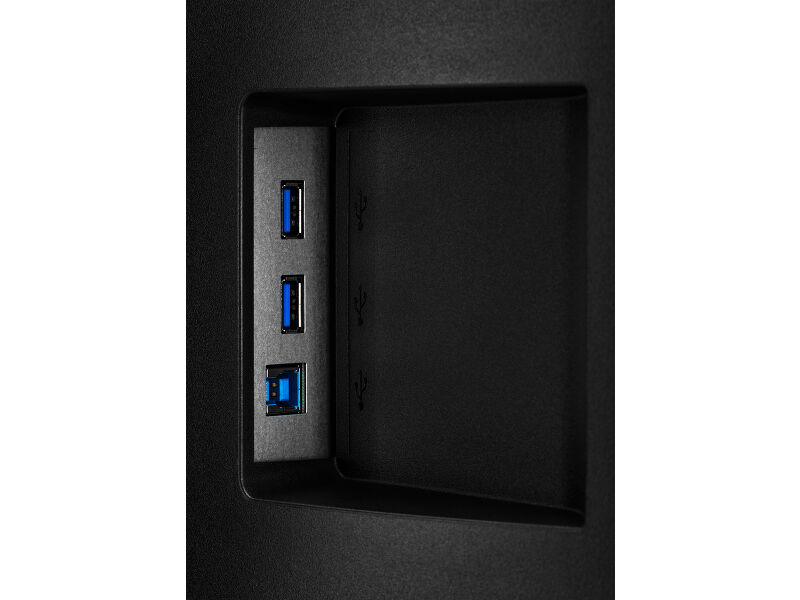
| USB HUB | x2 (v. 3.2 (Gen 1, 5Gbit; DC5V, 900mA)) |
| HDCP | da |
| Priključak za slušalice | da |
KARAKTERISTIKE
| Smanjeno emitovanje plave svetlosti | da |
| Bez treperenja | da |
| Adaptive Sync podrška | @38~60Hz |
| HDR | da |
| OSD jezici | EN, DE, FR, IT, RU, JP, CZ, NL, PL |
| Zvučnici | 2 x 3W |
| Pogodnost | Kensington-lock™ priprema, DDC/CI, Mac OSX |
MEHANIČKI
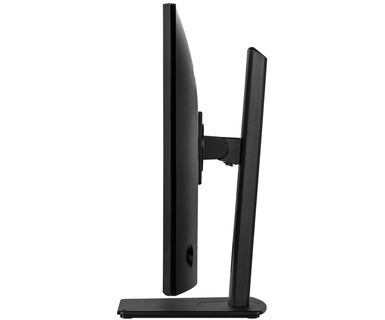
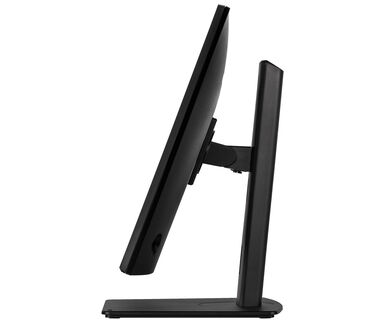
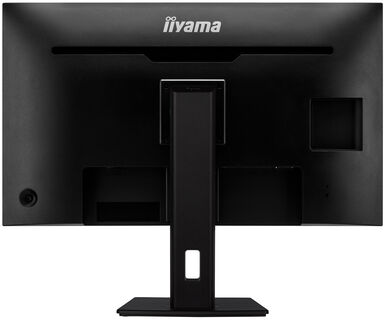
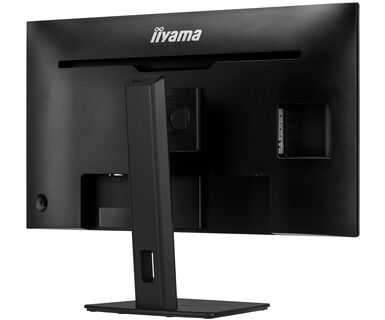
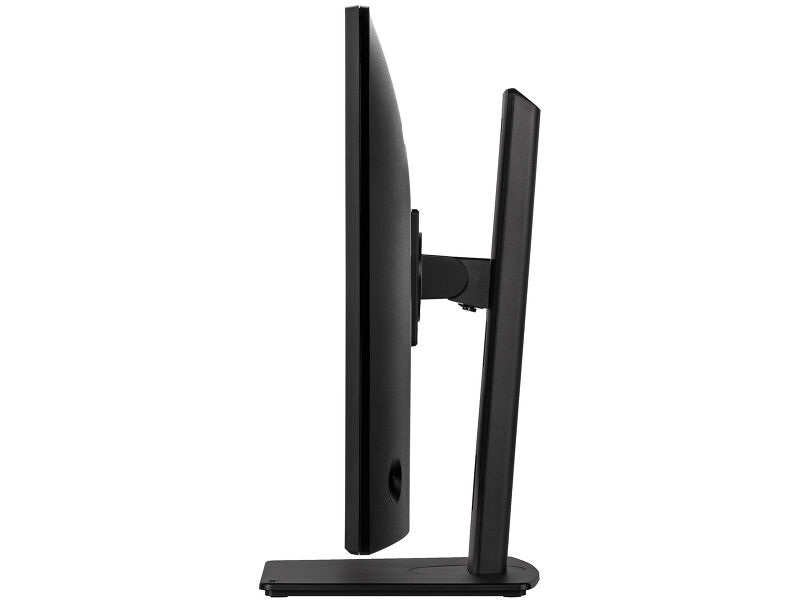
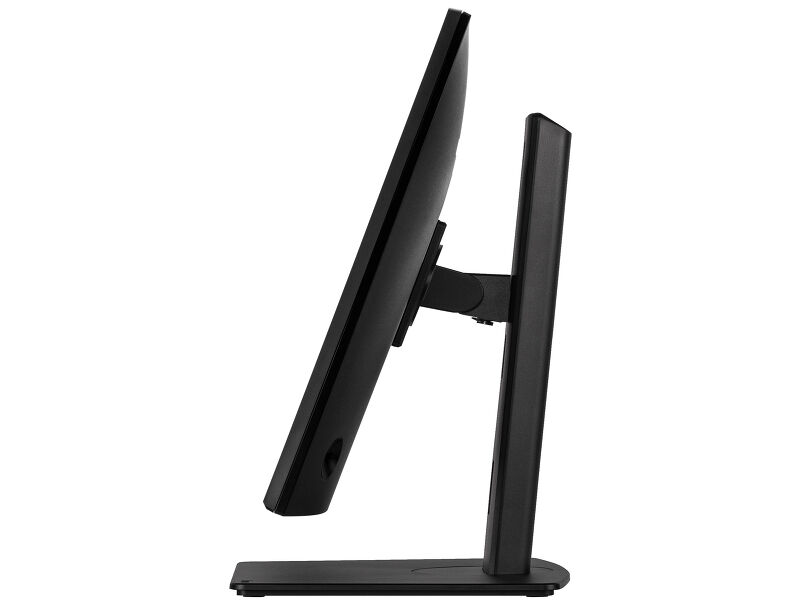
| Podešavanje položaja prikaza | visina, okretanje, nagib |
| Podešavanje visine | 150mm |
| Okretno postolje | 90°; 45° levo; 45° desno |
| Ugao nagiba | 23° gore; 35° dole |
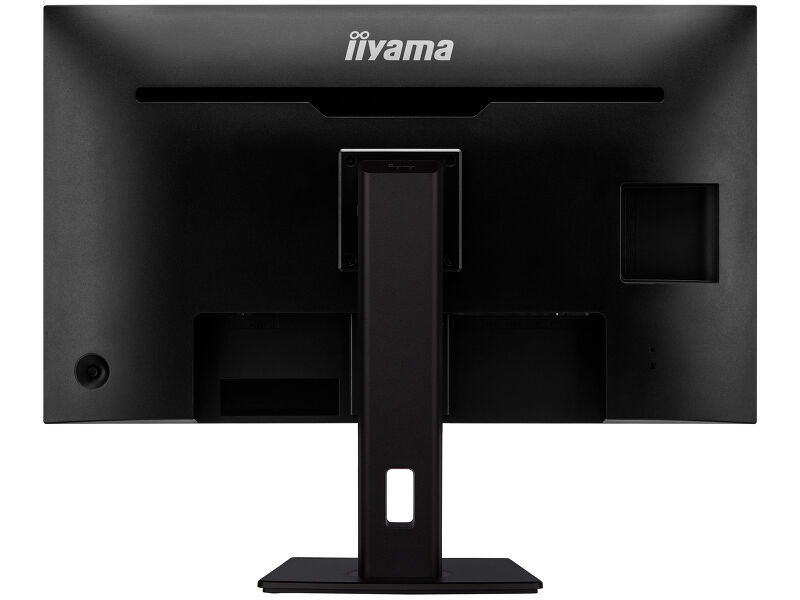
| VESA montiranje | 100 x 100mm |
| Sistem upravljanja kablovima | da |
UKLJUČENI DODACI
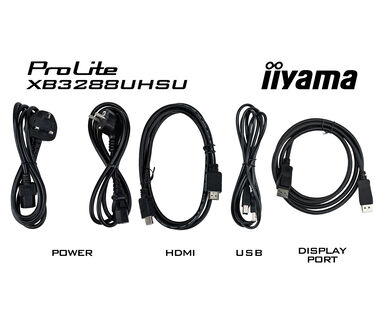
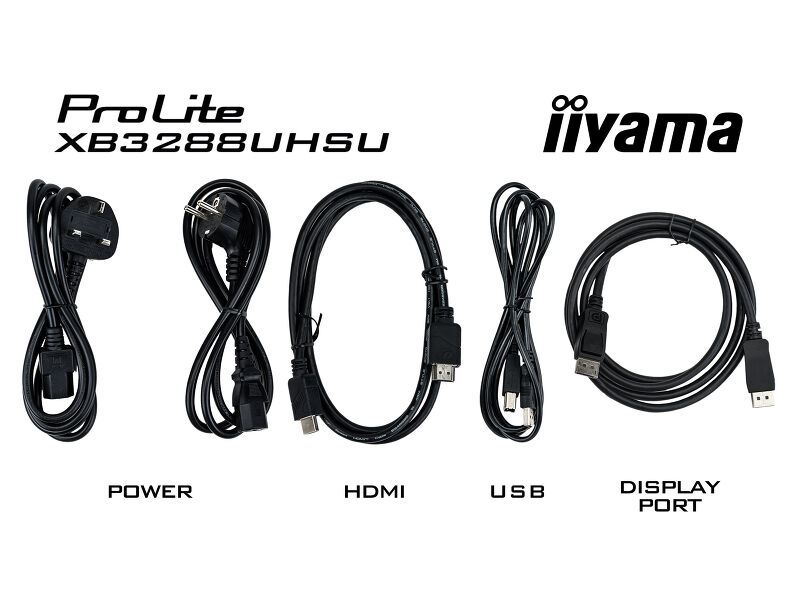
| Kablovi | Strujni kabl, USB, HDMI, DP |
| Ostalo | kratko uputstvo, bezbednosni vodič |
UPRAVLJANJE NAPAJANJEM
| Napajanje | interna |
| Potrošnja energije | % 1W tipično, 0.5W stand by, 0.5W iskljucen |
ODRŽIVOST
| Propisi | CE, TÜV-Bauart, EAC, VCCI-B, PSE, RoHS podrška, ErP, WEEE, REACH, UKCA |
| Klasa energetske efikasnosti (Regulation (EU) 2017/1369) | G |
| REACH SVHC | iznad 0.1%: Olova |
DIMENZIJE / TEŽINA
| Dimenzije proizvoda Š x V x D | 730 x 455.5 (605.5) x 239.5mm |
| Dimenzije kutije Š x V x D | 810 x 510 x 176mm |
| Težina (bez kutije) | 8.8kg |
| Težina (bez postolja) | 6.1kg |
| Težina (sa kutijom) | 11kg |
| EAN kod | 4948570121335 |
FAQS
Why can't I set the native resolution with the maximum refresh rate on my monitor?
+If you are unable to set the native resolution with the maximum refresh rate on your monitor, try the following troubleshooting steps:
1. Ensure you are using a cable that supports both the native resolution and the desired refresh rate.
2. Visit the product page on our website and check technical specification tab - Interfaces / Connectors / Controls section to see what resolution and refresh rate are supported under the signal input you have seleced (e.g. HDMI signal input does not always support the maxium refresh rate, please check the DisplayPort connection instead).
3. Check the settings and specifications of your PC / graphics card to see if they support the desired resolution or refresh rate.
Is Adaptive Sync compatible with AMD FreeSync or NVIDIA G-Sync?
+Yes, Adaptive Sync is compatible with AMD FreeSync and NVIDIA G-Sync.
Why can't I select MBR when FreeSync/Adaptive Sync is activated?
+MBR cannot be selected when FreeSync/AdaptiveSync is activated, because MBR can interfere with the FreeSync/Adaptive Sync technology as they have different methods of improving motion clarity. MBR reduces motion blur (response time), while Adaptive Sync/FreeSync addresses stuttering. We recommend activating Adaptive Sync/FreeSync on systems with fluctuating or unstable frame rates. MBR performs best on powerful systems that maintain a consistently high frame rate.
Why is my monitor displaying a "No Signal" message?
+If your monitor is displaying a "No Signal" message, please check the following:
1. Ensure the cables are properly connected at both ends.
2. Select the correct signal input (HDMI/DP) or choose AUTO.
For guidance on selecting an input while the screen is in standby mode, please consult the user manual. On desktop monitors, common methods include pressing the INPUT, AUTO, or "2" buttons, or moving the joystick backward.
I have an Apple MAC-system, will my iiyama monitor work?
+Yes, your iiyama monitor will work with your Apple Mac system. However, it depends on the signal input how to connect. Since Apple Mac systems from 2020 onwards only have Thunderbolt 3 (USB-C) ports for video output, you have two options:
1. Connect directly to the USB-C signal input on your iiyama monitor.
2. In case your monitor only has HDMI or Displayport, you will need a Mac-compatible dongle that supports one of the video inputs available. Apple offers a USB-C Digital AV Multiport Adapter (MW5M3AM) that can be used for this purpose.
3. If your iiyama monitor has touchscreen capabilities, please refer to the user manual to verify touch functionality compatibility with your Mac system.
The picture on my monitor is flickering. What steps can I take to fix it?
+To resolve the issue of a blinking picture, please follow these steps:
1. Inspect the Signal Cable.
Ensure the signal cable is securely connected at both ends and free from any physical damage. Avoid any sharp bends or squishing of the cable.
2. Use a Shorter Cable.
If possible, use a cable shorter than 3 meters and connect the monitor directly to a wall power socket, avoiding the use of adapters.
3. Disable FreeSync/Adaptive Sync.
For desktop or gaming monitors, try disabling FreeSync or Adaptive Sync in the monitor's settings menu.
Opcioni dodaci


Preuzimanja
| Specifikacija | ProLite XB3288UHSU-B5 - sr_rs.pdf | Preuzimanje |
| Sheme | XUB3288UHSU-B5_DIM.pdf | Preuzimanje |
| EU Energetska oznaka | XB3288UHSU-B5 EU Energy Label (1576765).pdf | Preuzimanje |
| UK Energetska oznaka | XB3288UHSU-B5 UK Energy Label (1576765).pdf | Preuzimanje |