Subscribe to our newsletter
Keep up #withiiyama
You have successfully subscribed to our newsletter.
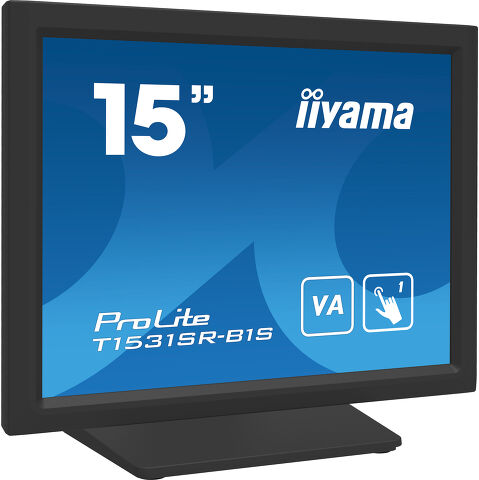
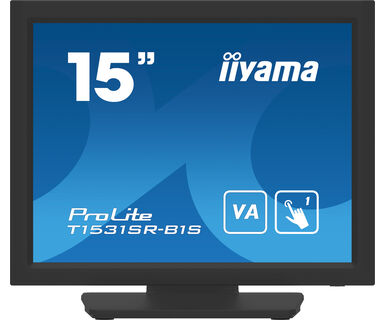
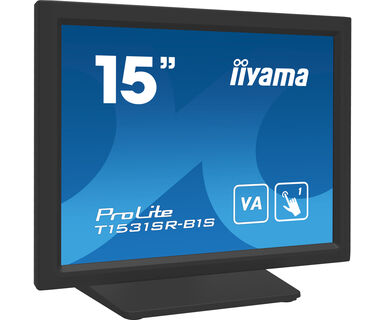
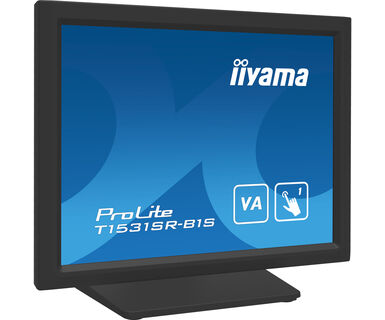
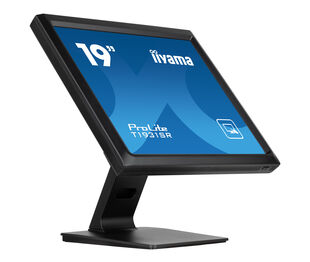
15" otporni dodirni ekran sa 5 žica
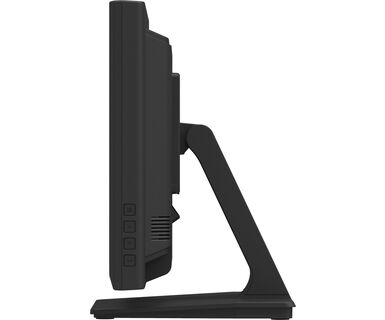
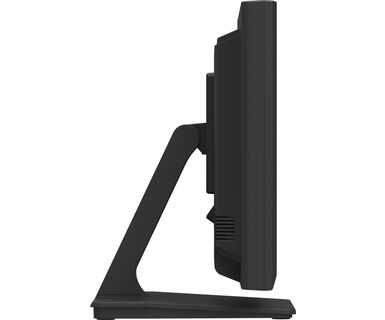
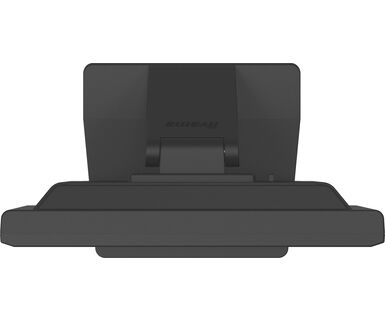
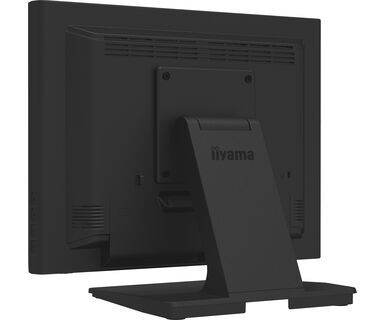
ProLite T1531SR-B6 zasnovan je na petožičnoj otpornoj dodirnoj tehnologiji. Odnos cena / performanse idealan je za budžetskog korisnika, dok kvalitet i performanse sigurno nisu ugroženi. Ekranski ulazi uključuju i analogni i digitalni (HDMI i DisplaiPort) sa dodirnim ekranom povezivanjem putem USB-a koji nudi veliku fleksibilnost. Čvrsta i stabilna osnova podržava ekran osetljiv na dodir sa podesivim postoljem koji nudi pune uglove od 90 stepeni. ProLite T1531SR-B6 se može koristiti u raznim okruženjima, posebno se preporučuje za prodavnice, restorane i industrijske svrhe.
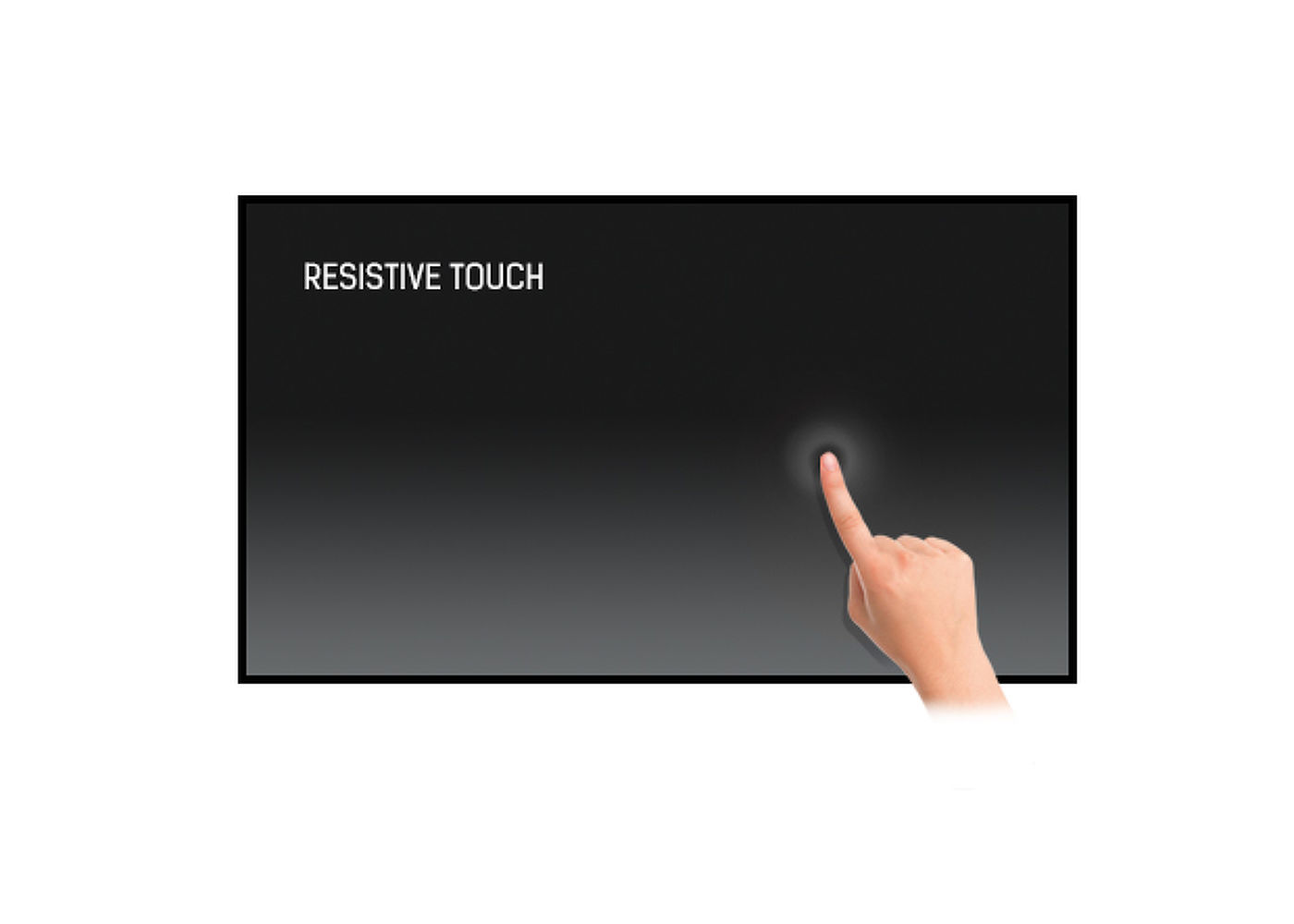
Otporni ekrani osetljivi na dodir sa 5 žica su vrlo izdržljivi i mogu se koristiti u raznim okruženjima. Posebno se preporučuju za prodavnice, restorane i industrijske svrhe.
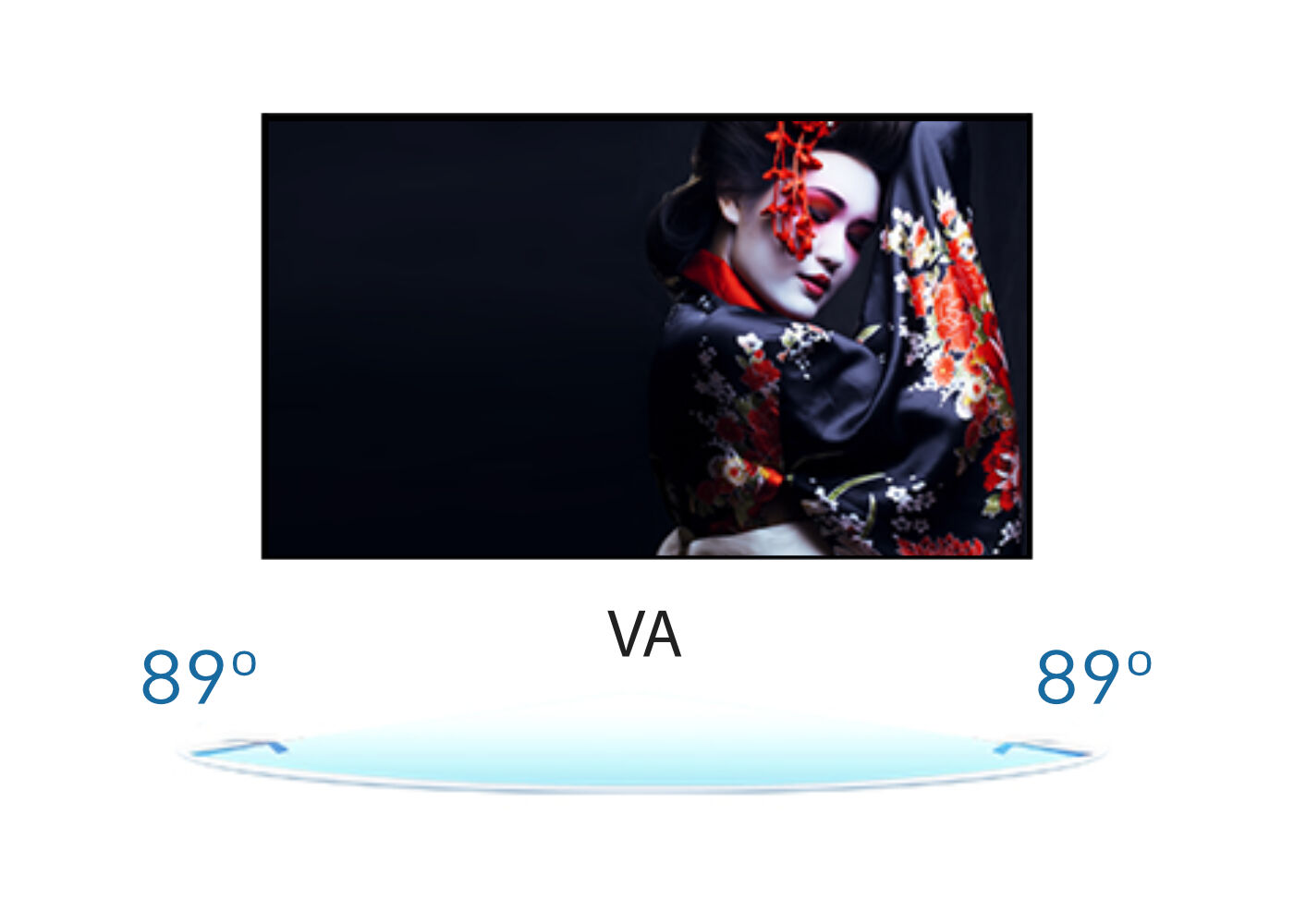
Tehnologija VA panela nudi veći kontrast, tamnije crne i mnogo bolje uglove gledanja od standardne TN tehnologije. Ekran će izgledati dobro bez obzira pod kojim uglom gledate.
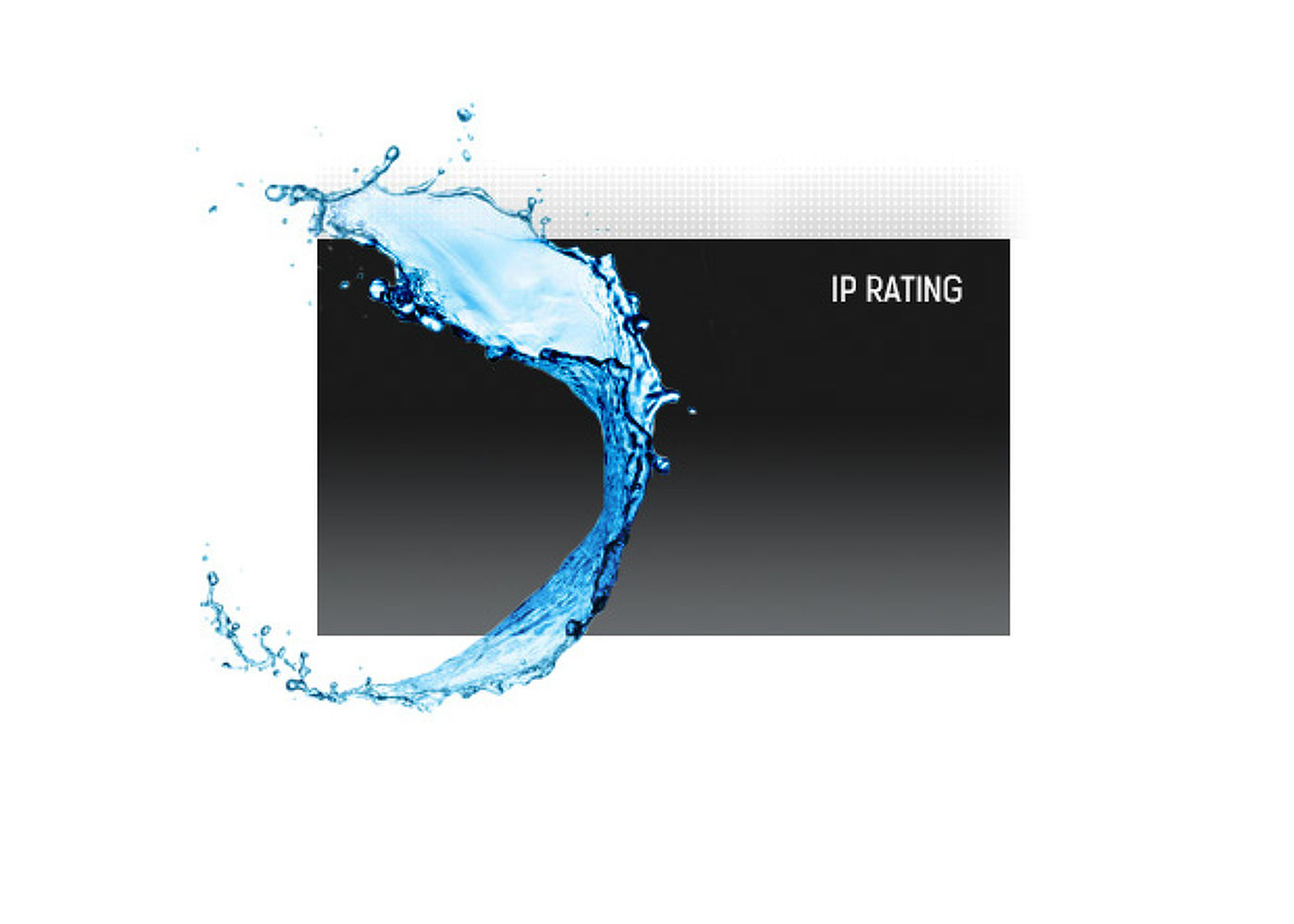
IP kod klasifikuje koliko je uređaj otporan na strane predmete i vlagu. IP54 znači da će monitor raditi u prašnjavim uslovima i da će se odupreti prskanju vode.
Ovaj LED monitor opremljen je sa dva visokokvalitetna stereo zvučnika.
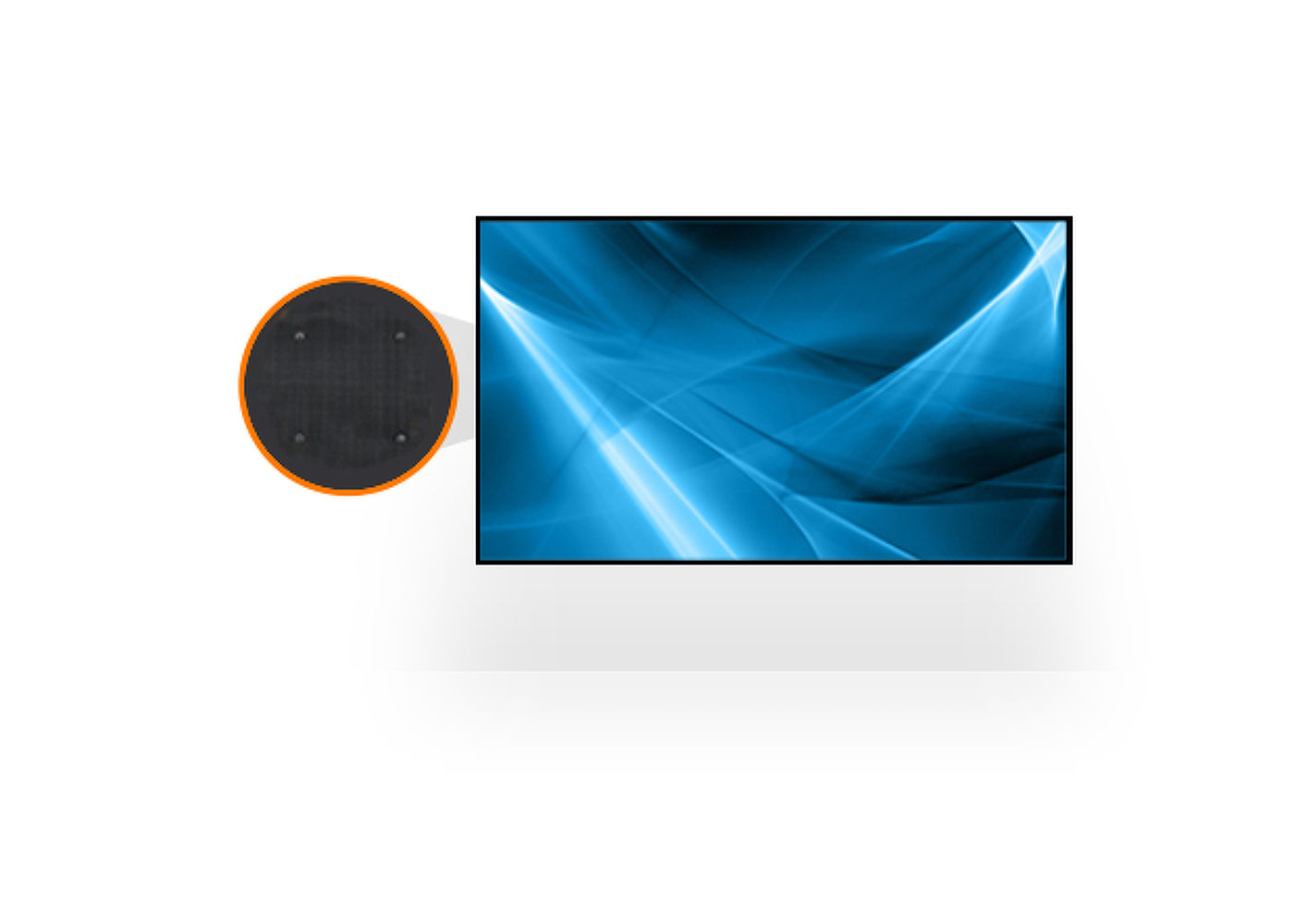
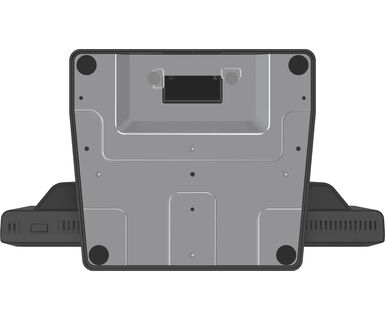
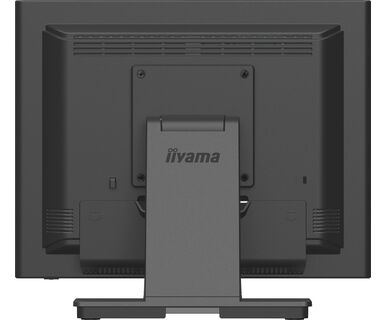
VESA standard montaže znači da ekran možete lako montirati na bilo koji nosač koji je u skladu sa standardom.



| Dijagonala | 15", 38cm |
| Panel | VA |
| Osnovna rezolucija | 1024 x 768 (0.8 megapixel) |
| Format ekrana | 4:3 |
| Osvetljenje | 350 cd/m² |
| Osvetljenje | 280 cd/m² sa dodirom |
| Propusnost svetla | 80% |
| Statički kontrast | 2500:1 |
| Vreme odziva (BTB) | 18ms |
| Zona gledanja | horizontalno/vertikalno: 176°/176°, desno/levo: 88°/88°, gore/dole: 88°/88° |
| Horizontalna sinhronizacija | 31.5 - 60.KHz |
| Vidljiva površina Š x V | 304 x 228mm |
| Razmak piksela | 0.297mm |
| Boja okvra | crna, mat |
| Touch tehnologija | serijski otpornik |
| Tačke dodira | 1 |
| Način dodira | olovka, prst, rukavica |
| Interfejs dodira | USB |
| Podržani operativni sistemi | Svi iiyama monitori su Plug & Play kompatibilni sa Windows Linux operativnim sistemima. Detalje o podržanom OS-u za modele osetljive na dodir potražite u odjeljku za preuzimanje u uputstvima za instalaciju drajvera. |
| Ulaz analognog signala | VGA x1 |
| Ulaz digitalnog signala |
HDMI x1 DisplayPort x1 |
| Audio ulaz | Mini konektor x1 |
| Audio izlaz | Zvučnici 2 x 1W |
| HDCP | da |
| Zaštita od vode i prašine | IP54 (prednja strana) |
| OSD jezici | EN, DE, FR, ES, IT, CN, JP |
| Kontrolni tasteri | Meni, Pomeanje na gore / Osvetljenost, Pomeranje se na dole / Isključen zvuk, Izbor, Uključivanje |
| Korisničke kontrole | slika (kontrast, osvetljenost, položaj H., položaj V., faza, sat, automatsko podešavanje), napredni (temperatura boje, oštrina), OSD (istek vremena, položaj, položaj H, položaj V), opcija (resetovanje) , jezik, izbor izvora, režim prikaza, jačina zvuka, isključivanje zvuka, fabrički) |
| Pogodnost | Kensington-lock™ priprema |
| Plug&Play | DDC2B |
| Ugao nagiba | 90° gore; 5° dole |
| VESA montiranje | 100 x 100mm |
| Sistem upravljanja kablovima | da |
| Kablovi | Strujni kabl, USB, HDMI, Audio, DP |
| Upustva | kratko uputstvo, bezbednosni vodič |
| Poklopac kabla | da |
| Napajanje | interna |
| Potrošnja energije | % 1W tipično, 1.5W stand by, 0.3W iskljucen |
| Propisi | CE, EAC, RoHS podrška, ErP, WEEE, cULus, VCCI, REACH, UKCA |
| Klasa energetske efikasnosti (Regulation (EU) 2017/1369) | E |
| REACH SVHC | iznad 0.1%: Olova |
| Dimenzije proizvoda Š x V x D | 351 x 306.5 x 200mm |
| Težina (bez kutije) | 4.1kg |
| EAN kod | 4948570122073 |
| Serija proizvoda | ProLite T1731SR-B1S, ProLite T1931SR-B1S |
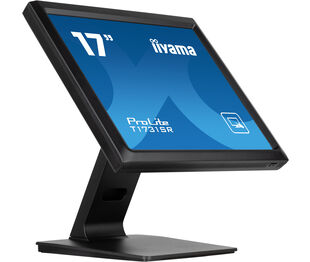

If your touch functionality is not working, please check the following:
1. Ensure your PC is connected to the monitor with the supplied USB cable.
2. Verify in the user manual that your operating system is supported by the screen.
When cleaning, please follow these guidelines to avoid damaging your Touch monitor:
1. Avoid using paper towels, abrasive cloths, or any harsh cleaning agents, as they can scratch the screen or damage the touch sensors.
2. Do not spray the cleaning solution directly onto the screen to prevent liquid from seeping into the monitor.
3. Avoid excessive cleaning, as it can wear out the screen over time.
4. For more details, please check our dedicated Cleaning page.
If your monitor is displaying a "No Signal" message, please check the following:
1. Ensure the cables are properly connected at both ends.
2. Select the correct signal input (HDMI/DP) or choose AUTO.
For guidance on selecting an input while the screen is in standby mode, please consult the user manual. On desktop monitors, common methods include pressing the INPUT, AUTO, or "2" buttons, or moving the joystick backward.
Yes, your iiyama monitor will work with your Apple Mac system. However, it depends on the signal input how to connect. Since Apple Mac systems from 2020 onwards only have Thunderbolt 3 (USB-C) ports for video output, you have two options:
1. Connect directly to the USB-C signal input on your iiyama monitor.
2. In case your monitor only has HDMI or Displayport, you will need a Mac-compatible dongle that supports one of the video inputs available. Apple offers a USB-C Digital AV Multiport Adapter (MW5M3AM) that can be used for this purpose.
3. If your iiyama monitor has touchscreen capabilities, please refer to the user manual to verify touch functionality compatibility with your Mac system.
To resolve the issue of a blinking picture, please follow these steps:
1. Inspect the Signal Cable.
Ensure the signal cable is securely connected at both ends and free from any physical damage. Avoid any sharp bends or squishing of the cable.
2. Use a Shorter Cable.
If possible, use a cable shorter than 3 meters and connect the monitor directly to a wall power socket, avoiding the use of adapters.
3. Disable FreeSync/Adaptive Sync.
For desktop or gaming monitors, try disabling FreeSync or Adaptive Sync in the monitor's settings menu.