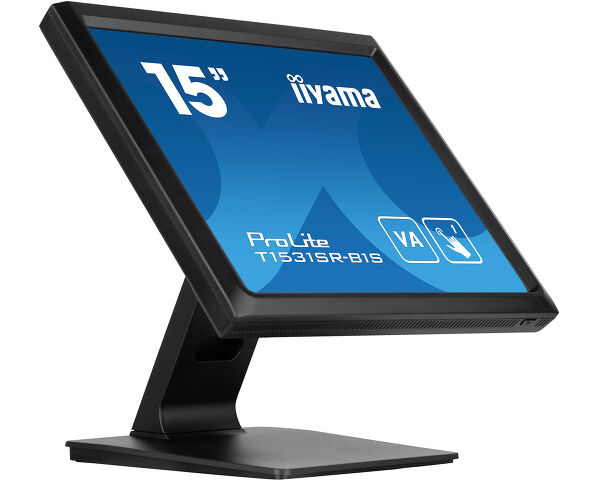
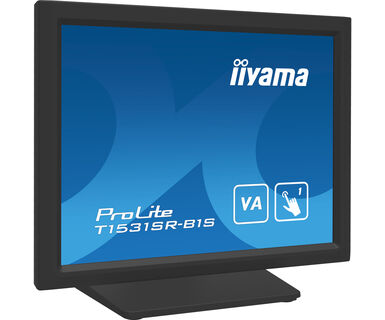
ProLite T1531SR-B1S
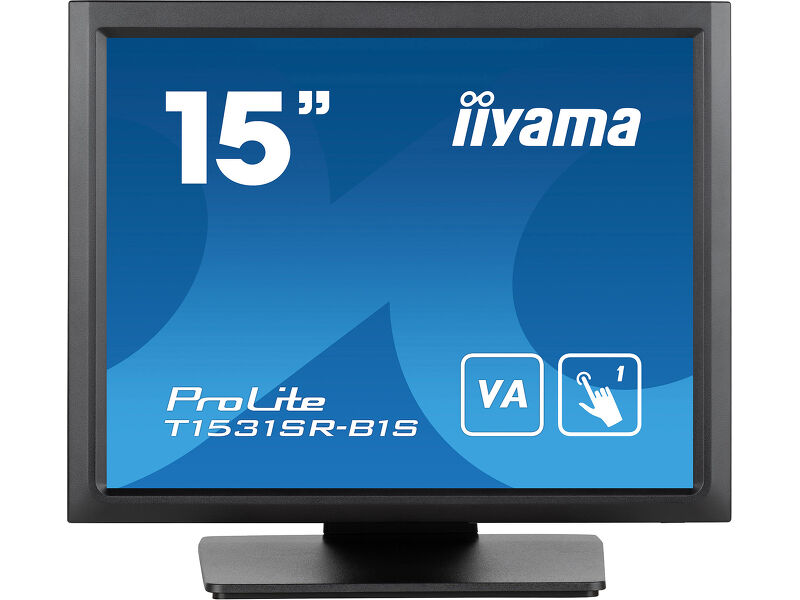
15” Touchscreen with 5-wire Resistive Touch Technology
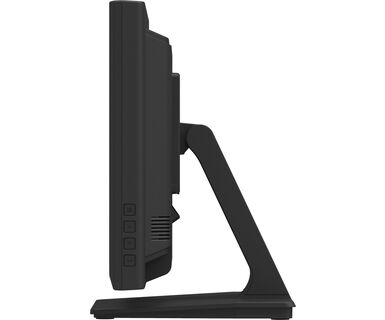
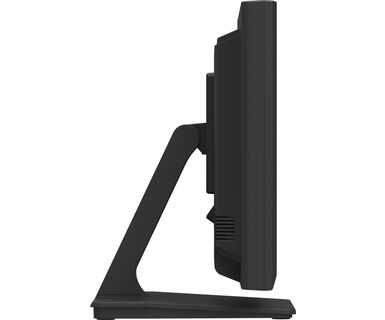
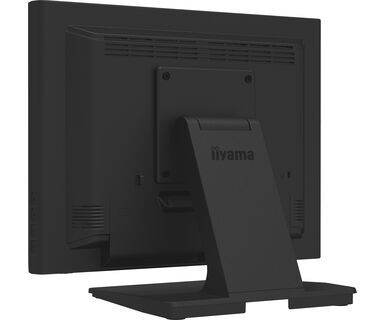
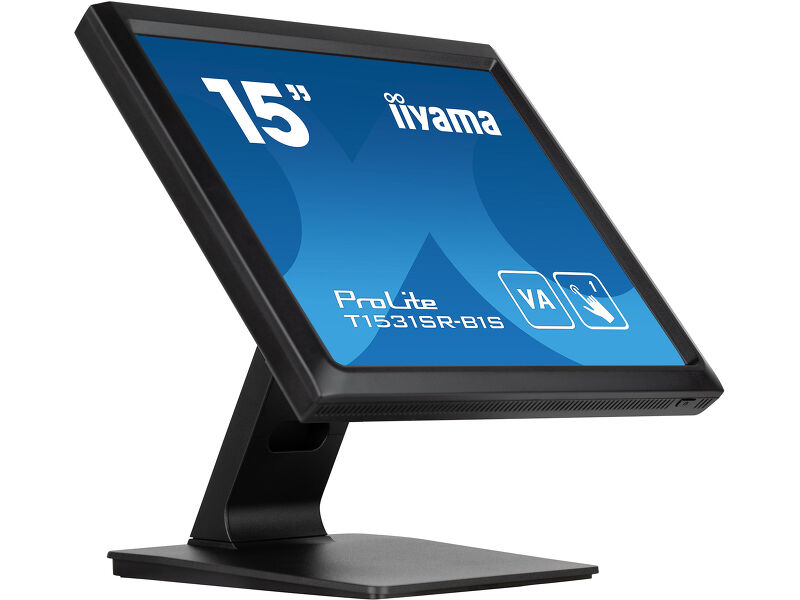
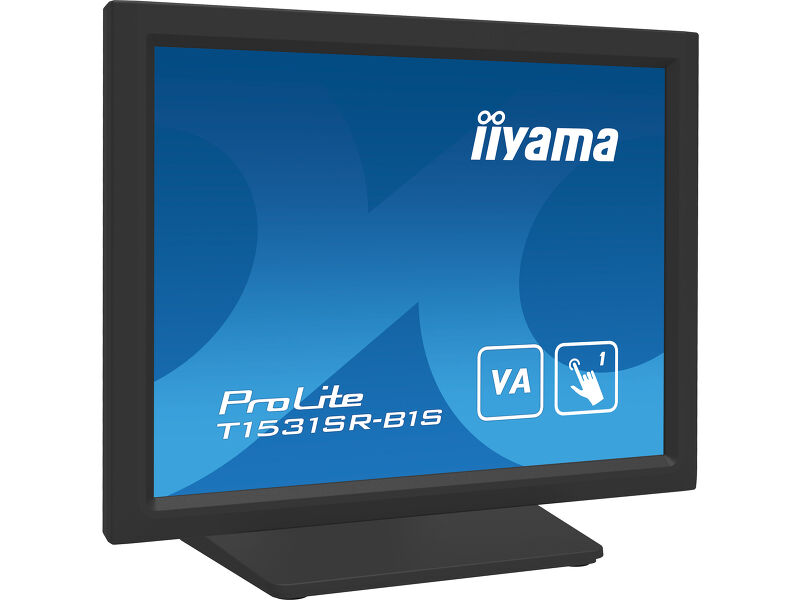
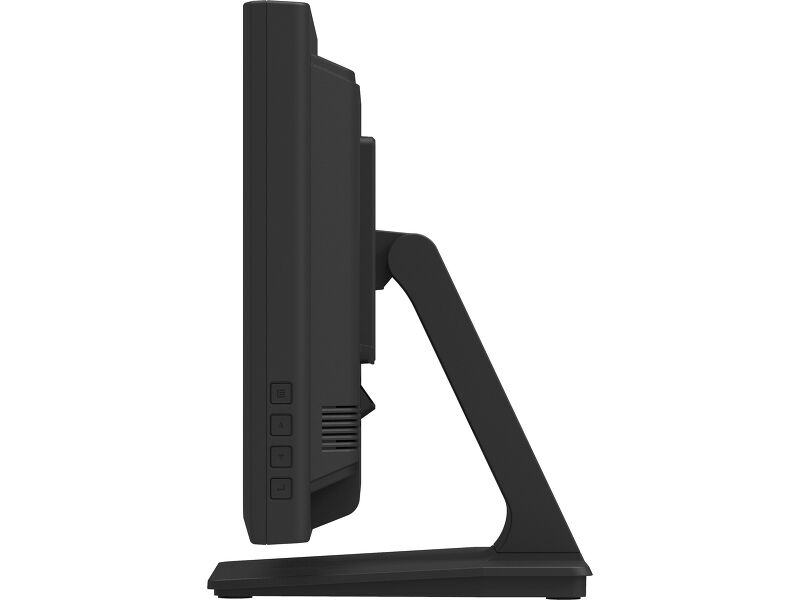
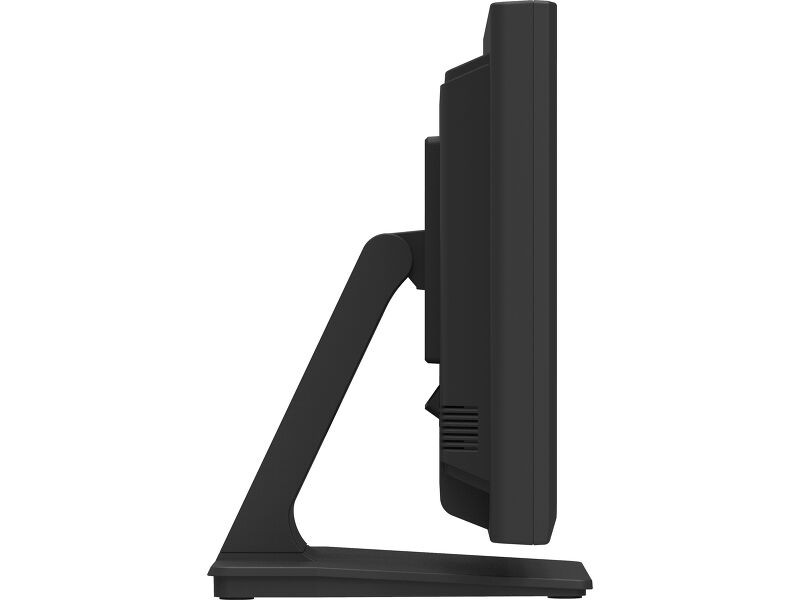
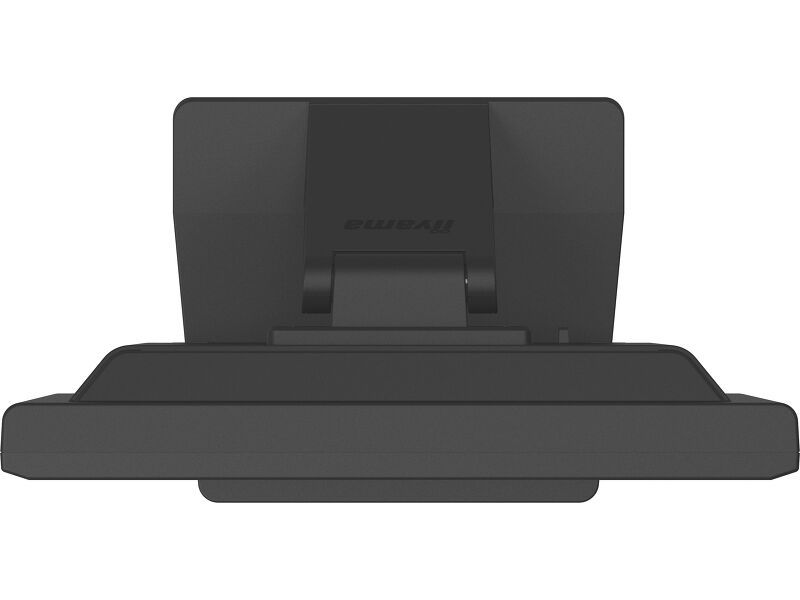
The ProLite T1531SR-B1S is based on 5 wire resistive touch technology. The price / performance ratio is ideal for the budget conscious user while quality and performance are certainly not compromised. The display inputs include both analogue and digital (HDMI and DisplayPort) with touchscreen connectivity via USB offering great flexibility. A solid and steady base supports the touchscreen with an adjustable stand offering full 90-degree angles. The ProLite T1531SR-B1S can be used in a variety of environments, especially recommended for shops, restaurants and industrial purposes.
 Speakers
-
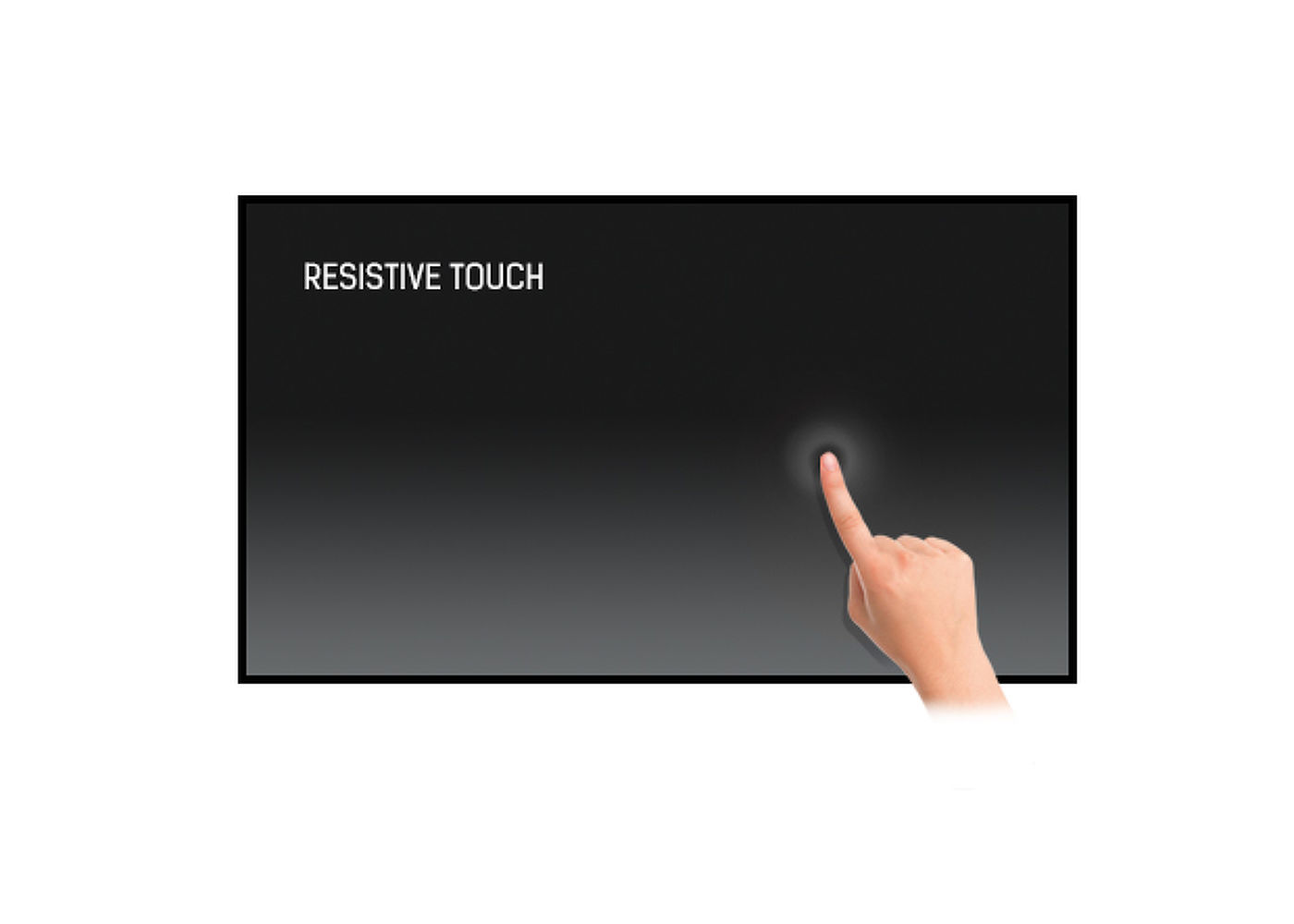
Touch technology - Resistive
5-wire resistive touchscreens are very durable and can be used in a variety of environments. They are especially recommended for shops, restaurants and industrial purposes.
-
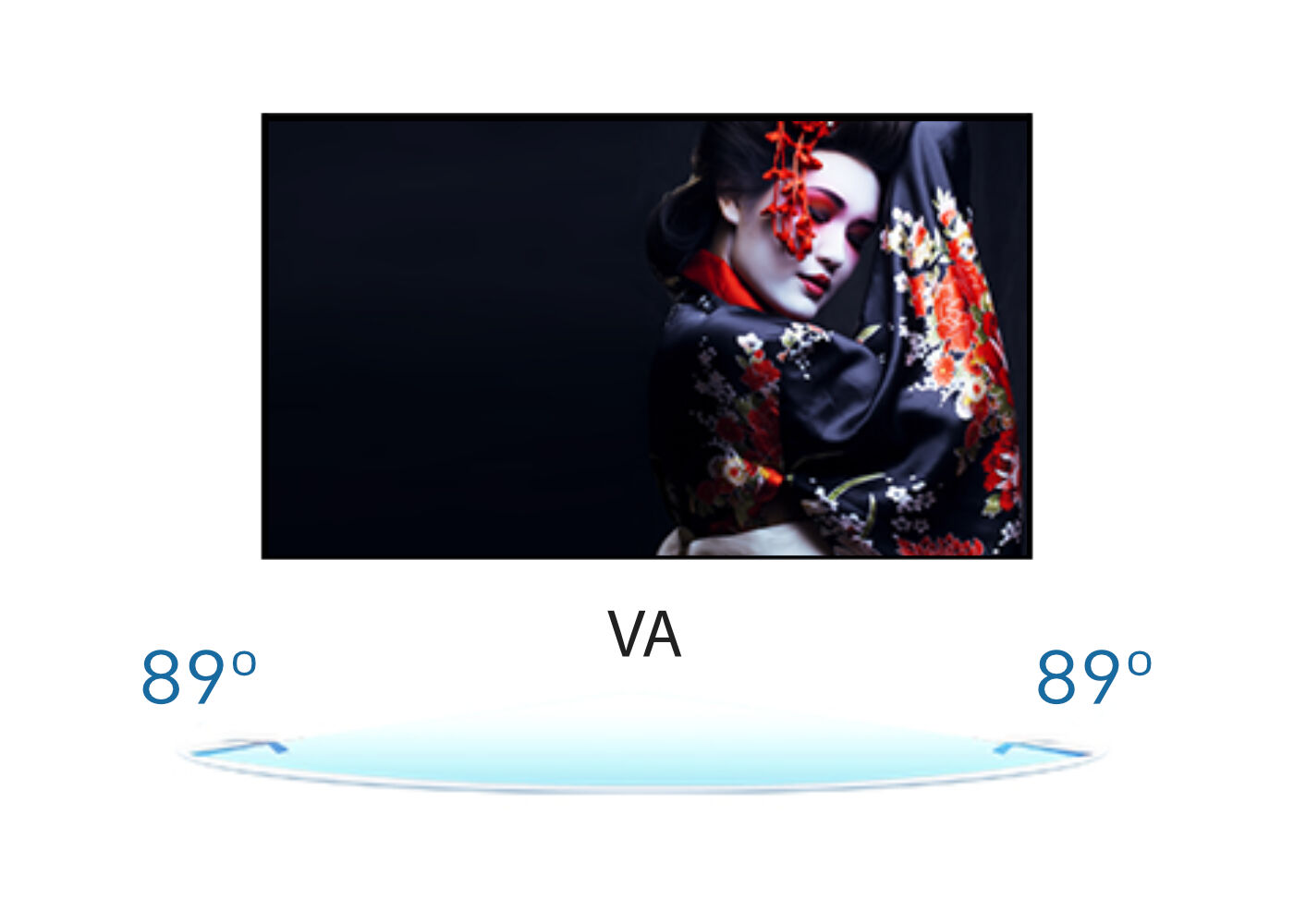
VA
VA panel technology offers higher contrast, darker blacks and much better viewing angles than standard TN technology. The screen will look good no matter what angle you look at it.
-

IP54
The IP Code classifies how resistant a device is to foreign objects and moisture. IP54 means that the monitor will operate in dusty conditions, and will resist splashing water.
-
Speakers
This LED monitor is equipped with two stereo speakers.
-
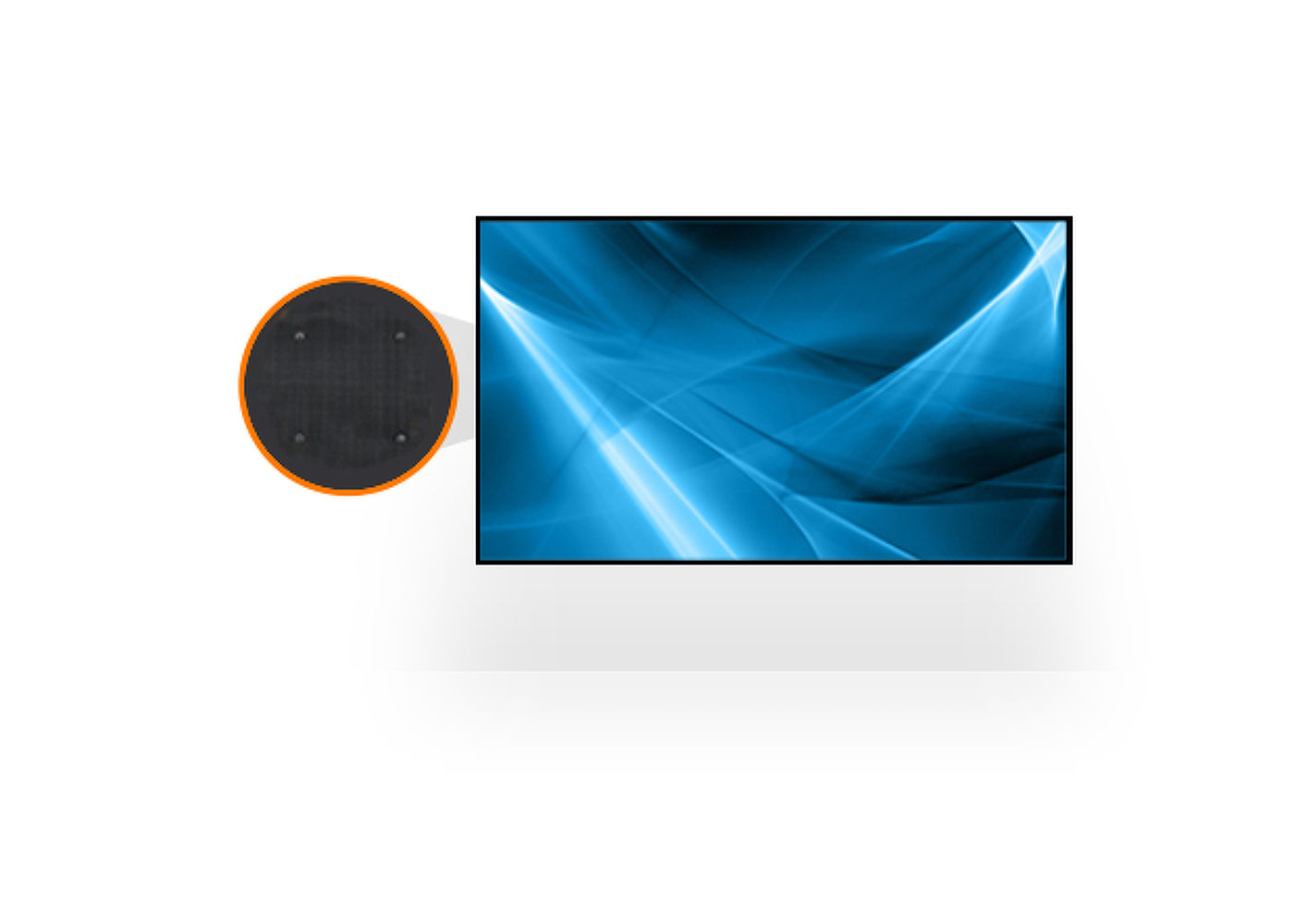
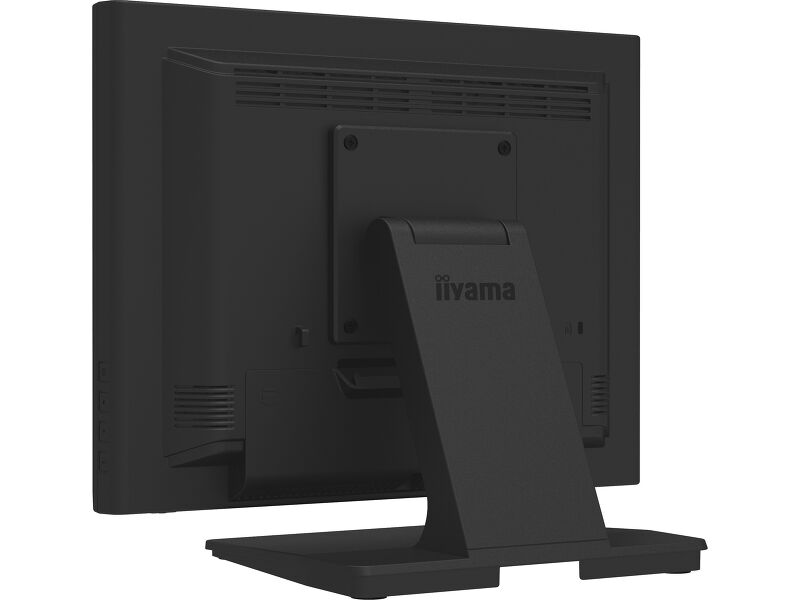
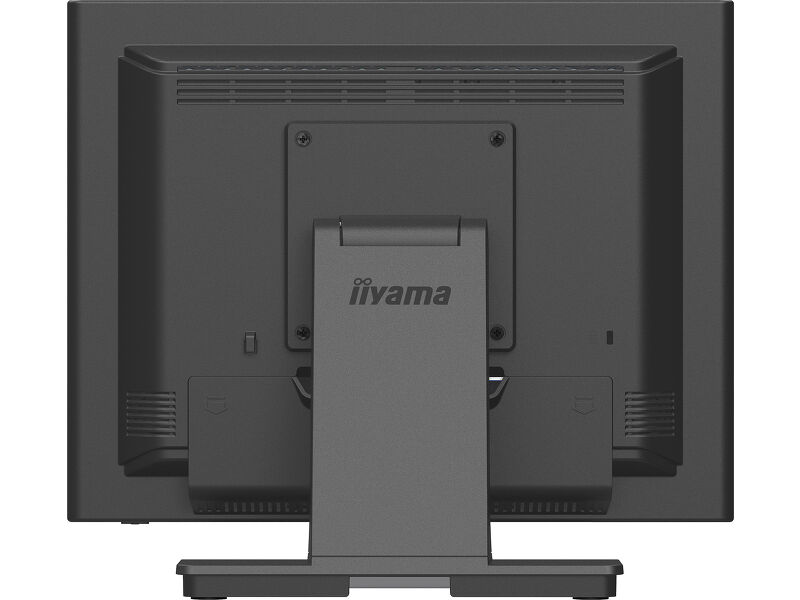
VESA
VESA mount compliance means you can easily mount the display to any mounting that complies with the VESA standard.
Technical specification



DISPLAY CHARACTERISTICS
| Diagonal | 15", 38cm |
| Panel | VA |
| Native resolution | 1024 x 768 @60Hz (0.8 megapixel) |
| Aspect ratio | 4:3 |
| Panel brightness | 350 cd/m² |
| Brightness | 270 cd/m² with touch |
| Light transmittance | 77% |
| Static contrast | 2500:1 |
| Response time (BTB) | 18ms |
| Viewing zone | horizontal/vertical: 176°/176°, right/left: 88°/88°, up/down: 88°/88° |
| Colour support | 16.2mln (6bit + Hi-FRC) |
| Horizontal Sync | 31.5 - 60.kHz |
| Viewable area W x H | 304 x 228mm |
| Pixel pitch | 0.297mm |
| Bezel colour and finish | black, matte |
TOUCH
| Touch technology | serial resistive |
| Touch points | 1 |
| Touch method | stylus, finger, glove, glove (latex) |
| Touch interface | USB |
| Supported operating systems | All iiyama monitors are Plug & Play and compatible with Windows and Linux. For details regarding the supported OS for the touch models, please refer to the driver instruction file available in the downloads section. |
INTERFACES / CONNECTORS / CONTROLS
| Analog signal input | VGA x1 |
| Digital signal input |
HDMI x1 DisplayPort x1 |
| Audio input | Mini jack x1 |
| Audio output | Speakers 2 x 1W |
| HDCP | yes |
FEATURES
| Extra | anti-glare treatment |
| Water and dust protection | IP54 (front) |
| OSD key lock | yes |
GENERAL
| OSD languages | EN, DE, FR, ES, IT, CN, JP, TW |
| Control buttons | Menu, Scroll up/ Brightness, Scroll down/ Mute, Select, Power |
| User controls | picture (contrast, brightness, H. position, V. position, phase, clock, auto adjust), advanced (color temp., sharpness), OSD (timeout, position, H-position, V-position), option (reset, language, source select, display mode, volume, mute, factory) |
| Convenience | Kensington-lock™ prepared |
| Plug&Play | DDC2B |
MECHANICAL
| Orientation | landscape, face-up |
| Tilt angle | 90° up; 5° down |
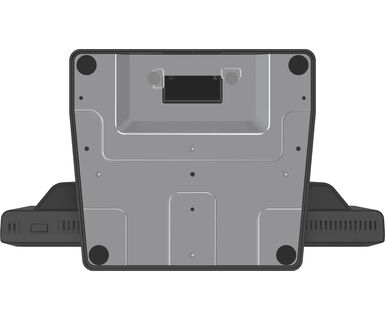
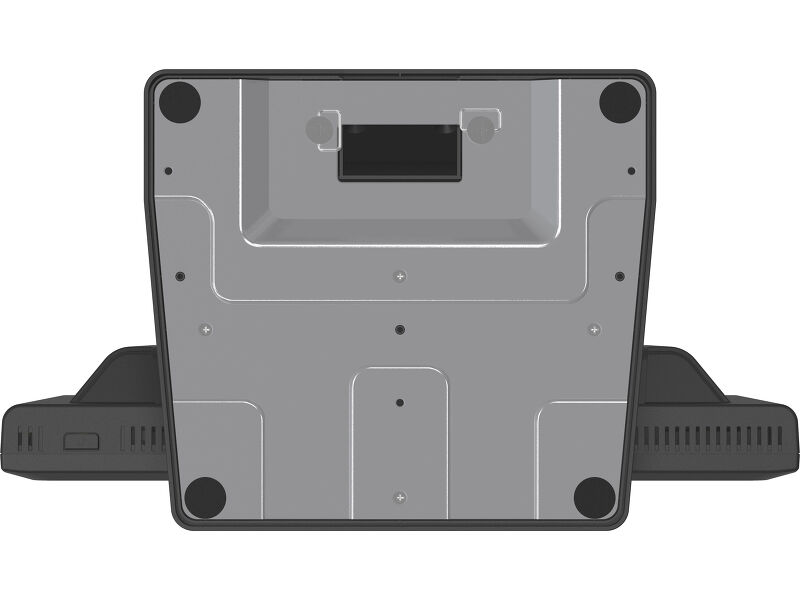
| VESA mounting | 100 x 100mm |
| Cable management system | yes |
| MTBF | 50000 hours |
ACCESSORIES INCLUDED
| Cables | power (1.8m), USB (1.8m), HDMI (1.8m), Audio (1.8m), DP (1.8m) |
| Guides | quick start guide, safety guide |
| Other | Screwdriver |
| Cable cover | yes |
POWER MANAGEMENT
| Power supply unit | internal |
| Power supply | AC 100 - 240V, 50/60Hz |
| Power usage | 16W typical, 1.5W stand by, 0.3W off mode |
SUSTAINABILITY
| Regulations | CE, EAC, RoHS support, ErP, WEEE, cULus, VCCI, REACH, UKCA |
| Energy efficiency class (Regulation (EU) 2017/1369) | E |
| REACH SVHC | above 0.1%: Lead, Lead monoxide (lead oxide) |
DIMENSIONS / WEIGHT
| Product dimensions W x H x D | 351 x 306.5 x 200mm |
| Box dimensions W x H x D | 425 x 410 x 160mm |
| Weight (without box) | 4.1kg |
| Weight (with box) | 5.9kg |
| EAN code | 4948570122073 |
RELATED INFORMATION
| Product series | ProLite T1731SR-B1S, ProLite T1931SR-B1S |



FAQS
Why is the Touch functionality not working?
+If your touch functionality is not working, please check the following:
1. Ensure your PC is connected to the monitor with the supplied USB cable.
2. Verify in the user manual that your operating system is supported by the screen.
How should I clean my Touch monitor?
+When cleaning, please follow these guidelines to avoid damaging your Touch monitor:
1. Avoid using paper towels, abrasive cloths, or any harsh cleaning agents, as they can scratch the screen or damage the touch sensors.
2. Do not spray the cleaning solution directly onto the screen to prevent liquid from seeping into the monitor.
3. Avoid excessive cleaning, as it can wear out the screen over time.
4. For more details, please check our dedicated Cleaning page.
Related products