Subscribe to our newsletter
Keep up #withiiyama
You have successfully subscribed to our newsletter.
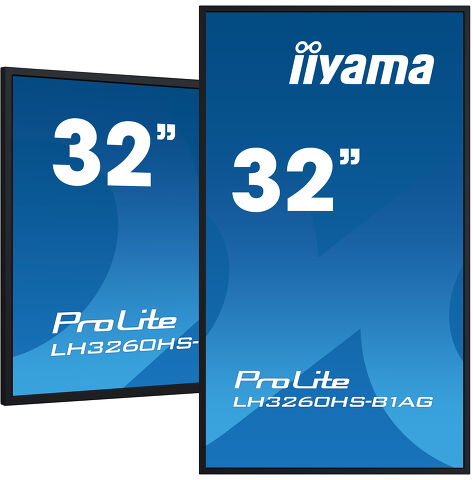
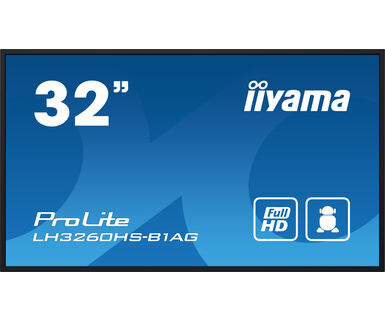
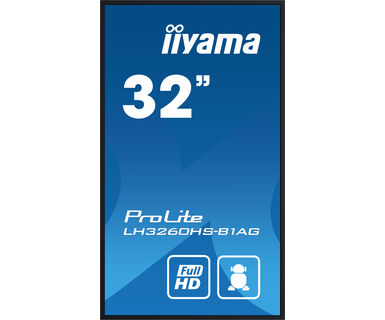
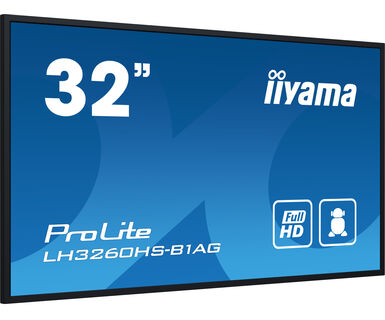
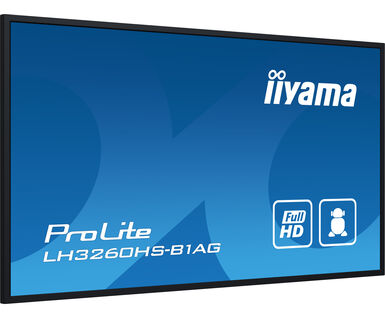
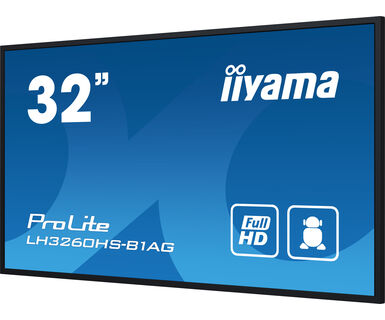
32" Full HD monitor za Profesionalno Digitalno Oglašavanje sa 24/7 radnim vremenom i sa Android OS-om i FailOver-om
Elevate your visual communication with the LH3260HS-B1AG and unlock the new possibilities for your business. This 500cd/m² high brightness display is a powerful business tool that takes your marketing and communication efforts to the next level. With its Android 11 OS, iiSignage² content management software, Signal FailOver and EShare features, this display offers a straightforward user experience, making content creation, management, and sharing a breeze.
This ELED VA display consumes significantly less power compared to DLED IPS while maintaining the same level of brightness. Its versatile orientation, sleek design, and 24/7 reliability ensure it seamlessly integrates into any business environment. Whether it's used in retail, corporate, hospitality, or educational settings, the LH3260HS-B1AG will undoubtedly captivate your audience and leave a lasting impression.
Zahvaljujući Android operativnom sistemu, ekran možete lako prilagoditi svojim potrebama instaliranjem aplikacija direktno na njega.
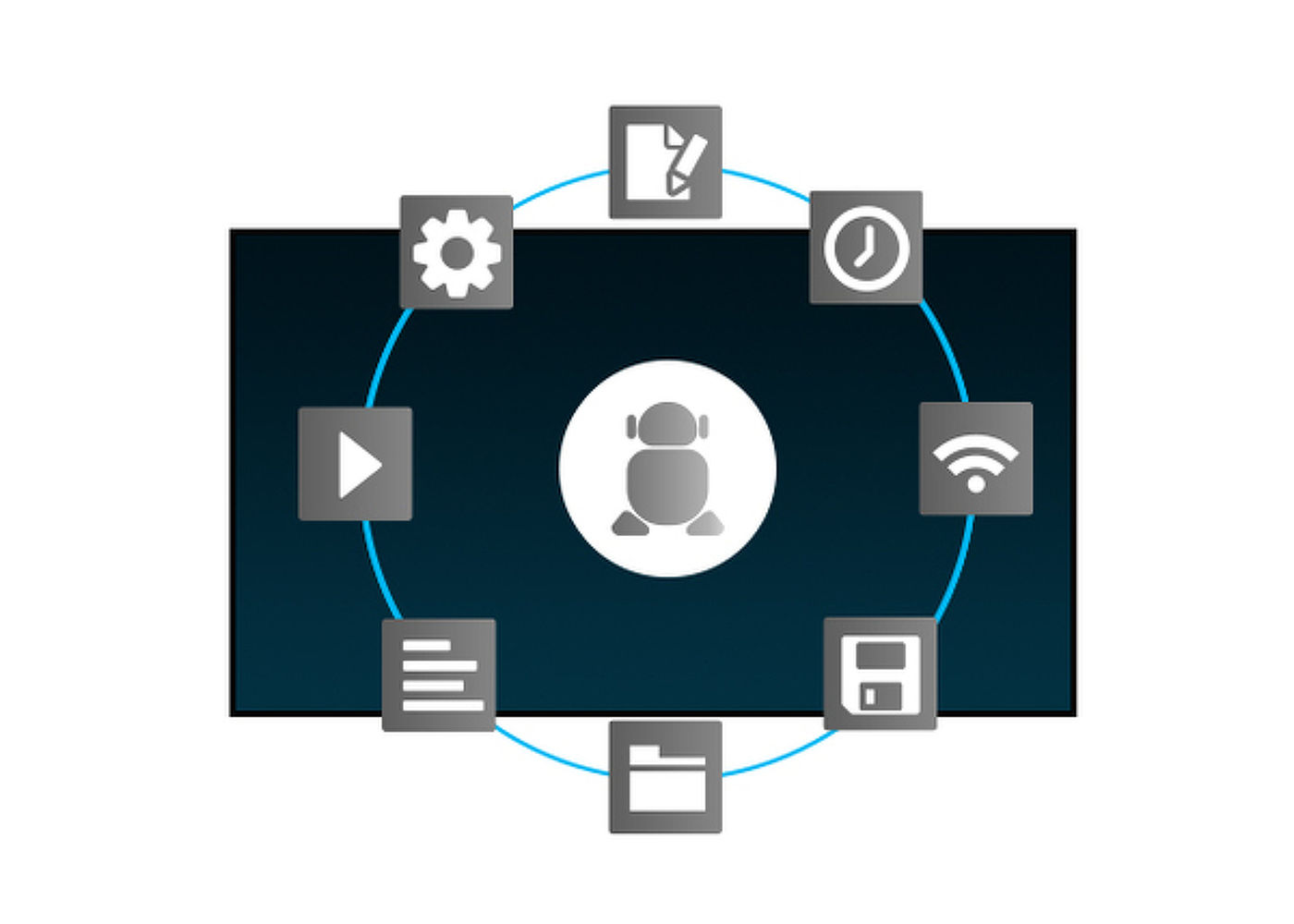
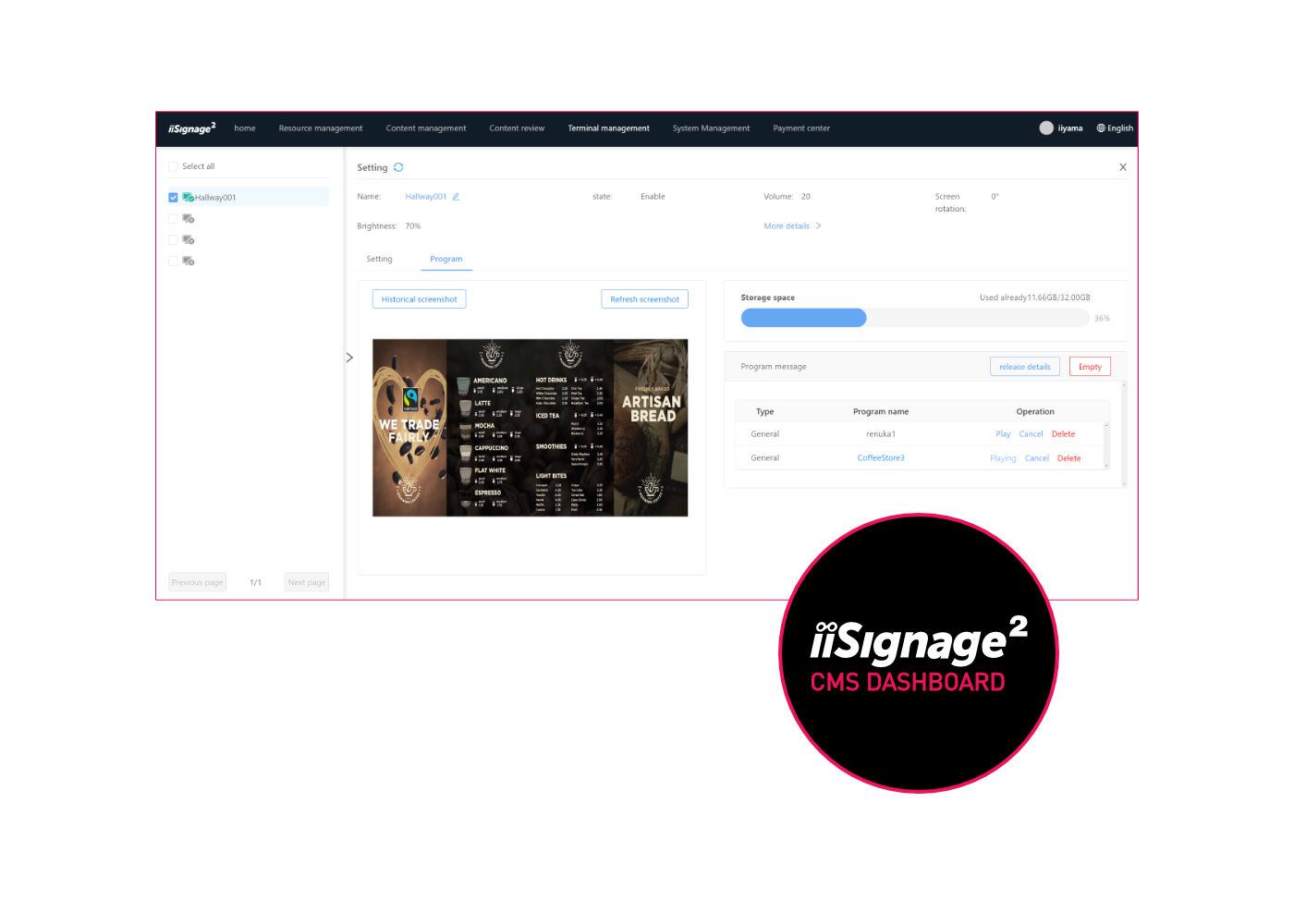
iiSignage² je naša platforma za upravljanje sadržajem digitalnog oglašavanja koja lako prikazuje i kontroliše vaš sadržaj i upravlja vašim ekranima. Sistem za upravljanje sadržajem (CMS) vam daje potpunu kontrolu nad vašim porukama i oglašavanjem bezbedno i na daljinu.
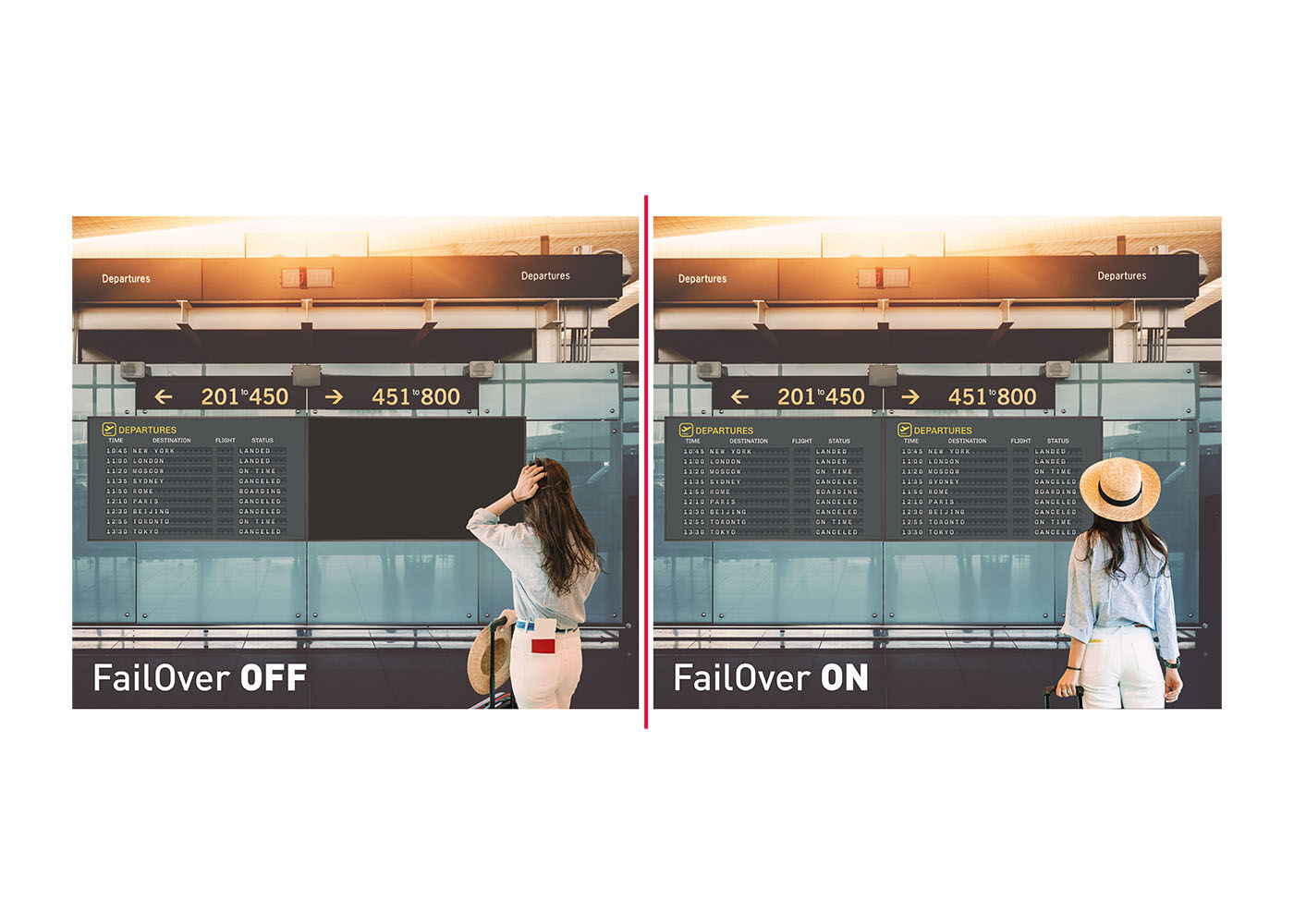
FailOver je funkcija koja automatski otkriva izvore ulaza. Kada nema signala na podrazumevanom ulazu, automatski će se prebaciti na sledeći dostupni ulaz. FailOver omogućava klijentima da daju prioritet brojnim unosima (uključujući pretraživač, Media Player i Custom) i osigurava da se vaš sadržaj uvek aktivno prikazuje, obezbeđujući aktivan sadržaj u svakom trenutku.
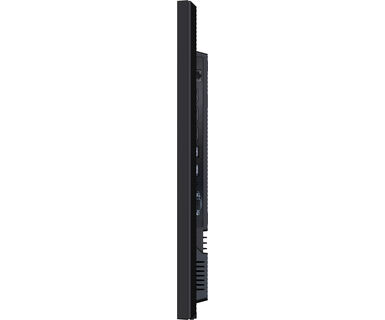
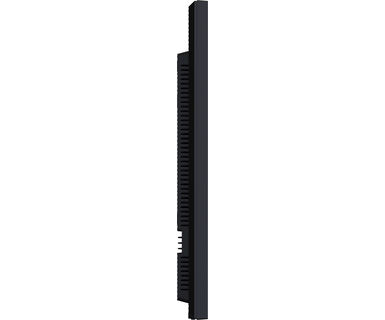
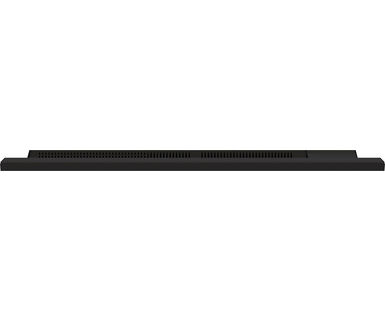
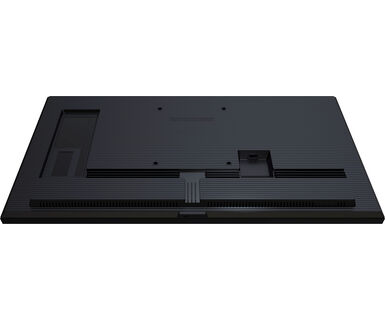
Sa 50 posto uštede u debljini u odnosu na slične modele, zapanjujući i najbolji u klasi displej ukupne dubine od 40 mm može se diskretno i elegantno instalirati u svim oblastima.
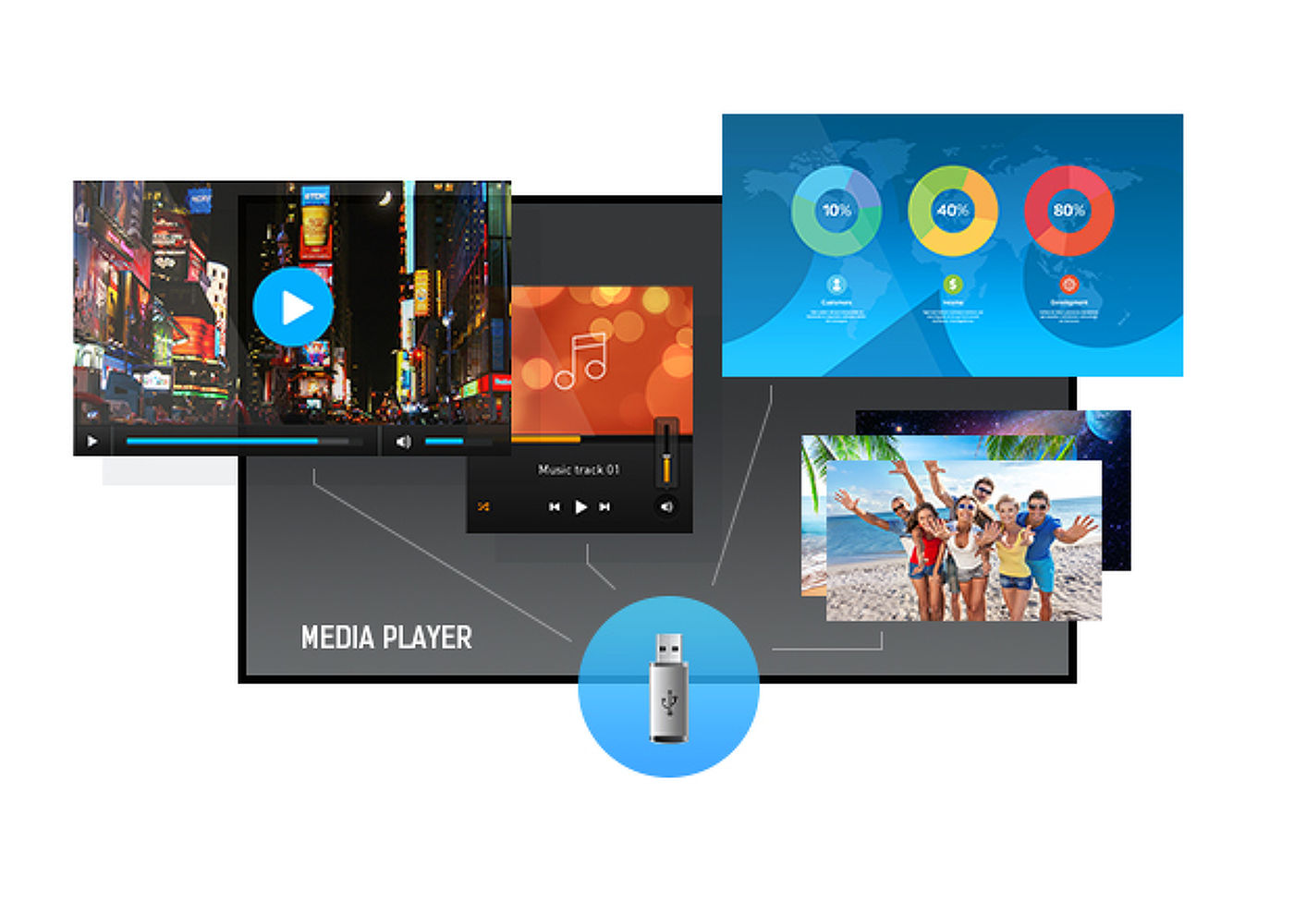
Reprodukujte svoju omiljenu muziku i pokažite svoje najlepše video snimke i fotografije direktno na ekranu sa USB flash diska ili interne memorije pomoću ugrađenog medija playera.



| Dizajn | Tanki okvir |
| Dijagonala | 31.5", 80cm |
| Panel | VA, presvučeno staklo za smanjenje odsjaja, mat završna obrada, hard coating (3H), haze 25% |
| Osnovna rezolucija | 1920 x 1080 @60Hz (21 Megapiksel, Full HD) |
| Osnovna rezolucija | 60Hz |
| Format ekrana | 16:9 |
| Osvetljenje | 500 cd/m² |
| Statički kontrast | 4000:1 |
| Vreme odziva (GTG) | 8ms |
| Zona gledanja | horizontalno/vertikalno: 178°/178°, desno/levo: 89°/89°, gore/dole: 89°/89° |
| Podržane boje | 16.7miliona 8bit (+FCR, NTSC 87%) |
| Horizontalna sinhronizacija | 28 - 160KHz |
| Vidljiva površina Š x V | 698.4 x 392.85mm, 27.5 x 15.5" |
| Širina okvira (stranice, vrh, dno) | 9mm, 9mm, 9mm |
| Razmak piksela | 0.364mm |
| Boja okvra | crna, mat |
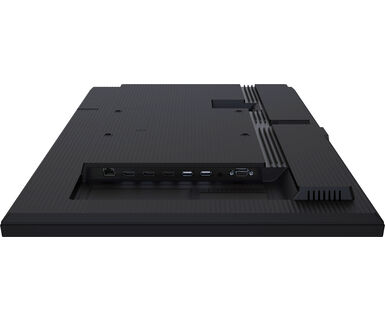
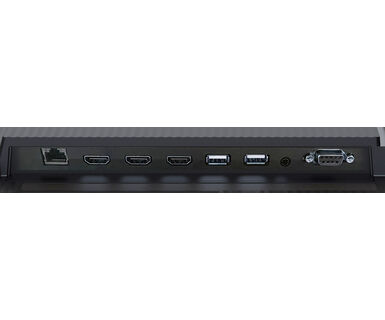
| Ulaz digitalnog signala | HDMI x3 (v.2.0, max. 1920x1080 @60Hz) |
| Kontrolni ulaz |
RS-232c x1 RJ45 (LAN) x1 IR x1 |
| Audio izlaz |
Mini konektor x1 Zvučnici 2 x 10W |
| HDCP | v.1.4 & 2.2 |
| USB portovi | x2 (v.2.0) |
| Integrisani softver | Android 11 OS, iiSignage², FailOver, EShare |
| WiFi | da (Ugradni, 802.11ac) |
| Hardver | CPU: A53*4, GPU: G52 MP2, RAM: 2GB, ROM: 16GB |
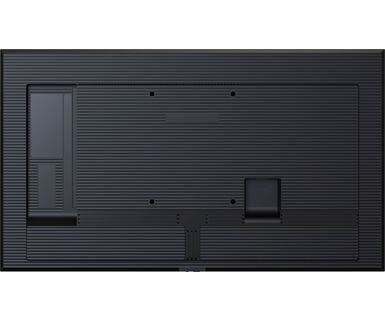
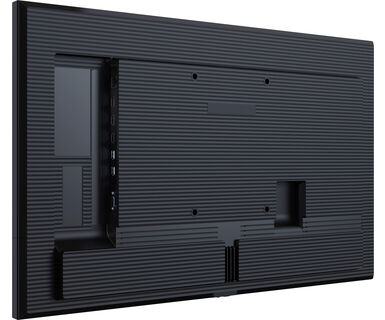
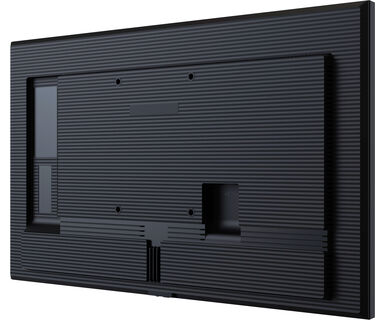
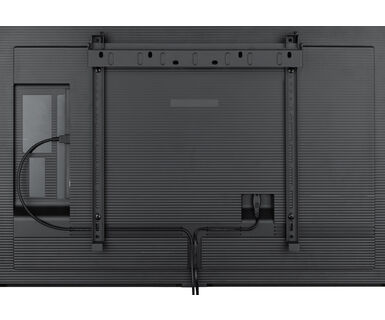
| Dodatno | Wall mounting kit included (VESA 150x200mm) |
| Maksimalno neprekidno radno vreme | 24/7 |
| Protiv zadržavanja slike | da |
| Reprodukcija medija | da |
| Kućište (okvir) | plastika |
| OSD jezici | EN, DE, FR, ES, IT, CN, RU, JP, CZ, NL, PL, SV, FI, DA, NB |
| Kontrolni tasteri | Power button, Power Indicator, Remote Sensor |
| Korisničke kontrole | picture (brightness, contrast, sharpness, black level, tint, colour, noise reduction, gamma selection, colour temperature, colour control, over scan, picture reset), screen (zoom mode, custom zoom, screen reset), Audio (balance, treble, bass, volume, audio out, maximum volume, minimum volume, mute, audio out sync, speaker setting, audio reset), configuration 1 (switch on state, panel saving, RS232-routing, boot on source, WOL, configuration 1 reset, factory reset), Configuration 2 (OSD timeout, OSD H-Position, OSD V-position, system rotation, information OSD, logo and animation logo setting, animation setting, monitor ID, monitor information, HDMI version, configuration 2 reset), advanced option (IR control, off timer, schedule, HDMI with one wire, HDMI with one wire power off, FailOver, language, OSD transparency, power saving, advanced option reset), Android settings (network & internet, apps & notifications, display, signage display, security, language & input, date & time, about device) |
| Plug&Play | DDC2B |
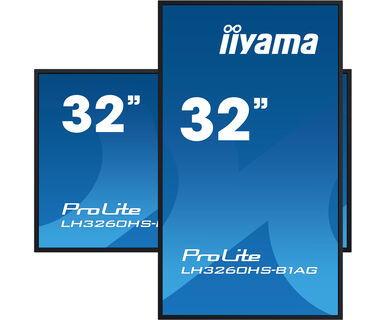
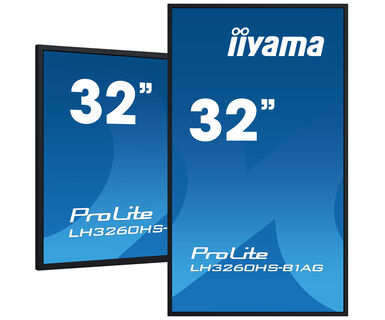
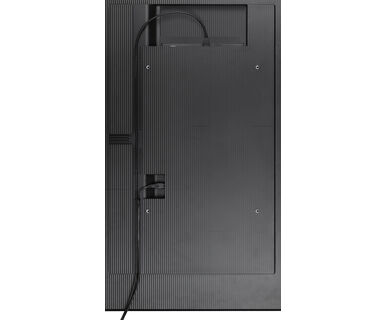
| Orijentacija | pejzaž, portret |
| Dizajniran bez ventilatora | da |
| VESA montiranje | 150 x 200mm |
| Opseg radne temperature | 0°C - 40°C |
| Temperatura skladištenja | - 20°C - 60°C |
| MTBF - Prosecno vreme izmedju kvarova | 50.000 sati (izuzimajući pozadinsko osvetljenje) |
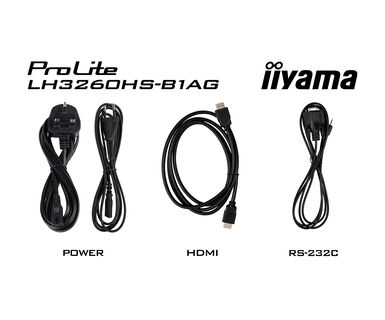
| Kablovi | Strujni kabl (1.8m), HDMI (1.8m), RS-232c (1.8m) |
| Upustva | kratko uputstvo, bezbednosni vodič |
| Ostalo | Wall mount bracket, Wall mount guide, Screws, Screw anchors, Stickers for screw holes |
| Daljinski upravljač | da (baterije uključene) |
| Napajanje | interna |
| Potrošnja energije | % 1W tipično, 0.5W stand by, 0.3W iskljucen |
| Propisi | CB, CE, TÜV-Bauart, EAC, RoHS podrška, ErP, WEEE, REACH, UKCA |
| Klasa energetske efikasnosti (Regulation (EU) 2017/1369) | G |
| Dimenzije proizvoda Š x V x D | 724.6 x 419.8 x 40mm |
| Dimenzije kutije Š x V x D | 795 x 520 x 115mm |
| Težina (bez kutije) | 5.4kg |
| Težina (sa kutijom) | 7.3kg |
| EAN kod | 4948570122288 |
| Povezani prizvodi | ProLite LH4360UHS-B1AG, ProLite LH5560UHS-B1AG, ProLite LH6560UHS-B1AG, ProLite LH5060UHS-B1AG |
To fix the issue with rotating the picture displayed on your screen, please note there are two possible methods:
1. If the content is coming from an external source (e.g., a Windows device), the picture orientation must be adjusted in the display settings of that device.
2.If the content source is the monitor itself, the screen content may rotate automatically, depending on the monitor model. In some cases, however, it is necessary to adjust picture orientation in monitor's settings manually. Please note that NOT all monitors support screen rotation or portrait installation. For detailed information, refer to your monitor's user manual.
No, you cannot install apps on your iiyama monitor through the official Google Play Store. However, you do have the option to sideload applications onto your display.
Please visit the iiyama signup webpage and enter the model name or serial number of your iiyama screen. You will be directed to all available software applications for your product, along with instructions on how to activate them.
All iiyama LFDs and IFP displays can be used in portrait mode, except for products with item names starting with TE or LE, which can only operate in landscape mode. Always follow the installation instructions provided with the monitor and the guidelines in the User Manual.
If you wish to change the settings on your monitor remotely, please refer to the RS232/LAN protocol document available in the DOWNLOAD section on the product page.
The commands can be sent to the screen with a terminal app, for example Hercules SETUP utility. For more information, please refer to the RS232/LAN protocol document available in the DOWNLOAD section on the product page.
If your monitor is displaying a "No Signal" message, please check the following:
1. Ensure the cables are properly connected at both ends.
2. Select the correct signal input (HDMI/DP) or choose AUTO.
For guidance on selecting an input while the screen is in standby mode, please consult the user manual. On desktop monitors, common methods include pressing the INPUT, AUTO, or "2" buttons, or moving the joystick backward.
Yes, your iiyama monitor will work with your Apple Mac system. However, it depends on the signal input how to connect. Since Apple Mac systems from 2020 onwards only have Thunderbolt 3 (USB-C) ports for video output, you have two options:
1. Connect directly to the USB-C signal input on your iiyama monitor.
2. In case your monitor only has HDMI or Displayport, you will need a Mac-compatible dongle that supports one of the video inputs available. Apple offers a USB-C Digital AV Multiport Adapter (MW5M3AM) that can be used for this purpose.
3. If your iiyama monitor has touchscreen capabilities, please refer to the user manual to verify touch functionality compatibility with your Mac system.
To resolve the issue of a blinking picture, please follow these steps:
1. Inspect the Signal Cable.
Ensure the signal cable is securely connected at both ends and free from any physical damage. Avoid any sharp bends or squishing of the cable.
2. Use a Shorter Cable.
If possible, use a cable shorter than 3 meters and connect the monitor directly to a wall power socket, avoiding the use of adapters.
3. Disable FreeSync/Adaptive Sync.
For desktop or gaming monitors, try disabling FreeSync or Adaptive Sync in the monitor's settings menu.