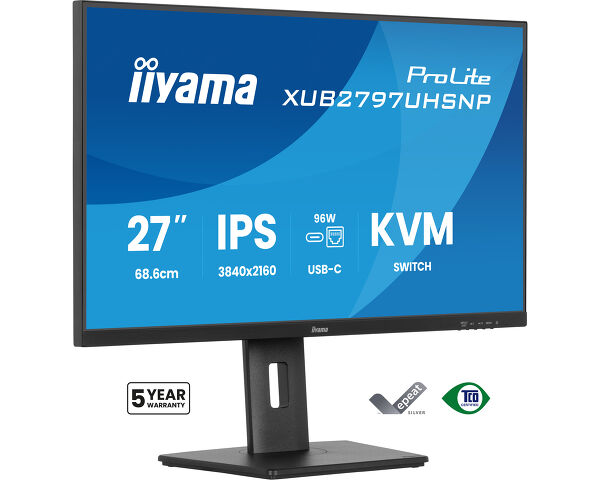
ProLite XUB2797UHSNP-B1
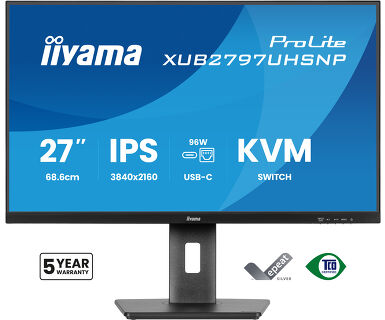
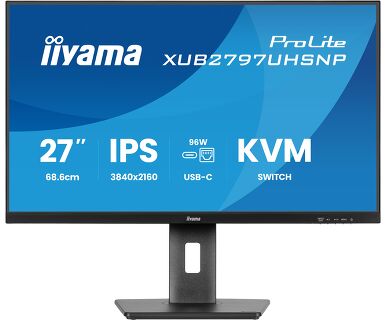
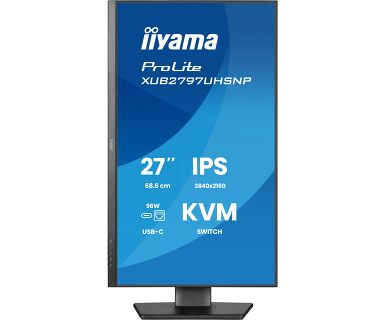
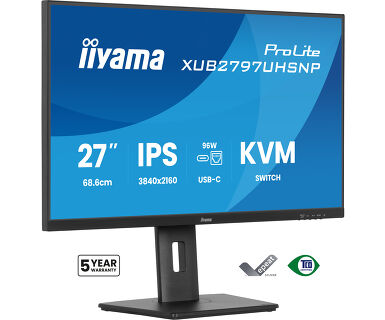
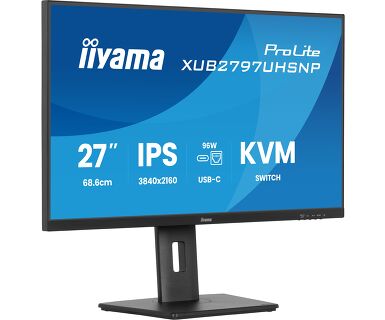
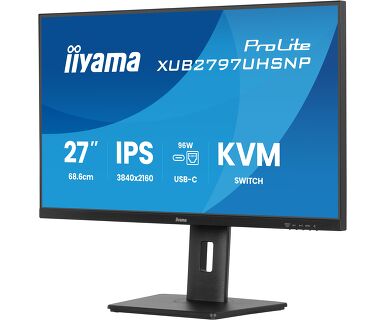
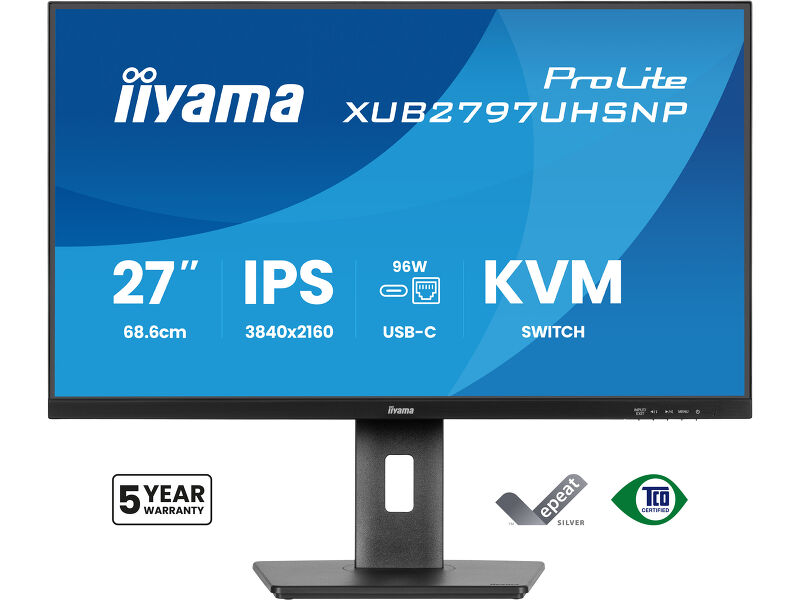
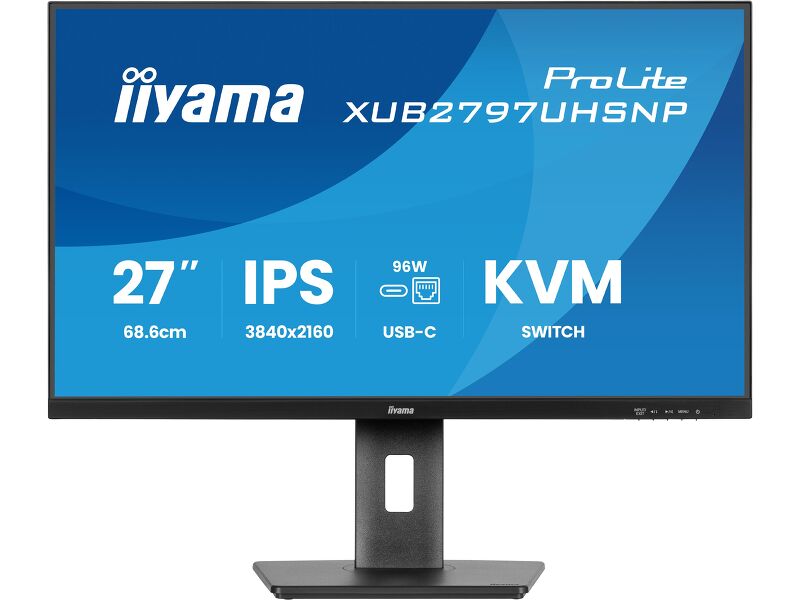
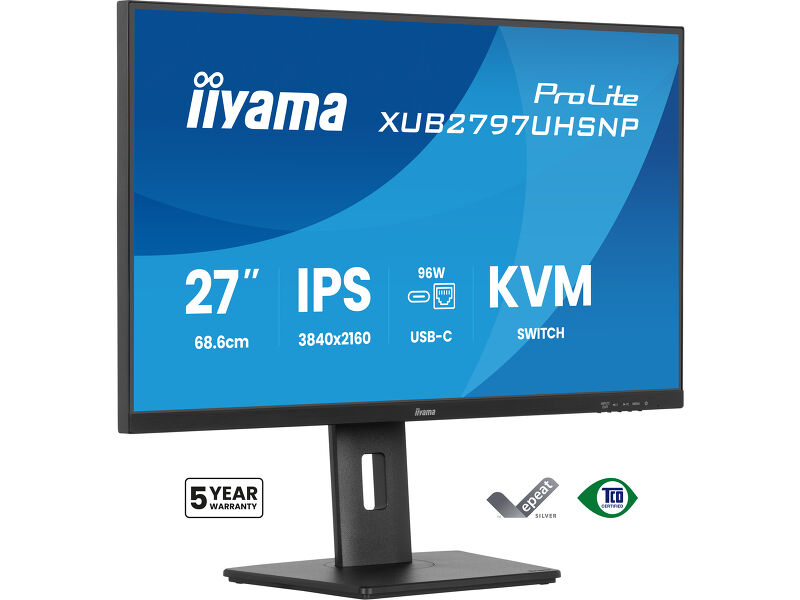
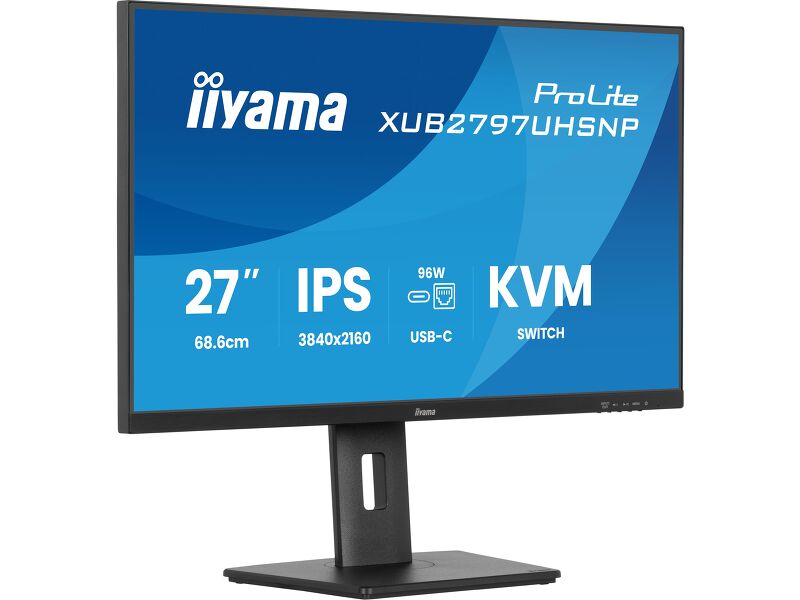
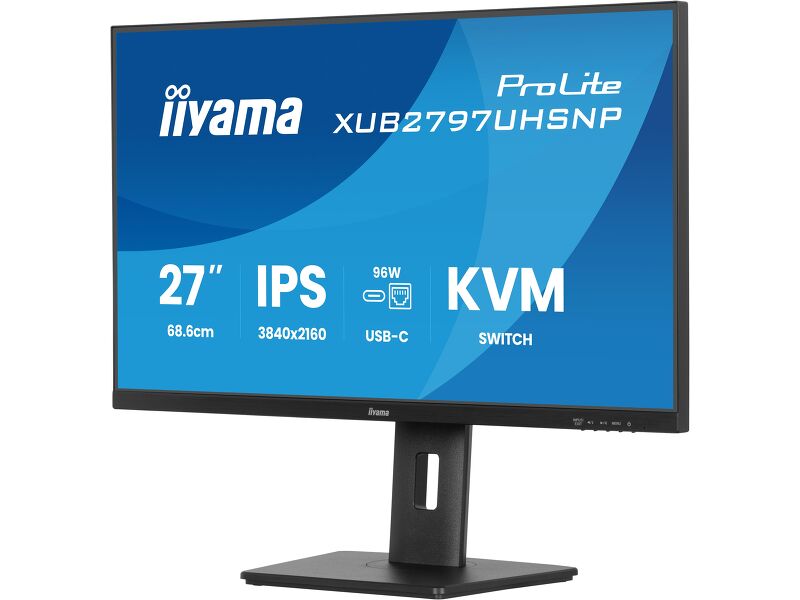
27’’ 4K IPS technology panel with RJ45 (LAN), KVM Switch and USB-C Dock with 96W power delivery
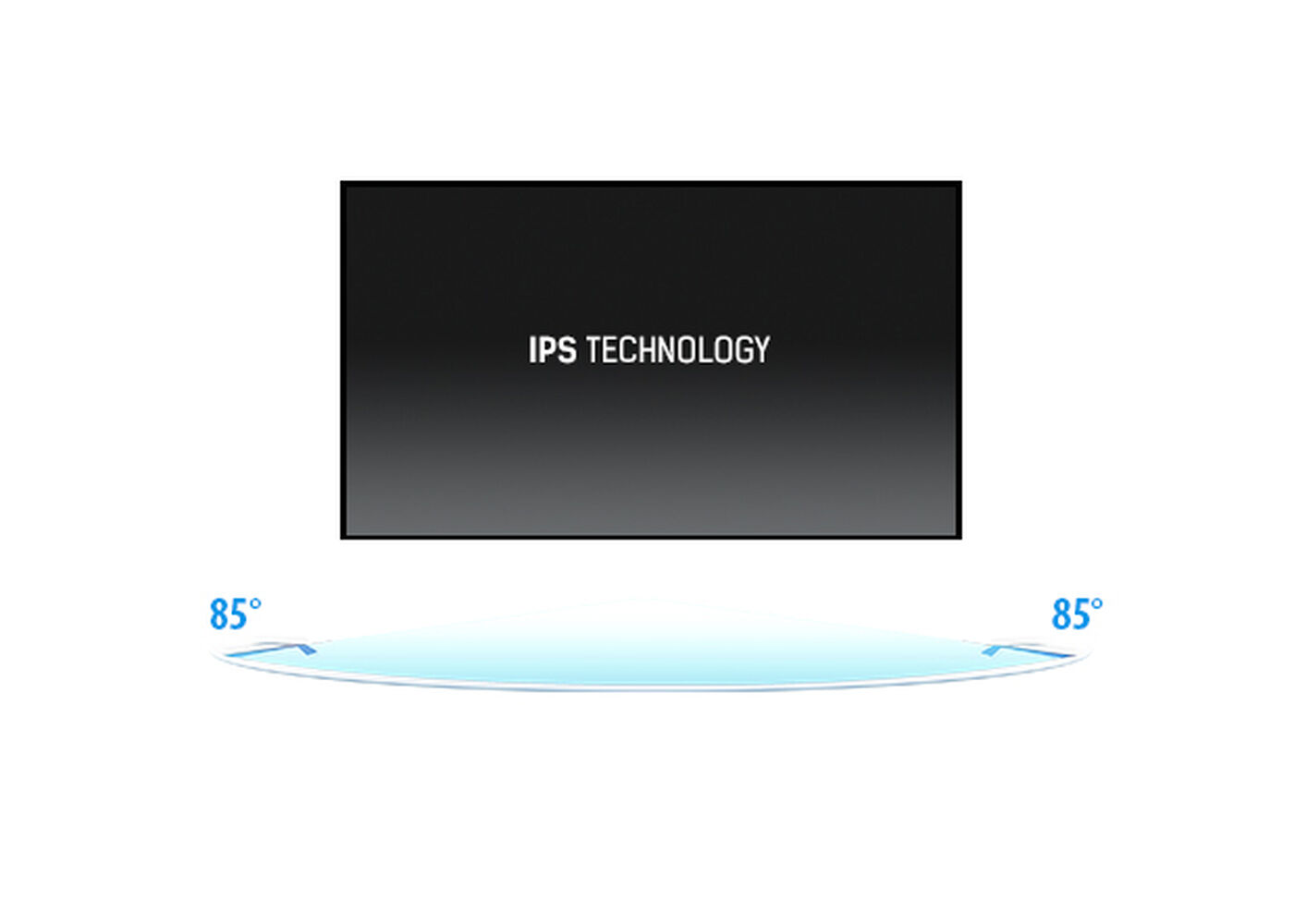
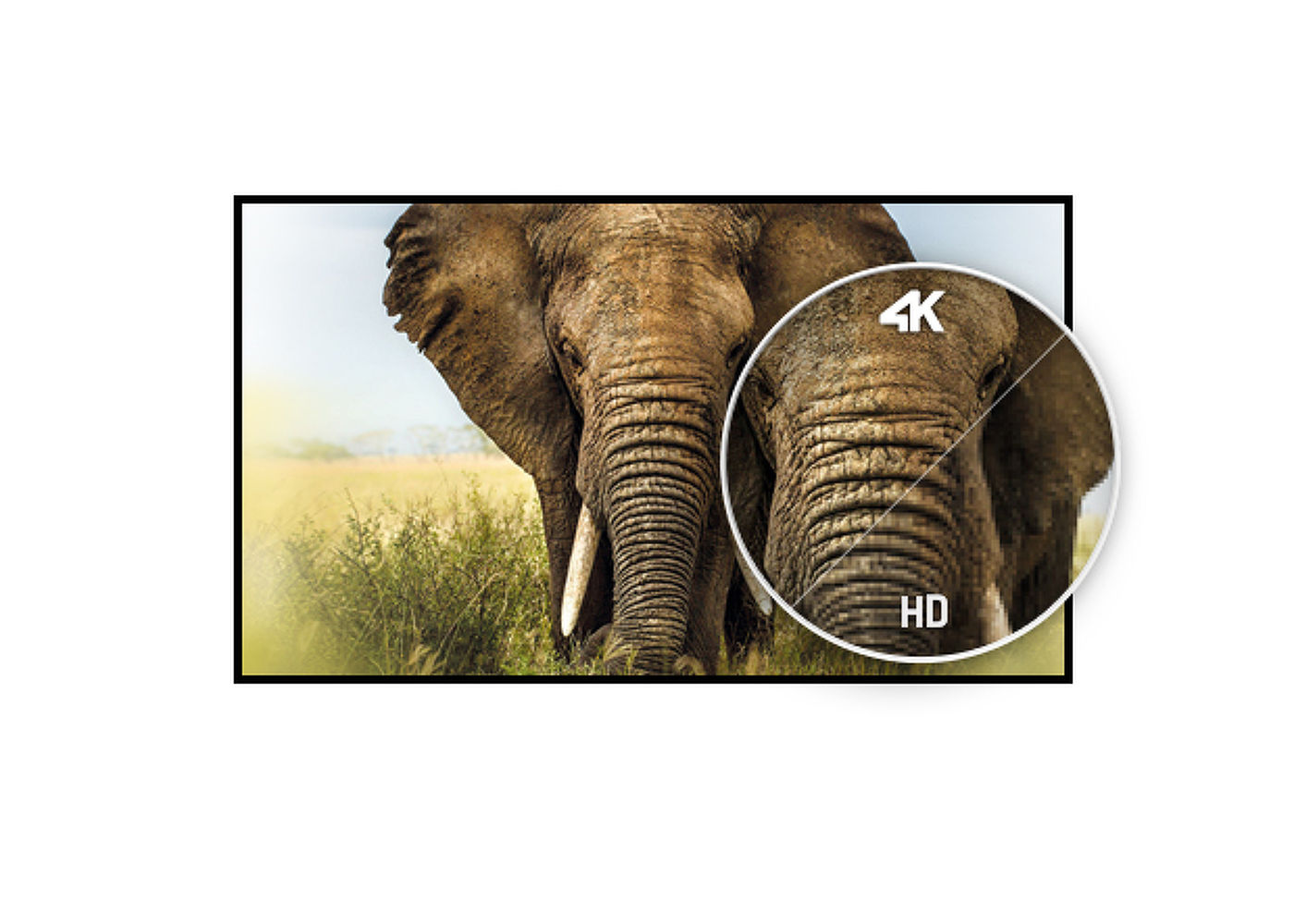
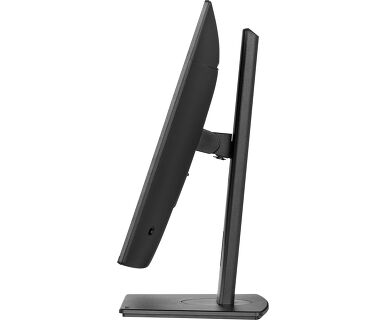
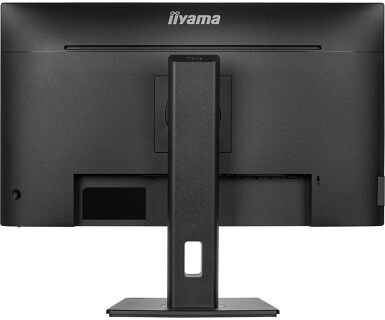
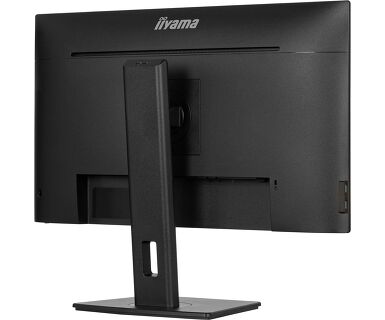
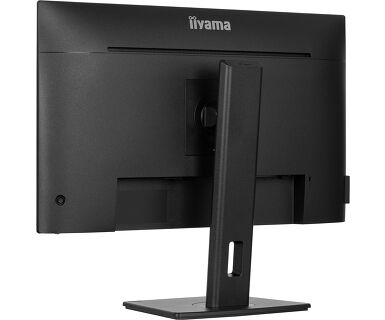
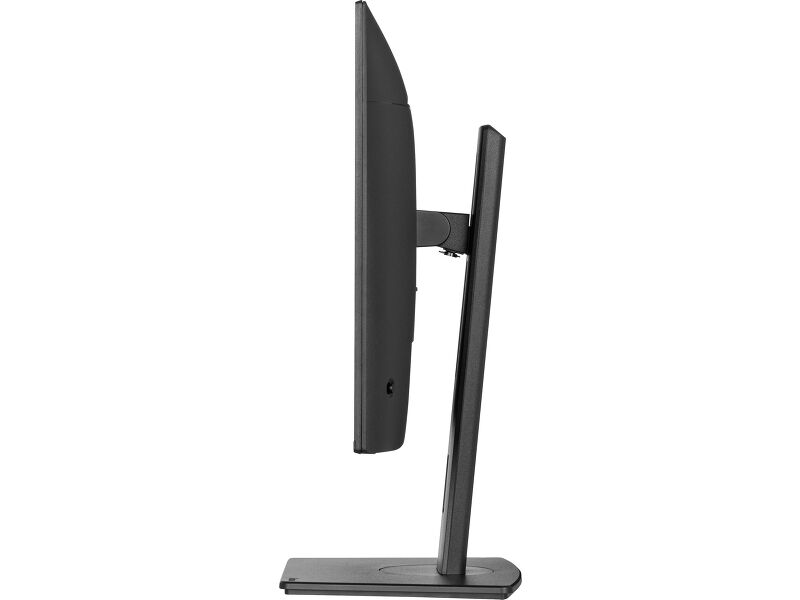
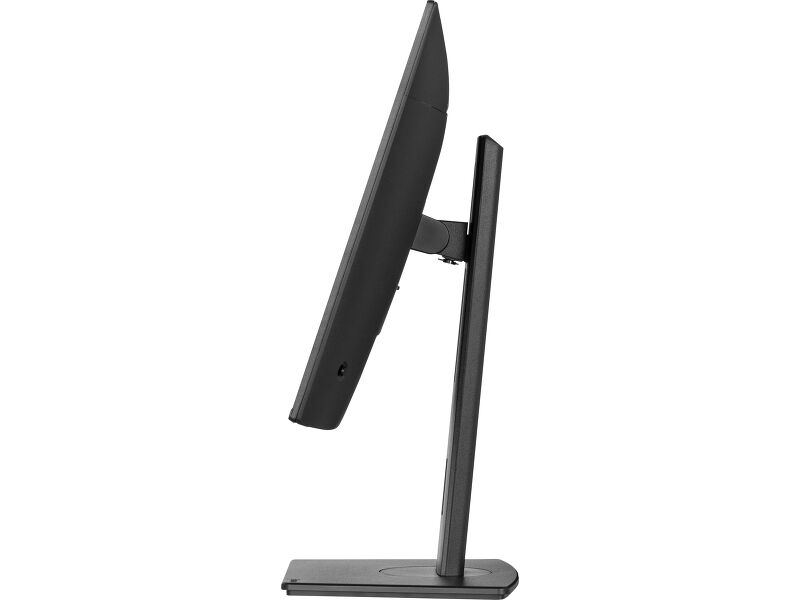
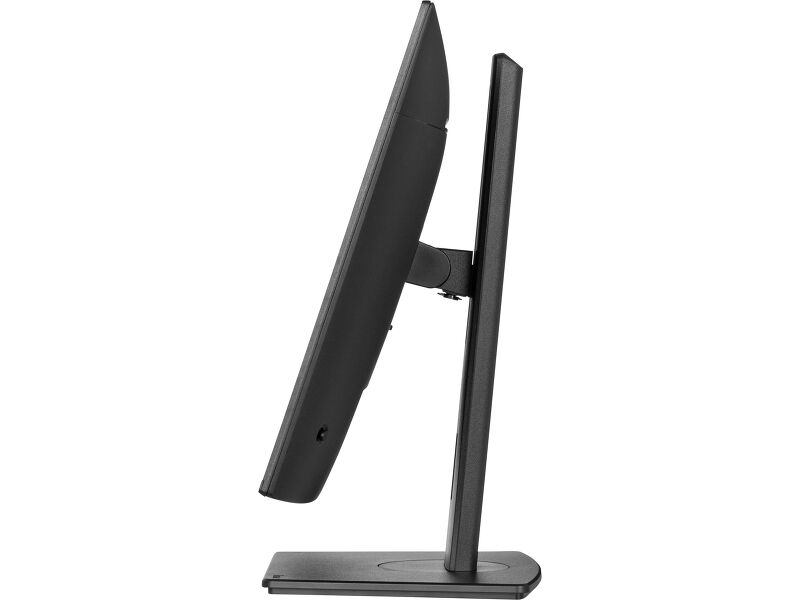
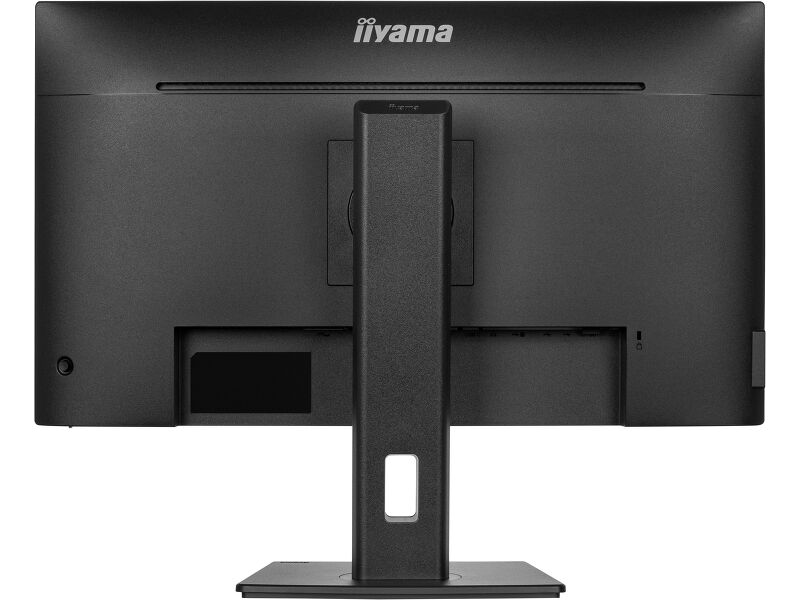
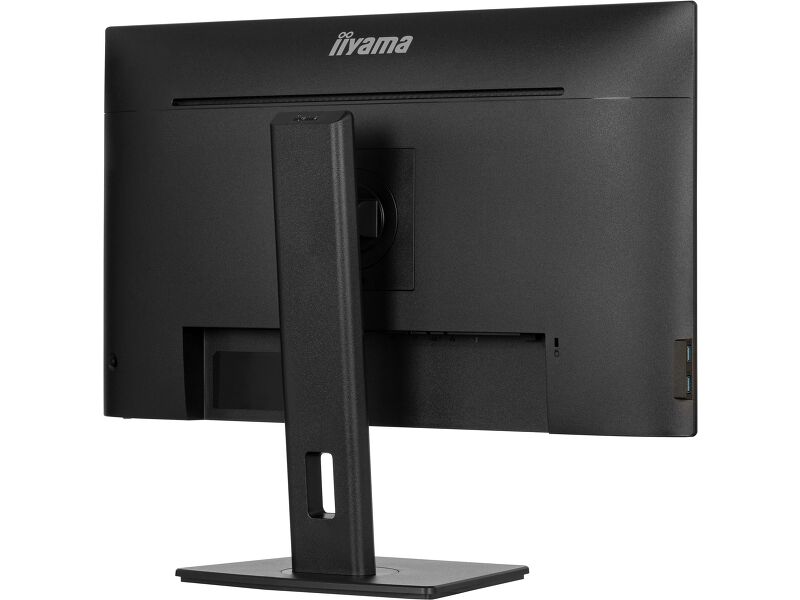
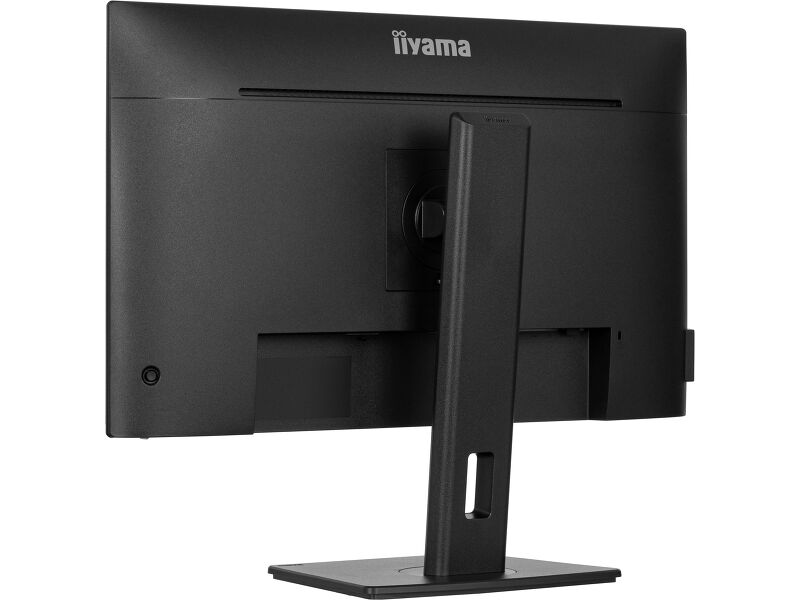
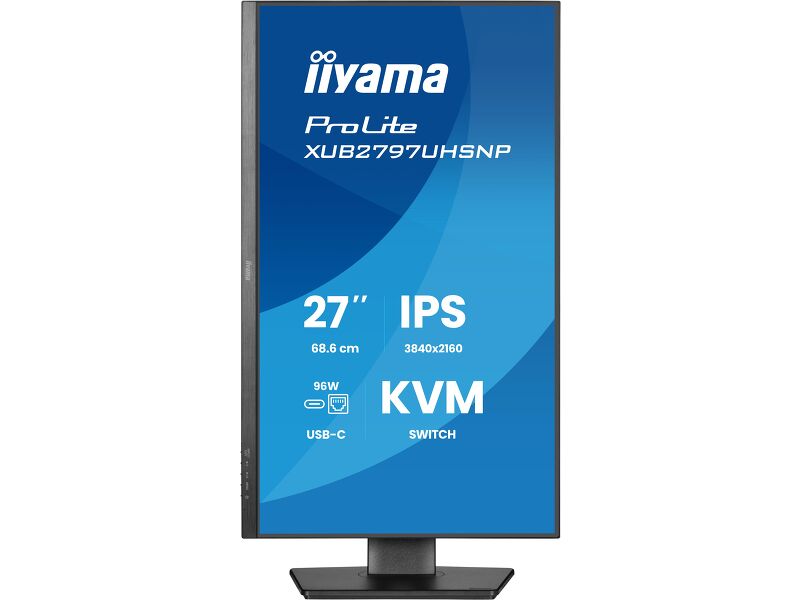
Discover the XUB2797UHSNP, a 27’’ 4K IPS panel equipped with USB-C dock (96W PD), KVM switch, and RJ45 for LAN connectivity. The KVM switch allows to connect multiple computers through a single console. Get rid of cable clutter with the USB-C dock that carries all data (audio and video) whilst powering your notebook. Easily extend your desktop by creating a dual-monitor set-up with the DisplayPort output. Enjoy accurate colours and wide viewing angles thanks to the IPS panel. Benefit from exceptional performance for tasks like photography and web design, thanks to the 4K resolution and high contrast. The ergonomic stand offers a height adjustment of 150mm and tilt/swivel mechanisms for portrait mode, optimizing comfort while working with extensive data sheets
-
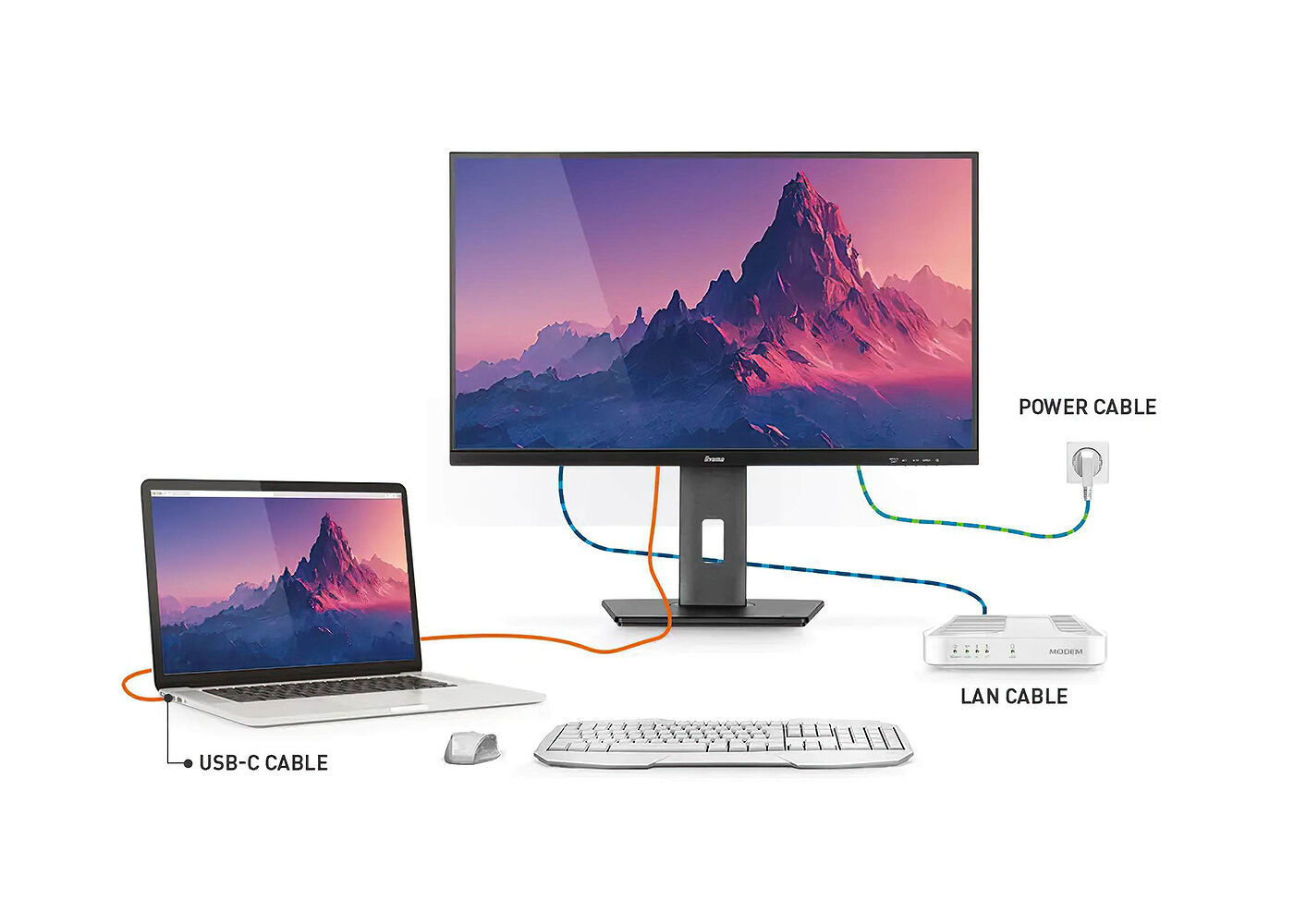
USB-C aljzat
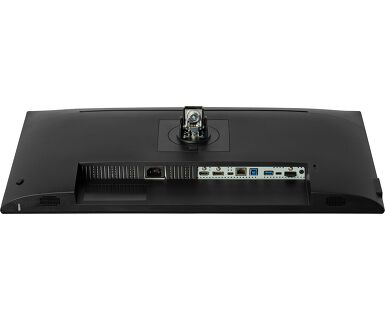
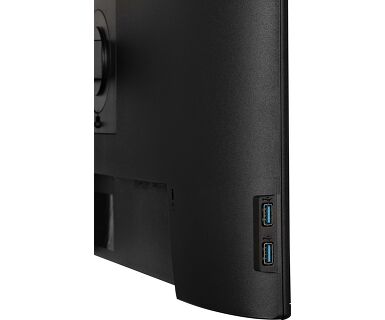
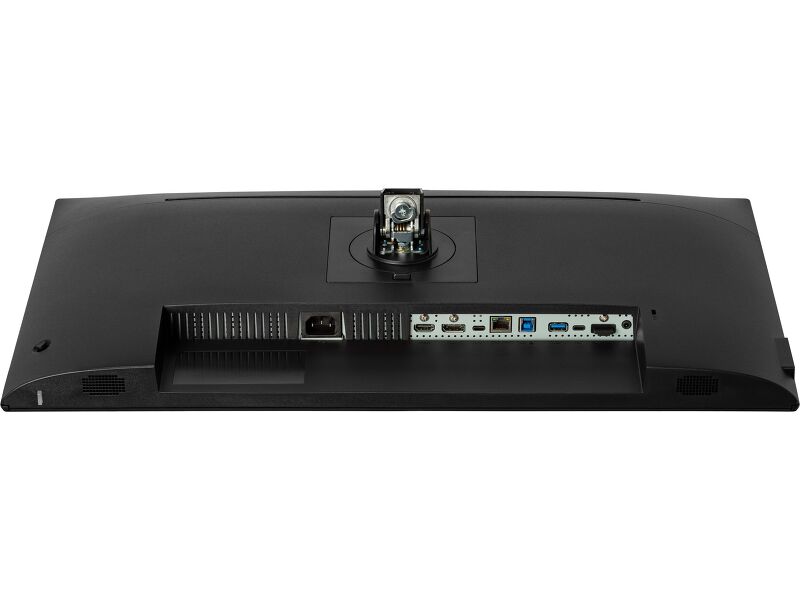
Az aljzat segítségével egyetlen kábellel csatlakoztathatja laptopját a monitorhoz, így biztosítva annak feltöltését úgy, hogy a vezetékes hálózathoz csatlakozik, valamint a laptopból érkező jelnek a monitorra való eljuttatását. A DisplayPort (MST) kimenethez egy második monitor is csatlakoztatható, így többmonitoros összeállítást hozhat létre. További USB-portokkal pedig az egér, a billentyűzet vagy a webkamera is csatlakoztatható a monitorhoz. Mindez egyetlen kábelnek köszönhető, amely a laptopot* a monitor USB-C aljzatához köti.
* A funkciók a laptop USB-C támogatásától függően változhatnak. -
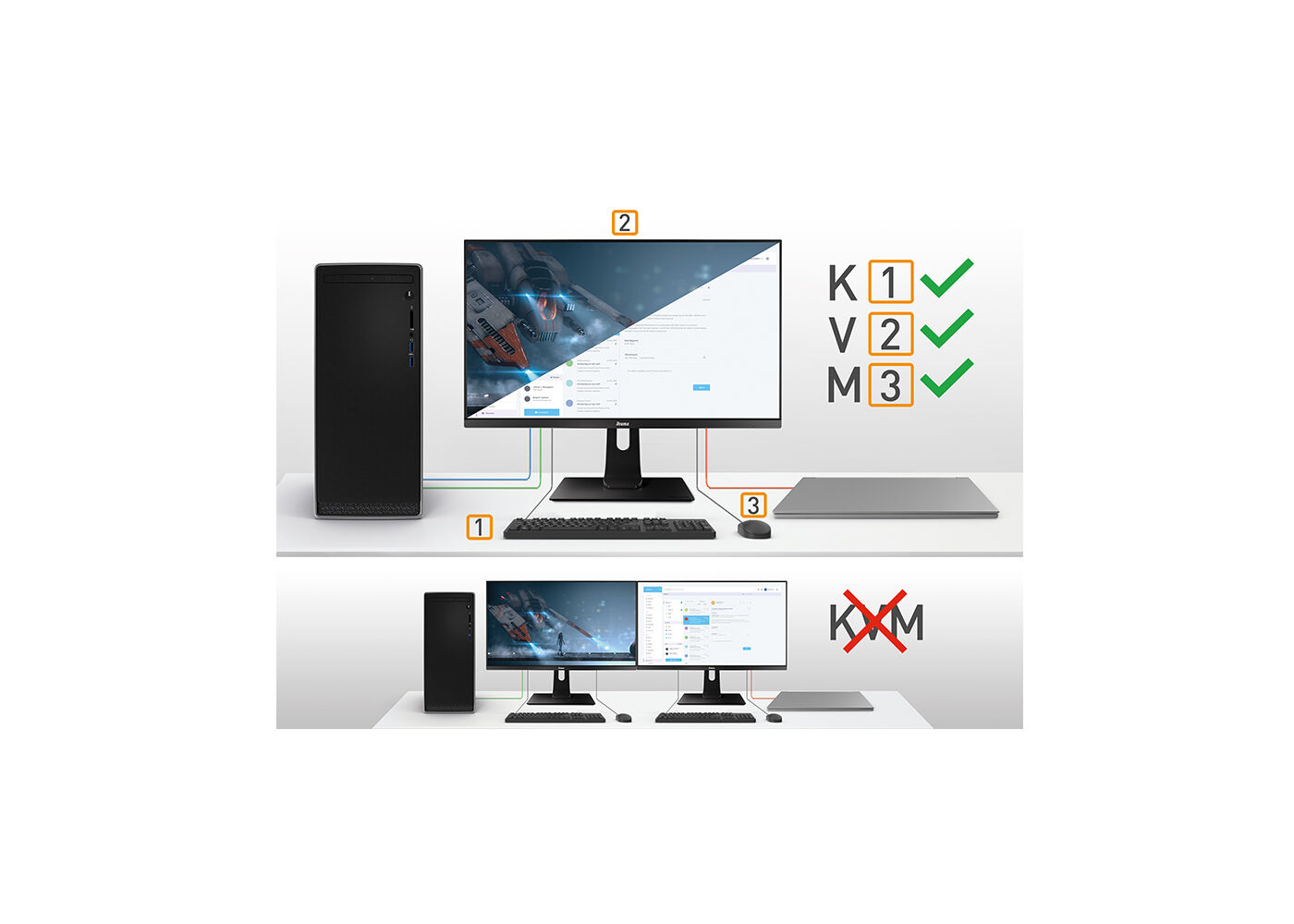
KVM SWITCH
-
-
-
Video
Műszaki adatok




KIJELZŐ JELLEMZŐI
| Design | ultra slim |
| Átló | 27", 68.5cm |
| Panel | IPS Panel Technology LED, matte finish |
| Natív felbontás | 3840 x 2160 @60Hz (8.3 megapixel 4K UHD) |
| Képarány | 16:9 |
| Fényerő | 350 cd/m² |
| Statikus kontraszt | 1300:1 |
| Speciális kontraszt | 80M:1 |
| Válaszidő (GTG) | 4ms |
| Látótér | horizontális/vertikális: 178°/178°, jobb/bal: 89°/89°, fel/le: 89°/89° |
| Szín támogatás | 1.07B 8bit+FRC (sRGB: 99%; NTSC: 72%) |
| Horizontális szinkronizálás | 30 - 140kHz |
| Látható terület Sz x M | 596.7 x 335.7mm, 23.5 x 13.2" |
| Pixel magasság | 0.155mm |
| Szín | matt, fekete |
INTERFÉSZEK / CSATLAKOZÓK / VEZÉRLŐK
| Jelbemenet |
HDMI x1 (v.2.0) DisplayPort x1 (v.1.2) USB-C x1 (PD 96W) |
| Jel kimenet | DisplayPort x1 |
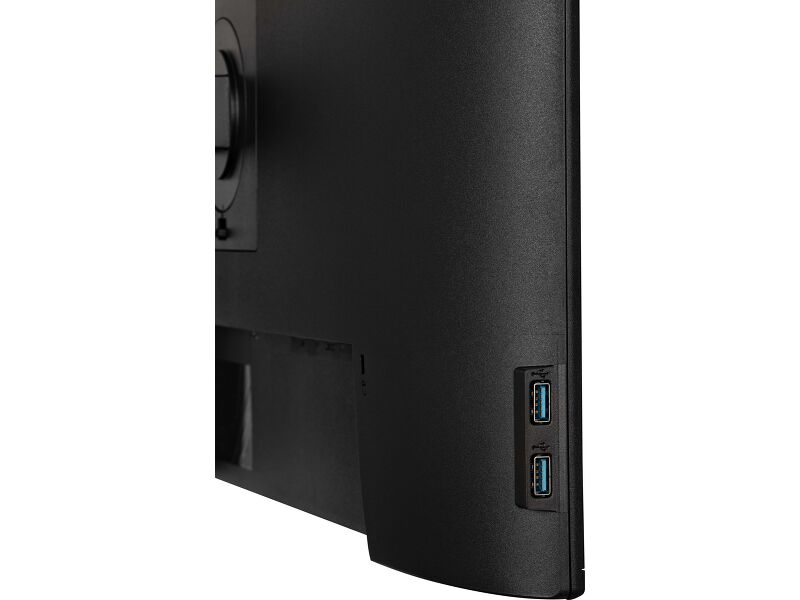
| USB HUB | x4 (3x v.3.2 Gen 1 (5Gbps, 4.5W) 1x Type C (5Gbps, 15W)) |
| USB-C DOCK | x1 (Power delivery 96W, LAN, DP out, USB v.3.2 (Gen 1, 5Gbit)) |
| HDCP | igen |
| Hangszóró csatlakozó | igen |
| RJ45 (LAN) | x1 |
JELLEMZŐK
| KVM switch | igen |
| Kékfény csökkentés | igen |
| Villogásmentes | igen |
| Extra | i-Style colour |
| OSD nyelvek | EN, DE, FR, ES, IT, RU, JP, CZ, NL, PL |
| Vezérlőgombok | Joystick/Power: Up/Input Select, Down, Right/Volume/Mute, Left/Submenu / Shortcut, Input / Exit |
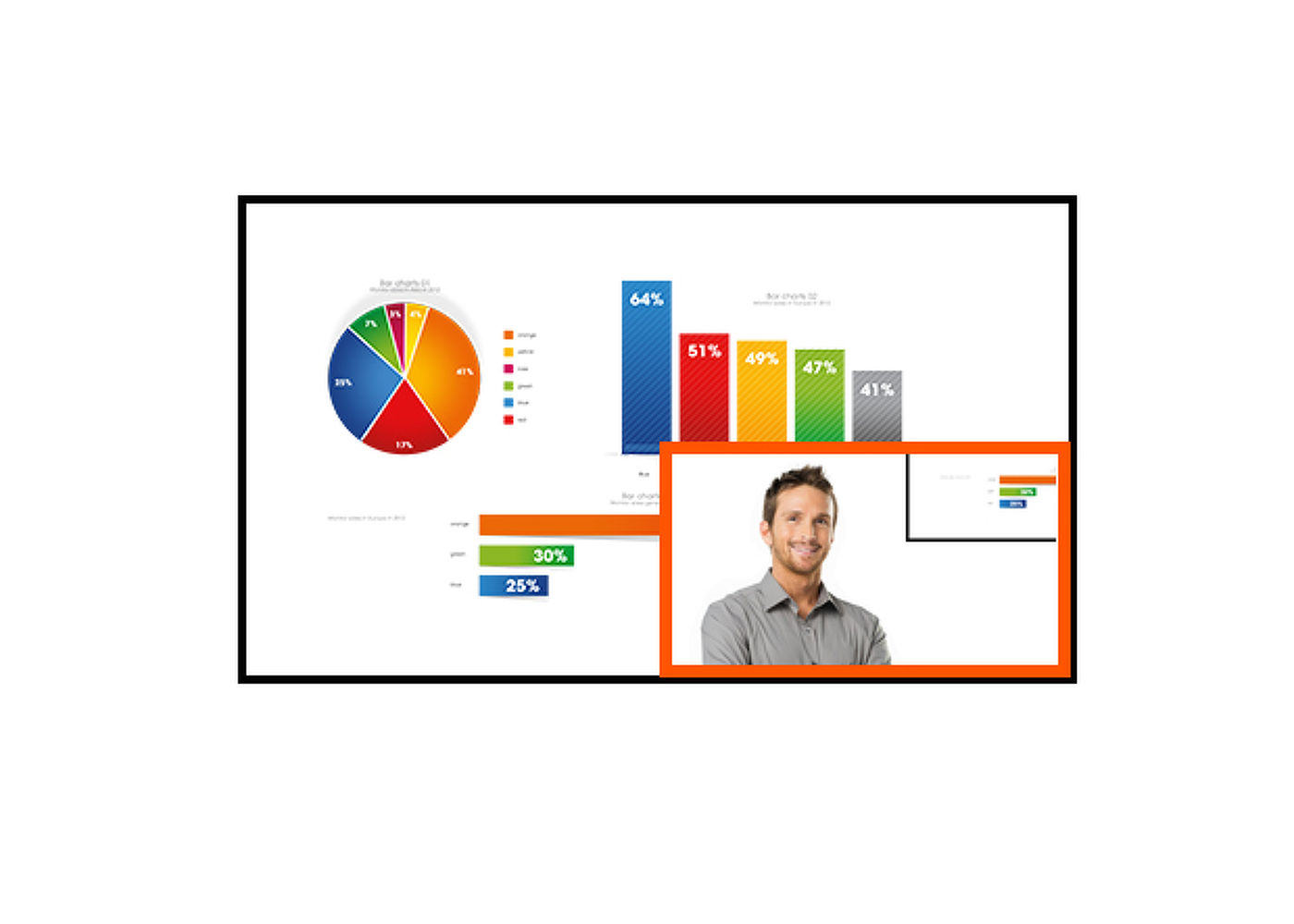
| Felhasználói vezérlők | picture adjust (brightness, contrast, Eco, ACR, OD, X-Res Technology, DPS), colour settings (6-Axis, i-Style colour, blue light reducer, gamma, RGB range, colour temp., user preset), PiP/PbP (sub source, PiP position, PiP size, swap), OSD (OSD H. position, OSD V. position, OSD rotate, OSD time, OSD background, DDC/CI, display information), language, recall, miscellanous (sharp and soft, video mode adjust, opening logo, LED, USB BC, MST, USB C , MAC Adress), KVM, input select (source), audio settings (volume, mute, input) |
| Hangszórók | 2 x 2W |
| Kényelem | Kensington-lock™ előkészítve, DDC/CI, DDC2B |
MECHANIKUS
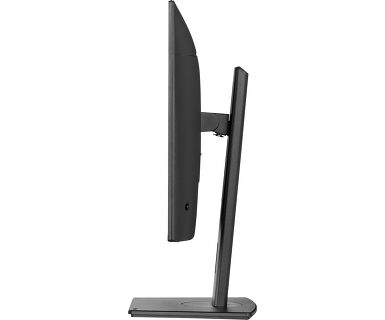
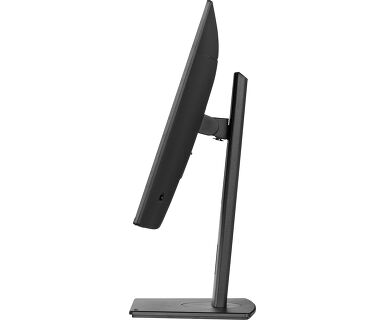
| Kijelző helyzetének beállításai | magasság, forgatható, billenthető, forgatható (forgatás mindkét oldalra) |
| Magasság beállítása | 150mm |
| Forgatás (PIVOT funkció - portré mód) | 90° |
| Forgó állvány | 90°; 45° bal; 45° jobb |
| Hajlásszög | 23° fel; 5° le |
| VESA állvány | 100 x 100mm |
| Kábelkezelő rendszer | igen |
TARTOZÉKOKAT TARTALMAZZA
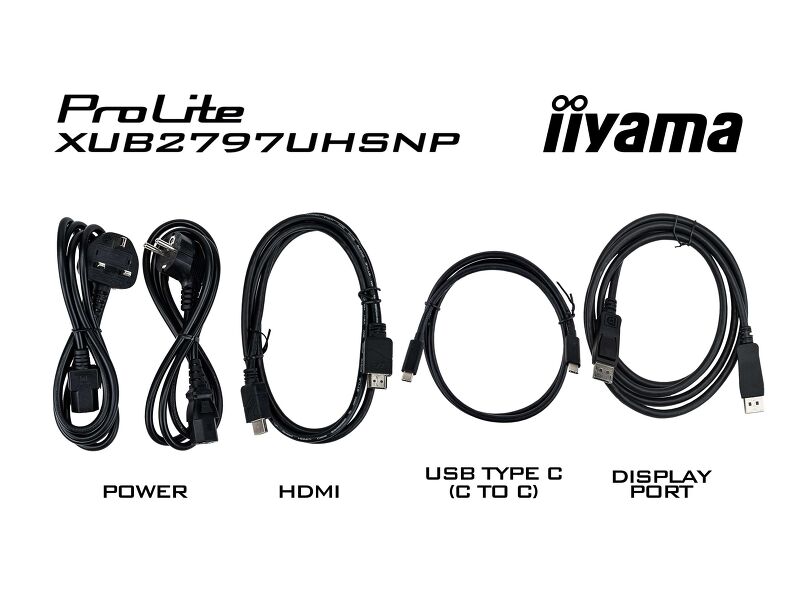
| Kábelek | áramellátás, USB, HDMI, DP, USB-C |
| Egyéb | gyors üzembe helyezési útmutató, biztonsági útmutató |
ENERGIAGAZDÁLKODÁS
| Tápegység | belső |
| Áramellátás | AC 100 - 240V, 50/60Hz |
| Energiafogyasztás | 33W jellemző, 0.5W készenlét, 0.3W kikapcsolva |
| Áramfogyasztás | 0.5W készenlét |
FENNTARTHATÓSÁG
| Előírások | TCO Certified, CE, TÜV-GS, EAC, VCCI-B, PSE, RoHS támogatás, ErP, WEEE, HATÓTÁVOLSÁG, UKCA |
| Energiahatékonysági osztály ((EU) 2017/1369 rendelet) | F |
| EPEAT Ezüst | *registration varies by country, go to www.epeat.net for details |
| REACH SVHC | 0,1% felett: Vezet |
| Jótállás | 5 years (for details and eligible countries please check the Warranty section of our website) |
MÉRETEK / SÚLY
| Termék méretei Sz x H x M | 614.5 x 397.5 (547.5) x 209.5mm |
| Doboz mértei Sz x H x M | 688 x 463 x 138mm |
| Súly (doboz nélkül) | 6.7kg |
| Súly (dobozzal) | 9.2kg |
| EAN kód | 4948570123810 |

FAQS
Why isn’t my notebook charging when connected to the USB-C input of my monitor in standby mode?
+To resolve the issue of your laptop not charging, please try the following steps:
1. Activate USB BC or disable USB standby mode in the monitor’s settings menu.
2. Update your PC’s BIOS/UEFI.
How can I recognize which iiyama monitor has a USB-C Dock and LAN support?
+iiyama monitors with USB-C Dock capabilities can be recognized by an "N" in their model names, such as HSN or QSN. For example, XUB****HSN. You can also visit our product selector page and use the available filters.
How to use the USB-C dock?
+To explore the features and benefits of a monitor with a USB-C dock, please watch the video below.
The DP-out currently mirrors the main monitor. How can I change it to extend the desktop instead?
+To extend the desktop via DP-out, enable the MST function in the screen settings. For detailed instructions, please refer to your user manual.
Is Adaptive Sync compatible with AMD FreeSync or NVIDIA G-Sync?
+Yes, Adaptive Sync is compatible with AMD FreeSync and NVIDIA G-Sync.
Why can't I select MBR when FreeSync/Adaptive Sync is activated?
+MBR cannot be selected when FreeSync/AdaptiveSync is activated, because MBR can interfere with the FreeSync/Adaptive Sync technology as they have different methods of improving motion clarity. MBR reduces motion blur (response time), while Adaptive Sync/FreeSync addresses stuttering. We recommend activating Adaptive Sync/FreeSync on systems with fluctuating or unstable frame rates. MBR performs best on powerful systems that maintain a consistently high frame rate.
Why is my monitor displaying a "No Signal" message?
+If your monitor is displaying a "No Signal" message, please check the following:
1. Ensure the cables are properly connected at both ends.
2. Select the correct signal input (HDMI/DP) or choose AUTO.
For guidance on selecting an input while the screen is in standby mode, please consult the user manual. On desktop monitors, common methods include pressing the INPUT, AUTO, or "2" buttons, or moving the joystick backward.
I have an Apple MAC-system, will my iiyama monitor work?
+Yes, your iiyama monitor will work with your Apple Mac system. However, it depends on the signal input how to connect. Since Apple Mac systems from 2020 onwards only have Thunderbolt 3 (USB-C) ports for video output, you have two options:
1. Connect directly to the USB-C signal input on your iiyama monitor.
2. In case your monitor only has HDMI or Displayport, you will need a Mac-compatible dongle that supports one of the video inputs available. Apple offers a USB-C Digital AV Multiport Adapter (MW5M3AM) that can be used for this purpose.
3. If your iiyama monitor has touchscreen capabilities, please refer to the user manual to verify touch functionality compatibility with your Mac system.
The picture on my monitor is flickering. What steps can I take to fix it?
+To resolve the issue of a blinking picture, please follow these steps:
1. Inspect the Signal Cable.
Ensure the signal cable is securely connected at both ends and free from any physical damage. Avoid any sharp bends or squishing of the cable.
2. Use a Shorter Cable.
If possible, use a cable shorter than 3 meters and connect the monitor directly to a wall power socket, avoiding the use of adapters.
3. Disable FreeSync/Adaptive Sync.
For desktop or gaming monitors, try disabling FreeSync or Adaptive Sync in the monitor's settings menu.
Kompatibilis tartozékok



Letöltések
| Műszaki adatok | ProLite XUB2797UHSNP-B1 - hu_hu.pdf | Letöltés |
| Rajz | XUB2797UHSNP-B1_DIM.pdf | Letöltés |
| EU Energiacimke | XUB2797UHSNP-B1 EU Energy Label (1955679).pdf | Letöltés |
| UK Energiacimke | XUB2797UHSNP-B1 UK Energy Label (1955679).pdf | Letöltés |
| Guarantee label | XUB2797UHSNP-B1.pdf | Letöltés |
Katalógusok és szórólapok
| USB-C Dock White Paper | USB-C_Dock_White_Paper_12.2024.pdf | Letöltés |

