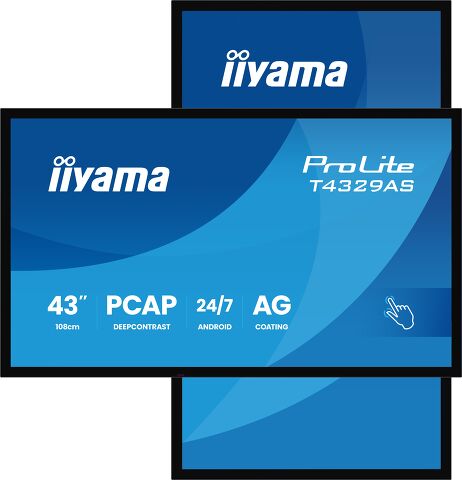
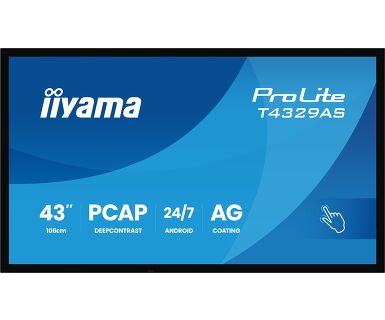
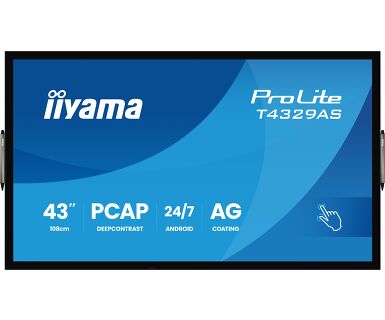
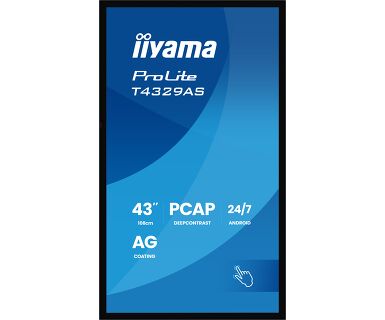
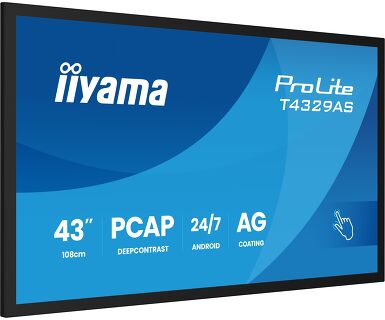
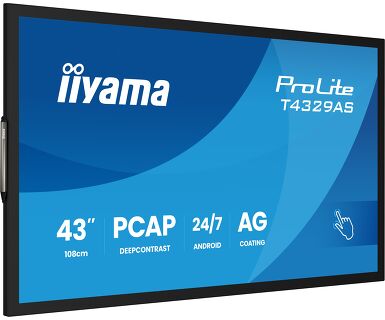
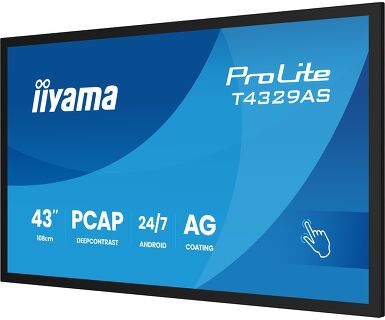
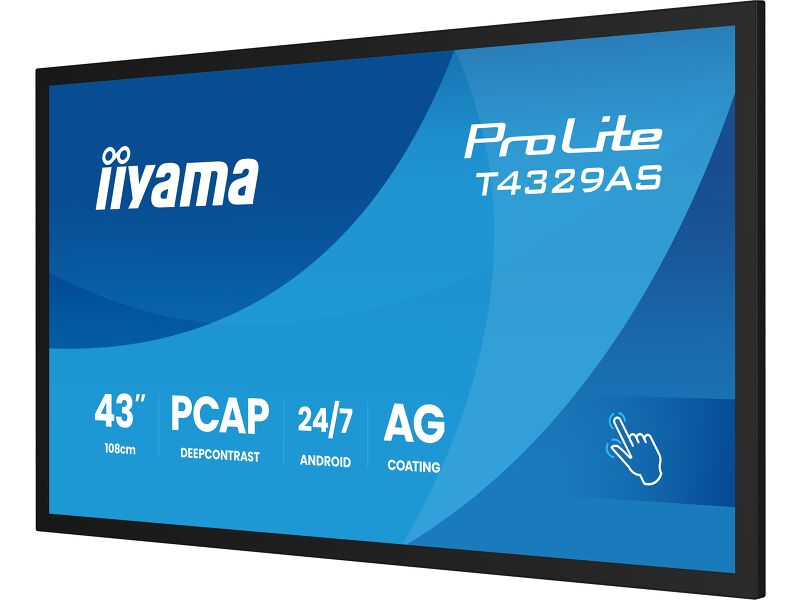
ProLite T4329AS-B1AG
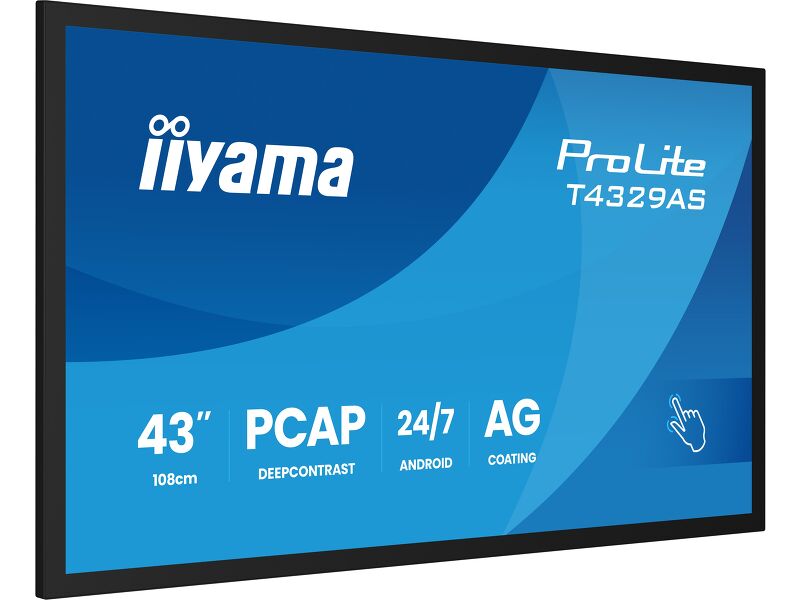
43" All-in-One PCAP Interactive Display for Smart Collaboration Spaces
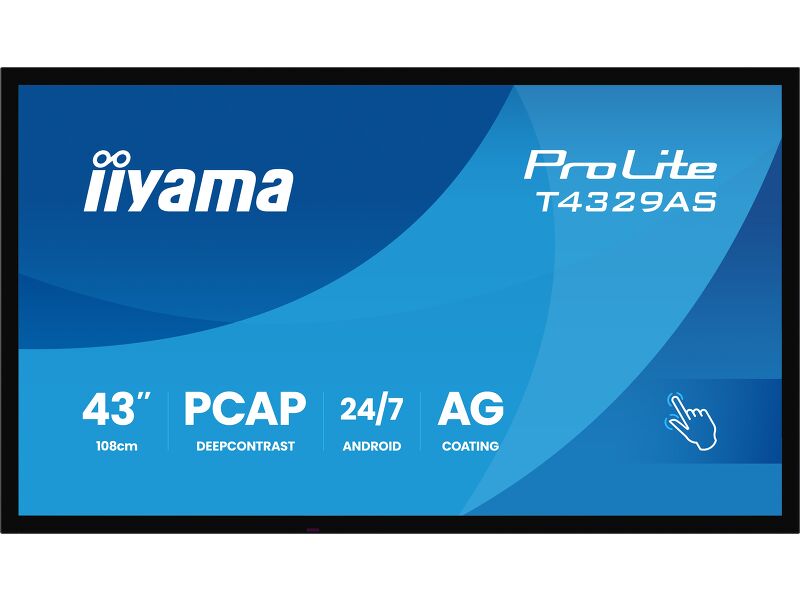
Enjoy an all-in-one interactive display that combines the best in PCAP Touchscreen technology, offering the versatility and freedom of Android OS, easily customized to your needs by installing applications directly to it. Offering a powerful, yet flexible user experience, fostering creative communication with the benefits of a secure and controllable Touchscreen.
The refined design of the T4362AS-B1 lends itself for integration into a large variety of environments where polished design and functionality are needed, like Huddle spaces in the modern office space, Retail shops and Kiosks.
With the EShare app you bring effortless ideation and efficient collaboration in your enterprise or school. You can start sharing wirelessly easier than ever before.
Android OS
Thanks to Android OS, you can easily customize the display to your needs by installing applications directly to it.
iiSignage²
iiSignage² is our digital signage content management platform to easily show and control your content and to manage your displays in a secure way. The Content Management System (CMS) gives you total control of your messaging and advertising remotely and safely.
USB-C Loop Through
One cable, zero clutter. USB-C Loop Through lets you connect and daisy-chain devices with ease—video, data, and power all in one go. It’s plug, play, and pass it on. Smart connectivity that keeps your setup clean and simple.
Touch Pens
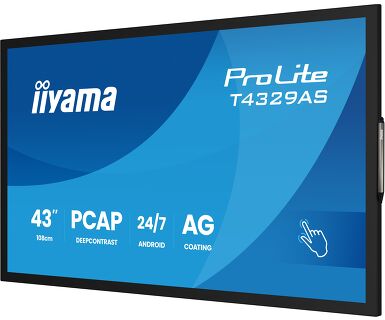
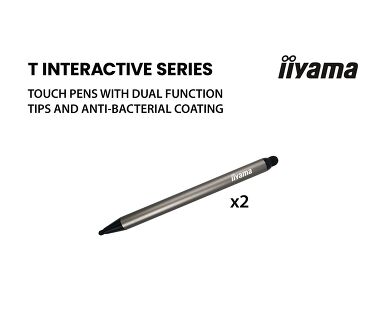
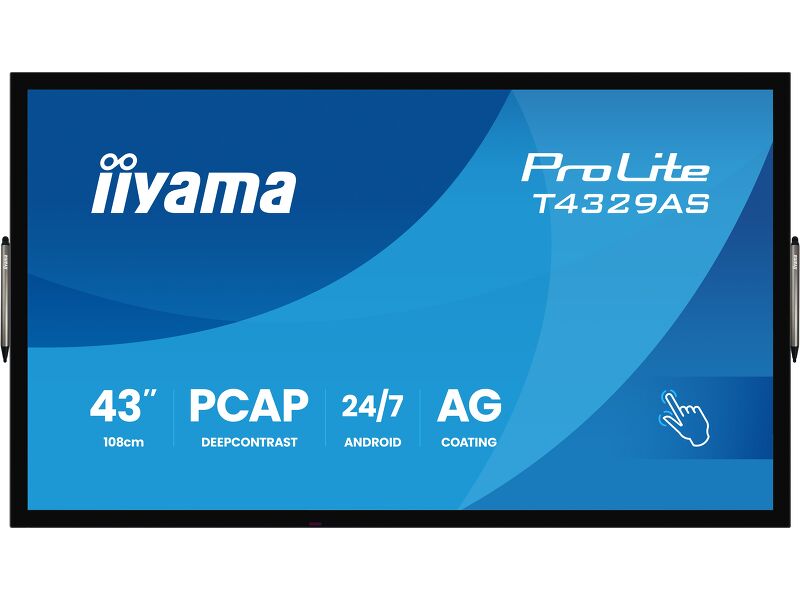
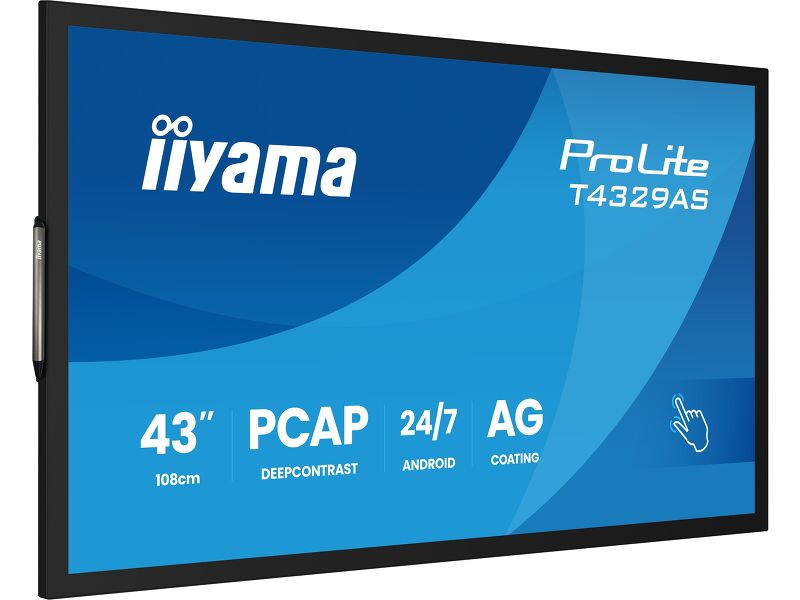
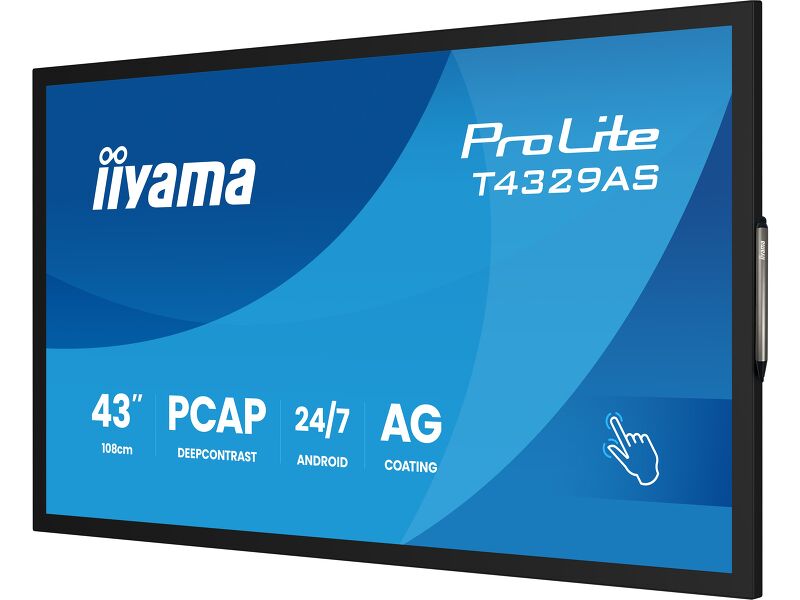
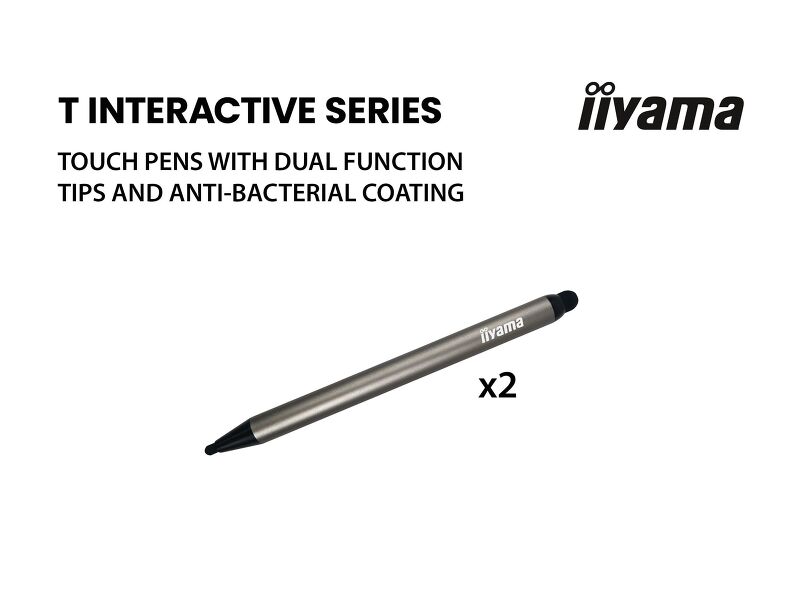
Two stylish dual tip Touch pens are included and they can be placed at both sides of the display at the magnetic holding spots.
Huddle Spaces
Signal FailOver
FailOver is a feature which automatically detects input sources. When there is no signal on the default input it will automatically switch to the next available input. FailOver allows customers to prioritize a number of inputs (incl. Browser, Media Player and Custom) and ensures your content is always actively displayed, assuring active content at all times.
Műszaki adatok



KIJELZŐ JELLEMZŐI
| Dizájn | Széltől szélig érő üveg |
| Átló | 42.5", 108cm |
| Panel | VA, DLED |
| Touch Glass | Anti-Glare Glass with Anti-Gloss treatment, Smooth writing, Zero Gap - Air Bonded, DeepContrast PCAP |
| Natív felbontás | 3840 x 2160 (8.3 MegaPixels 4K UHD) |
| Képarány | 16:9 |
| Fényerő | 500 cd/m² |
| Fényerősség | 420 cd/m² érintéssel |
| Fényáteresztés | 83% |
| Statikus kontraszt | 4000:1 |
| Válaszidő (GTG) | 6.5ms |
| Látótér | horizontális/vertikális: 178°/178°, jobb/bal: 89°/89°, fel/le: 89°/89° |
| Szín támogatás | 1.07G (8 Bits+FRC) (NTSC 72%) |
| Horizontális szinkronizálás | 28 - 160kHz |
| Látható terület Sz x M | 941.2 x 529.4mm, 37 x 20.8" |
| Pixel magasság | 0.245mm |
| Káva színe és felülete | fekete, matt |
ÉRINTŐKÉPERNYŐ
| Éríntőképernyős technológia | DeepContrast-PCAP |
| Érintőpontok | 20 (HID, only with supported OS) |
| Érintés pontossága | +- 2.5mm |
| Érintési mód | ceruza, újj |
| Érintőképernyő interfész | USB |
| Támogatott operációs rendszerek | Minden iiyama monitor Plug & Play funkcióval rendelkezik, és kompatibilis a Windows és a Linux rendszerekkel. Az érintőképernyős modellek által támogatott operációs rendszerekre vonatkozó részletes információk a letöltések részben található illesztőprogram-fájlban találhatók. |
| Tenyérérzékelés elutasítása | igen |
INTERFÉSZEK / CSATLAKOZÓK / VEZÉRLŐK
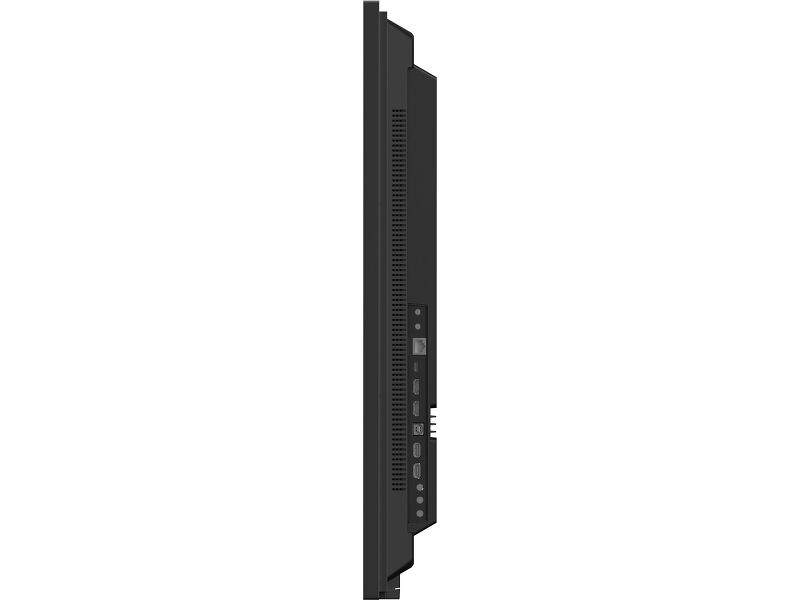
| Digitális jelbemenet |
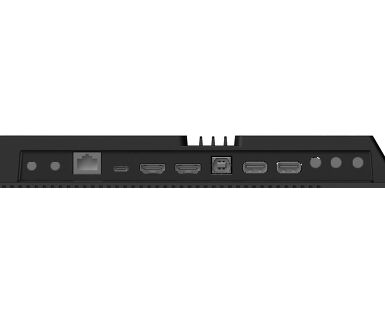
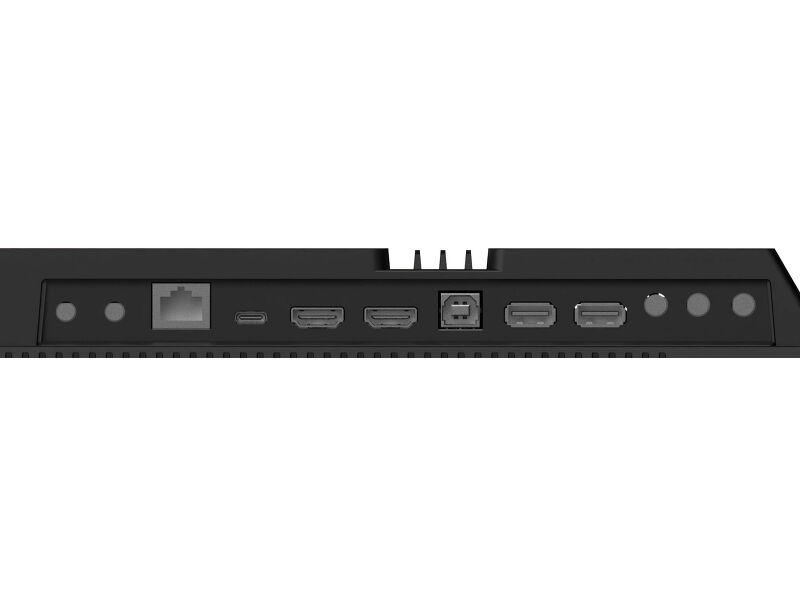
HDMI x2 (1.4/ 2.0, max. 3840x2160 @60Hz) USB-C x1 (3.2, DP 1.2 Alt mode, 15W PD) |
| Monitor vezérlő bemenet |
RS-232c x1 RJ45 (LAN) x1 IR x1 (3.5mm) |
| Audio kimenet | Hangszórók 2 x 10W |
| Monitor vezérlő kimenet |
RS-232c x1 IR loop through csatlakozó x1 (3.5mm) |
| HDCP | 1.4 / 2.2 |
| USB portok | x2 (2.0 with Multi-Media support) |
| RS-232c | x1 |
JELLEMZŐK
| Beépített szoftver | Android 14 OS, Whiteboard, iiSignage², iiControl, iiShare, EShare, FailOver, TeamViewer, Web-, PDF & Media Player, iiBrowser, File manager |
| WiFi | WiFi 5 @ 2.4G / 5G |
| Hardver | CPU: MTK9679 Quad-core A73*4, GPU: Mali G51, RAM: 4GB, ROM: 32GB |
| Kioszk mód | igen |
| Max. non-stop üzemidő | 24/7 |
| Anti képmegőrzés | igen |
| Üveg vastagsága | 3.7mm |
| Üveg keménysége | 8H |
| Ház (káva) | fém (elől) |
| OSD billentyűzár | igen |
| Távirányító lezárás | igen |
ÁLTALÁNOS
| Képernyőn megjelenő nyelvek | EN, DE, FR, ES, RU, JP, NL, PL |
| Vezérlőgombok | Power (long press for Quick Menu (source, volume +, volume -, brightness +, brightness -, Touch unlock) |
| Felhasználói vezérlők | picture (brightness, contrast, sharpness, black level, tint, colour, noise reduction gamma selection, colour temp., colour control, smart power, overscan, reset), screen (zoom mode, custom zoom, reset), audio (balance, treble, bass, volume, max. volume, min. volume, mute, reset), configuration1 (switch on state, panel saving, RS32-routing, boot on source, WOL, RGB range, reset, factory reset), configuration2 (OSD turn off, OSD H position, OSD V position, system rotation, information OSD, logo, monitor ID, heat status, monitor info, HDMI version, reset), advanced option (IR control, power LED light, keyboard control, off timer, date and time, schedule, HDMI with One Wire, auto signal detection, language, OSD transparency, power save, reset), Android settings, display mode |
| Plug&Play | DDC2B |
MECHANIKUS
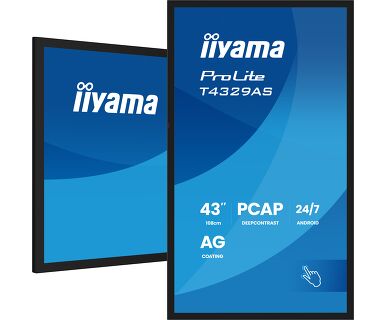
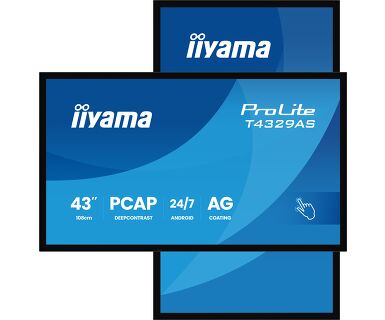
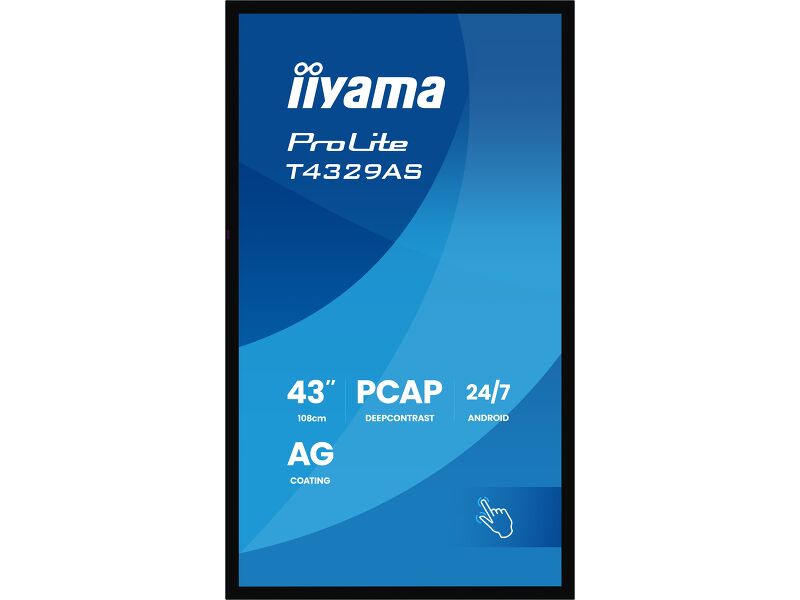
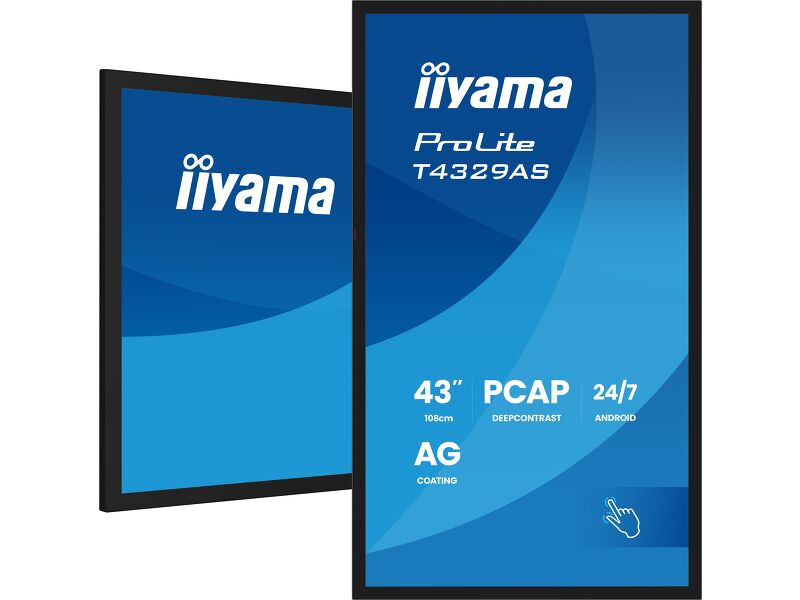
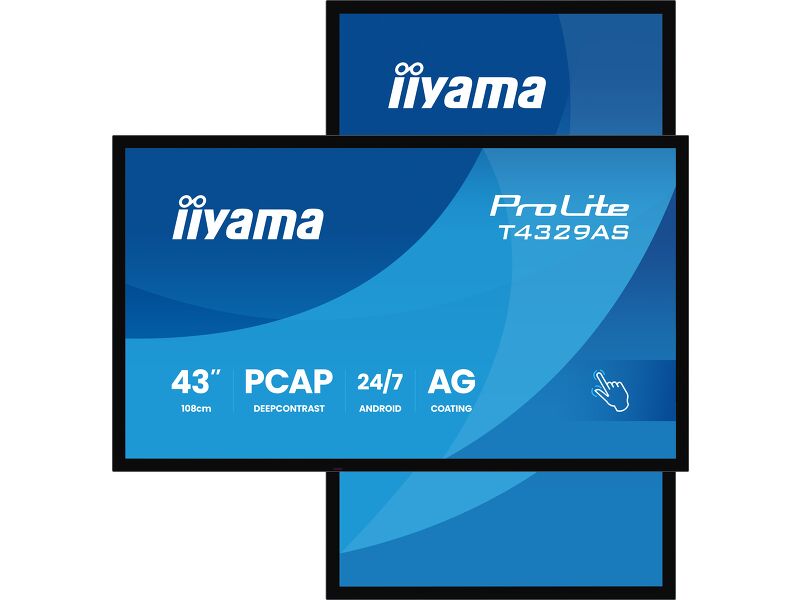
| Tájolás | tájkép, portré |
| Ventilátor nélküli kialakítás | igen |
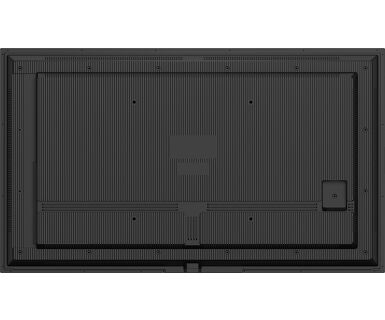
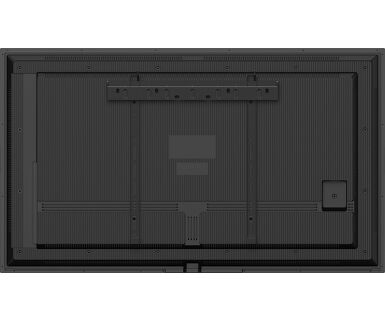
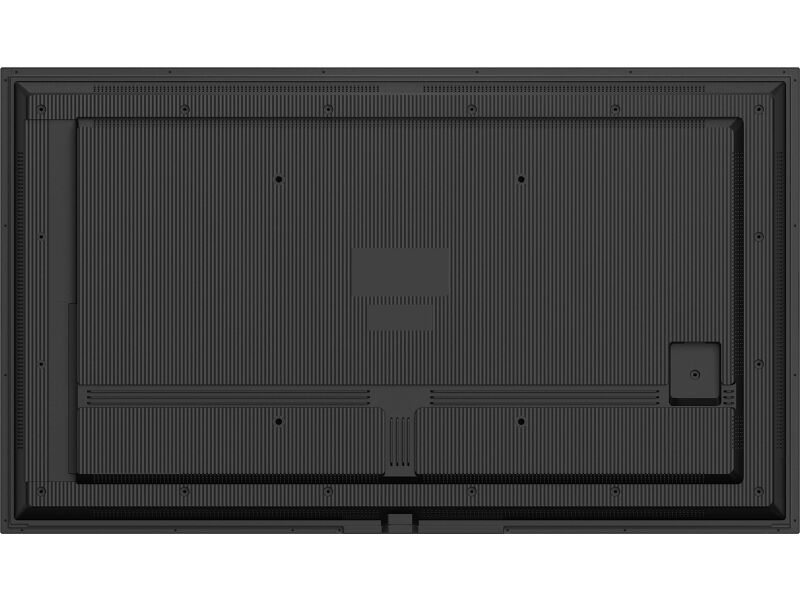
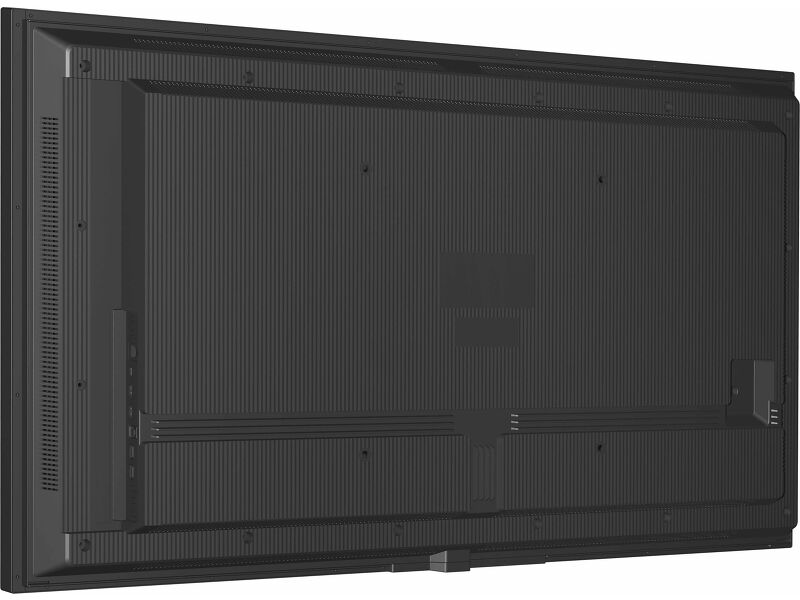
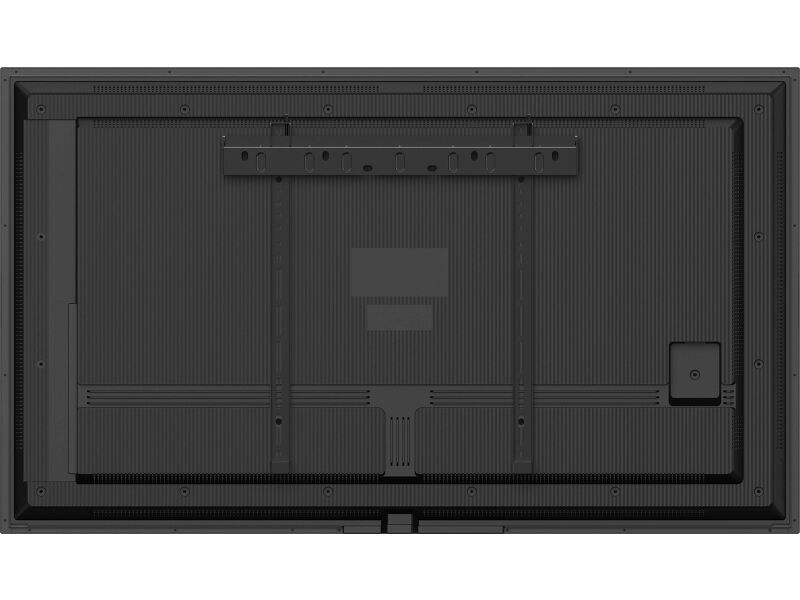
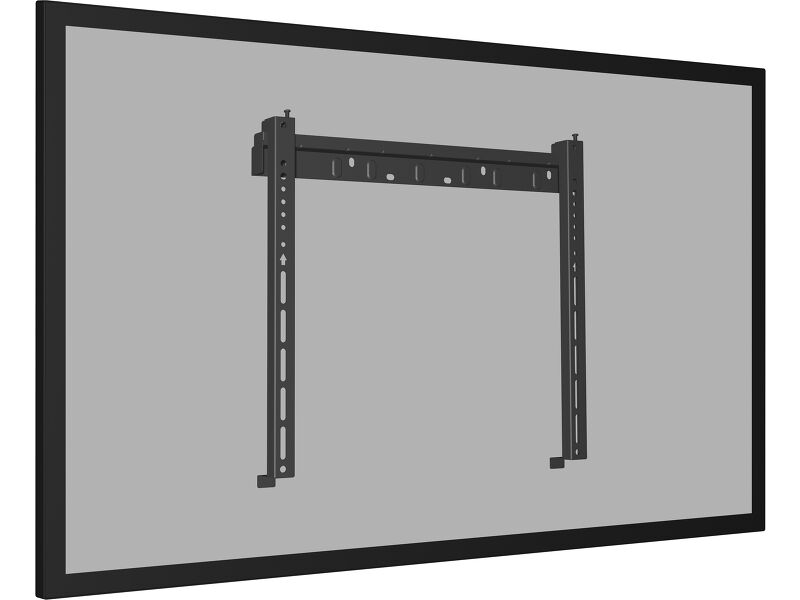
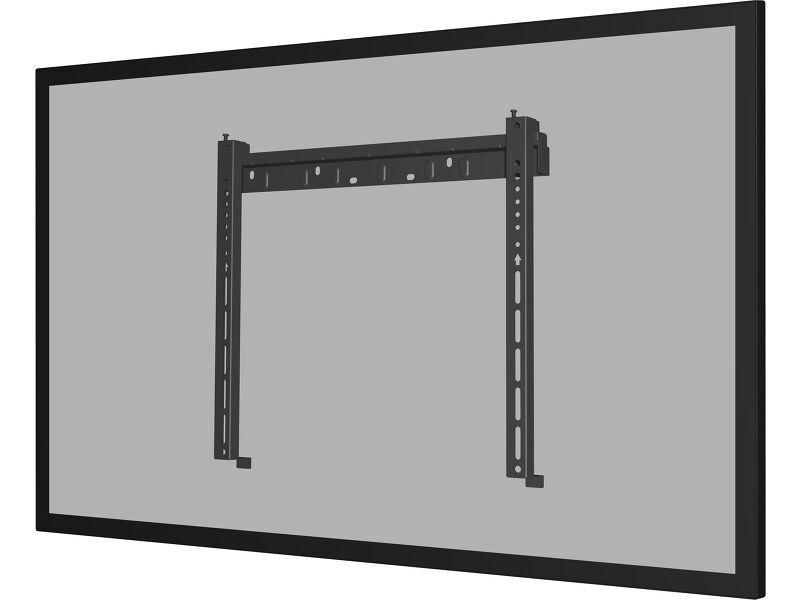
| VESA állvány | 300 x 300mm |
| Működési hőmérséklet tartomány | 0°C - 40°C |
| Működési hőmérséklet tartomány (- °/+ °) | -20°C - 60°C |
| MTBF | 50000 óra (kivéve háttérvilágítás) |
TARTOZÉKOKAT TARTALMAZZA
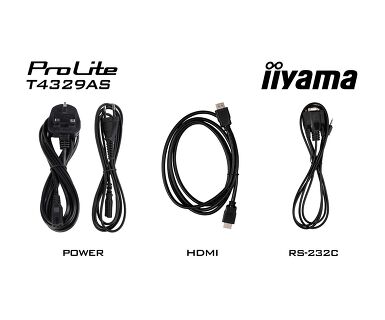
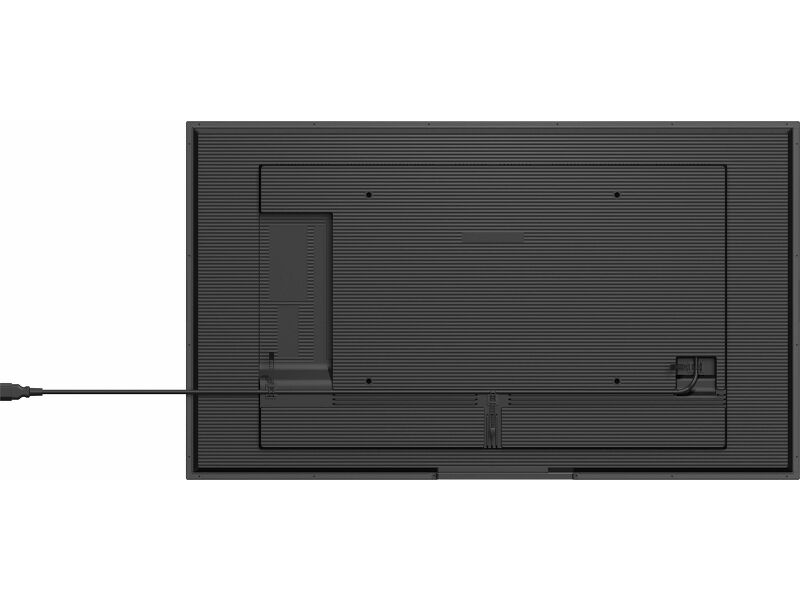
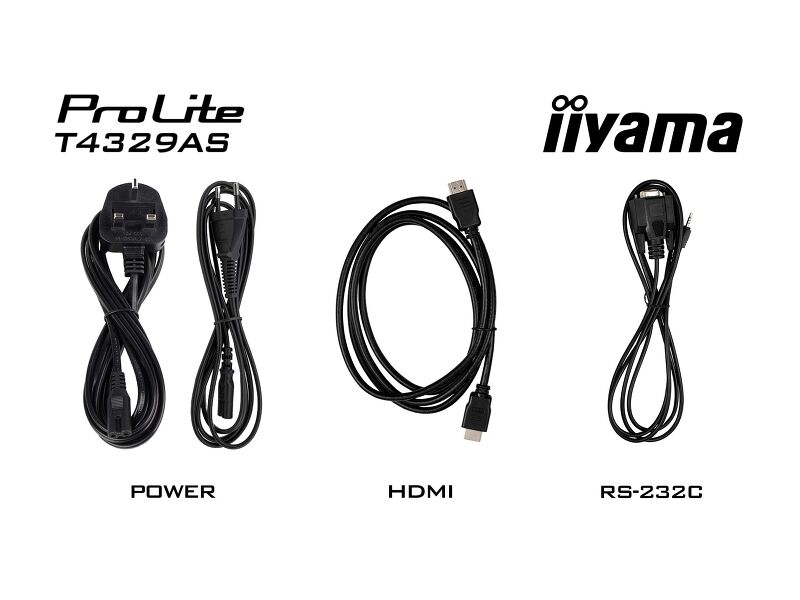
| Kábelek | áramellátás (1.8m), HDMI (1.8m), RS-232c (1.8m) |
| Touch pen | x2 (Dual tips) |
| Útmutatók | gyors üzembe helyezési útmutató, biztonsági útmutató |
| Egyéb | Magnetic Styus Pen holding places on sides of display (landscape) |
| Távirányító | igen (elemeket tartalmazza) |
ENERGIAGAZDÁLKODÁS
| Tápegység | belső |
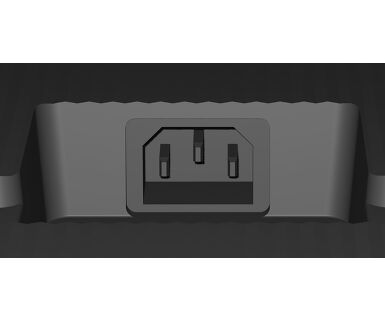
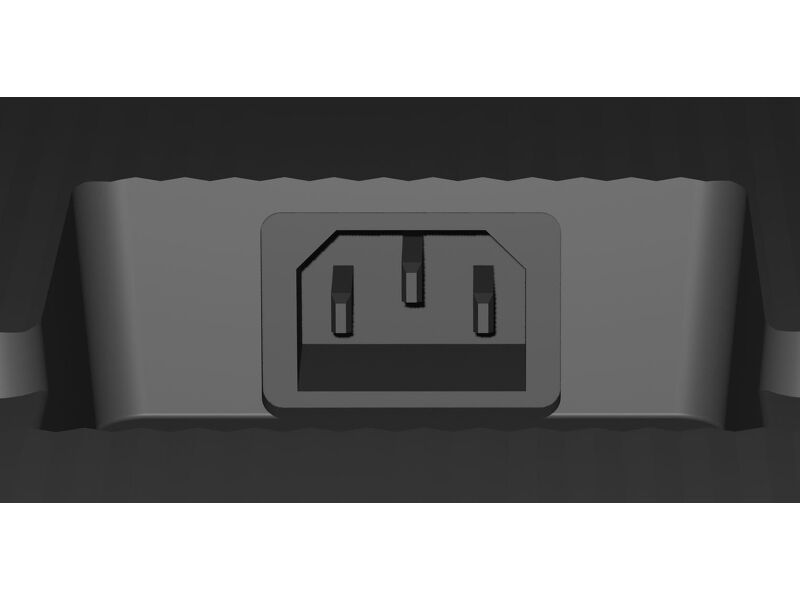
| Áramellátás | AC 100 - 240V, 50/60Hz |
| Energiafogyasztás | 98W jellemző, 0.5W készenlét, 0.3W kikapcsolva |
| Áramfogyasztás | 0.5W készenlét |
FENNTARTHATÓSÁG
| Előírások | CB, CE, TÜV-Bauart, EAC, RoHS támogatás, ErP, WEEE, HATÓTÁVOLSÁG, UKCA, cTUVus |
| Energiahatékonysági osztály ((EU) 2017/1369 rendelet) | G |
MÉRETEK / SÚLY
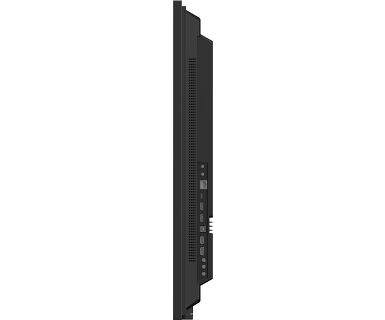
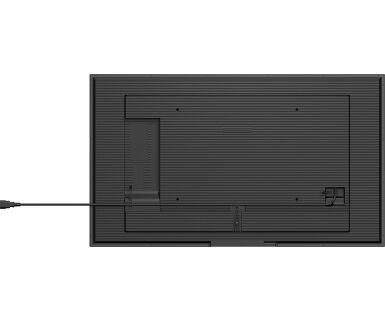
| Termék méretei Sz x H x M | 989.6 x 577.8 x 72.8mm |
| Doboz mértei Sz x H x M | 1115 x 730 x 144mm |
| Súly (doboz nélkül) | 13.7kg |
| Súly (dobozzal) | 17.6kg |
| EAN kód | 4948570125579 |
KAPCSOLÓDÓ INFORMÁCIÓK
| Terméksorozatok | ProLite T5529AS-B1AG, ProLite T6529AS-B1AG |
Letöltések
| Használati utasítás | T43_55_6529AS-usermanual-e-revC.pdf | Letöltés |
| Műszaki adatok | ProLite T4329AS-B1AG - hu_hu.pdf | Letöltés |
| Rajz | T4329AS-B1AG_Drawing.pdf | Letöltés |
| EU Energiacimke | T4329AS-B1AG EU Energy Label (2235455).pdf | Letöltés |
| UK Energiacimke | T4329AS-B1AG UK Energy Label (2235455).pdf | Letöltés |
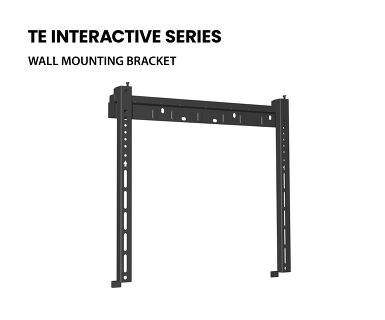
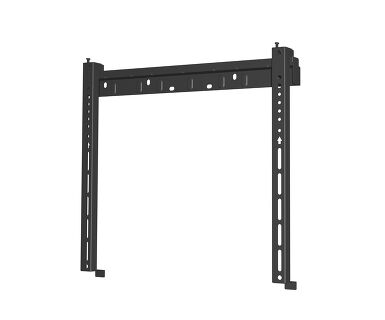
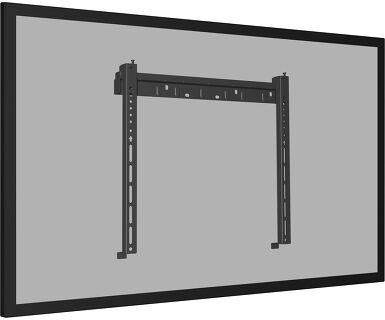
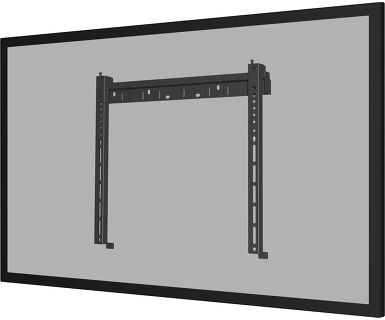
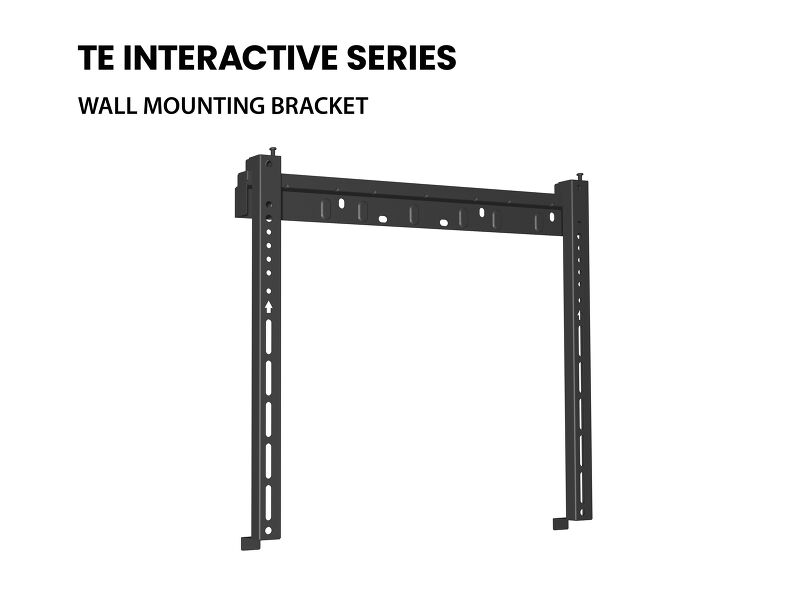
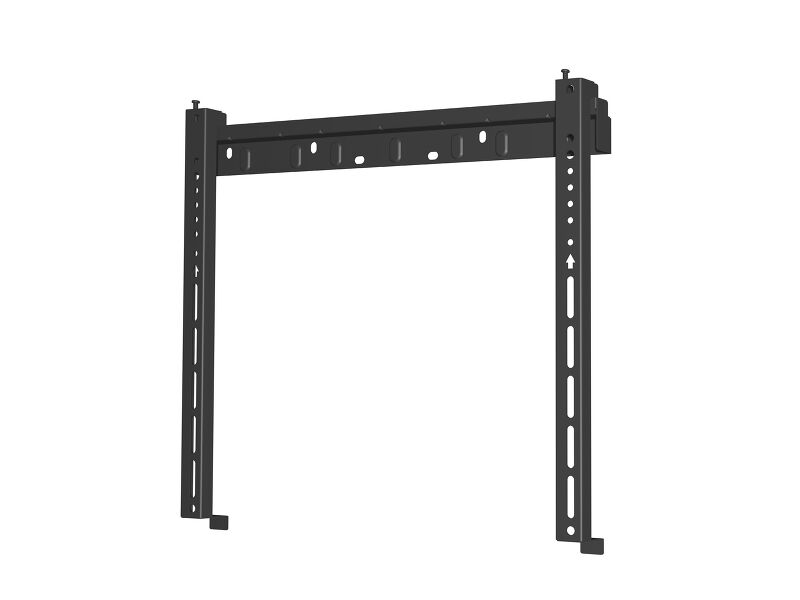
| Rajz | T4329AS-B1AG_Wall Mounting bracket Drawing.pdf | Letöltés |
| TF29AS SERIES RS232 - LAN Protocol | RS232-LAN_commands_2026_08_Txx29AS_LHxx66_LHxx81.pdf | Letöltés |
| Guarantee label | T4329AS-B1AG-A.pdf | Letöltés |
Katalógusok és szórólapok
| Android Touch Displays - One Pager | ii_T_TF_TW_one_pager_A4_03_2025_EN_web.pdf | Letöltés |
Technical support & Certificates
| CE Document | T4329AS CE DoC.pdf | Letöltés |
FAQS
Why is the Touch functionality not working?
+If your touch functionality is not working, please check the following:
1. Ensure your PC is connected to the monitor with the supplied USB cable.
2. Verify in the user manual that your operating system is supported by the screen.
How should I clean my Touch monitor?
+When cleaning, please follow these guidelines to avoid damaging your Touch monitor:
1. Avoid using paper towels, abrasive cloths, or any harsh cleaning agents, as they can scratch the screen or damage the touch sensors.
2. Do not spray the cleaning solution directly onto the screen to prevent liquid from seeping into the monitor.
3. Avoid excessive cleaning, as it can wear out the screen over time.
4. For more details, please check our dedicated Cleaning page.
Why is my monitor displaying a "No Signal" message?
+If your monitor is displaying a "No Signal" message, please check the following:
1. Ensure the cables are properly connected at both ends.
2. Select the correct signal input (HDMI/DP) or choose AUTO.
For guidance on selecting an input while the screen is in standby mode, please consult the user manual. On desktop monitors, common methods include pressing the INPUT, AUTO, or "2" buttons, or moving the joystick backward.
I have an Apple MAC-system, will my iiyama monitor work?
+Yes, your iiyama monitor will work with your Apple Mac system. However, it depends on the signal input how to connect. Since Apple Mac systems from 2020 onwards only have Thunderbolt 3 (USB-C) ports for video output, you have two options:
1. Connect directly to the USB-C signal input on your iiyama monitor.
2. In case your monitor only has HDMI or Displayport, you will need a Mac-compatible dongle that supports one of the video inputs available. Apple offers a USB-C Digital AV Multiport Adapter (MW5M3AM) that can be used for this purpose.
3. If your iiyama monitor has touchscreen capabilities, please refer to the user manual to verify touch functionality compatibility with your Mac system.
The picture on my monitor is flickering. What steps can I take to fix it?
+To resolve the issue of a blinking picture, please follow these steps:
1. Inspect the Signal Cable.
Ensure the signal cable is securely connected at both ends and free from any physical damage. Avoid any sharp bends or squishing of the cable.
2. Use a Shorter Cable.
If possible, use a cable shorter than 3 meters and connect the monitor directly to a wall power socket, avoiding the use of adapters.
3. Disable FreeSync/Adaptive Sync.
For desktop or gaming monitors, try disabling FreeSync or Adaptive Sync in the monitor's settings menu.
Kompatibilis tartozékok
Kapcsolódó termékek