ProLite T6529AS-B1AG
65" All-in-One PCAP Interactive Display for Smart Collaboration Spaces
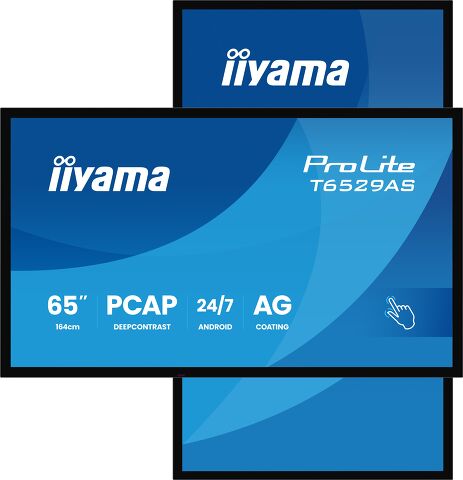
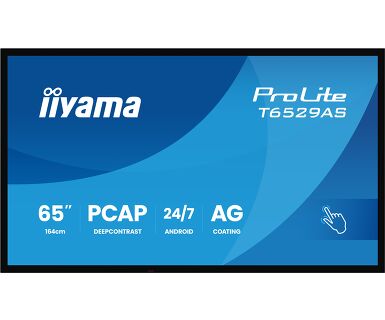
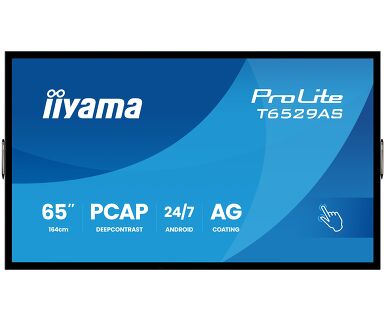
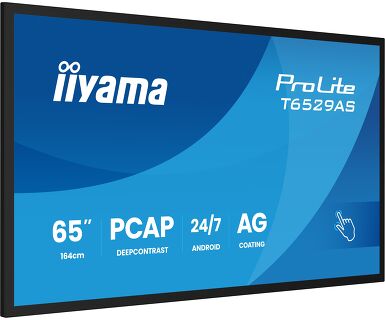
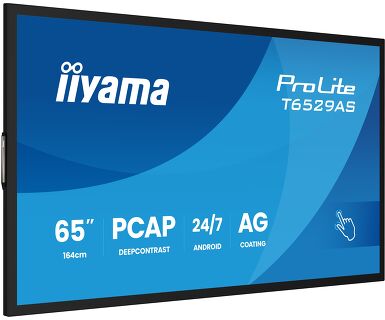
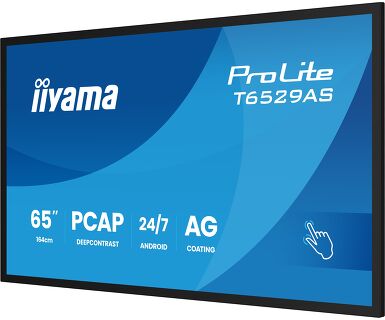
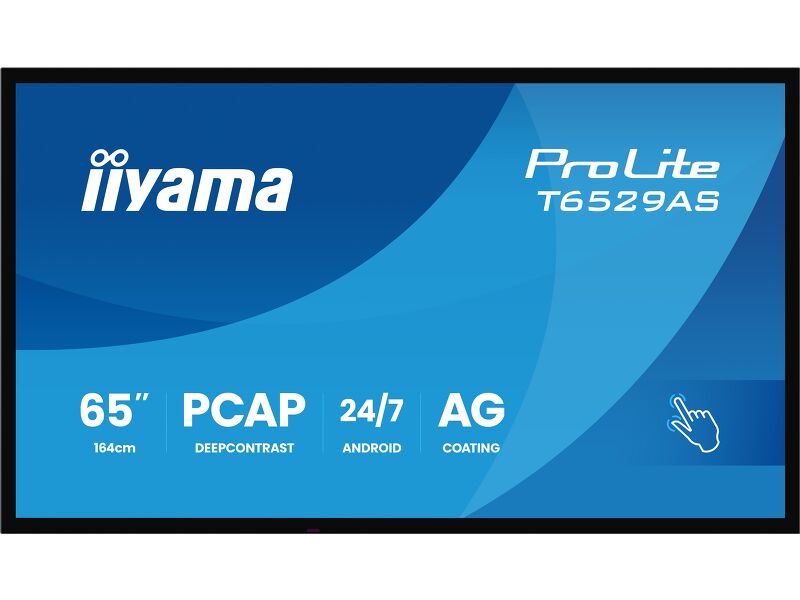
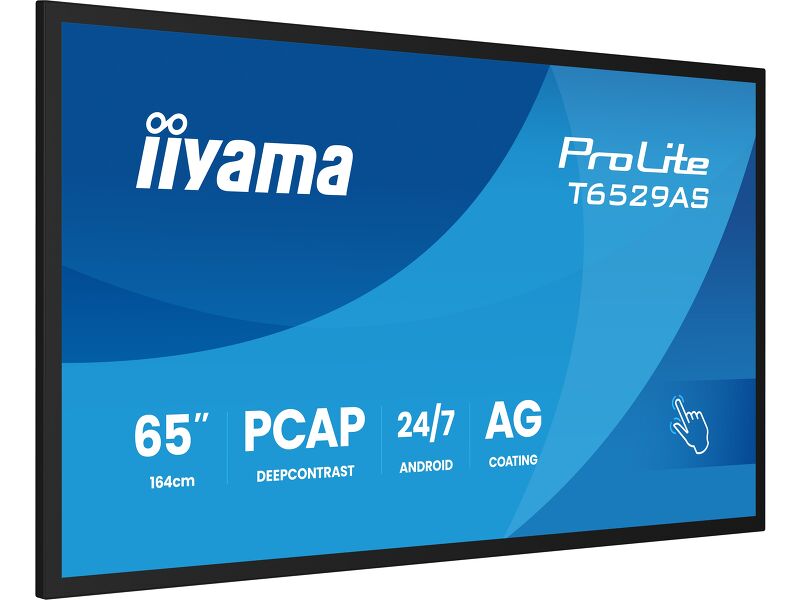
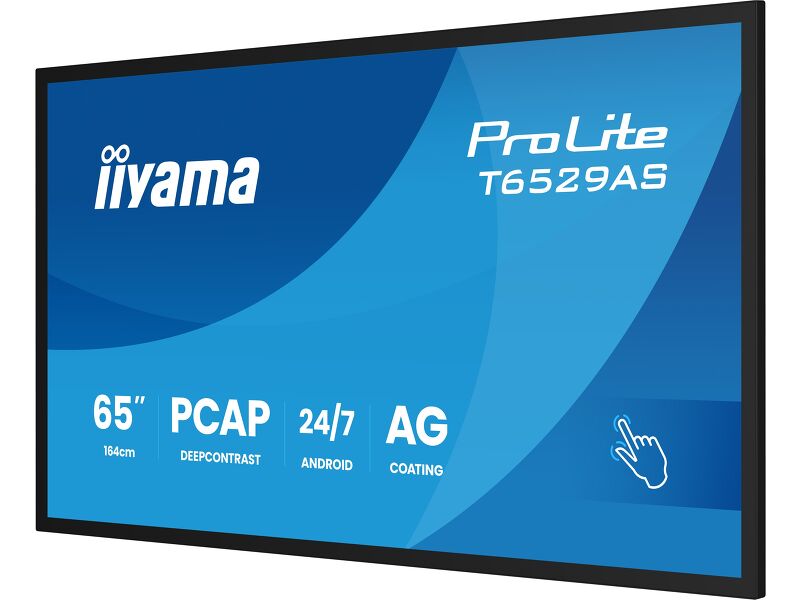
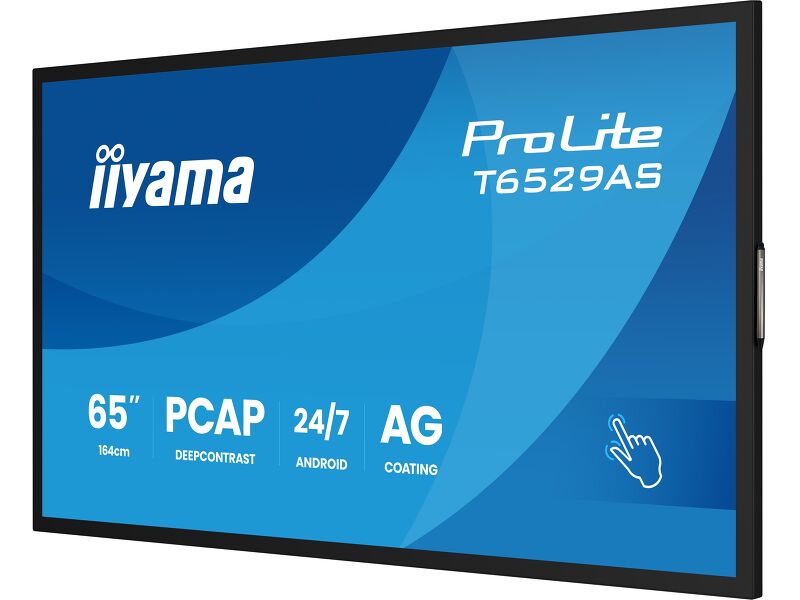
The ProLite T6529AS-B1AG is a 65" all-in-one PCAP touchscreen display built for the evolving needs of modern workspaces, especially huddle spaces where creativity, flexibility, and seamless sharing take center stage.
Powered by Android OS, this interactive display delivers a user-friendly and highly adaptable experience. You can install your preferred apps directly on the device, enabling customized workflows tailored to your environment — whether in a collaborative meeting area, an enterprise innovation hub, or an educational breakout room.
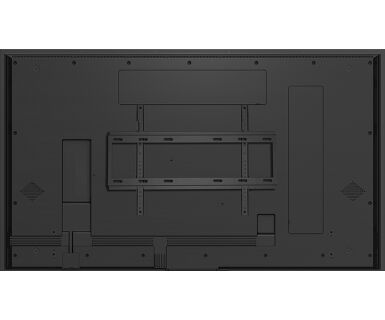
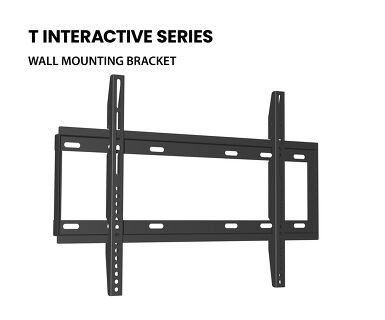
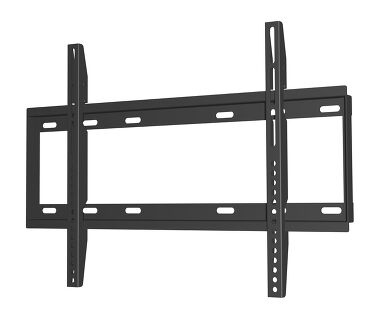
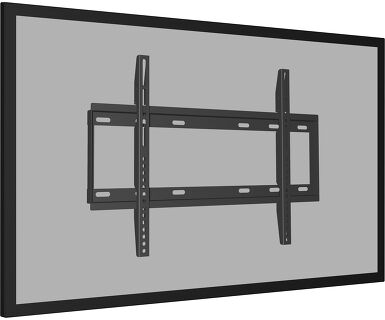
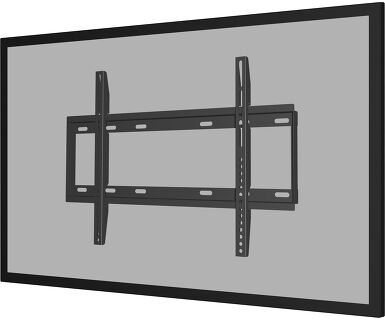
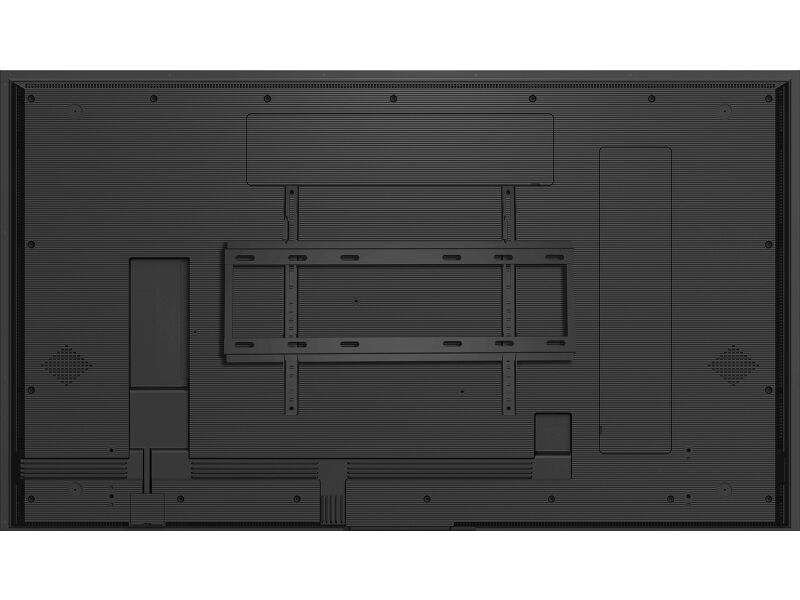
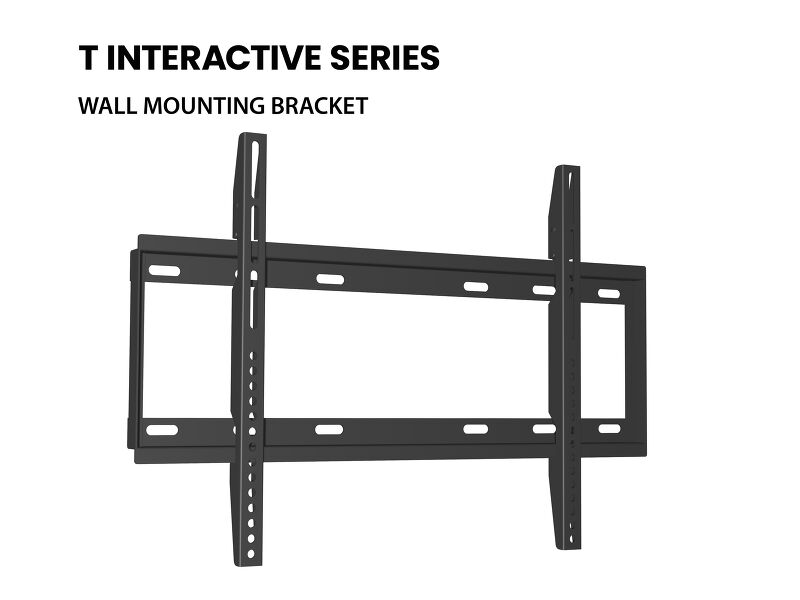
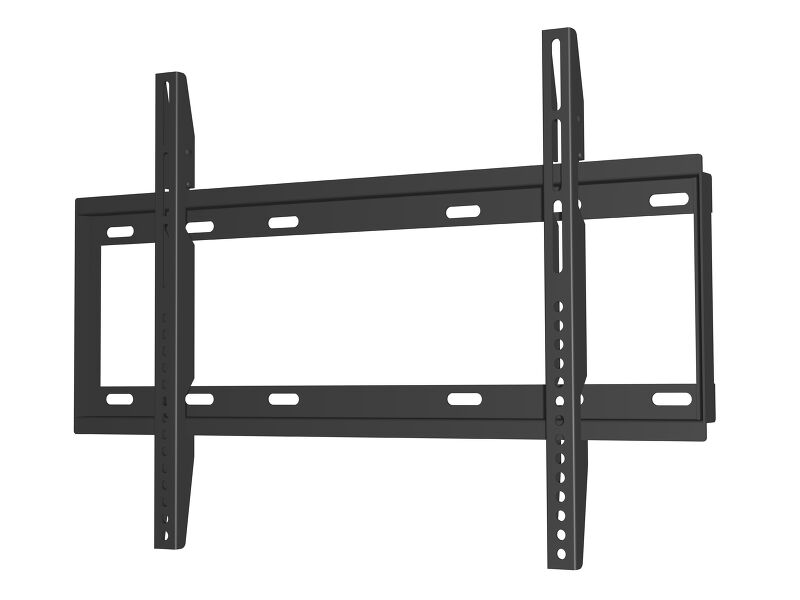
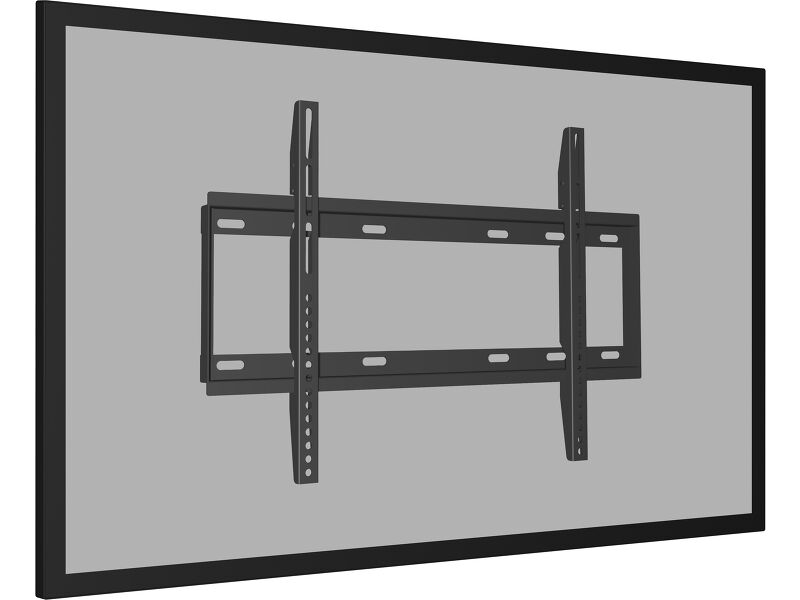
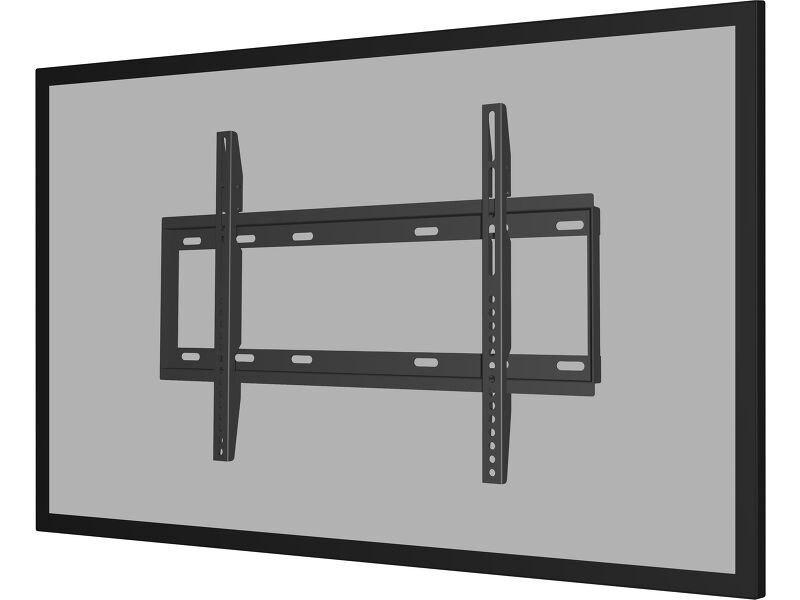
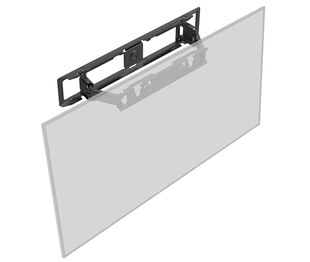
The USB-C loop-through feature simplifies connectivity by allowing multiple displays to be easily daisy-chained while transmitting power, data, and video — all through a single cable. This reduces cable clutter and setup time, making it ideal for dynamic workspaces. The included wall mounting bracket makes installation straightforward and secure.
With iiSignage² (CMS), iiControl(DMS), and iiShare (Wireless Presentation) you gain full control over content and messaging, even remotely — perfect for updating shared information or branded visuals on the fly. The integrated EShare app brings wireless screen sharing and collaboration to life, supporting multi-user interaction and real-time ideation.
The T6529AS-B1AG isn’t just a display — it’s a collaboration tool designed to empower teams, streamline communication, and make every meeting count.
Android OS
Thanks to Android OS, you can easily customize the display to your needs by installing applications directly to it.
iiSignage²
iiSignage² is our digital signage content management platform to easily show and control your content and to manage your displays in a secure way. The Content Management System (CMS) gives you total control of your messaging and advertising remotely and safely.
Huddle Spaces
Turn these small meeting rooms into neat Collaboration spaces by employing the embedded applications like Android OS, EShare and Whiteboard, a selection of intuitive and practical tools installed on our PCAP interactive Touchscreens. With Android OS you can easily customize the display by installing applications directly to it. With the EShare app you can share, stream and edit content from any device directly on screen and transform your team meetings into an easy, fast and seamless interactive session.
USB-C Loop Through
One cable, zero clutter. USB-C Loop Through lets you connect and daisy-chain devices with ease—video, data, and power all in one go. It’s plug, play, and pass it on. Smart connectivity that keeps your setup clean and simple.
Signal FailOver
FailOver is a feature which automatically detects input sources. When there is no signal on the default input it will automatically switch to the next available input. FailOver allows customers to prioritize a number of inputs (incl. Browser, Media Player and Custom) and ensures your content is always actively displayed, assuring active content at all times.
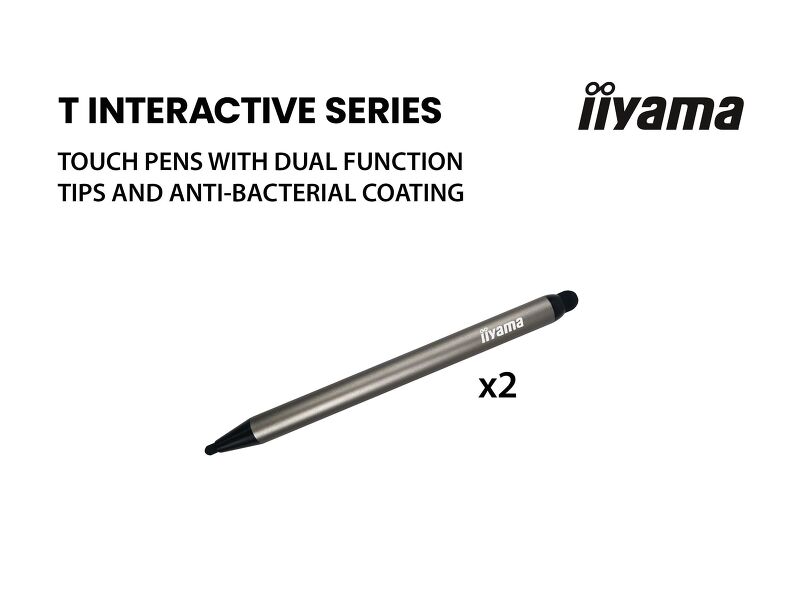
Touch Pens
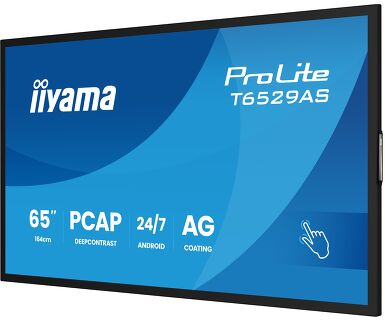
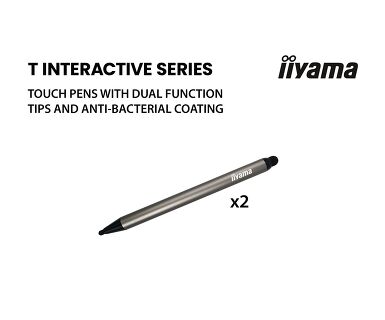
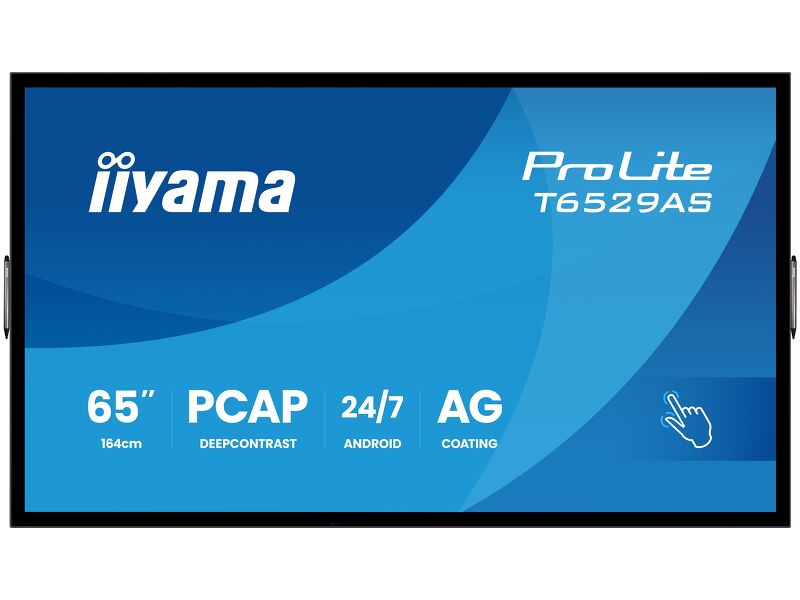
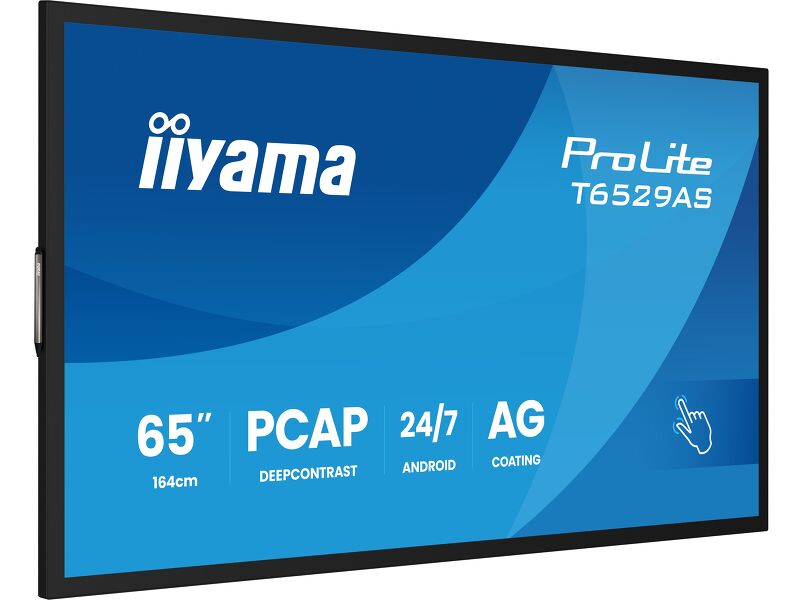
Two stylish dual tip Touch pens are included and they can be placed at both sides of the display at the magnetic holding spots.
Retail Instalations
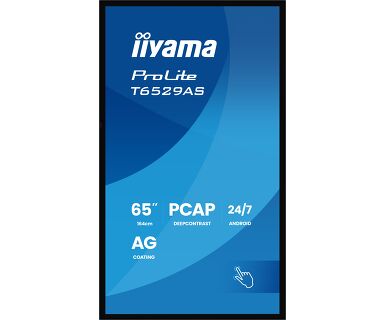
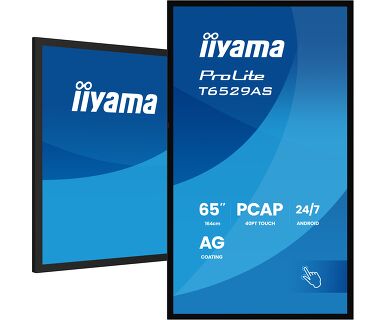
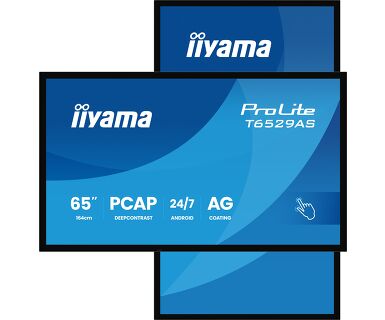
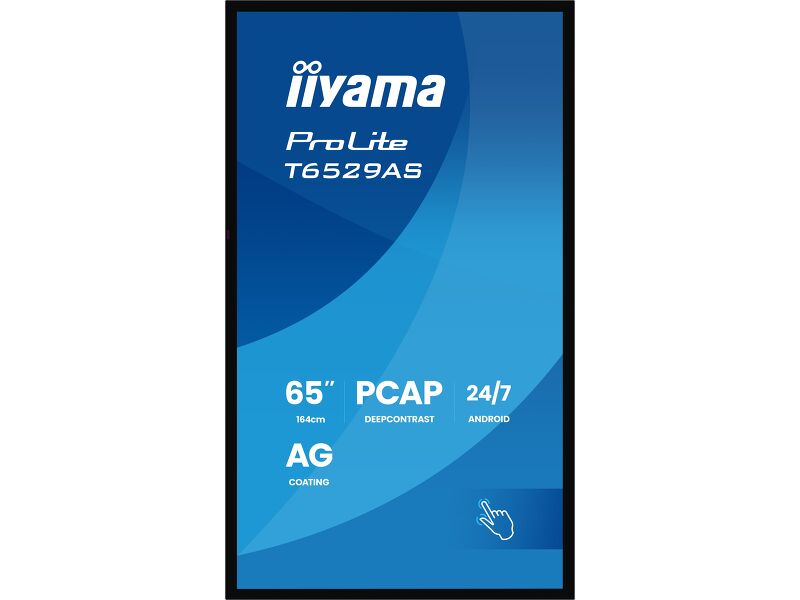
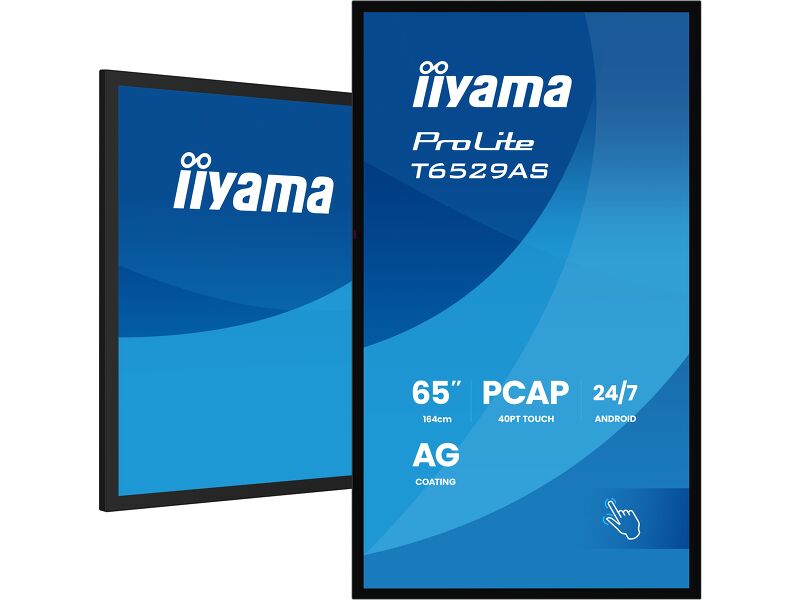
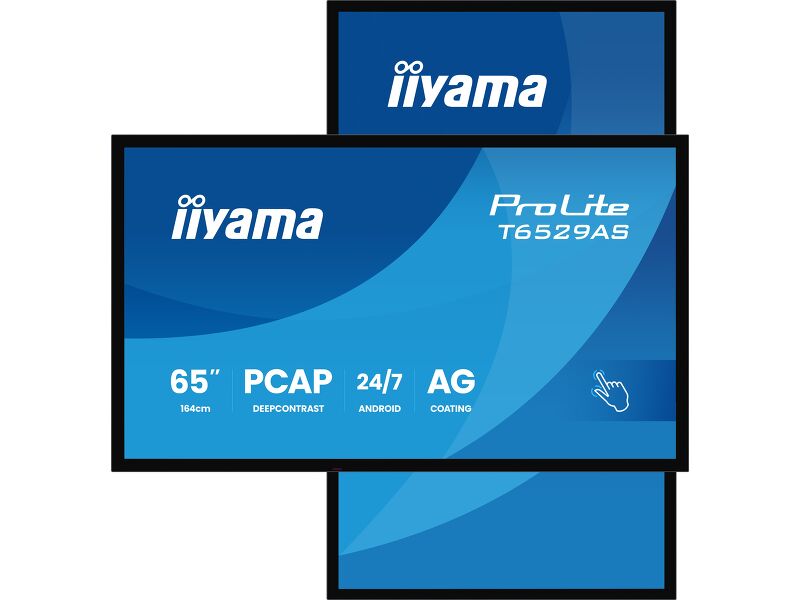
The interactive 4K Touchscreens are the key for immersive interactive experiences for spatial retail design. Allow customers to explore your website right there and then or engage with a range of creative or experiential applications you want to host. The flexibility of either landscape or portrait modes with 24/7 Operation, built-in Android and MediaPlayer make this SERIES displays one of the most adaptable Touchscreens solutions around.
Технические характеристики


ХАРАКТЕРИСТИКИ ДИСПЛЕЯ
| Дизайн | Edge to edge glass |
| Диагональ | 64.5", 164см |
| Панель | VA ELED |
| Touch Glass | Anti-Glare Glass with Anti-Gloss treatment, Smooth writing, Zero Gap - Air Bonded, DeepContrast PCAP |
| Разрешение | 3840 x 2160 (8.3 megapixel 4K UHD) |
| Соотношение сторон | 16:9 |
| Яркость | 500 cd/m² |
| Яркость | 420 cd/m² с тач-скрин панелью |
| Коэффициент пропускания света | 83% |
| Контрастность | 4000:1 |
| Время отклика (GTG) | 6.5мс |
| Видимая область | горизонталь/вертикаль: 178°/178°, право/лево: 89°/89°, вверх/вниз: 89°/89° |
| Поддержка цвета | 1.07G (8 Bits+FRC) (72% NTSC) |
| Частота горизонтальной развертки | 28 - 160kГц |
| Видимая область Ш x В | 1428.5 x 803.5мм, 56.2 x 31.6" |
| Размер пикселя | 0.372мм |
| Цвет и отделка безеля | черный, матовый |
Тач
| Сенсорная технология | DeepContrast-PCAP |
| Точек касания | 20 (HID, требует поддерживаемой ОС) |
| Точность сенсора | +- 2.5мм |
| Сенсорный ввод | стилус, палец |
| Touch interface | USB |
| Поддерживаемые операционные системы | Все мониторы iiyama Plug & Play совместимы с Windows и Linux. Для получения дополнительной информации о поддерживаемой ОС для сенсорных моделей, смотрите файлы инструкции и драйверы, доступные в разделе загрузки. |
| Palm rejection | да |
ИНТЕРФЕЙСЫ / РАЗЪЕМЫ / УПРАВЛЕНИЕ
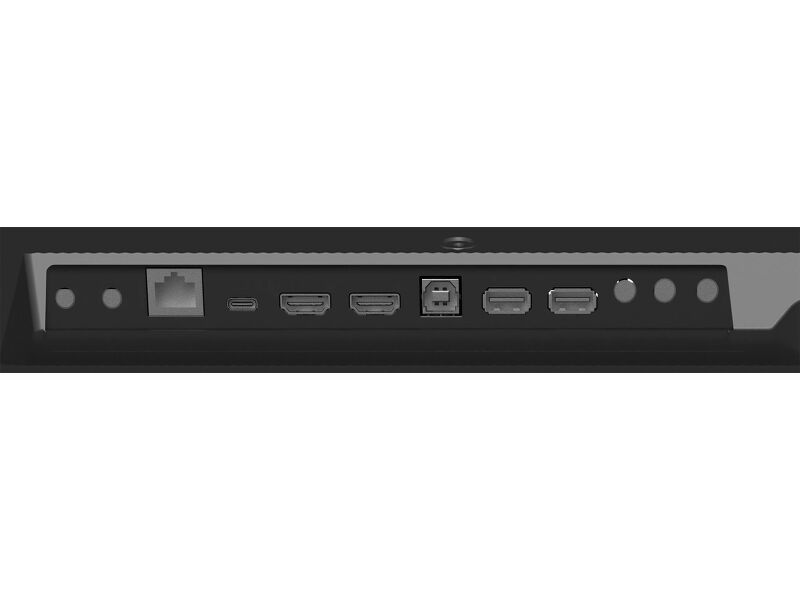
| Вход цифрового сигнала |
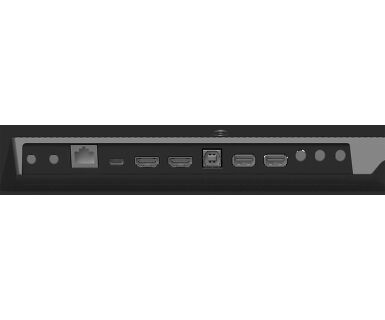
HDMI x2 (1.4/ 2.0, max. 3840x2160 @60Hz) USB-C x1 (3.2, DP 1.2 Alt mode, 15W PD) |
| Управление |
RS-232c x1 RJ45 (LAN) x1 IR x1 (3.5mm) |
| Аудио выход | Колонки 2 x 10Вт |
| Управление |
RS-232c x1 IR loop through x1 (3.5mm) |
| HDCP | 1.4 / 2.2 |
| USB ports | x2 (2.0 with Multi-Media support) |
| RS-232c | x1 |
ФУНКЦИИ
| Интегрированное ПО | Android 14 OS, Whiteboard, iiSignage², iiControl, iiShare, EShare, FailOver, TeamViewer, Web-, PDF & Media Player, iiBrowser, File manager |
| WiFi | WiFi 5 @ 2.4G / 5G |
| Аппаратные средства | CPU: MTK9679 Quad-core A73*4, GPU: Mali G51, RAM: 4GB, ROM: 32GB |
| Режим киоска | да |
| Максимальное (неперерывное) время работы | 24/7 |
| Anti image retention | да |
| Толщина стекла | 3.7mm |
| Твердость стекла | 8H |
| Корпус (безель) | metal (front) |
| Блокировка экранного меню | да |
| Блокировка пульта ДУ | да |
ОСНОВНОЕ
| Языки экранного меню | EN, DE, FR, ES, IT, RU, CZ, NL, PL, SV, FI, DA, NB |
| Plug&Play | DDC2B |
МЕХАНИЧЕСКИЕ ХАРАКТЕРИСТИКИ
| Ориентация | ландшафт, портрет |
| Безвентиляторный дизайн | да |
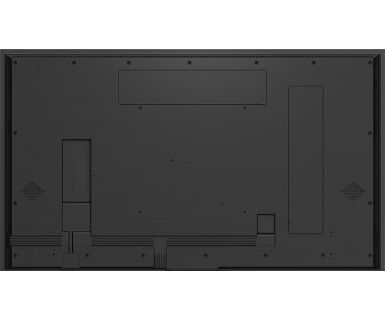
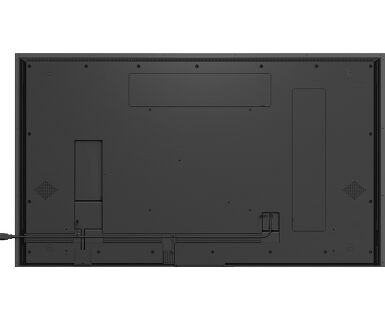
| Крепление VESA | 400 x 400mm |
| Диапазон рабочих температур | 0°C - 40°C |
| Диапазон рабочих температур (-°/+°) | -20°C - 60°C |
| MTBF | 50000 часов (включая подсветку) |
6.АКСЕССУАРЫ
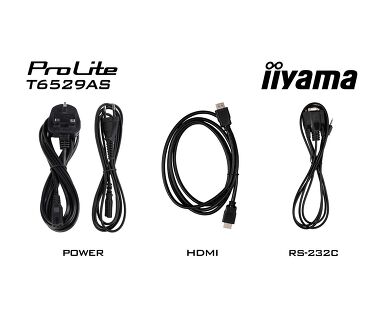
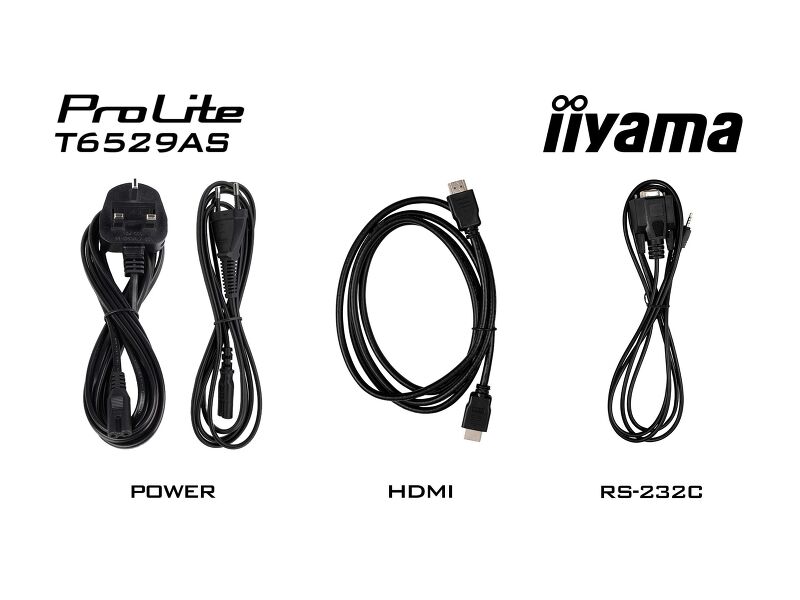
| Кабели | Питание (1.8m), HDMI (1.8m), RS-232c (1.8m) |
| Touch pen | x2 |
| Руководства пользователя | Краткое руководство по началу работы, Руководство по безопасности |
| Пульт ДУ | да (батарейки в комплекте) |
POWER-MANAGEMENT
| Блок питания | внутренний |
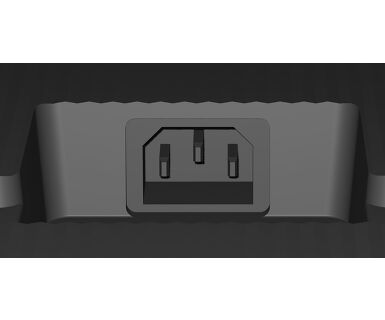
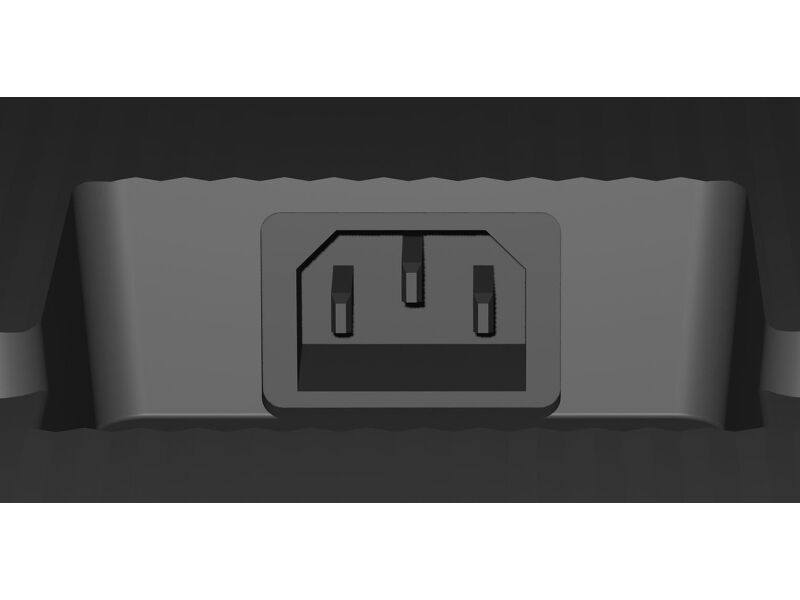
| Питание | AC 100 - 240V, 50/60Гц |
| Потребляемая мощность | 118W стандарт, 0.5W ожидание, 0.3W отключено |
Стандарты
| Сертификаты | CB, CE, TÜV-Bauart, EAC, RoHS support, ErP, WEEE, REACH, UKCA, cTUVus |
| REACH SVHC | above 0.1%: Lead, Lead monoxide |
РАЗМЕР / ВЕС
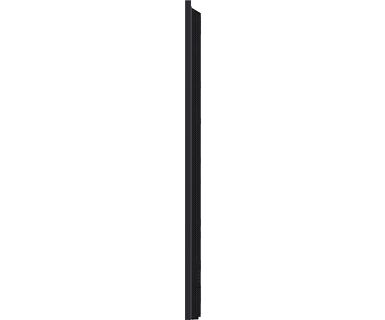
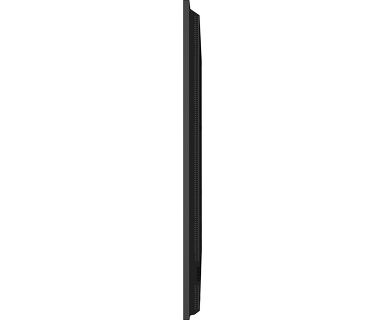
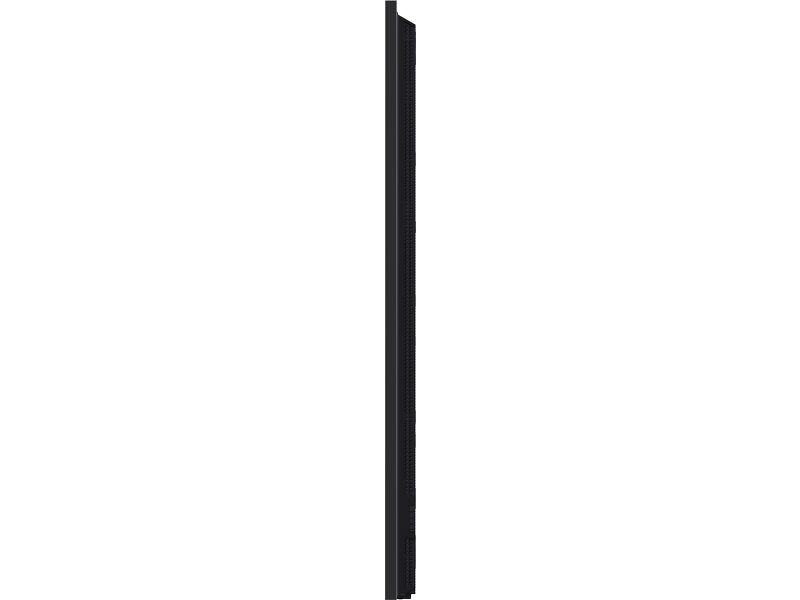
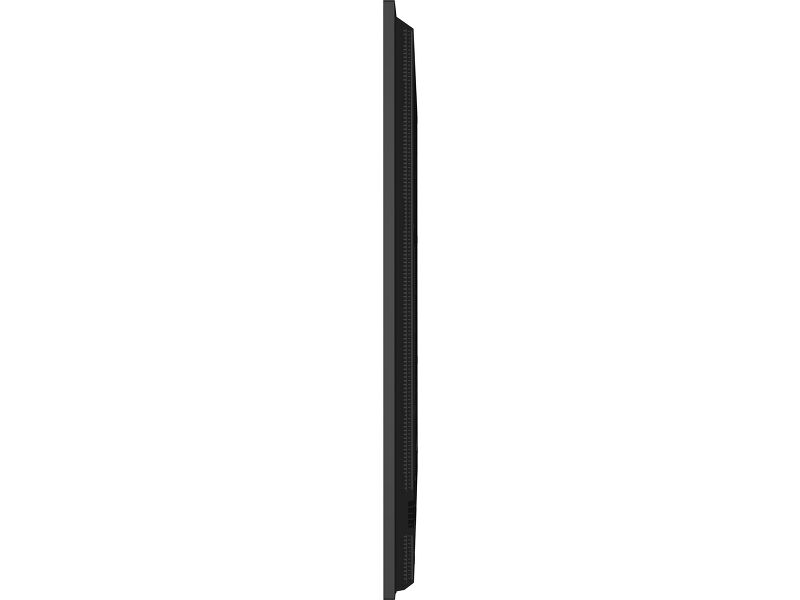
| Размер продукта Ш x В x Г | 1447.3 x 852.3 x 42.8мм |
| Размер коробки Ш x В x Г | 1645 x 1050 x 192мм |
| Вес (без упаковки) | 38.5кг |
| Вес (с упаковкой) | 47.3кг |
| EAN код | 4948570125593 |
СОПУТСТВУЮЩАЯ ИНФОРМАЦИЯ
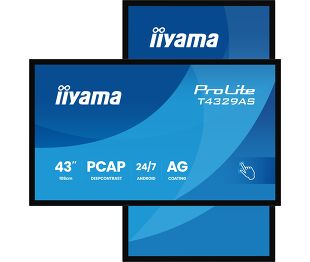
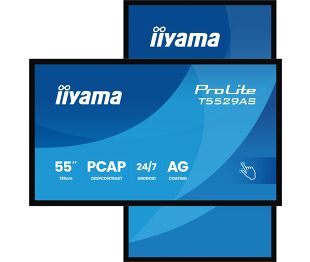
| Серии продуктов | ProLite T4329AS-B1AG, ProLite T5529AS-B1AG |
Загрузки
| Руководства | T43_55_6529AS-usermanual-ru-revC.pdf | Download |
| Технические характеристики | ProLite T6529AS-B1AG - by_ru.pdf | Download |
| Drawing | T6529AS-B1AG_Drawing.pdf | Download |
| Wall Mounting bracket | T55_6529AS-B1AG_Wall Mounting bracket Drawing.pdf | Download |
| EU Energy Label | T6529AS-B1AG EU Energy Label (2255593).pdf | Download |
| UK Energy Label | T6529AS-B1AG UK Energy Label (2255593).pdf | Download |
| TF29AS SERIES RS232 - LAN Protocol | RS232-LAN_commands_2026_08_Txx29AS_LHxx66_LHxx81.pdf | Download |
| Guarantee label | T6529AS-B1AG-A.pdf | Download |
Drivers/ Firmware / Software
| Драйвер для Mac OS 10.14 - 14.x | Mac OS Driver for OS version 10.14 to 14.x_UPDD_07_01_108.zip | Download |
| EShare Network Requirements | EShare Network Requirements v7.4-e.pdf | Download |
| iiSignage² | ii_iisignage2_whitepaper_A4_EN (09.23).pdf | Download |
Catalogues & leaflets
| Android Touch Displays - One Pager | ii_T_TF_TW_one_pager_A4_03_2025_EN_web.pdf | Download |
Техническая поддержка и Cертификаты
| CE Document | T6529AS-1AG CE DoC.pdf | Download |
FAQS
Почему не работает сенсорная функция?
+Если сенсорная функция не работает, проверьте следующее:
1. Убедитесь, что ваш компьютер подключен к монитору с помощью прилагаемого USB-кабеля.
2. Проверьте в руководстве пользователя, что ваша операционная система поддерживается экраном.
Как чистить сенсорный монитор?
+Чтобы не повредить сенсорный монитор, при чистке соблюдайте следующие правила:
1. Не используйте бумажные полотенца, абразивные салфетки или любые агрессивные чистящие средства, так как они могут поцарапать экран или повредить сенсорные датчики.
2. Не распыляйте чистящий раствор непосредственно на экран, чтобы жидкость не просочилась внутрь монитора.
3. Избегайте чрезмерной чистки, так как это может привести к износу экрана со временем.
4. Более подробную информацию вы можете найти на нашей странице, посвященной уборке.
Почему на моем мониторе отображается сообщение "Нет сигнала"?
+Если на мониторе отображается сообщение "Нет сигнала", проверьте следующее:
1. Убедитесь, что кабели правильно подключены с обоих концов.
2. Выберите правильный вход сигнала (HDMI/DP) или выберите AUTO.
Для получения инструкций по выбору входа, когда экран находится в режиме ожидания, обратитесь к руководству пользователя. На настольных мониторах распространенными способами являются нажатие кнопок INPUT, AUTO или «2», а также перемещение джойстика назад.
У меня Apple MAC-система, будет ли работать мой монитор iiyama?
+Да, ваш монитор iiyama будет работать с системой Apple Mac. Однако способ подключения зависит от входного сигнала. Поскольку системы Apple Mac, начиная с 2020 года, оснащены только портами Thunderbolt 3 (USB-C) для вывода видеосигнала, у вас есть два варианта:
1. подключиться непосредственно к сигнальному входу USB-C на мониторе iiyama.
2. если ваш монитор оснащен только HDMI или Displayport, вам понадобится Mac-совместимый донгл, поддерживающий один из доступных видеовходов. Apple предлагает адаптер USB-C Digital AV Multiport Adapter (MW5M3AM), который можно использовать для этой цели.
3. Если ваш монитор iiyama оснащен сенсорным экраном, обратитесь к руководству пользователя, чтобы проверить совместимость сенсорных функций с вашей системой Mac.
Изображение на моем мониторе мерцает. Какие шаги я могу предпринять, чтобы исправить это?
+Чтобы решить проблему мигающего изображения, выполните следующие действия:
1. Осмотрите сигнальный кабель.
Убедитесь, что сигнальный кабель надежно подключен с обеих сторон и не имеет физических повреждений. Избегайте резких изгибов или сдавливания кабеля.
2. Используйте более короткий кабель.
По возможности используйте кабель короче 3 метров и подключайте монитор непосредственно к розетке, избегая использования переходников.
3. Отключите FreeSync/адаптивную синхронизацию.
Для настольных или игровых мониторов попробуйте отключить FreeSync или Adaptive Sync в меню настроек монитора.
аксессуары
Related products