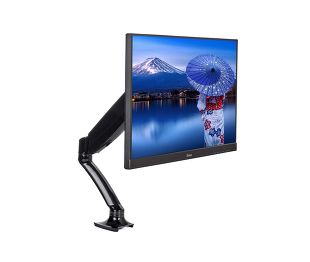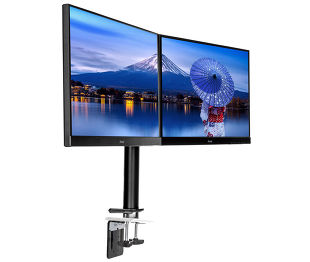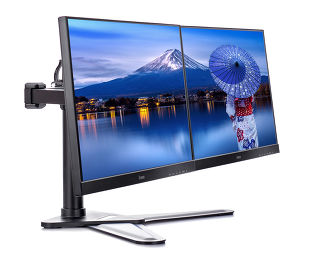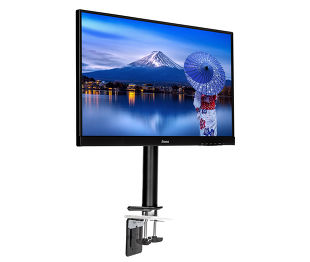
ProLite XB2797QSNPH-B1
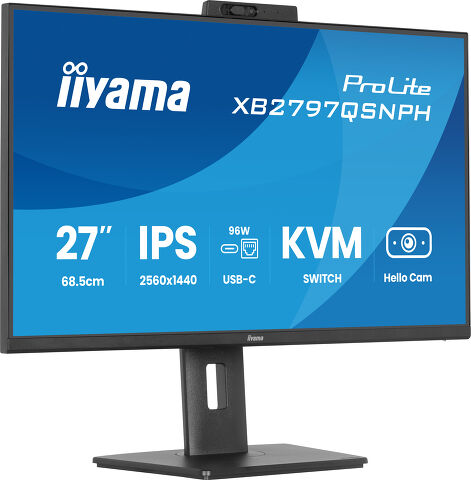
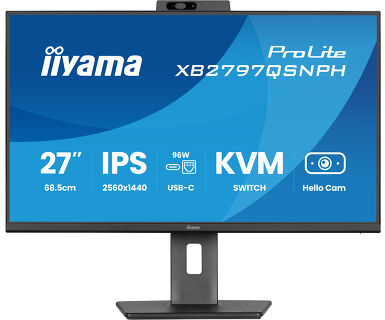
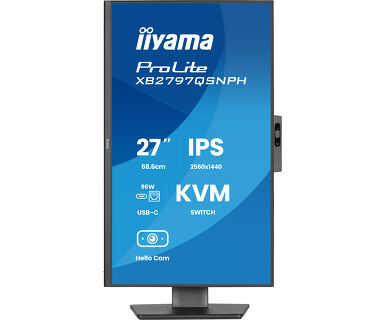
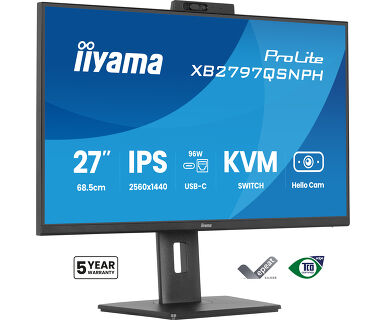
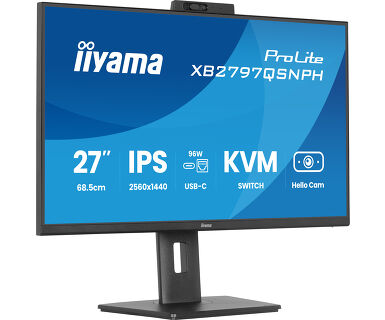
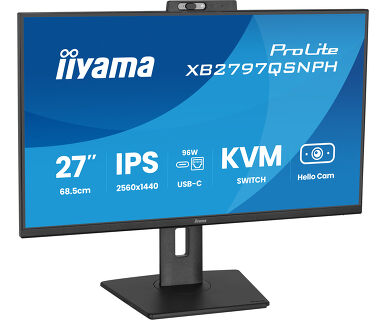
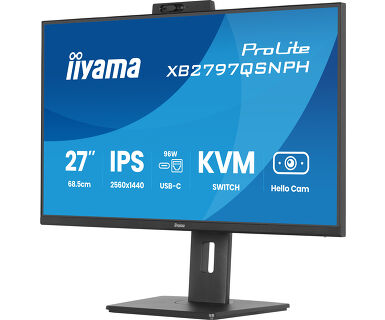
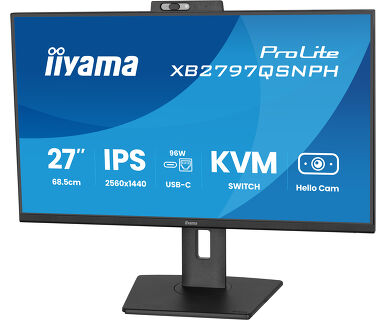
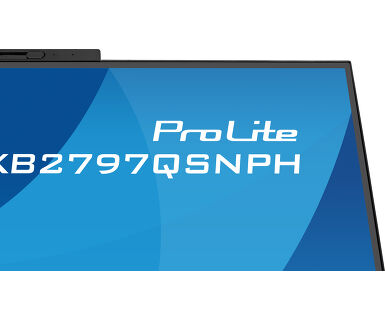
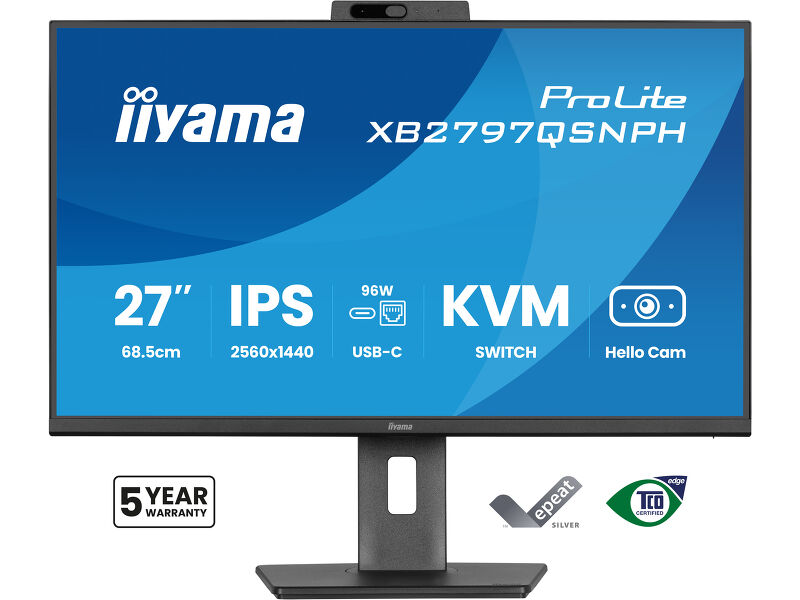
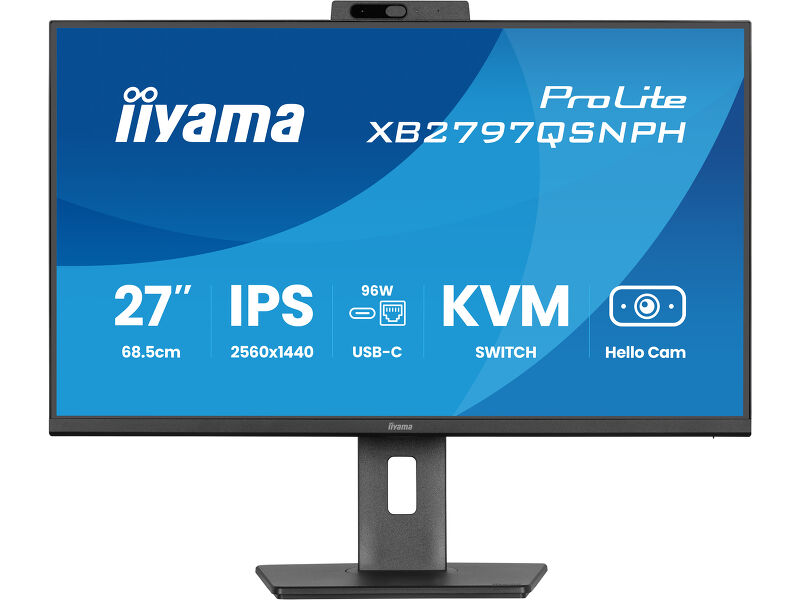
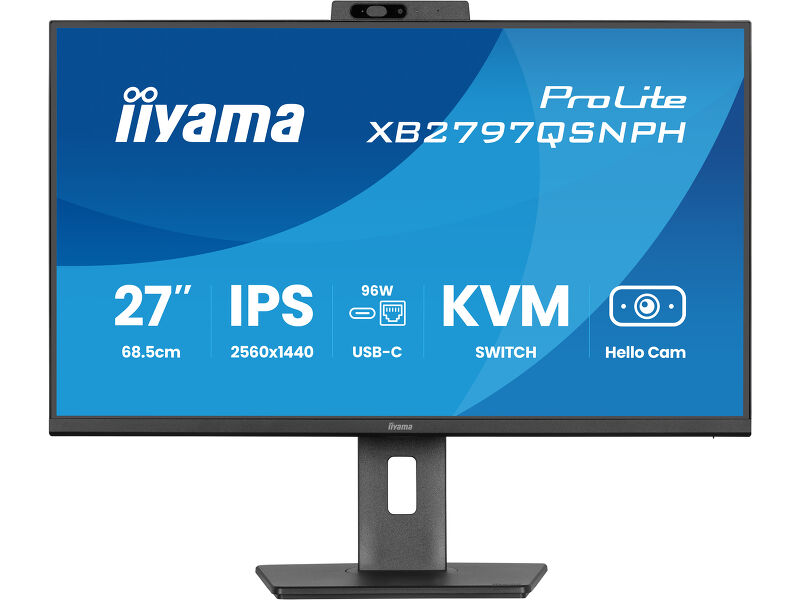
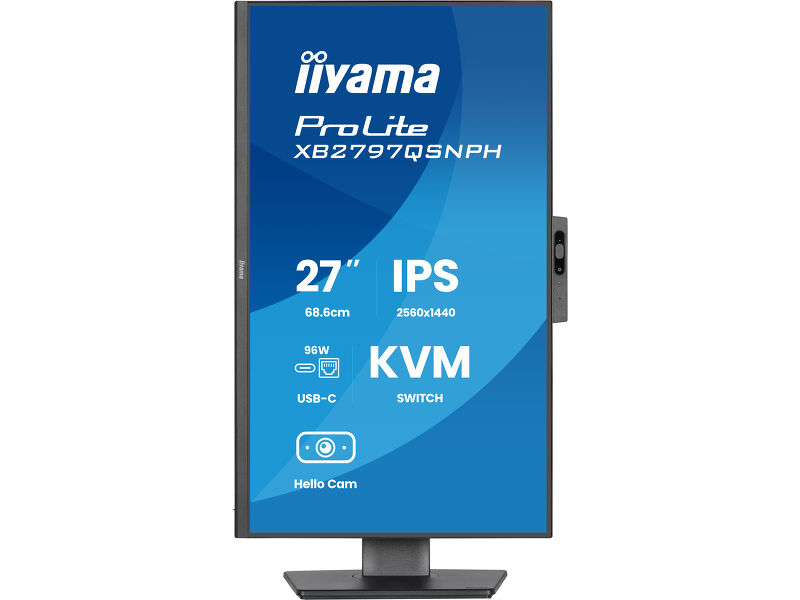
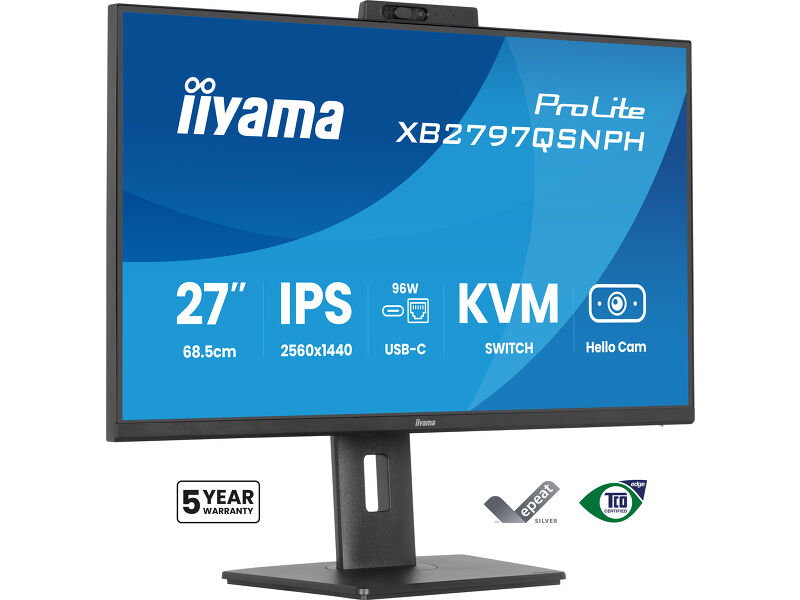
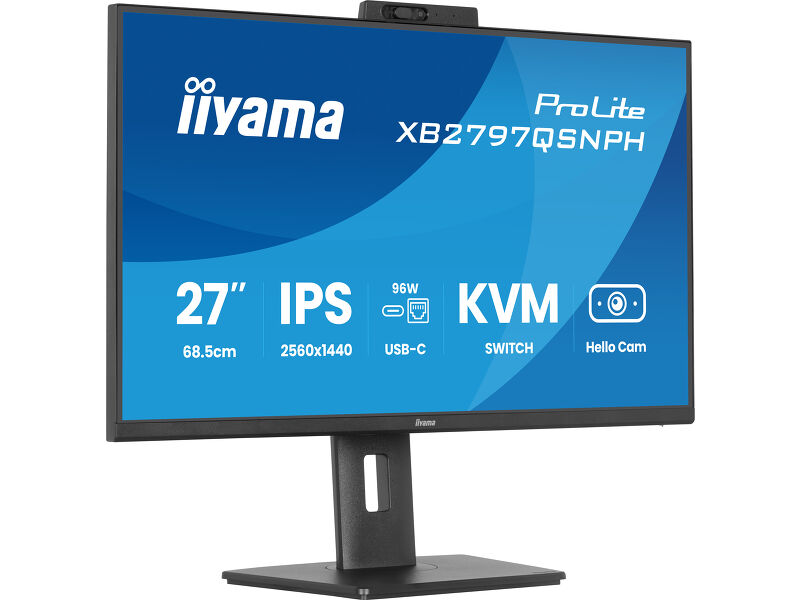
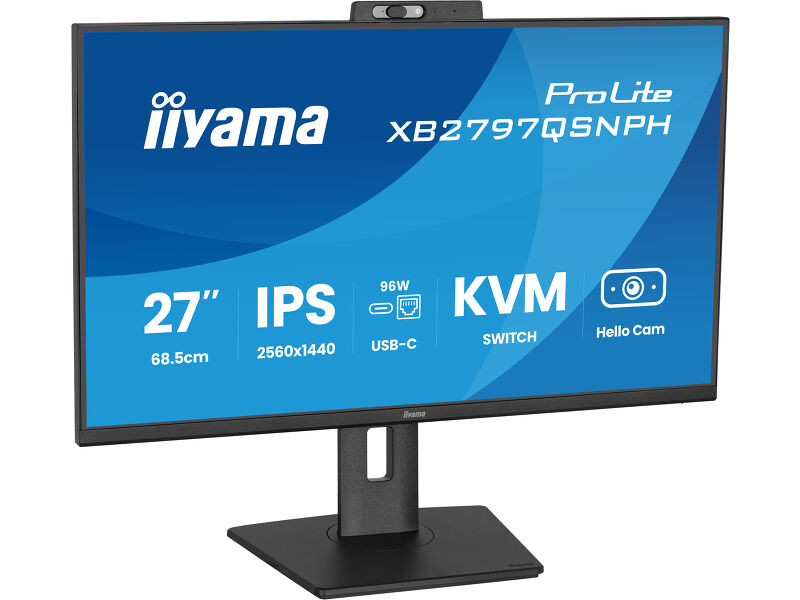
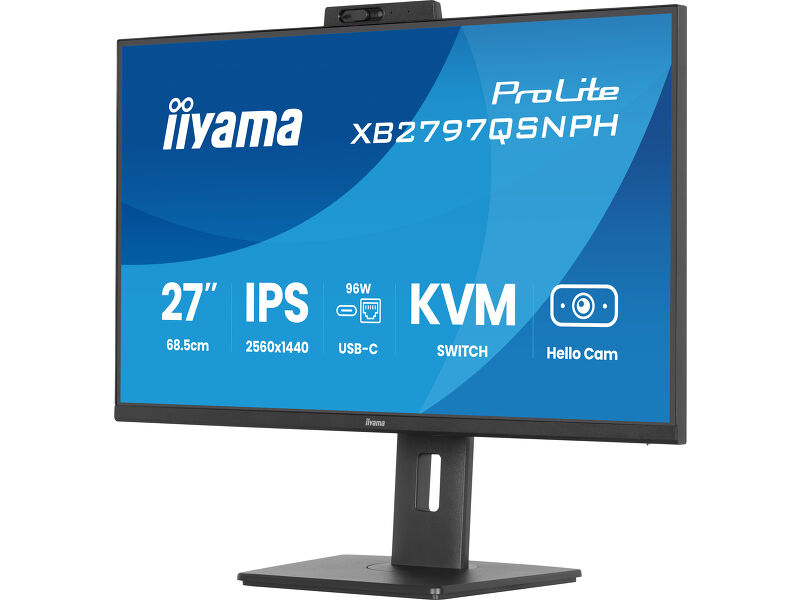
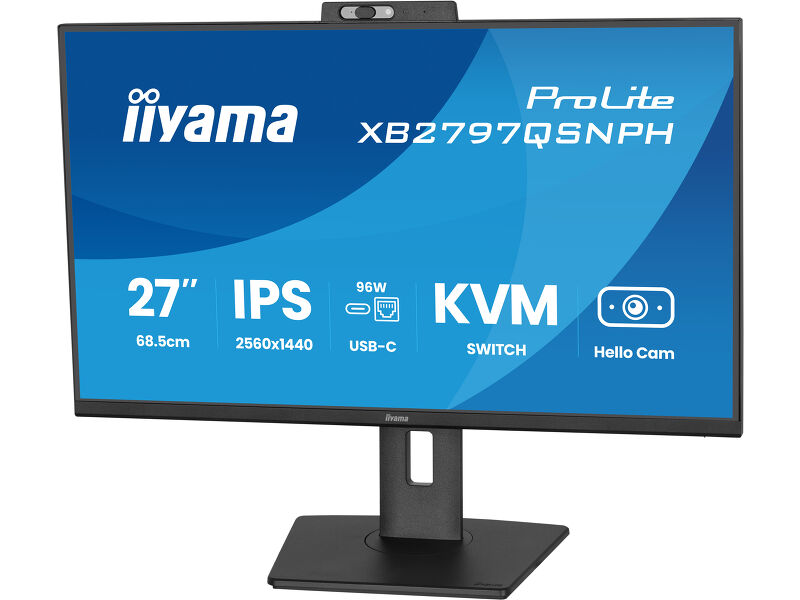
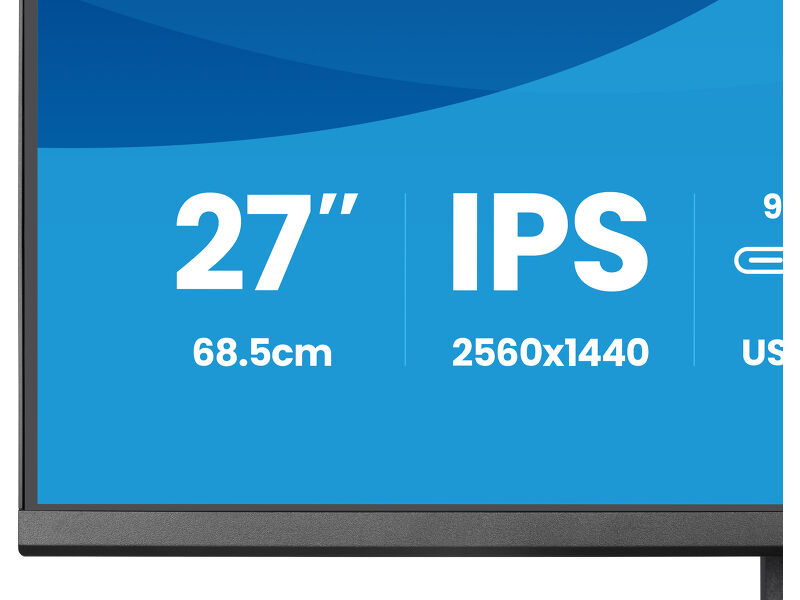
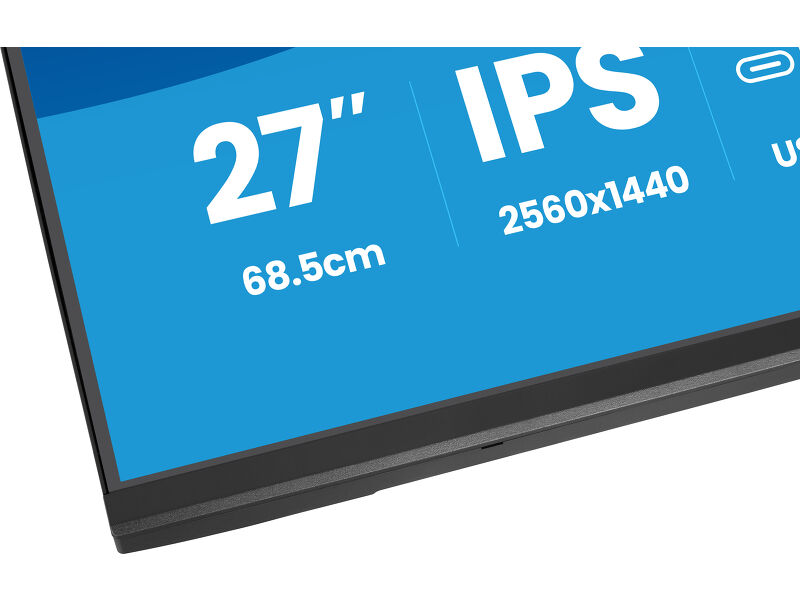
27’’ IPS QHD monitor with a built-in 5MP Windows Hello camera, microphone, USB-C Dock, LAN, KVM-Switch and 15cm height adjustable stand
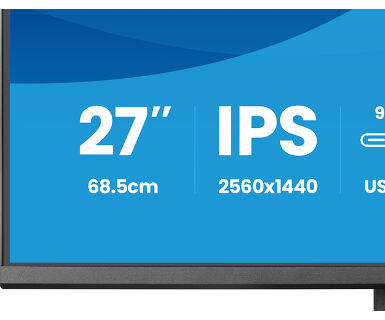
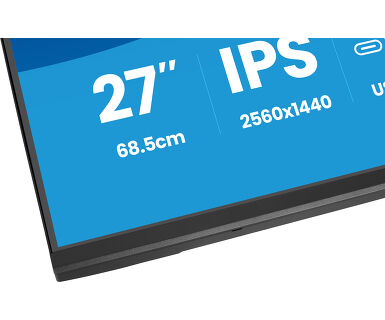
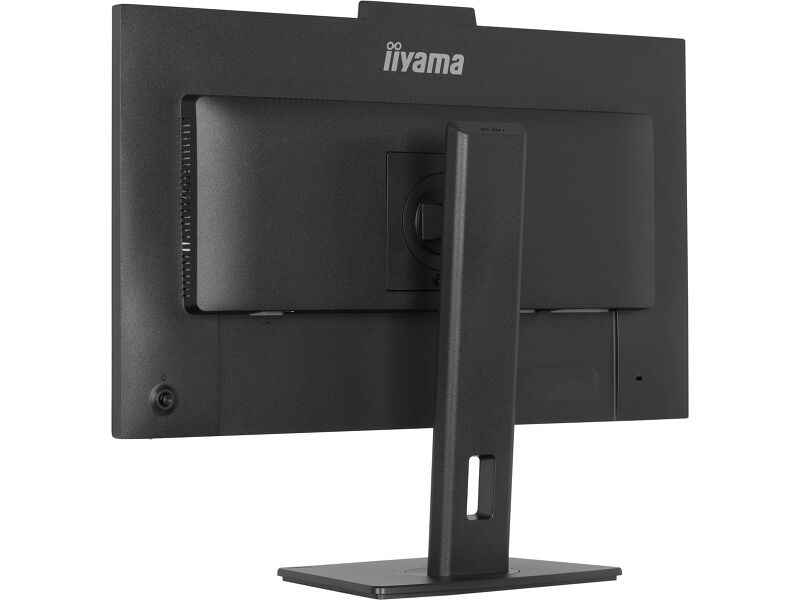
The ProLite XB2797QSNPH is a 27” QHD monitor built for professionals who want a tidier workspace, smoother multitasking and greater comfort throughout the day. The IPS panel delivers sharp detail, accurate colour and wide viewing angles, making it ideal for spreadsheets, creative work and detailed documents. A DisplayPort output also enables a quick dual-monitor setup for greater screen space and higher productivity.
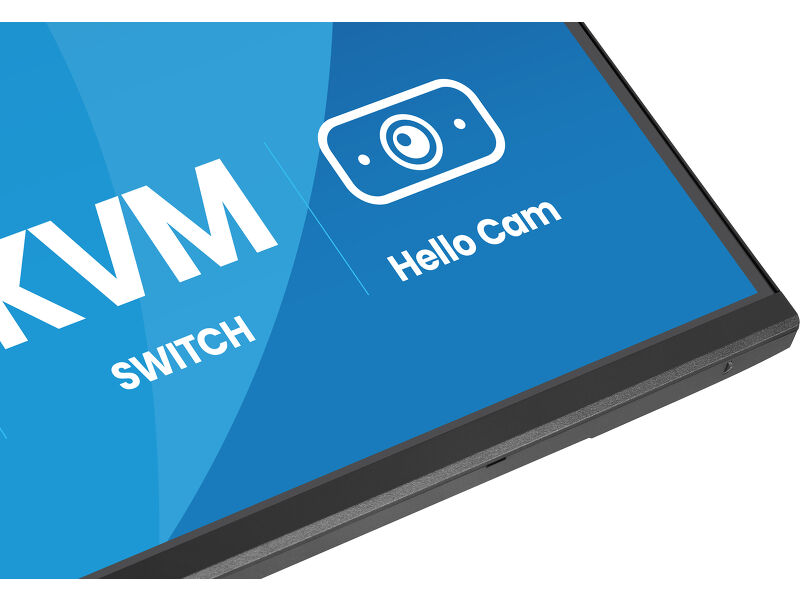
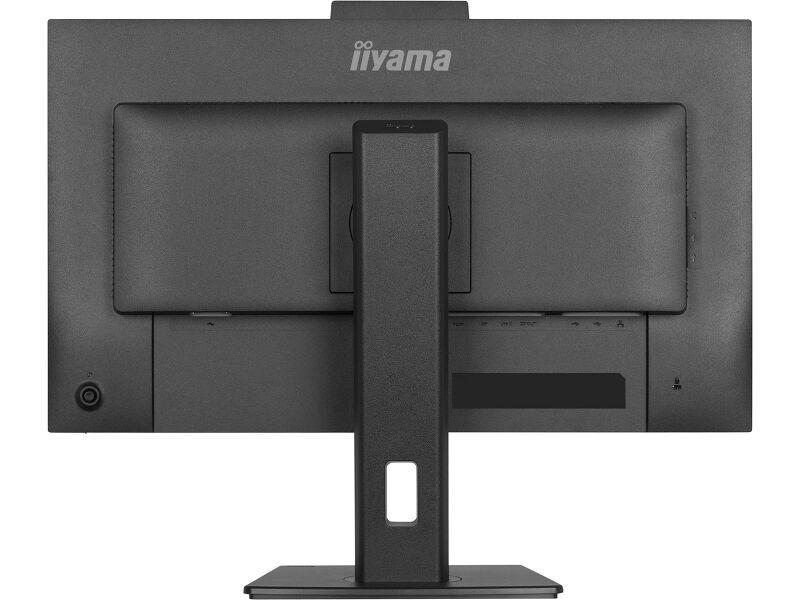
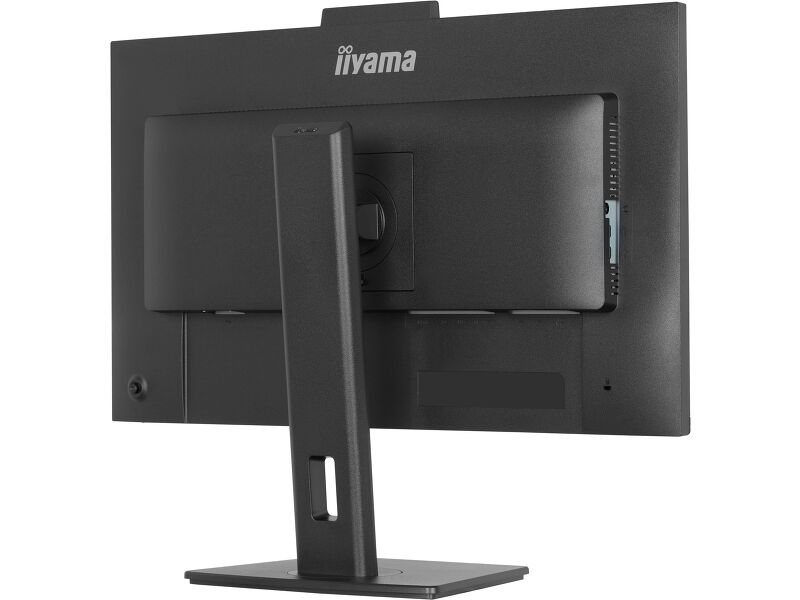
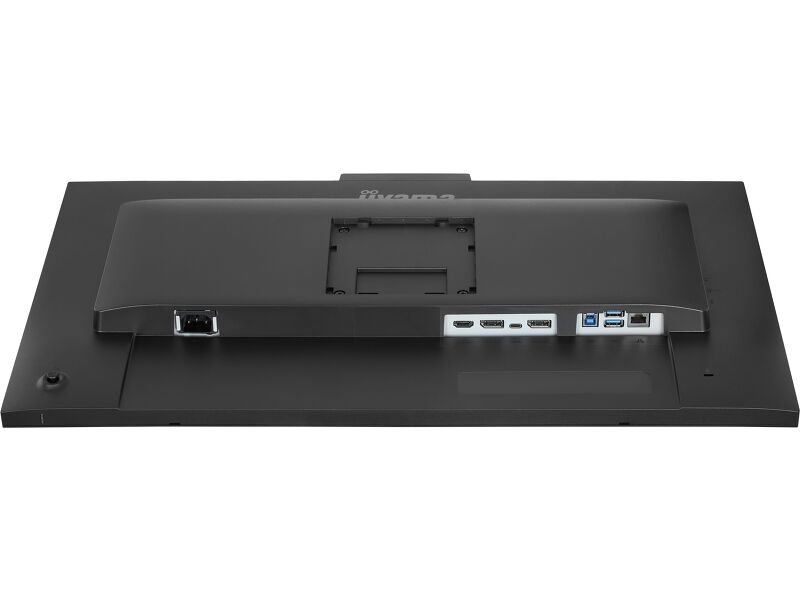
The integrated USB-C dock with 96W power delivery carries video, audio, data and power through a single cable, helping reduce desk clutter and making laptop connection fast and simple. An RJ45 port provides a stable wired network connection without extra adapters, while the built-in KVM switch allows control of two computers with one keyboard and mouse for a more seamless workflow.
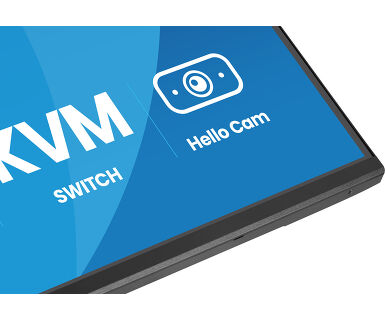
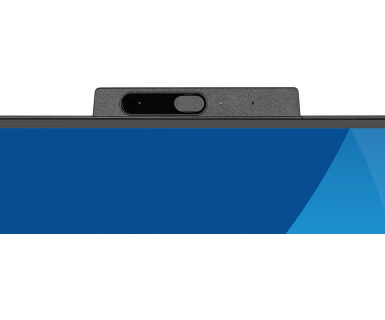
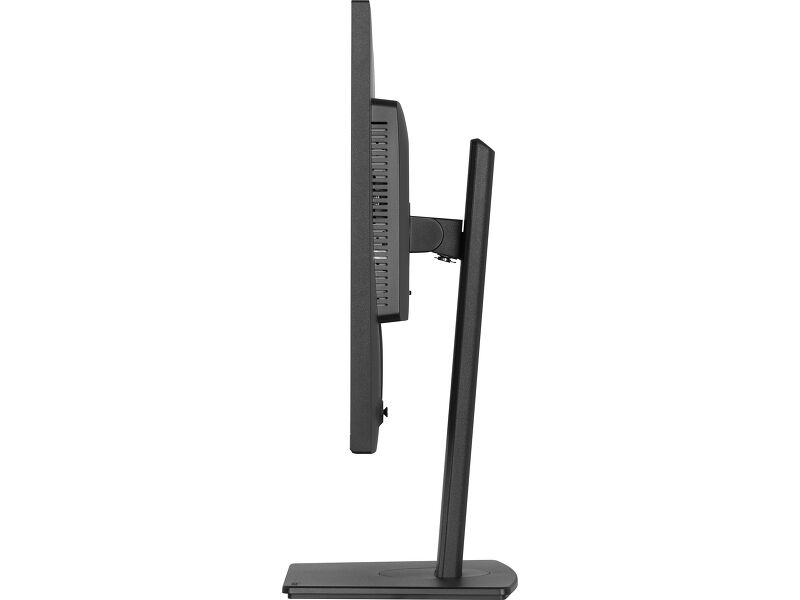
For modern collaboration, the monitor features a built-in 5MP autofocus webcam with Windows Hello for secure sign-in and professional-looking video calls. An ergonomic stand with 15cm height adjustment, tilt, swivel and pivot helps achieve a comfortable viewing position, while TÜV Rheinland Eye Comfort certification supports reduced visual fatigue during long working days.
USB-C dock for tidy desk & easy connectivity
Connect everything with just one cable - handle video, data, and power while keeping your desk clean and organized.
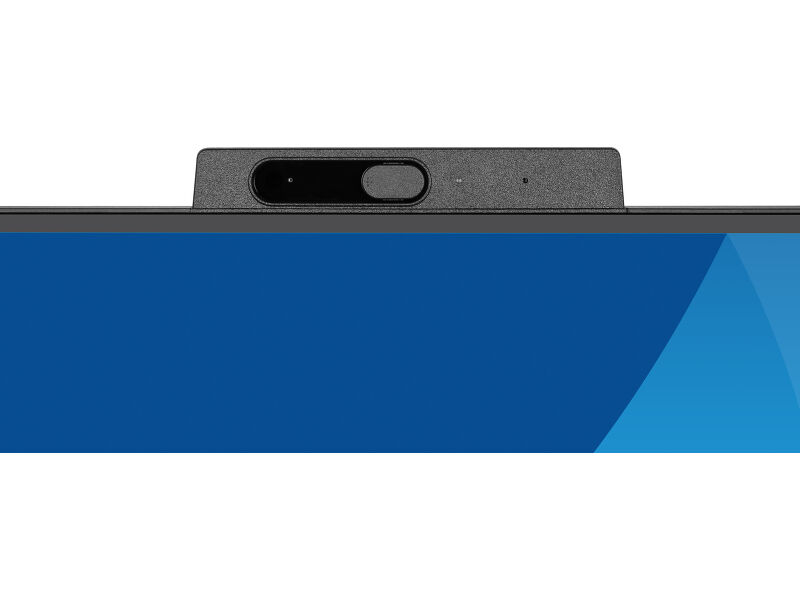
Easy access with Window Hello cam
Log in quickly and securely with facial recognition, while enjoying crystal-clear video calls thanks to the high-resolution autofocus webcam.
Feel the difference with certified eye comfort
Hardware-based low blue light built into the panel, flicker-free technology and true-to-life colour accuracy all work together to support more comfortable viewing throughout the day. Backed by TÜV Rheinland Eye Comfort certification, this display lets you work, browse and create for longer with greater ease.
Video
Teknİk Özellİkler




EKRAN ÖZELLİKLERİ
| Tasarım | 4-side slim bezel |
| Ekran Boyutu | 27", 68.5cm |
| Diyagonal | 68.5cm |
| Panel | IPS Panel Technology LED, matte finish |
| Çözünürlük | 2560 x 1440 @75Hz (3.7 megapixel QHD) |
| En-Boy Oranı | 16:9 |
| Panel Parlaklığı | 350 cd/m² |
| Statik Kontrast | 1000:1 |
| Gelişmiş kontrast | 80M:1 |
| Tepki süresi (MPRT) | 1ms |
| Görüntüleme Alanı | yatay/dikey: 178°/178°, sağ/sol: 89°/89°, yukarı/aşağı: 89°/89° |
| Renk desteği | 16.7mln (sRGB: 99%; NTSC: 72%, DCI-P3 >90%) |
| Yatay Sync | 31 - 112kHz |
| Görüntülenebilir alan G x Y | 596.7 x 335.7mm, 23.5 x 13.2" |
| Piksel Aralığı | 0.233mm |
| Renk | matte, black |
ARAYÜZLER / BAĞLANTILAR / KONTROLLER
| Sinyal girişi |
HDMI x1 (v.1.4) DisplayPort x1 (v.1.2) USB-C x1 (PD 96W) |
| Sinyal çıkışı | DisplayPort x1 (Daisy Chain MST max. 2560 x 1440) |
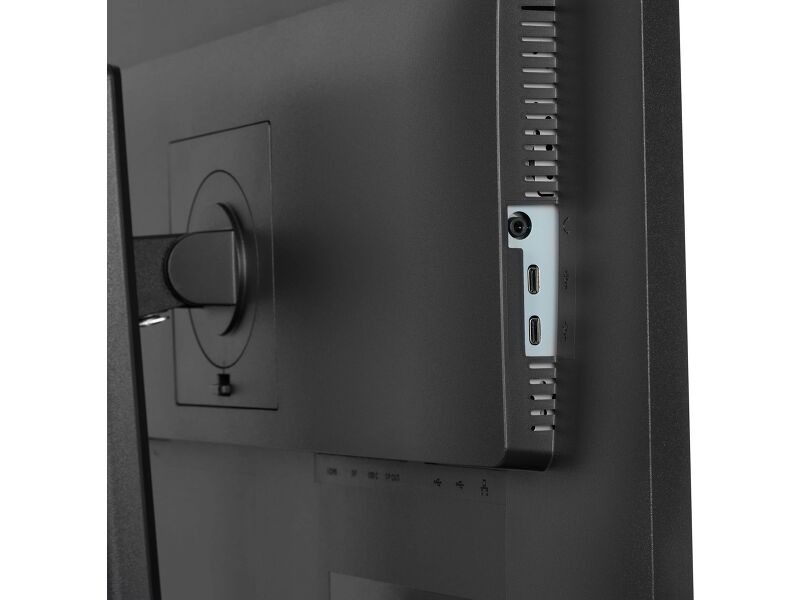
| USB HUB | x4 (2x Type A v.3.2 Gen 1 (5Gbps, 4.5W) 2x Type C (5Gbps, 7.5W)) |
| USB-C DOCK | x1 (Power delivery 96W, LAN, DP out, USB v.3.2 (Gen 1, 5Gbit)) |
| HDCP | evet |
| Kulaklık Bağlantısı | evet |
| RJ45 (LAN) | x1 |
ÖZELLİKLER
| KVM switch | evet |
| Mavi ışık azaltıcı | evet |
| Flickersız | evet |
| Ekstra | Built-in 5MP webcam with autofocus, microphone and privacy shutter compliant with Windows Hello, Eye comfort, Eye comfort |
| OSD dilleri | EN, DE, FR, ES, IT, RU, JP, CZ, NL, PL, UA |
| Kontrol Düğmeleri | Joystick: Power/Menu (Centre), Up/Signal Select, Down, Left/Shortcut, Right/Volume |
| Kullanıcı kontrolleri | picture adjust (brightness, contrast, Eco, ACR, OD, AdaptiveSync, motion blur reduction, X-Res technology, black tuner), colour settings (6-axis, i-Style colour, blue light reducer, gamma, RGB range, colour temp.,), OSD (OSD H. position, OSD V. position, OSD time, OSD background, DDC/CI control, display information), language, miscellaneous (sharpness, video mode adjust, opening logo, power LED, Mac address, USB charge, USB C speed), KVM (HDMI1, HDMI2, DisplayPort, USB C), input select, audio settings (volume, mute audio), webcam, recall |
| Hoparlör | 2 x 2W |
| Kolaylık | Kensington-lock™ prepared, DDC/CI, DDC2B, Mac OSX |
MEKANİK
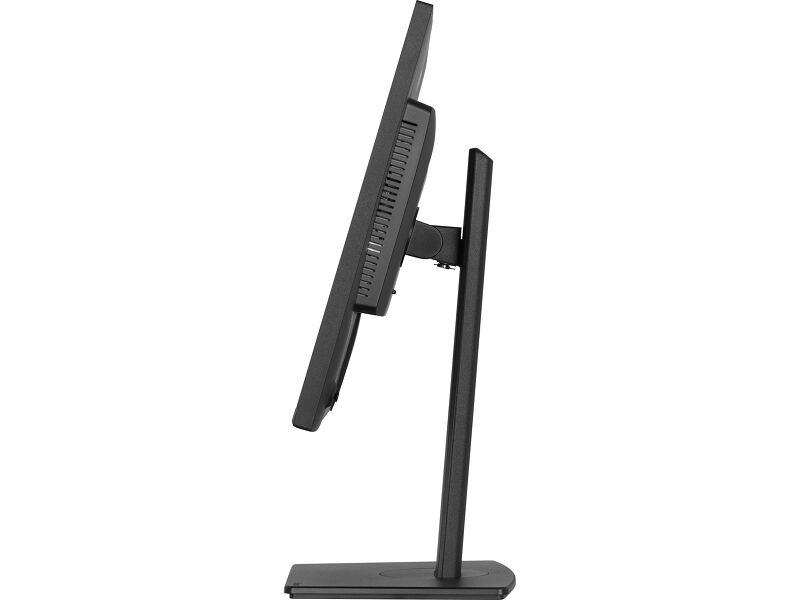
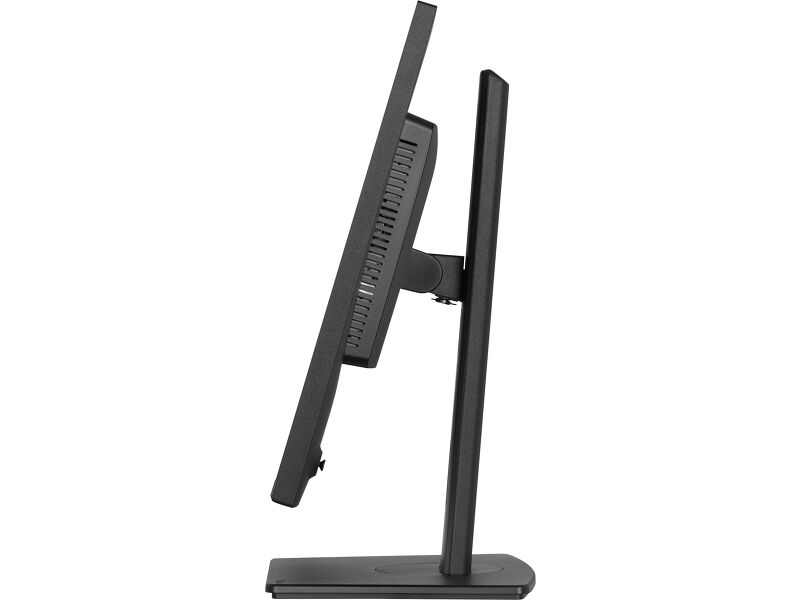
| Ekran konumu ayarlamaları | height, swivel, tilt, pivot (rotation both sides) |
| Yükseklik ayarı | 150mm |
| Döndürme (PIVOT işlevi) | 90° |
| Döner stand | 120°; 60° sol; 60° sağ |
| Eğim açısı | 23° yukarı; 5° aşağı |
| VESA montajı | 100 x 100mm |
PAKET İÇERİĞİNDEKİ AKSESUARLAR
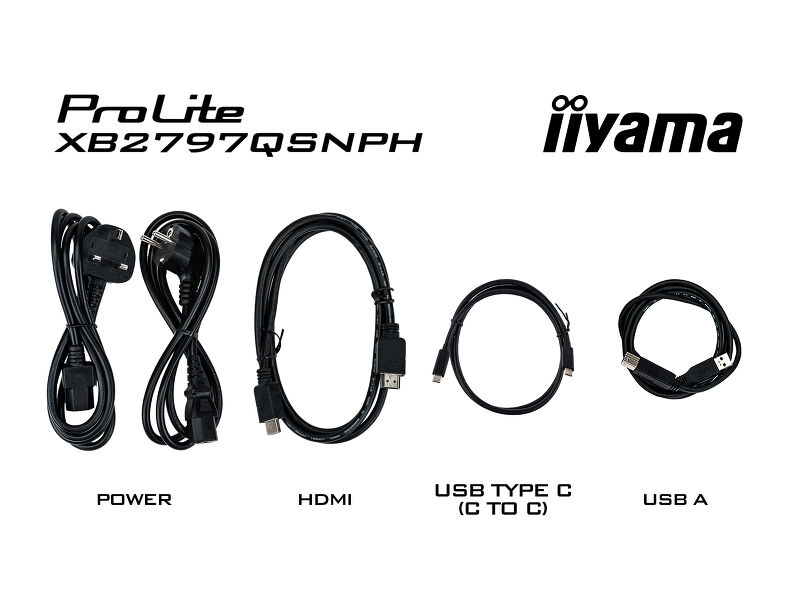
| Kablolar | güç (1.5m), USB (1.5m), HDMI (1.5m), USB-C (1.0m) |
| Diğer | quick start guide, |
GÜÇ YÖNETİMİ
| Güç Kaynağı Ünitesi | internal |
| Güç Kaynağı | AC 100 - 240V, 50/60Hz |
| Güç Tüketimi | 21W default , 0.5W stand by, 0.3W off mode |
SÜRDÜRÜLEBİLİRLİK
| Yönetmelikler | CE, TÜV-GS, EAC, PSE, RoHS support, ErP, WEEE, VCCI, REACH, UKCA, TCO Edge |
| Enerji verimliliği sınıfı (Yönetmelik (EU) 2017/1369) | E |
| REACH SVHC | above 0.1%: Lead, Lead monoxide, Diboron trioxide |
| Garanti | 5 years (for details and eligible countries please check the Warranty section of our website) |
ÖLÇÜLER / AĞIRLIK
| Ürün boyutları G x Y x D | 613 x 415.5 (565.5) x 209.5mm |
| Kutu boyutları G x Y x D | 691 x 447 x 142mm |
| Ağırlık (kutu hariç) | 6.0kg |
| Ağırlık (kutu ile birlikte) | 8.2kg |
| EAN kodu | 4948570125975 |



İndİrİlebİlİr İçerİkler
| Kullanım Kılavuzu | XB2797QSNP(H)-usermanual-e.pdf | İndİrme Merkezi |
| Teknİk Özellİkler | ProLite XB2797QSNPH-B1 - tr_tr.pdf | İndİrme Merkezi |
| Çizim | XB2797QSNPH-B1_Drawing.pdf | İndİrme Merkezi |
| AB Enerji Etiketi | XB2797QSNPH-B1 EU Energy Label (2611656).pdf | İndİrme Merkezi |
| İngiltere Enerji Etiketi | XB2797QSNPH-B1 UK Energy Label (2611656).pdf | İndİrme Merkezi |
| Guarantee label | XB2797QSNPH-B1.pdf | İndİrme Merkezi |
Kataloglar ve Broşürler
| USB-C Dock White Paper | USB-C_Dock_White_Paper_12.2024.pdf | İndİrme Merkezi |
Sustainability & Environmental Documents
| Carbon Footprint | XB2797QSNPH-B1.pdf | İndİrme Merkezi |
FAQS
Why can't I set the native resolution with the maximum refresh rate on my monitor?
+If you are unable to set the native resolution with the maximum refresh rate on your monitor, try the following troubleshooting steps:
1. Ensure you are using a cable that supports both the native resolution and the desired refresh rate.
2. Visit the product page on our website and check technical specification tab - Interfaces / Connectors / Controls section to see what resolution and refresh rate are supported under the signal input you have seleced (e.g. HDMI signal input does not always support the maxium refresh rate, please check the DisplayPort connection instead).
3. Check the settings and specifications of your PC / graphics card to see if they support the desired resolution or refresh rate.
Why isn’t my notebook charging when connected to the USB-C input of my monitor in standby mode?
+To resolve the issue of your laptop not charging, please try the following steps:
1. Activate USB BC or disable USB standby mode in the monitor’s settings menu.
2. Update your PC’s BIOS/UEFI.
How can I recognize which iiyama monitor has a USB-C Dock and LAN support?
+iiyama monitors with USB-C Dock capabilities can be recognized by an "N" in their model names, such as HSN or QSN. For example, XUB****HSN. You can also visit our product selector page and use the available filters.
How to use the USB-C dock?
+To explore the features and benefits of a monitor with a USB-C dock, please watch the video below.
The DP-out currently mirrors the main monitor. How can I change it to extend the desktop instead?
+To extend the desktop via DP-out, enable the MST function in the screen settings. For detailed instructions, please refer to your user manual.
Adaptive Sync, AMD FreeSync veya NVIDIA G-Sync ile uyumlu mu?
+Evet, Adaptive Sync AMD FreeSync ve NVIDIA G-Sync ile uyumludur.
FreeSync/Adaptive Sync etkinleştirildiğinde neden MBR'yi seçemiyorum?
+FreeSync/AdaptiveSync etkinleştirildiğinde MBR seçilemez çünkü MBR, hareket netliğini iyileştirmeye yönelik farklı yöntemlere sahip olduğundan FreeSync/Adaptive Sync teknolojisine müdahale edebilir. MBR hareket bulanıklığını (tepki süresi) azaltırken, Adaptive Sync/FreeSync kekemeliği giderir. Dalgalanan veya dengesiz kare hızlarına sahip sistemlerde Adaptive Sync/FreeSync'i etkinleştirmenizi öneririz. MBR, sürekli olarak yüksek kare hızını koruyan güçlü sistemlerde en iyi performansı gösterir.
Monitörüm neden "Sinyal Yok" mesajını gösteriyor?
+Monitörünüz "Sinyal Yok" mesajını görüntülüyorsa lütfen aşağıdakileri kontrol edin:
1. Kabloların her iki uçta da düzgün şekilde bağlandığından emin olun.
2. Doğru sinyal girişini (HDMI/DP) seçin veya AUTO'yu seçin.
Ekran bekleme modundayken bir giriş seçme konusunda rehberlik için lütfen kullanıcı kılavuzuna bakın. Masaüstü monitörlerde, yaygın yöntemler arasında INPUT, AUTO veya "2" düğmelerine basmak veya joystick'i geriye doğru hareket ettirmek yer alır.
Apple MAC sistemim var, iiyama monitörüm çalışır mı?
+Evet, iiyama monitörünüz Apple Mac sisteminizle çalışacaktır. Ancak, nasıl bağlanacağınız sinyal girişine bağlıdır. 2020'den itibaren Apple Mac sistemleri yalnızca video çıkışı için Thunderbolt 3 (USB-C) bağlantı noktalarına sahip olduğundan, iki seçeneğiniz vardır:
1. Doğrudan iiyama monitörünüzdeki USB-C sinyal girişine bağlayın.
2. Monitörünüzde yalnızca HDMI veya Displayport varsa, mevcut video girişlerinden birini destekleyen Mac uyumlu bir dongle'a ihtiyacınız olacaktır. Apple, bu amaçla kullanılabilen bir USB-C Dijital AV Çoklu Bağlantı Noktası Adaptörü (MW5M3AM) sunar.
3. iiyama monitörünüzde dokunmatik ekran yetenekleri varsa, Mac sisteminizle dokunmatik işlevselliğinin uyumluluğunu doğrulamak için lütfen kullanıcı kılavuzuna bakın.
The picture on my monitor is flickering. What steps can I take to fix it?
+To resolve the issue of a blinking picture, please follow these steps:
1. Inspect the Signal Cable.
Ensure the signal cable is securely connected at both ends and free from any physical damage. Avoid any sharp bends or squishing of the cable.
2. Use a Shorter Cable.
If possible, use a cable shorter than 3 meters and connect the monitor directly to a wall power socket, avoiding the use of adapters.
3. Disable FreeSync/Adaptive Sync.
For desktop or gaming monitors, try disabling FreeSync or Adaptive Sync in the monitor's settings menu.
Uyumlu aksesuarlar