ProLite T2455MSC-B2
Kenardan kenara cam, parmak izi önleyici kaplama, entegre web kamerası ve esnek standa sahip 24 inç çoklu dokunmatik monitör
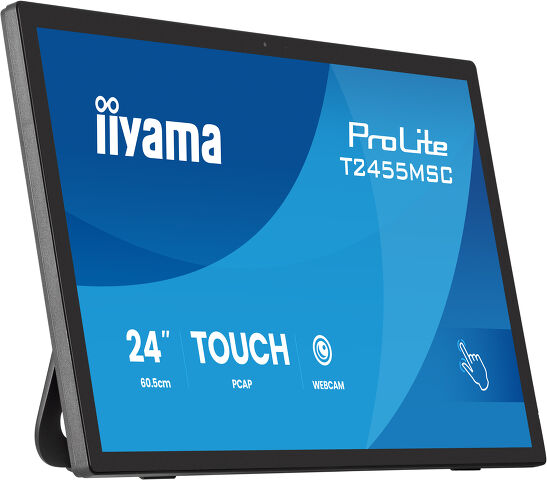
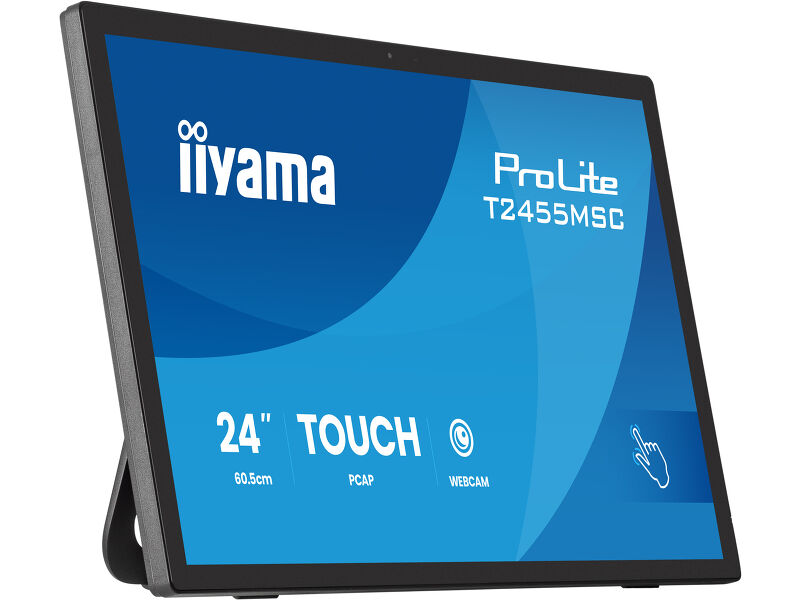
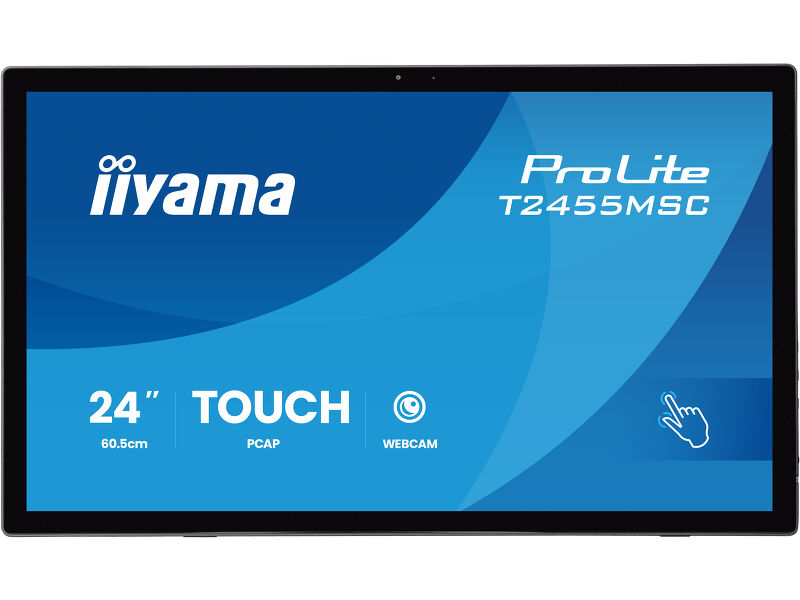
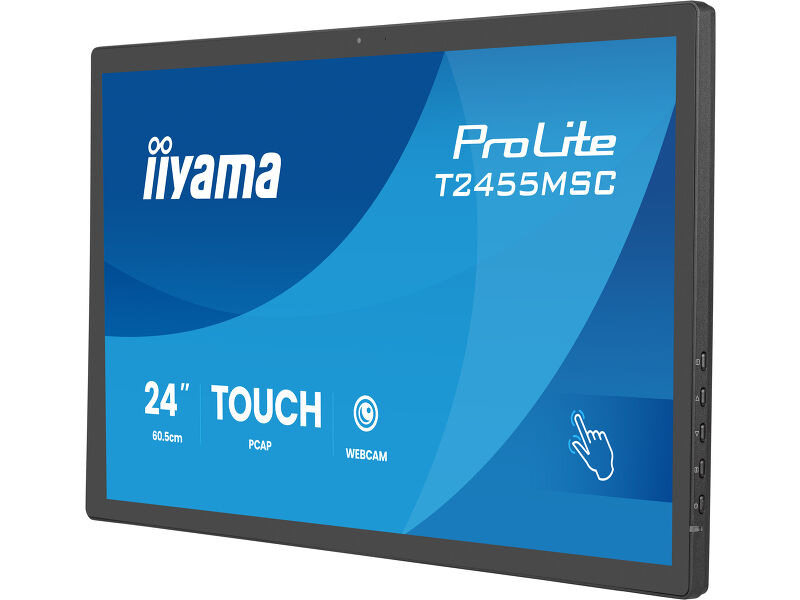
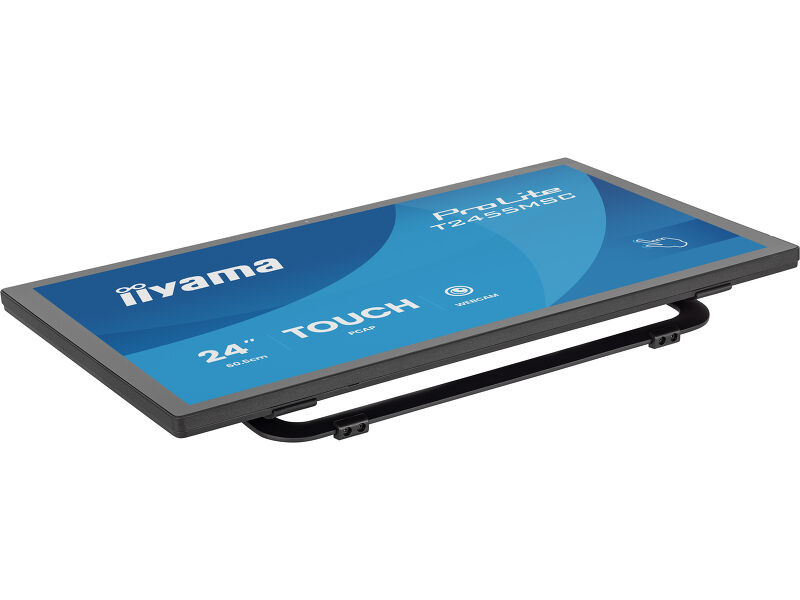
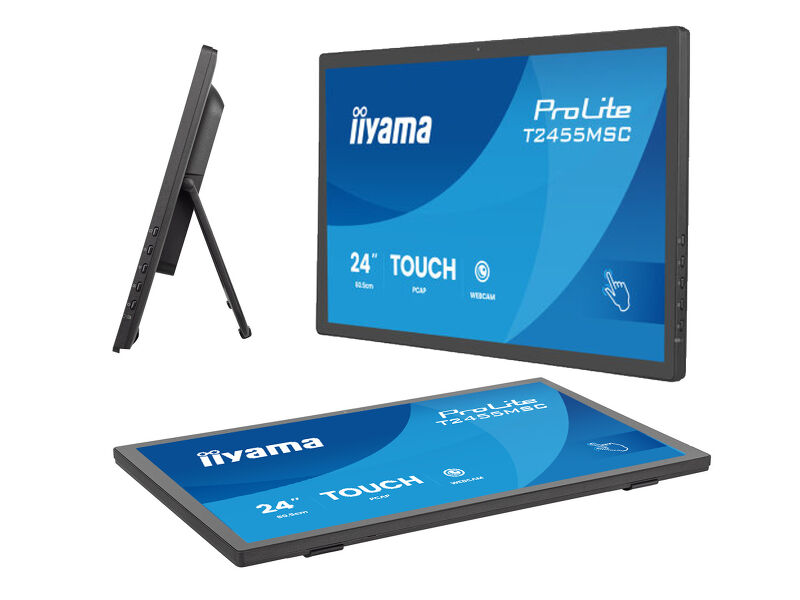
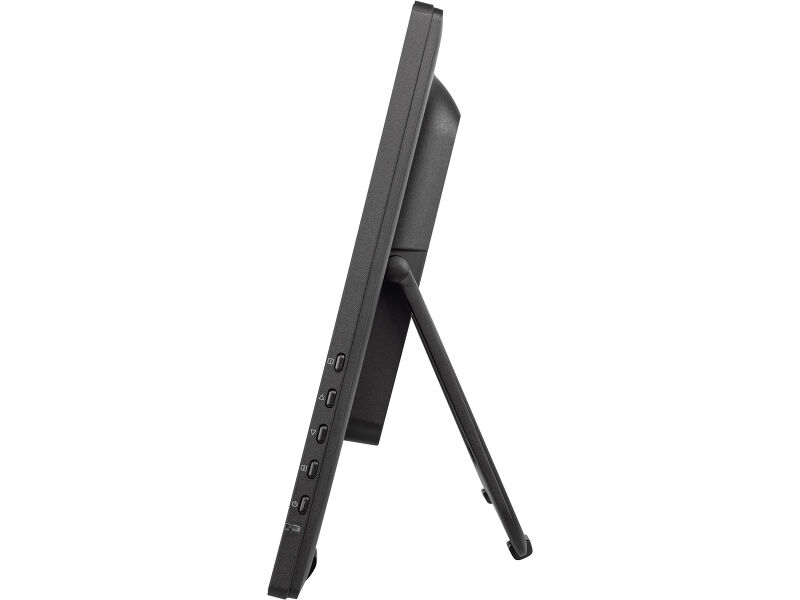
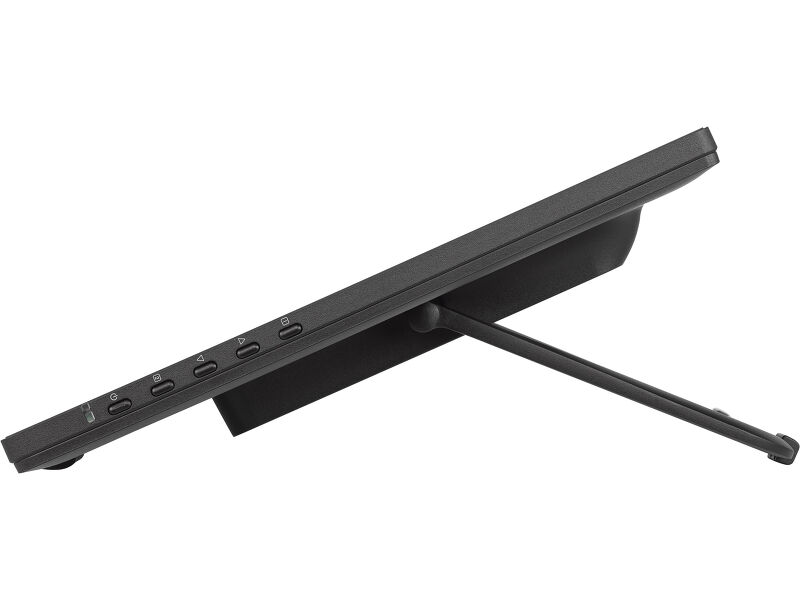
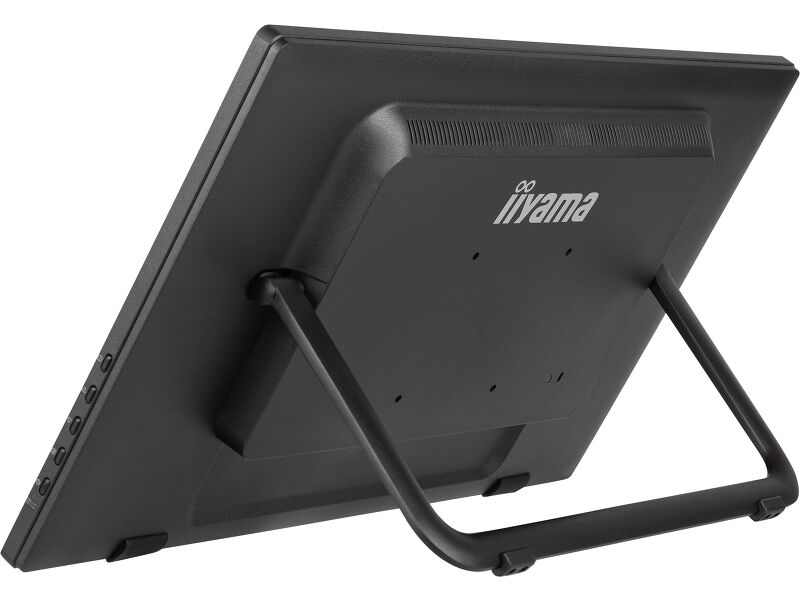
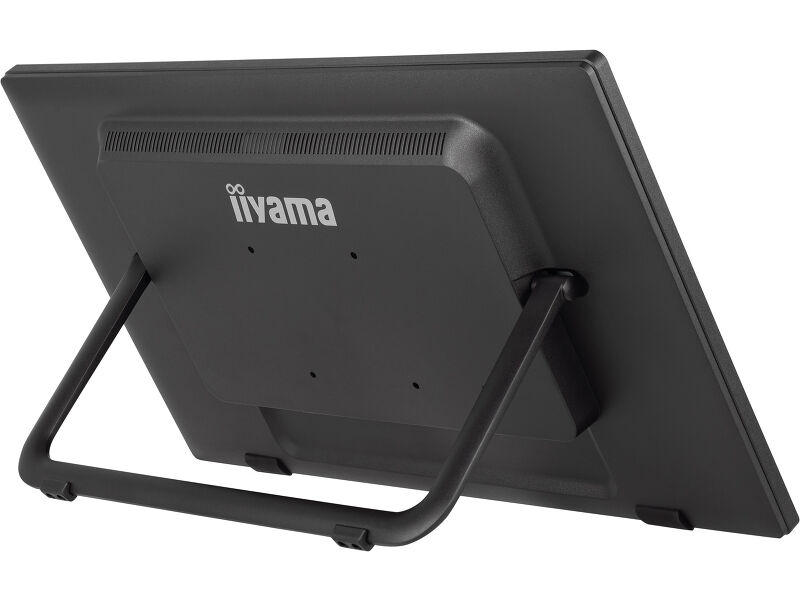
The ProLite T2455MSC combines precise touch performance with a smart, space-saving design created for modern workstyles. Its unique foldable stand allows the monitor to lay completely flat when closed, with no visible support behind it. This makes it easy to move, store, or transport whenever the screen is not in use, perfect for flexible workspaces, shared desks, events, or on-the-go presentations. The Full HD (1920×1080) IPS panel delivers vivid colours and wide viewing angles. Featuring intuitive 10-point touch technology (Optical Bonded PCAP), which ensures smooth and precise touch response and low light reflection. In addition, the display is protected from moisture and potential condensation development. A special nano coating reduces friction during touch gestures and helps prevent fingerprints, dust, and static buildup, keeping the screen clean and comfortable to use throughout the day.
With an integrated webcam, microphone and speakers, the T2455MSC also serves as a complete communication hub for video meetings and collaboration. The adjustable stand provides multiple viewing angles for ergonomic comfort during extended use, whether you’re working, presenting, or interacting directly on the screen. A versatile touchscreen solution designed to adapt to your space, your workflow, and your mobility needs.
Dahili web kamerası & hoparlör
With an integrated webcam, speakers and microphone, this monitor delivers clutter-free video conferencing for office, commercial and home office environments.
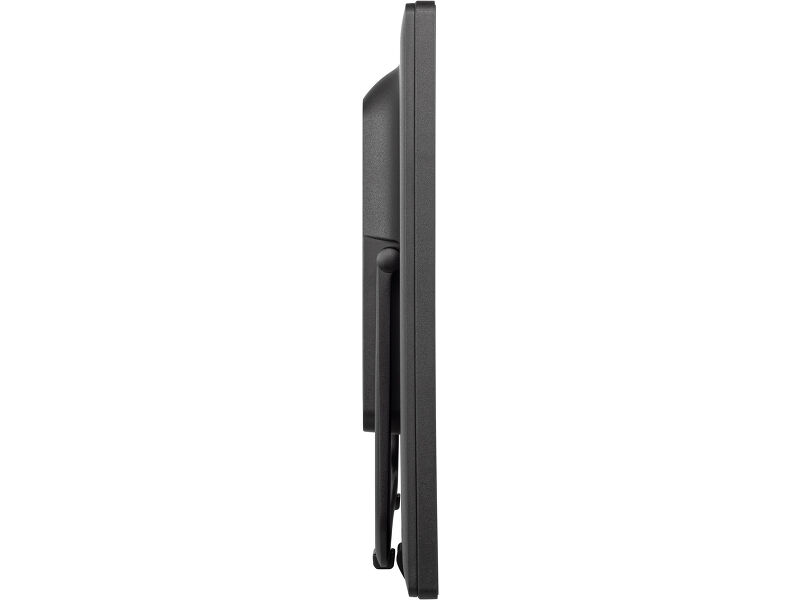
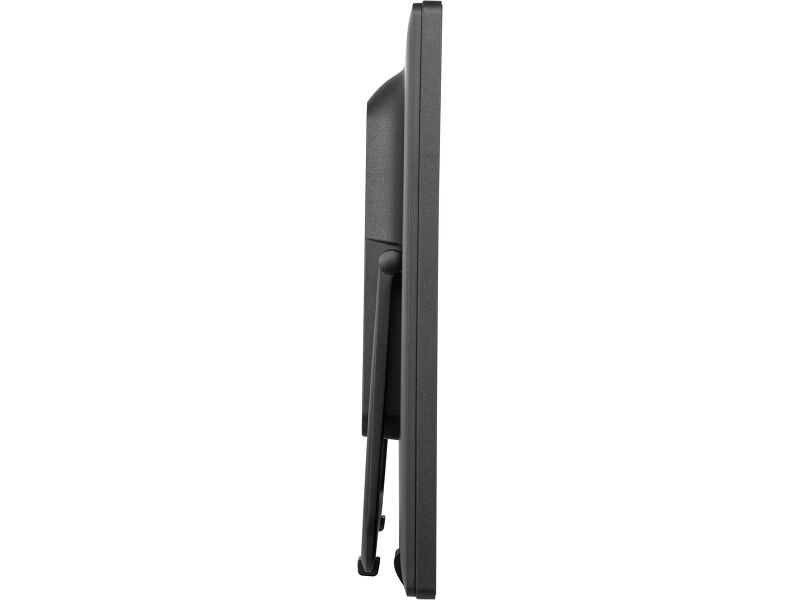
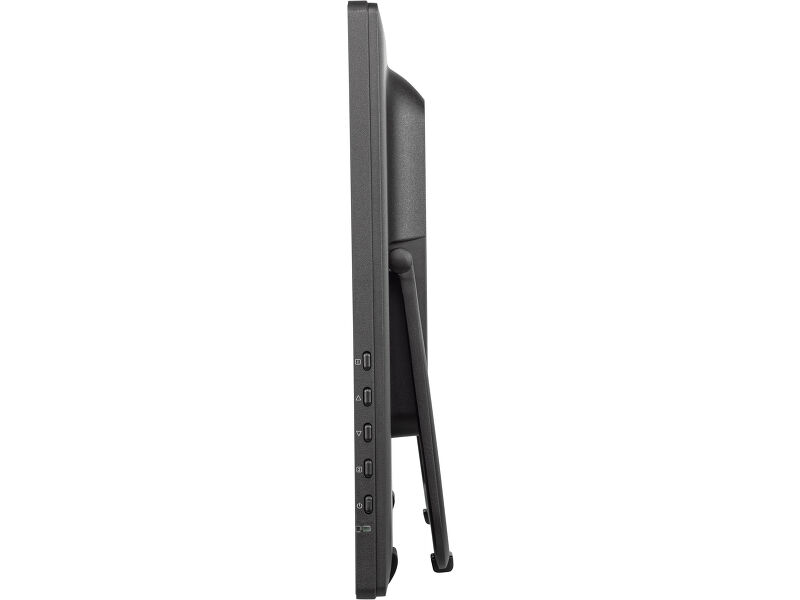
Foldable stand for individual ergonomics
The adjustable stand provides multiple viewing angles for ergonomic comfort during extended use, whether you’re working, presenting, or interacting directly on the screen
Vivid colors and wide viewing angles
Ensure perfect visibility from any position - The IPS panel delivers vivid, consistent colors and wide viewing angles, ideal for dynamic retail environments and busy commercial spaces.
Parmak izi önleyici kaplama, Çizilme direnci
Bu özel Nano kaplama, daha yumuşak bir dokunuş ve kaydırmada daha az direnç sağlar. Ekranı daha az statik ve kire, toza, parmak izlerine karşı hassas hale getirir ve ekranda görüntülenen içeriğin netliğini artırır.Bu, ekranı kaplayan bir cam kaplama sayesinde elde edilir. Dokunma işlevinin yüksek dayanıklılığını garanti eder ve daha da önemlisi, cam çizilse bile dokunma işlevi etkilenmez.
Teknİk Özellİkler



EKRAN ÖZELLİKLERİ
| Ekran Boyutu | 23.8", 60.5cm |
| Diyagonal | 60.5cm |
| Çözünürlük | 1920 x 1080 @120Hz (2.1 megapixel Full HD) |
| En-Boy Oranı | 16:9 |
| Panel Parlaklığı | 400 cd/m² |
| Parlaklık | 360 cd/m² (Dokunmatik ile) |
| Işık geçirgenliği | 90% |
| Statik Kontrast | 1300:1 (Dokunmatik ile) |
| Tepki süresi (GTG) | 5ms |
| Görüntüleme Alanı | yatay/dikey: 178°/178°, sağ/sol: 89°/89°, yukarı/aşağı: 89°/89° |
| Renk desteği | 16.7mln 8bit |
| Yatay Sync | 30 - 138kHz |
| Görüntülenebilir alan G x Y | 527 x 296.5mm |
| Piksel Aralığı | 0.275mm |
| Çerçeve rengi ve bitişi | black, matte |
DOKUNMATİK
| Dokunmatik teknoloji | optical bonding PCAP |
| Dokunmatik Nokta Sayısı | 10 (HID, yalnızca desteklenen işletim sistemiyle) |
| Dokunma doğruluğu | +- 2mm |
| Dokunma yöntemi | , finger, glove (latex) |
| Dokunmatik arayüz | USB |
| Desteklenen işletim sistemleri | Tüm iiyama monitörleri Tak ve Çalıştır özelliğindedir ve Windows ve Linux ile uyumludur. Dokunmatik modeller için desteklenen işletim sistemiyle ilgili ayrıntılar için lütfen indirmeler bölümünde bulunan sürücü talimat dosyasına bakın. |
| Palm rejection | Evet |
ARAYÜZLER / BAĞLANTILAR / KONTROLLER
| Dijital sinyal girişi |
HDMI x1 DisplayPort x1 |
| Ses çıkışı |
Mini jack x1 Hoparlör 2 x 1W |
| HDCP | evet |
| USB HUB | x2 (v.3.2 (Gen 1, 5Gbit, DC5V, 900mA)) |
ÖZELLİKLER
| Ekstra | anti-fingerprint coating, entegre web kamerası ve mikrofon |
| Cam Sertliği | 7H |
| OSD tuş kilidi | evet |
GENEL
| OSD dilleri | EN, DE, FR, ES, IT, PT, RU, JP, NL, PL |
| Kontrol Düğmeleri | Menü, yukarı kaydır / ECO, aşağı kaydır / ses seviyesi, seç / giriş, güç |
| Kullanıcı kontrolleri | Picture adjust (brightness, contrast, i-Style color, adv. contrast, ECO mode, OD, X-Res), color settings (gamma, RGB range, color. temp.), image settings (video mode adjust, blue light reducer, sharp & soft), OSD (H. pos., V. pos., time, background, language. display information), extra (reset, DDC/CI, signal select, volume, mute, led, opening logo, touch switch) |
| Mavi ışık azaltıcı | evet |
| Flicker free | evet |
| Plug&Play | DDC2B |
MEKANİK
| Eğim açısı | 15° yukarı; 65° aşağı |
| VESA montajı | 100 x 100mm |
| MTBF | 50000 saat (arka ışık hariç) |
PAKET İÇERİĞİNDEKİ AKSESUARLAR
| Kablolar | güç (1.8m), USB (1.5m), HDMI (1.5m) |
| Kılavuzlar | quick start guide, safety guide |
| Diğer | spiral tube |
GÜÇ YÖNETİMİ
| Güç Kaynağı Ünitesi | internal |
| Güç Kaynağı | AC 100 - 240V, 50/60Hz |
| Güç Tüketimi | 18W tipik, 1.5W stand by, 0.3W off mode |
SÜRDÜRÜLEBİLİRLİK
| Yönetmelikler | CE, TÜV-Bauart, EAC, RoHS support, ErP, WEEE, REACH, UKCA, cTUVus |
| Enerji verimliliği sınıfı (Yönetmelik (EU) 2017/1369) | E |
| REACH SVHC | above 0.1%: Lead |
ÖLÇÜLER / AĞIRLIK
| Ürün boyutları G x Y x D | 567 x 338 x 43.5mm |
| Kutu boyutları G x Y x D | 635 x 405 x 115mm |
| Ağırlık (kutu hariç) | 4.4kg |
| Ağırlık (kutu ile birlikte) | 5.8kg |
| EAN kodu | 4948570127283 |


İndİrİlebİlİr İçerİkler
| Kullanım Kılavuzu | T2455MSC-usermanual-e-revH.pdf | İndİrme Merkezi |
| Teknİk Özellİkler | ProLite T2455MSC-B2 - tr_tr.pdf | İndİrme Merkezi |
| Çizim | T2455MSC.pdf | İndİrme Merkezi |
| AB Enerji Etiketi | T2455MSC-B2 EU Energy Label (2543128).pdf | İndİrme Merkezi |
| İngiltere Enerji Etiketi | T2455MSC-B2 UK Energy Label (2543128).pdf | İndİrme Merkezi |
| Guarantee label | T2455MSC-B2.pdf | İndİrme Merkezi |
Talimatlar
| RGB Led bar control | TW1025LASC-B1PNR LED control.zip | İndİrme Merkezi |
FAQS
Dokunmatik özelliği neden çalışmıyor?
+Dokunmatik işleviniz çalışmıyorsa lütfen aşağıdakileri kontrol edin:
1. Bilgisayarınızın monitöre verilen USB kablosuyla bağlı olduğundan emin olun.
2. Kullanıcı kılavuzunda işletim sisteminizin ekran tarafından desteklendiğini doğrulayın.
How should I clean my Touch monitor?
+When cleaning, please follow these guidelines to avoid damaging your Touch monitor:
1. Avoid using paper towels, abrasive cloths, or any harsh cleaning agents, as they can scratch the screen or damage the touch sensors.
2. Do not spray the cleaning solution directly onto the screen to prevent liquid from seeping into the monitor.
3. Avoid excessive cleaning, as it can wear out the screen over time.
4. For more details, please check our dedicated Cleaning page.
İlgili ürünler