Bültenimize Abone Olun!
Keep up #withiiyama
Bültenimize başarıyla abone oldunuz.
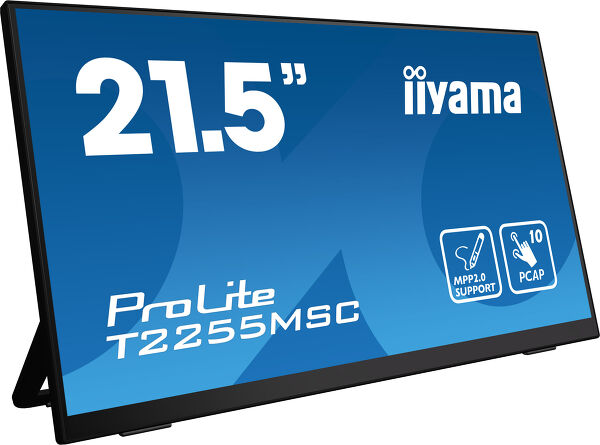
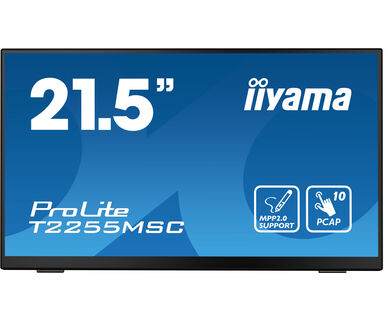
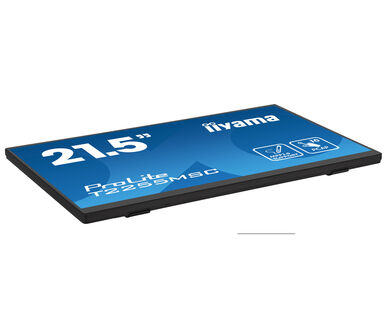
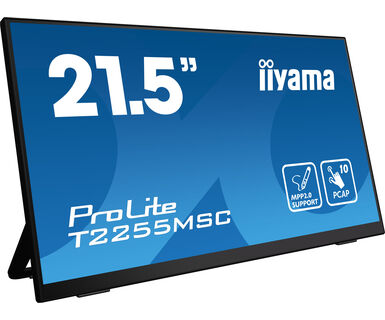
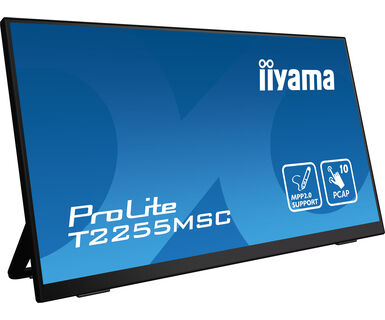
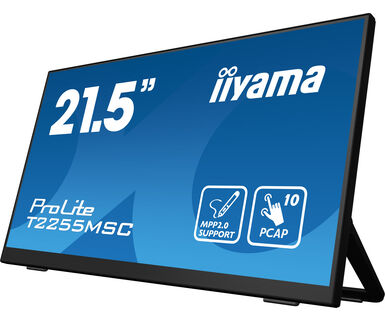
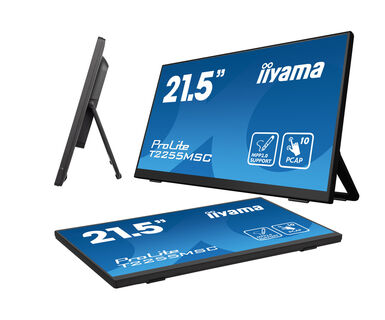
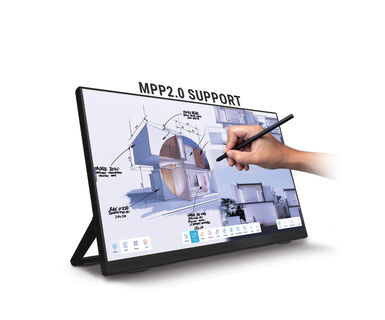
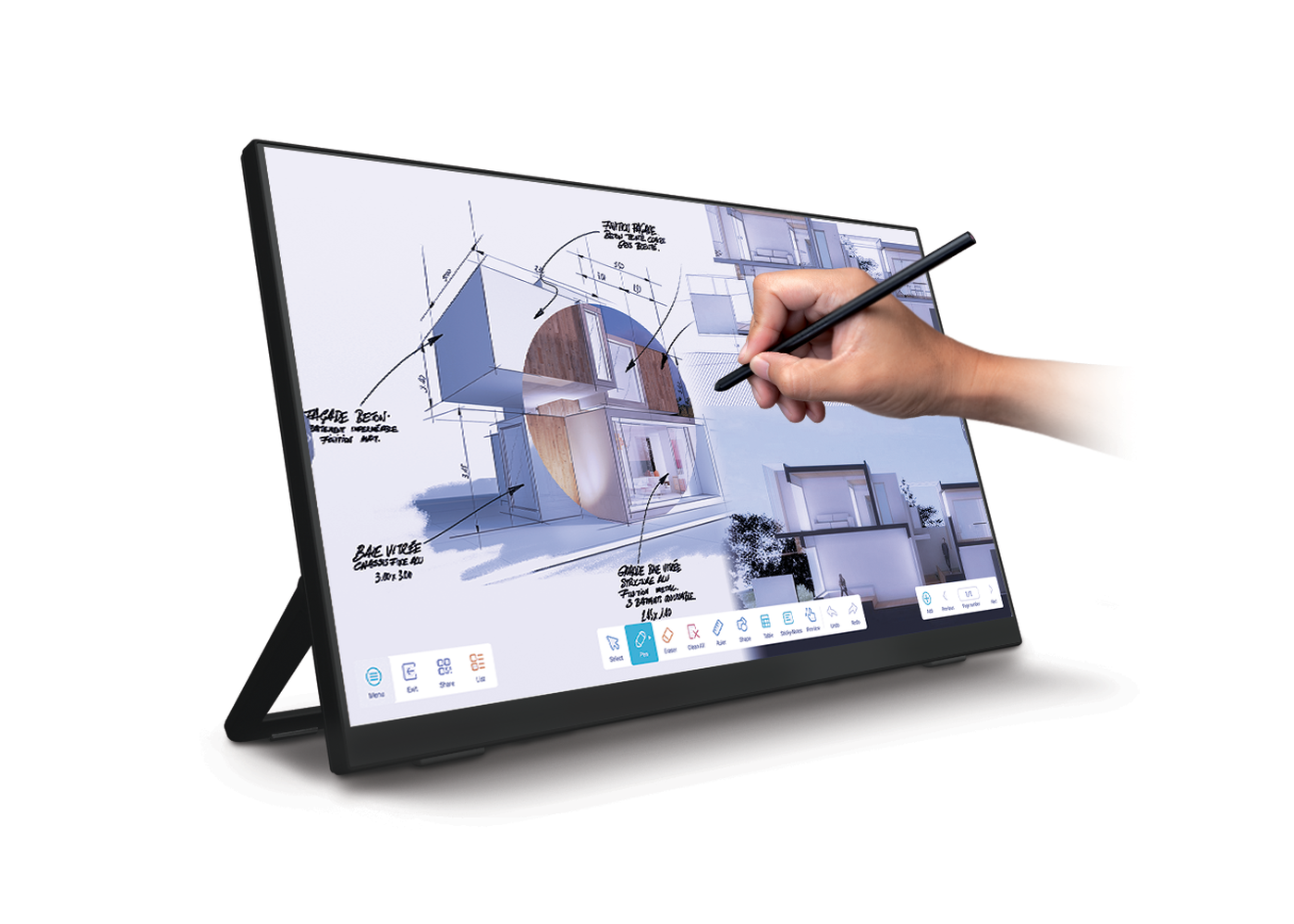
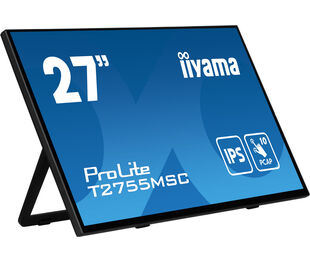
21.5” Optical Bonded PCAP 10pt touchscreen monitor with IPS panel technology, edge-to-edge glass, anti-fingerprint coating, active stylus support (MPP 2.0) and a flexible stand
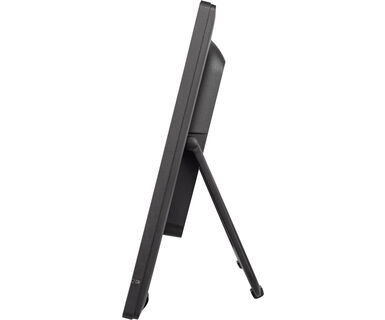
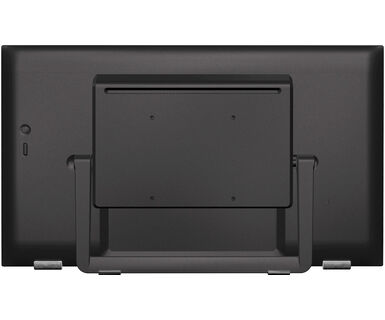
The ProLite T2255MSC with its Full HD (1920x1080) resolution and accurate PCAP 10 point touch technology, delivers a seamless and accurate touch response. Featuring IPS LCD screen technology, it offers exceptional colour performance and wide viewing angels. A special Nano coating ensures a smoother touch and less resistance in the swipe. It makes the screen less static and susceptible to dirt, dust and fingerprints. The monitor supports MPP2.0 (Microsoft Pen Protocol) technology, which is used in digital pens and styluses for use with compatible devices. The pen or stylus can interact with the ProLite T2255MSC, allowing users to write, draw, and navigate on the screen. It is very precise and supports tilt functionality, meaning the users can adjust the thickness and angle of their lines by tilting the pen, providing a more natural and intuitive writing and drawing experience.Its flexible stand can be positioned at several angles creating a comfortable and ergonomic user experience. A perfect choise for a vast array of creative applications.
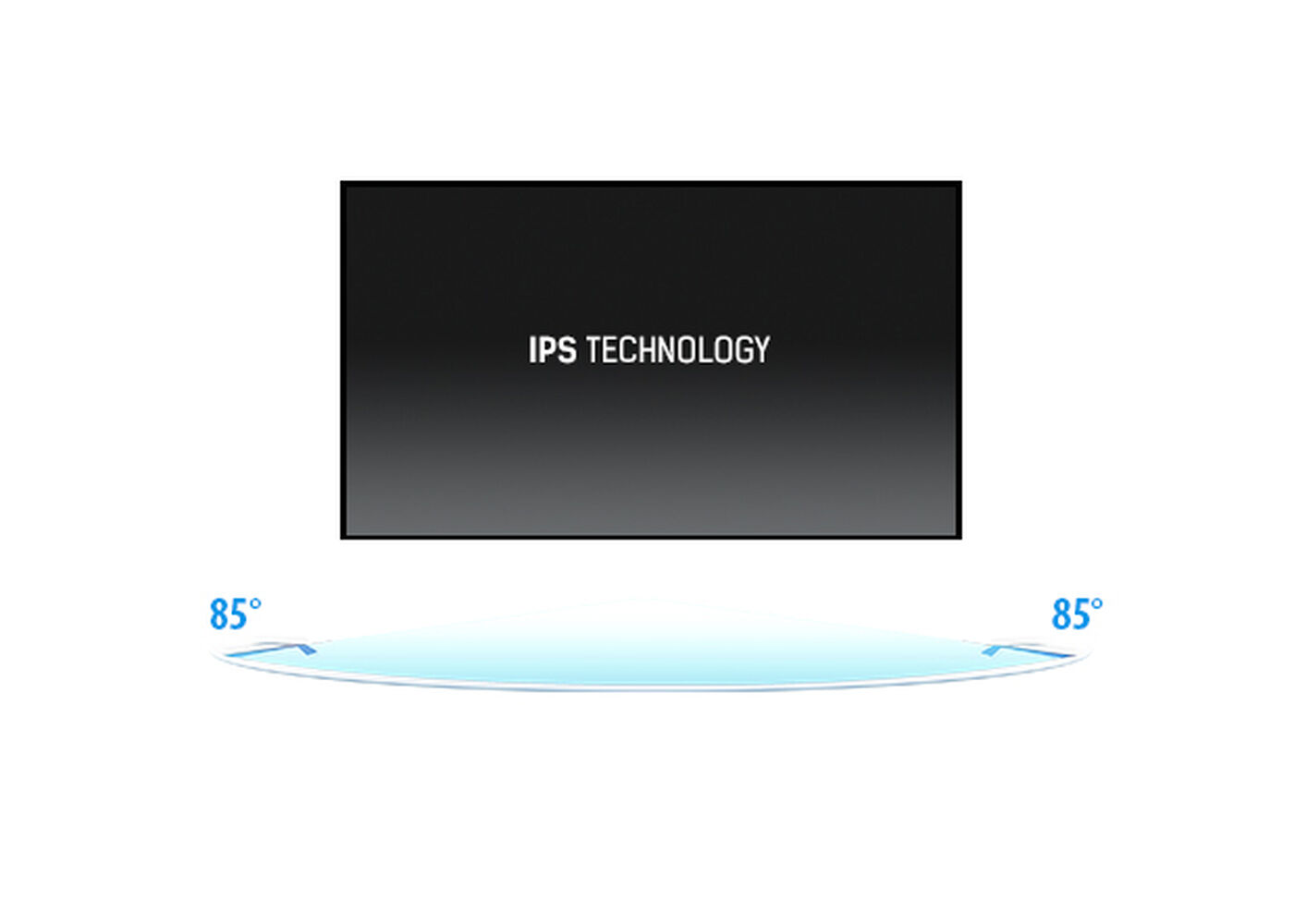
IPS ekranlar, en iyi geniş görüntüleme açıları ve doğal, son derece doğru renkler ile bilinir. Özellikle renk açısından kritik uygulamalar için uygundurlar.
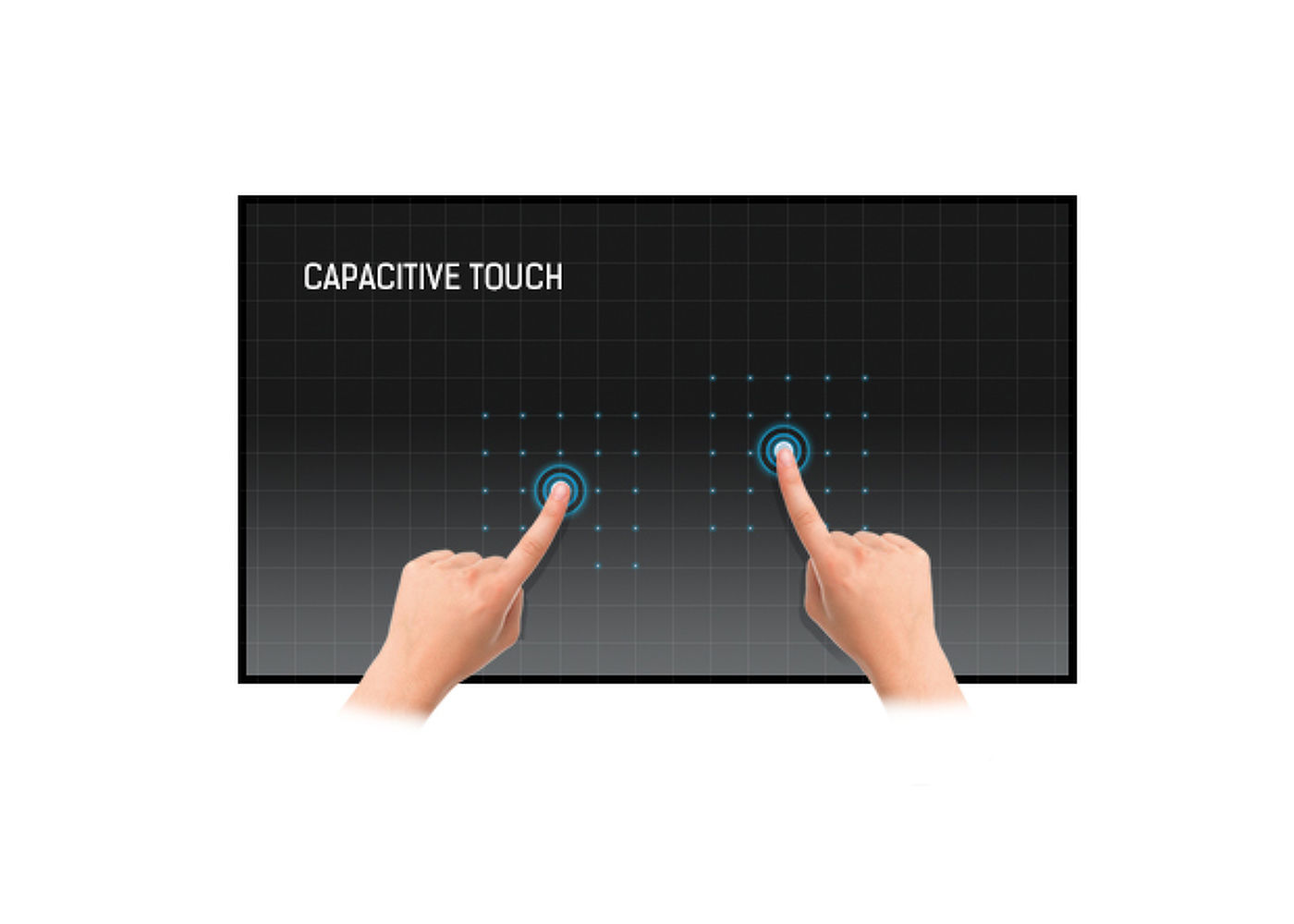
Bu teknoloji, ekranı kaplayan cama entegre edilmiş mikro ince tellerden oluşan bir sensör ızgarası kullanır. İnsan parmağı camın üzerine yerleştirildiğinde sensör ızgarasının elektriksel özellikleri değişir, dokunma algılanır. Cam kaplama sayesinde bu teknoloji son derece dayanıklıdır ve cam çizilse bile dokunma işlevi etkilenmez. Mükemmel görüntü performansı sunar ve insan parmağıyla (ayrıca lateks eldivenli) ve stylus kalemle çalışır.
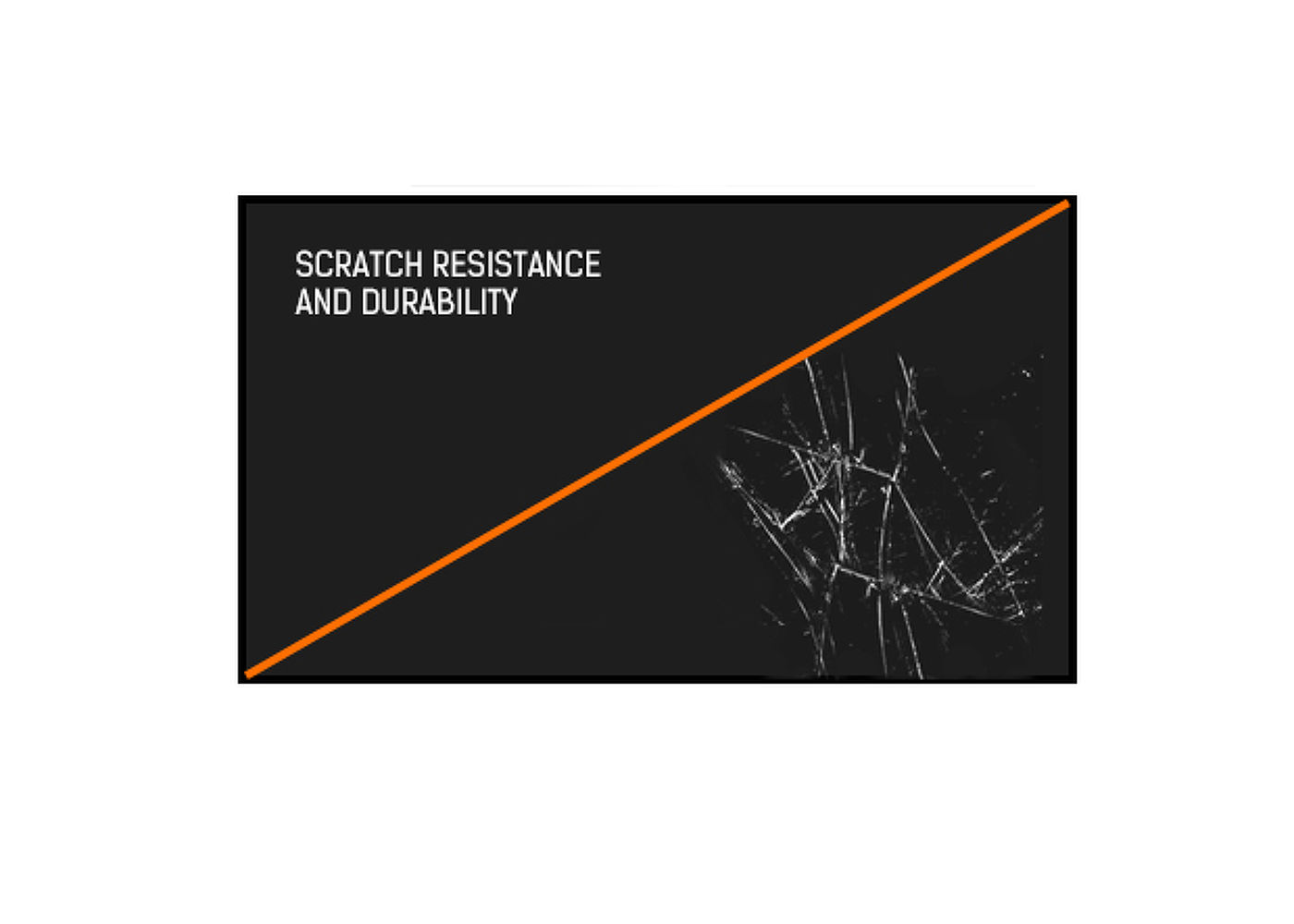
Halka açık yerlerde ve okullarda kullanılan dokunmatik çözümler için çizilmeye karşı dayanıklılık esastır. Bu, ekranı kaplayan bir cam kaplama sayesinde elde edilir. Dokunma işlevinin yüksek dayanıklılığını garanti eder ve daha da önemlisi, cam çizilse bile dokunma işlevi etkilenmez.
Bu LED monitör iki yüksek kaliteli stereo hoparlörle donatılmıştır.


| Ekran Boyutu | 21.5", 54.5cm |
| Diyagonal | 54.5cm |
| Panel | IPS |
| Çözünürlük | 1920 x 1080 @60Hz (2.1 megapixel Full HD) |
| En-Boy Oranı | 16:9 |
| Panel Parlaklığı | 400 cd/m² |
| Parlaklık | 360 cd/m² (Dokunmatik ile) |
| Işık geçirgenliği | 90% |
| Statik Kontrast | 1000:1 |
| Tepki süresi (GTG) | 5ms |
| Görüntüleme Alanı | yatay/dikey: 178°/178°, sağ/sol: 89°/89°, yukarı/aşağı: 89°/89° |
| Yatay Sync | 30 - 83kHz |
| Görüntülenebilir alan G x Y | 478.7 x 260mm, 18.8 x 10.2" |
| Piksel Aralığı | 0.249mm |
| Dokunmatik Nokta Sayısı | 10 (HID, only with supported OS) |
| Dokunma doğruluğu | +- 2mm |
| Desteklenen işletim sistemleri | Tüm iiyama monitörleri Tak ve Çalıştır özelliğine sahiptir ve Windows ve Linux ile uyumludur. Dokunmatik modeller için desteklenen işletim sistemiyle ilgili ayrıntılar için lütfen indirmeler bölümünde bulunan sürücü talimat dosyasına bakın. |
| Palm rejection | Evet |
| Dijital sinyal girişi |
HDMI x1 DisplayPort x1 |
| Ses çıkışı |
Mini jack x1 Hoparlör 2 x 3W |
| USB HUB | x2 (3.2 Gen 1 (5Gbps, DC5V, 900mA)) |
| Cam Sertliği | 7H |
| OSD tuş kilidi | evet |
| Kontrol Düğmeleri | Joystick: right / menu / enter, left / input / exit, up / eco, down |
| Kullanıcı kontrolleri | Picture adjust (brightness, contrast, i-Style Color, adv. contrast, ECO, OverDrive, X-Res technology), color settings (gamma, RGB range, color temp.), image settings (video mode adjust, blue light reducer, sharp and soft), OSD (horizontal pos., vertical pos., OSD time, OSD background, language, display information), extra (reset, DDC/CI, signal select, volume, mute, opening logo, led, touch switch) |
| Mavi ışık azaltıcı | evet |
| Flicker free | evet |
| Eğim açısı | 15° yukarı; 70° aşağı |
| MTBF | 50000 saat (arka ışık hariç) |
| Kablolar | güç, USB, HDMI |
| Güç Kaynağı | AC 100 - 240V, 50/60Hz |
| Güç Tüketimi | 16W tipik, 1.5W stand by, 0.3W off mode |
| Yönetmelikler | , , , , , , , , cTUVus |
| Ürün boyutları G x Y x D | 493.5 x 289.5 x 48.5mm |
| Ağırlık (kutu hariç) | 3.2kg |
| EAN kodu | 4948570121625 |
| Ürün Serisi | ProLite T2455MSC-B1, ProLite T2755MSC-B1 |
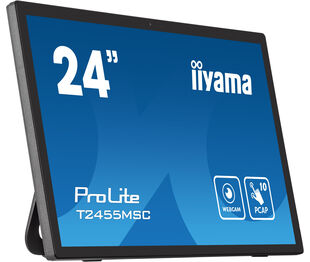

Dokunmatik işleviniz çalışmıyorsa lütfen aşağıdakileri kontrol edin:
1. Bilgisayarınızın monitöre verilen USB kablosuyla bağlı olduğundan emin olun.
2. Kullanıcı kılavuzunda işletim sisteminizin ekran tarafından desteklendiğini doğrulayın.
When cleaning, please follow these guidelines to avoid damaging your Touch monitor:
1. Avoid using paper towels, abrasive cloths, or any harsh cleaning agents, as they can scratch the screen or damage the touch sensors.
2. Do not spray the cleaning solution directly onto the screen to prevent liquid from seeping into the monitor.
3. Avoid excessive cleaning, as it can wear out the screen over time.
4. For more details, please check our dedicated Cleaning page.
Monitörünüz "Sinyal Yok" mesajını görüntülüyorsa lütfen aşağıdakileri kontrol edin:
1. Kabloların her iki uçta da düzgün şekilde bağlandığından emin olun.
2. Doğru sinyal girişini (HDMI/DP) seçin veya AUTO'yu seçin.
Ekran bekleme modundayken bir giriş seçme konusunda rehberlik için lütfen kullanıcı kılavuzuna bakın. Masaüstü monitörlerde, yaygın yöntemler arasında INPUT, AUTO veya "2" düğmelerine basmak veya joystick'i geriye doğru hareket ettirmek yer alır.
Evet, iiyama monitörünüz Apple Mac sisteminizle çalışacaktır. Ancak, nasıl bağlanacağınız sinyal girişine bağlıdır. 2020'den itibaren Apple Mac sistemleri yalnızca video çıkışı için Thunderbolt 3 (USB-C) bağlantı noktalarına sahip olduğundan, iki seçeneğiniz vardır:
1. Doğrudan iiyama monitörünüzdeki USB-C sinyal girişine bağlayın.
2. Monitörünüzde yalnızca HDMI veya Displayport varsa, mevcut video girişlerinden birini destekleyen Mac uyumlu bir dongle'a ihtiyacınız olacaktır. Apple, bu amaçla kullanılabilen bir USB-C Dijital AV Çoklu Bağlantı Noktası Adaptörü (MW5M3AM) sunar.
3. iiyama monitörünüzde dokunmatik ekran yetenekleri varsa, Mac sisteminizle dokunmatik işlevselliğinin uyumluluğunu doğrulamak için lütfen kullanıcı kılavuzuna bakın.
To resolve the issue of a blinking picture, please follow these steps:
1. Inspect the Signal Cable.
Ensure the signal cable is securely connected at both ends and free from any physical damage. Avoid any sharp bends or squishing of the cable.
2. Use a Shorter Cable.
If possible, use a cable shorter than 3 meters and connect the monitor directly to a wall power socket, avoiding the use of adapters.
3. Disable FreeSync/Adaptive Sync.
For desktop or gaming monitors, try disabling FreeSync or Adaptive Sync in the monitor's settings menu.