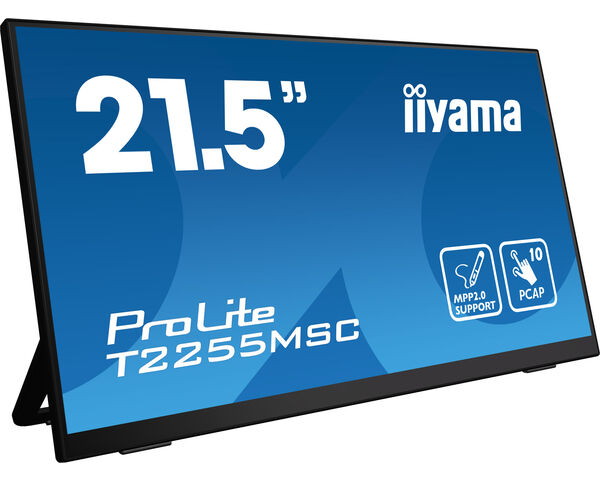
ProLite T2255MSC-B1
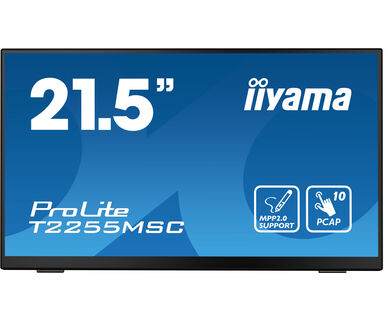
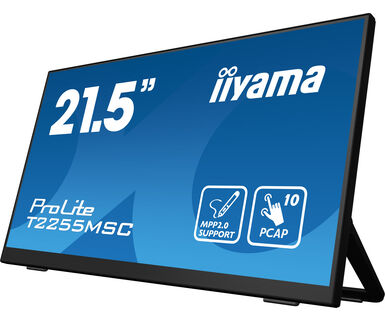
21.5" optički vezani PCAP multi-touch monitor sa staklom od ivice do ivice, premazom protiv otisaka prstiju, podrška za aktivnu olovku (MPP 2.0) i fleksibilna podrška
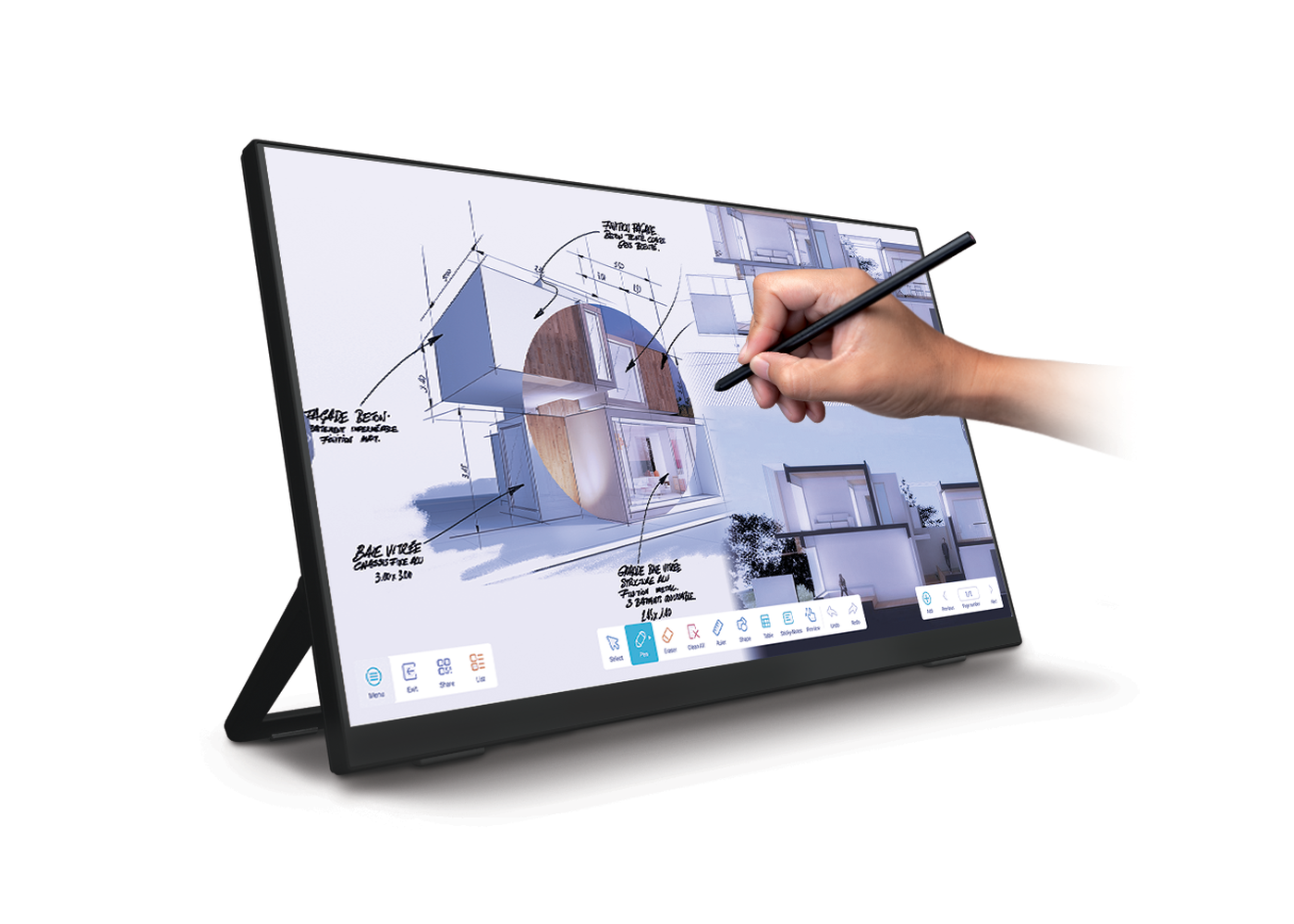
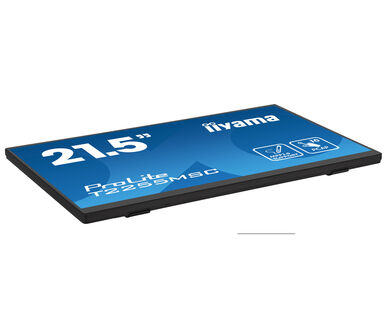
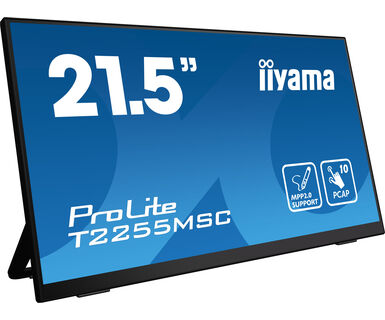
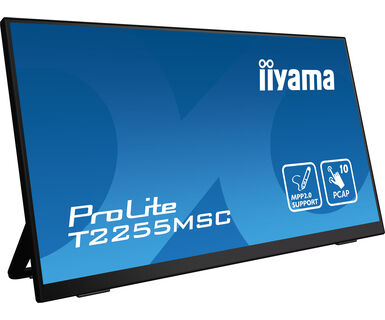
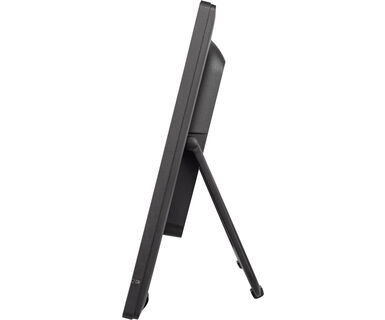
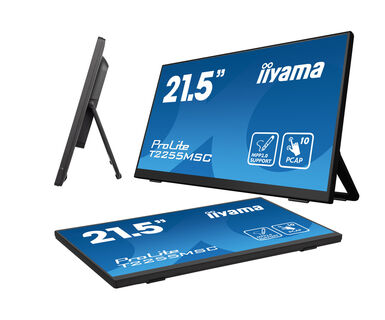
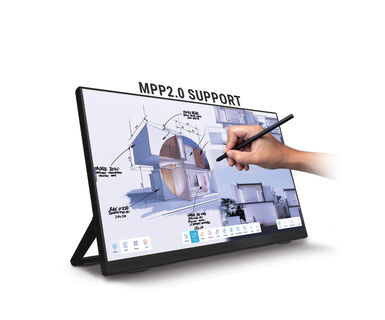
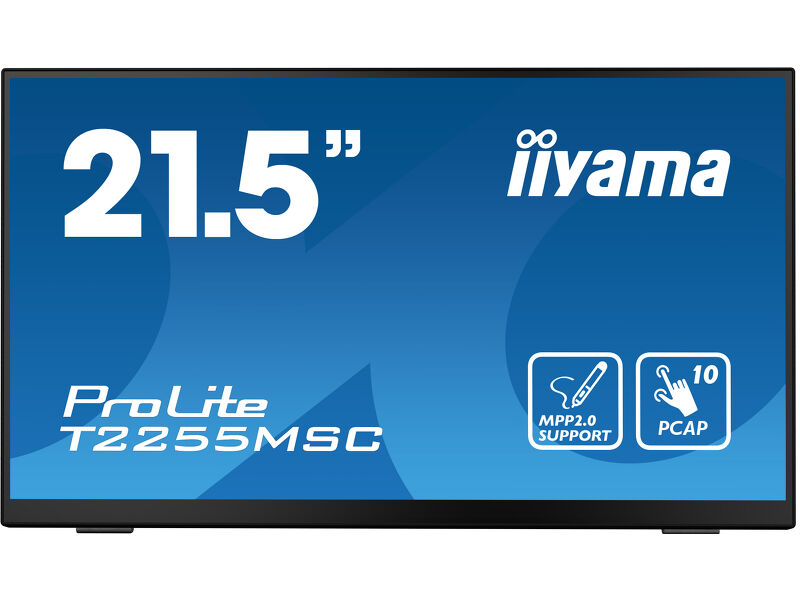
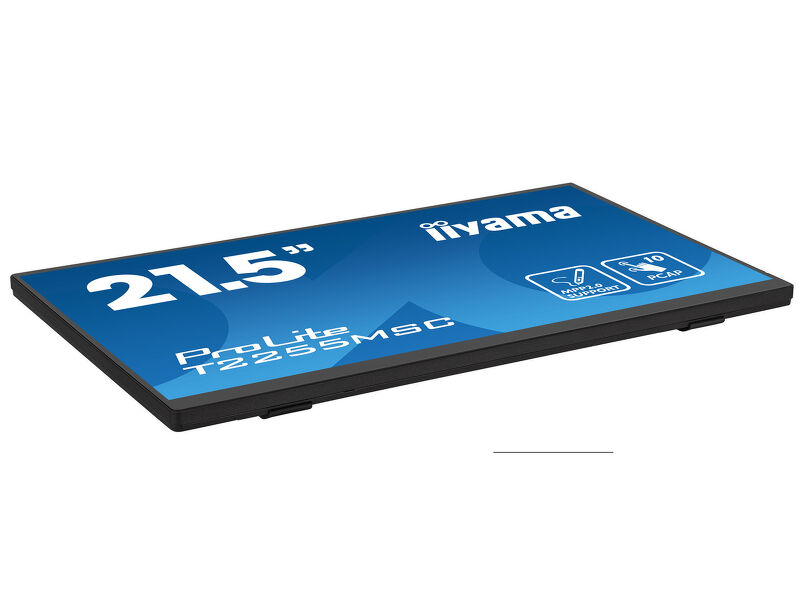
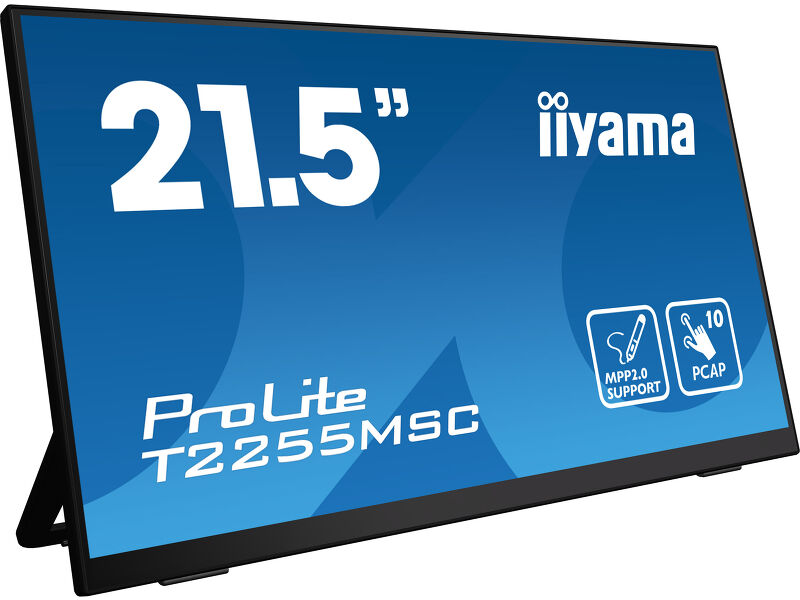
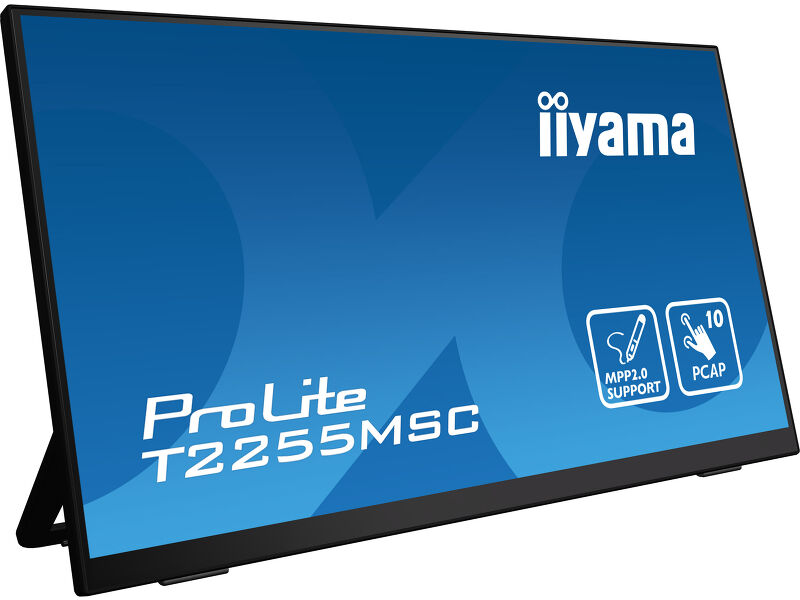
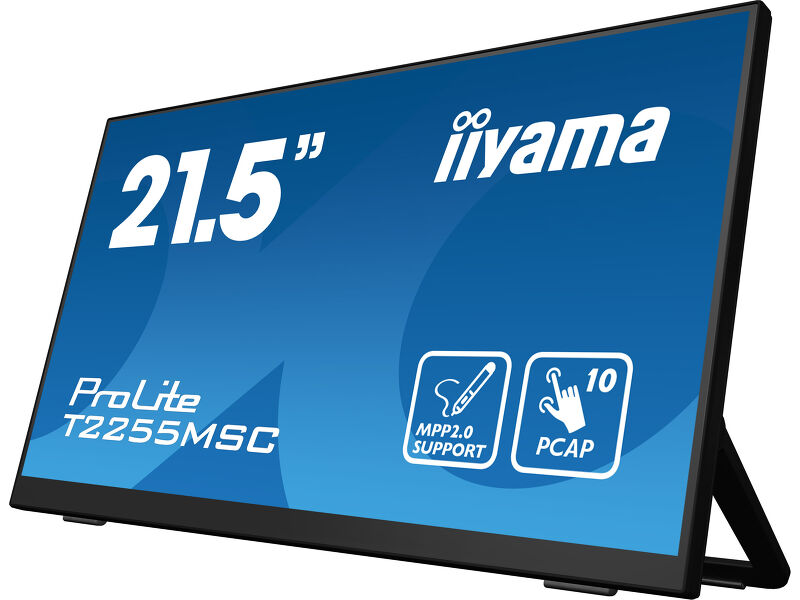
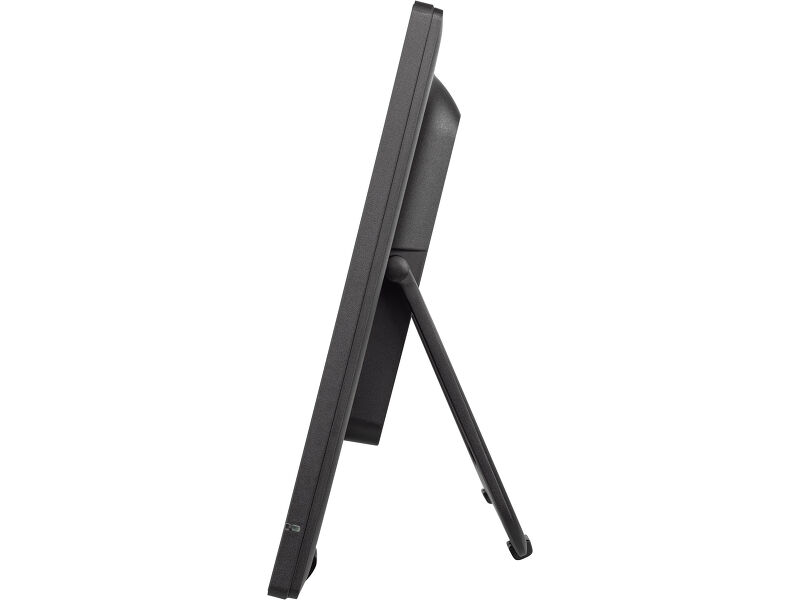
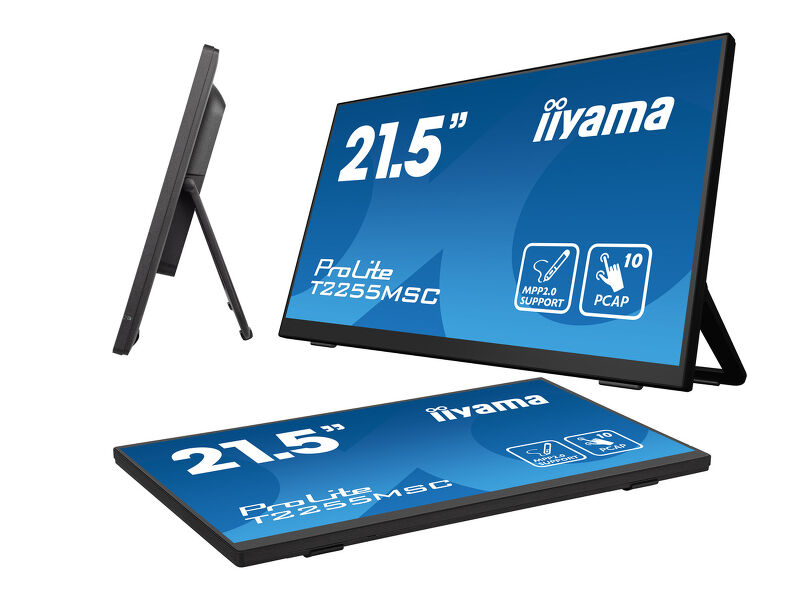
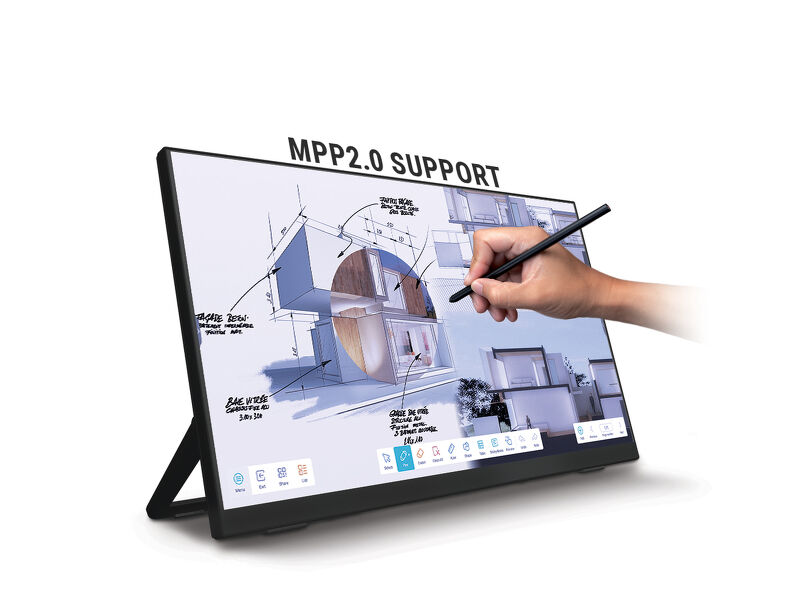
The ProLite T2255MSC with its Full HD (1920x1080) resolution and accurate PCAP 10 point touch technology, delivers a seamless and accurate touch response. Featuring IPS LCD screen technology, it offers exceptional colour performance and wide viewing angels. A special Nano coating ensures a smoother touch and less resistance in the swipe. It makes the screen less static and susceptible to dirt, dust and fingerprints. The monitor supports MPP2.0 (Microsoft Pen Protocol) technology, which is used in digital pens and styluses for use with compatible devices. The pen or stylus can interact with the ProLite T2255MSC, allowing users to write, draw, and navigate on the screen. It is very precise and supports tilt functionality, meaning the users can adjust the thickness and angle of their lines by tilting the pen, providing a more natural and intuitive writing and drawing experience.Its flexible stand can be positioned at several angles creating a comfortable and ergonomic user experience. A perfect choise for a vast array of creative applications.
 Zvučnici
-
MPP2.0 Podrška
-
IPS Tehnologija
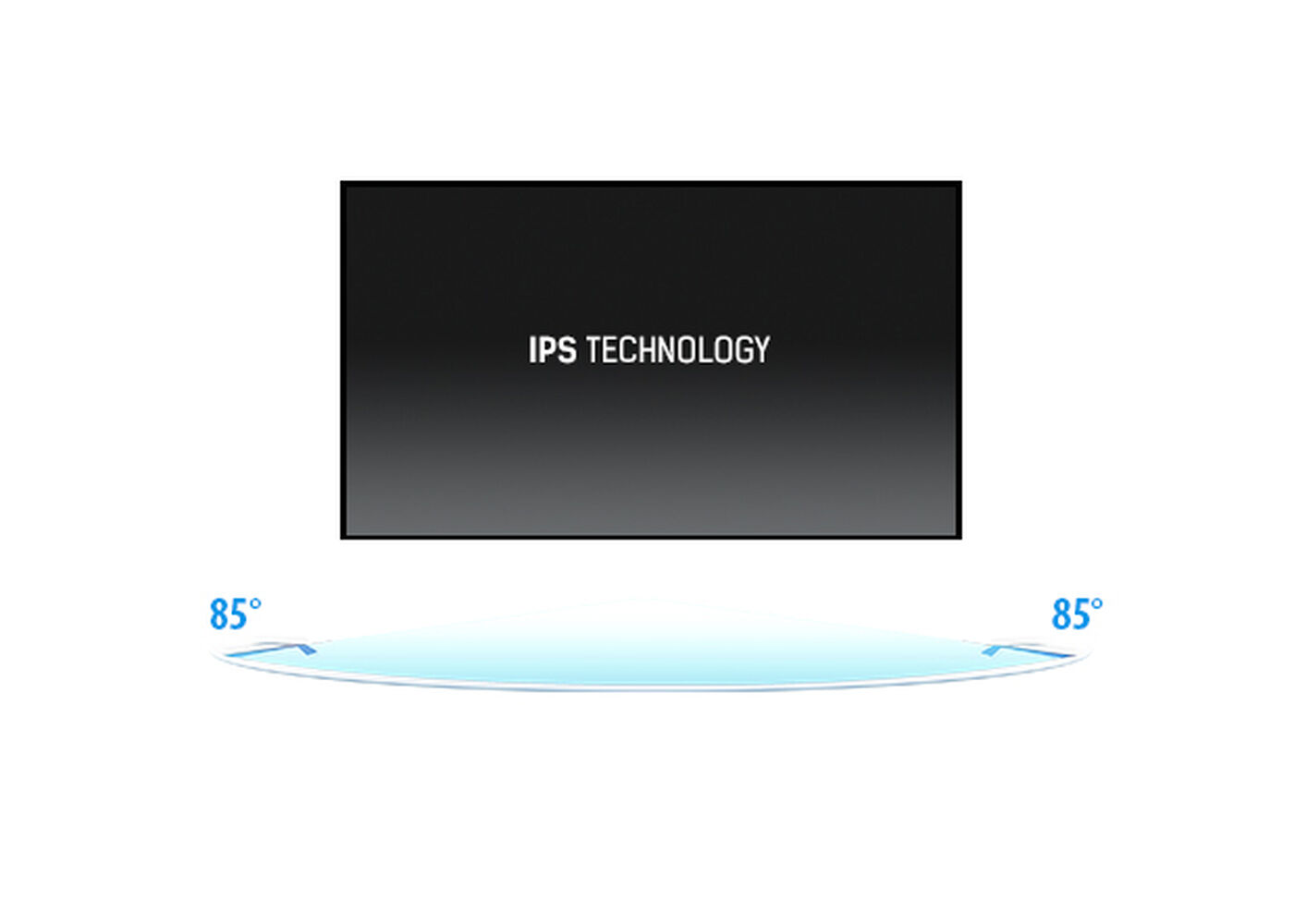
Ensure perfect visibility from any position - The IPS panel delivers vivid, consistent colors and wide viewing angles, ideal for dynamic retail environments and busy commercial spaces.
-

Touch tehnologija - Kapacitivna
Ova tehnologija koristi senzornu mrežu mikro finih žica integrisanih u staklo koje pokriva ekran. Dodir se prepoznaje jer se električne karakteristike mreže senzora menjaju kada se ljudski prst stavi na staklo. Zahvaljujući prekrivanju staklom ova je tehnologija vrlo izdržljiva, a funkcija dodira ostaje netaknuta čak i ako se staklo ogrebe. Nudi savršene performanse slike i radiće sa ljudskim prstom (takođe i u rukavicama od lateksa) i olovkom.
-

Otpornost na ogrebotine
Otpornost na ogrebotine je ključna za rešenja koja se koriste na javnim mjestima i u školama. To se postiže zahvaljujući staklenoj oblozi koja prekriva ekran. Garantuje visoku trajnost dodirne funkcije, a još važnije je da dodirna funkcija ostaje netaknuta čak i ako se staklo ogrebe.
-
Zvučnici
Ovaj LED monitor opremljen je sa dva stereo zvučnika.
Tehnička specifikacija



KARAKTERISTIKE EKRANA
| Dizajn | Staklo od ivice do ivice |
| Dijagonala | 21.5", 54.5cm |
| Panel | IPS |
| Osnovna rezolucija | 1920 x 1080 @60Hz (2.1 megapixel Full HD) |
| Osnovna rezolucija | 60Hz |
| Format ekrana | 16:9 |
| Osvetljenje | 400 cd/m² |
| Osvetljenje | 360 cd/m² sa dodirom |
| Propusnost svetla | 90% |
| Statički kontrast | 1000:1 |
| Vreme odziva (GTG) | 5ms |
| Zona gledanja | horizontalno/vertikalno: 178°/178°, desno/levo: 89°/89°, gore/dole: 89°/89° |
| Horizontalna sinhronizacija | 30 - 83KHz |
| Vidljiva površina Š x V | 478.7 x 260mm, 18.8 x 10.2" |
| Razmak piksela | 0.249mm |
TOUCH
| Touch tehnologija | PCAP optičko vezivanje |
| Interfejs dodira | USB |
| Odbijanje dlana | da |
KONEKTORI / KONTROLE
| Ulaz digitalnog signala |
HDMI x1 DisplayPort x1 |
| Audio izlaz |
Mini konektor x1 Zvučnici 2 x 3W |
| USB HUB | x2 (3.2 Gen 1 (5Gbps, DC5V, 900mA)) |
KARAKTERISTIKE
| Dodatno | premaz protiv otiska prsta, MPP2.0 |
| Tvrdoća stakla | 7H |
| Zaključavanje OSD tastera | da |
OPŠTE
| OSD jezici | EN, DE, FR, ES, IT, PT, RU, JP, NL, PL |
| Kontrolni tasteri | Džojstik: desno / meni / ulaz, levo / ulaz / izlaz, gore / eko, dole |
| Korisničke kontrole | Podešavanje slike (osvetljenje, kontrast, i-Stile Color, adv. kontrast, ECO, OverDrive, X-Res tehnologija), podešavanja boja (gama, RGB opseg, temp. boja), podešavanja slike (podešavanje video režima, reduktor plave svetlosti, oštar i mekan), OSD (horizontalni položaj, vertikalni položaj, vreme na ekranu, pozadina menija na ekranu, jezik, informacije o ekranu), ekstra (resetovanje, DDC/CI, izbor signala, jačina zvuka, utišavanje, logo za otvaranje, LED, prekidač na dodir) |
| Pogodnost | Kensington-lock™ priprema |
| Redukcija plavog svetla | da |
| Plug&Play | DDC2B |
MEHANIČKI
| Ugao nagiba | 15° gore; 70° dole |
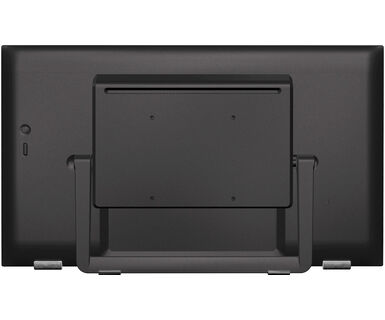
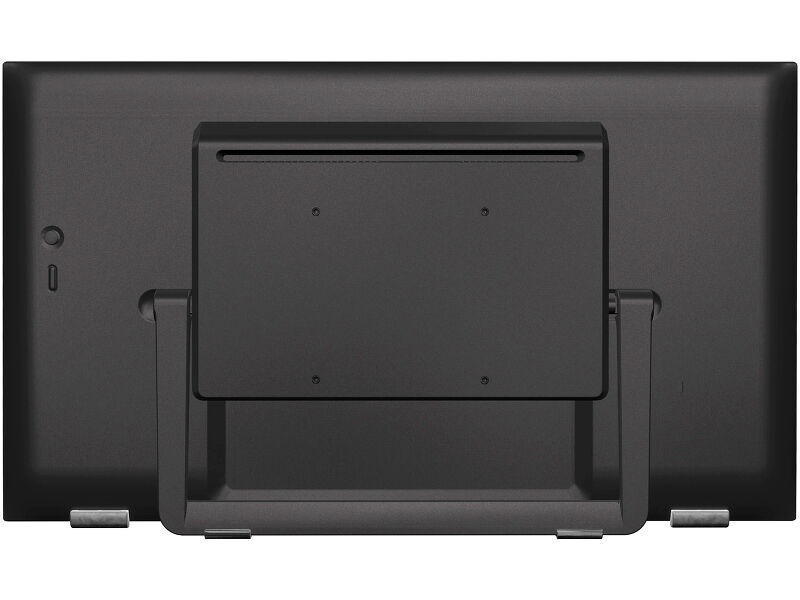
| VESA montiranje | 100 x 100mm |
| MTBF - Prosecno vreme izmedju kvarova | 50000 sati (izuzimajući pozadinsko osvetljenje) |
UKLJUČENI DODACI
| Kablovi | Strujni kabl (1.8m), USB (1.5m), HDMI (1.5m) |
UPRAVLJANJE NAPAJANJEM
| Napajanje | interna |
| Potrošnja energije | % 1W tipično, 1.5W stand by, 0.3W iskljucen |
ODRŽIVOST
| Klasa energetske efikasnosti (Regulation (EU) 2017/1369) | D |
| REACH SVHC | iznad 0.1%: Olova |
DIMENZIJE / TEŽINA
| Dimenzije proizvoda Š x V x D | 493.5 x 289.5 x 48.5mm |
| Težina (bez kutije) | 3.2kg |
| EAN kod | 4948570121625 |
POVEZANE INFORMACIJE
| Serija proizvoda | ProLite T2455MSC-B1, ProLite T2755MSC-B1 |
FAQS
Why is the Touch functionality not working?
+If your touch functionality is not working, please check the following:
1. Ensure your PC is connected to the monitor with the supplied USB cable.
2. Verify in the user manual that your operating system is supported by the screen.
How should I clean my Touch monitor?
+When cleaning, please follow these guidelines to avoid damaging your Touch monitor:
1. Avoid using paper towels, abrasive cloths, or any harsh cleaning agents, as they can scratch the screen or damage the touch sensors.
2. Do not spray the cleaning solution directly onto the screen to prevent liquid from seeping into the monitor.
3. Avoid excessive cleaning, as it can wear out the screen over time.
4. For more details, please check our dedicated Cleaning page.
Why is my monitor displaying a "No Signal" message?
+If your monitor is displaying a "No Signal" message, please check the following:
1. Ensure the cables are properly connected at both ends.
2. Select the correct signal input (HDMI/DP) or choose AUTO.
For guidance on selecting an input while the screen is in standby mode, please consult the user manual. On desktop monitors, common methods include pressing the INPUT, AUTO, or "2" buttons, or moving the joystick backward.
I have an Apple MAC-system, will my iiyama monitor work?
+Yes, your iiyama monitor will work with your Apple Mac system. However, it depends on the signal input how to connect. Since Apple Mac systems from 2020 onwards only have Thunderbolt 3 (USB-C) ports for video output, you have two options:
1. Connect directly to the USB-C signal input on your iiyama monitor.
2. In case your monitor only has HDMI or Displayport, you will need a Mac-compatible dongle that supports one of the video inputs available. Apple offers a USB-C Digital AV Multiport Adapter (MW5M3AM) that can be used for this purpose.
3. If your iiyama monitor has touchscreen capabilities, please refer to the user manual to verify touch functionality compatibility with your Mac system.
The picture on my monitor is flickering. What steps can I take to fix it?
+To resolve the issue of a blinking picture, please follow these steps:
1. Inspect the Signal Cable.
Ensure the signal cable is securely connected at both ends and free from any physical damage. Avoid any sharp bends or squishing of the cable.
2. Use a Shorter Cable.
If possible, use a cable shorter than 3 meters and connect the monitor directly to a wall power socket, avoiding the use of adapters.
3. Disable FreeSync/Adaptive Sync.
For desktop or gaming monitors, try disabling FreeSync or Adaptive Sync in the monitor's settings menu.
Povezani proizvodi
Preuzimanja
| Specifikacija | ProLite T2255MSC-B1 - sr_rs.pdf | Preuzimanje |
| Sheme | T2255MSC drawing.pdf | Preuzimanje |
| EU Energetska oznaka | T2255MSC-B1 EU Energy Label (1497508).pdf | Preuzimanje |
| UK Energetska oznaka | T2255MSC-B1 UK Energy Label (1497508).pdf | Preuzimanje |
| Guarantee label | T2255MSC-B1.pdf | Preuzimanje |
Tehnička podrška i sertifikati
| CE | T2255MSC-1 CE DoC.pdf | Preuzimanje |
| TUV | T2255MSC-1 TUV Certificate.pdf | Preuzimanje |