Subscribe to our newsletter
Keep up #withiiyama
You have successfully subscribed to our newsletter.
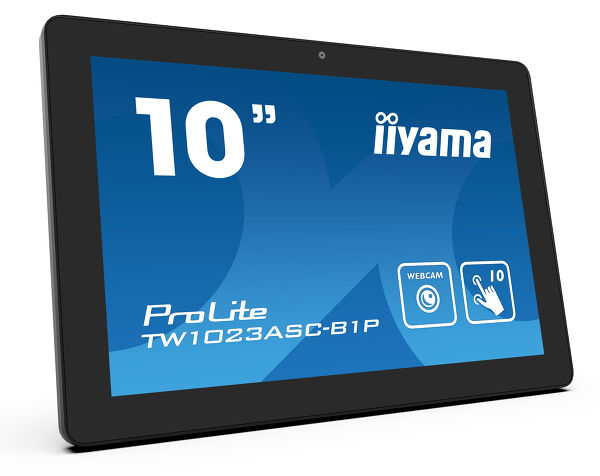
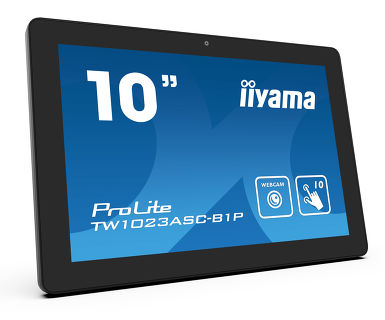
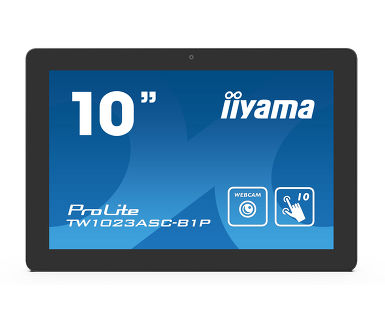
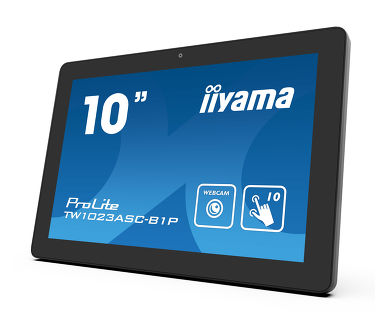
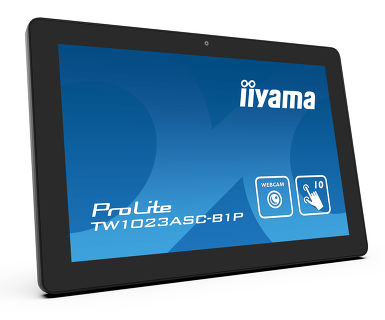
10.1 ”PCAP 10pt dodirni ekran sa Androidom i Pover over Ethernet tehnologijom
ProLite TW1023ASC-B1P dodirni panel je savršen izbor za okruženja visoke namene kao što su maloprodaja, interaktivni POS, informativni stolovi ili aplikacije za ugostiteljstvo.
Pover over Ethernet tehnologija (POE) omogućava da se jednim kablom pruži veza za prenos podataka i napajanje čime pojednostavljuje sve instalacije. Ovaj monitor može raditi u pejzažnoj i portretnoj orijenetaciji ili okrenut licem na prema gore. Zajedno sa ugrađenom kamerom i zvučnicima nudi neograničene, interaktivne mogućnosti instalacije.
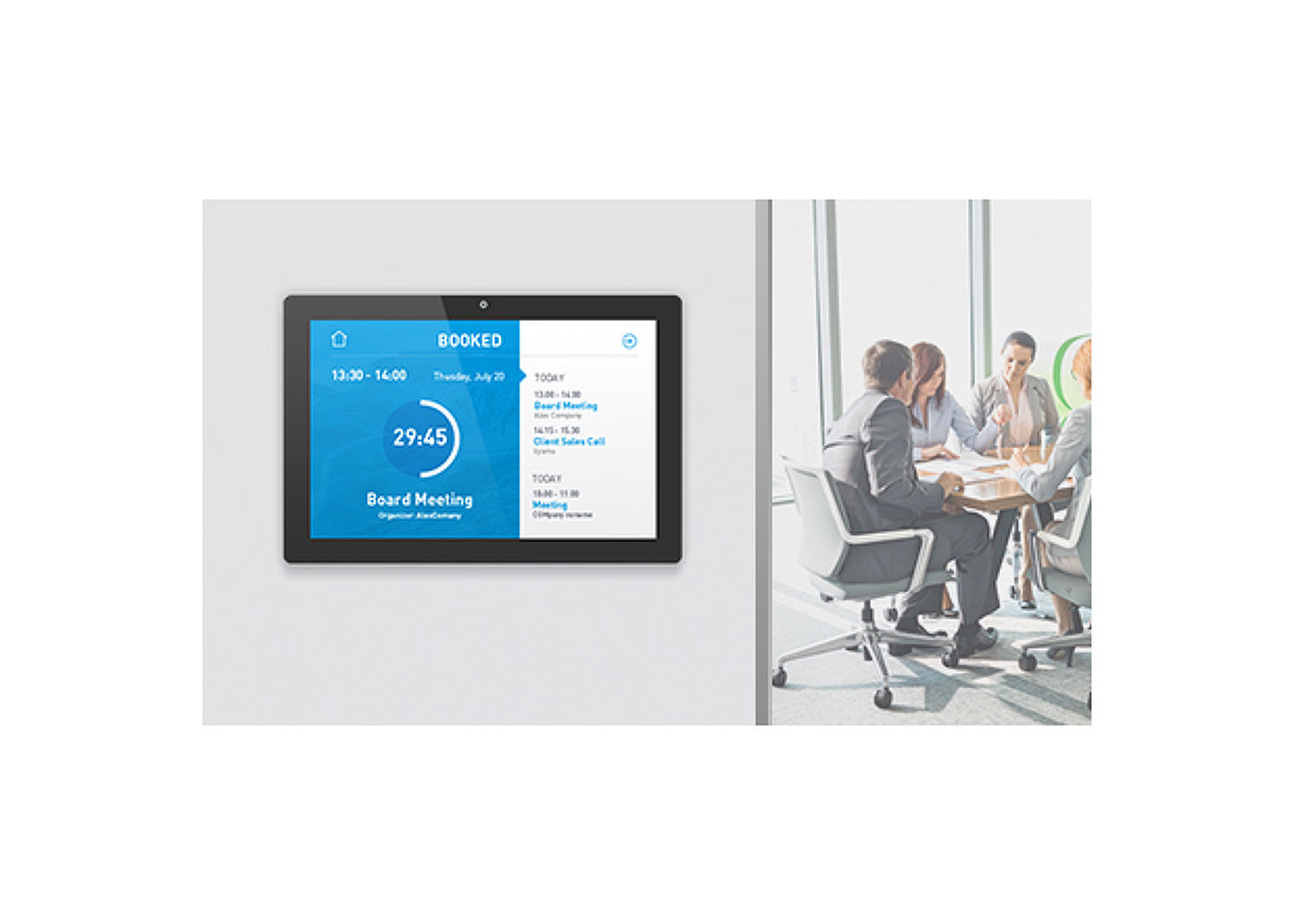
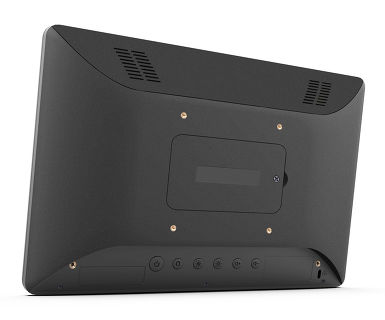
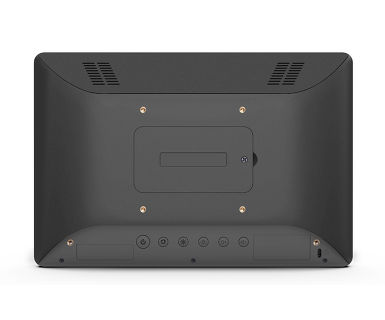
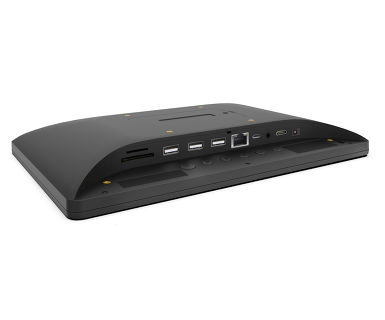
RJ45 (LAN) konektor koji podržava Pover over Ethernet tehnologiju (POE) omogućava da se sa jednim kablom obezbedi veza podataka i napajanje, što pojednostavljuje instalaciju u područjima gde bi mnogi veliki broj kablova ometao okruženje.
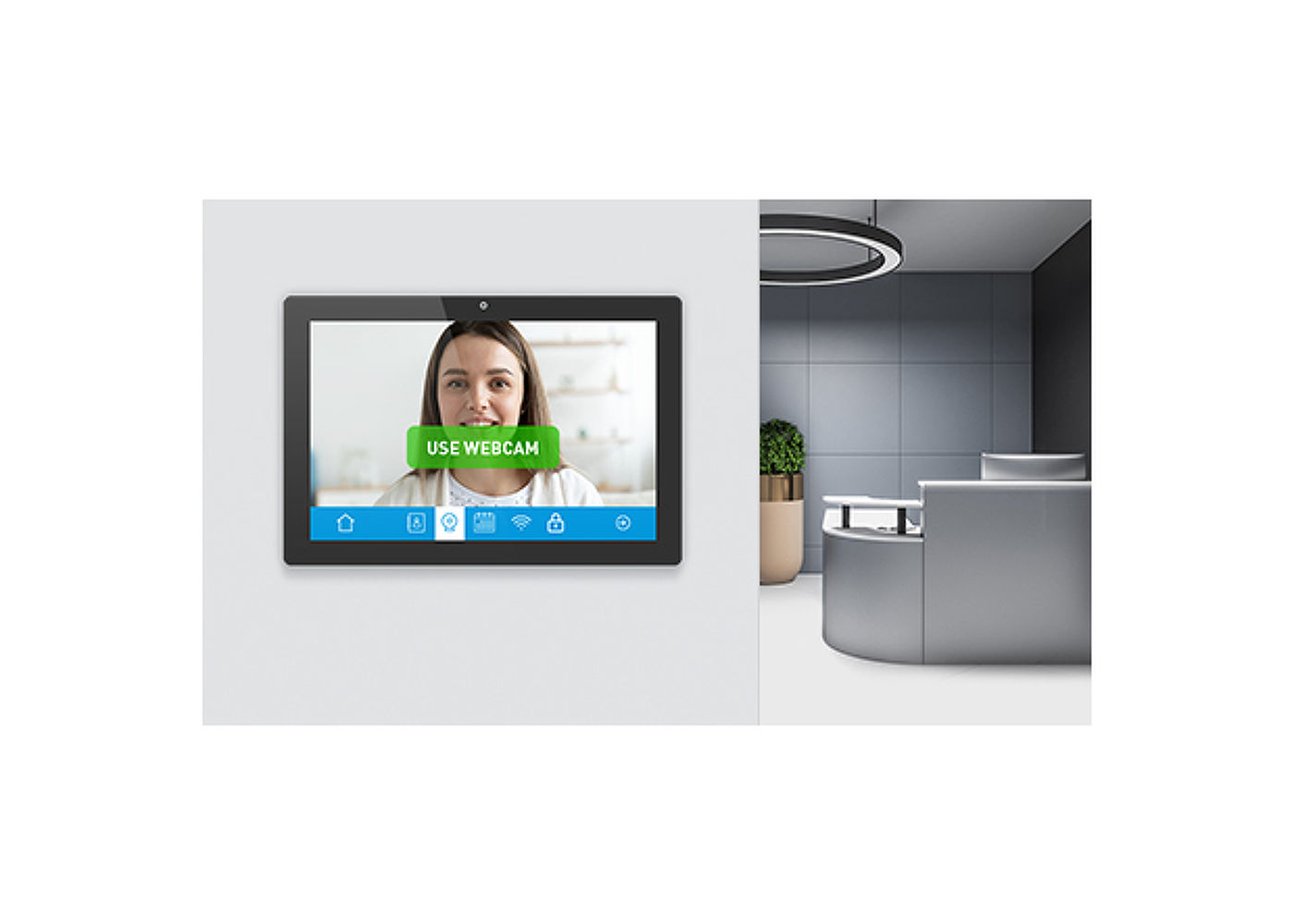
Napravite ekran savršenim rešenjem za polu ili potpuno automatizovana rešenja za prijem koja omogućava kompanijama da prate i upravljaju prometom posetilaca u predvorju recepcije, a da ne narušavaju Vašu sigurnost i sigurnost vašeg osoblja, posetilaca i imovine kompanije.
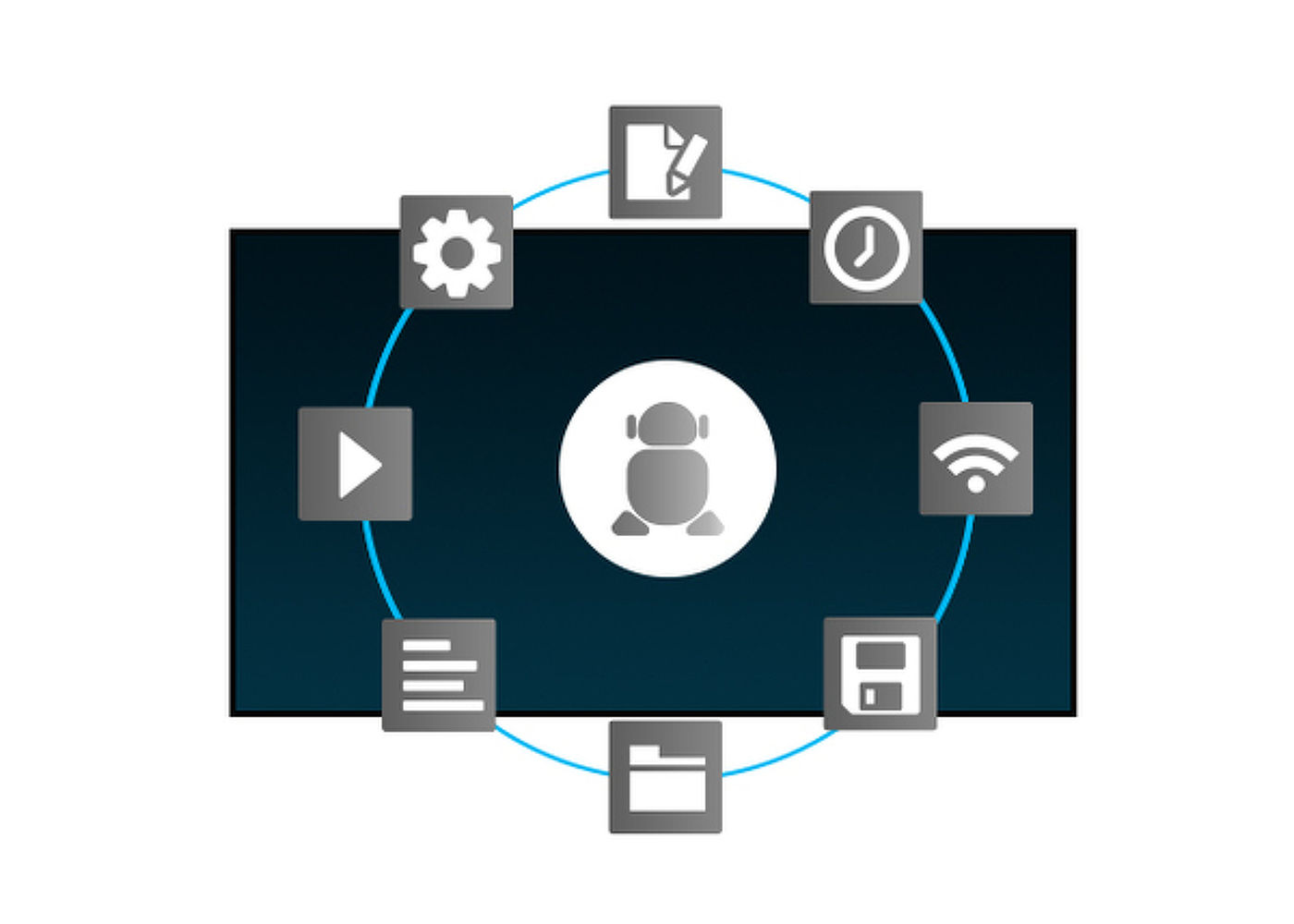
Zahvaljujući Android operativnom sistemu, ekran možete lako prilagoditi svojim potrebama instaliranjem aplikacija direktno na njega.
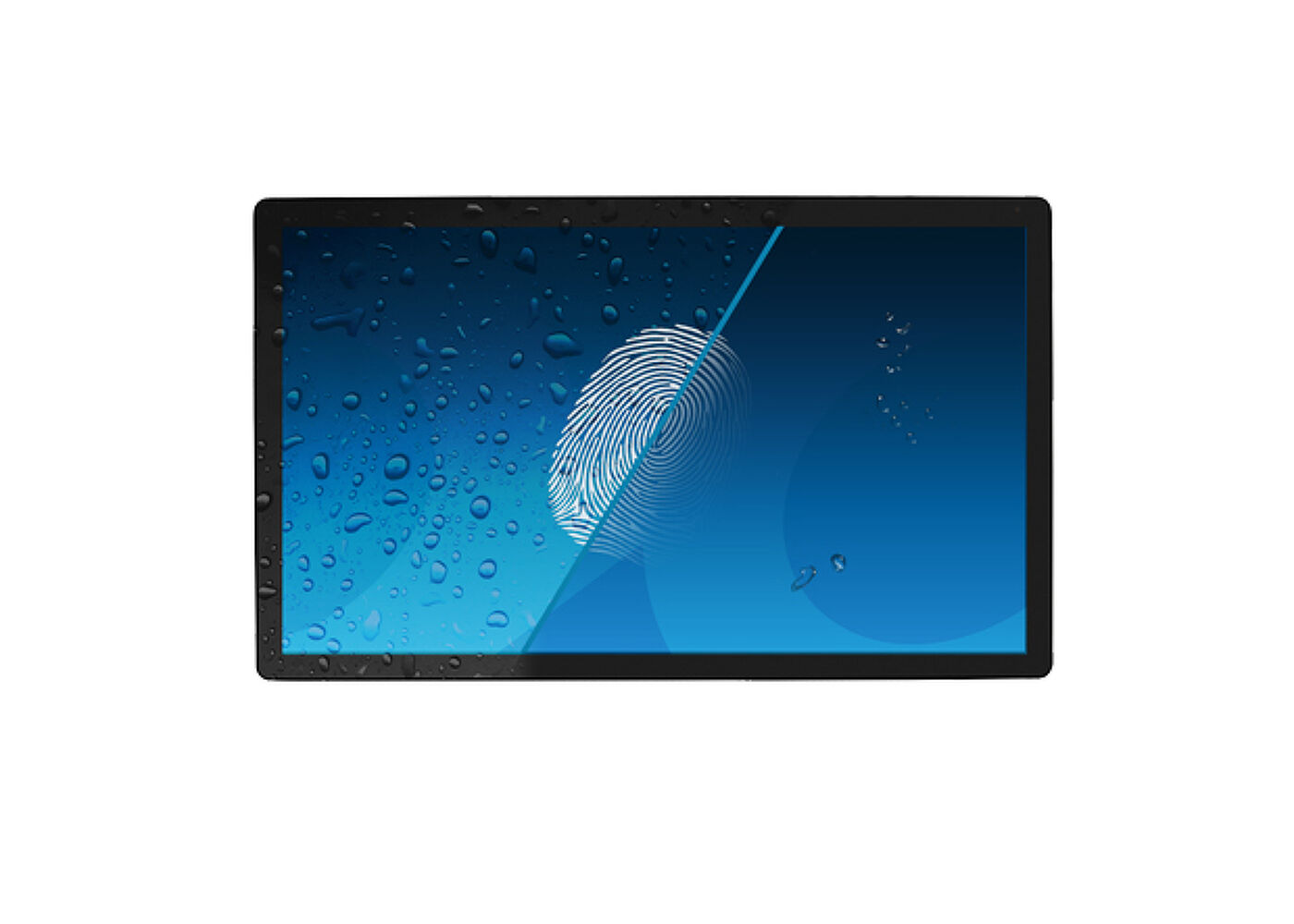
Ovaj poseban Nano premaz osigurava glatkiji dodir i manji otpor pri korišćenju. Čini ekran manje statičkim i podložnim prljavštini, prašini, otiscima prstiju i poboljšava jasnoću sadržaja prikazanog na ekranu.
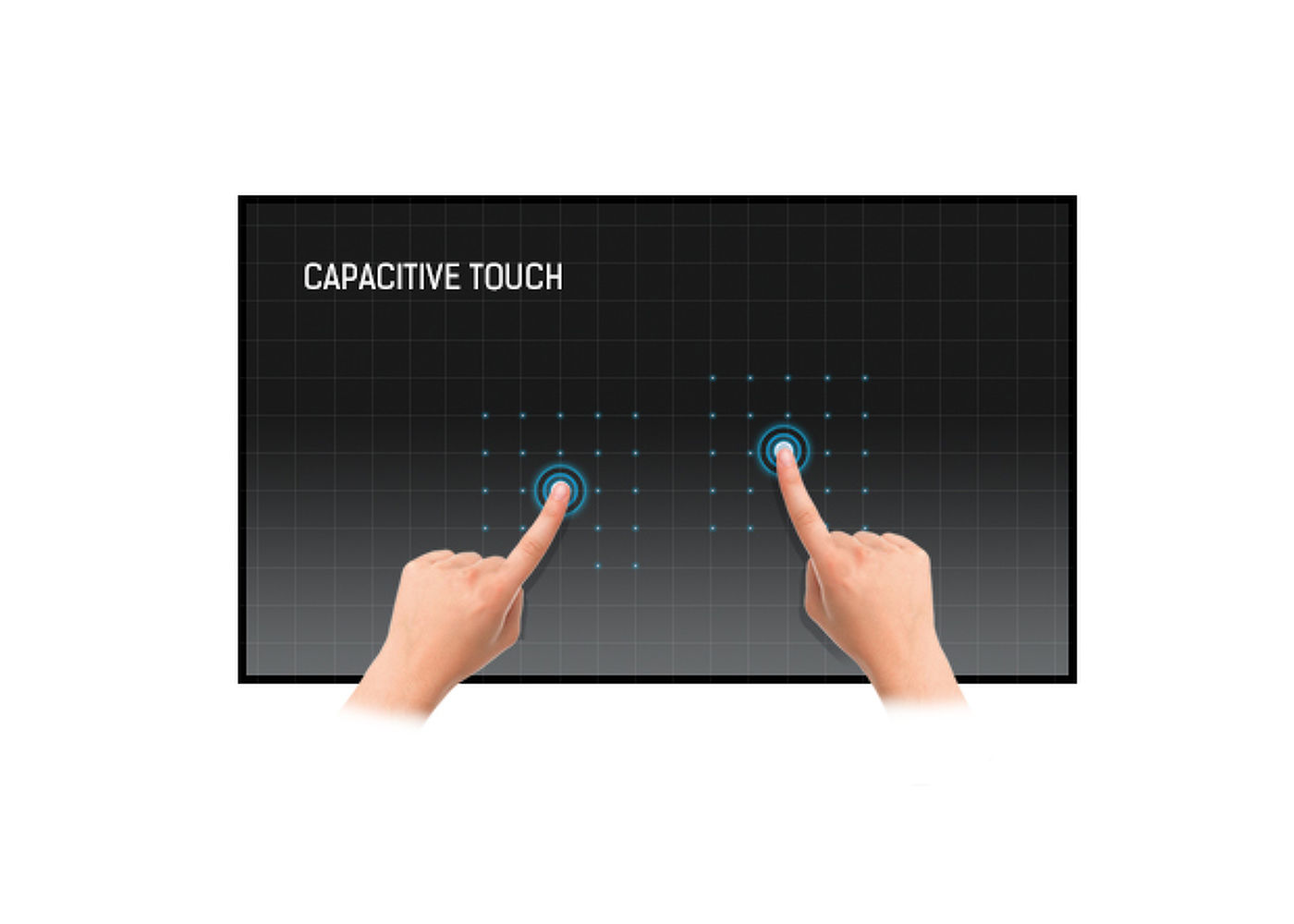
Ova tehnologija koristi senzornu mrežu mikro finih žica integrisanih u staklo koje pokriva ekran. Dodir se prepoznaje jer se električne karakteristike mreže senzora menjaju kada se ljudski prst stavi na staklo. Zahvaljujući prekrivanju staklom ova je tehnologija vrlo izdržljiva, a funkcija dodira ostaje netaknuta čak i ako se staklo ogrebe. Nudi savršene performanse slike i radiće sa ljudskim prstom (takođe i u rukavicama od lateksa) i olovkom.


| Dizajn | Staklo od ivice do ivice |
| Dijagonala | 10.1", 25.5cm |
| Panel | IPS Panel Tehnologija, LED |
| Osnovna rezolucija | 1280 x 800 (1 megapixel HD) |
| Format ekrana | 16:10 |
| Osvetljenje | 450 cd/m² |
| Osvetljenje | 385 cd/m² sa dodirom |
| Propusnost svetla | 85% |
| Statički kontrast | 1000:1 sa dodirom |
| Vreme odziva (GTG) | 25ms |
| Zona gledanja | horizontalno/vertikalno: 160°/160°, desno/levo: 80°/80°, gore/dole: 80°/80° |
| Podržane boje | 16.7miliona 8bit |
| Vidljiva površina Š x V | 216.6 x 135.4mm, 8.5 x 5.3" |
| Razmak piksela | 0.1692mm |
| Boja okvra | crna, mat |
| Touch tehnologija | projektivni kapacitivni |
| Tačke dodira | 10 |
| Način dodira | prst, rukavica (lateks), kapacitativna olovka |
| Interfejs dodira | USB |
| Digitalni izlaz signala | HDMI x1 (mini HDMI, 1280x720 @60Hz) |
| Audio izlaz | Zvučnici 2 x 1.5W |
| USB portovi | x2 (2.0, 1 x MICRO sa OTG) |
| RJ45 (LAN) | x1 (PoE - IEEE802.3af/15.4W) |
| Mikrofon | 1 |
| Integrisani softver | Android 11 |
| CPU | Rockchip RK3288 Quad-core A17*4 |
| GPU | T764 |
| Memorija za skladištenje | 16GB eMMC |
| Memorija | 2GB DDR3 |
| WiFi | IEEE802.11b/g/n |
| Bluetooth | 4.0 |
| Dodatno | automatska rotacija, veb kamera (2 megapiksela), mikrofon, slot za SD karticu, premaz protiv otisaka prsta |
| Maksimalno neprekidno radno vreme | 24/7 |
| Debljina stakla | 1.25mm |
| Tvrdoća stakla | 7H |
| Orijentacija | pejzaž, portret, face-up |
| VESA montiranje | 75 x 75mm |
| Upustva | kratko uputstvo, bezbednosni vodič |
| Ostalo | AC adapter |
| Poklopac kabla | da |
| Napajanje | eksterna |
| Potrošnja energije | % 1W tipično |
| Propisi | CE, RoHS podrška, ErP, WEEE, REACH |
| REACH SVHC | iznad 0.1%: Olova |
| Dimenzije proizvoda Š x V x D | 255 x 172 x 30.5mm |
| Dimenzije kutije Š x V x D | 398 x 223 x 68mm |
| Zapremina palete | 256pcs |
| Dimenzije palete Š x V x D | 1000 x 1200 x 2150mm |
| Težina (bez kutije) | 0.8kg |
| Težina (sa kutijom) | 1.36kg |
| EAN kod | 4948570117116 |
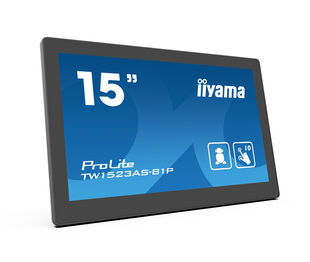
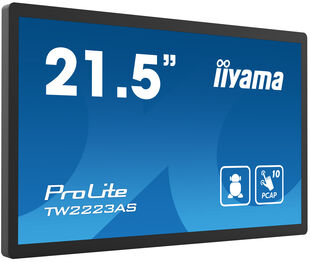
| Serija proizvoda | ProLite TW1523AS-B1P, ProLite TW2223AS-B1 |

You can install apps on your iiyama monitor through the official Google Play Store. However, the functionality of these apps may vary, depending on the specific app you wish to install.
Please visit the iiyama signup webpage and enter the model name or serial number of your iiyama screen. You will be directed to all available software applications for your product, along with instructions on how to activate them.
MBR cannot be selected when FreeSync/AdaptiveSync is activated, because MBR can interfere with the FreeSync/Adaptive Sync technology as they have different methods of improving motion clarity. MBR reduces motion blur (response time), while Adaptive Sync/FreeSync addresses stuttering. We recommend activating Adaptive Sync/FreeSync on systems with fluctuating or unstable frame rates. MBR performs best on powerful systems that maintain a consistently high frame rate.
Yes, Adaptive Sync is compatible with AMD FreeSync and NVIDIA G-Sync.
If your touch functionality is not working, please check the following:
1. Ensure your PC is connected to the monitor with the supplied USB cable.
2. Verify in the user manual that your operating system is supported by the screen.
When cleaning, please follow these guidelines to avoid damaging your Touch monitor:
1. Avoid using paper towels, abrasive cloths, or any harsh cleaning agents, as they can scratch the screen or damage the touch sensors.
2. Do not spray the cleaning solution directly onto the screen to prevent liquid from seeping into the monitor.
3. Avoid excessive cleaning, as it can wear out the screen over time.
4. For more details, please check our dedicated Cleaning page.
If your monitor is displaying a "No Signal" message, please check the following:
1. Ensure the cables are properly connected at both ends.
2. Select the correct signal input (HDMI/DP) or choose AUTO.
For guidance on selecting an input while the screen is in standby mode, please consult the user manual. On desktop monitors, common methods include pressing the INPUT, AUTO, or "2" buttons, or moving the joystick backward.
Yes, your iiyama monitor will work with your Apple Mac system. However, it depends on the signal input how to connect. Since Apple Mac systems from 2020 onwards only have Thunderbolt 3 (USB-C) ports for video output, you have two options:
1. Connect directly to the USB-C signal input on your iiyama monitor.
2. In case your monitor only has HDMI or Displayport, you will need a Mac-compatible dongle that supports one of the video inputs available. Apple offers a USB-C Digital AV Multiport Adapter (MW5M3AM) that can be used for this purpose.
3. If your iiyama monitor has touchscreen capabilities, please refer to the user manual to verify touch functionality compatibility with your Mac system.
To resolve the issue of a blinking picture, please follow these steps:
1. Inspect the Signal Cable.
Ensure the signal cable is securely connected at both ends and free from any physical damage. Avoid any sharp bends or squishing of the cable.
2. Use a Shorter Cable.
If possible, use a cable shorter than 3 meters and connect the monitor directly to a wall power socket, avoiding the use of adapters.
3. Disable FreeSync/Adaptive Sync.
For desktop or gaming monitors, try disabling FreeSync or Adaptive Sync in the monitor's settings menu.
iiyama monitors with USB-C Dock capabilities can be recognized by an "N" in their model names, such as HSN or QSN. For example, XUB****HSN. You can also visit our product selector page and use the available filters.
To explore the features and benefits of a monitor with a USB-C dock, please watch the video below.
To extend the desktop via DP-out, enable the MST function in the screen settings. For detailed instructions, please refer to your user manual.