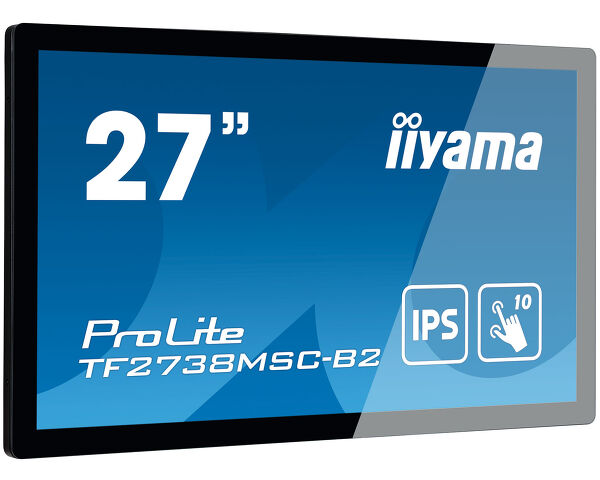
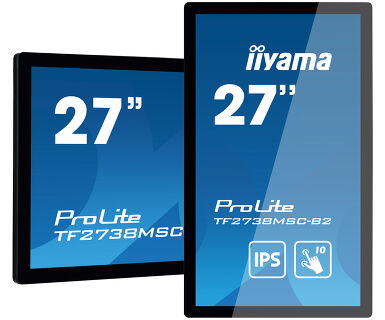
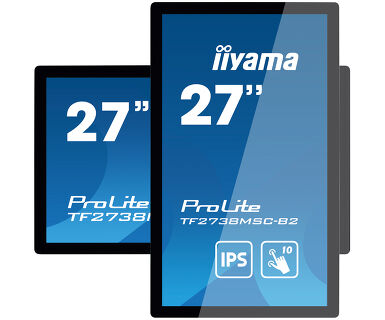
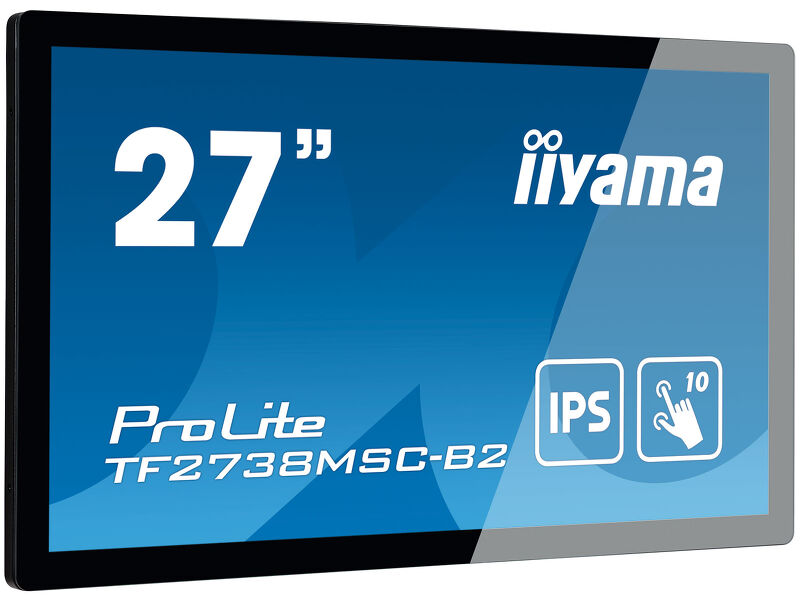
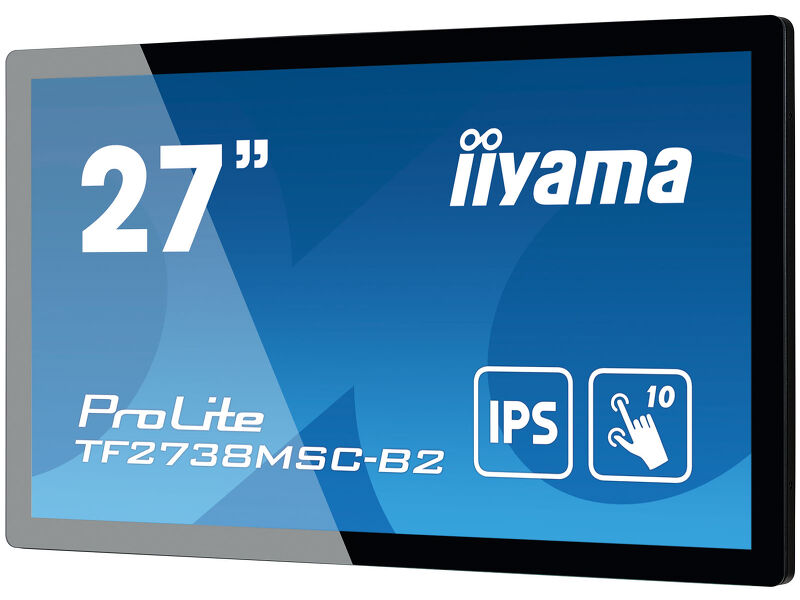
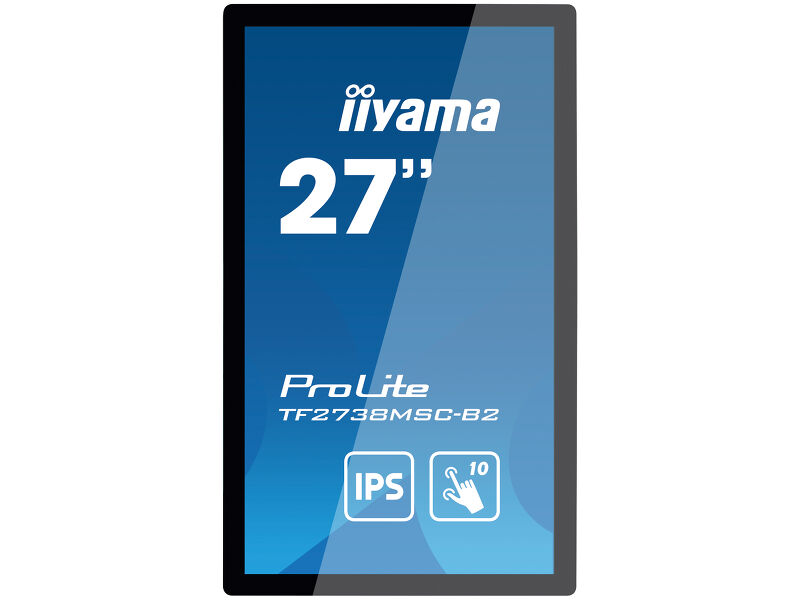
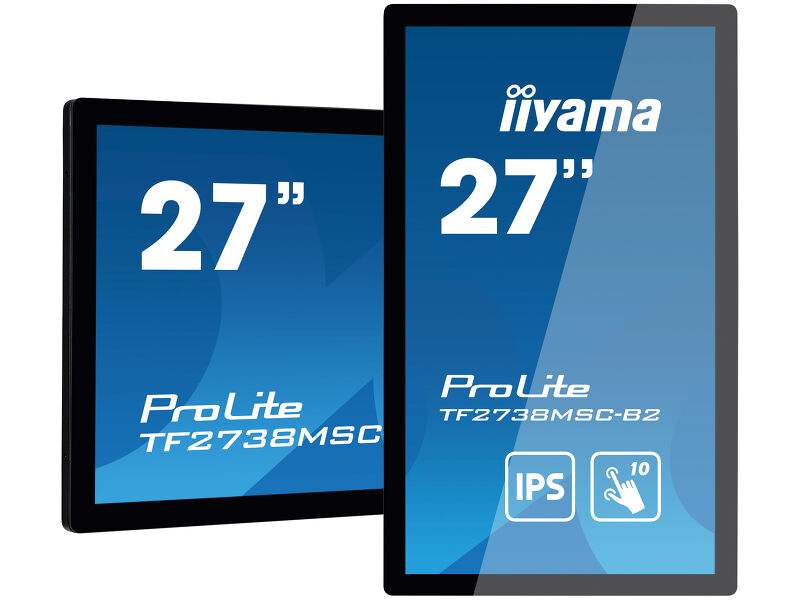
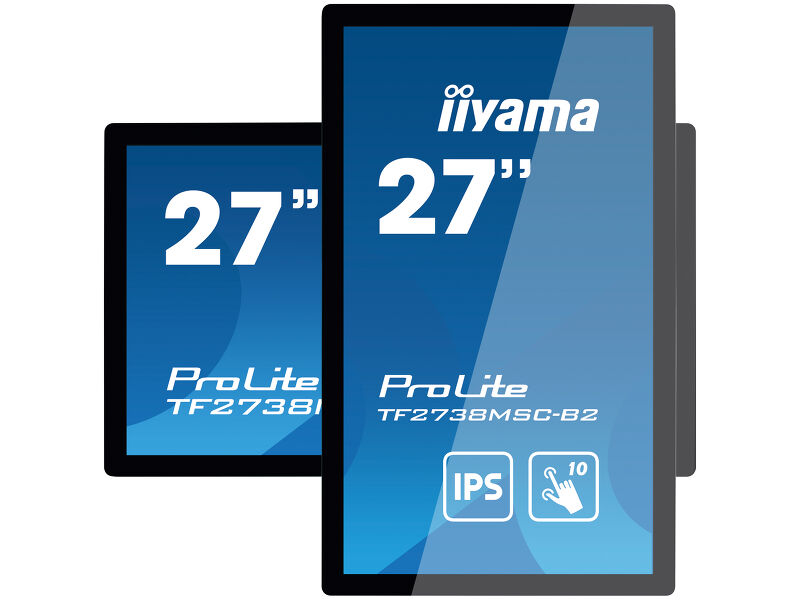
ProLite TF2738MSC-B2
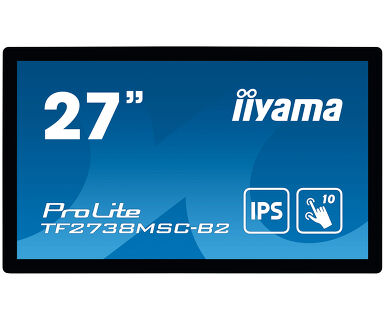
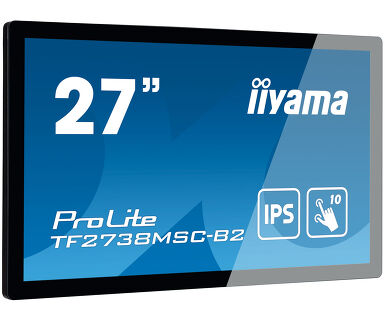
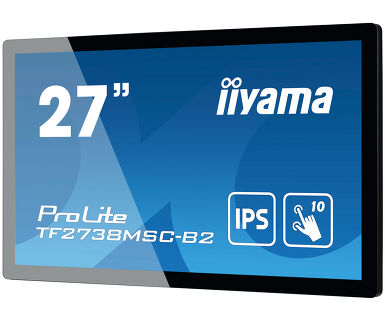
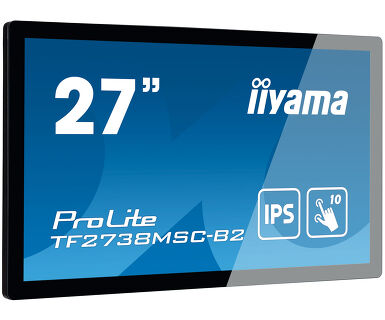
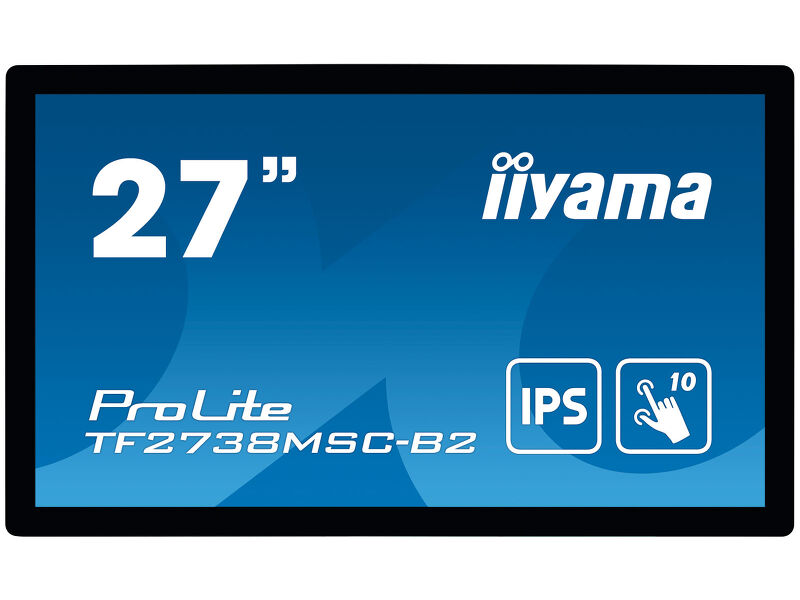
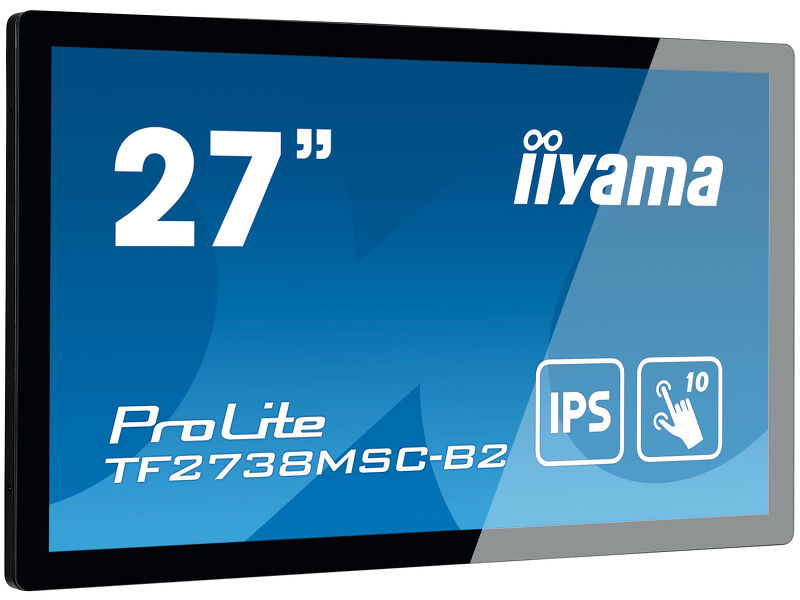
27” 10pt open frame touch monitor with edge-to-edge glass
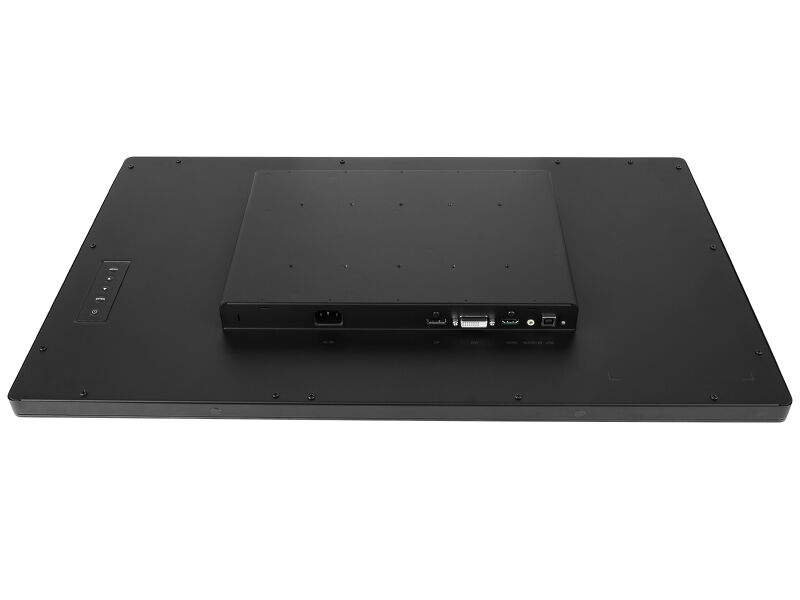
With 1920x1080 Full HD resolution and Projective Capacitive 10 point touch technology, the ProLite TF2738MSC-B2 delivers seamless and accurate touch response. Featuring IPS LED LCD Screen technology, it offers exceptional colour performance and wide viewing angles. Its rugged bezel with edge-to-edge glass makes it very suitable for applications like table top integration. In addition, the screen comes with an IPX1 rating, making it water resistant from the front. Equipped with speakers and triple digital input (DVI, HDMI and DisplayPort). The ProLite TF2738MSC-B2 is an ideal screen for kiosk integrators and a perfect solution for Interactive Digital Signage, Instore Retail, Gaming and Interactive Presentations.
 Speakers
-
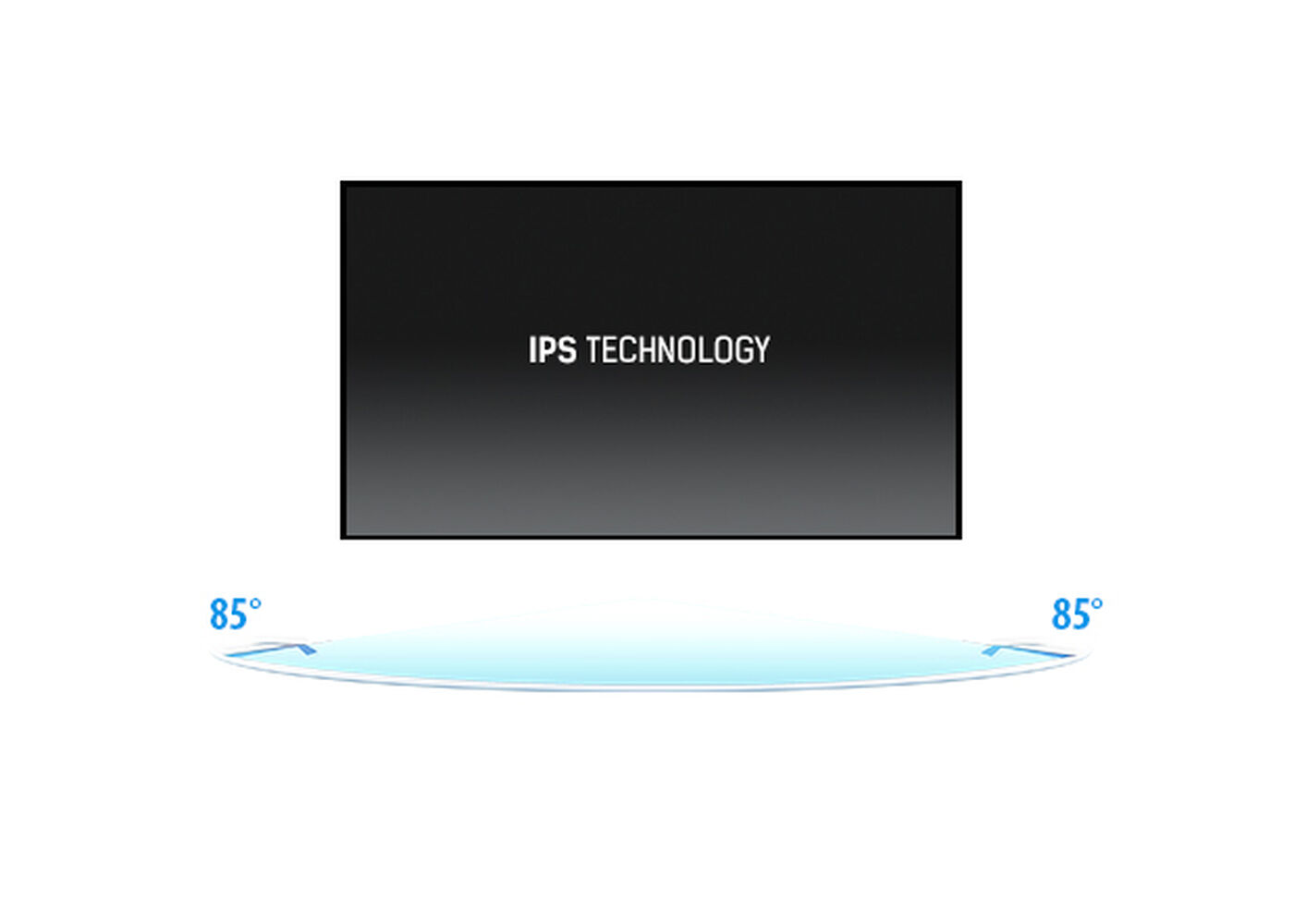
IPS
IPS displays are best known for wide viewing angles and natural, highly accurate colours. They are especially suited for colour-critical applications.
-

Touch technology - Capacitive
This technology uses a sensor-grid of micro-fine wires integrated into the glass that covers the screen. Touch is detected because electrical characteristics of the sensor grid change when human finger is placed on the glass. Thanks to the glass overlay this technology is highly durable, and the touch function remains unaffected even if the glass is scratched. It offers perfect picture performance and will work with human finger (also latex gloved) and stylus-pen.
-
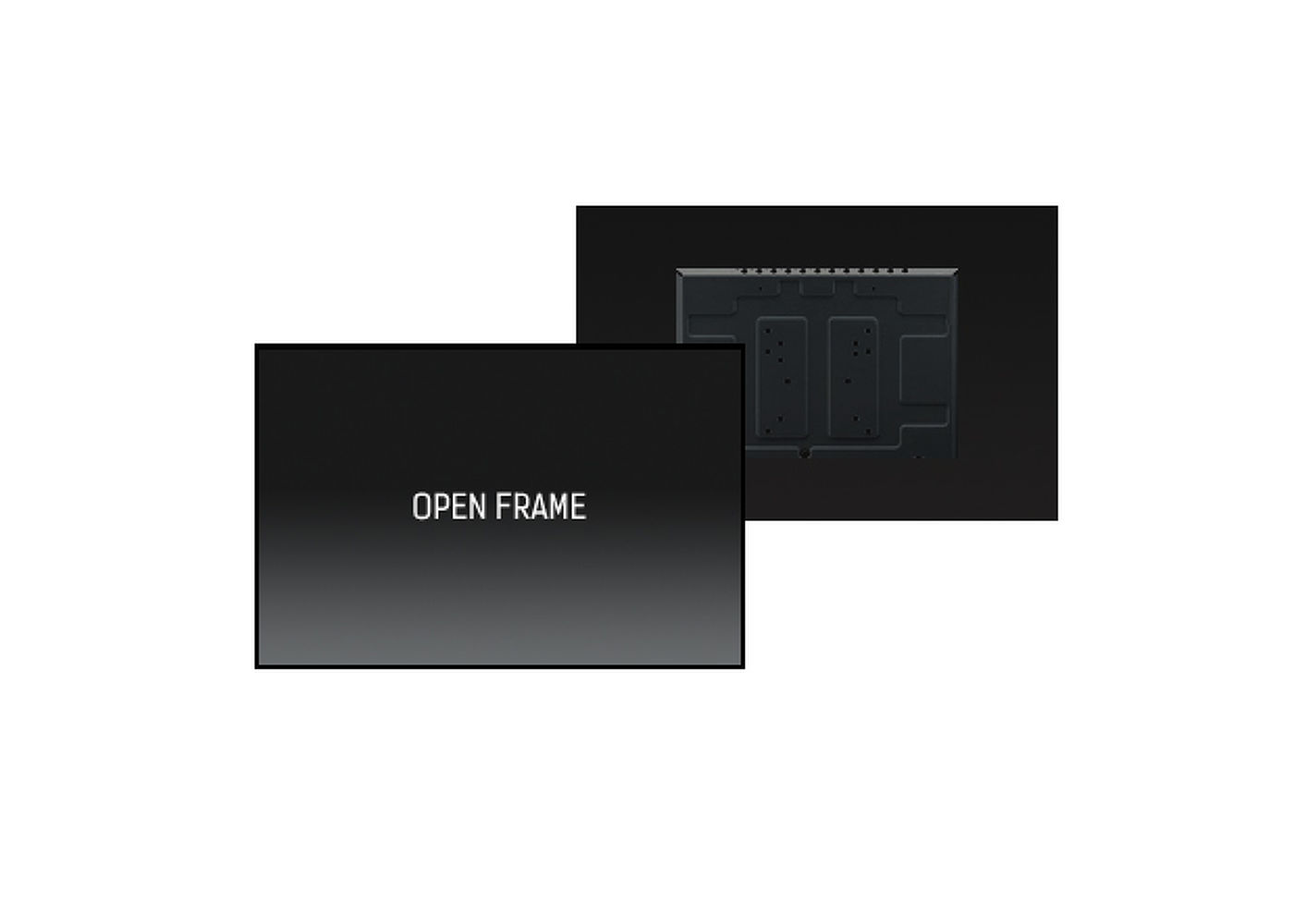
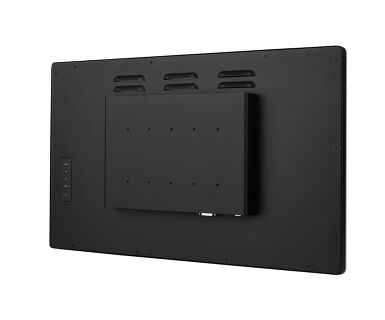
Open frame
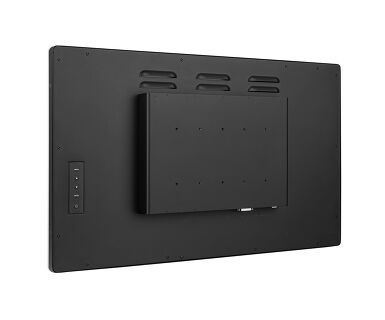
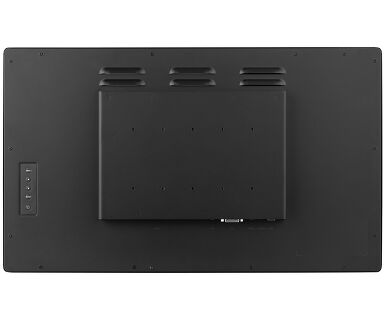
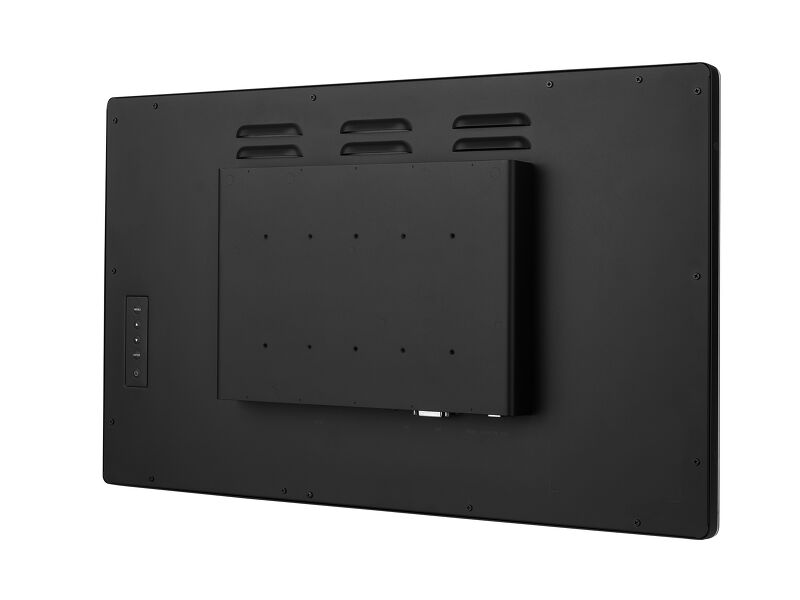
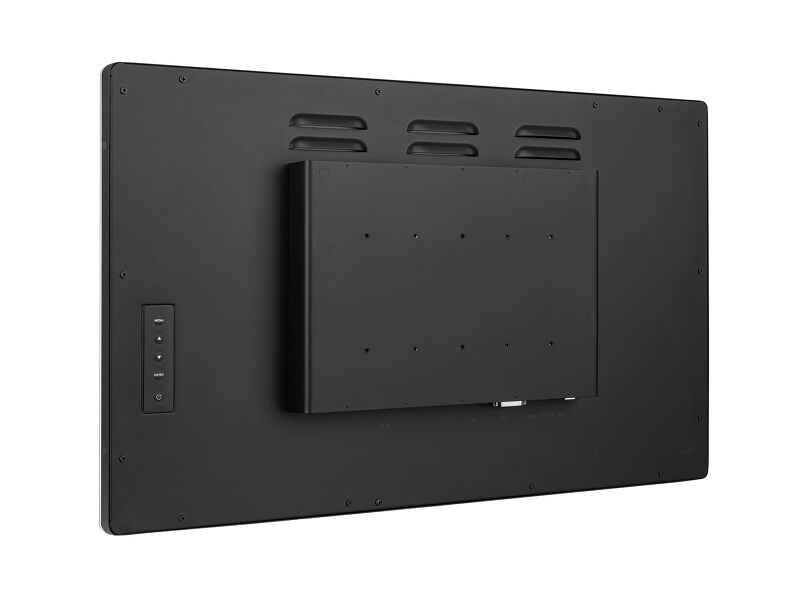
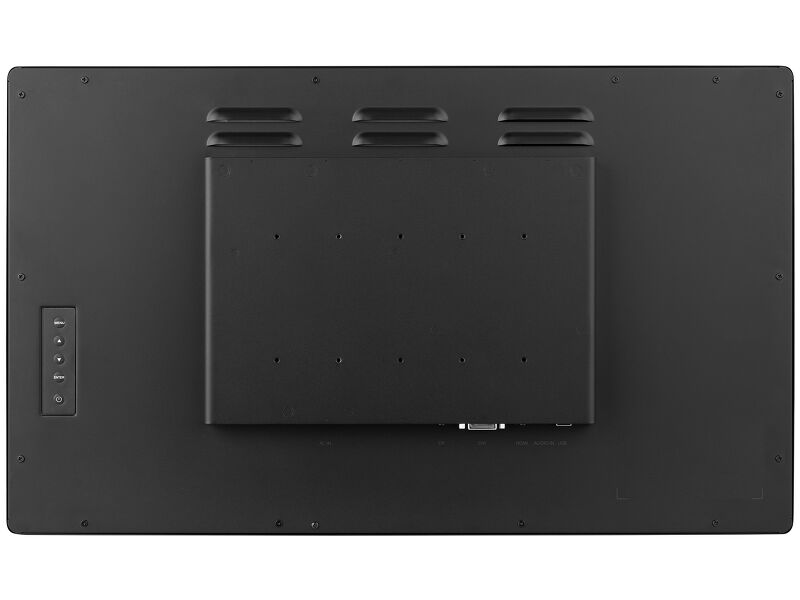
Open frame monitors feature special mounting screw holes on all sides of the monitor that can be used for installing the monitor. Open Frame monitors are an ideal solution for kiosk integrators and Instore Retail.
-

Scratch resistance
Scratch resistance is a critical requirement for touch solutions deployed in commercial, educational, and industrial environments. A protective glass overlay covering the screen provides enhanced durability, ensuring reliable touch performance over time. The touch functionality remains fully operational and unaffected.
-
Speakers
This LED monitor is equipped with two stereo speakers.
Video
Technical specification



DISPLAY CHARACTERISTICS
| Design | Open Frame |
| Diagonal | 27", 68.6cm |
| Panel | IPS LED |
| Native resolution | 1920 x 1080 (2.1 megapixel Full HD) |
| Aspect ratio | 16:9 |
| Panel brightness | 500 cd/m² |
| Brightness | 425 cd/m² with touch |
| Light transmittance | 85% |
| Static contrast | 1000:1 |
| Advanced contrast | 12M:1 |
| Response time (GTG) | 5ms |
| Viewing zone | horizontal/vertical: 178°/178°, right/left: 89°/89°, up/down: 89°/89° |
| Colour support | 16.7mln |
| Horizontal Sync | 30 - 80kHz |
| Viewable area W x H | 597.6 x 336.2mm, 23.5 x 13.2" |
| Bezel width (sides, top, bottom) | 24.5mm, 24mm, 24mm |
| Pixel pitch | 0.311mm |
| Bezel colour and finish | black, matte |
TOUCH
| Touch technology | projective capacitive |
| Touch points | 10 (HID, only with supported OS) |
| Touch method | stylus, finger, glove (latex) |
| Touch interface | USB |
| Supported operating systems | All iiyama monitors are Plug & Play and compatible with Windows and Linux. For details regarding the supported OS for the touch models, please refer to the driver instruction file available in the downloads section. |
INTERFACES / CONNECTORS / CONTROLS
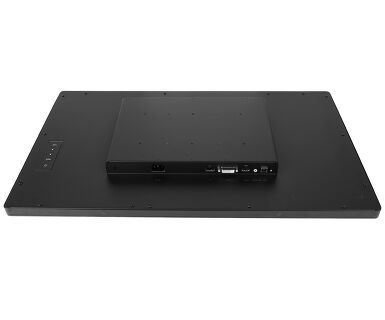
| Digital signal input |
DVI x1 HDMI x1 DisplayPort x1 |
| Audio output | Speakers 2 x 3W |
| HDCP | yes |
FEATURES
| Max. non-stop operating time | 16/7 |
| Glass thickness | 3.6mm |
| Glass hardness | 6H |
| 60950 Ball drop test | yes |
| Water and dust protection | IP1X (front) |
| OSD key lock | yes |
GENERAL
| OSD languages | EN, DE, FR, CN, RU, JP, NL, PL |
| Control buttons | Menu, Scroll up/ Audio, Scroll down/ i-Style colour, Select/ Input select, Power |
| User controls | picture adjust (contrast, brightness, adv. contrast, ECO mode, OD) input select, audio adjust (volume, mute, audio input) colour adjust (cool, normal, warm, user colour, i-Style colour), information, manual image adjust (sharpness, video mode adjust, blue light reducer, X-res technology), setup menu (language select, OSD position, OSD time out, OSD background, opening logo, LED) memory recall |
| Blue light reducer | yes |
| Plug&Play | DDC2B |
MECHANICAL
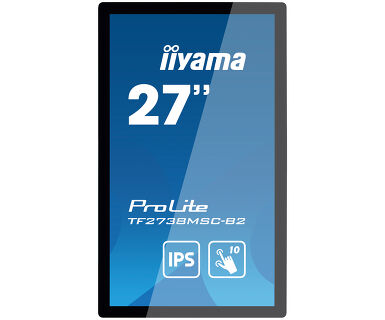
| Orientation | landscape, portrait, face-up |
| Fanless design | yes |
| VESA mounting | 100 x 100mm, 200 x 100mm |
ACCESSORIES INCLUDED
| Cables | power, USB, HDMI, mDP - DP, DP |
| Guides | quick start guide, safety guide |
| Cable cover | yes |
POWER MANAGEMENT
| Power supply unit | internal |
| Power supply | AC 100 - 240V, V, 50/%4Hz |
| Power usage | 25W typical, 1.5W stand by, 0.3W off mode |
SUSTAINABILITY
| Regulations | CE, TÜV-Bauart, EAC, RoHS support, ErP, WEEE, REACH, UKCA |
| Energy efficiency class (Regulation (EU) 2017/1369) | E |
| REACH SVHC | above 0.1%: Lead |
DIMENSIONS / WEIGHT
| Product dimensions W x H x D | 648.5 x 386.5 x 52mm |
| Box dimensions W x H x D | 746 x 500 x 123mm |
| Pallet volume | 36pcs |
| Pallet dimensions W x H x D | 747 x 1107 x 2005mm |
| Weight (without box) | 8.3kg |
| Weight (with box) | 9.4kg |
| EAN code | 4948570118199 |
FAQS
Why is the Touch functionality not working?
+If your touch functionality is not working, please check the following:
1. Ensure your PC is connected to the monitor with the supplied USB cable.
2. Verify in the user manual that your operating system is supported by the screen.
How should I clean my Touch monitor?
+When cleaning, please follow these guidelines to avoid damaging your Touch monitor:
1. Avoid using paper towels, abrasive cloths, or any harsh cleaning agents, as they can scratch the screen or damage the touch sensors.
2. Do not spray the cleaning solution directly onto the screen to prevent liquid from seeping into the monitor.
3. Avoid excessive cleaning, as it can wear out the screen over time.
4. For more details, please check our dedicated Cleaning page.
Downloads
| User manual | TF2738MSC-B2_usermanual-e-revE.pdf | Download |
| Technical specification | ProLite TF2738MSC-B2 - ie_en.pdf | Download |
| Drawing | TF2738MSC-B2 drawing.pdf | Download |
| EU Energy Label | TF2738MSC-B2 B EU Energy Label (2521675).pdf | Download |
| UK Energy Label | TF2738MSC-B2 B UK Energy Label (2521675).pdf | Download |
| Guarantee label | TF2738MSC-B2-B.pdf | Download |

