ProLite TF2438MSC-B2
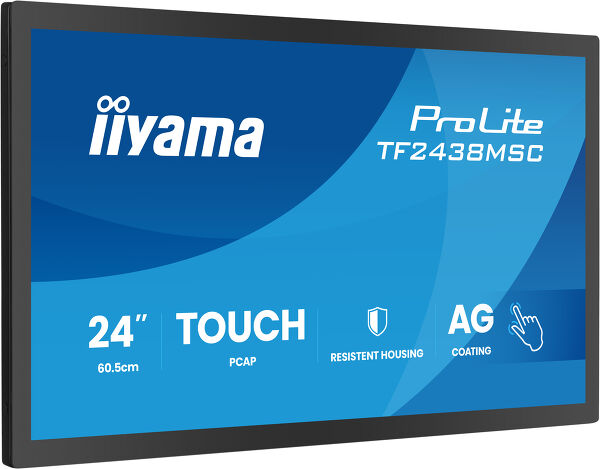
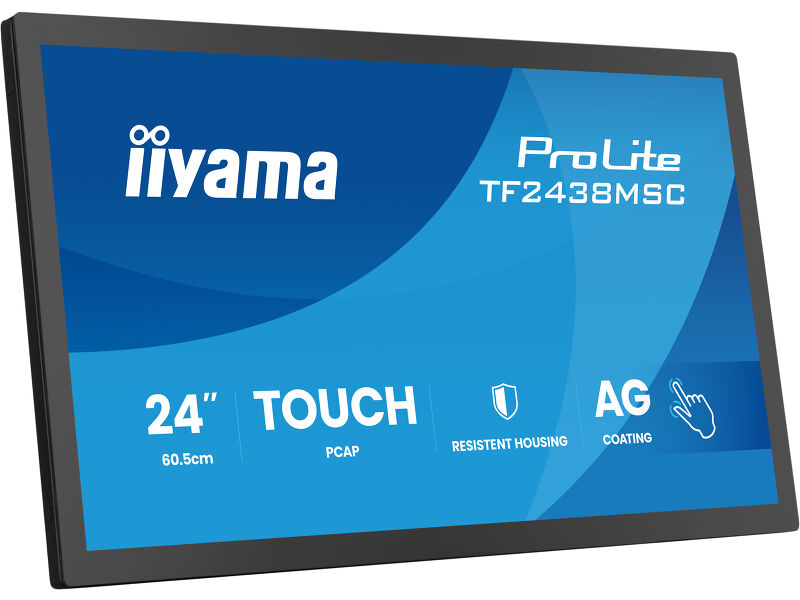
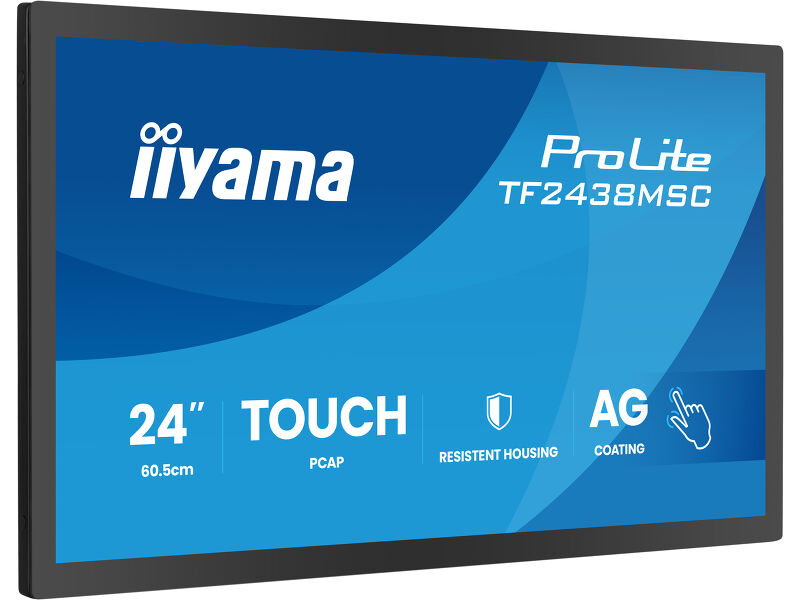
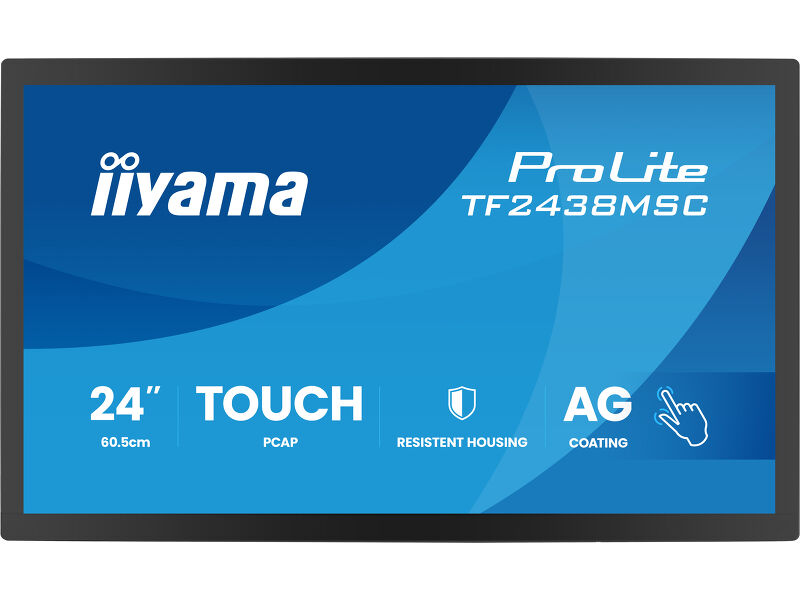
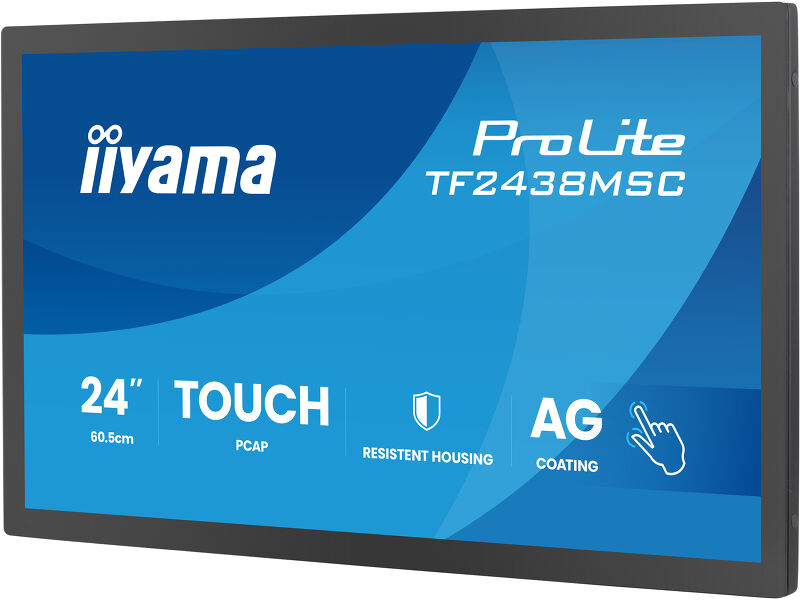
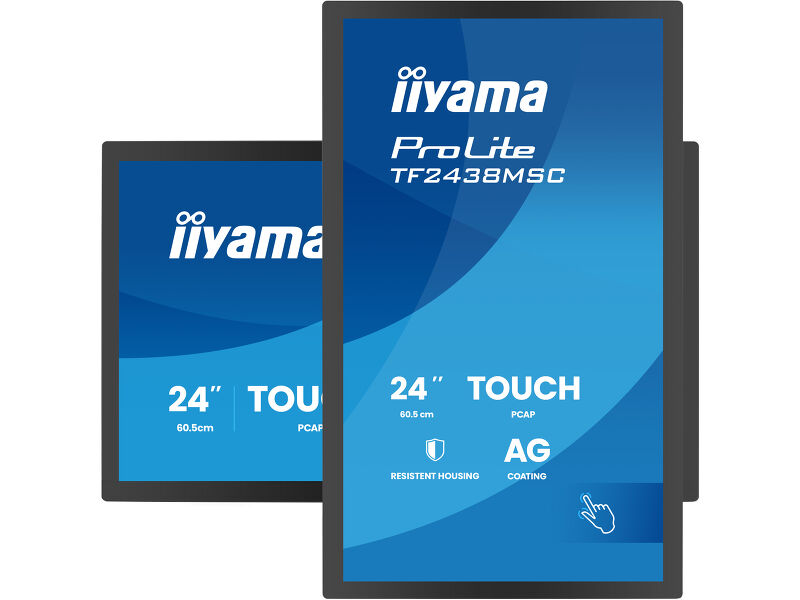
24” DeepContrast PCAP+ 10-point Open Frame touchscreen monitor with robust metal housing for demanding environments
The ProLite TF2438MSC-B2 is a robust and highly responsive 24" Full HD open frame touchscreen monitor designed for professional integration in demanding commercial and industrial environments. The IPS panel delivers sharp detail, accurate colours and wide viewing angles, ensuring excellent visibility whether installed at service counters, kiosks, control points or customer-facing systems.
Featuring DeepContrast PCAP+ 10-point touch technology with optical bonding, the screen provides smooth, precise interaction with reduced reflections for improved readability in bright environments. The edge-to-edge glass is protected with a scratch-resistant 7H surface and anti-fingerprint coating, helping maintain a clean, professional appearance even under heavy daily use. With IPX1 protection against humidity and dripping water, the display offers additional reliability in busy or semi-exposed locations.
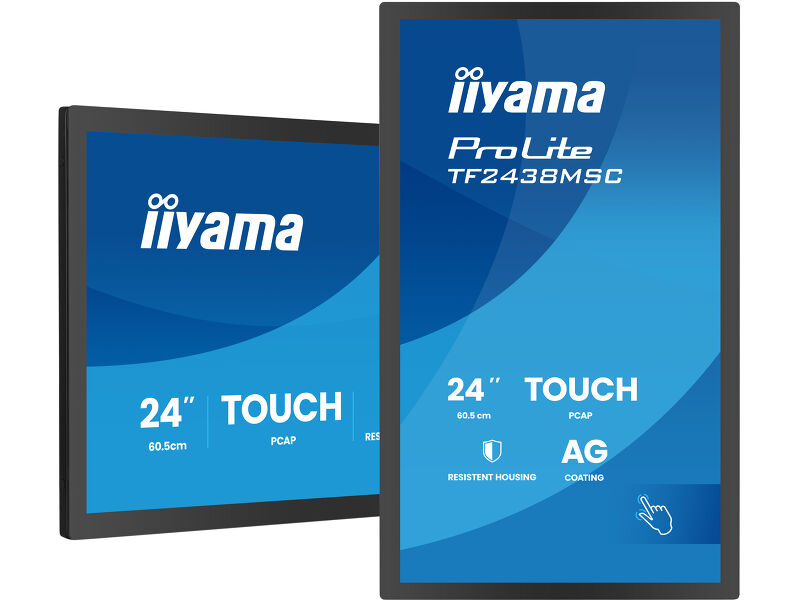
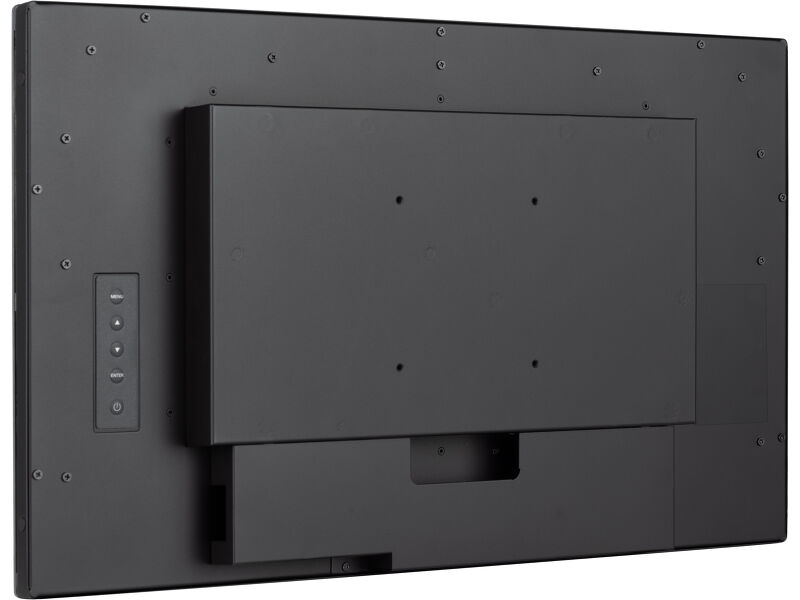
Built with a durable metal housing, the TF2438MSC-B2 is engineered for long-term operation and seamless integration into enclosures, kiosks and custom installations. Flexible connectivity, integrated speakers and support for landscape, portrait and face-up orientations provide maximum installation freedom across a wide range of applications including retail, POS, interactive signage, automation systems and industrial environments. A dependable touchscreen solution designed to perform where reliability, durability and precision matter most.
Responsive interaction and good protection
Featuring intuitive PCAP touch technology with DeepContrast PCAP+, the screen offers smooth and responsive interaction with reduced glare, while remaining protected from moisture and condensation. Perfect for high-use environments.

Tough on scratches, clean to the touch
Built for everyday interaction, the 7H scratch resistant front glass stays tough and clear, while the anti fingerprint coating keeps it clean and professional. With front side protection against humidity and dripping water, it’s made to handle real world use with confidence.

Vivid colors and wide viewing angles
Ensure perfect visibility from any position - The IPS panel delivers vivid, consistent colors and wide viewing angles, ideal for dynamic retail environments and busy commercial spaces.

Built tough, lasts longer & performs anywhere
With a robust metal housing and hardened front glass, this monitor goes beyond the ordinary, outlasting standard plastic housing monitors and performing reliably in demanding environments.

Video
Technical specification



DISPLAY CHARACTERISTICS
| Design | Edge to edge glass, Open Frame |
| Diagonal | 23.8", 60.5cm |
| Panel | IPS |
| Native resolution | 1920 x 1080 @120Hz (2.1 megapixel Full HD) |
| Aspect ratio | 16:9 |
| Panel brightness | 600 cd/m² |
| Brightness | 525 cd/m² with touch |
| Light transmittance | 87% |
| Static contrast | 1300:1 with touch |
| Response time (GTG) | 5ms |
| Viewing zone | horizontal/vertical: 178°/178°, right/left: 89°/89°, up/down: 89°/89° |
| Colour support | 16.7mln 8bit |
| Horizontal Sync | 30 - 138kHz |
| Viewable area W x H | 527 x 296.5mm, 20.7 x 11.7" |
| Bezel width (sides, top, bottom) | 17.25mm, 20.3mm, 20.3mm |
| Pixel pitch | 0.275mm |
| Bezel colour and finish | black, matte |
TOUCH
| Touch technology | DeepContrast-PCAP+ |
| Touch points | 10 (HID, only with supported OS) |
| Touch method | stylus, finger, glove (latex) |
| Touch interface | USB |
| Supported operating systems | All iiyama monitors are Plug & Play and compatible with Windows and Linux. For details regarding the supported OS for the touch models, please refer to the driver instruction file available in the downloads section. |
INTERFACES / CONNECTORS / CONTROLS
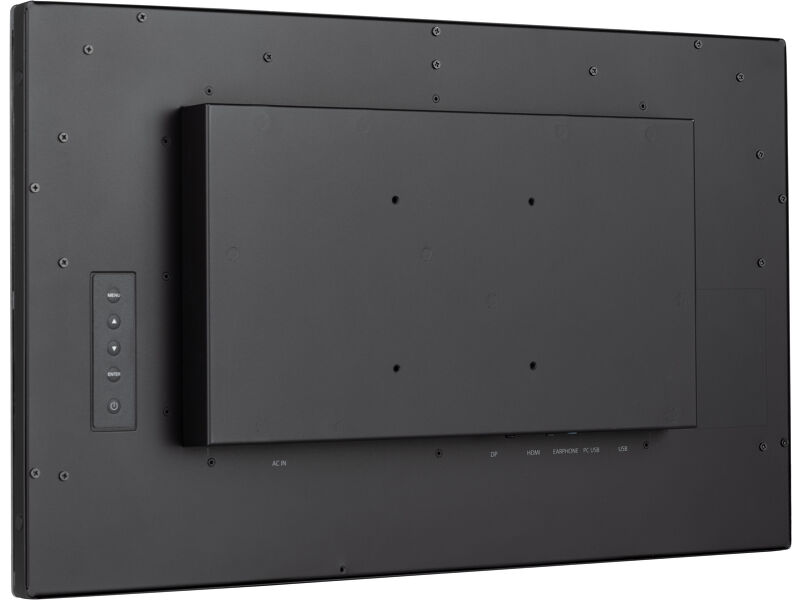
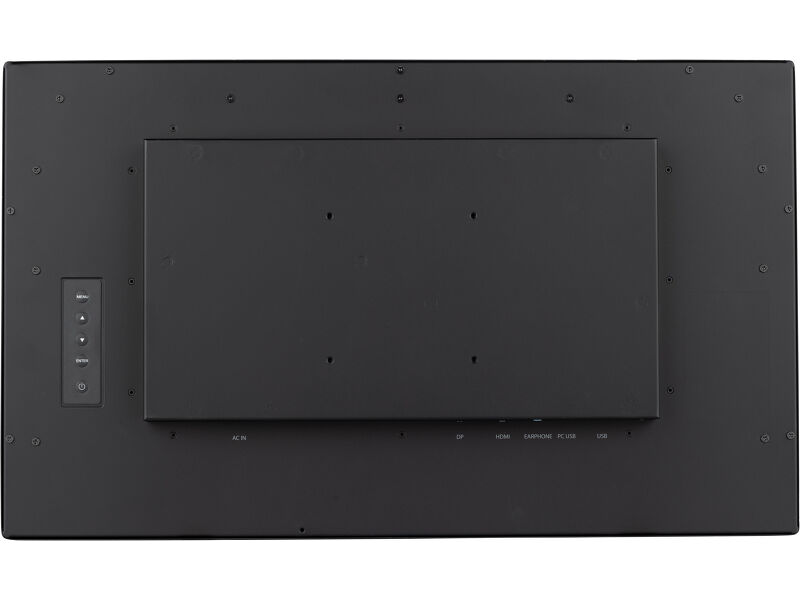
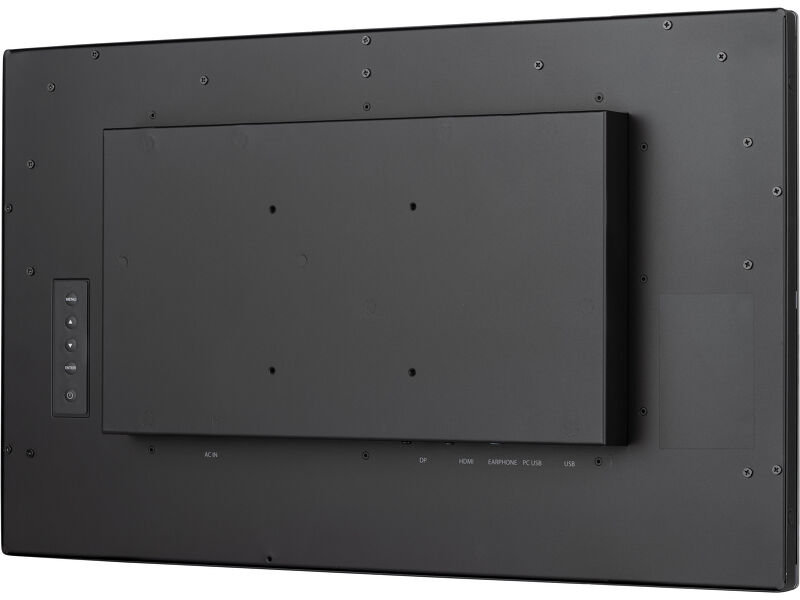
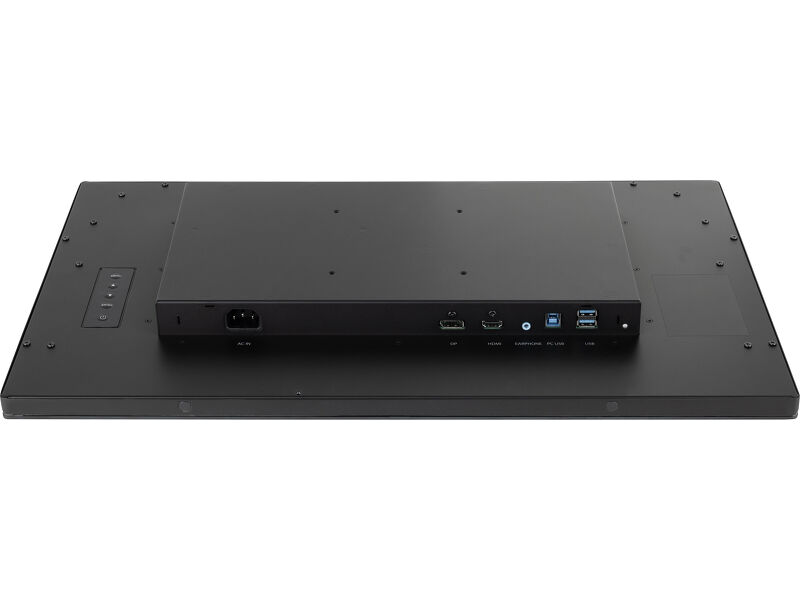
| Digital signal input |
HDMI x1 DisplayPort x1 |
| Audio output |
Mini jack x1 Speakers 2 x 2W |
| HDCP | yes |
| USB HUB | x2 (USB3.2 Gen 1 (5Gbps, 5V, 900mA)) |
FEATURES
| Extra | DeepContrast PCAP+, metal housing, anti fingerprint coating, waterproof Touch function |
| Kiosk mode | yes |
| Glass thickness | 3.6mm |
| Glass hardness | 7H |
| 60950 Ball drop test | yes |
| Water and dust protection | IP1X (front) |
| Housing (bezel) | metal |
| OSD key lock | yes |
GENERAL
| OSD languages | EN, DE, FR, ES, IT, PT, RU, JP, NL, PL |
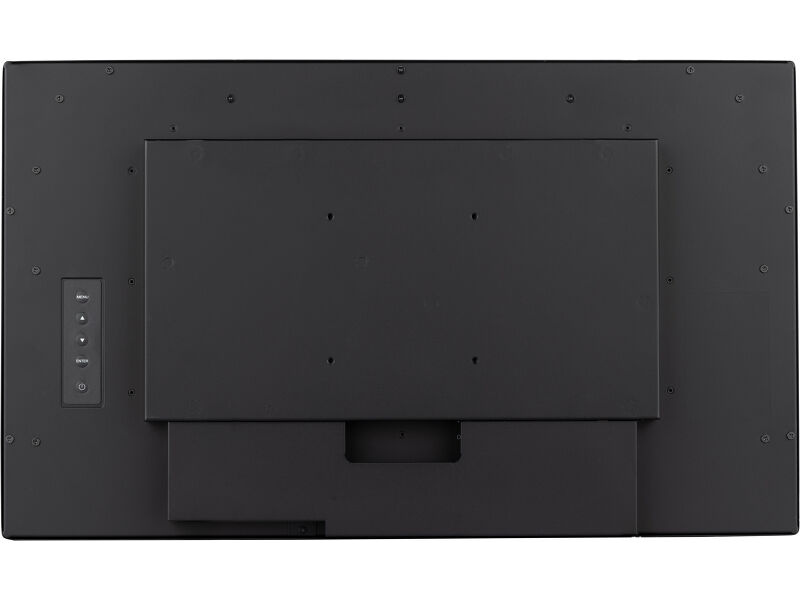
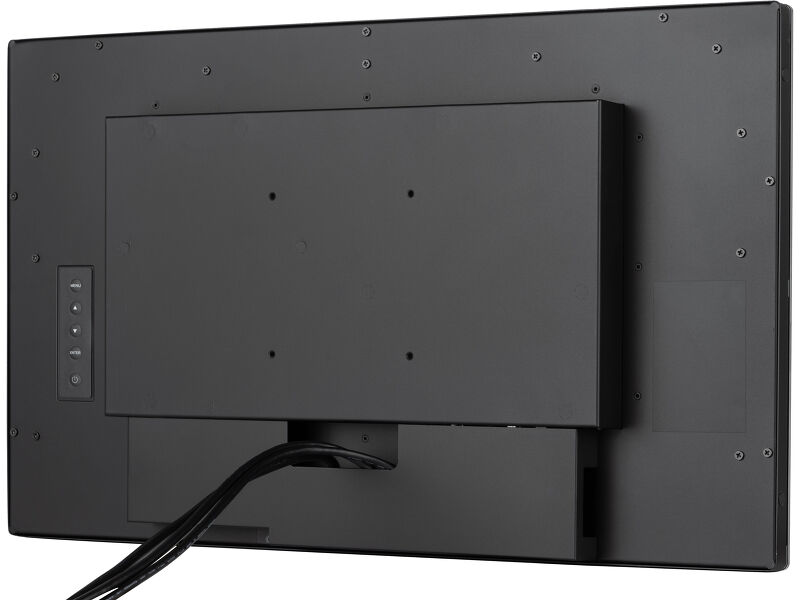
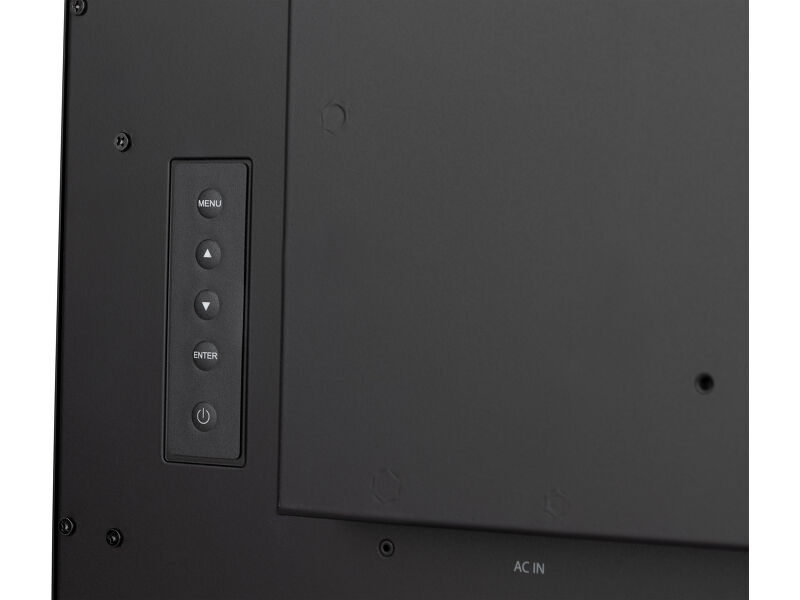
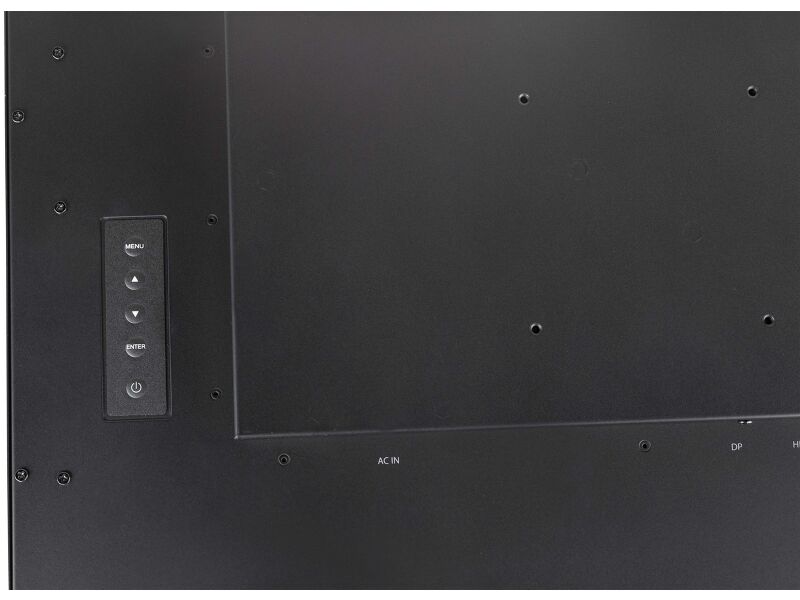
| Control buttons | Menu, Scroll up/ Eco, Scroll down/ Volume, Enter/ Input select, Power |
| User controls | Picture adjust (brightness, contrast, i-Style color, adv. contrast, ECO mode, OD, X-Res), color settings (gamma, RGB range, color. temp.), image settings (video mode adjust, blue light reducer, sharp & soft), OSD (H. pos., V. pos., time, background, rotate, language, display information), extra (reset, DDC/CI, signal select, volume, mute, led, opening logo, touch switch) |
| Blue light reducer | yes |
| Flicker free | yes |
| Plug&Play | DDC2B |
MECHANICAL
| Orientation | landscape, portrait, face-up |
| Fanless design | yes |
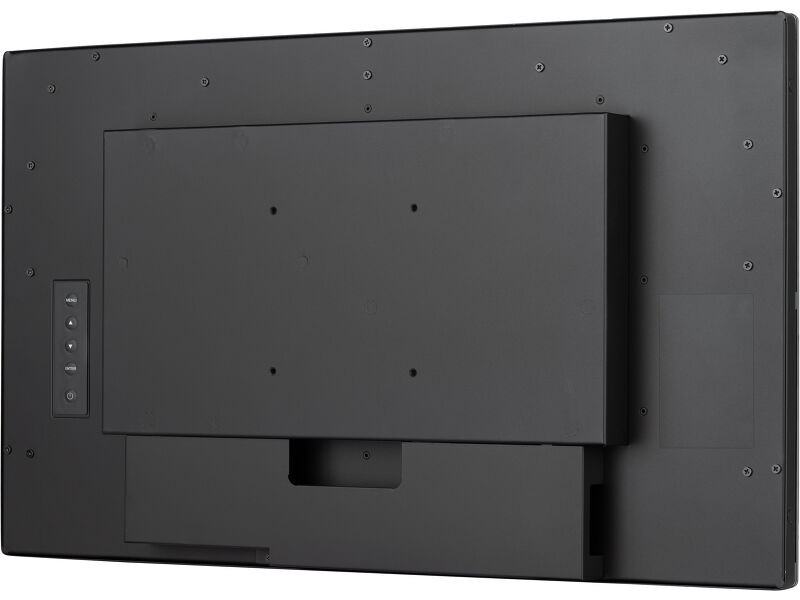
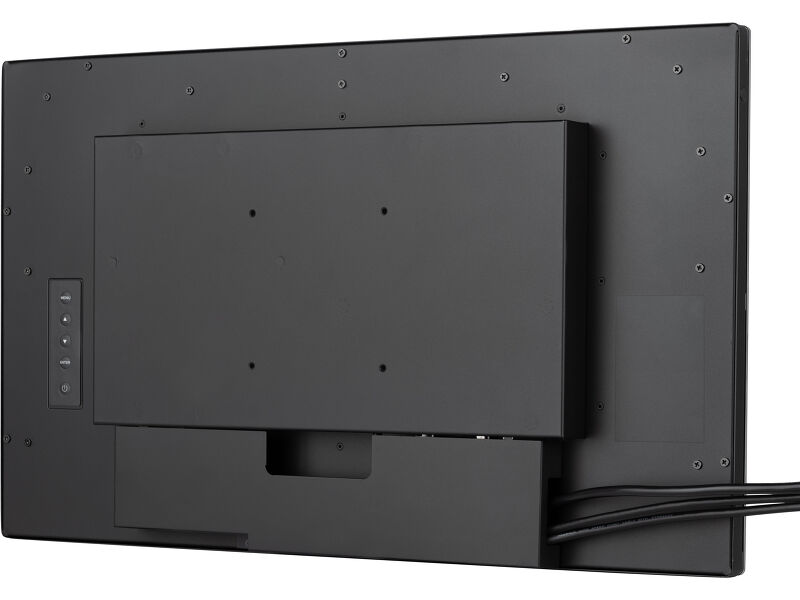
| VESA mounting | 100 x 100mm |
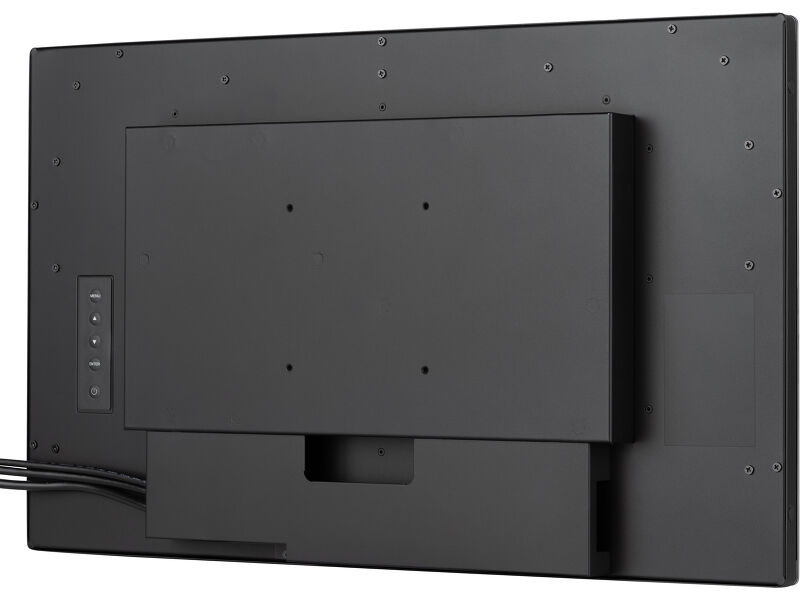
| Cable management system | yes |
| MTBF | 50000 hours (excluding backlight) |
ACCESSORIES INCLUDED
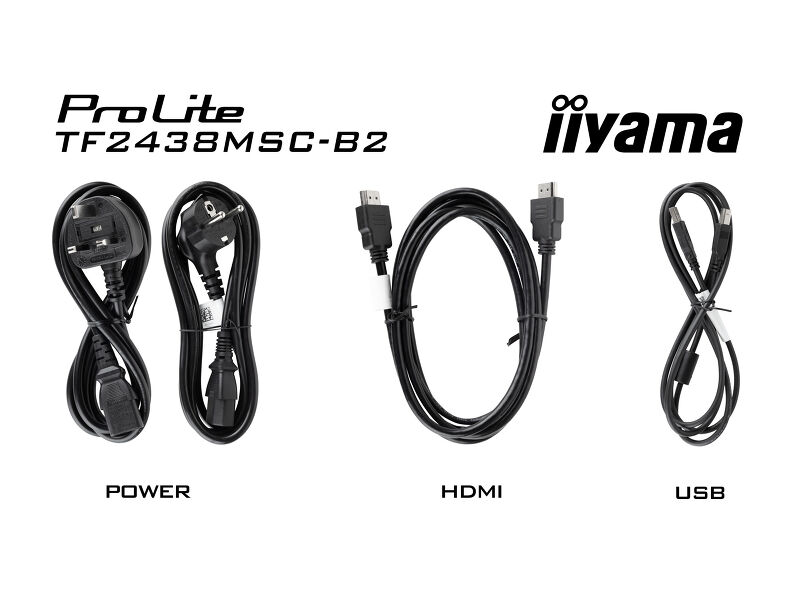
| Cables | power (1.8m), USB (1.5m), HDMI (1.5m) |
| Guides | quick start guide, safety guide |
| Cable cover | yes |
POWER MANAGEMENT
| Power supply unit | internal |
| Power supply | AC 100 - 240V, 50/60Hz |
| Power usage | 22W typical, 1.5W stand by, 0.3W off mode |
SUSTAINABILITY
| Regulations | CE, TÜV-Bauart, EAC, RoHS support, ErP, WEEE, REACH, UKCA, cTUVus |
| Energy efficiency class (Regulation (EU) 2017/1369) | E |
| REACH SVHC | above 0.1%: Lead |
DIMENSIONS / WEIGHT
| Product dimensions W x H x D | 562 x 337 x 47.5mm |
| Box dimensions W x H x D | 635 x 409 x 115mm |
| Weight (without box) | 6.5kg |
| Weight (with box) | 8.2kg |
| EAN code | 4948570127269 |
RELATED INFORMATION
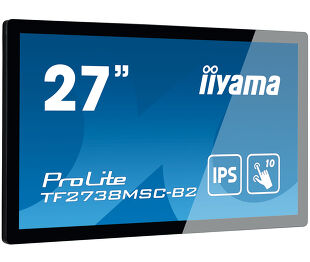
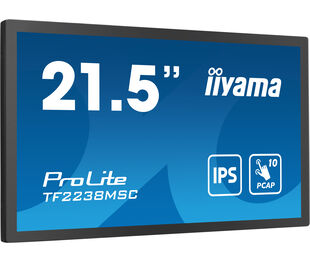
| Product series | ProLite TF2738MSC-B2, ProLite TF2238MSC-B1 |


Downloads
| User manual | TF24_2238MSC_usermanual-e-revE.pdf | Download |
| Technical specification | ProLite TF2438MSC-B2 - ie_en.pdf | Download |
| Drawing | TF2438MSC_drawing.pdf | Download |
| EU Energy Label | TF2438MSC-B2 EU Energy Label (2568298).pdf | Download |
| UK Energy Label | TF2438MSC-B2 UK Energy Label (2568298).pdf | Download |
| Guarantee label | TF2438MSC-B2.pdf | Download |
FAQS
Why is the Touch functionality not working?
+If your touch functionality is not working, please check the following:
1. Ensure your PC is connected to the monitor with the supplied USB cable.
2. Verify in the user manual that your operating system is supported by the screen.
How should I clean my Touch monitor?
+When cleaning, please follow these guidelines to avoid damaging your Touch monitor:
1. Avoid using paper towels, abrasive cloths, or any harsh cleaning agents, as they can scratch the screen or damage the touch sensors.
2. Do not spray the cleaning solution directly onto the screen to prevent liquid from seeping into the monitor.
3. Avoid excessive cleaning, as it can wear out the screen over time.
4. For more details, please check our dedicated Cleaning page.
Related products