
ProLite TW2223AS-B3P
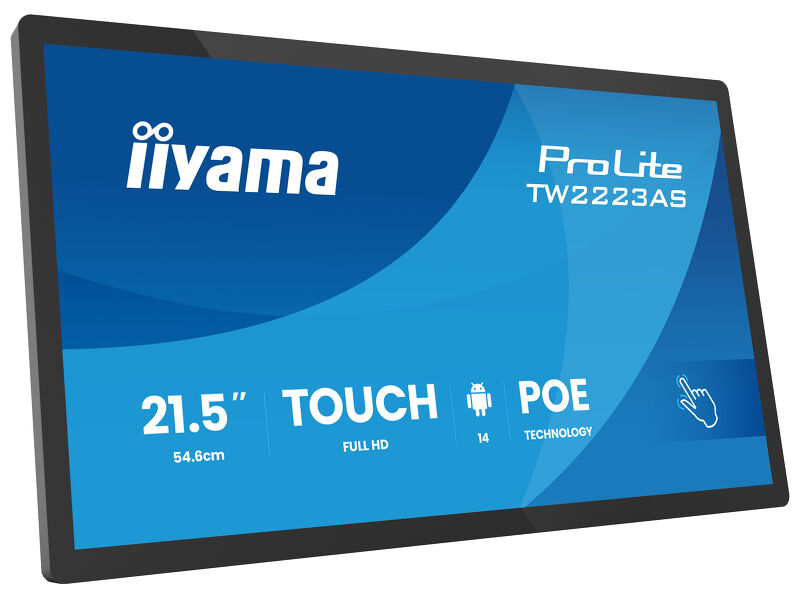
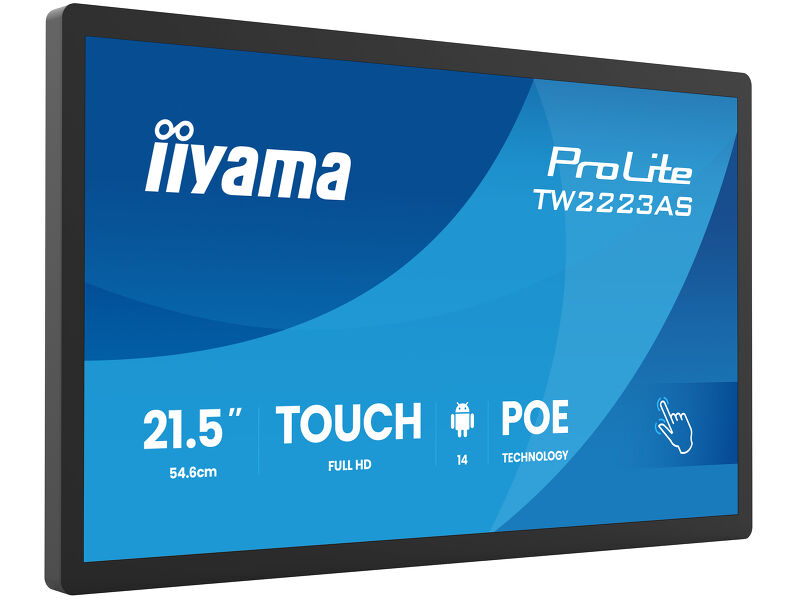
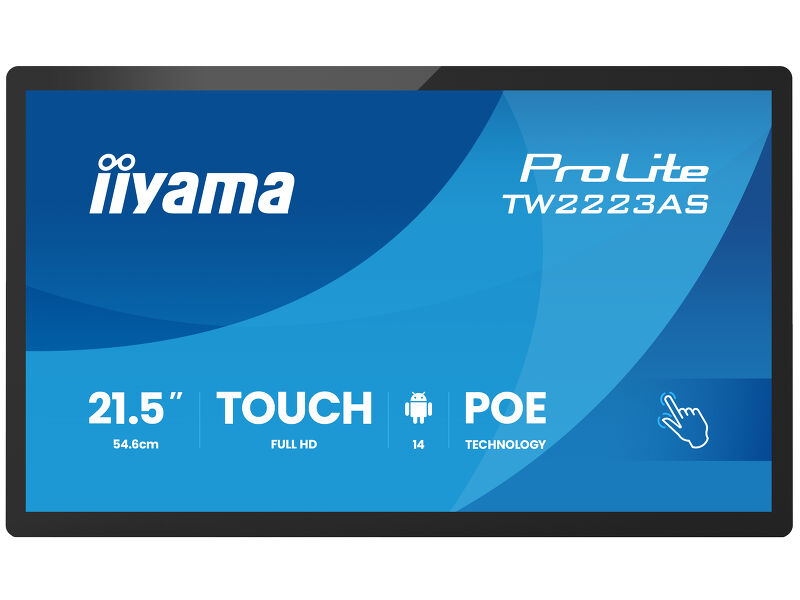
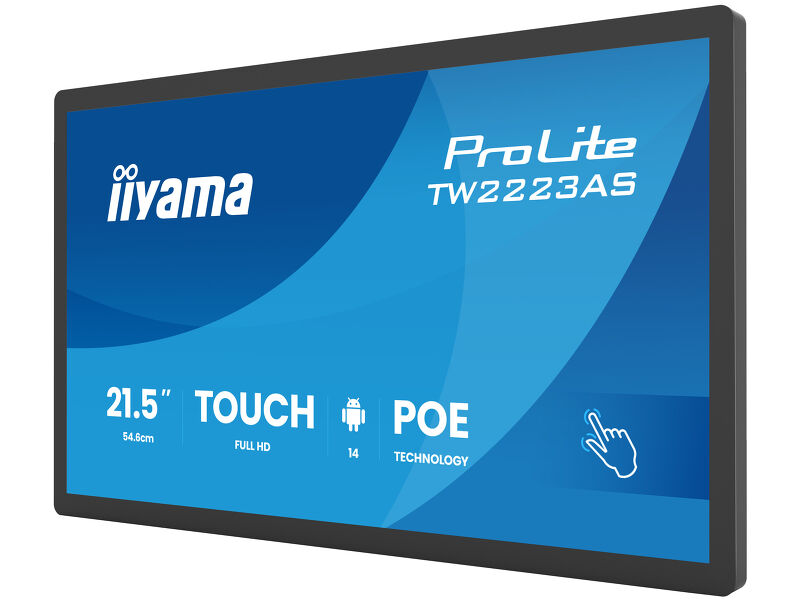
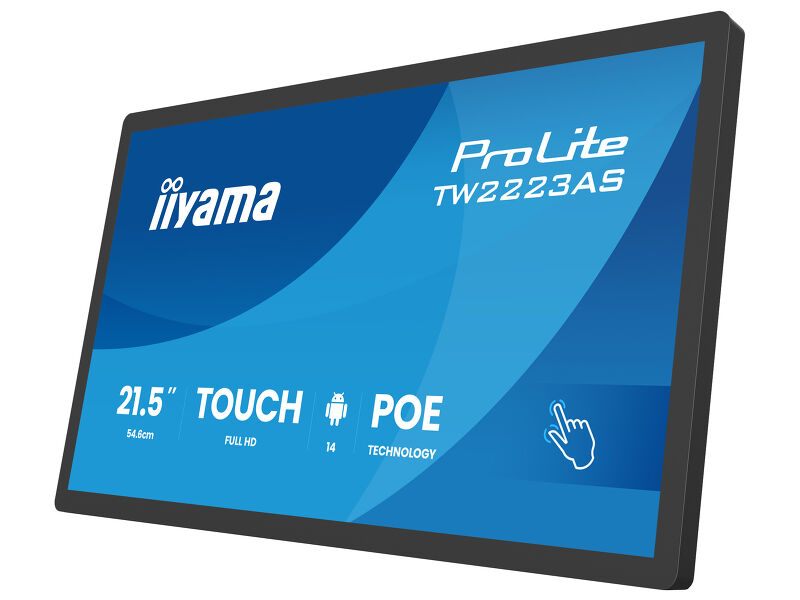
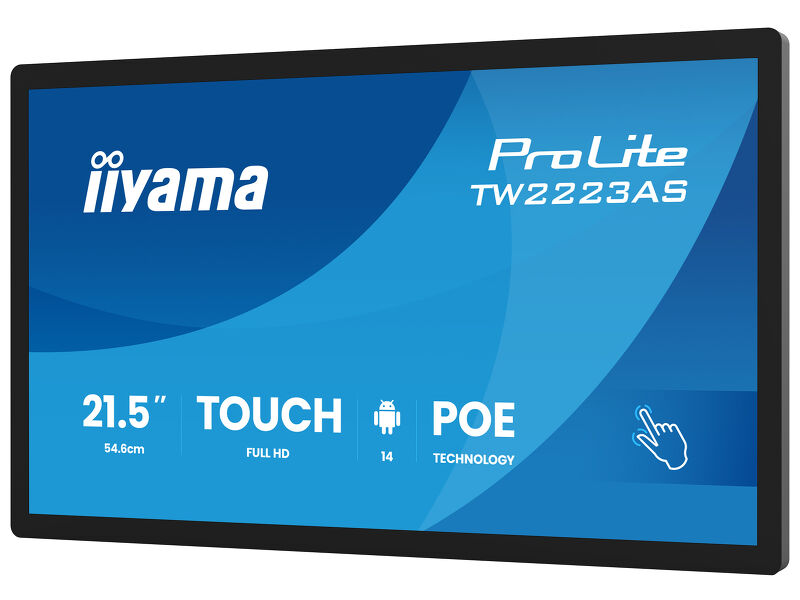
21.5” Full HD In-cell PCAP 10pt interactive Touch Panel PC with Android OS, IPS panel technology, anti glare coating, PoE Technology and iiSignage²
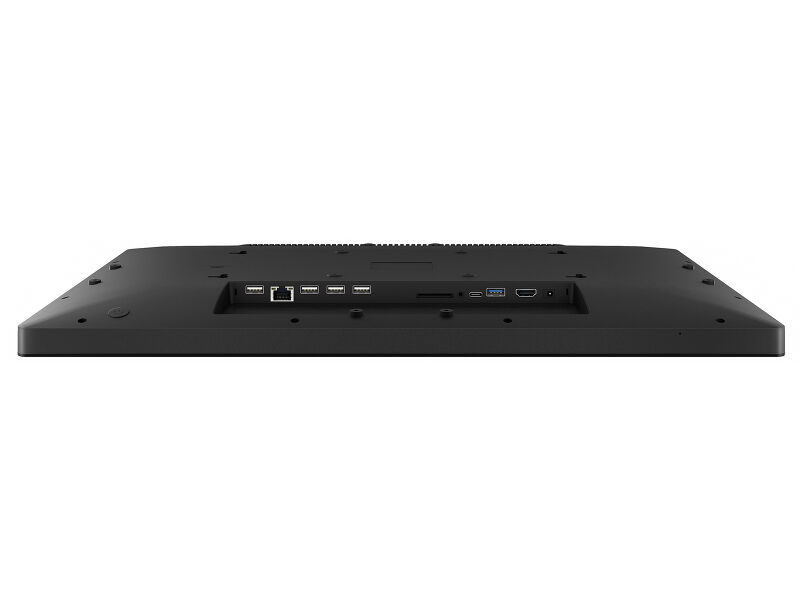
The ProLite TW2223AS-B3P interactive Touchpanel-PC is a perfect choice for high-use environments. The IPS panel, integrated in a slim and elegant bezel, delivers both excellent colour performance with wide viewing angles and noticeably sharper images. The In-cell 10tp PCAP touch technology ensures a fluid and natural touch experience. This monitor can operate in landscape, portrait and face-up orientation in 24/7 operating time. Thanks to the pre-installed Android 14 operating system, it is possible to easily customize the monitor by installing applications directly to it. In combination with the 32GB storage, Wi-Fi connection, LAN (RJ45) and Bluetooth connectors, it makes the monitor especially suited for POS systems or information points in retail shops to educate customers about your products, as well as virtually limitless smart home applications. Thanks to Power over Ethernet (PoE), both power and data are delivered through a single cable, simplifying installation and reducing additional cables.
Additionally, it integrates effortlessly with iiSignage², iiyama’s Content Management System (CMS), giving you full control over your messages and advertising.
Csatlakoztatás
Az Power over Ethernet technológiát (POE) támogató RJ45 (LAN) csatlakozó lehetővé teszi az adatkapcsolat és az áramellátás egyetlen kábellel történő ellátását, ami egyszerűbbé teszi a telepítését olyan helyeken, ahol sok kábel használata nem lehetséges.
Android OS
Thanks to Android OS, you can easily customize the display to your needs by installing applications directly to it.
iiSignage²
iiSignage² is our digital signage content management platform to easily show and control your content and to manage your displays in a secure way. The Content Management System (CMS) gives you total control of your messaging and advertising remotely and safely.
Műszaki adatok


KIJELZŐ JELLEMZŐI
| Dizájn | Vékony káva |
| Átló | 21.5", 54.6cm |
| Panel | IPS |
| Natív felbontás | 1920 x 1080 (2 megapixel HD) |
| Képarány | 16:9 |
| Fényerő | 500 cd/m² |
| Fényerősség | 450 cd/m² érintéssel |
| Fényáteresztés | 86% |
| Statikus kotraszt | 1500:1 érintéssel |
| Válaszidő (GTG) | 14ms |
| Látótér | horizontális/vertikális: 178°/178°, jobb/bal: 89°/89°, fel/le: 89°/89° |
| Szín támogatás | 16.7mln 8bit |
| Horizontális szinkronizálás | 31 - 83kHz |
| Látható terület Sz x M | 476.1 x 267.8mm, 18.7 x 10.5" |
| Pixel magasság | 0.248mm |
| Káva színe és felülete | fekete, matt |
ÉRINTŐKÉPERNYŐ
| Éríntőképernyős technológia | projektív kapacitív |
| Érintőpontok | 10 (HID, only supported by integrated OS, external OS only support single touch) |
| Érintés pontossága | +- 2mm |
| Érintési mód | újj, kesztyű (latex), érintőceruza |
| Érintőképernyő interfész | USB |
| Támogatott operációs rendszerek | Minden iiyama monitor Plug & Play funkcióval rendelkezik, és kompatibilis a Windows és a Linux rendszerekkel. Az érintőképernyős modellek által támogatott operációs rendszerekre vonatkozó részletes információk a letöltések részben található illesztőprogram-fájlban találhatók. |
INTERFÉSZEK / CSATLAKOZÓK / VEZÉRLŐK
| Digitális jelbemenet | HDMI x1 (1920x1080 @60Hz) |
| Digitális jelkimenet | USB-C x1 (1x v. 3.2 (Gen 1, video output and touch board function – mirror screen)) |
| Audio kimenet |
Mini jack x1 Hangszórók 2 x 2W |
| HDCP | igen |
| USB portok | x3 (1x v. 3.2 (Gen 1, 5Gbit; DC5V, 900mA), 2x 2.0 (DC5V, 500mA)) |
| RJ45 (LAN) | x1 (PoE - IEEE802.3bt/60W (1000M)) |
| Microphone | x1 |
JELLEMZŐK
| Beépített szoftver | Android 14 with GMS |
| SOC | Octa-core RK3576 (4x A53 + 4x A72) |
| GPU | ARM G52 MC3 |
| Tárhely | 32GB eMMC |
| Memória | 4GB LPDDR4 |
| WiFi | IEEE802.11ax/ac/a//b/g/n |
| Bluetooth | 5.3 |
| Extra | Auto-rotation, SD card slot, anti-glare coating, PoE, iiSignage² |
| Max. non-stop üzemidő | 24/7 |
| Anti képmegőrzés | igen |
| Üveg vastagsága | 2.9mm |
| Üveg keménysége | 6H |
| OSD billentyűzár | igen |
ÁLTALÁNOS
| Vezérlőgombok | Power switch, volume/ button +, volume/ button - |
| Alkalmazások | Applications: lock application, manage power on/off time, calculator, calendar, Chrome, alarm/clock/timer/stopwatch, manage files & folders, organize albums, Gmail, Google, iiSignage², play audio files, Play store, system peferences, sound recorder, play video |
| Villogásmentes | igen |
MECHANIKUS
| Tájolás | tájkép, portré, oldalával felfelé |
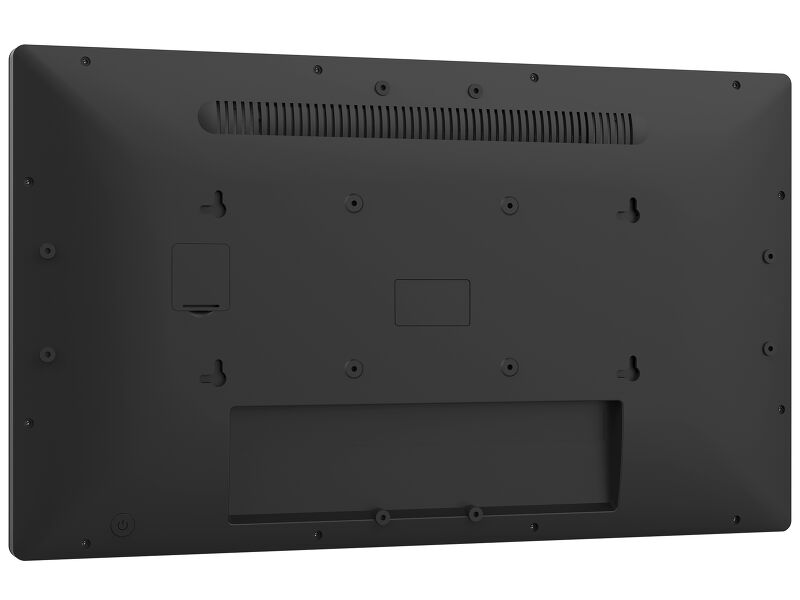
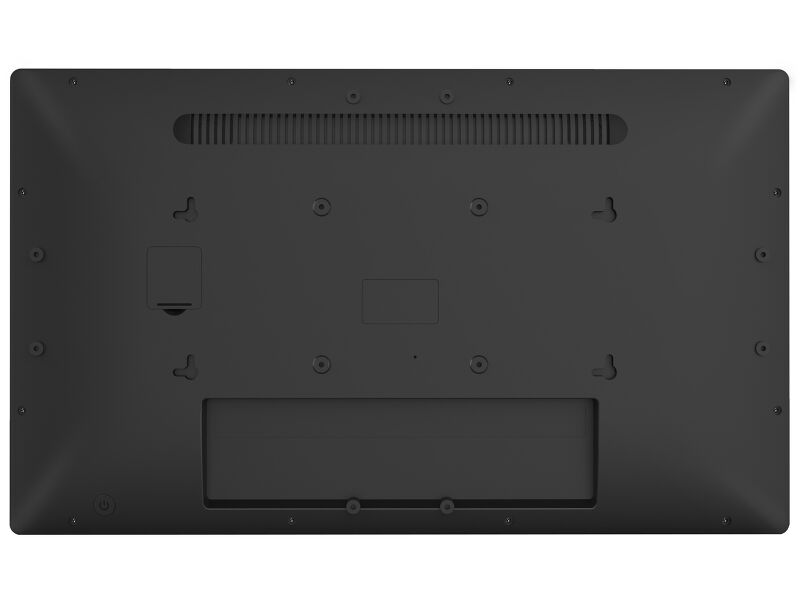
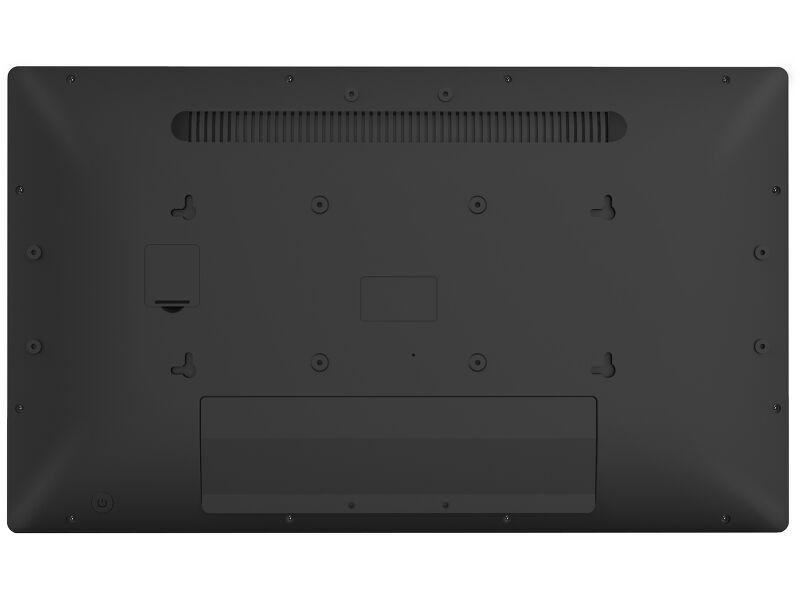
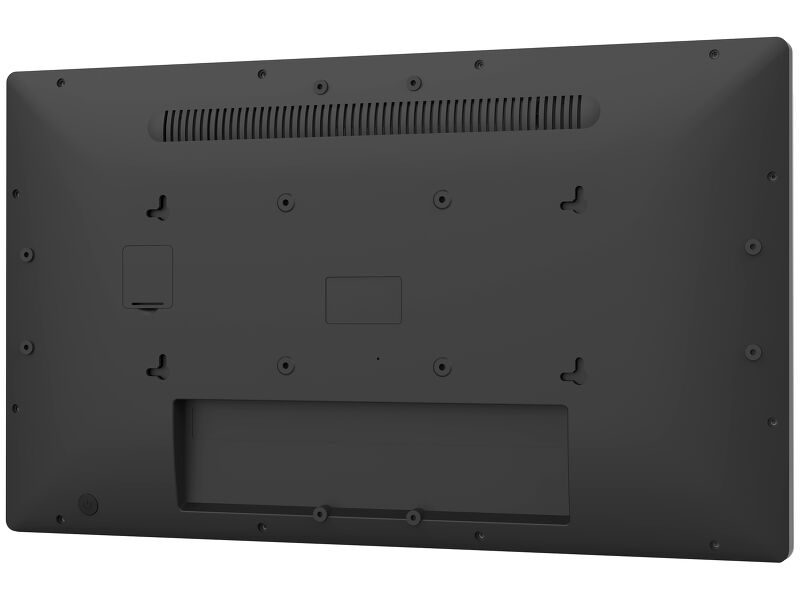
| VESA állvány | 100 x 100mm |
| Kábelkezelő rendszer | igen |
| MTBF | 50000 óra (kivéve háttérvilágítás) |
TARTOZÉKOKAT TARTALMAZZA
| Kábelek | áramellátás (1.8m) |
| Útmutatók | gyors üzembe helyezési útmutató, biztonsági útmutató |
| Egyéb | AC adapter, interchangeable plugs (EU/UK) |
| Kábel takaró | igen |
ENERGIAGAZDÁLKODÁS
| Tápegység | külső |
| Tápellátás | DC 12 V |
| Energiafogyasztás | 15.4W jellemző, 0.5W készenlét, 0.3W kikapcsolva |
| Áramfogyasztás | 0.5W készenlét |
FENNTARTHATÓSÁG
| Előírások | CE, EAC, RoHS támogatás, ErP, WEEE, HATÓTÁVOLSÁG, UKCA |
| REACH SVHC | 0,1% felett: Vezet |
MÉRETEK / SÚLY
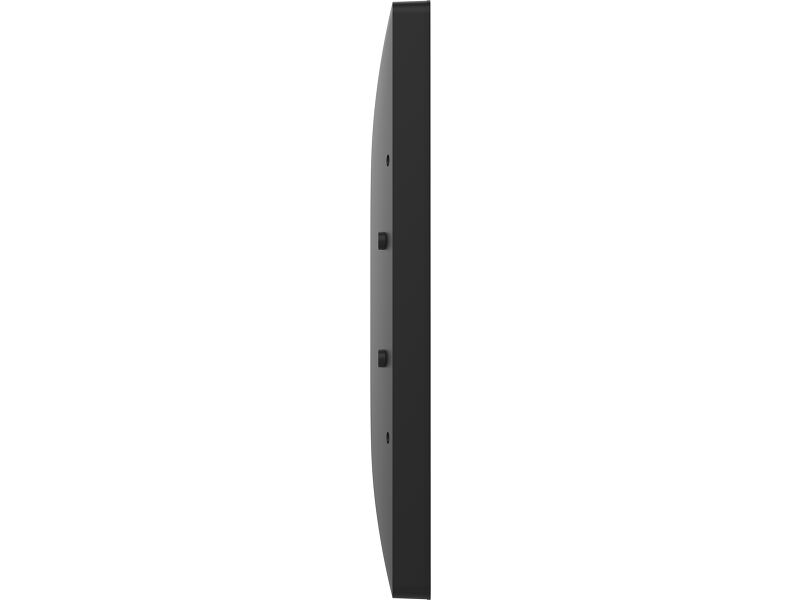
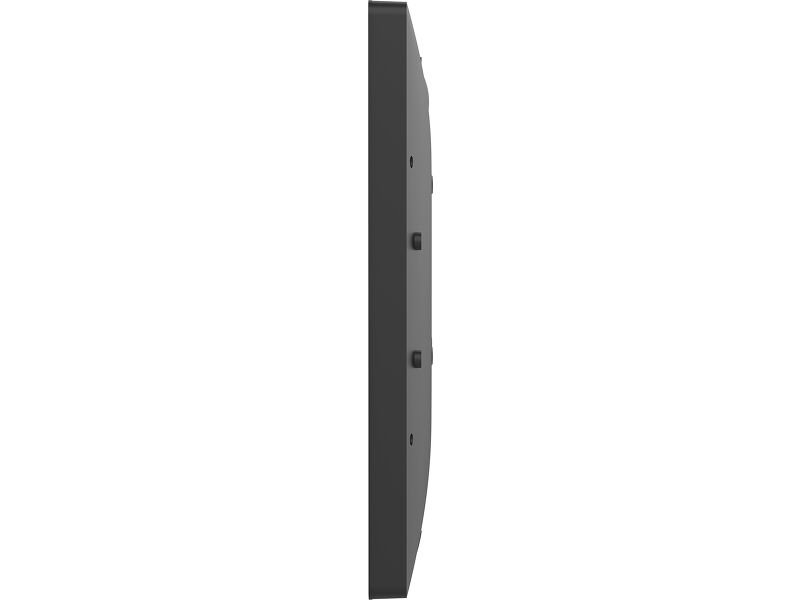
| Termék méretei Sz x H x M | 504.5 x 302 x 32mm |
| Doboz mértei Sz x H x M | 580 x 126 x 375mm |
| Súly (doboz nélkül) | 3.64kg |
| Súly (dobozzal) | 6kg |
| EAN kód | 4948570127160 |


Letöltések
| Használati utasítás | TW1023ASC_16_2223AS-B3P-usermanual-e_revH.pdf | Letöltés |
| Műszaki adatok | ProLite TW2223AS-B3P - hu_hu.pdf | Letöltés |
| Rajz | TW2223AS-B3P_Drawing.pdf | Letöltés |
| Instructions | TW series API Setup instructions_20251001.zip | Letöltés |
| Guarantee label | TW2223AS-B3P.pdf | Letöltés |
Technical support & Certificates
| CE | TW2223A-B3P CE DoC.pdf | Letöltés |
FAQS
Why is the Touch functionality not working?
+If your touch functionality is not working, please check the following:
1. Ensure your PC is connected to the monitor with the supplied USB cable.
2. Verify in the user manual that your operating system is supported by the screen.
How should I clean my Touch monitor?
+When cleaning, please follow these guidelines to avoid damaging your Touch monitor:
1. Avoid using paper towels, abrasive cloths, or any harsh cleaning agents, as they can scratch the screen or damage the touch sensors.
2. Do not spray the cleaning solution directly onto the screen to prevent liquid from seeping into the monitor.
3. Avoid excessive cleaning, as it can wear out the screen over time.
4. For more details, please check our dedicated Cleaning page.
Can I install apps on my iiyama monitor through Google Play Store?
+You can install apps on your iiyama monitor through the official Google Play Store. However, the functionality of these apps may vary, depending on the specific app you wish to install.

