
ProLite TW2223AS-B3P
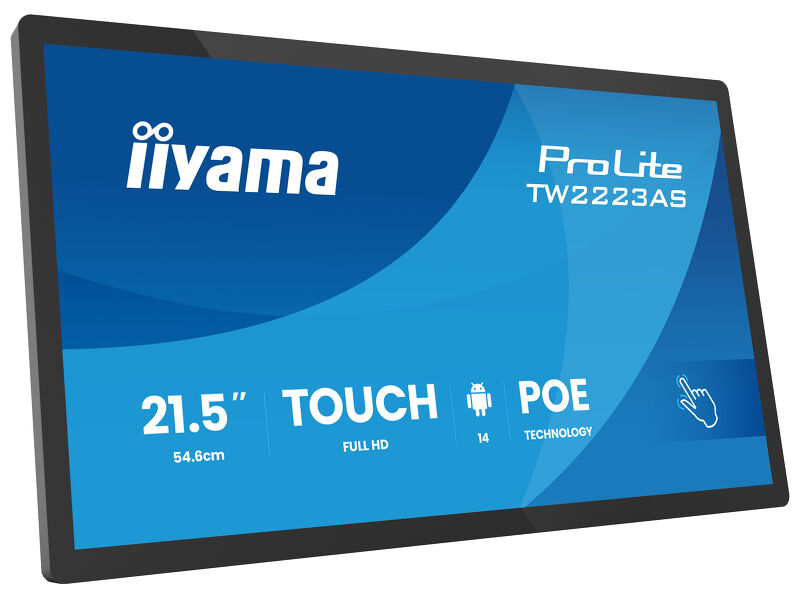
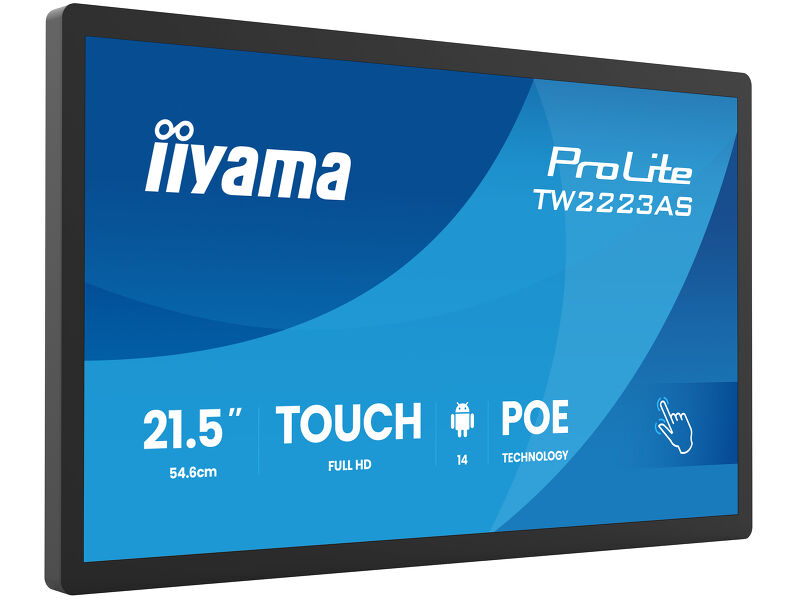
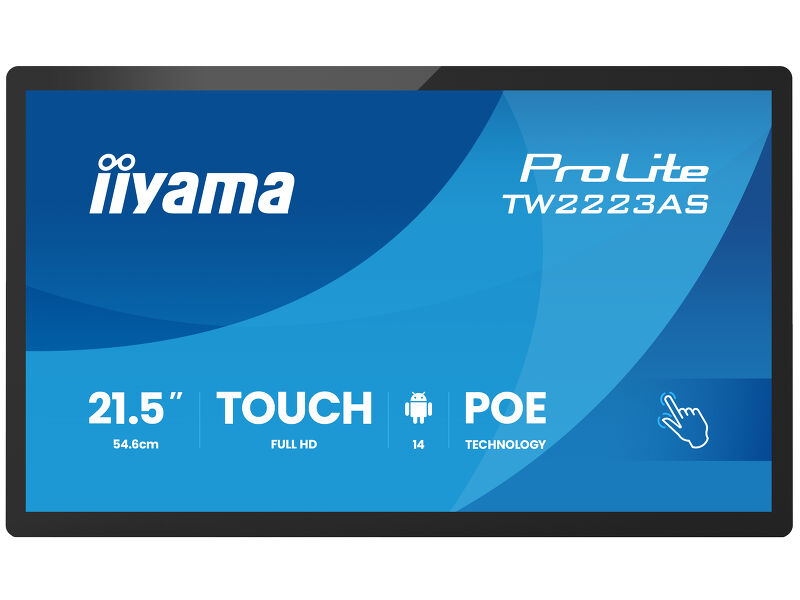
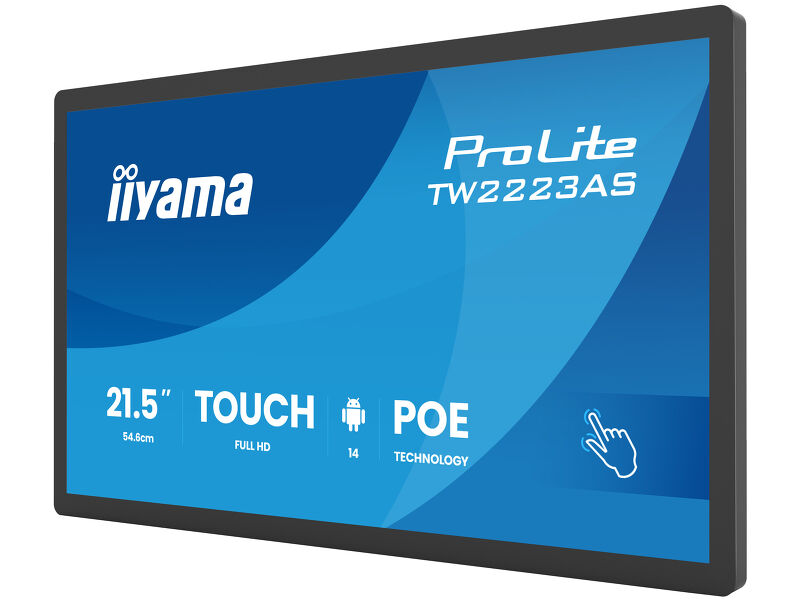
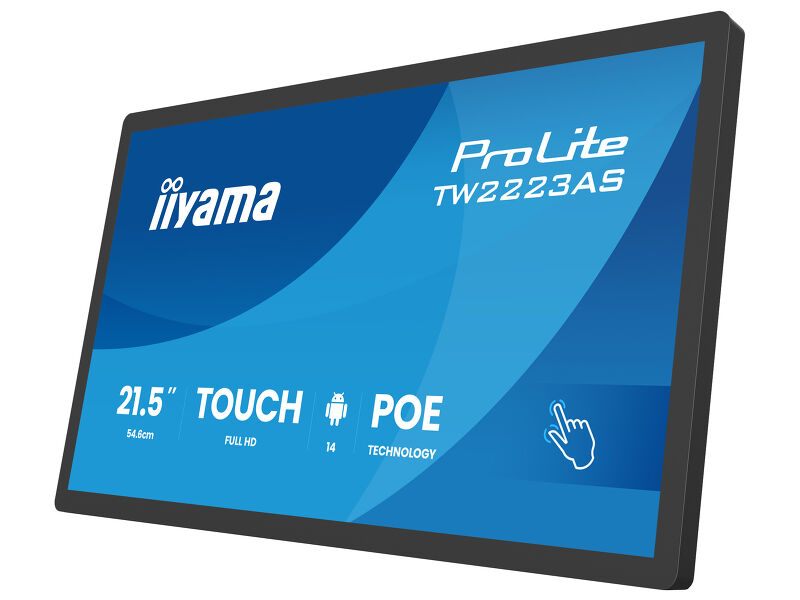
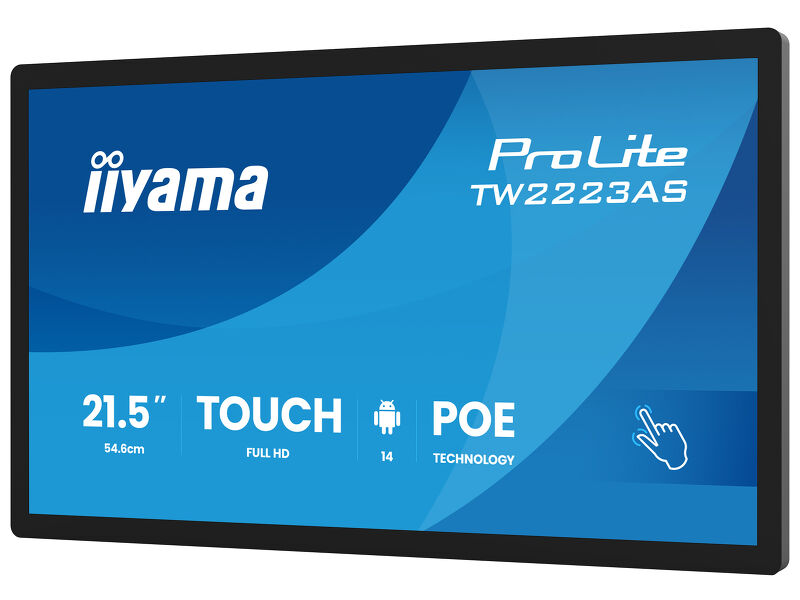
21.5” Full HD In-cell PCAP 10pt interactive Touch Panel PC with Android OS, IPS panel technology, anti glare coating, PoE Technology and iiSignage²
The ProLite TW2223AS-B3P interactive Touchpanel-PC is a perfect choice for high-use environments. The IPS panel, integrated in a slim and elegant bezel, delivers both excellent colour performance with wide viewing angles and noticeably sharper images. The In-cell 10tp PCAP touch technology ensures a fluid and natural touch experience. This monitor can operate in landscape, portrait and face-up orientation in 24/7 operating time. Thanks to the pre-installed Android 14 operating system, it is possible to easily customize the monitor by installing applications directly to it. In combination with the 32GB storage, Wi-Fi connection, LAN (RJ45) and Bluetooth connectors, it makes the monitor especially suited for POS systems or information points in retail shops to educate customers about your products, as well as virtually limitless smart home applications. Thanks to Power over Ethernet (PoE), both power and data are delivered through a single cable, simplifying installation and reducing additional cables.
Additionally, it integrates effortlessly with iiSignage², iiyama’s Content Management System (CMS), giving you full control over your messages and advertising.
Connectivity
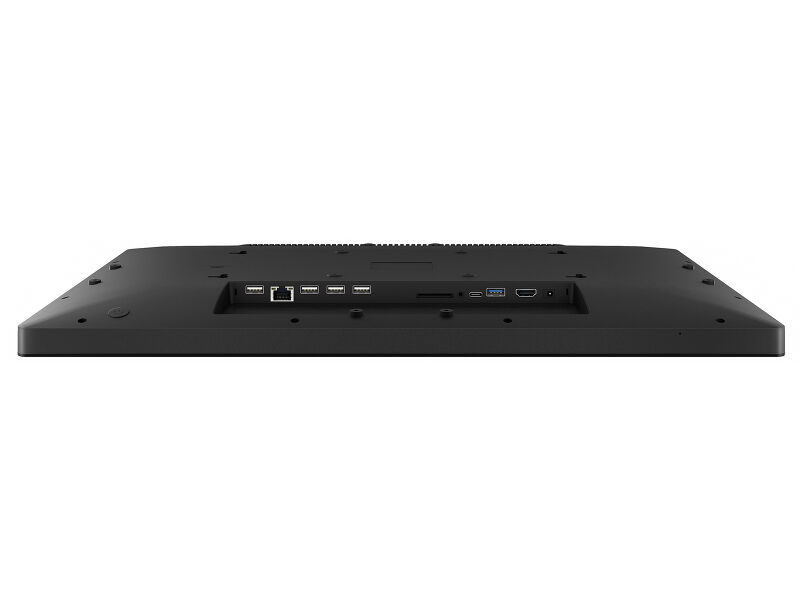
The RJ45 (LAN) connector supporting Power over Ethernet technology (POE) allows to provide both data connection and power by a single cable, which simplifies installation in areas where many cables would interfere with the environment.
Android OS
Thanks to Android OS, you can easily customize the display to your needs by installing applications directly to it.
iiSignage²
iiSignage² is our digital signage content management platform to easily show and control your content and to manage your displays in a secure way. The Content Management System (CMS) gives you total control of your messaging and advertising remotely and safely.
Technical specification


DISPLAY CHARACTERISTICS
| Design | Thin bezel |
| Diagonal | 21.5", 54.6cm |
| Panel | IPS |
| Native resolution | 1920 x 1080 (2 megapixel HD) |
| Aspect ratio | 16:9 |
| Panel brightness | 500 cd/m² |
| Brightness | 450 cd/m² with touch |
| Light transmittance | 86% |
| Static contrast | 1500:1 with touch |
| Response time (GTG) | 14ms |
| Viewing zone | horizontal/vertical: 178°/178°, right/left: 89°/89°, up/down: 89°/89° |
| Colour support | 16.7mln 8bit |
| Horizontal Sync | 31 - 83kHz |
| Viewable area W x H | 476.1 x 267.8mm, 18.7 x 10.5" |
| Pixel pitch | 0.248mm |
| Bezel colour and finish | black, matte |
TOUCH
| Touch technology | projective capacitive |
| Touch points | 10 (HID, only supported by integrated OS, external OS only support single touch) |
| Touch accuracy | +- 2mm |
| Touch method | finger, glove (latex), capacitive stylus |
| Touch interface | USB |
| Supported operating systems | All iiyama monitors are Plug & Play and compatible with Windows and Linux. For details regarding the supported OS for the touch models, please refer to the driver instruction file available in the downloads section. |
INTERFACES / CONNECTORS / CONTROLS
| Digital signal input | HDMI x1 (1920x1080 @60Hz) |
| Digital signal output | USB-C x1 (1x v. 3.2 (Gen 1, video output and touch board function – mirror screen)) |
| Audio output |
Mini jack x1 Speakers 2 x 2W |
| HDCP | yes |
| USB ports | x3 (1x v. 3.2 (Gen 1, 5Gbit; DC5V, 900mA), 2x 2.0 (DC5V, 500mA)) |
| RJ45 (LAN) | x1 (PoE - IEEE802.3bt/60W (1000M)) |
| Microphone | x1 |
FEATURES
| Integrated software | Android 14 with GMS |
| SOC | Octa-core RK3576 (4x A53 + 4x A72) |
| GPU | ARM G52 MC3 |
| Storage | 32GB eMMC |
| Memory | 4GB LPDDR4 |
| WiFi | IEEE802.11ax/ac/a//b/g/n |
| Bluetooth | 5.3 |
| Extra | Auto-rotation, SD card slot, anti-glare coating, PoE, iiSignage² |
| Max. non-stop operating time | 24/7 |
| Anti image retention | yes |
| Glass thickness | 2.9mm |
| Glass hardness | 6H |
| OSD key lock | yes |
GENERAL
| Control buttons | Power switch, volume/ button +, volume/ button - |
| Applications | Applications: lock application, manage power on/off time, calculator, calendar, Chrome, alarm/clock/timer/stopwatch, manage files & folders, organize albums, Gmail, Google, iiSignage², play audio files, Play store, system peferences, sound recorder, play video |
| Flicker free | yes |
MECHANICAL
| Orientation | landscape, portrait, face-up |
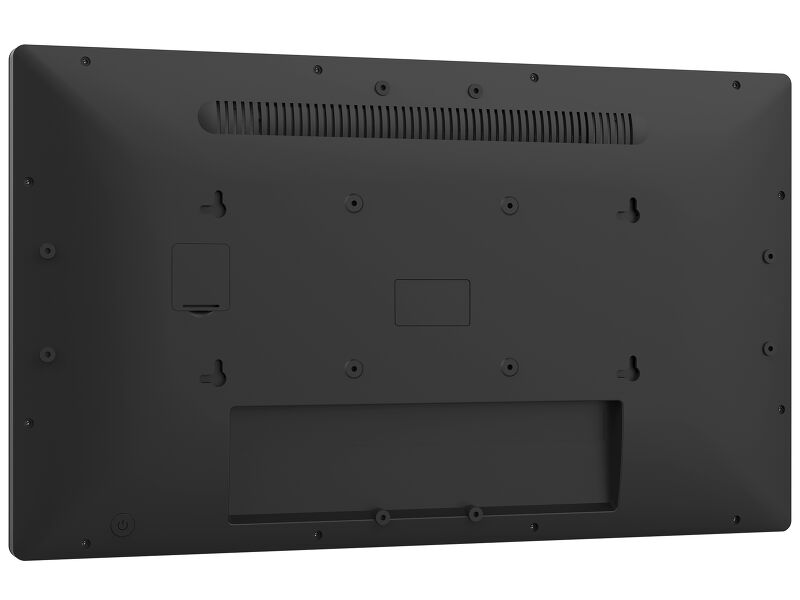
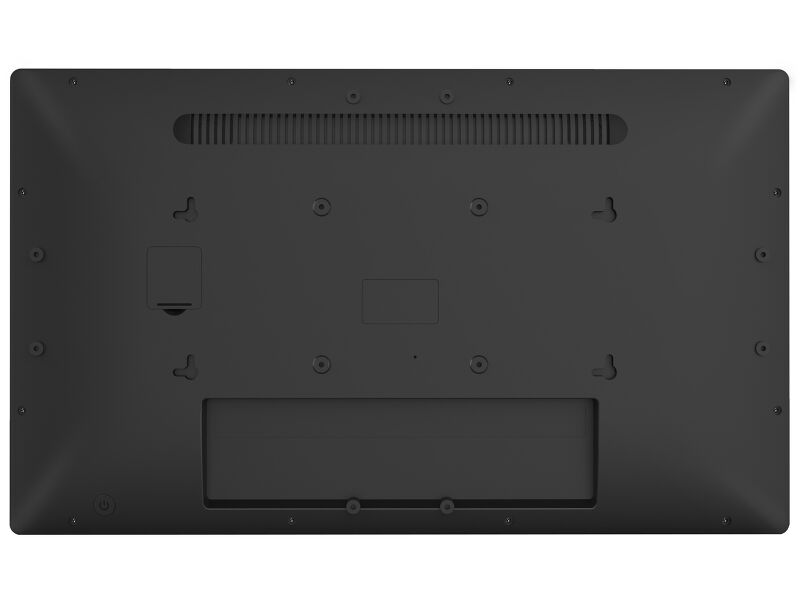
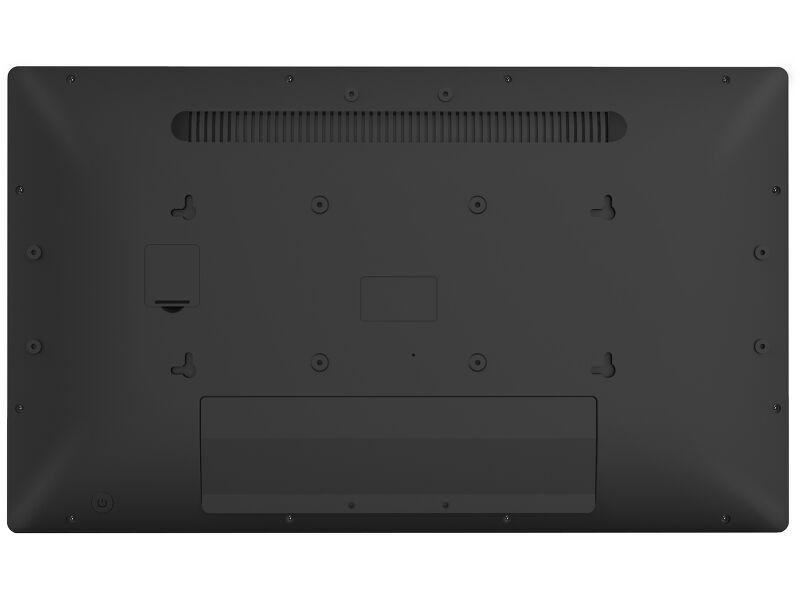
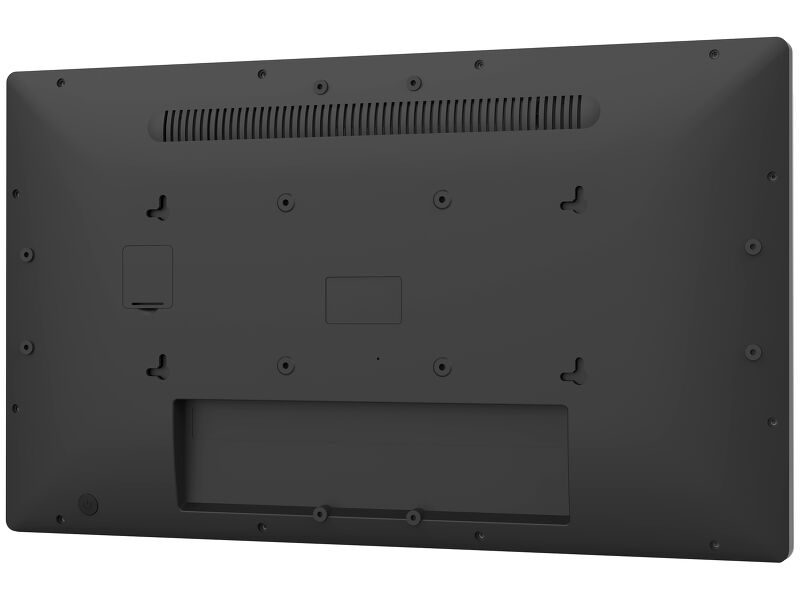
| VESA mounting | 100 x 100mm |
| Cable management system | yes |
| MTBF | 50000 hours (excluding backlight) |
ACCESSORIES INCLUDED
| Cables | power (1.8m) |
| Guides | quick start guide, safety guide |
| Other | AC adapter, interchangeable plugs (EU/UK) |
| Cable cover | yes |
POWER MANAGEMENT
| Power supply unit | external |
| Power supply | DC 12 V |
| Power usage | 15.4W typical, 0.5W stand by, 0.3W off mode |
SUSTAINABILITY
| Regulations | CE, EAC, RoHS support, ErP, WEEE, REACH, UKCA |
| REACH SVHC | above 0.1%: Lead |
DIMENSIONS / WEIGHT
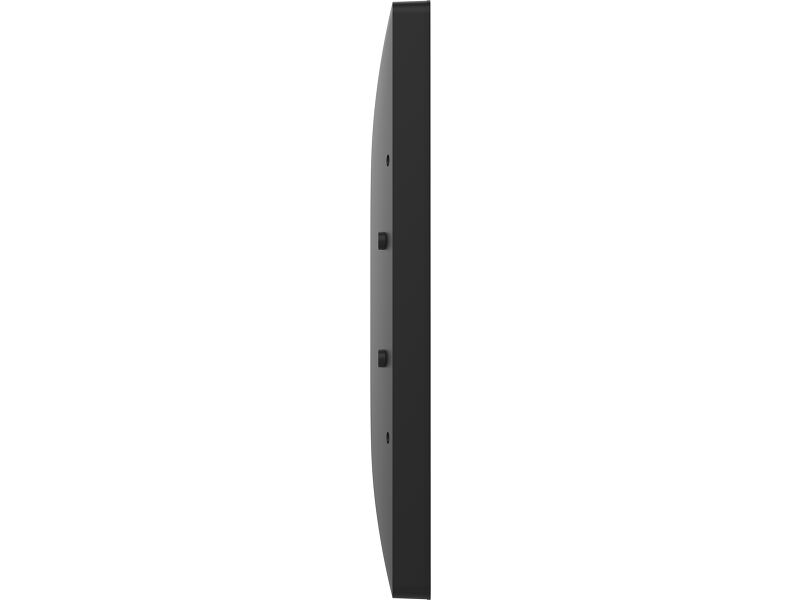
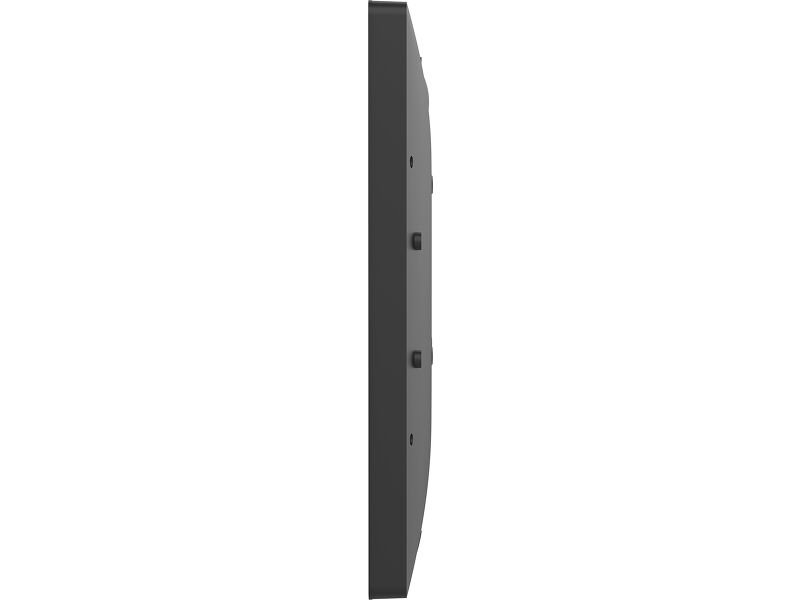
| Product dimensions W x H x D | 504.5 x 302 x 32mm |
| Box dimensions W x H x D | 580 x 126 x 375mm |
| Weight (without box) | 3.64kg |
| Weight (with box) | 6kg |
| EAN code | 4948570127160 |


Downloads
| User manual | TW1023ASC_16_2223AS-B3P-usermanual-e_revH.pdf | Download |
| Technical specification | ProLite TW2223AS-B3P - gb_en.pdf | Download |
| Drawing | TW2223AS-B3P_Drawing.pdf | Download |
| Instructions | TW series API Setup instructions_20251001.zip | Download |
| Guarantee label | TW2223AS-B3P.pdf | Download |
Technical support & Certificates
| CE | TW2223A-B3P CE DoC.pdf | Download |
FAQS
Why is the Touch functionality not working?
+If your touch functionality is not working, please check the following:
1. Ensure your PC is connected to the monitor with the supplied USB cable.
2. Verify in the user manual that your operating system is supported by the screen.
How should I clean my Touch monitor?
+When cleaning, please follow these guidelines to avoid damaging your Touch monitor:
1. Avoid using paper towels, abrasive cloths, or any harsh cleaning agents, as they can scratch the screen or damage the touch sensors.
2. Do not spray the cleaning solution directly onto the screen to prevent liquid from seeping into the monitor.
3. Avoid excessive cleaning, as it can wear out the screen over time.
4. For more details, please check our dedicated Cleaning page.
Can I install apps on my iiyama monitor through Google Play Store?
+You can install apps on your iiyama monitor through the official Google Play Store. However, the functionality of these apps may vary, depending on the specific app you wish to install.

