Subscribe to our newsletter
Keep up #withiiyama
You have successfully subscribed to our newsletter.
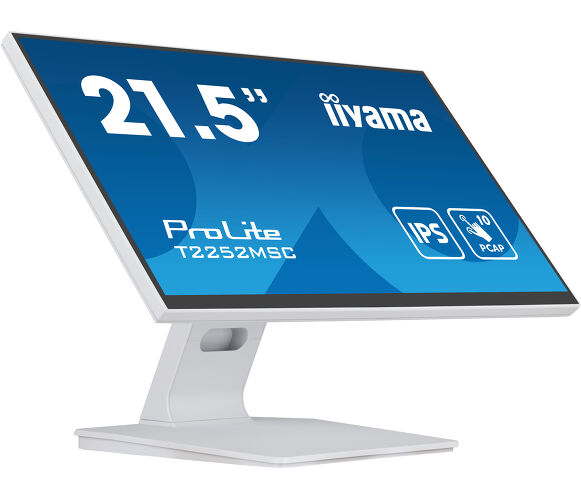
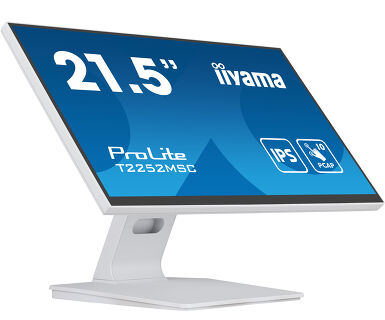
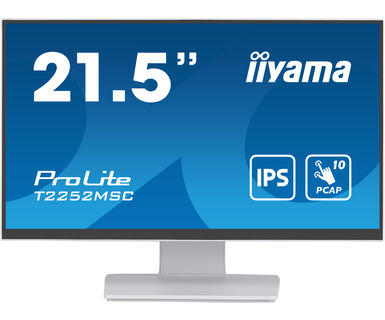
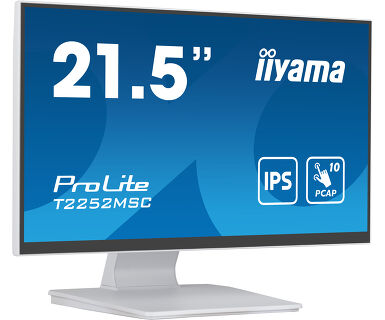
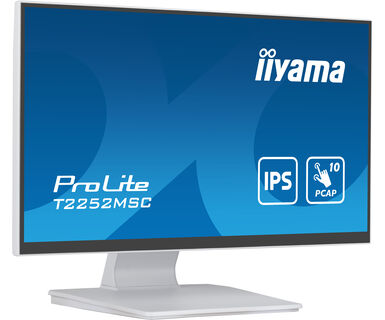
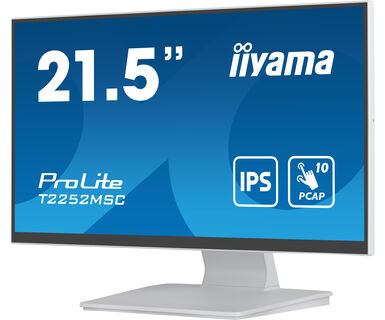
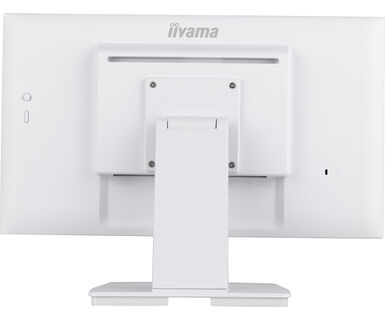
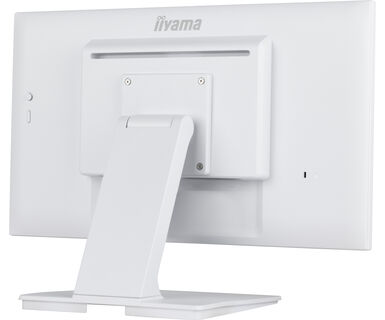
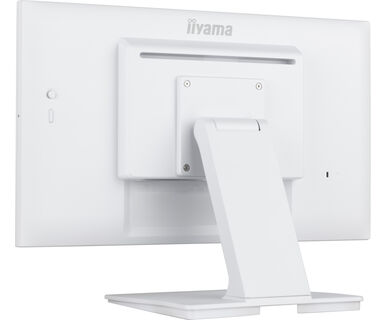
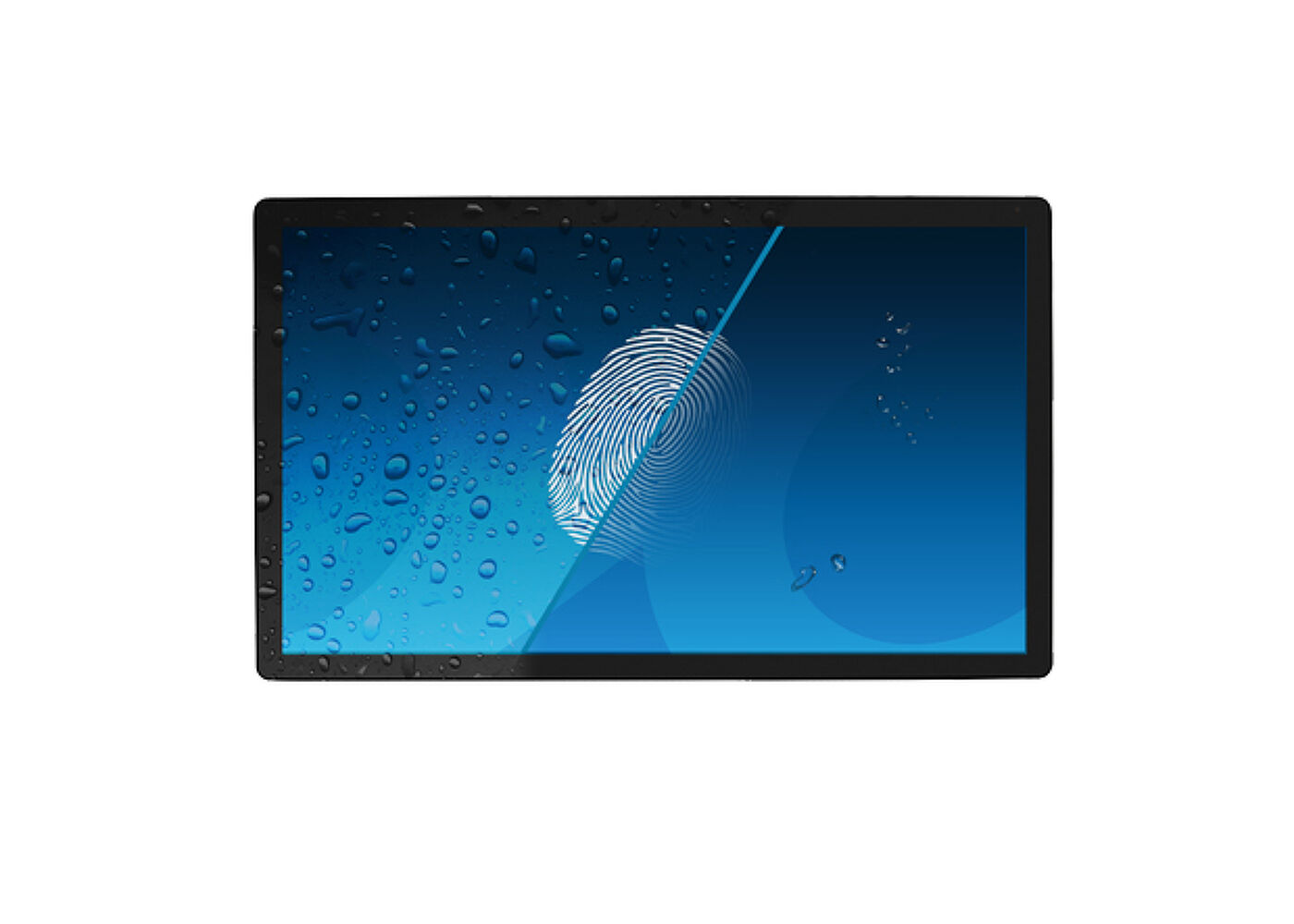
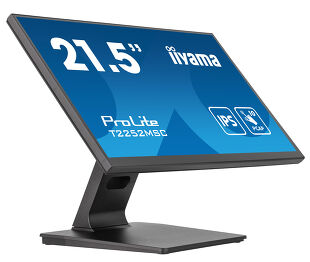
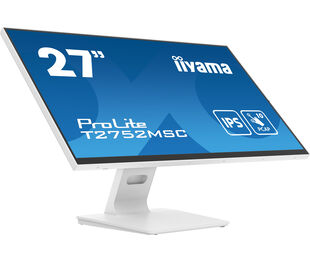
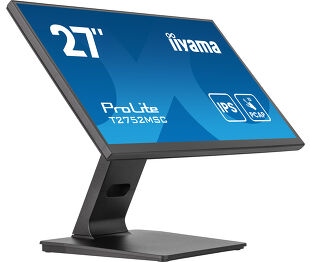
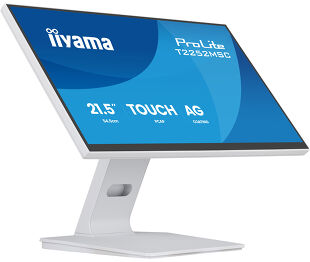
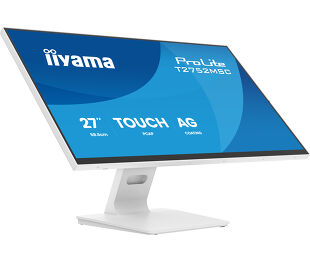
21.5” PCAP 10pt touchscreen monitor featuring IPS panel technology, Edge-to-Edge glass design and anti fingerprint coating
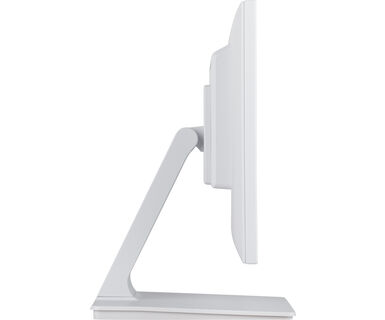
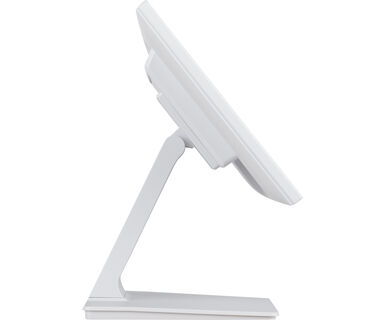
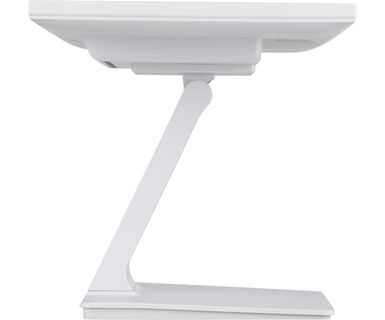
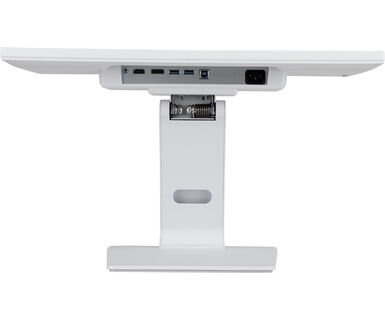
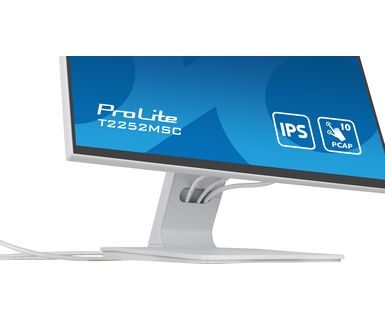
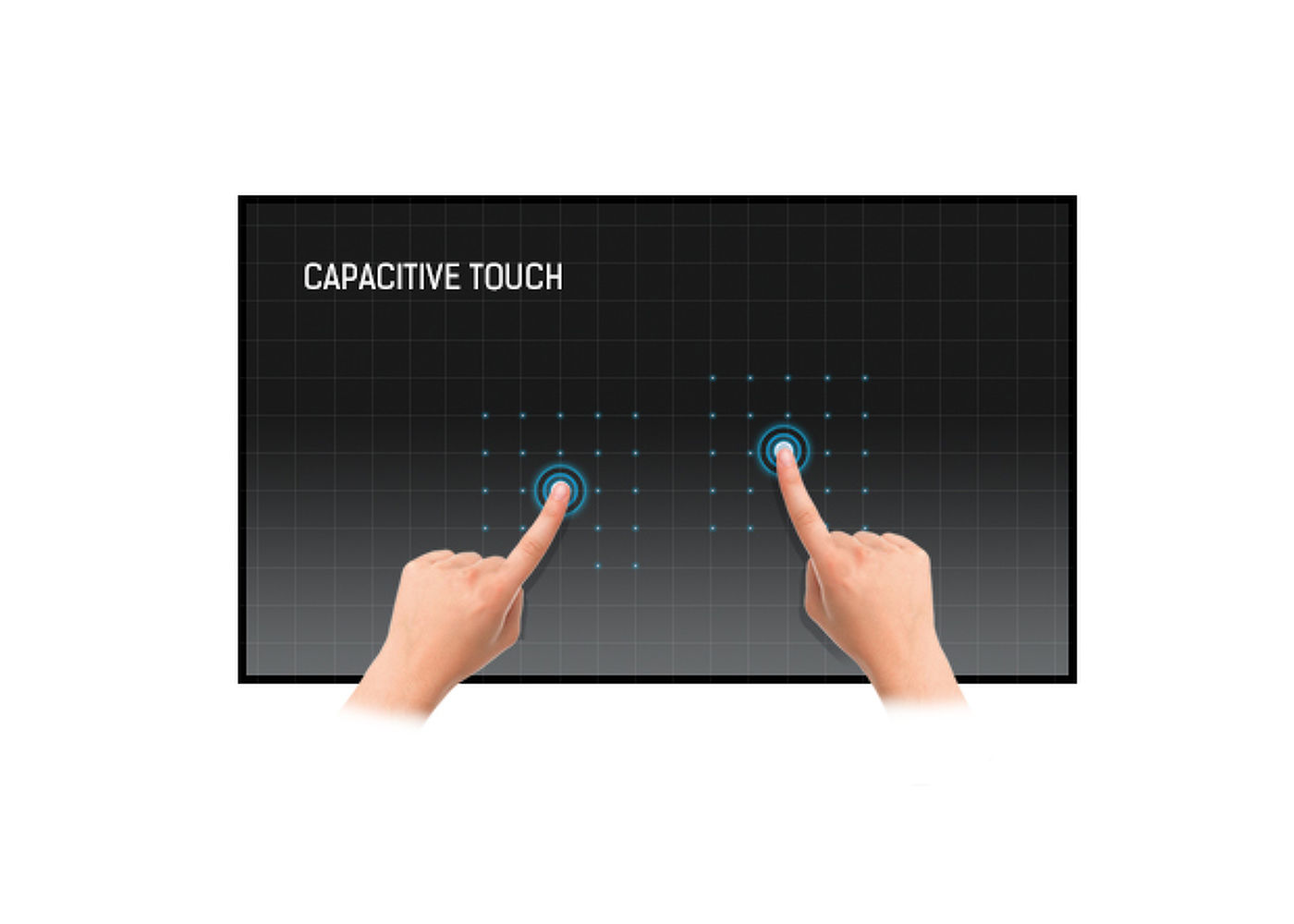
With its Full HD (1920x1080) resolution and accurate Projective Capacitive 10 point touch technology, the ProLite T2252MSC-W2 delivers seamless and accurate touch response. Featuring IPS LCD screen technology, it offers exceptional colour performance and wide viewing angels, making it a perfect choice for a vast array of interactive applications. The flexible stand can be positioned at several angels creating a comfortable and ergonomic user experience and the integrated cable management system hides all the cables and electrical wires giving a neat and cable-free workspace. In addition, the edge-to-edge glass and ultra slim design creates an eye-catching finish. The ProLite T2252MSC-W2 is the ideal solution for interactive signage, instore retail, POS and interactive presentations.
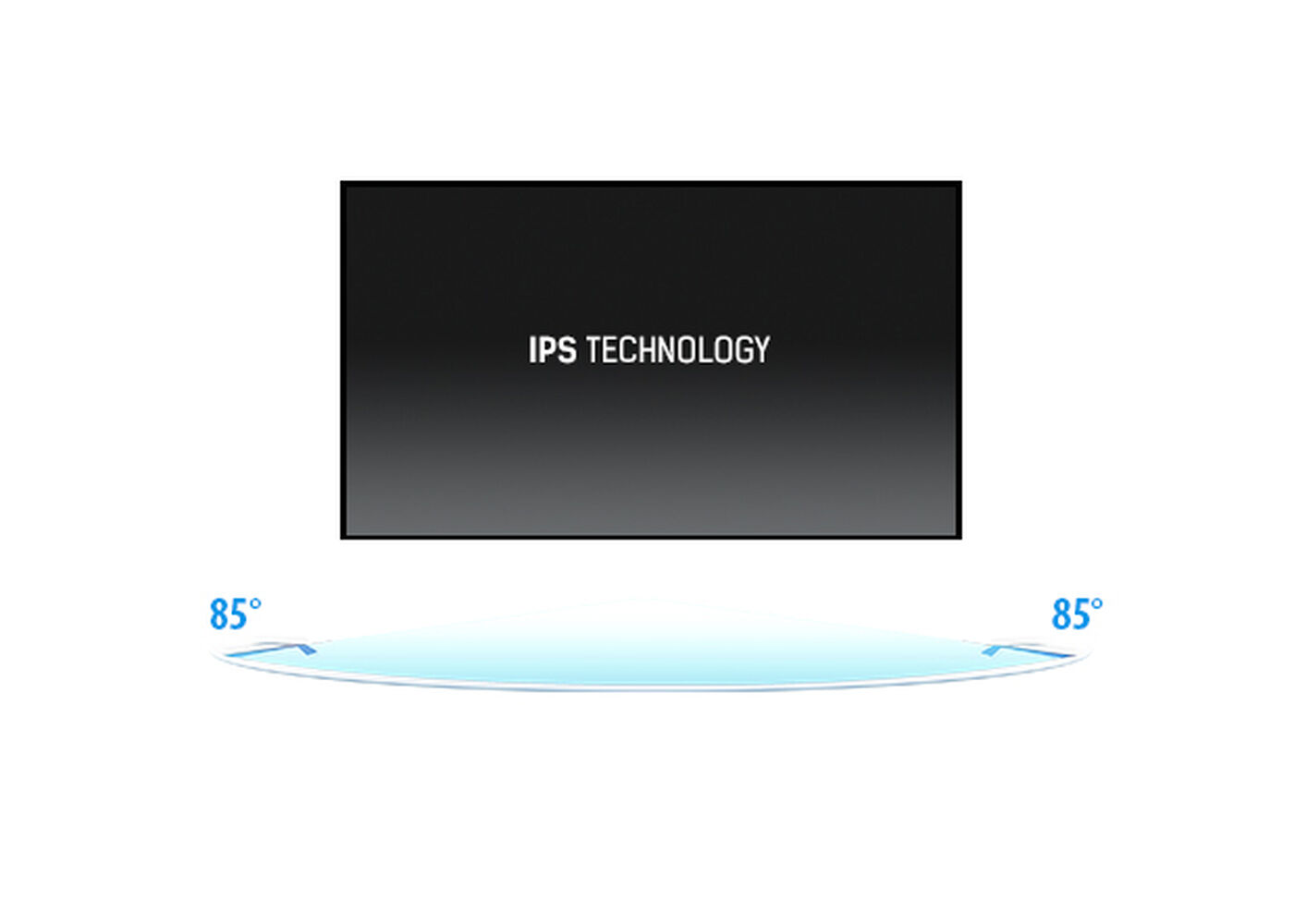
Az IPS kijelzők leginkább a széles látószögükről és a természetes, rendkívül élethű színeikről ismertek. Kifejezetten alkalmas olyan felhasználásra, ahol a színek pontossága fontos.



| Dizájn | Széltől szélig érő üveg |
| Átló | 21.5", 54.5cm |
| Panel | IPS |
| Natív felbontás | 1920 x 1080 (2.1 megapixel Full HD) |
| Képarány | 16:9 |
| Fényerő | 250 cd/m² |
| Fényerősség | 225 cd/m² érintéssel |
| Fényáteresztés | 90% |
| Statikus kontraszt | 1000:1 |
| Válaszidő (GTG) | 5ms |
| Látótér | horizontális/vertikális: horizontal°/vertical 178°, jobb/bal: 0°/0°, fel/le: 0°/0° |
| Szín támogatás | 16.7mln |
| Horizontális szinkronizálás | 30 - 83kHz |
| Látható terület Sz x M | 478.6 x 260mm, 18.8 x 10.2" |
| Pixel magasság | 0.249mm |
| Káva színe és felülete | fehér, matt |
| Éríntőképernyős technológia | projektív kapacitív |
| Érintőpontok | 10 (HID, only with supported OS) |
| Érintési mód | ceruza, újj, kesztyű (latex) |
| Érintőképernyő interfész | USB |
| Támogatott operációs rendszerek | Minden iiyama monitor Plug & Play funkcióval rendelkezik, és kompatibilis a Windows és a Linux rendszerekkel. Az érintőképernyős modellek által támogatott operációs rendszerekre vonatkozó részletes információk a letöltések részben található illesztőprogram-fájlban találhatók. |
| Tenyérérzékelés elutasítása | igen |
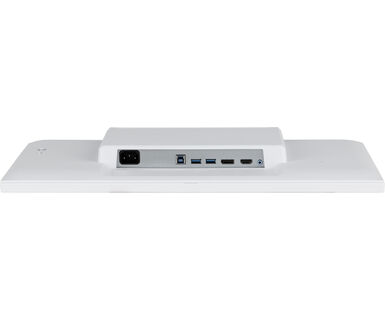
| Digitális jelbemenet |
HDMI x1 DisplayPort x1 |
| Audio kimenet |
Mini jack x1 Hangszórók 2 x 1W |
| HDCP | igen |
| USB HUB | x2 (USB 3.2 Gen 1 ( 5Gbps, 5V, 900mA)) |
| Extra | Anti-fingerprint coating, touch support with gloved hand (thickness +2mm) |
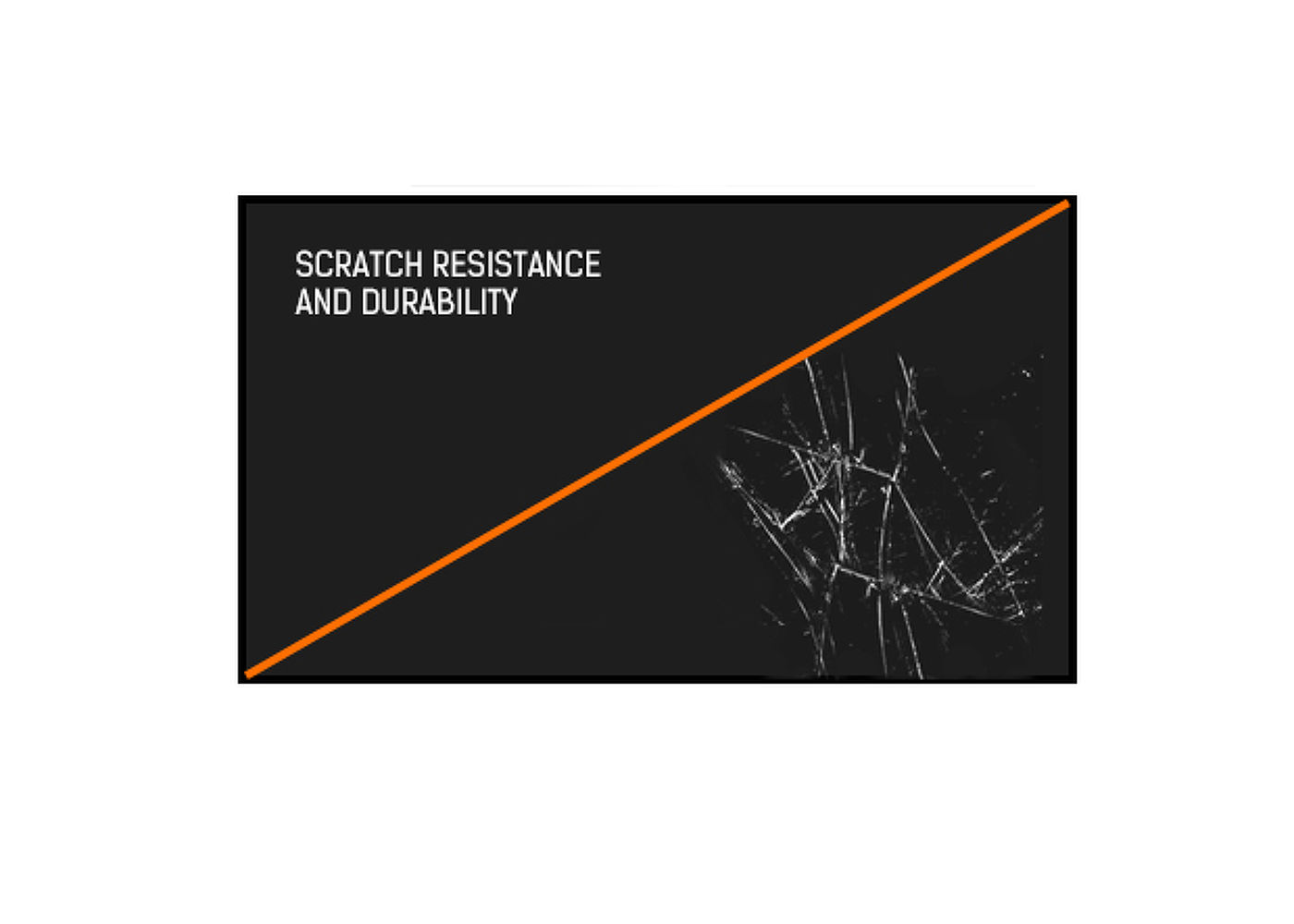
| Üveg keménysége | 7H |
| OSD billentyűzár | igen |
| Képernyőn megjelenő nyelvek | EN, DE, FR, ES, IT, PT, RU, JP, NL, PL |
| Vezérlőgombok | Joystick: right/menu/enter, left/input/exit, up/eco, down, power |
| Felhasználói vezérlők | picture adjust (brightness, contrast, i-Style, adv. contrast, ECO, OD, X-Res), color settings (gamma, rgb range, color temp.), image settings (video mode adjust, blue light reducer, sharp & soft), OSD (horizontal position, vertical pos., time, background), extra (reset, dcc/ci, signal select, volume, mute, opening logo, led, touch switch) |
| Convenience | Kensington-lock™ előkészítve |
| Kékfény csökkentés | igen |
| Villogásmentes | igen |
| Plug&Play | DDC2B |
| Tájolás | tájkép, oldalával felfelé |
| Hajlásszög | 90° fel; 5° le |
| VESA állvány | 100 x 100mm |
| Kábelkezelő rendszer | igen |
| Kábelek | áramellátás, USB, HDMI |
| Útmutatók | biztonsági útmutató |
| Egyéb | Screwdriver |
| Kábel takaró | igen |
| Tápegység | belső |
| Áramellátás | AC 100 - 240V, 50/60Hz |
| Energiafogyasztás | 11W jellemző, 1.5W készenlét, 0.3W kikapcsolva |
| Áramfogyasztás | 1.5W készenlét |
| Előírások | CE, RoHS támogatás, ErP, WEEE, HATÓTÁVOLSÁG, cTUVus |
| Energiahatékonysági osztály ((EU) 2017/1369 rendelet) | C |
| REACH SVHC | 0,1% felett: Vezet |
| Termék méretei Sz x H x M | 493.5 x 361.5 x 239.5mm |
| Doboz mértei Sz x H x M | 560 x 350 x 150mm |
| Súly (doboz nélkül) | 4.5kg |
| Súly (dobozzal) | 6kg |
| EAN kód | 4948570122059 |
| Terméksorozatok | ProLite T2452MSC-B1, ProLite T2252MSC-B2, ProLite T2452MSC-W1, ProLite T2752MSC-B1, ProLite T2752MSC-W1, ProLite T2752MSC-B1AG, ProLite T2252MSC-W2AG, ProLite T2752MSC-W1AG |

If your touch functionality is not working, please check the following:
1. Ensure your PC is connected to the monitor with the supplied USB cable.
2. Verify in the user manual that your operating system is supported by the screen.
When cleaning, please follow these guidelines to avoid damaging your Touch monitor:
1. Avoid using paper towels, abrasive cloths, or any harsh cleaning agents, as they can scratch the screen or damage the touch sensors.
2. Do not spray the cleaning solution directly onto the screen to prevent liquid from seeping into the monitor.
3. Avoid excessive cleaning, as it can wear out the screen over time.
4. For more details, please check our dedicated Cleaning page.
If your monitor is displaying a "No Signal" message, please check the following:
1. Ensure the cables are properly connected at both ends.
2. Select the correct signal input (HDMI/DP) or choose AUTO.
For guidance on selecting an input while the screen is in standby mode, please consult the user manual. On desktop monitors, common methods include pressing the INPUT, AUTO, or "2" buttons, or moving the joystick backward.
Yes, your iiyama monitor will work with your Apple Mac system. However, it depends on the signal input how to connect. Since Apple Mac systems from 2020 onwards only have Thunderbolt 3 (USB-C) ports for video output, you have two options:
1. Connect directly to the USB-C signal input on your iiyama monitor.
2. In case your monitor only has HDMI or Displayport, you will need a Mac-compatible dongle that supports one of the video inputs available. Apple offers a USB-C Digital AV Multiport Adapter (MW5M3AM) that can be used for this purpose.
3. If your iiyama monitor has touchscreen capabilities, please refer to the user manual to verify touch functionality compatibility with your Mac system.
To resolve the issue of a blinking picture, please follow these steps:
1. Inspect the Signal Cable.
Ensure the signal cable is securely connected at both ends and free from any physical damage. Avoid any sharp bends or squishing of the cable.
2. Use a Shorter Cable.
If possible, use a cable shorter than 3 meters and connect the monitor directly to a wall power socket, avoiding the use of adapters.
3. Disable FreeSync/Adaptive Sync.
For desktop or gaming monitors, try disabling FreeSync or Adaptive Sync in the monitor's settings menu.