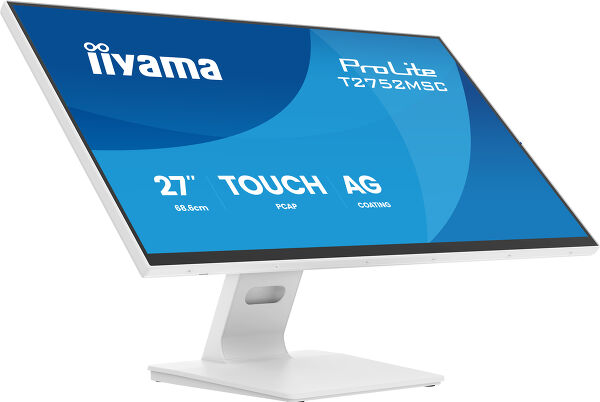
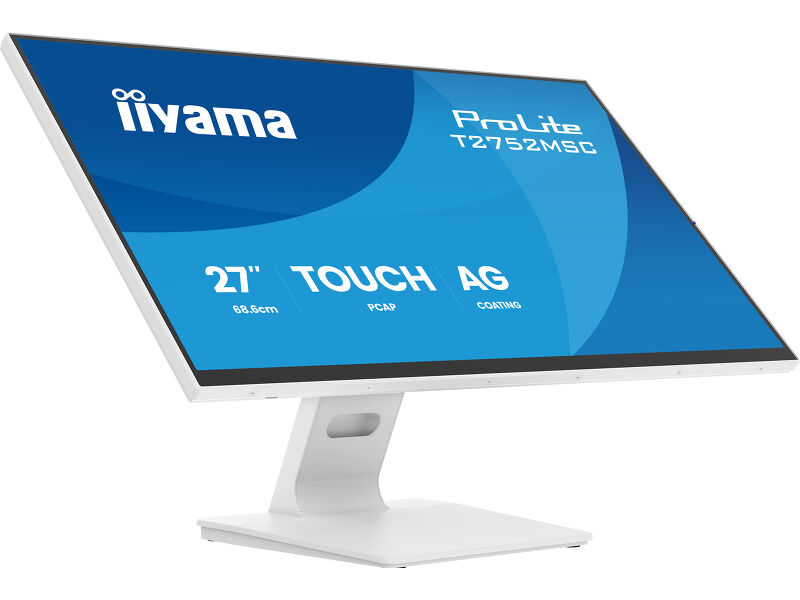
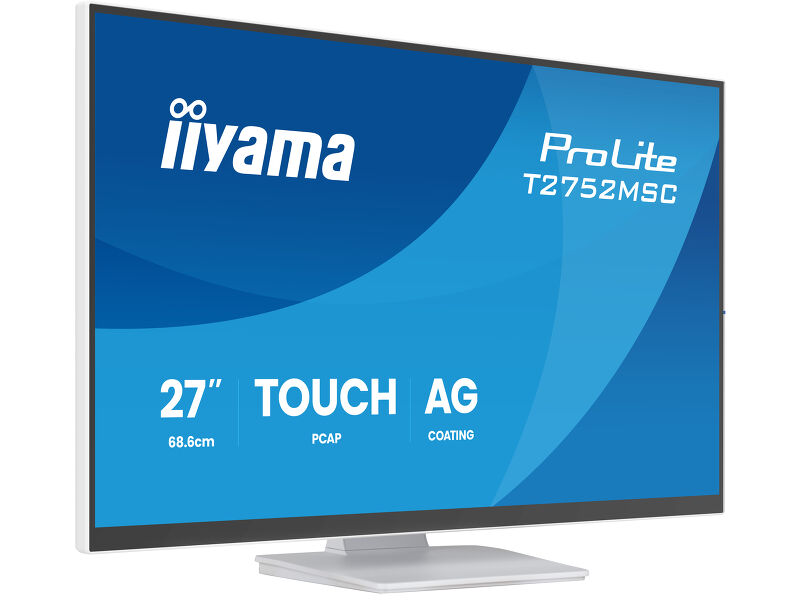
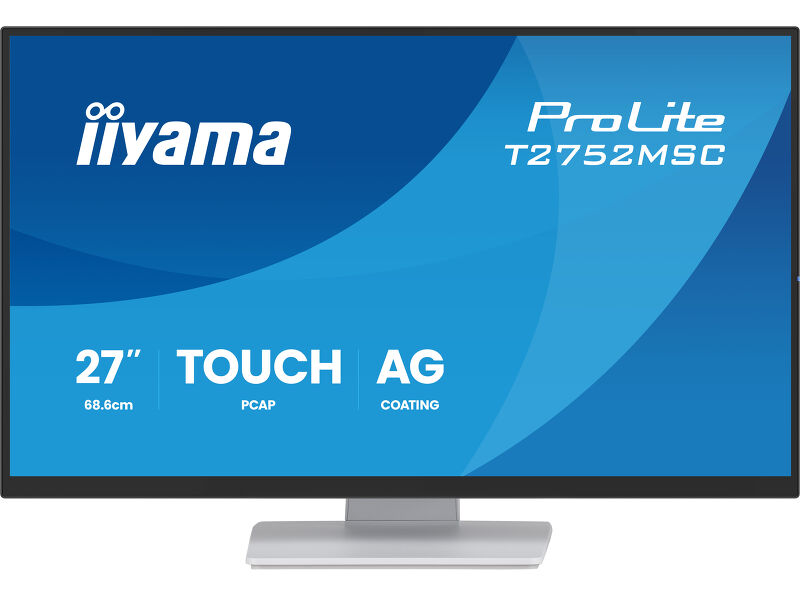
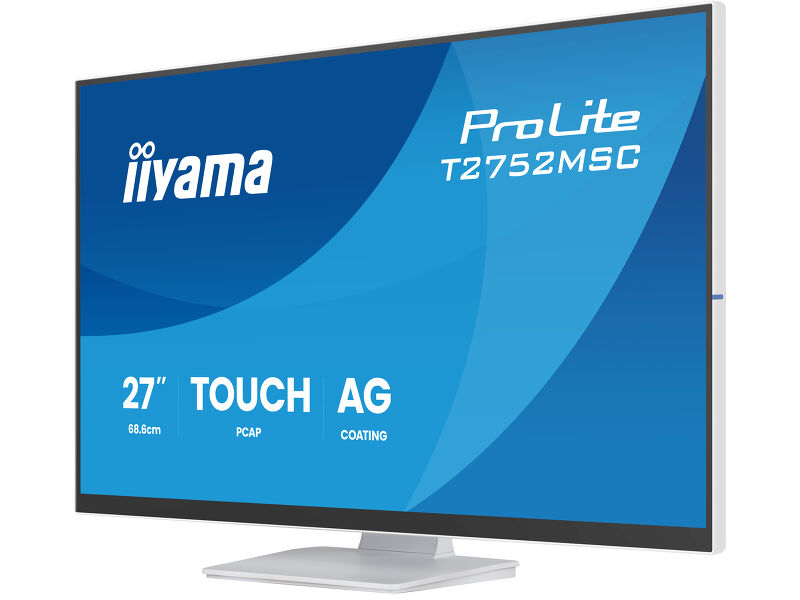
ProLite T2752MSC-W1AG
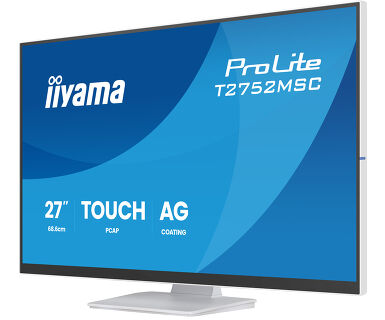
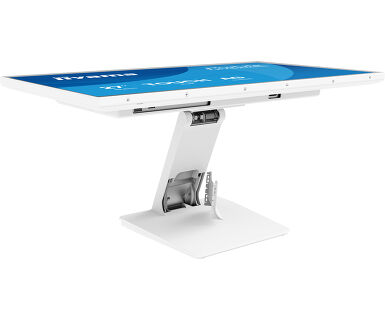
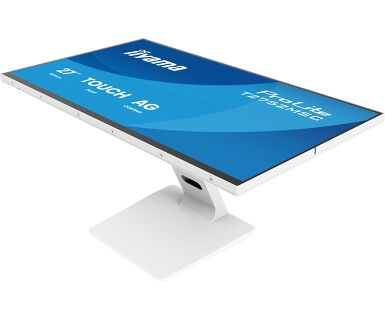
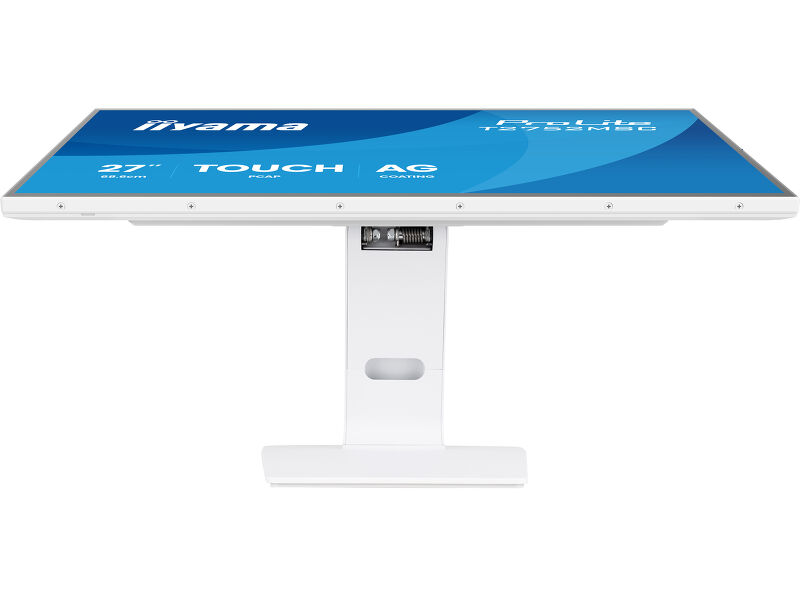
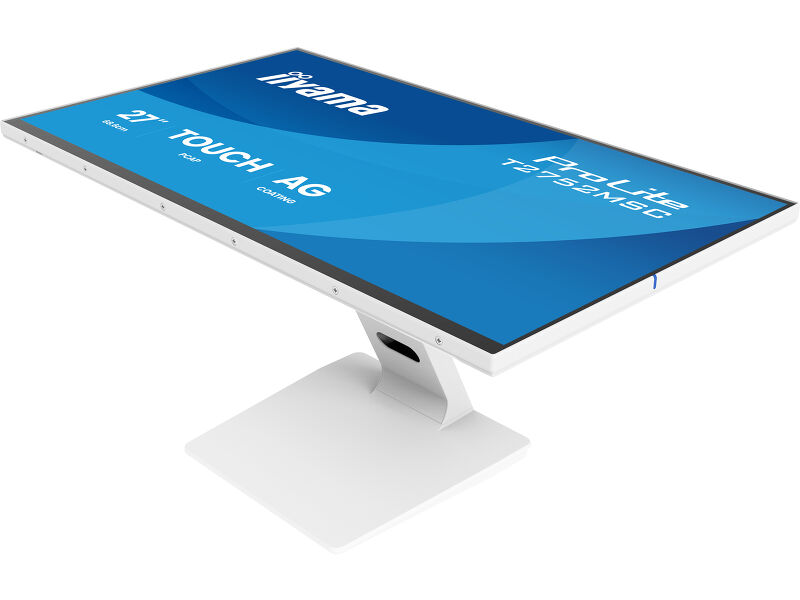
21.5” DeepContrast PCAP+ 10pt touchscreen monitor featuring IPS panel technology, Anti Glare coating, active stylus support (MPP 2.0) and edge-to-edge glass
Immersive interaction and elegant design - Discover the ProLite T2254MSC-B2AG, a vibrant 21.5" Full HD touchscreen monitor designed for exceptional interactive experiences. Featuring intuitive 10-point touch technology (Optical Bonded PCAP), which ensures smooth and precise touch response and low light reflection. In addition, the display is protected from moisture and potential condensation development. With built-in MPP2.0 support (Microsoft Pen Protocol), a stylus with tilt and pressure sensitivity can be used, providing a natural, precise and intuitive writing or drawing experience, just like a pen on paper.
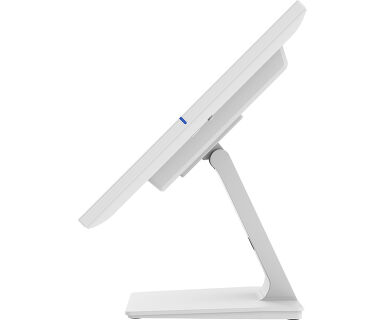
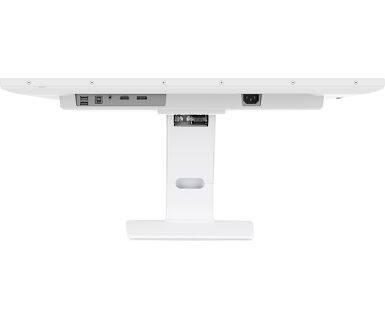
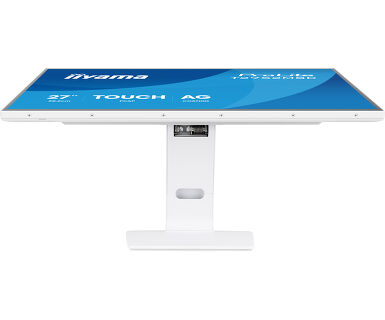
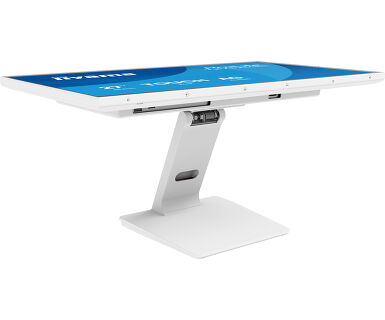
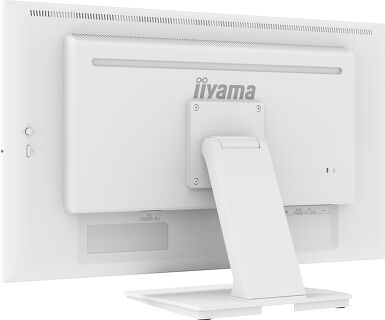
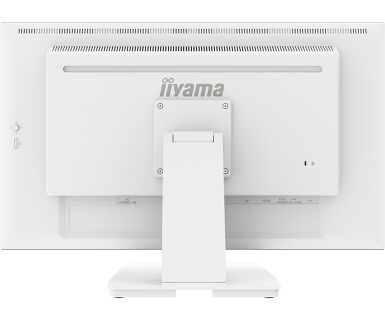
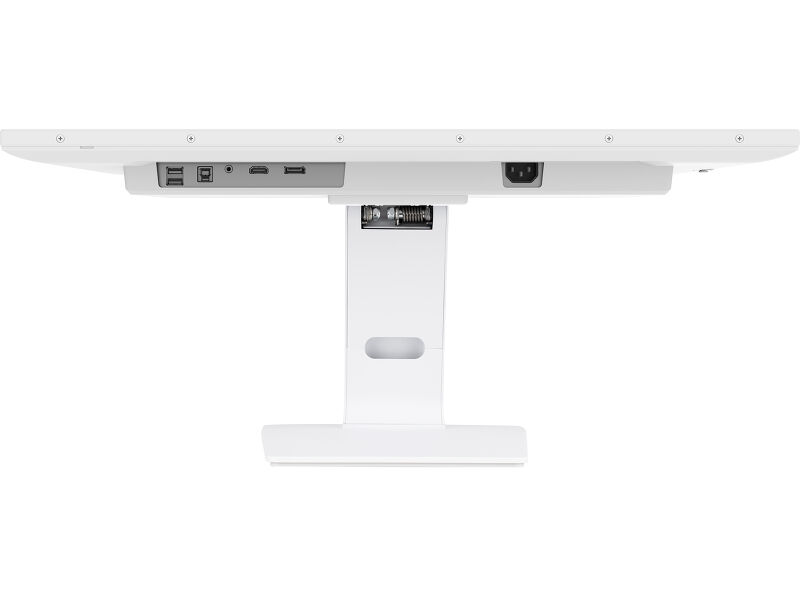
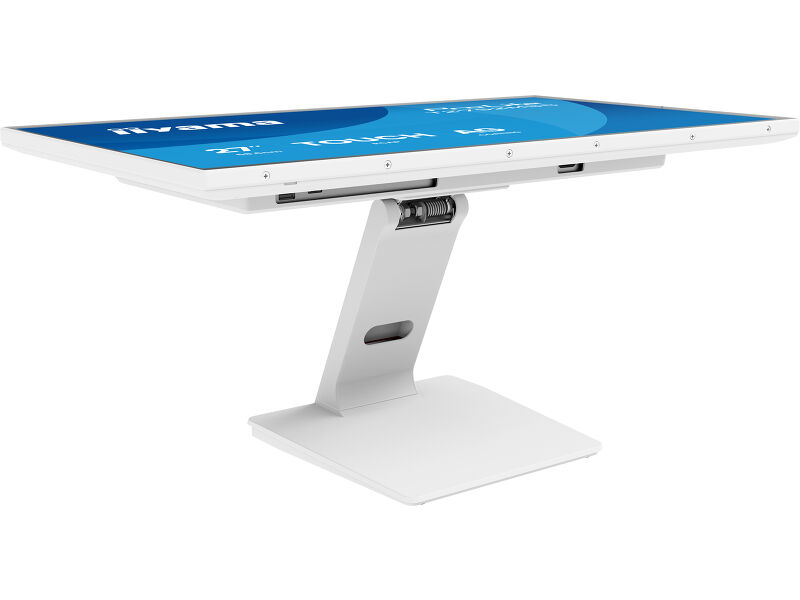
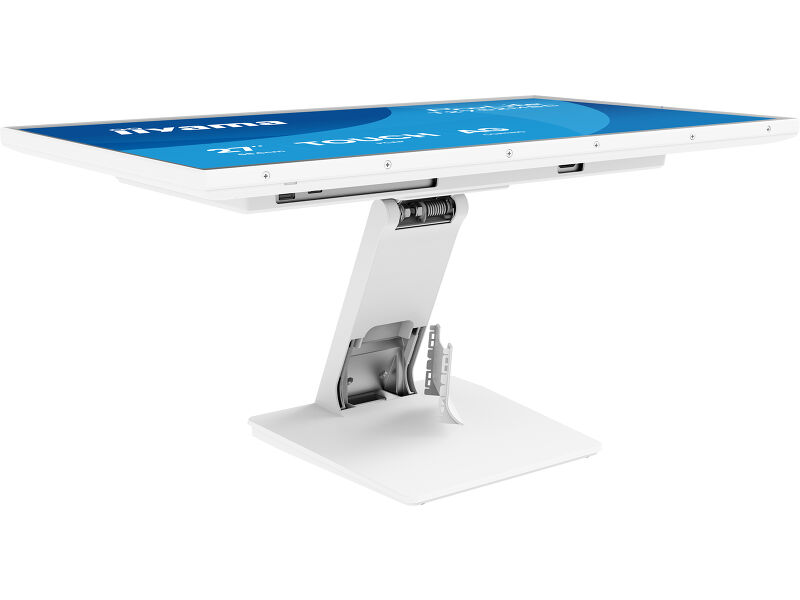
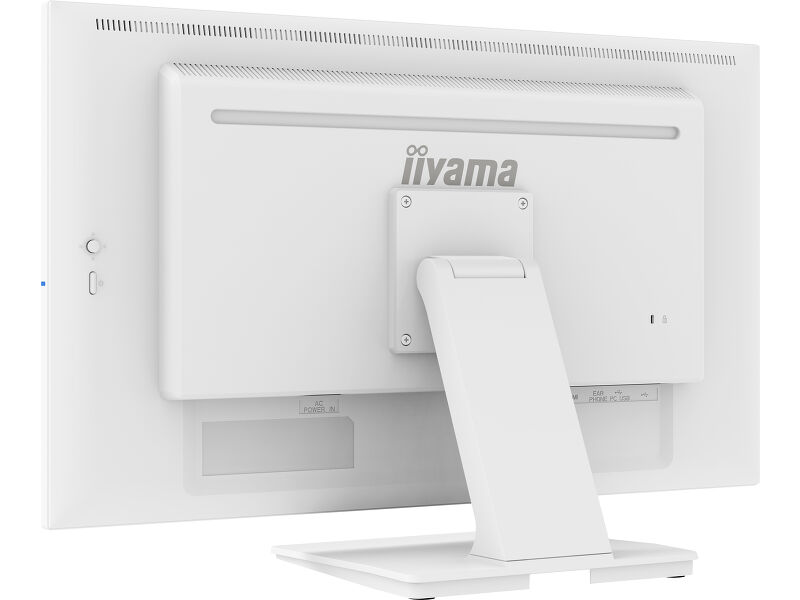
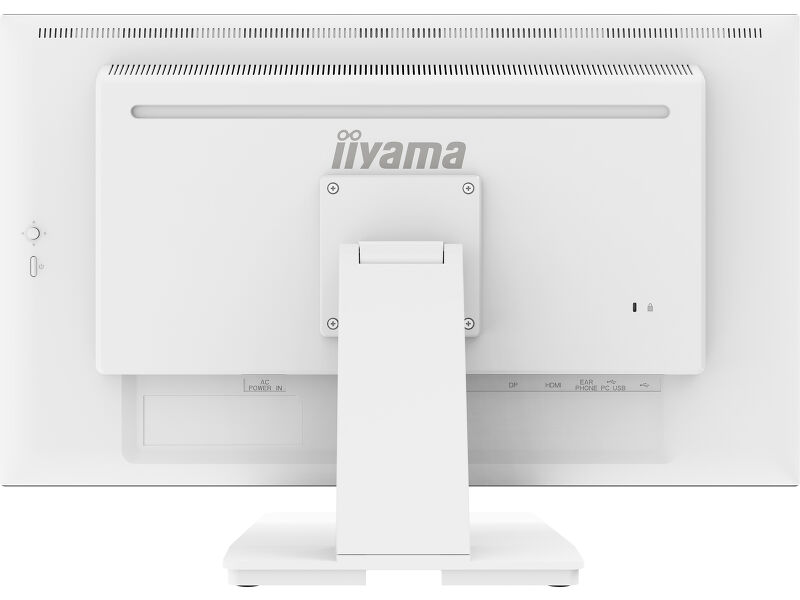
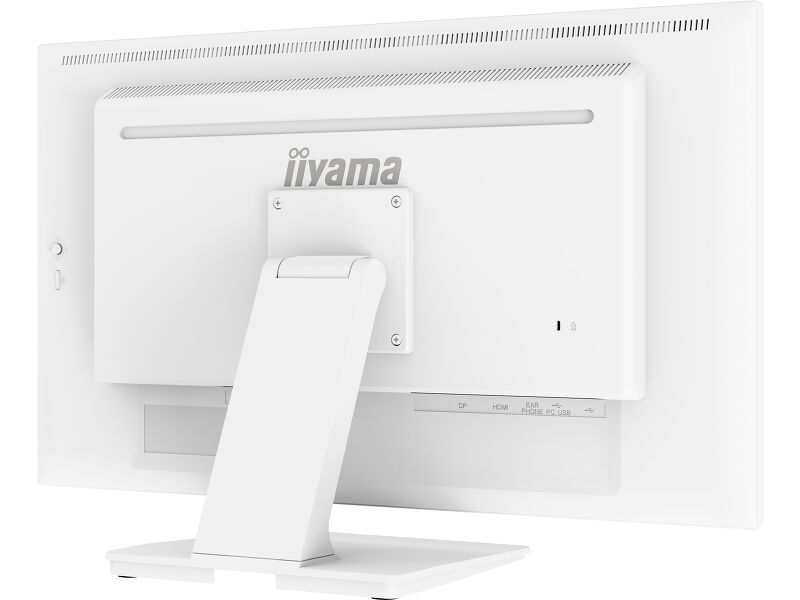
The vibrant colors of the IPS panel will captivate users with precise and natural interaction from any angle. Its sleek and stylish design, edge-to-edge glass and anti-glare surface offer durability and ease of cleaning, perfect for busy commercial environments, hospitality spaces, healthcare facilities and public areas. With adjustable ergonomics, neat cable management, built-in audio and seamless connectivity (HDMI, DisplayPort, USB 3.2 hub), it is an ideal choice for POS, self-service solutions and interactive signage.
Szintén elérhető fekete színben : ProLite T2752MSC-B1AG
Vivid colors and wide viewing angles
Ensure perfect visibility from any position - The IPS panel delivers vivid, consistent colors and wide viewing angles, ideal for dynamic retail environments and busy commercial spaces.
Responsive interaction and good protection
Featuring intuitive DeepContrast PCAP+ touch technology with Optical Bonding, the screen offers smooth and responsive interaction with reduced glare, while remaining protected from moisture and condensation. Perfect for high-use environments.
Deep contrast and less reflections
Enjoy crystal-clear visuals with deep contrast and less glare - the optical bonded touch panel ensures sharp, easy-to-read content, even under bright retail lighting.
Mindig tiszta, mindig tiszta
The scratch-resistant, anti-fingerprint coating keeps the screen looking clear and professional even in busy retail settings, reducing visible smudges and protecting the surface from daily wear - your content always shines and the display stays easy to clean.
Műszaki adatok



KIJELZŐ JELLEMZŐI
| Dizájn | Széltől szélig érő üveg |
| Átló | 27", 68.6cm |
| Panel | IPS |
| Natív felbontás | 1920 x 1080 @100Hz (2.1 megapixel Full HD) |
| Képarány | 16:9 |
| Fényerő | 400 cd/m² |
| Fényerősség | 345 cd/m² érintéssel |
| Fényáteresztés | 86% |
| Statikus kotraszt | 1000:1 érintéssel |
| Válaszidő (GTG) | 5ms |
| Látótér | horizontális/vertikális: 178°/178°, jobb/bal: 89°/89°, fel/le: 89°/89° |
| Szín támogatás | 16.7mln 8bit |
| Horizontális szinkronizálás | 30 - 86kHz |
| Látható terület Sz x M | 598 x 336mm, 23.5 x 13.2" |
| Pixel magasság | 0.311mm |
| Káva színe és felülete | fehér, matt |
ÉRINTŐKÉPERNYŐ
| Éríntőképernyős technológia | optical bonding PCAP |
| Érintőpontok | 10 (HID, only with supported OS) |
| Érintés pontossága | +- 2mm |
| Érintési mód | újj, kesztyű (latex), érintőceruza |
| Érintőképernyő interfész | USB |
| Támogatott operációs rendszerek | Minden iiyama monitor Plug & Play funkcióval rendelkezik, és kompatibilis a Windows és a Linux rendszerekkel. Az érintőképernyős modellek által támogatott operációs rendszerekre vonatkozó részletes információk a letöltések részben található illesztőprogram-fájlban találhatók. |
| Tenyérérzékelés elutasítása | igen |
INTERFÉSZEK / CSATLAKOZÓK / VEZÉRLŐK
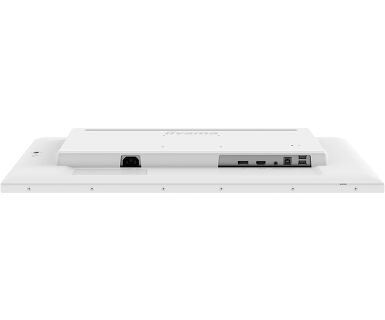
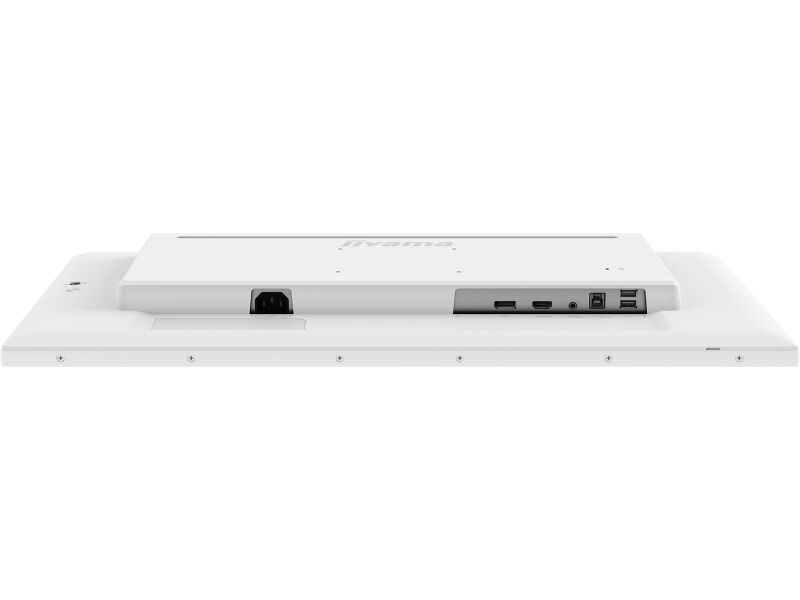
| Digitális jelbemenet |
HDMI x1 DisplayPort x1 |
| Audio kimenet |
Mini jack x1 Hangszórók 2 x 1W |
| HDCP | igen |
| USB HUB | x2 (v.3.2 (Gen 1, 5Gbit)) |
JELLEMZŐK
| Extra | DeepContrast PCAP+ (optical Bonding PCAP), anti-fingerprint, anti glare coating, touch support with gloved hand (thickness +2mm) |
| Üveg keménysége | 7H |
| OSD billentyűzár | igen |
ÁLTALÁNOS
| Képernyőn megjelenő nyelvek | EN, DE, FR, ES, IT, PT, RU, JP, NL, PL |
| Vezérlőgombok | Press/enter, right/volume, left/eco/exit, up/signal select, down, power |
| Felhasználói vezérlők | Picture adjust (brightness, contrast, i-Style Color, adv. contrast, ECO, OverDrive, X-Rs technology), color settings (gamma, RGB range, color temp.), image settings (video mode adjust, blue light reducer, sharp and soft), OSD (horizontal pos., vertical pos., OSD time, OSD background, language, display information), extra (reset, DDC/CI, signal select, volume, mute, opening logo, led, touch switch) |
| Kékfény csökkentés | igen |
| Villogásmentes | igen |
| Plug&Play | DDC2B |
MECHANIKUS
| Tájolás | tájkép, oldalával felfelé |
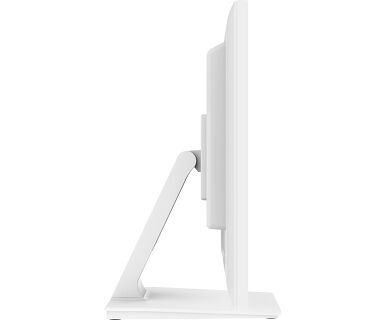
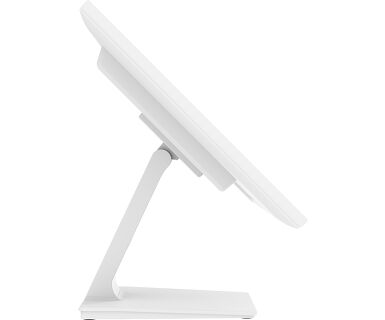
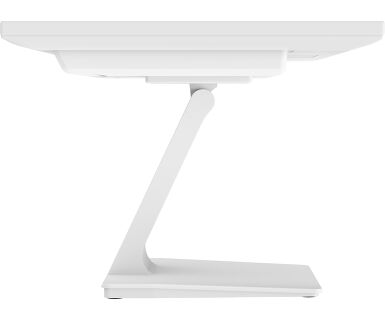
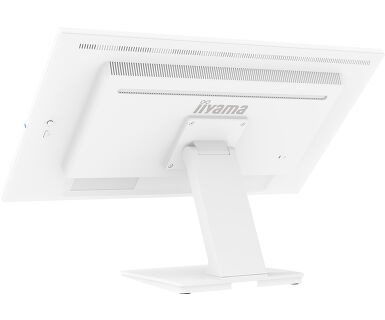
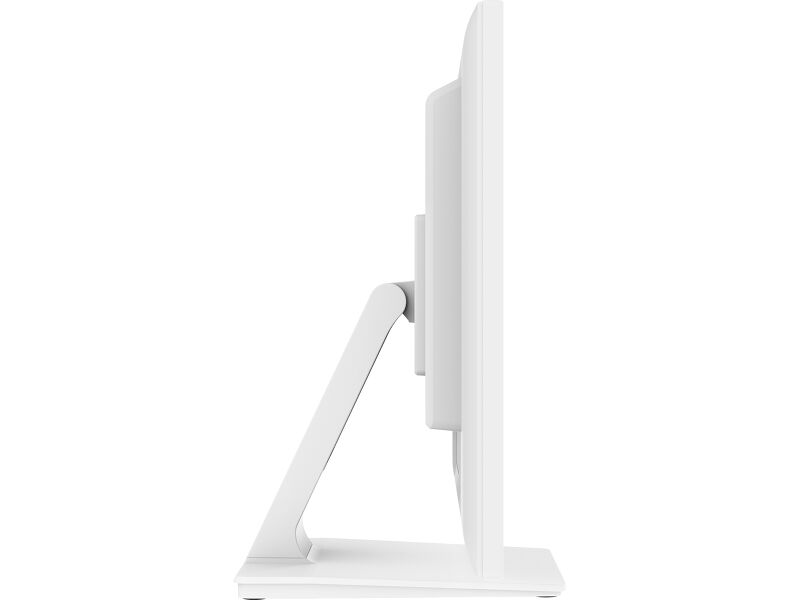
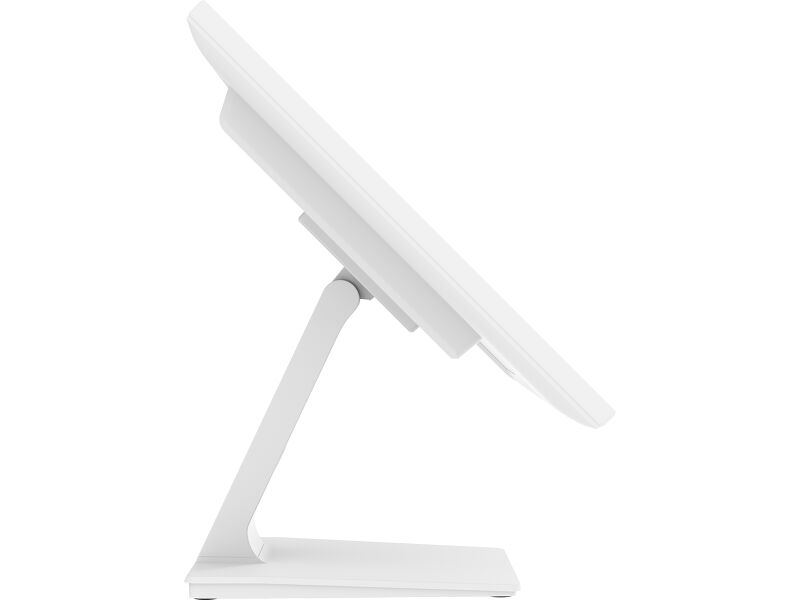
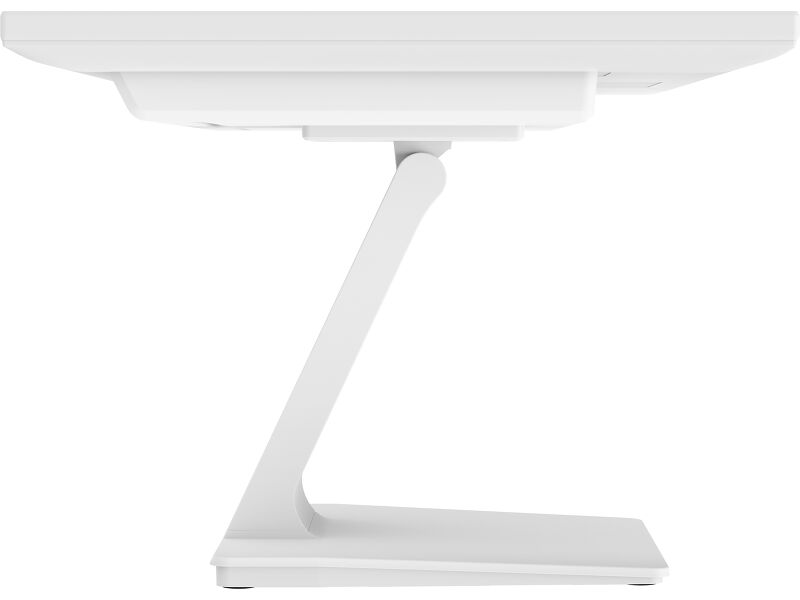
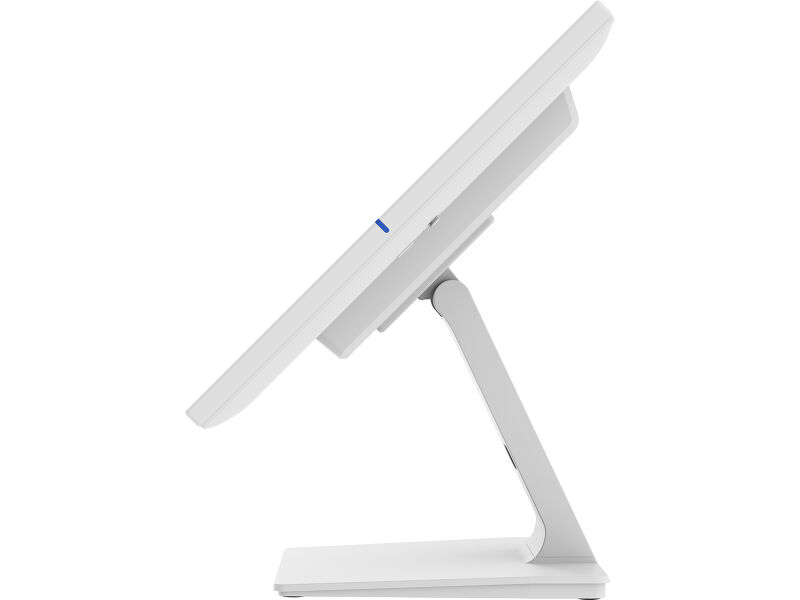
| Hajlásszög | 90° fel; 5° le |
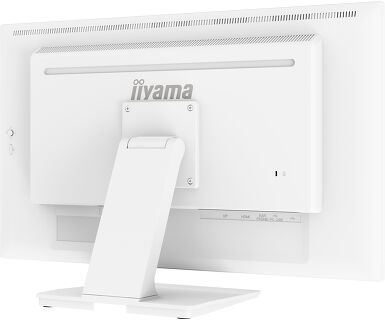
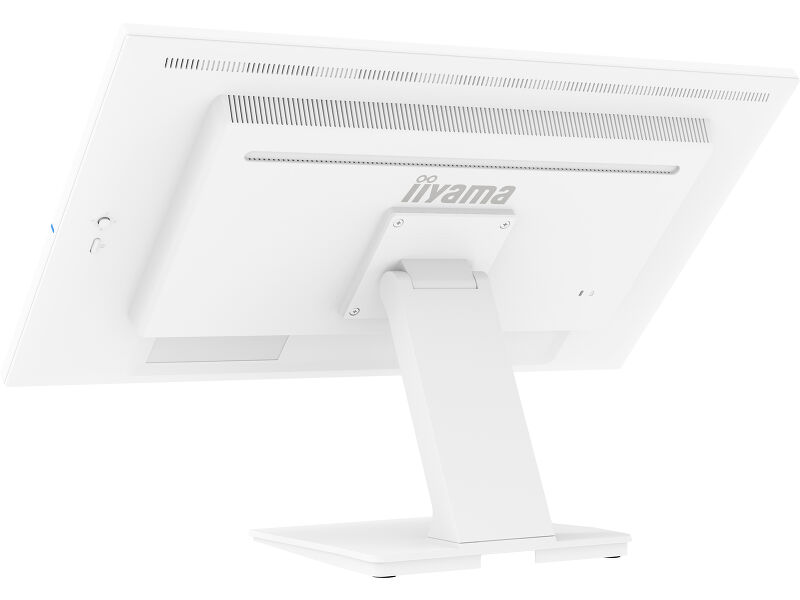
| VESA állvány | 100 x 100mm |
| Kábelkezelő rendszer | igen |
| MTBF | 50000 óra (kivéve háttérvilágítás) |
TARTOZÉKOKAT TARTALMAZZA
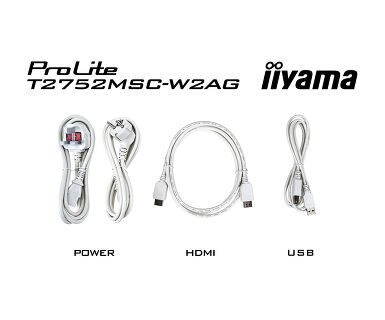
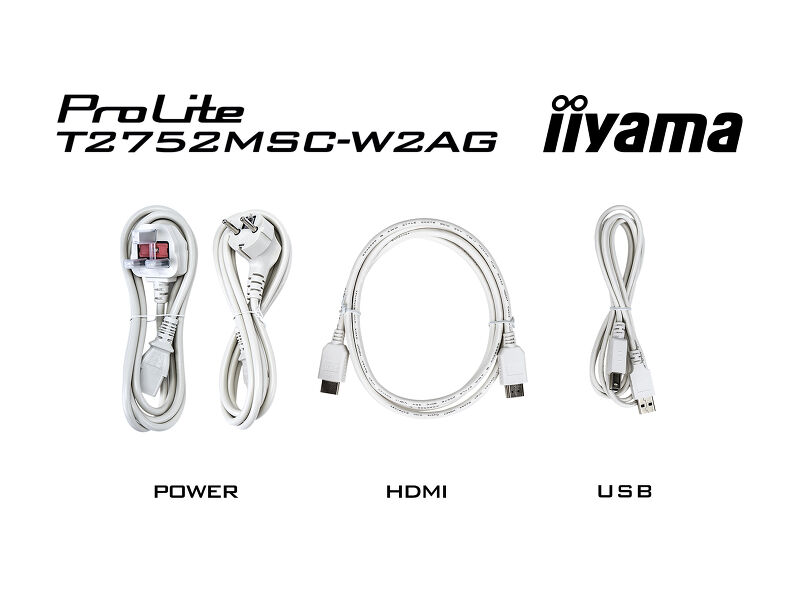
| Kábelek | áramellátás (1.8m), USB (1.5m), HDMI (1.5m) |
| Útmutatók | gyors üzembe helyezési útmutató, biztonsági útmutató |
| Kábel takaró | igen |
ENERGIAGAZDÁLKODÁS
| Tápegység | belső |
| Áramellátás | AC 100 - 240V, 50/60Hz |
| Energiafogyasztás | 21W jellemző, 1.5W készenlét, 0.3W kikapcsolva |
| Áramfogyasztás | 1.5W készenlét |
FENNTARTHATÓSÁG
| Előírások | CE, TÜV-Bauart, EAC, RoHS támogatás, ErP, WEEE, HATÓTÁVOLSÁG, UKCA, cTUVus |
| Energiahatékonysági osztály ((EU) 2017/1369 rendelet) | E |
MÉRETEK / SÚLY
| Termék méretei Sz x H x M | 614 x 403 x 239.5mm |
| Doboz mértei Sz x H x M | 710 x 465 x 160mm |
| Súly (doboz nélkül) | 6.7kg |
| Súly (dobozzal) | 8.4kg |
| EAN kód | 4948570127214 |
Letöltések
| Használati utasítás | T2752MSC-B1_W1_B1AG_W1AG-usermanual-e-revE.pdf | Letöltés |
| Műszaki adatok | ProLite T2752MSC-W1AG - hu_hu.pdf | Letöltés |
| Rajz | T2752MSC-B1_W1_AG drawing.pdf.pdf | Letöltés |
| EU Energiacimke | T2752MSC-W1AG EU Energy Label (2381349).pdf | Letöltés |
| UK Energiacimke | T2752MSC-W1AG UK Energy Label (2381349).pdf | Letöltés |
| Guarantee label | T2752MSC-W1AG.pdf | Letöltés |
FAQS
Why is the Touch functionality not working?
+If your touch functionality is not working, please check the following:
1. Ensure your PC is connected to the monitor with the supplied USB cable.
2. Verify in the user manual that your operating system is supported by the screen.
How should I clean my Touch monitor?
+When cleaning, please follow these guidelines to avoid damaging your Touch monitor:
1. Avoid using paper towels, abrasive cloths, or any harsh cleaning agents, as they can scratch the screen or damage the touch sensors.
2. Do not spray the cleaning solution directly onto the screen to prevent liquid from seeping into the monitor.
3. Avoid excessive cleaning, as it can wear out the screen over time.
4. For more details, please check our dedicated Cleaning page.

