Subscribe to our newsletter
Keep up #withiiyama
You have successfully subscribed to our newsletter.
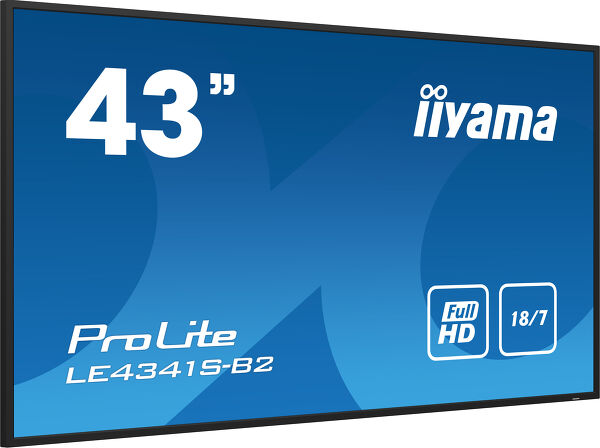
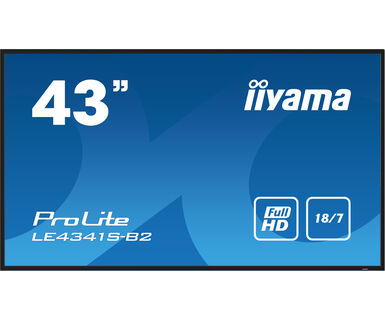
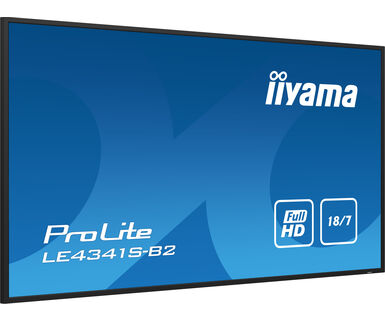
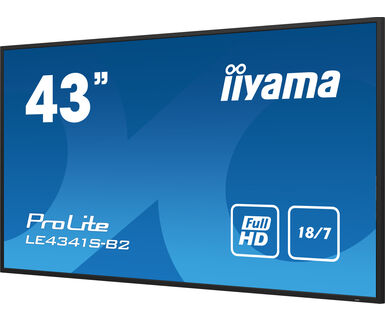
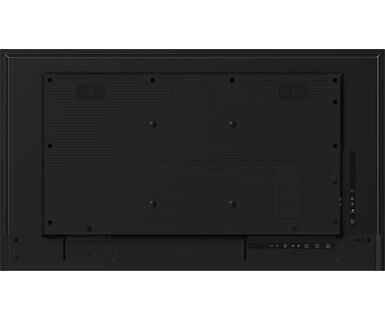
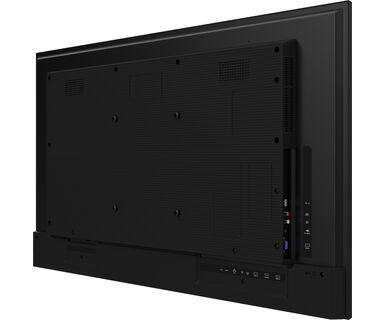
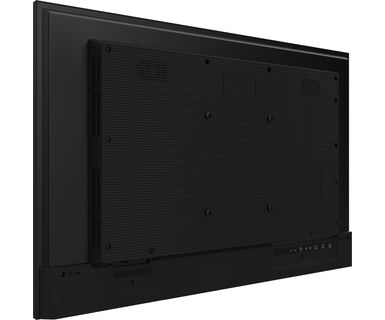
43" Full HD professional large format display with USB media playback
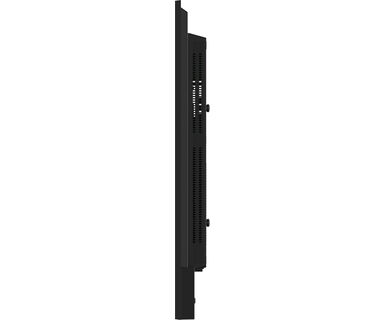
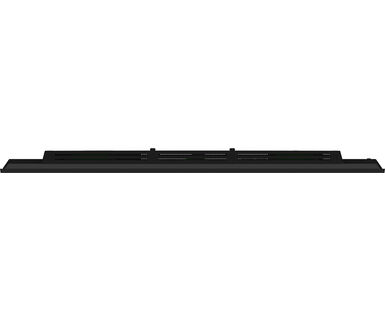
Set in a slim bezel, the iiyama LE4341S is a professional digital signage display offering 18/7 operating time and landscape orientation.
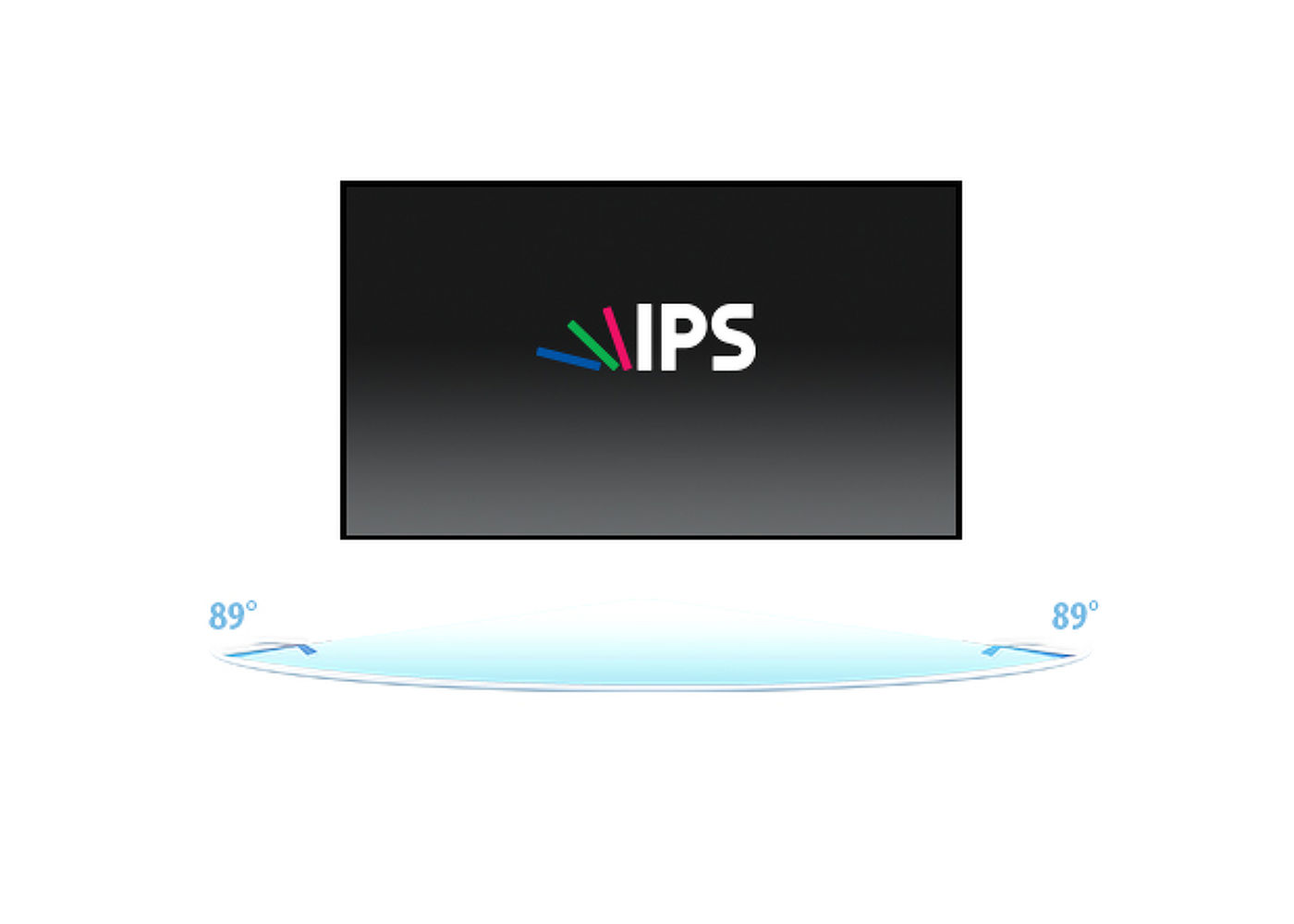
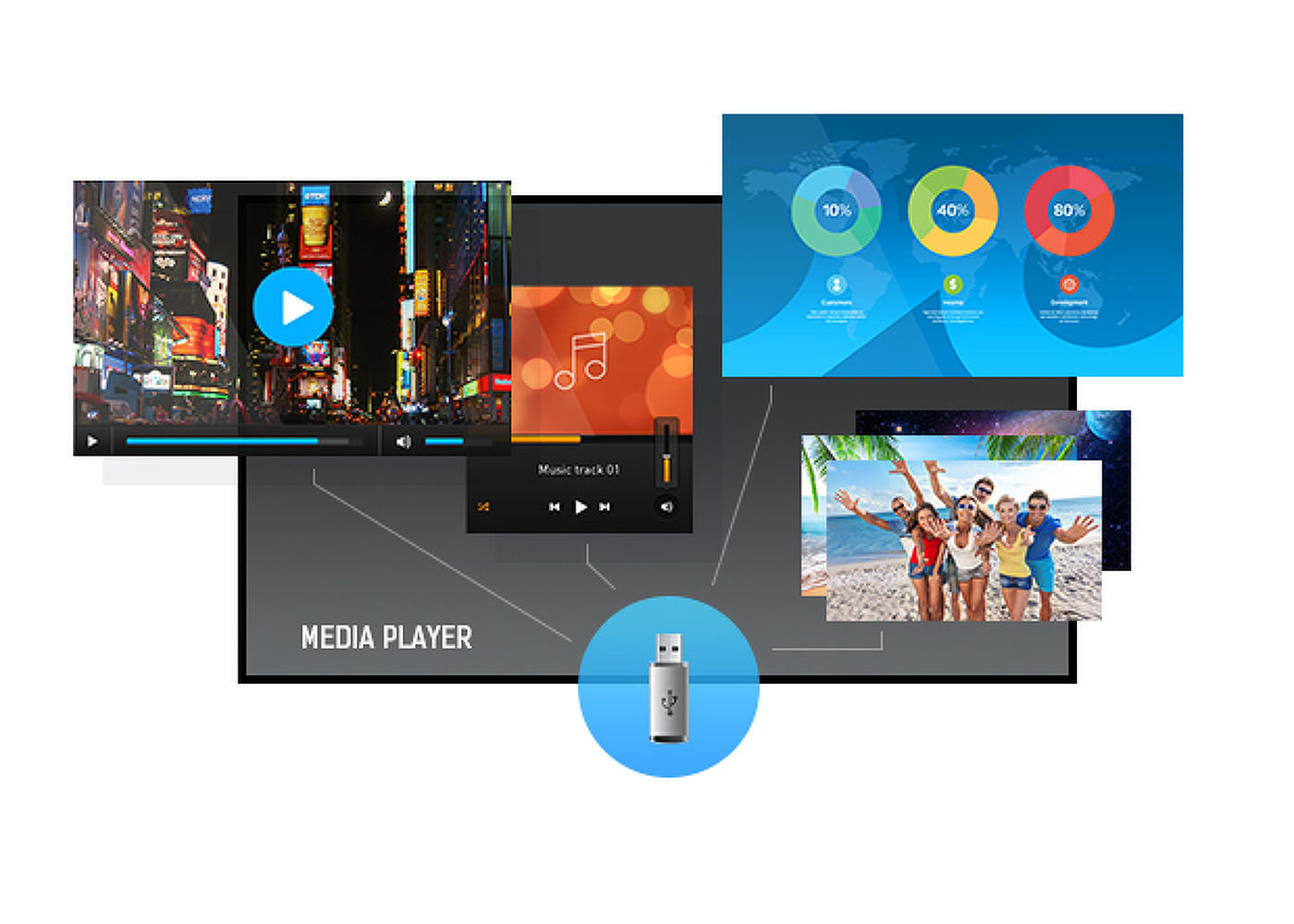
This Full HD and fanless IPS display guarantees great viewing from all angles, high brightness and exceptional colour clarity. With the built-in media player you can play your favourite music and show your most beautiful videos, photos and images directly on screen.



| Dizájn | Vékony káva |
| Átló | 42.5", 108cm |
| Panel | IPS, haze 1% |
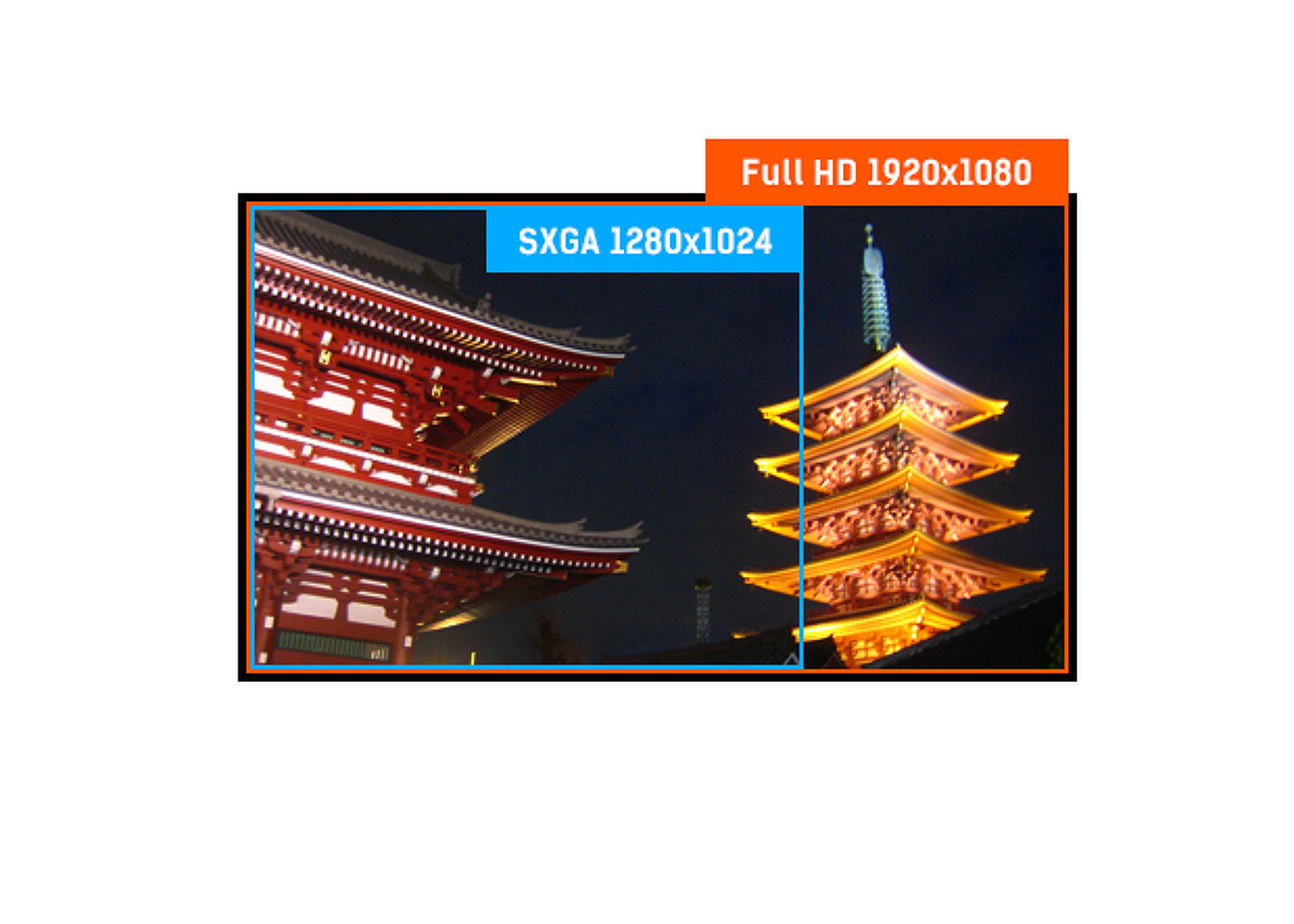
| Natív felbontás | 1920 x 1080 (2.1 megapixel Full HD) |
| Képarány | 16:9 |
| Fényerő | 350 cd/m² |
| Statikus kontraszt | 1200:1 |
| Válaszidő (GTG) | 8ms |
| Látótér | horizontális/vertikális: 178°/178°, jobb/bal: 89°/89°, fel/le: 89°/89° |
| Szín támogatás | 1.07G (8 Bits+FRC) (NTSC 72%) |
| Horizontális szinkronizálás | 30 - 83kHz |
| Látható terület Sz x M | 940.9 x 529.3mm, 37 x 20.8" |
| Káva szélessége (oldal, felső, alsó) | 14mm, 14mm, 14mm |
| Pixel magasság | 0.490mm |
| Káva színe és felülete | fekete, fényes |
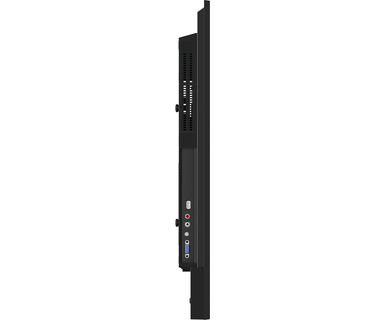
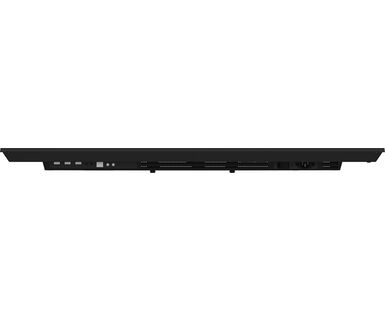
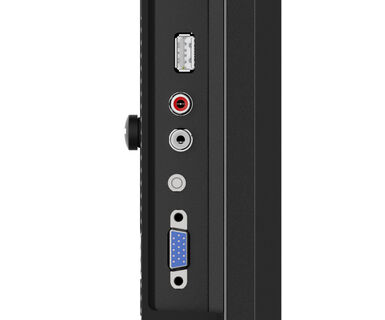
| Analóg jelbemenet | VGA x1 (max. 1920x1080 @60Hz) |
| Digitális jelbemenet | HDMI x3 (v2.0, max. 1920x1080 @60Hz) |
| Audio bemenet | Mini jack x1 |
| Monitor vezérlő bemenet |
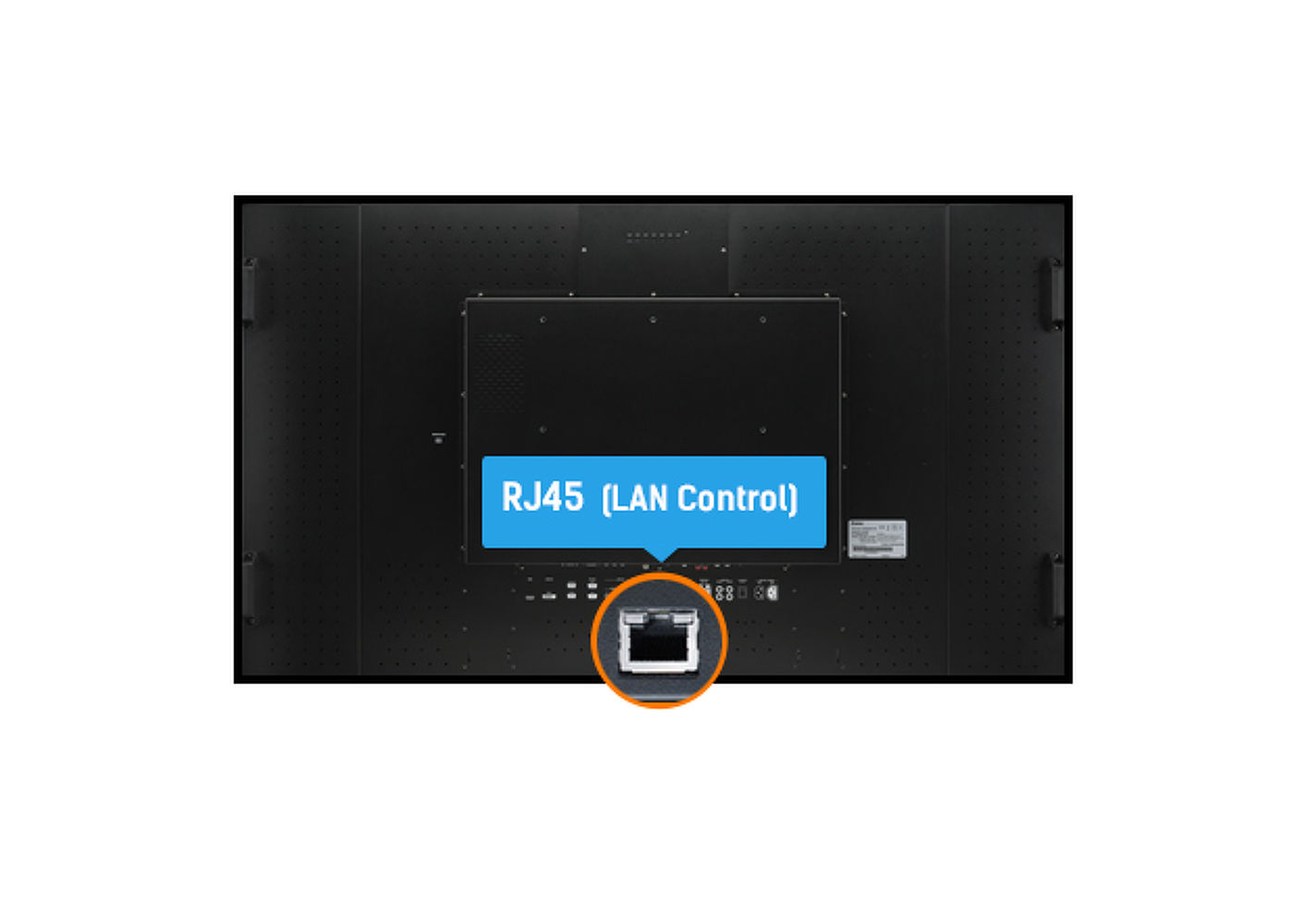
RS-232c x1 RJ45 (LAN) x1 IR x1 |
| Audio kimenet |
RCA (B/J) x1 Hangszórók 2 x 10W |
| Monitor vezérlő kimenet |
RS-232c x1 IR loop through csatlakozó x1 |
| HDCP | 2.2 |
| USB portok | x1 (2.0, FW update support) |
| Max. non-stop üzemidő | 18/7 |
| Média lejátszás | Yes (in pivot not supported) |
| Ház (káva) | műanyag |
| Képernyőn megjelenő nyelvek | EN, DE, FR, ES, IT, CN, RU, JP, CZ, NL, PL |
| Vezérlőgombok | Power |
| Felhasználói vezérlők | picture (picture format, colour temp., noise reduction, dynamic contrast, gamma, brightness, black level, colour, contrast, hue, sharpness, RGB range, reset), Sound (treble, bass, balance, speaker, audio output, reset), general settings 1 (menu languages, clock, schedule, HDMI CEC link, HDMI modes, communication setting), screen (auto adjust, clock, phase, H. position, V. position, reset), general settings 2 (auto power off, network standby, power management, auto signal detection, auto play, local KB lock, RC lock, monitor ID, LED, pixel shift, information, factory reset) |
| Tájolás | tájkép |
| Ventilátor nélküli kialakítás | igen |
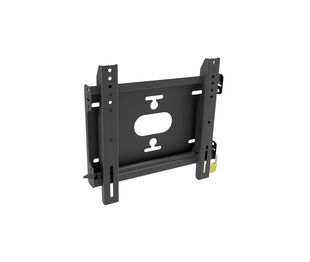
| VESA állvány | 200 x 200mm |
| Működési hőmérséklet tartomány | 0°C - 40°C |
| Tárolási hőmérséklet tartomány | - 20°C - 60°C |
| MTBF | 50000 óra (kivéve háttérvilágítás) |
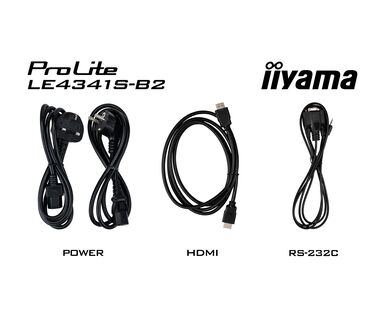
| Kábelek | áramellátás, HDMI, RS-232c |
| Útmutatók | gyors üzembe helyezési útmutató, biztonsági útmutató |
| Egyéb | Cable Management |
| Távirányító | igen (elemeket tartalmazza) |
| Tápegység | belső |
| Áramellátás | AC 100 - 240V, 50/60Hz |
| Energiafogyasztás | 53W jellemző, 0.5W készenlét, 0.3W kikapcsolva |
| Áramfogyasztás | 0.5W készenlét |
| Előírások | CB, CE, TÜV-Bauart, EAC, RoHS támogatás, ErP, WEEE, HATÓTÁVOLSÁG |
| Energiahatékonysági osztály ((EU) 2017/1369 rendelet) | G |
| REACH SVHC | 0,1% felett: Vezet |
| Termék méretei Sz x H x M | 968 x 557.5 x 54mm |
| Doboz mértei Sz x H x M | 1075 x 683 x 127mm |
| Súly (doboz nélkül) | 8.4kg |
| EAN kód | 4948570123513 |
Please visit the iiyama signup webpage and enter the model name or serial number of your iiyama screen. You will be directed to all available software applications for your product, along with instructions on how to activate them.
All iiyama LFDs and IFP displays can be used in portrait mode, except for products with item names starting with TE or LE, which can only operate in landscape mode. Always follow the installation instructions provided with the monitor and the guidelines in the User Manual.
If you wish to change the settings on your monitor remotely, please refer to the RS232/LAN protocol document available in the DOWNLOAD section on the product page.
The commands can be sent to the screen with a terminal app, for example Hercules SETUP utility. For more information, please refer to the RS232/LAN protocol document available in the DOWNLOAD section on the product page.
If your monitor is displaying a "No Signal" message, please check the following:
1. Ensure the cables are properly connected at both ends.
2. Select the correct signal input (HDMI/DP) or choose AUTO.
For guidance on selecting an input while the screen is in standby mode, please consult the user manual. On desktop monitors, common methods include pressing the INPUT, AUTO, or "2" buttons, or moving the joystick backward.
Yes, your iiyama monitor will work with your Apple Mac system. However, it depends on the signal input how to connect. Since Apple Mac systems from 2020 onwards only have Thunderbolt 3 (USB-C) ports for video output, you have two options:
1. Connect directly to the USB-C signal input on your iiyama monitor.
2. In case your monitor only has HDMI or Displayport, you will need a Mac-compatible dongle that supports one of the video inputs available. Apple offers a USB-C Digital AV Multiport Adapter (MW5M3AM) that can be used for this purpose.
3. If your iiyama monitor has touchscreen capabilities, please refer to the user manual to verify touch functionality compatibility with your Mac system.
To resolve the issue of a blinking picture, please follow these steps:
1. Inspect the Signal Cable.
Ensure the signal cable is securely connected at both ends and free from any physical damage. Avoid any sharp bends or squishing of the cable.
2. Use a Shorter Cable.
If possible, use a cable shorter than 3 meters and connect the monitor directly to a wall power socket, avoiding the use of adapters.
3. Disable FreeSync/Adaptive Sync.
For desktop or gaming monitors, try disabling FreeSync or Adaptive Sync in the monitor's settings menu.