Subscribe to our newsletter
Keep up #withiiyama
You have successfully subscribed to our newsletter.
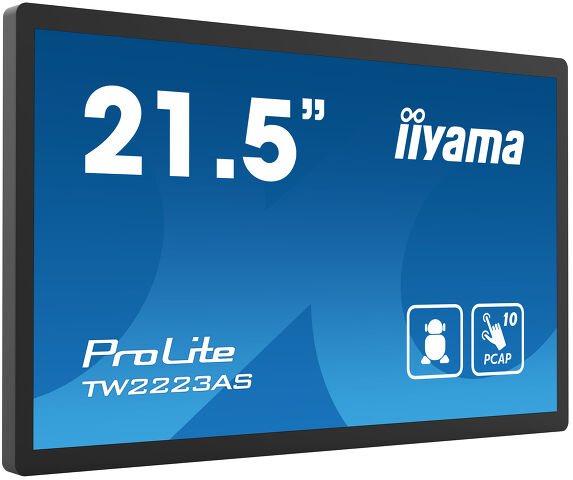
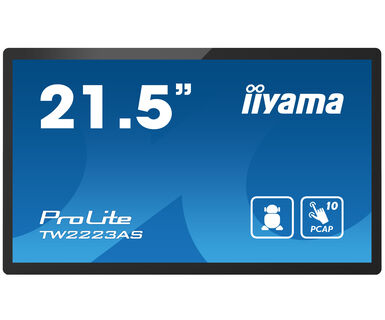
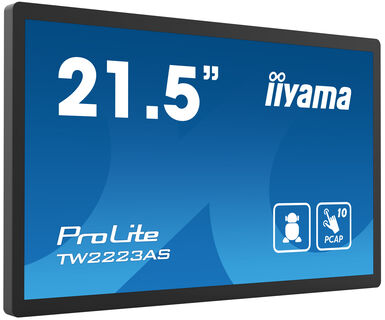
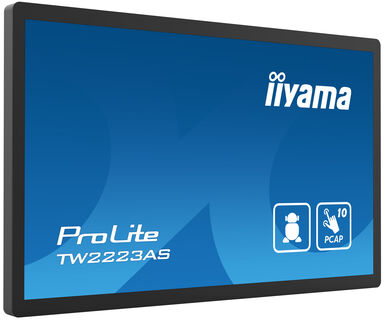
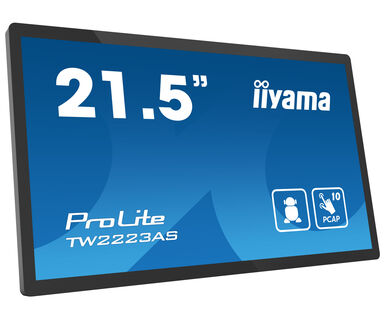
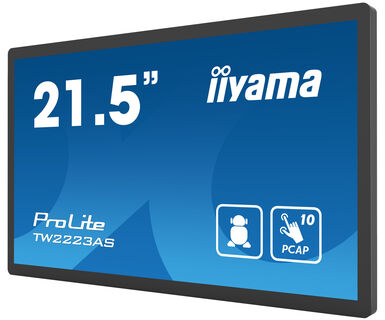
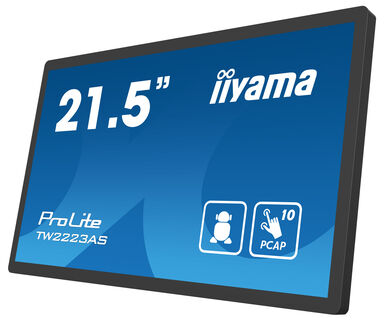
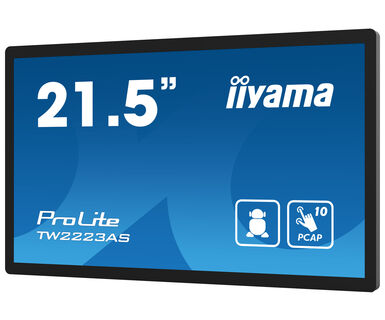
21.5” Full HD PCAP 10pt interactive Touch Panel PC with Android OS and edge-to-edge glass design
The ProLite TW2223AS-B2 interactive Touch Panel PC with an elegant edge-to-edge glass design is a perfect choice for high-use environments. This monitor can operate 24/7 in landscape, portrait and face-up orientation. Thanks to the pre-installed Android 12 operating system it is possible to easily customize the monitor by installing applications directly to it. In combination with the 32GB storage, Wi-Fi connection, LAN (RJ45) and Bluetooth connectors, it makes the monitor especially suited for POS systems or information points in retail shops to educate customers about your products, as well as virtually limitless smart home applications.
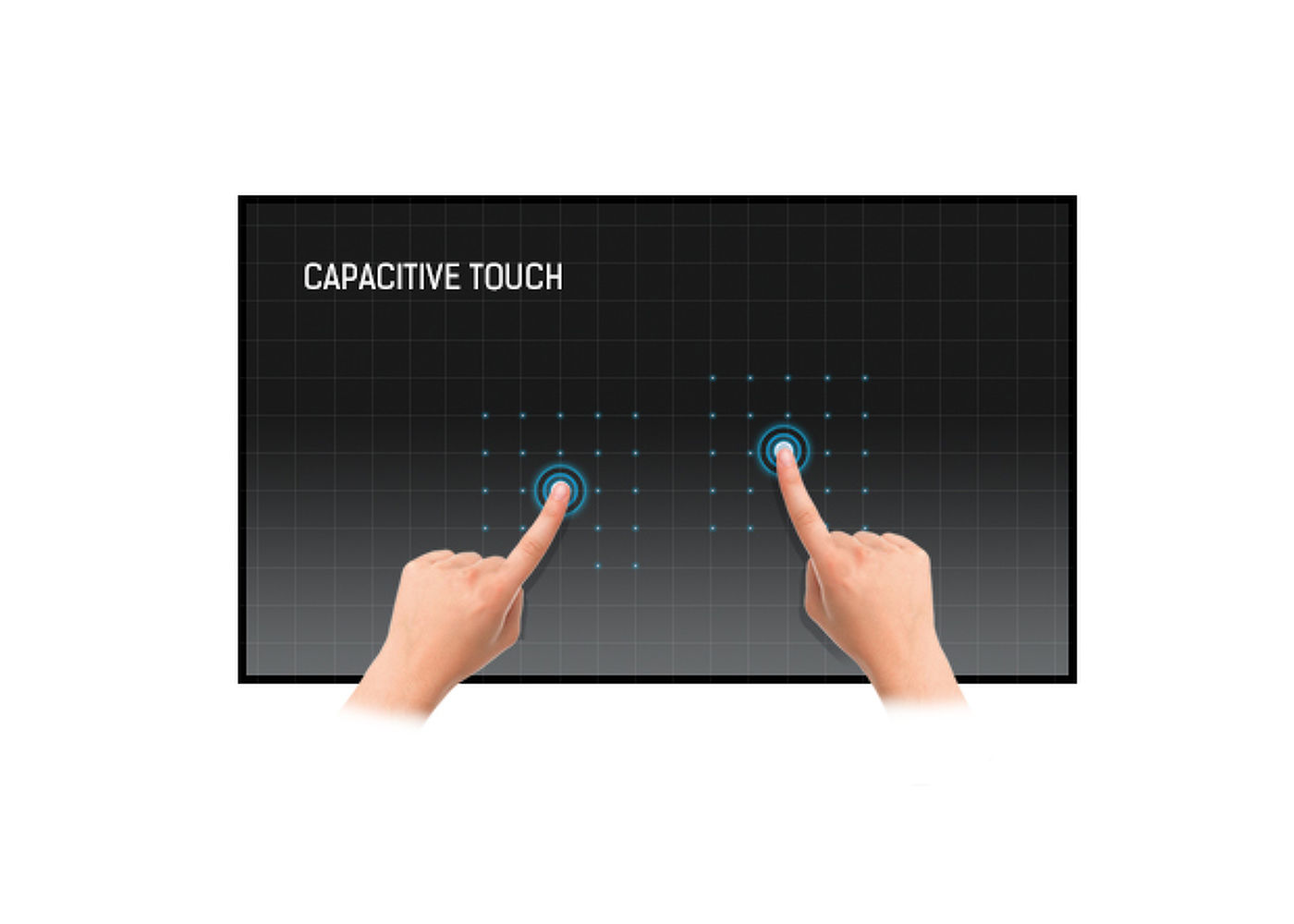
This technology uses a sensor-grid of micro-fine wires integrated into the glass that covers the screen. Touch is detected because electrical characteristics of the sensor grid change when human finger is placed on the glass. Thanks to the glass overlay this technology is highly durable, and the touch function remains unaffected even if the glass is scratched. It offers perfect picture performance and will work with human finger (also latex gloved) and stylus-pen.
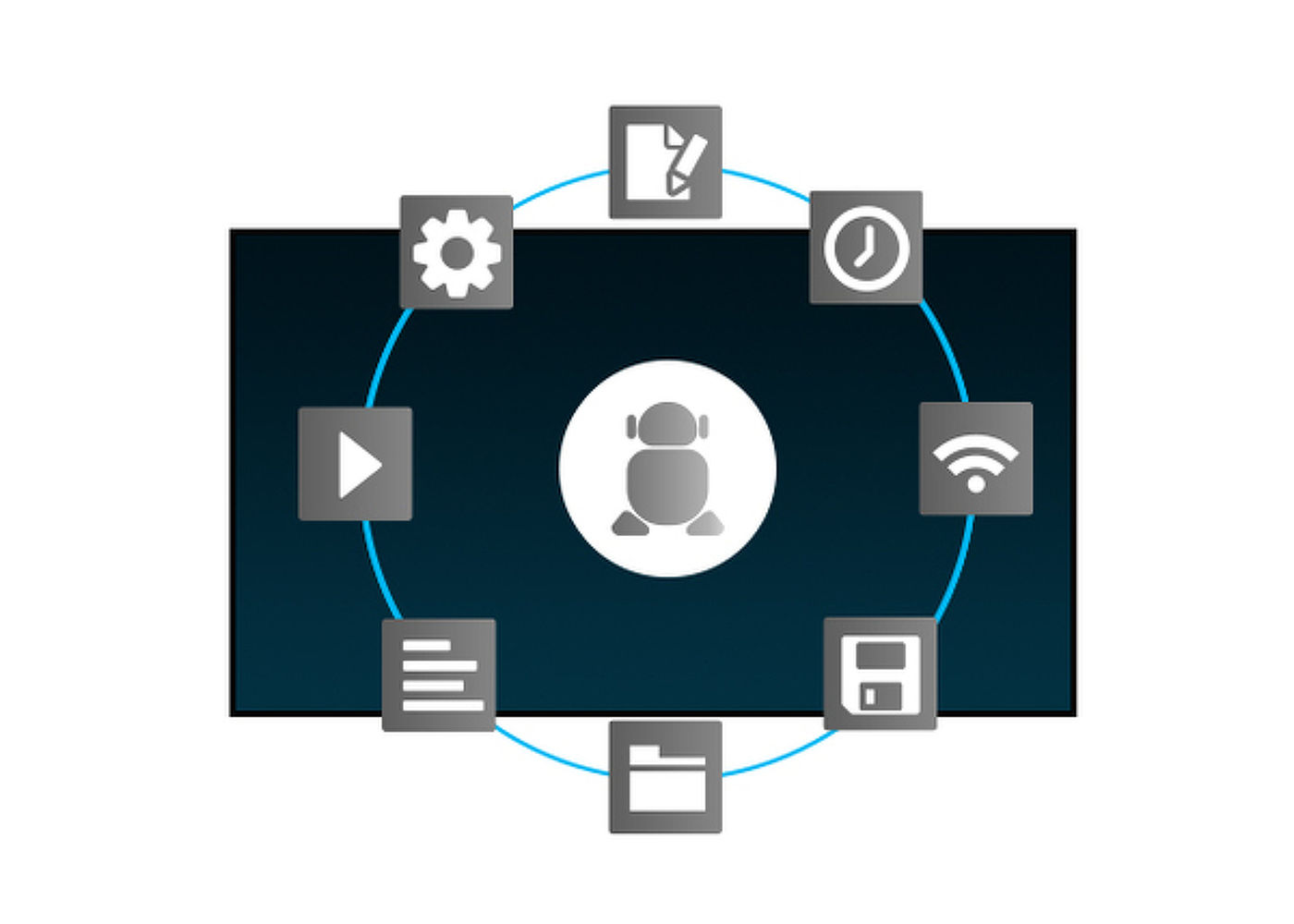
Thanks to Android OS, you can easily customize the display to your needs by installing applications directly to it.
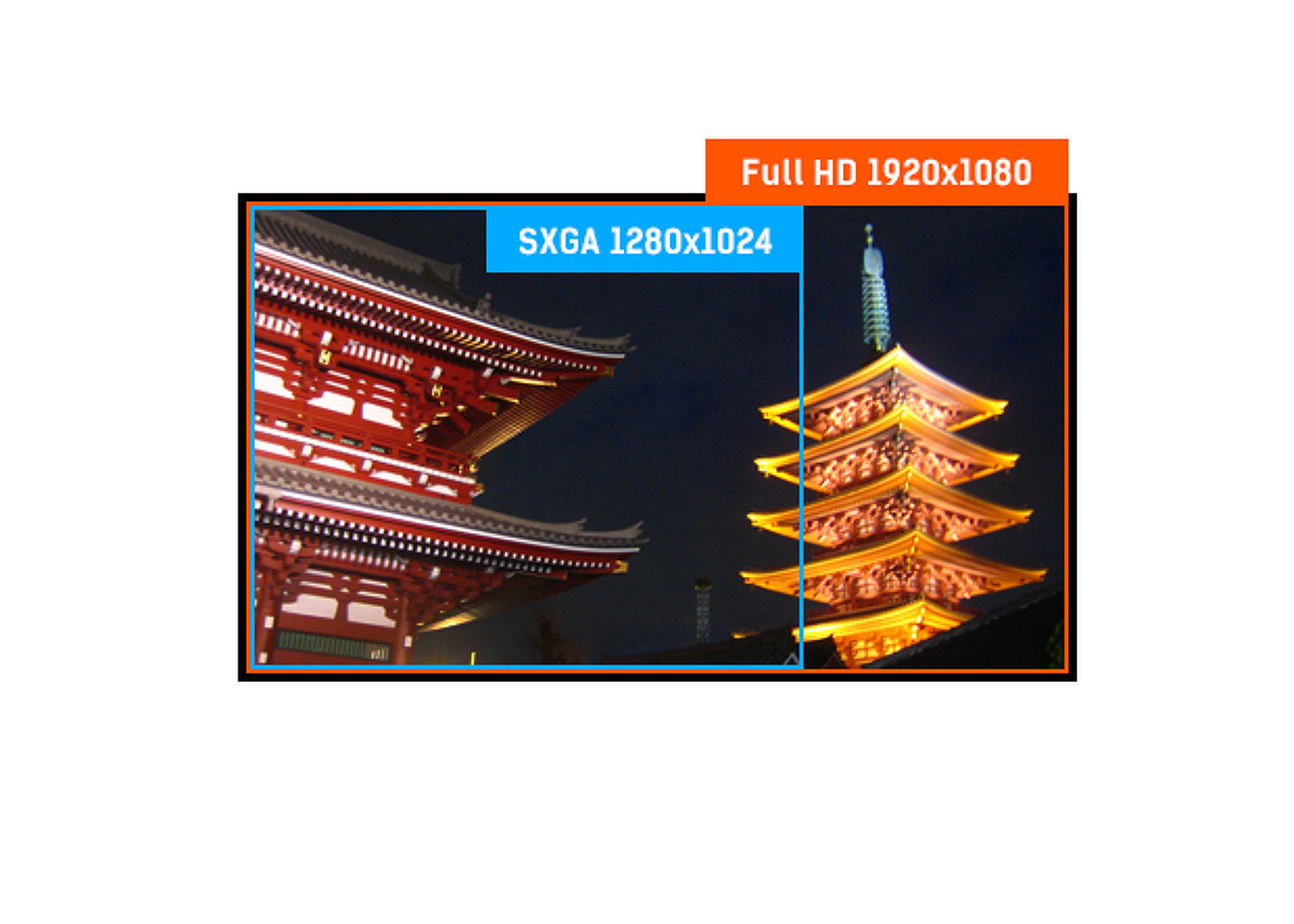
With true 1920 x 1080p resolution your monitor is ready to display high definition images. This means you can accommodate more information on your screen; e.g. 60% more in comparison to a 1280 x 1024 monitor.
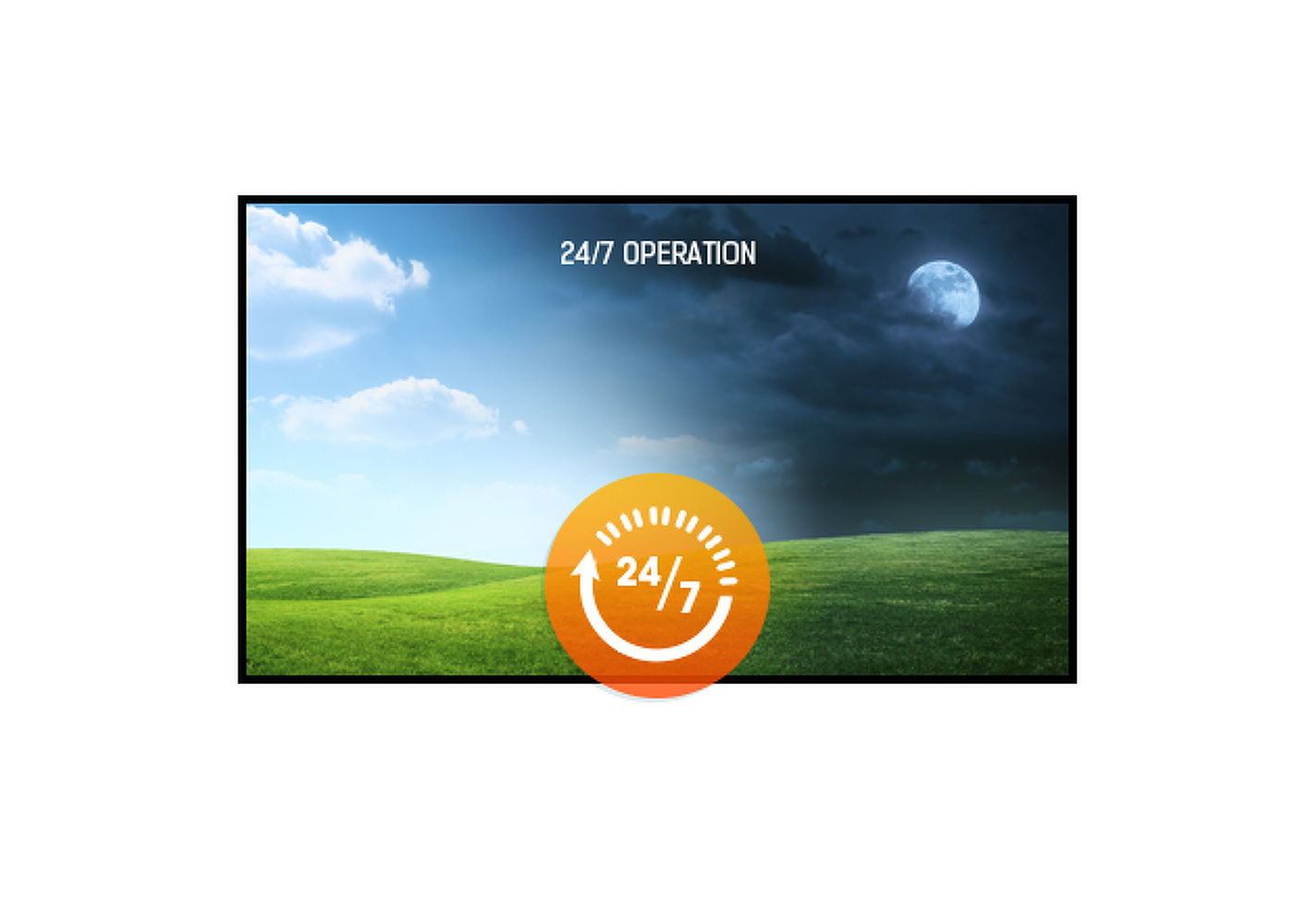
24/7 displays are designed for a continuous operation.
This LED monitor is equipped with two stereo speakers.


| Design | Edge to edge glass |
| Diagonal | 21.5", 54.6cm |
| Panel | VA |
| Native resolution | 1920 x 1080 (2 megapixel HD) |
| Aspect ratio | 16:9 |
| Panel brightness | 400 cd/m² |
| Brightness | 345 cd/m² with touch |
| Light transmittance | 85% |
| Static contrast | 3000:1 with touch |
| Response time (GTG) | 18ms |
| Viewing zone | horizontal/vertical: 178°/178°, right/left: 89°/89°, up/down: 89°/89° |
| Colour support | 16.7mln |
| Horizontal Sync | 30. - 84.kHz |
| Viewable area W x H | 478 x 269.5mm, 18.8 x 11.8" |
| Pixel pitch | 0.248mm |
| Bezel colour and finish | black, matte |
| Touch technology | projective capacitive |
| Touch points | 10 (HID, only with supported OS) |
| Touch accuracy | +- 2mm |
| Touch method | finger, glove (latex), capacitive stylus |
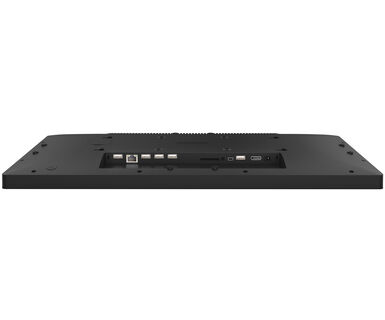
| Touch interface | USB |
| Digital signal output | HDMI x1 (1920x1080 @60Hz) |
| Audio output |
Mini jack x1 Speakers 2 x 2W |
| HDCP | yes |
| USB ports | x5 (2x 2.0 (DC5V, 500mA), 1x v. 3.2 (Gen 1, 5Gbit; DC5V, 900mA), 2x serial port (for maintenance use), 1x USB OTG) |
| RJ45 (LAN) | x1 (10M/100M/1000M) |
| Microphone | x1 |
| Integrated software | Android 12 with GMS |
| CPU | Rockchip RK3399 Hexa-core A72*2 + A53*4 |
| GPU | T860 MP4 |
| Storage | 32Gb eMMC |
| Memory | 4Gb LPDDR4 |
| WiFi | IEEE802.11a/b/g/n/ac |
| Bluetooth | 5.2 |
| Extra | auto-rotation, SD card slot |
| Max. non-stop operating time | 24/7 |
| Anti image retention | yes |
| Glass thickness | 2.9mm |
| Glass hardness | 6H |
| Control buttons | Power switch |
| Applications | Lock applications, manage restart time, manage power on/off, calculator, calender, Chrome, alarm/ clock, Timer, Stopwatch, Manage files, orginize albums, Gmail, play audio files, Play Store, search engine, system preferences, sound recorder, play videos |
| Flicker free | yes |
| Orientation | landscape, portrait, face-up |
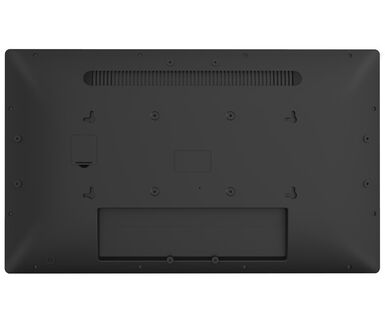
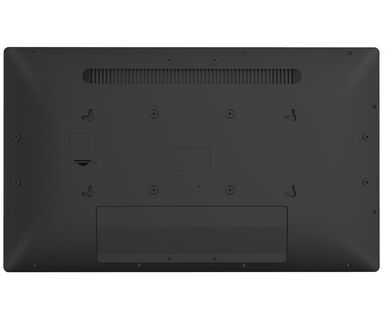
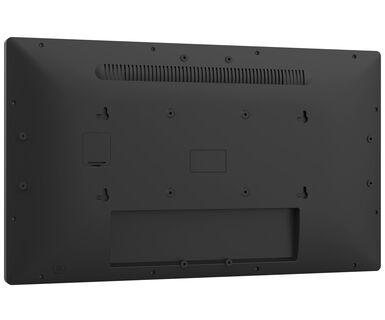
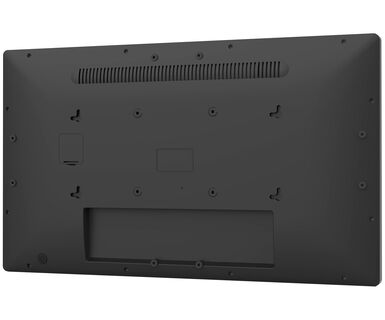
| VESA mounting | 100 x 100mm |
| Cable management system | yes |
| MTBF | 50000 hours (excluding backlight) |
| Cables | power |
| Guides | quick start guide, safety guide |
| Other | AC adapter |
| Cable cover | yes |
| Power supply unit | external |
| Power supply | DC 12 V |
| Power usage | 23W typical, 0.5W stand by, 0.3W off mode |
| Regulations | CE, EAC, RoHS support, ErP, WEEE, REACH, UKCA |
| REACH SVHC | above 0.1%: Lead |
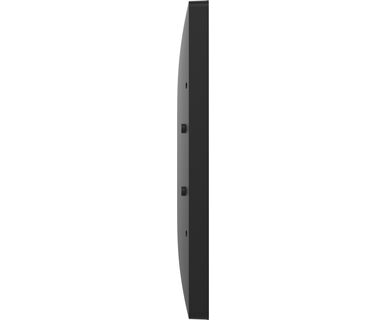
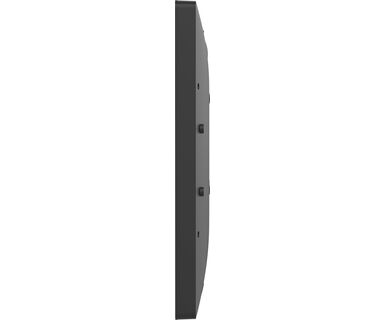
| Product dimensions W x H x D | 504.5 x 302 x 32mm |
| Box dimensions W x H x D | 640 x 410 x 121mm |
| Weight (without box) | 3.61kg |
| Weight (with box) | 5.98kg |
| EAN code | 4948570124787 |
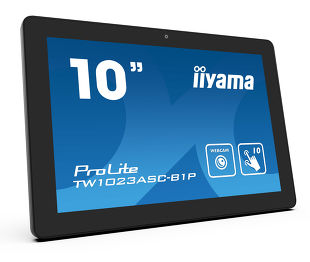
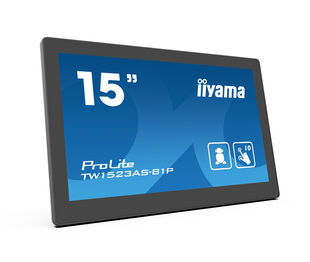
| Related products | ProLite TW1023ASC-B1P, ProLite TW1523AS-B1P |

You can install apps on your iiyama monitor through the official Google Play Store. However, the functionality of these apps may vary, depending on the specific app you wish to install.
If your touch functionality is not working, please check the following:
1. Ensure your PC is connected to the monitor with the supplied USB cable.
2. Verify in the user manual that your operating system is supported by the screen.
When cleaning, please follow these guidelines to avoid damaging your Touch monitor:
1. Avoid using paper towels, abrasive cloths, or any harsh cleaning agents, as they can scratch the screen or damage the touch sensors.
2. Do not spray the cleaning solution directly onto the screen to prevent liquid from seeping into the monitor.
3. Avoid excessive cleaning, as it can wear out the screen over time.
4. For more details, please check our dedicated Cleaning page.
If your monitor is displaying a "No Signal" message, please check the following:
1. Ensure the cables are properly connected at both ends.
2. Select the correct signal input (HDMI/DP) or choose AUTO.
For guidance on selecting an input while the screen is in standby mode, please consult the user manual. On desktop monitors, common methods include pressing the INPUT, AUTO, or "2" buttons, or moving the joystick backward.
Yes, your iiyama monitor will work with your Apple Mac system. However, it depends on the signal input how to connect. Since Apple Mac systems from 2020 onwards only have Thunderbolt 3 (USB-C) ports for video output, you have two options:
1. Connect directly to the USB-C signal input on your iiyama monitor.
2. In case your monitor only has HDMI or Displayport, you will need a Mac-compatible dongle that supports one of the video inputs available. Apple offers a USB-C Digital AV Multiport Adapter (MW5M3AM) that can be used for this purpose.
To resolve the issue of a blinking picture, please follow these steps:
1. Inspect the Signal Cable.
Ensure the signal cable is securely connected at both ends and free from any physical damage. Avoid any sharp bends or squishing of the cable.
2. Use a Shorter Cable.
If possible, use a cable shorter than 3 meters and connect the monitor directly to a wall power socket, avoiding the use of adapters.
3. Disable FreeSync/Adaptive Sync.
For desktop or gaming monitors, try disabling FreeSync or Adaptive Sync in the monitor's settings menu.