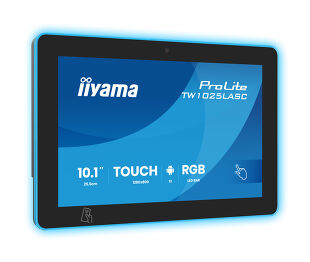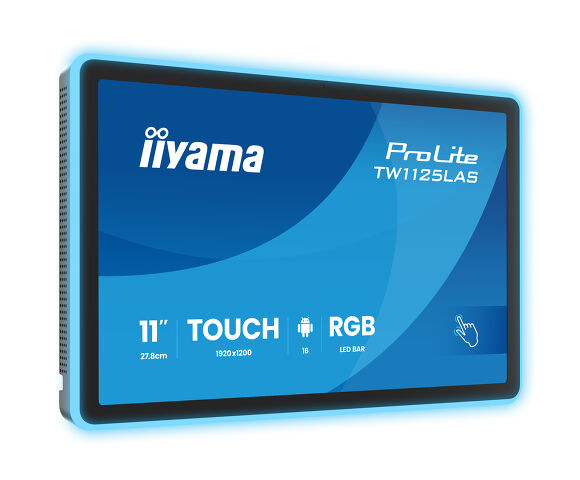
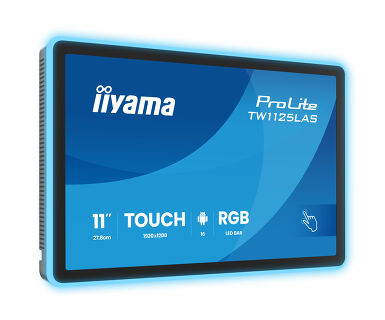
ProLite TW1125LAS-B3PNR
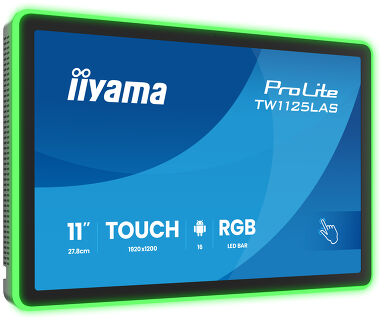
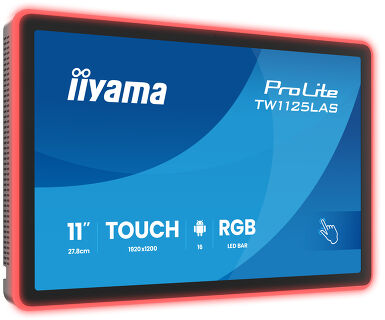
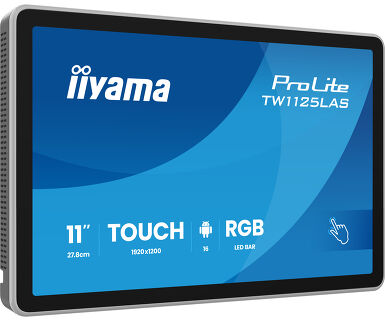
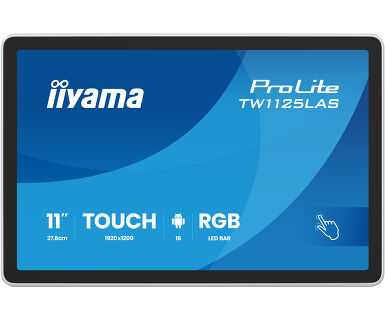
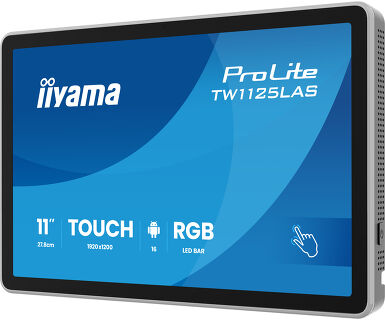
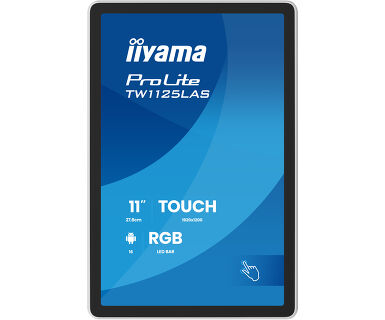
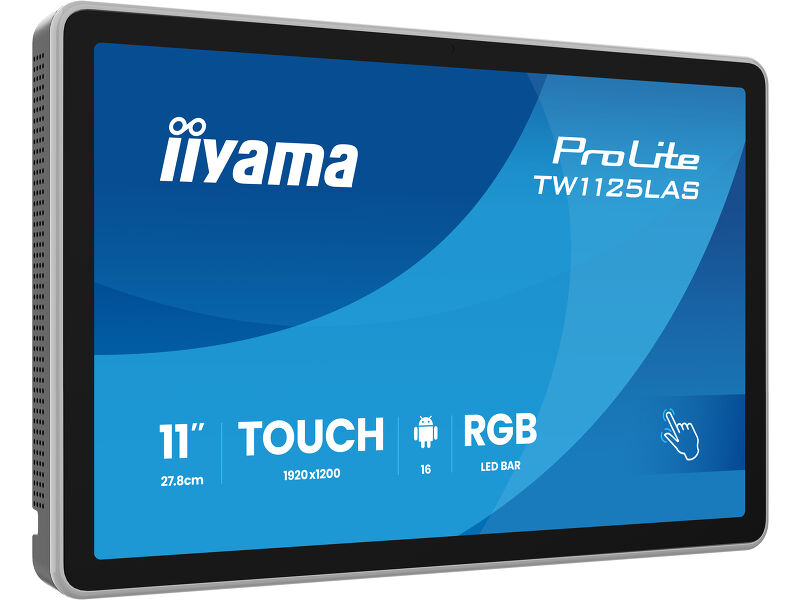
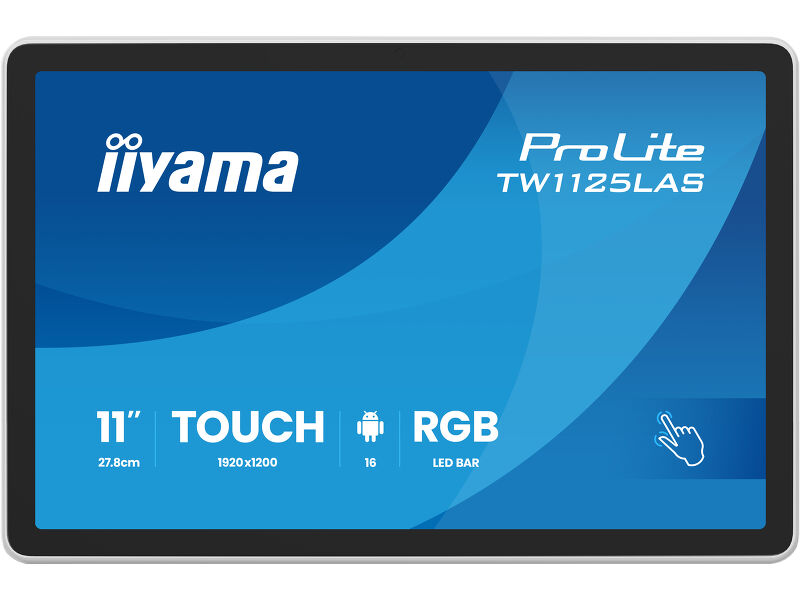
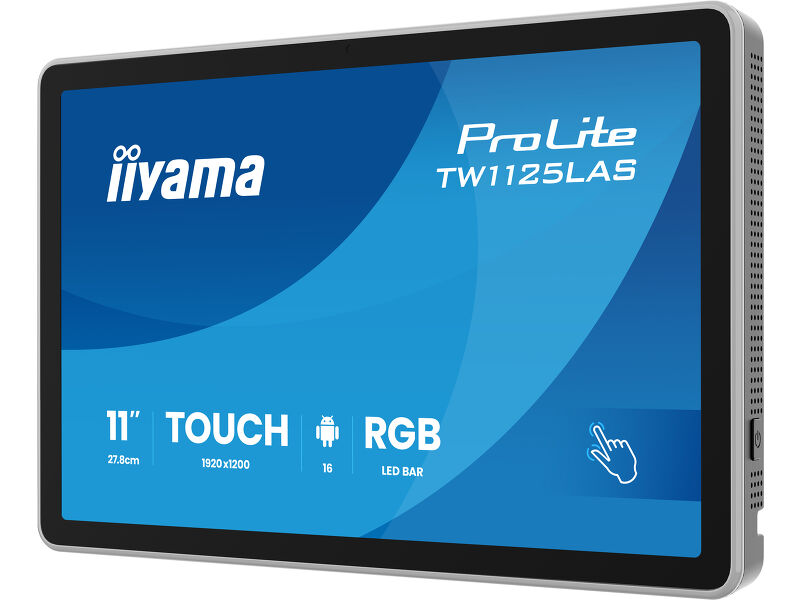
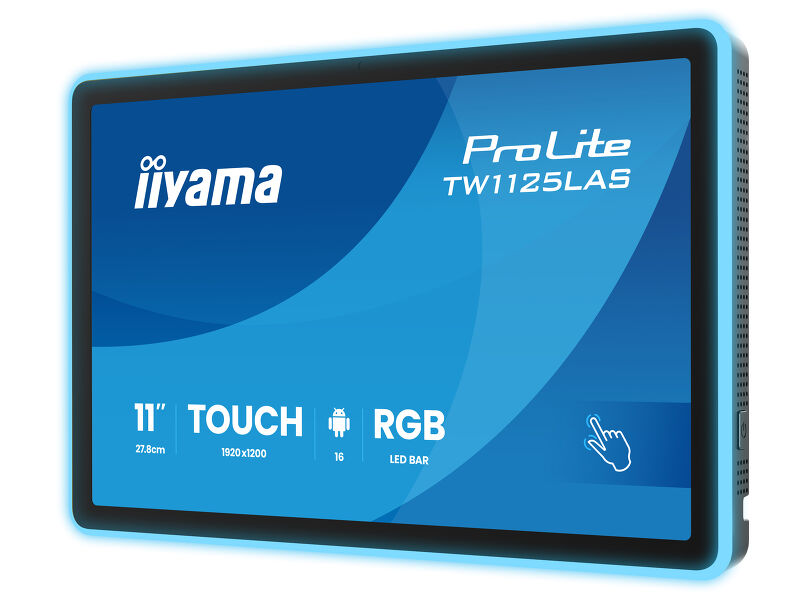
11” PCAP 10pt touchscreen PC with Android, Power over Ethernet Technology, NFC/RFID reader and a RGB LED bar around the screen
The smart and intuitive 11" ProLite TW1125LAS-B3PNR brings intuitive interaction and clear communication to meeting rooms, reception areas and information points. Combining a responsive touchscreen with Android 16, this compact touch panel PC runs applications directly on the device, supporting a wide range of professional uses—from room reservations and visitor check-in to interactive information and digital signage.
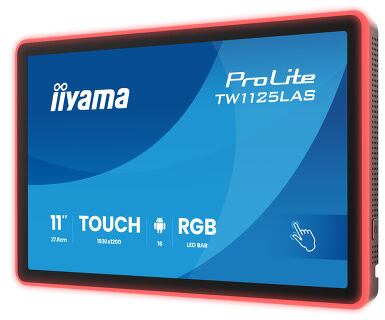
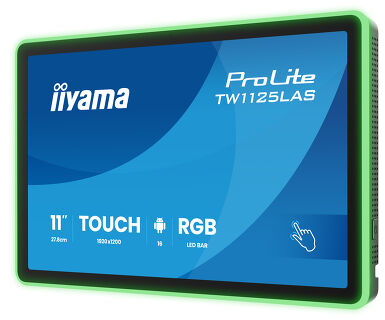
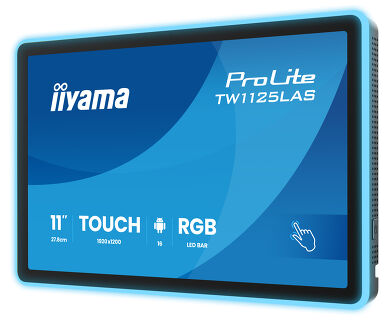
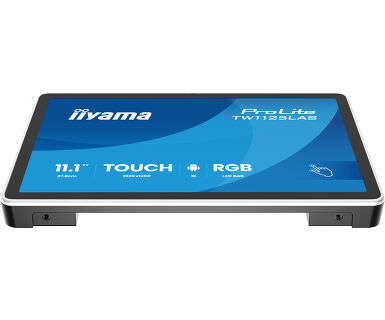
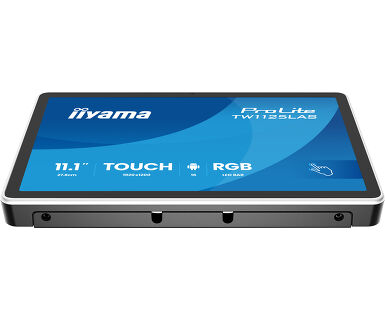
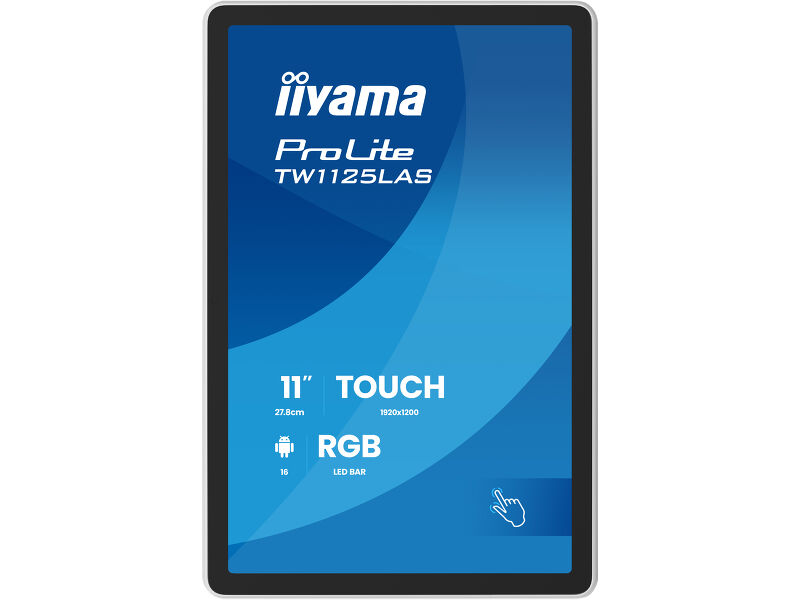
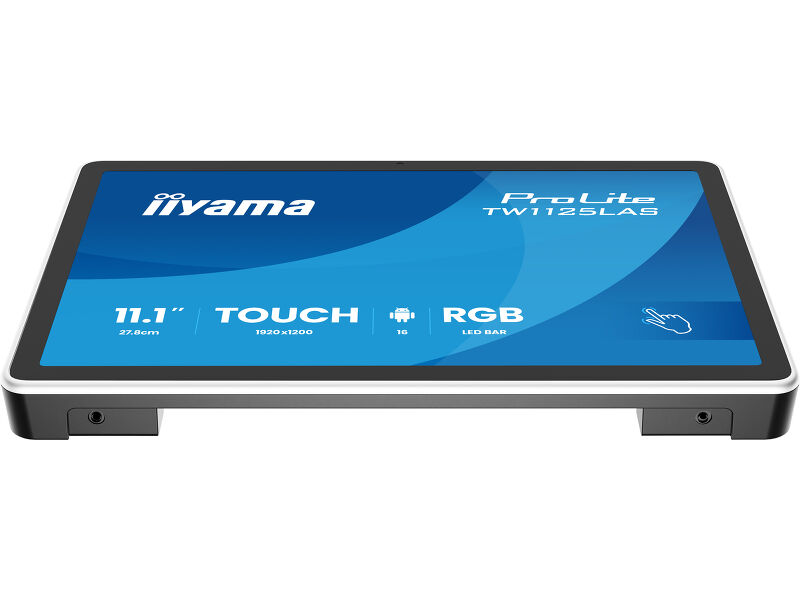
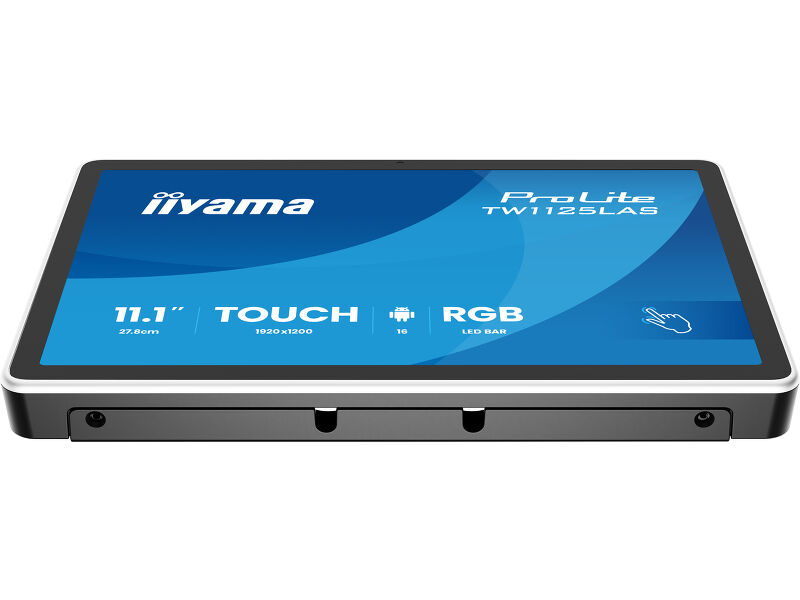
An integrated RGB LED bar makes room availability visible at a glance, while the NFC/RFID reader supports contactless check-in, employee authentication and other app-enabled interactions. Built-in microphones and speakers extend its versatility to voice-enabled applications and interactive services. Power over Ethernet delivers power and data through a single cable, simplifying installation and keeping cabling discreet. Flexible mounting in landscape, portrait or face-up orientation allows the display to fit naturally into a variety of environments.
Additionally, it integrates effortlessly with iiSignage², iiyama’s Content Management System (CMS), giving you full control over your messages and advertising, in landscape portrait and face-up position.
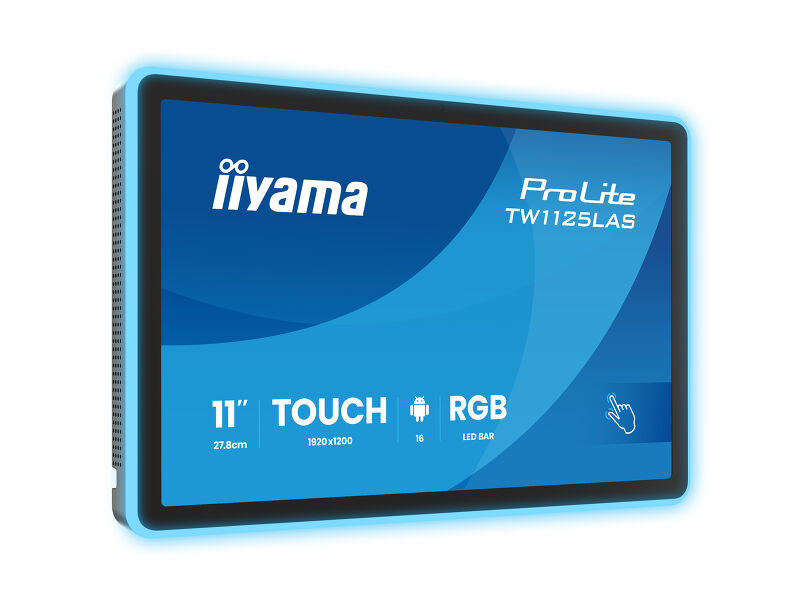
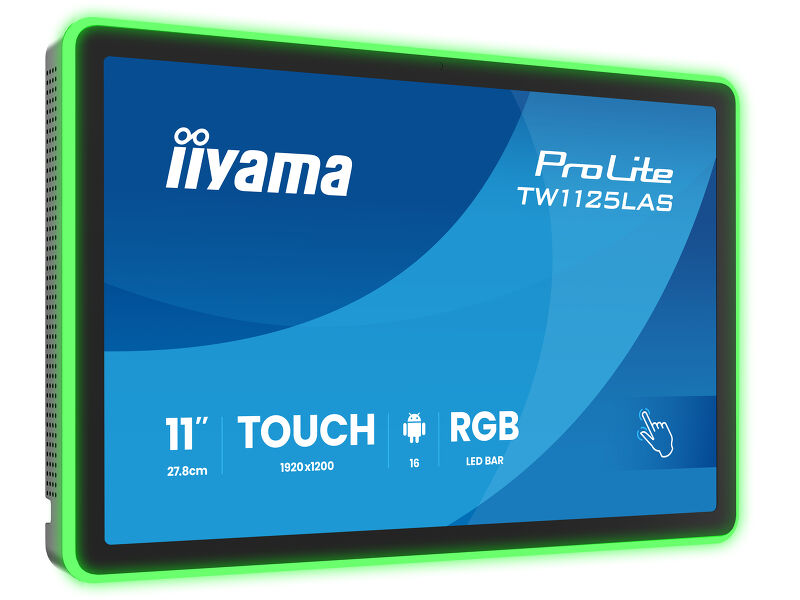
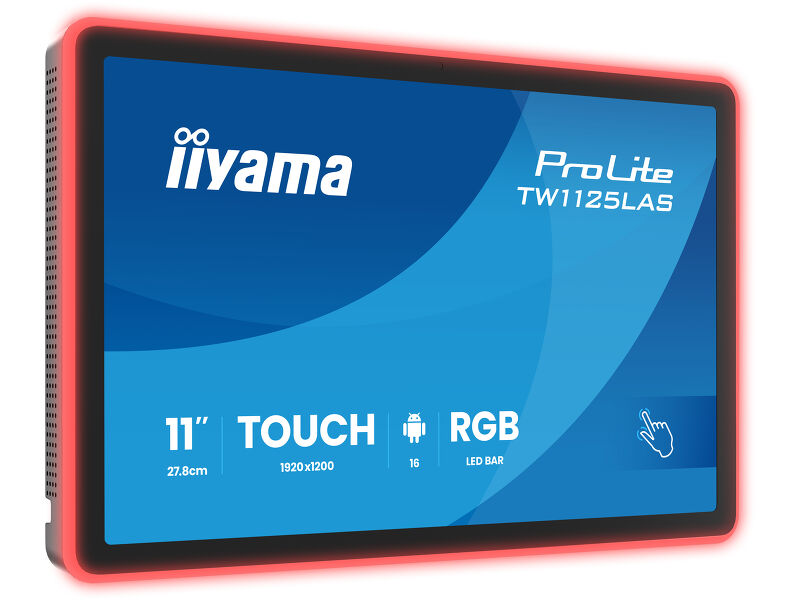
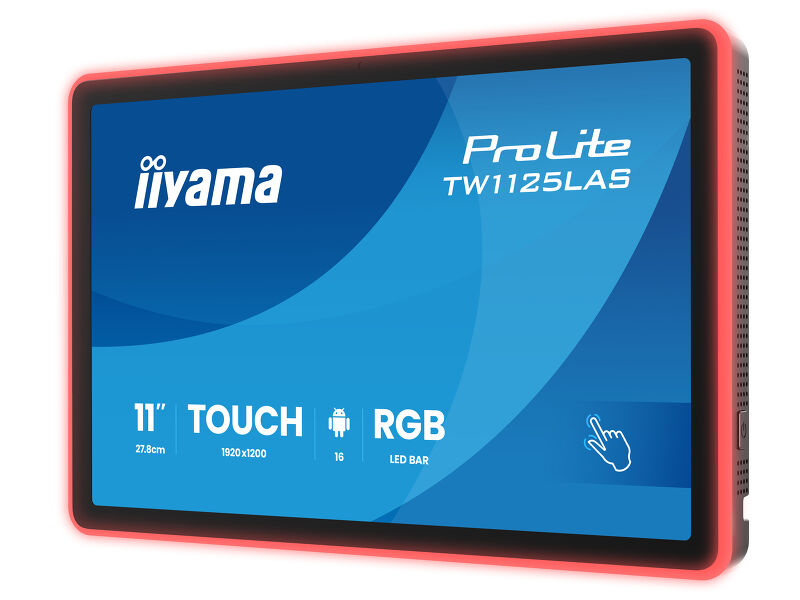
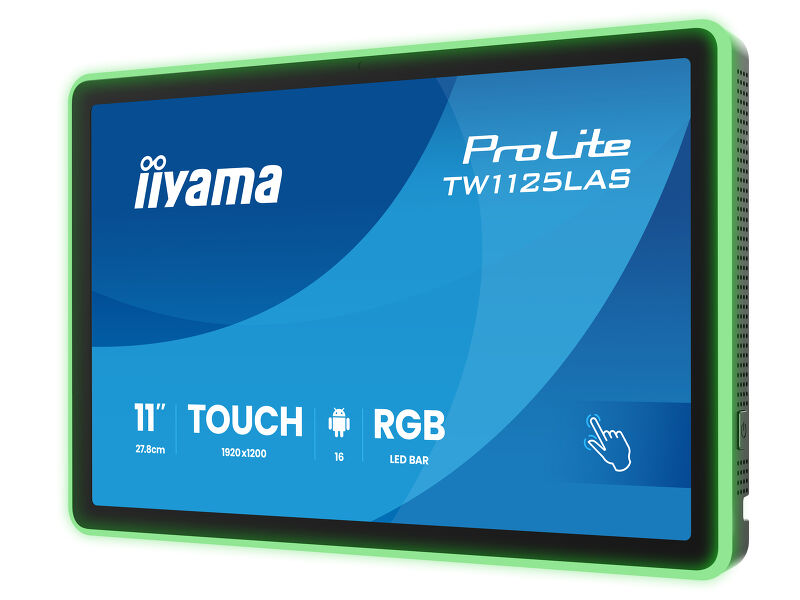
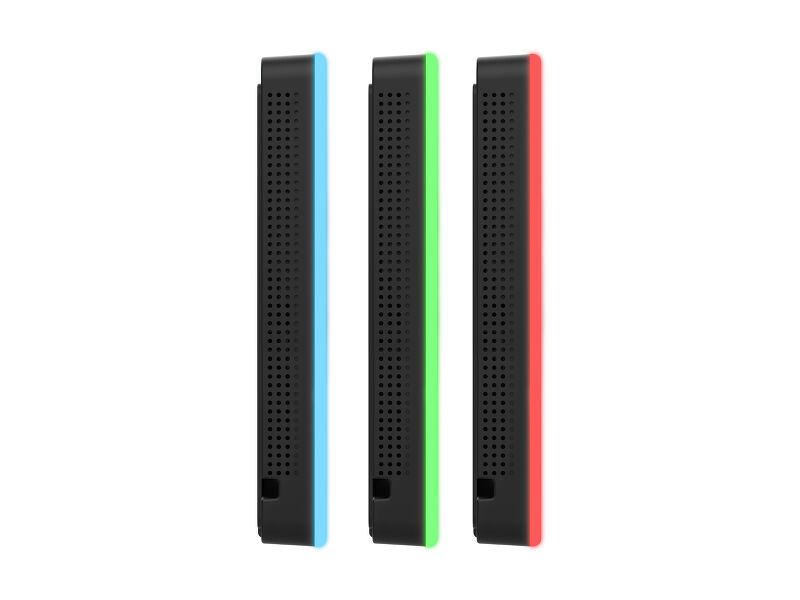
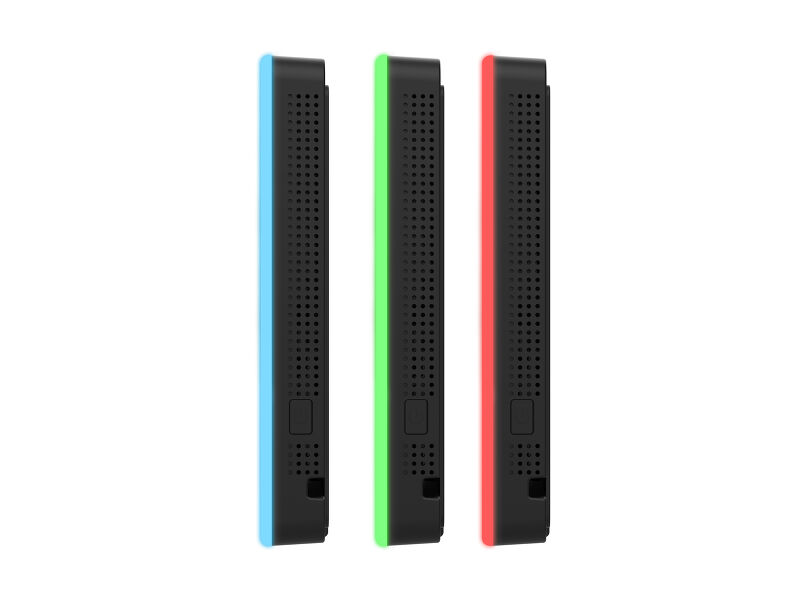
RGB Led bar
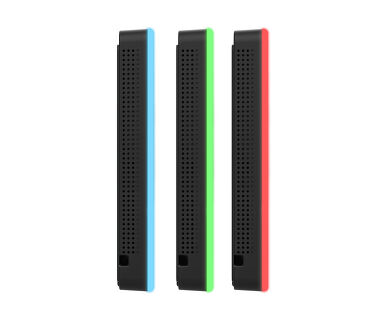
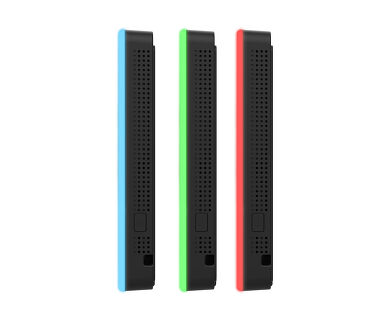
The RGB Led bar will clearly and intuitively indicate the room's availability status and can display a wide range of colors.
NFC & RFID reader
Thanks to the NFC/RFID reader, the touch panel PC alows to communicate wirelessly with enabled devices or tags within close proximity.
Connectivity
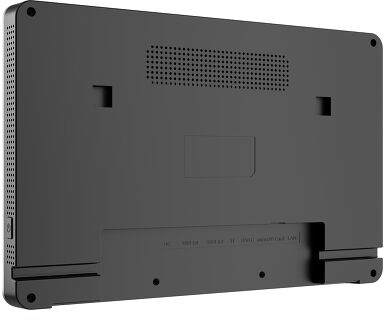
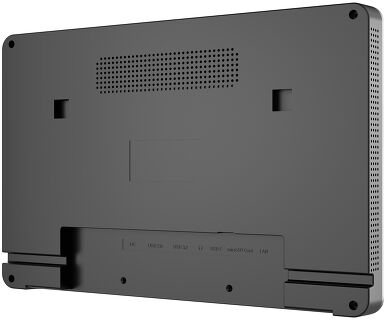
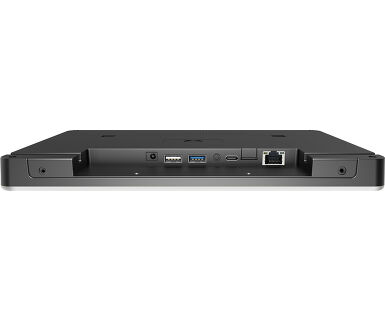
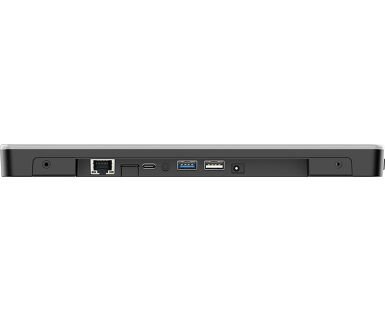
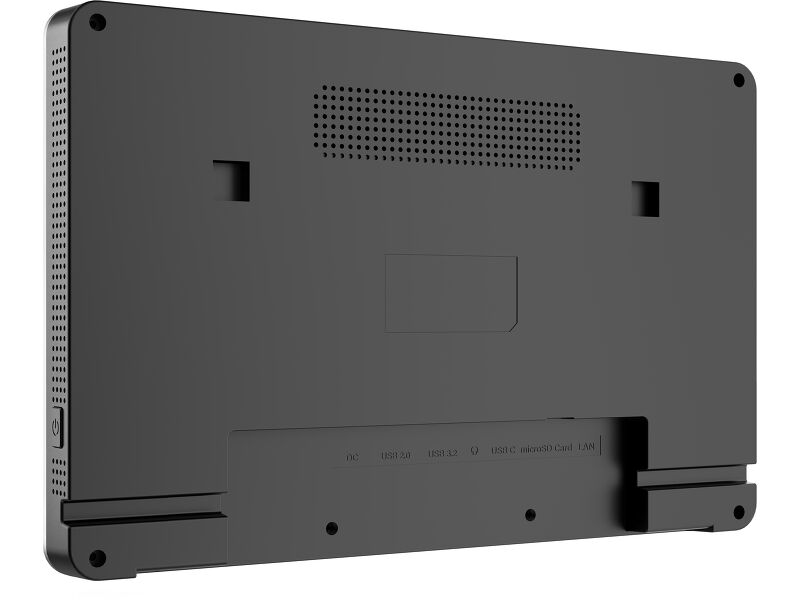
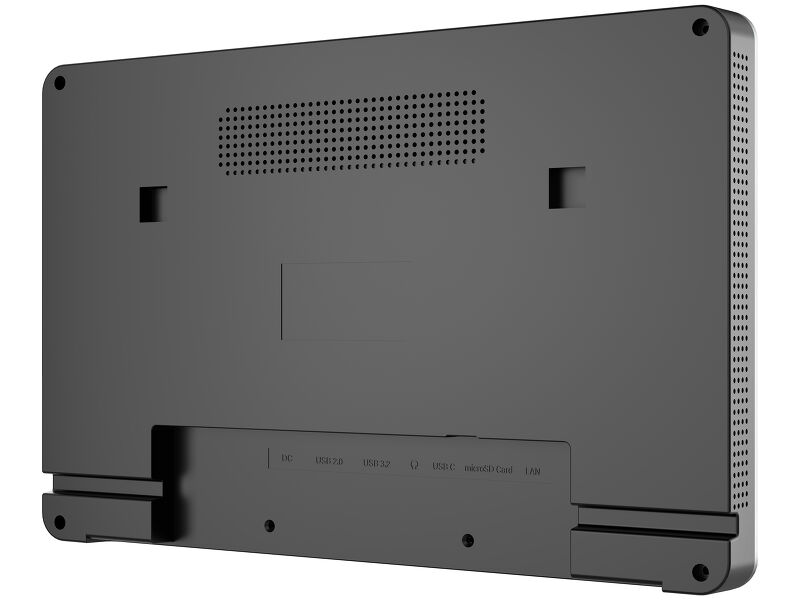
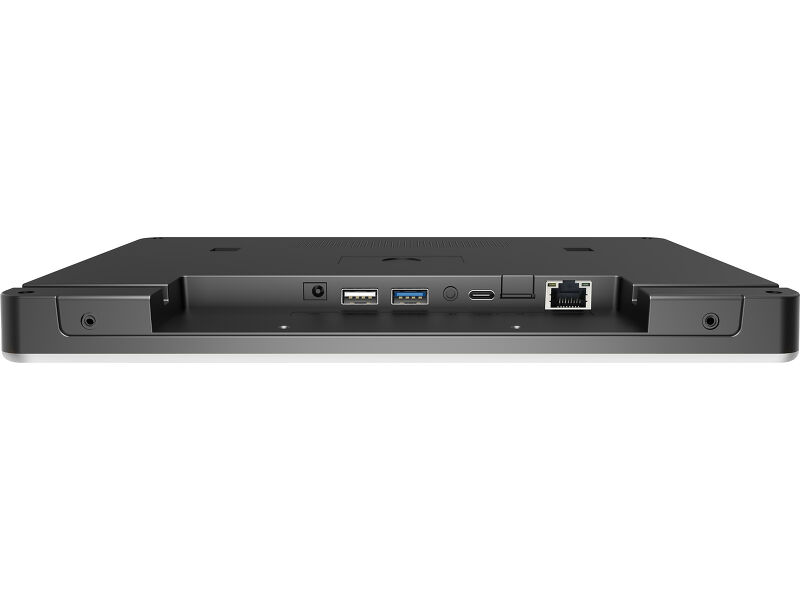
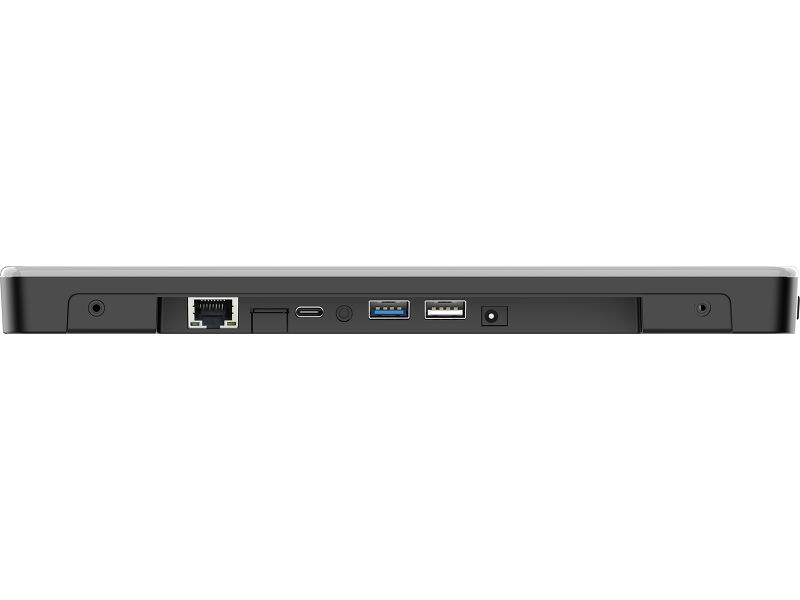
The RJ45 (LAN) connector supporting Power over Ethernet technology (POE) allows to provide both data connection and power by a single cable, which simplifies installation in areas where many cables would interfere with the environment.
Android OS
Thanks to Android OS, you can easily customize the display to your needs by installing applications directly to it.
iiSignage²
iiSignage² is our digital signage content management platform to easily show and control your content and to manage your displays in a secure way. The Content Management System (CMS) gives you total control of your messaging and advertising remotely and safely.
Technical specification


DISPLAY CHARACTERISTICS
| Design | Edge to edge glass |
| Diagonal | 10.95", 27.81cm |
| Panel | IPS Panel Technology, LED |
| Native resolution | 1920 x 1200 (2 megapixel HD) |
| Aspect ratio | 16:10 |
| Panel brightness | 450 cd/m² |
| Brightness | 405 cd/m² with touch |
| Light transmittance | 90% |
| Static contrast | 1500:1 with touch |
| Response time (GTG) | 25ms |
| Viewing zone | horizontal/vertical: 160°/160°, right/left: 80°/80°, up/down: 80°/80° |
| Colour support | 16.7mln |
| Viewable area W x H | 147.4 x 235.8mm |
| Pixel pitch | 0.1228mm |
| Bezel colour and finish | black, matte |
TOUCH
| Touch technology | projective capacitive |
| Touch points | 10 (HID, only with supported OS) |
| Touch method | finger, glove (latex), capacitive stylus |
| Touch interface | USB |
INTERFACES / CONNECTORS / CONTROLS
| Audio output |
Mini jack x1 Speakers 2 x 2W |
| HDCP | yes |
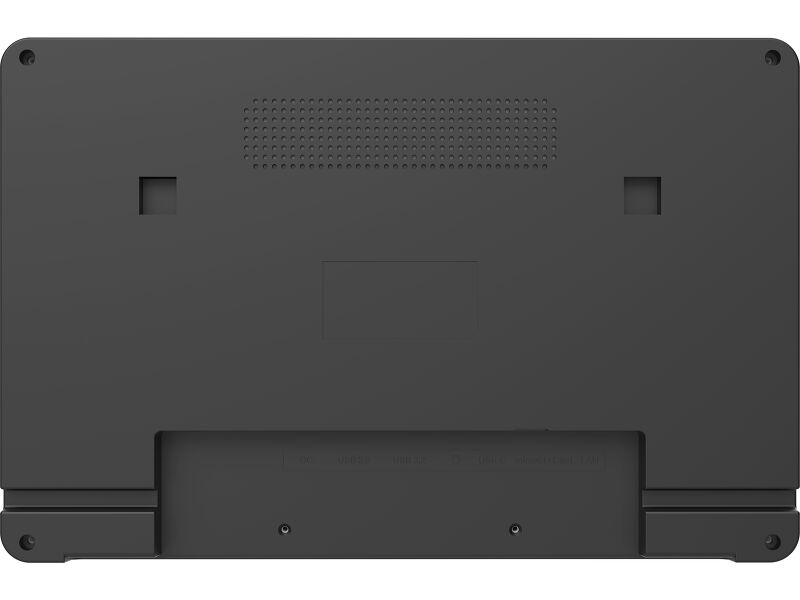
| USB ports | x3 (1x v. 3.2 (Gen 1, 5Gbit; DC5V, 900mA), 1x 2.0 (DC5V, 500mA), 1 x USB-C (DC5V, 900mA) video output only) |
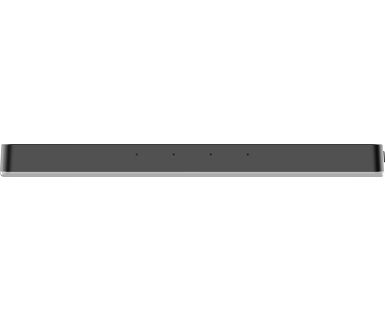
| RJ45 (LAN) | x1 (PoE - IEEE802.3at/max. 24W, 1000M) |
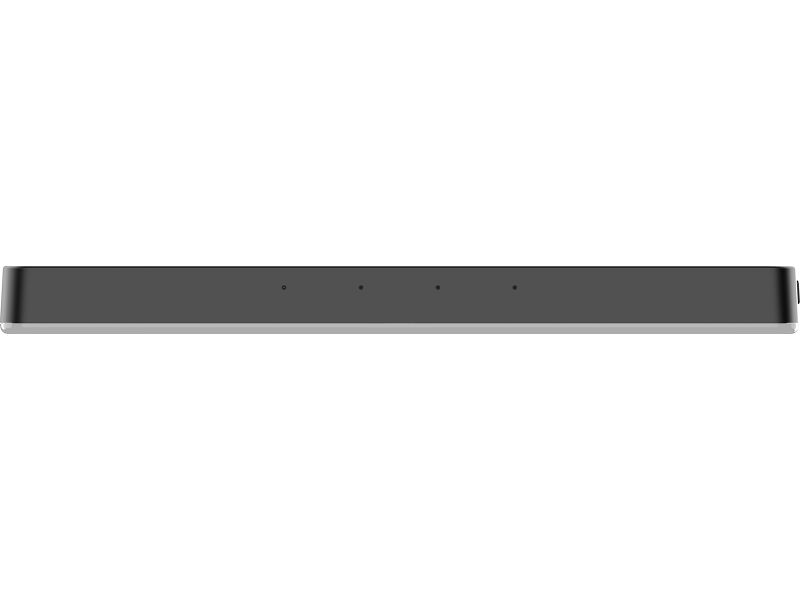
| Microphone | x1 (Quad microphone) |
FEATURES
| Integrated software | Android 16 |
| CPU | Rockchip RK3576 Octa-Core 4x A53 + 4x A72, up to 2.2GHz |
| GPU | ARM G52 MC3 |
| Storage | 64GB eMMC |
| Memory | 4GB LPDDR5X |
| WiFi | IEEE802.11ax/ac/a/b/g/n |
| Bluetooth | 5.4 |
| Hardware | NFC (NXP 7221), RFID (125kHZ,9600kbit/s) |
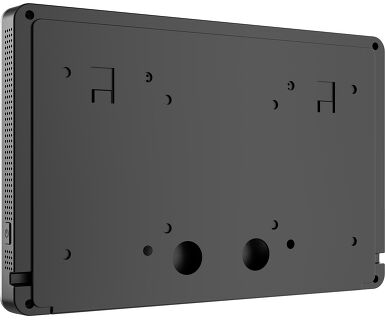
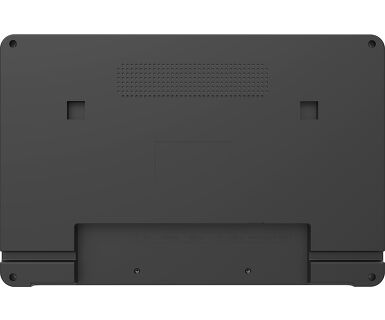
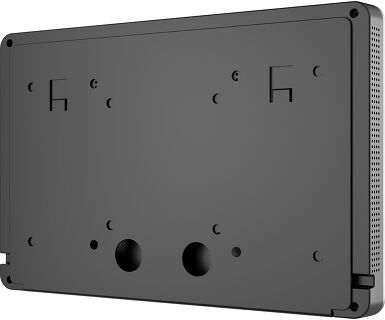
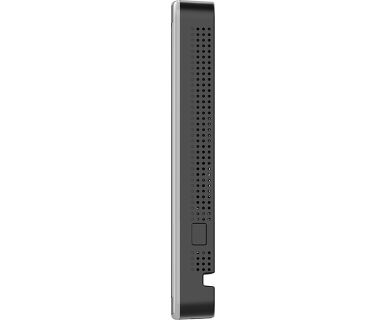
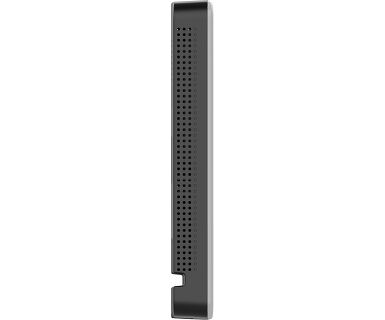
| Extra | Auto-rotation, SD card slot (microSD), anti-glare coating, PoE, NFC/RFID reader, RGB Led lightbar, slide on wall mount with cable cover |
| Kiosk mode | yes |
| Max. non-stop operating time | 24/7 |
| Glass thickness | 1.1mm |
| Glass hardness | 6H |
GENERAL
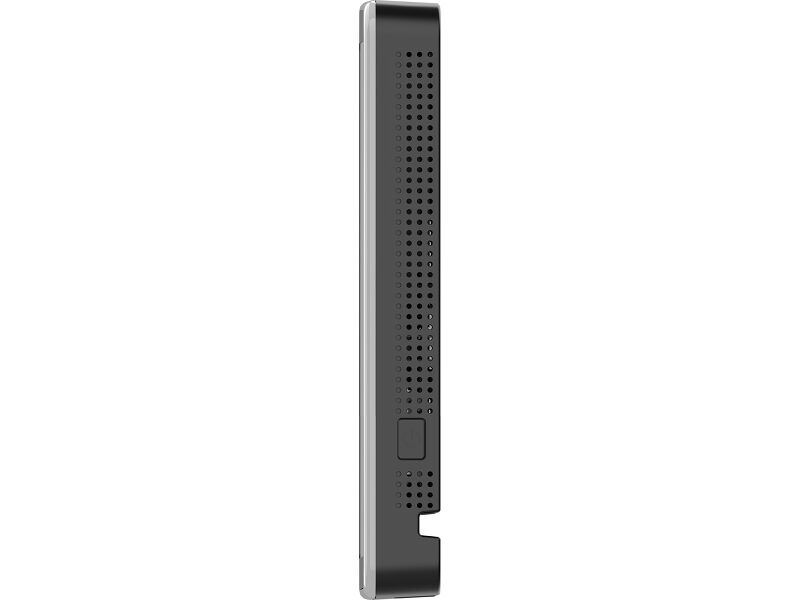
| Control buttons | Power switch |
| Applications | Applications: Bootup timer, calculator, calendar, Chrome, Alarm / clock / Timer / Stopwatch, orginize albums, Gmail, HDMI in, iiSignage2, iiyama player, maps, play store, PwmLightDemo, settings, sound recorder, systemlock |
| Flicker free | yes |
MECHANICAL
| Orientation | landscape, portrait, face-up |
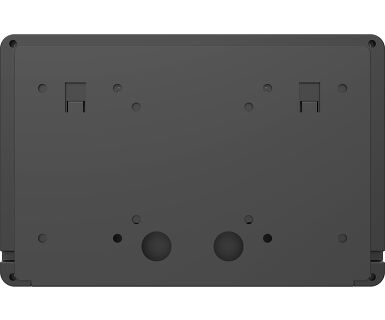
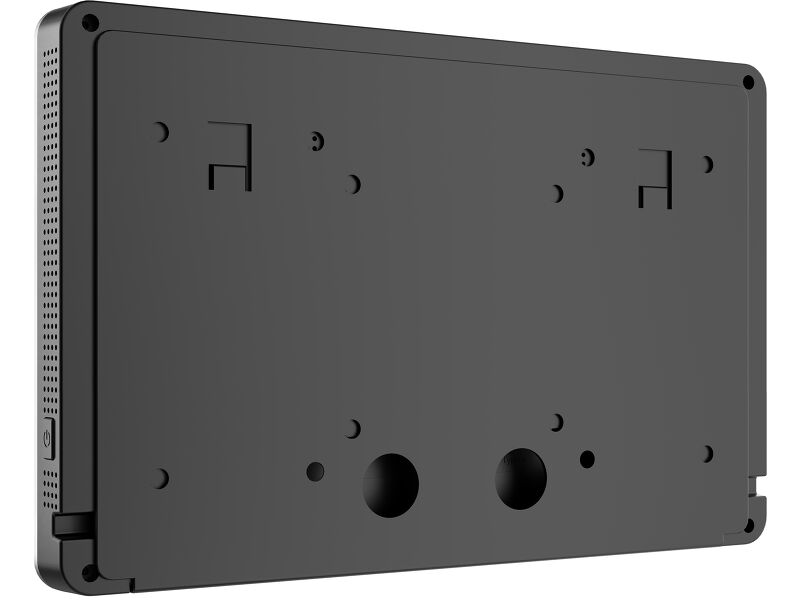
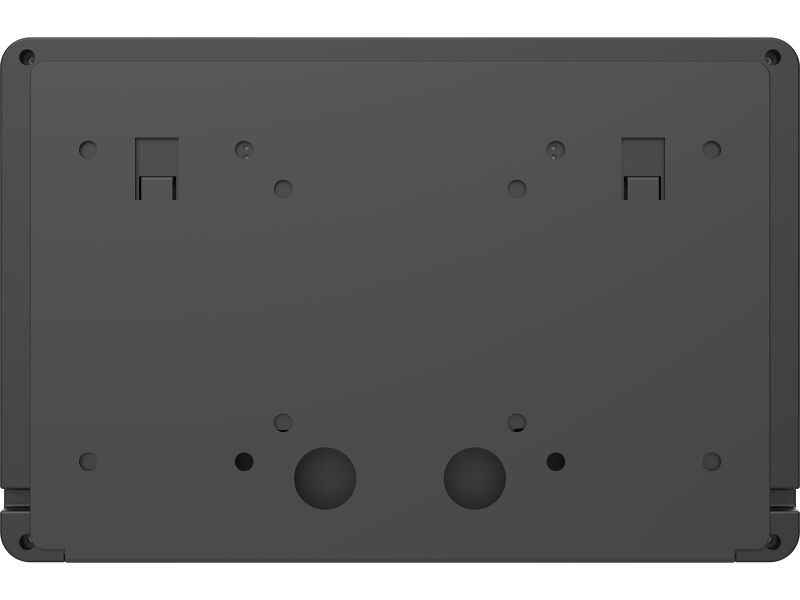
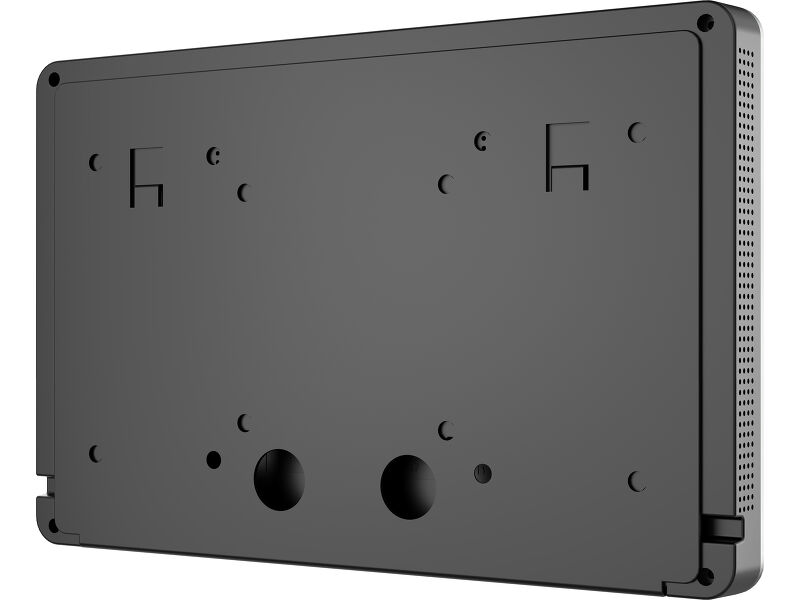
| VESA mounting | 75 x 75mm, 100 x 100mm |
| Cable management system | yes |
| MTBF | 50000 hours |
ACCESSORIES INCLUDED
| Cables | power (2.5m) |
| Guides | quick start guide, safety guide |
| Other | AC adapter, interchangeable plugs (EU/UK), cable cover/wall mount |
| Cable cover | yes |
POWER MANAGEMENT
| Power supply unit | external |
| Power supply | DC 12 V |
| Power usage | 9W typical, 0.5W stand by, 0.3W off mode |
SUSTAINABILITY
| Regulations | CE, EAC, RoHS support, ErP, WEEE, REACH, UKCA |
| REACH SVHC | above 0.1%: Lead |
DIMENSIONS / WEIGHT
| Product dimensions W x H x D | 260 x 171 x 23.5mm |
| Box dimensions W x H x D | 456 x 394 x 236mm |
| Weight (without box) | 1.07kg |
| Weight (with box) | 2.2kg |
| EAN code | 4948570128440 |
RELATED INFORMATION
| Product series | ProLite TW1625LASC-B3PNR, ProLite TW1025LASC-B3PNR |
Downloads
| User manual | TW11_2225LAS-B3PNR-usermanual-e.pdf | Download |
| Technical specification | ProLite TW1125LAS-B3PNR - ua_en.pdf | Download |
| Instructions | TW series API Setup instructions_20251001.zip | Download |
| Guarantee label | TW1125LAS-B3PNR.pdf | Download |
Instructions
| Управление светодиодной лентой RGB | TW1025LASC-B1PNR LED control.zip | Download |
FAQS
Can I install apps on my iiyama monitor through Google Play Store?
+You can install apps on your iiyama monitor through the official Google Play Store. However, the functionality of these apps may vary, depending on the specific app you wish to install.
Why is the Touch functionality not working?
+If your touch functionality is not working, please check the following:
1. Ensure your PC is connected to the monitor with the supplied USB cable.
2. Verify in the user manual that your operating system is supported by the screen.
How should I clean my Touch monitor?
+When cleaning, please follow these guidelines to avoid damaging your Touch monitor:
1. Avoid using paper towels, abrasive cloths, or any harsh cleaning agents, as they can scratch the screen or damage the touch sensors.
2. Do not spray the cleaning solution directly onto the screen to prevent liquid from seeping into the monitor.
3. Avoid excessive cleaning, as it can wear out the screen over time.
4. For more details, please check our dedicated Cleaning page.
Why is my monitor displaying a "No Signal" message?
+If your monitor is displaying a "No Signal" message, please check the following:
1. Ensure the cables are properly connected at both ends.
2. Select the correct signal input (HDMI/DP) or choose AUTO.
For guidance on selecting an input while the screen is in standby mode, please consult the user manual. On desktop monitors, common methods include pressing the INPUT, AUTO, or "2" buttons, or moving the joystick backward.
I have an Apple MAC-system, will my iiyama monitor work?
+Yes, your iiyama monitor will work with your Apple Mac system. However, it depends on the signal input how to connect. Since Apple Mac systems from 2020 onwards only have Thunderbolt 3 (USB-C) ports for video output, you have two options:
1. Connect directly to the USB-C signal input on your iiyama monitor.
2. In case your monitor only has HDMI or Displayport, you will need a Mac-compatible dongle that supports one of the video inputs available. Apple offers a USB-C Digital AV Multiport Adapter (MW5M3AM) that can be used for this purpose.
The picture on my monitor is flickering. What steps can I take to fix it?
+To resolve the issue of a blinking picture, please follow these steps:
1. Inspect the Signal Cable.
Ensure the signal cable is securely connected at both ends and free from any physical damage. Avoid any sharp bends or squishing of the cable.
2. Use a Shorter Cable.
If possible, use a cable shorter than 3 meters and connect the monitor directly to a wall power socket, avoiding the use of adapters.
3. Disable FreeSync/Adaptive Sync.
For desktop or gaming monitors, try disabling FreeSync or Adaptive Sync in the monitor's settings menu.
Related products