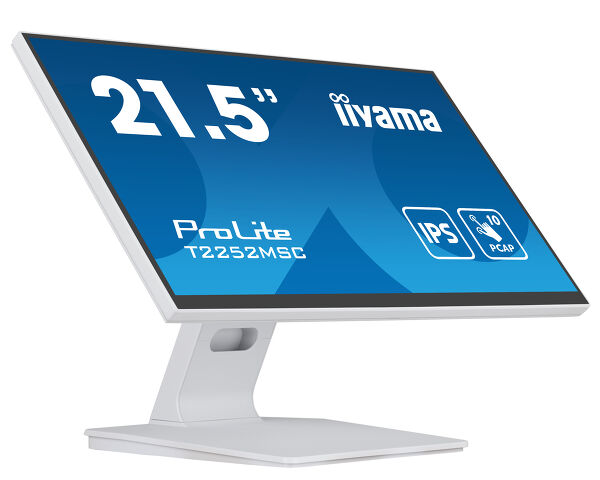
ProLite T2252MSC-W2 (EOL) Replaced by: ProLite T2252MSC-W2AG
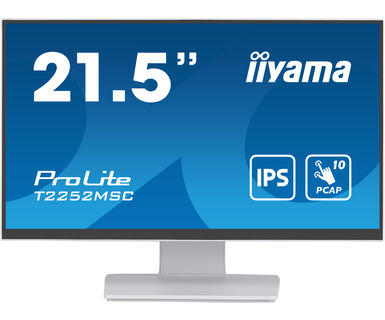
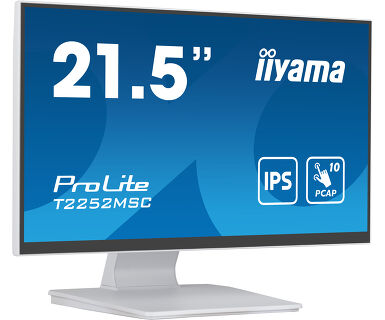
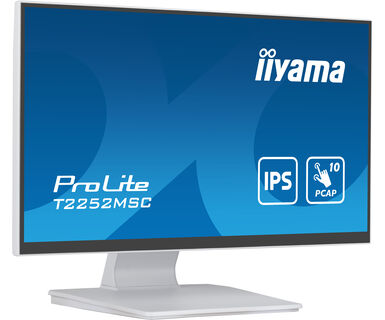
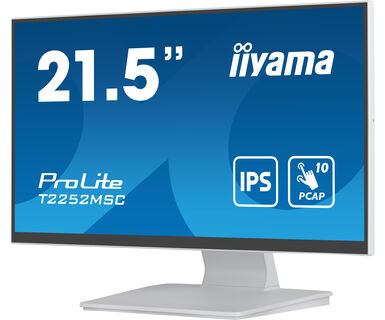
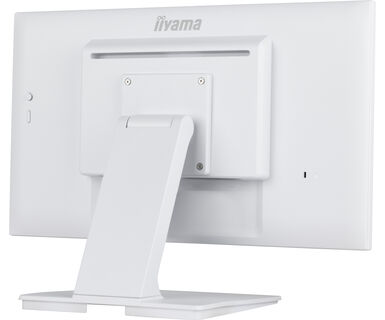
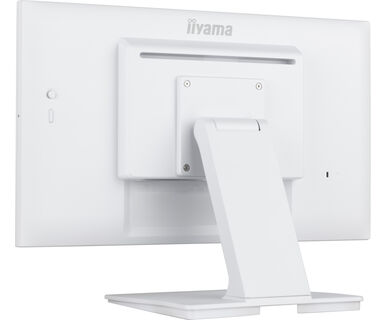
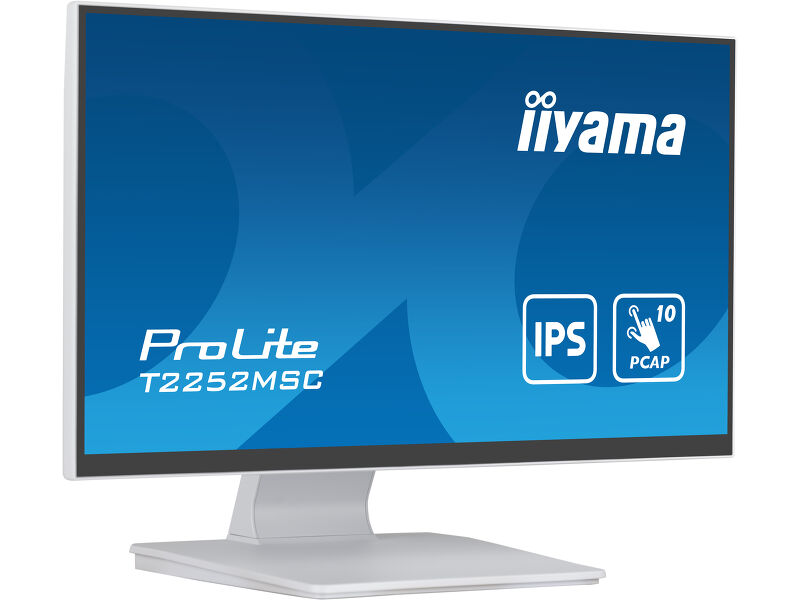
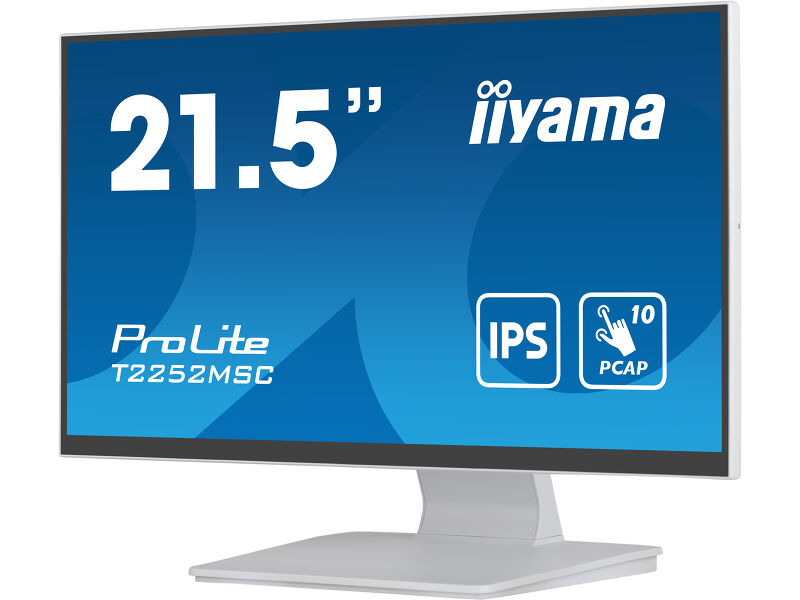
21.5” PCAP 10pt touchscreen monitor featuring IPS panel technology, Edge-to-Edge glass design and anti fingerprint coating
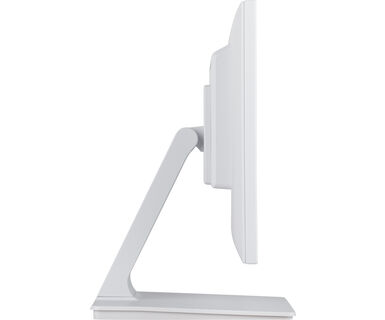
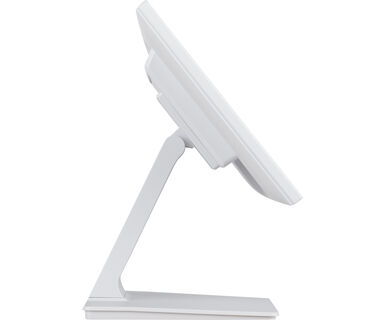
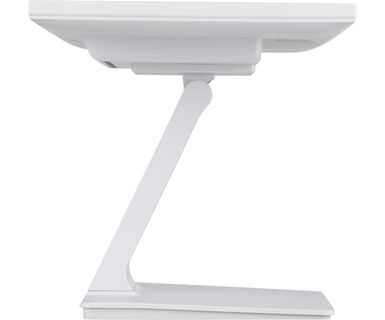
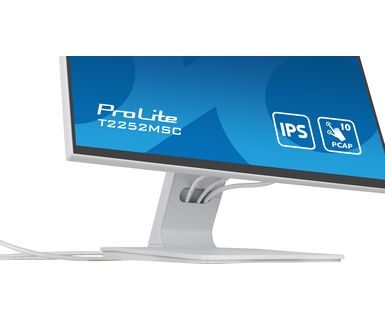
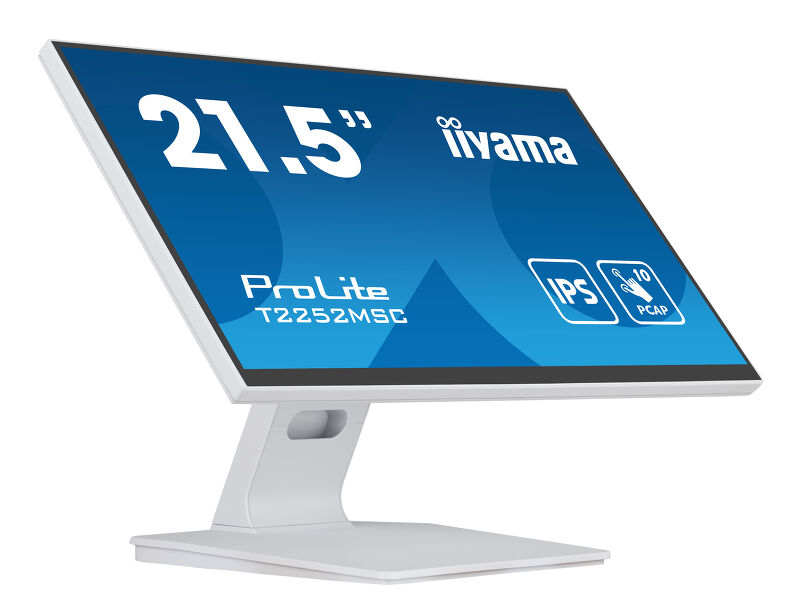
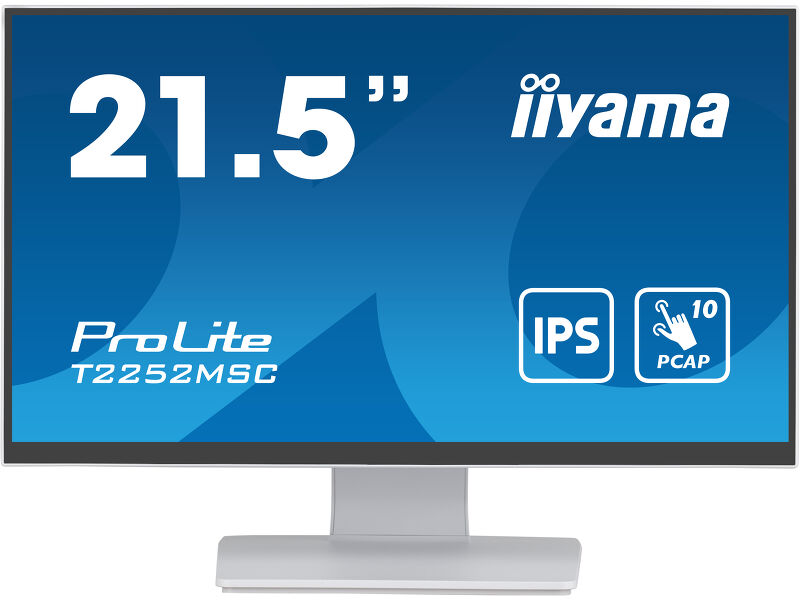
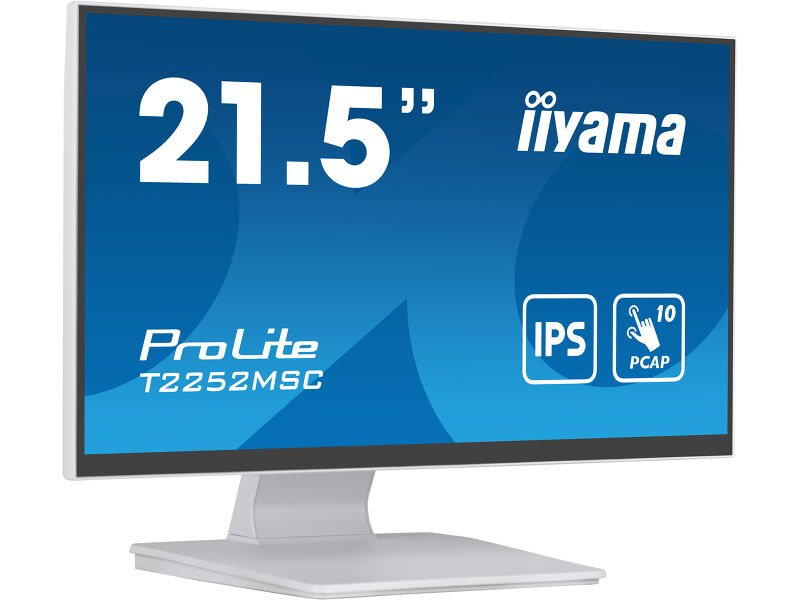
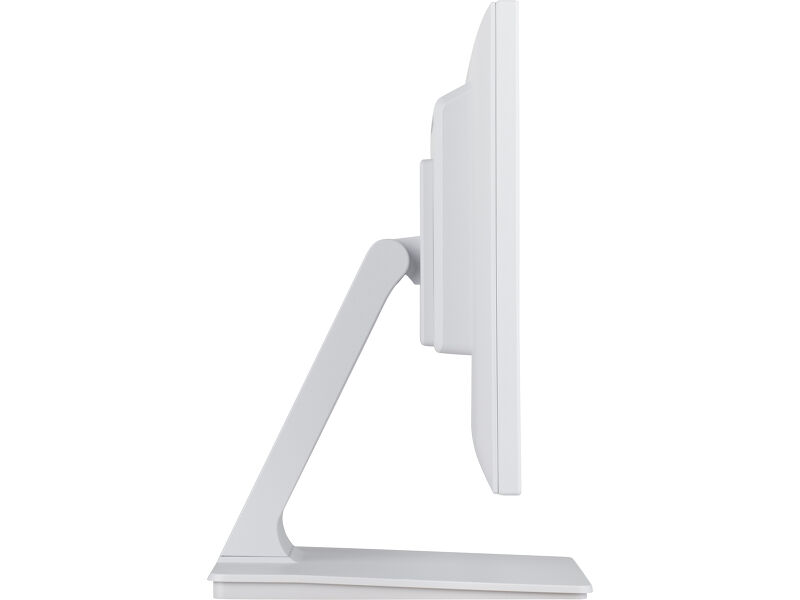
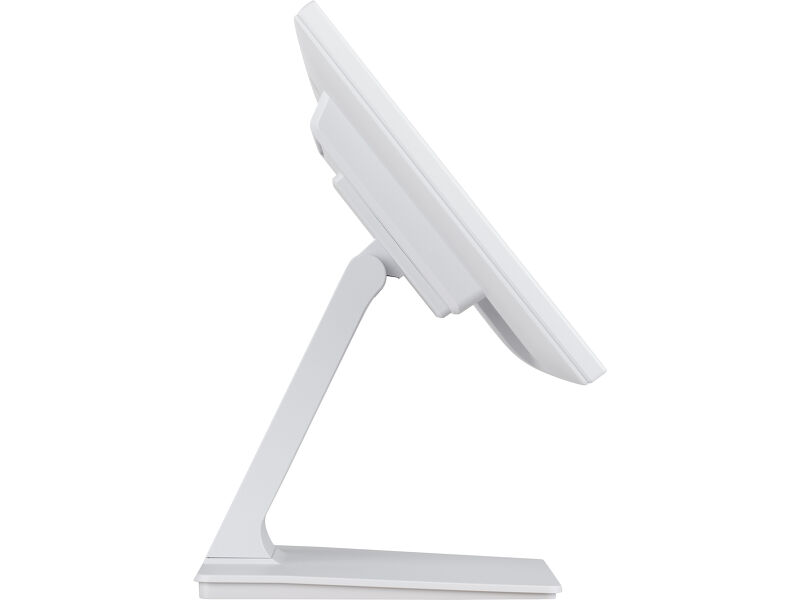
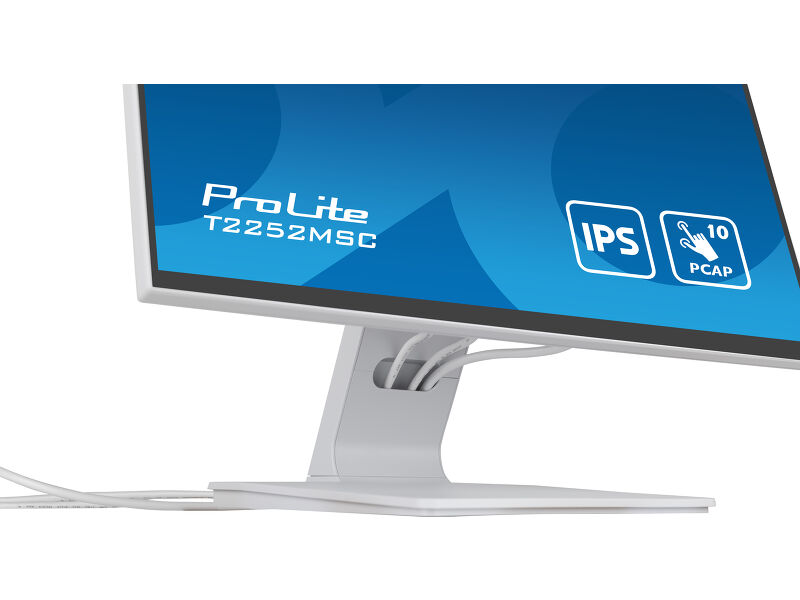
Благодаря разрешению Full HD (1920x1080) и точной 10-точечной сенсорной технологии DeepContrast PCAP+ (Optical Bonded PCAP), обеспечивающей плавную и точную реакцию на прикосновения и низкий уровень отражения света, монитор ProLite T2252MSC-W2 гарантирует бесперебойную и точную работу сенсорного экрана. Кроме того, дисплей защищен от влаги и возможного образования конденсата. Благодаря технологии IPS LCD он обеспечивает исключительную цветопередачу и широкие углы обзора, что делает его идеальным выбором для широкого спектра интерактивных приложений. Гибкая подставка может быть установлена под разными углами, создавая комфортные и эргономичные условия для пользователя, а встроенная система управления кабелями скрывает все кабели и электропроводку, обеспечивая аккуратное и свободное от кабелей рабочее пространство. Кроме того, стекло от края до края и ультратонкий дизайн создают привлекательный внешний вид. ProLite T2252MSC-W2 — идеальное решение для интерактивных вывесок, розничной торговли в магазинах, POS-терминалов и интерактивных презентаций.
 Speakers
-
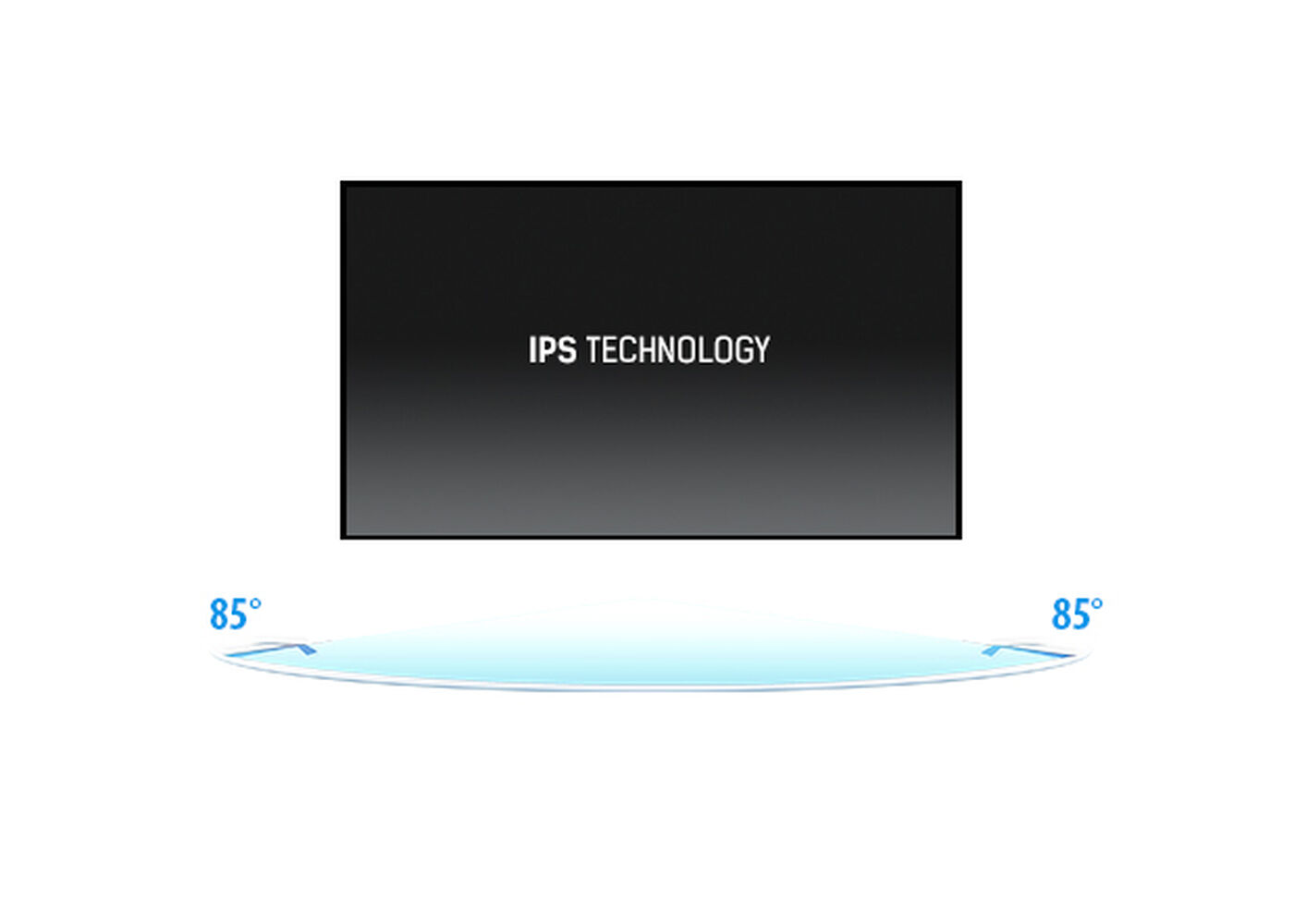
IPS Technology
Обеспечьте идеальную видимость с любого места - панель IPS обеспечивает яркие, стабильные цвета и широкие углы обзора, что идеально подходит для динамичных торговых помещений и оживленных коммерческих пространств.
-

Touch technology - Capacitive
This technology uses a sensor-grid of micro-fine wires integrated into the glass that covers the screen. Touch is detected because electrical characteristics of the sensor grid change when human finger is placed on the glass. Thanks to the glass overlay this technology is highly durable, and the touch function remains unaffected even if the glass is scratched. It offers perfect picture performance and will work with human finger (also latex gloved) and stylus-pen.
-

Anti-fingerprint coating
This special Nano coating ensures a smoother touch and less resistance in the swipe. It makes the screen less static and susceptible to dirt, dust, fingerprints and it improves the clarity of the content displayed on the screen.
-

Scratch resistance
Scratch resistance is a critical requirement for touch solutions deployed in commercial, educational, and industrial environments. A protective glass overlay covering the screen provides enhanced durability, ensuring reliable touch performance over time. The touch functionality remains fully operational and unaffected.
-
Speakers
This LED monitor is equipped with two stereo speakers.
Technical specification



DISPLAY CHARACTERISTICS
| Design | Edge to edge glass |
| Diagonal | 21.5", 54.5cm |
| Panel | IPS |
| Native resolution | 1920 x 1080 (2.1 megapixel Full HD) |
| Aspect ratio | 16:9 |
| Panel brightness | 250 cd/m² |
| Brightness | 225 cd/m² with touch |
| Light transmittance | 90% |
| Static contrast | 1000:1 |
| Response time (GTG) | 5ms |
| Viewing zone | horizontal/vertical: horizontalvertical 178°/%2°, |
| Colour support | 16.7mln |
| Horizontal Sync | 30 - 83kHz |
| Viewable area W x H | 478.6 x 260mm, 18.8 x 10.2" |
| Pixel pitch | 0.249mm |
| Bezel colour and finish | white, matte |
TOUCH
| Touch technology | optical bonding PCAP |
| Touch points | 10 (HID, only with supported OS) |
| Touch method | stylus, finger, glove (latex) |
| Touch interface | USB |
| Supported operating systems | All iiyama monitors are Plug & Play and compatible with Windows and Linux. For details regarding the supported OS for the touch models, please refer to the driver instruction file available in the downloads section. |
| Palm rejection | yes |
INTERFACES / CONNECTORS / CONTROLS
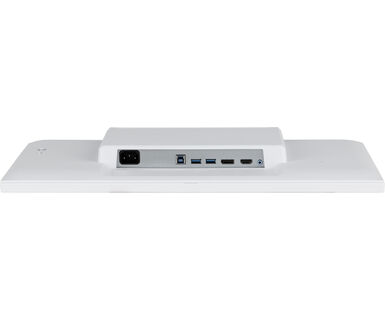
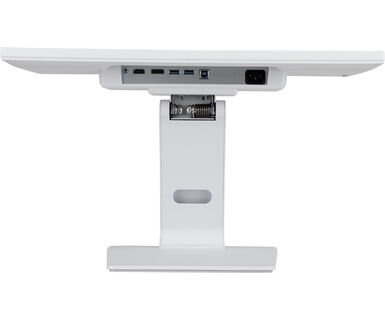
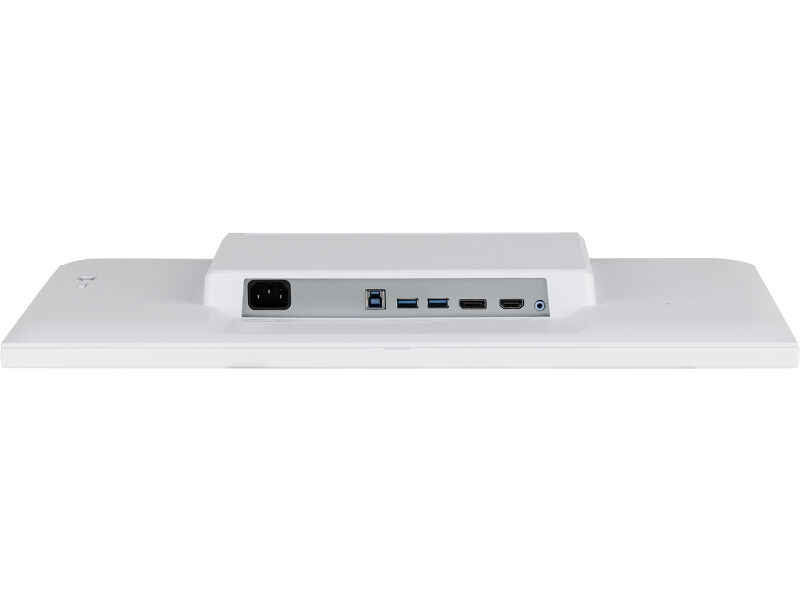
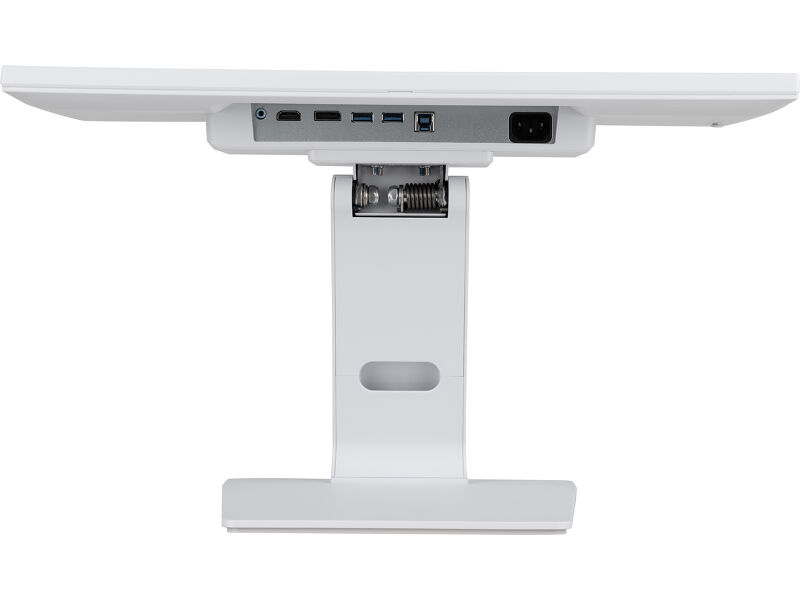
| Digital signal input |
HDMI x1 DisplayPort x1 |
| Audio output |
Mini jack x1 Speakers 2 x 1W |
| HDCP | yes |
| USB HUB | x2 (USB 3.2 Gen 1 ( 5Gbps, 5V, 900mA)) |
FEATURES
| Extra | Anti-fingerprint coating, touch support with gloved hand (thickness +2mm) |
| Glass hardness | 7H |
| OSD key lock | yes |
GENERAL
| OSD languages | EN, DE, FR, ES, IT, PT, RU, JP, NL, PL |
| Control buttons | Joystick: right/menu/enter, left/input/exit, up/eco, down, power |
| User controls | picture adjust (brightness, contrast, i-Style, adv. contrast, ECO, OD, X-Res), color settings (gamma, rgb range, color temp.), image settings (video mode adjust, blue light reducer, sharp & soft), OSD (horizontal position, vertical pos., time, background), extra (reset, dcc/ci, signal select, volume, mute, opening logo, led, touch switch) |
| Convenience | Kensington-lock™ prepared |
| Blue light reducer | yes |
| Flicker free | yes |
| Plug&Play | DDC2B |
MECHANICAL
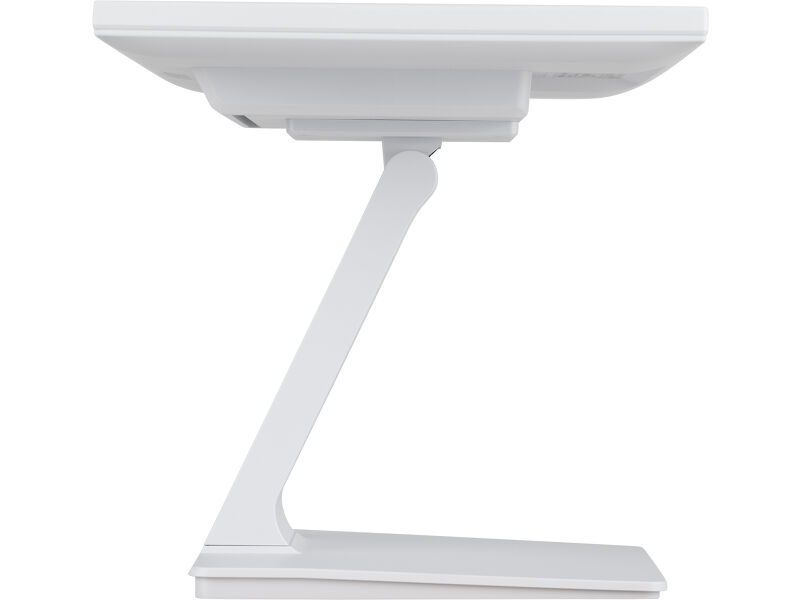
| Orientation | landscape, face-up |
| Tilt angle | 90° up; 5° down |
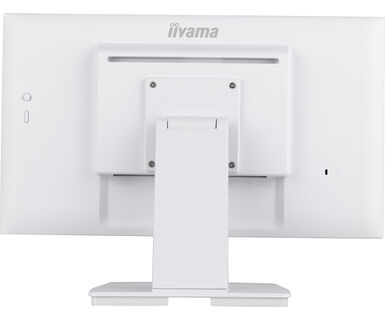
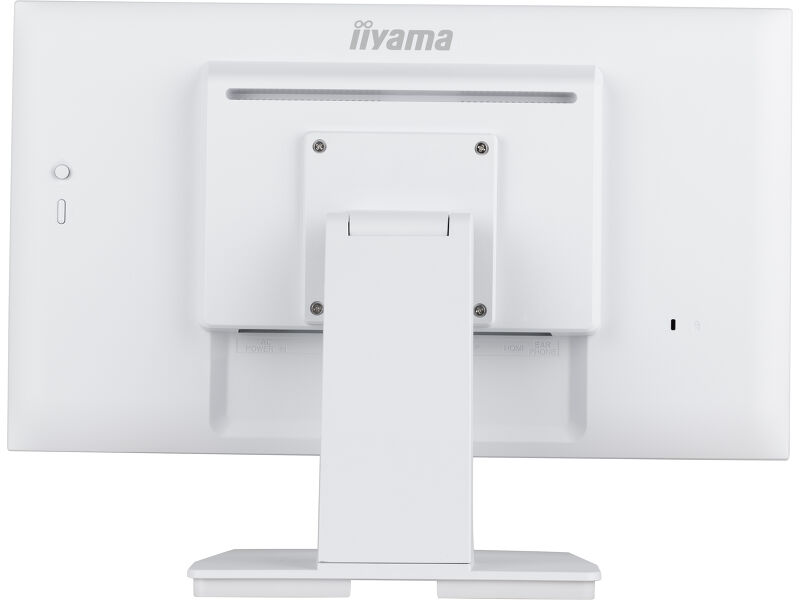
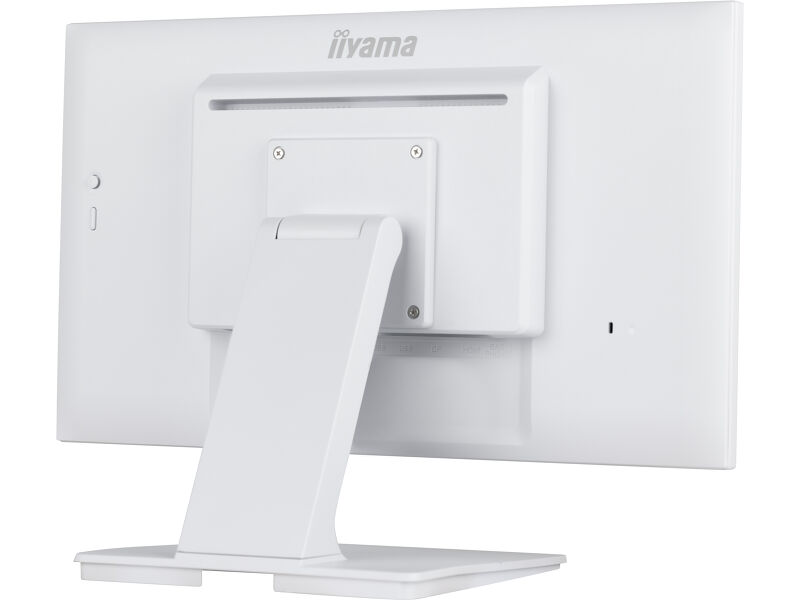
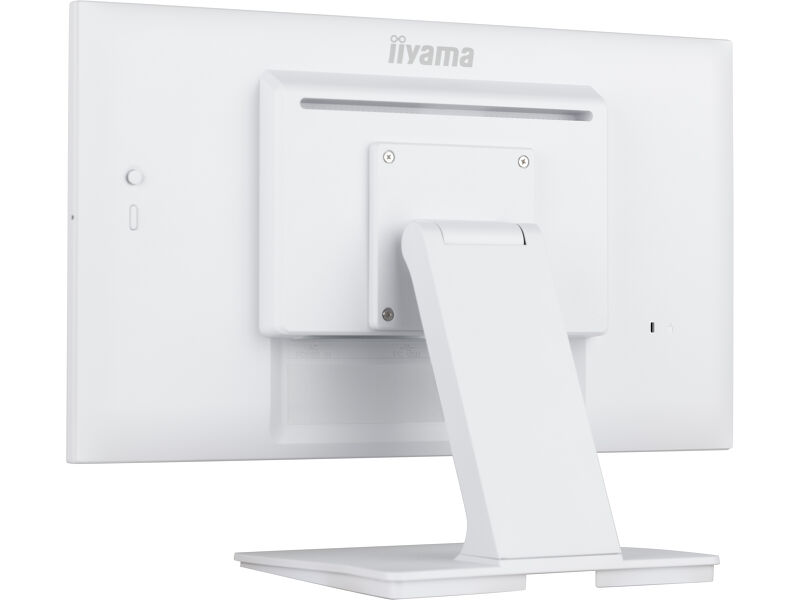
| VESA mounting | 100 x 100mm |
| Cable management system | yes |
ACCESSORIES INCLUDED
| Cables | power, USB, HDMI |
| Guides | safety guide |
| Other | Screwdriver |
| Cable cover | yes |
POWER MANAGEMENT
| Power supply unit | internal |
| Power supply | AC 100 - 240V, 50/60Hz |
| Power usage | 11W typical, 1.5W stand by, 0.3W off mode |
SUSTAINABILITY
| Regulations | CE, RoHS support, ErP, WEEE, REACH, cTUVus |
| Energy efficiency class (Regulation (EU) 2017/1369) | C |
| REACH SVHC | above 0.1%: Lead |
DIMENSIONS / WEIGHT
| Product dimensions W x H x D | 493.5 x 361.5 x 239.5mm |
| Box dimensions W x H x D | 560 x 350 x 150mm |
| Weight (without box) | 4.5kg |
| Weight (with box) | 6kg |
| EAN code | 4948570122059 |
RELATED INFORMATION
| Product series | ProLite T2452MSC-B1, ProLite T2252MSC-B2, ProLite T2452MSC-W1, ProLite T2752MSC-B1, ProLite T2752MSC-W1, ProLite T2752MSC-B1AG, ProLite T2252MSC-W2AG, ProLite T2752MSC-W1AG |
FAQS
Why is the Touch functionality not working?
+If your touch functionality is not working, please check the following:
1. Ensure your PC is connected to the monitor with the supplied USB cable.
2. Verify in the user manual that your operating system is supported by the screen.
How should I clean my Touch monitor?
+When cleaning, please follow these guidelines to avoid damaging your Touch monitor:
1. Avoid using paper towels, abrasive cloths, or any harsh cleaning agents, as they can scratch the screen or damage the touch sensors.
2. Do not spray the cleaning solution directly onto the screen to prevent liquid from seeping into the monitor.
3. Avoid excessive cleaning, as it can wear out the screen over time.
4. For more details, please check our dedicated Cleaning page.
Why is my monitor displaying a "No Signal" message?
+If your monitor is displaying a "No Signal" message, please check the following:
1. Ensure the cables are properly connected at both ends.
2. Select the correct signal input (HDMI/DP) or choose AUTO.
For guidance on selecting an input while the screen is in standby mode, please consult the user manual. On desktop monitors, common methods include pressing the INPUT, AUTO, or "2" buttons, or moving the joystick backward.
I have an Apple MAC-system, will my iiyama monitor work?
+Yes, your iiyama monitor will work with your Apple Mac system. However, it depends on the signal input how to connect. Since Apple Mac systems from 2020 onwards only have Thunderbolt 3 (USB-C) ports for video output, you have two options:
1. Connect directly to the USB-C signal input on your iiyama monitor.
2. In case your monitor only has HDMI or Displayport, you will need a Mac-compatible dongle that supports one of the video inputs available. Apple offers a USB-C Digital AV Multiport Adapter (MW5M3AM) that can be used for this purpose.
The picture on my monitor is flickering. What steps can I take to fix it?
+To resolve the issue of a blinking picture, please follow these steps:
1. Inspect the Signal Cable.
Ensure the signal cable is securely connected at both ends and free from any physical damage. Avoid any sharp bends or squishing of the cable.
2. Use a Shorter Cable.
If possible, use a cable shorter than 3 meters and connect the monitor directly to a wall power socket, avoiding the use of adapters.
3. Disable FreeSync/Adaptive Sync.
For desktop or gaming monitors, try disabling FreeSync or Adaptive Sync in the monitor's settings menu.
Related products
Downloads
| User manual | T2252MSC-B2_W2_B2AG-usermanual-ru-revE.pdf | Download |
| Technical specification | ProLite T2252MSC-W2 - ua_en.pdf | Download |
| Drawing | T2254MSC-B2_W2_AG drawing.pdf | Download |
| EU Energy Label | T2252MSC-W2 EU Energy Label (1556648).pdf | Download |
| UK Energy Label | T2252MSC-W2 UK Energy Label (1556648).pdf | Download |

