Subscribe to our newsletter
Keep up #withiiyama
You have successfully subscribed to our newsletter.
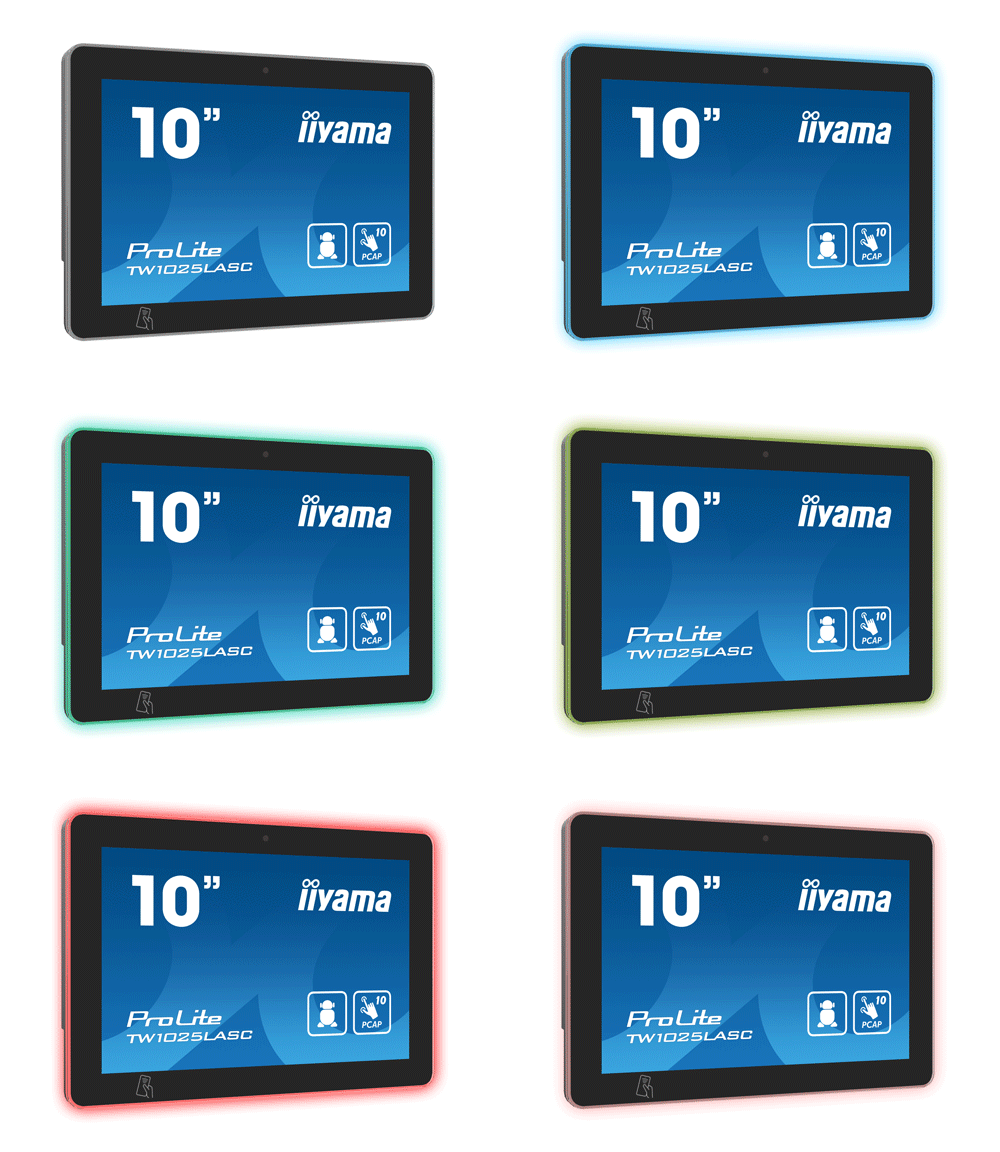
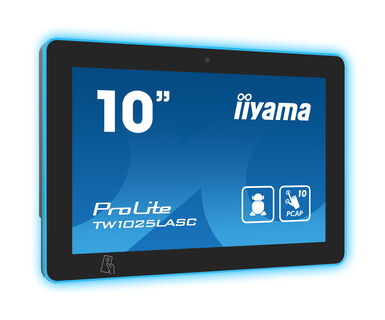
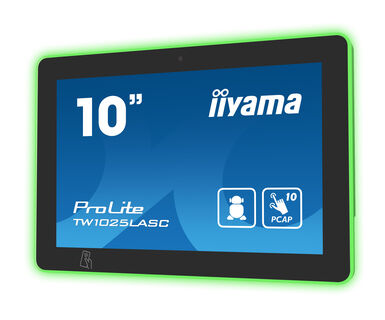
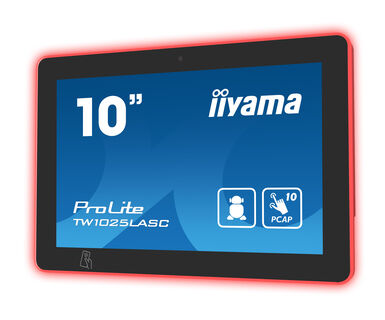
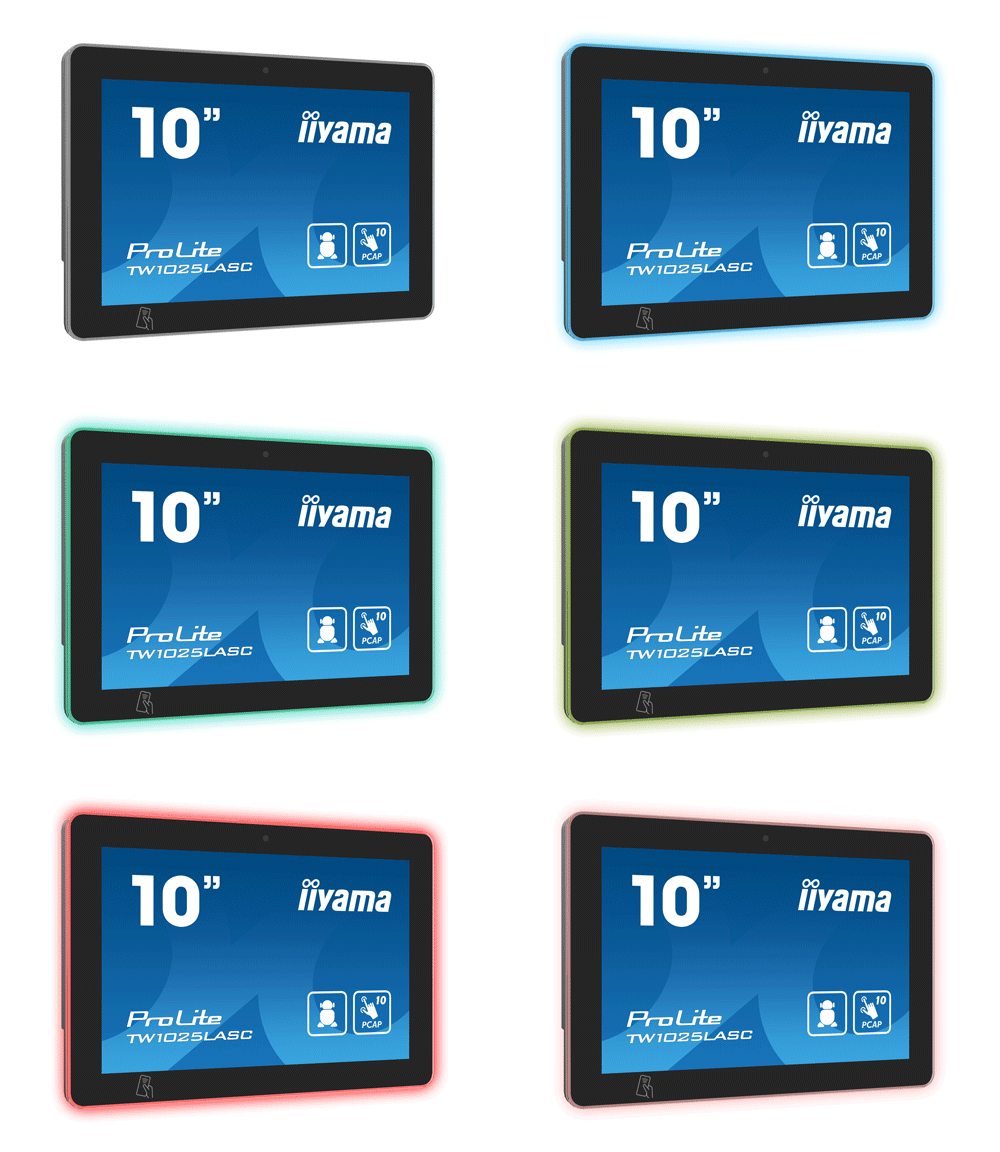
10,1” PCAP 10pt ekran osetljiv na dodir sa Android OS, Pover over Ethernet tehnologijom, NFC/RFID čitačem i RGB LED trakom oko ekrana
ProLite TV1025LASC-B1PNR računar sa ekranom osetljivim na dodir je savršen izbor za okruženja česte upotrebe kao što su sobe za rezervacije, informacioni pultovi ili druge korporativne i ugostiteljske aplikacije. Optical Bonded Projective Capacitive (PCAP) tehnologija dodira sa 10 tačaka obezbeđuje besprekoran i precizan odgovor na dodir i nižu refleksiju svetlosti, pored toga, ekran je zaštićen od vlage i potencijalnog razvoja vlage. Zahvaljujući unapred instaliranom Android 12 operativnom sistemu, moguće je lako prilagoditi monitor instaliranjem aplikacija direktno na njega. Tehnologija Pover over Ethernet (POE) omogućava obezbeđivanje veze za prenos podataka i napajanja pomoću jednog kabla, pojednostavljujući sve instalacije.
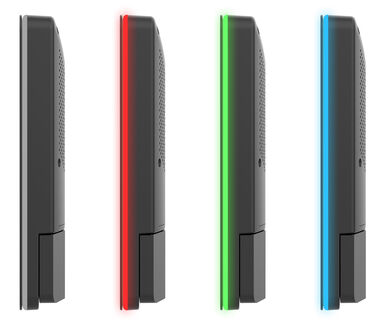
Zahvaljujući NFC/RFID čitaču, računar sa dodirnim panelom omogućava bežičnu komunikaciju sa omogućenim uređajima ili oznakama u neposrednoj blizini, a RGB LED traka će jasno i intuitivno ukazati na status dostupnosti sobe. Zajedno sa ugrađenom kamerom od 5 megapiksela, mikrofonom i zvučnicima nudi neograničene, interaktivne mogućnosti instalacije.
The RGB Led bar will clearly and intuitively indicate the room's availability status and can display a wide range of colors.
Thanks to the NFC/RFID reader, the touch panel PC alows to communicate wirelessly with enabled devices or tags within close proximity.
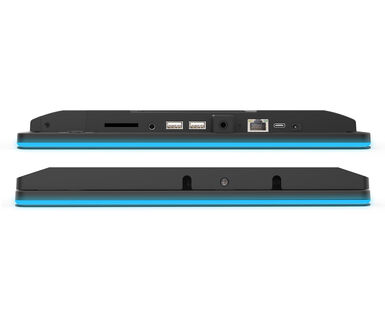
RJ45 (LAN) konektor koji podržava Pover over Ethernet tehnologiju (POE) omogućava da se sa jednim kablom obezbedi veza podataka i napajanje, što pojednostavljuje instalaciju u područjima gde bi mnogi veliki broj kablova ometao okruženje.
Zahvaljujući Android operativnom sistemu, možete lako prilagoditi displej svojim potrebama instaliranjem aplikacija direktno na njega.
Making the screen a perfect solution for semi or fully automated reception solutions allowing businesses to track and manage visitor traffic at the front desk lobby without compromising on the safety and security of your staff, visitors and company assets.


| Dizajn | Staklo od ivice do ivice |
| Dijagonala | 10.1", 25.5cm |
| Panel | IPS Panel Tehnologija, LED |
| Osnovna rezolucija | 1280 x 800 (1 megapixel HD) |
| Format ekrana | 16:10 |
| Osvetljenje | 450 cd/m² |
| Osvetljenje | 390 cd/m² sa dodirom |
| Propusnost svetla | 86% |
| Statički kontrast | 1000:1 sa dodirom |
| Vreme odziva (GTG) | 25ms |
| Zona gledanja | horizontalno/vertikalno: 160°/160°, desno/levo: 80°/80°, gore/dole: 80°/80° |
| Podržane boje | 16.7miliona 8bit |
| Vidljiva površina Š x V | 218.4 x 137.2mm, 8.5 x 5.4" |
| Razmak piksela | 0.1692mm |
| Boja okvra | crna, mat |
| Touch tehnologija | projektivni kapacitivni |
| Tačke dodira | 10 (HID, samo uz podržani OS) |
| Način dodira | prst, rukavica (lateks), kapacitativna olovka |
| Interfejs dodira | USB |
| Audio izlaz |
Mini konektor x1 Zvučnici 2 x 2W |
| USB portovi | x3 (1x v. 3.2 (Gen 1, 5Gbit; DC5V, 900mA), 1x 2.0 (DC5V, 500mA), 1 x Mini with OTG (DC5V, 500mA)) |
| RJ45 (LAN) | x1 (PoE - IEEE802.3af/15.4W) |
| Mikrofon | x1 |
| Integrisani softver | Android 12 |
| CPU | Rockchip RK3399 Hexa-core A72*2 + A53*4 |
| Memorija za skladištenje | 32GB eMMC |
| Memorija | 4GB DDR4 |
| WiFi | IEEE802.11b/g/n |
| Bluetooth | 5.2 |
| Hardver | NFC (ARM Cortex--M3 256KB, 34Mbps (high speed)), RFID (125kHZ, 9600kbit/s), ISO 14443A/B, Mifare Classic 4K/8K/Ultralight, Sony Felica |
| Dodatno | automatska rotacija, web kamera (5 megapiksela), slot za SD karticu, premaz protiv otiska prsta, premaz protiv odsjaja, PoE, NFC/RFID čitač, RGB Led svetlosna traka, nosač za zid |
| Kiosk mod | da |
| Maksimalno neprekidno radno vreme | 24/7 |
| Debljina stakla | 1.85mm |
| Tvrdoća stakla | 6H |
| Kontrolni tasteri | Prekidač |
| Aplikacije | Aplikacije: zaključavanje aplikacije, upravljanje vremenom ponovnog pokretanja, upravljanje vremenom uključivanja/isključivanja, kalkulator, kalendar, kamera, Chrome, alarm/sat/tajmer/štoperica, upravljanje datotekama i fasciklama, organizovanje albuma, Gmail, Google, LED svetlosna traka, reprodukcija zvuka datoteke, Plai prodavnica, sistemske postavke, snimač zvuka, reprodukujte video |
| Orijentacija | pejzaž, portret, face-up |
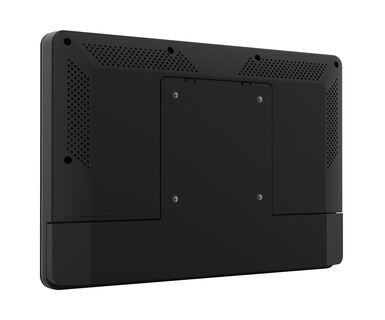
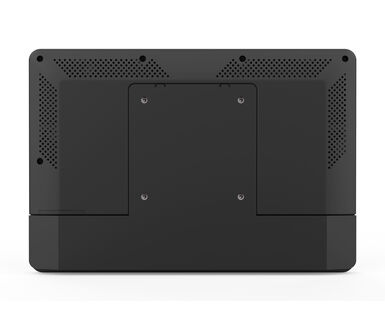
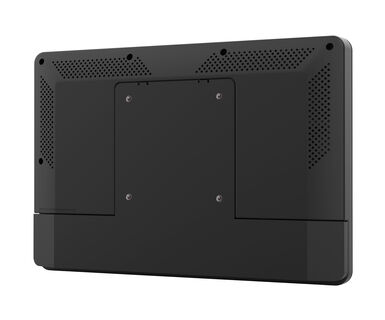
| VESA montiranje | 75 x 75mm |
| Sistem upravljanja kablovima | da |
| Upustva | kratko uputstvo, bezbednosni vodič |
| Ostalo | AC adapter, zamenljivi utikači (EU/UK) |
| Poklopac kabla | da |
| Napajanje | eksterna |
| Potrošnja energije | % 1W tipično, 0.5W stand by, 0.3W iskljucen |
| Propisi | CE, EAC, RoHS podrška, ErP, WEEE, REACH, UKCA |
| REACH SVHC | iznad 0.1%: Olova |
| Dimenzije proizvoda Š x V x D | 259.5 x 178.5 x 28mm |
| Dimenzije kutije Š x V x D | 363 x 225 x 65mm |
| Težina (bez kutije) | 1.1kg |
| EAN kod | 4948570124275 |
You can install apps on your iiyama monitor through the official Google Play Store. However, the functionality of these apps may vary, depending on the specific app you wish to install.
If your touch functionality is not working, please check the following:
1. Ensure your PC is connected to the monitor with the supplied USB cable.
2. Verify in the user manual that your operating system is supported by the screen.
When cleaning, please follow these guidelines to avoid damaging your Touch monitor:
1. Avoid using paper towels, abrasive cloths, or any harsh cleaning agents, as they can scratch the screen or damage the touch sensors.
2. Do not spray the cleaning solution directly onto the screen to prevent liquid from seeping into the monitor.
3. Avoid excessive cleaning, as it can wear out the screen over time.
4. For more details, please check our dedicated Cleaning page.
If your monitor is displaying a "No Signal" message, please check the following:
1. Ensure the cables are properly connected at both ends.
2. Select the correct signal input (HDMI/DP) or choose AUTO.
For guidance on selecting an input while the screen is in standby mode, please consult the user manual. On desktop monitors, common methods include pressing the INPUT, AUTO, or "2" buttons, or moving the joystick backward.
Yes, your iiyama monitor will work with your Apple Mac system. However, it depends on the signal input how to connect. Since Apple Mac systems from 2020 onwards only have Thunderbolt 3 (USB-C) ports for video output, you have two options:
1. Connect directly to the USB-C signal input on your iiyama monitor.
2. In case your monitor only has HDMI or Displayport, you will need a Mac-compatible dongle that supports one of the video inputs available. Apple offers a USB-C Digital AV Multiport Adapter (MW5M3AM) that can be used for this purpose.
3. If your iiyama monitor has touchscreen capabilities, please refer to the user manual to verify touch functionality compatibility with your Mac system.
To resolve the issue of a blinking picture, please follow these steps:
1. Inspect the Signal Cable.
Ensure the signal cable is securely connected at both ends and free from any physical damage. Avoid any sharp bends or squishing of the cable.
2. Use a Shorter Cable.
If possible, use a cable shorter than 3 meters and connect the monitor directly to a wall power socket, avoiding the use of adapters.
3. Disable FreeSync/Adaptive Sync.
For desktop or gaming monitors, try disabling FreeSync or Adaptive Sync in the monitor's settings menu.