Subscribe to our newsletter
Keep up #withiiyama
You have successfully subscribed to our newsletter.
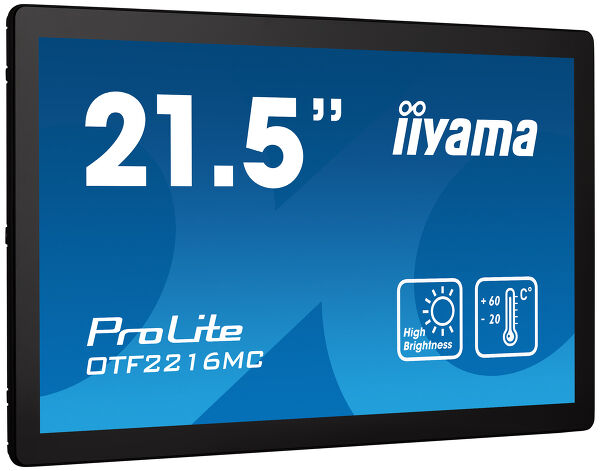
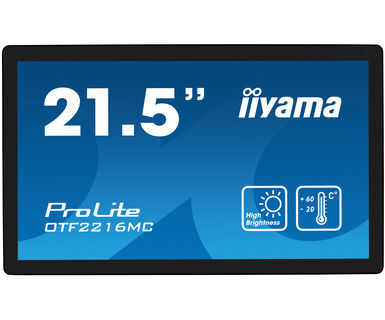
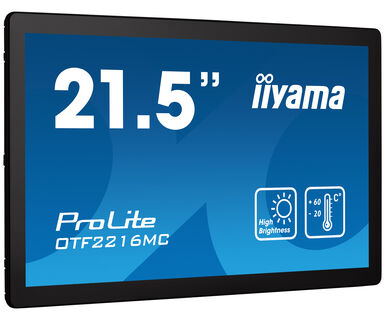
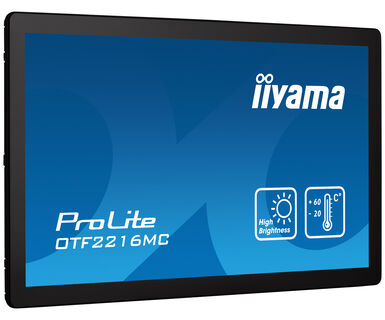
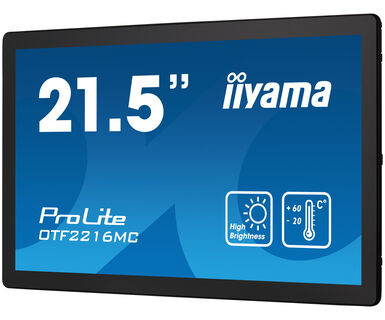
21,5" ekran osetljiv na dodir visoke osvetljenosti sa 10 dodirnih tačaka PCAP dodirne tehnologije za spoljne aplikacije
Ugrađen u robusnu staklenu masku od ivice do ivice, ProLite OTF2216MC-B1 garantuje visoku izdržljivost i otpornost na ogrebotine, što ga čini savršenim za javne aplikacije koje se često koriste. Pejzažna, portretna i orijentacija licem nagore obezbeđuju fleksibilnost u bilo kojoj vrsti instalacije. Nudi osvetljenost do 935 cd/m², prikazani sadržaj će biti vidljiv čak iu veoma svetlim okruženjima. Displej protiv odsjaja je otporan na UV zračenje i IP65 zaštićen, obezbeđujući otpornost na sunčevu svetlost, prašinu i vodu sa prednje strane, a može da radi i na temperaturama u rasponu od -20˚C do +60˚C. Premaz protiv otisaka prstiju obezbeđuje glatkiji dodir. Pouzdano rešenje za mesta preuzimanja i reklamne panele. Senzor blizine isključuje ekran kada niko nije prisutan, senzor ambijentalnog svetla prilagođava osvetljenost ekrana, a senzor temperature kontroliše brzinu ventilatora za hlađenje, što rezultira uštedom energije i produženom izdržljivošću proizvoda. Za lakšu integraciju, ProLite OTF2216MC-B1 može biti opremljen opcionim spoljnim nosačima za montiranje (OMK3-1) što ga čini idealnim rešenjem za integrisanje u kioske, industrijska okruženja, kontrolne sobe i za interaktivnu multimediju.
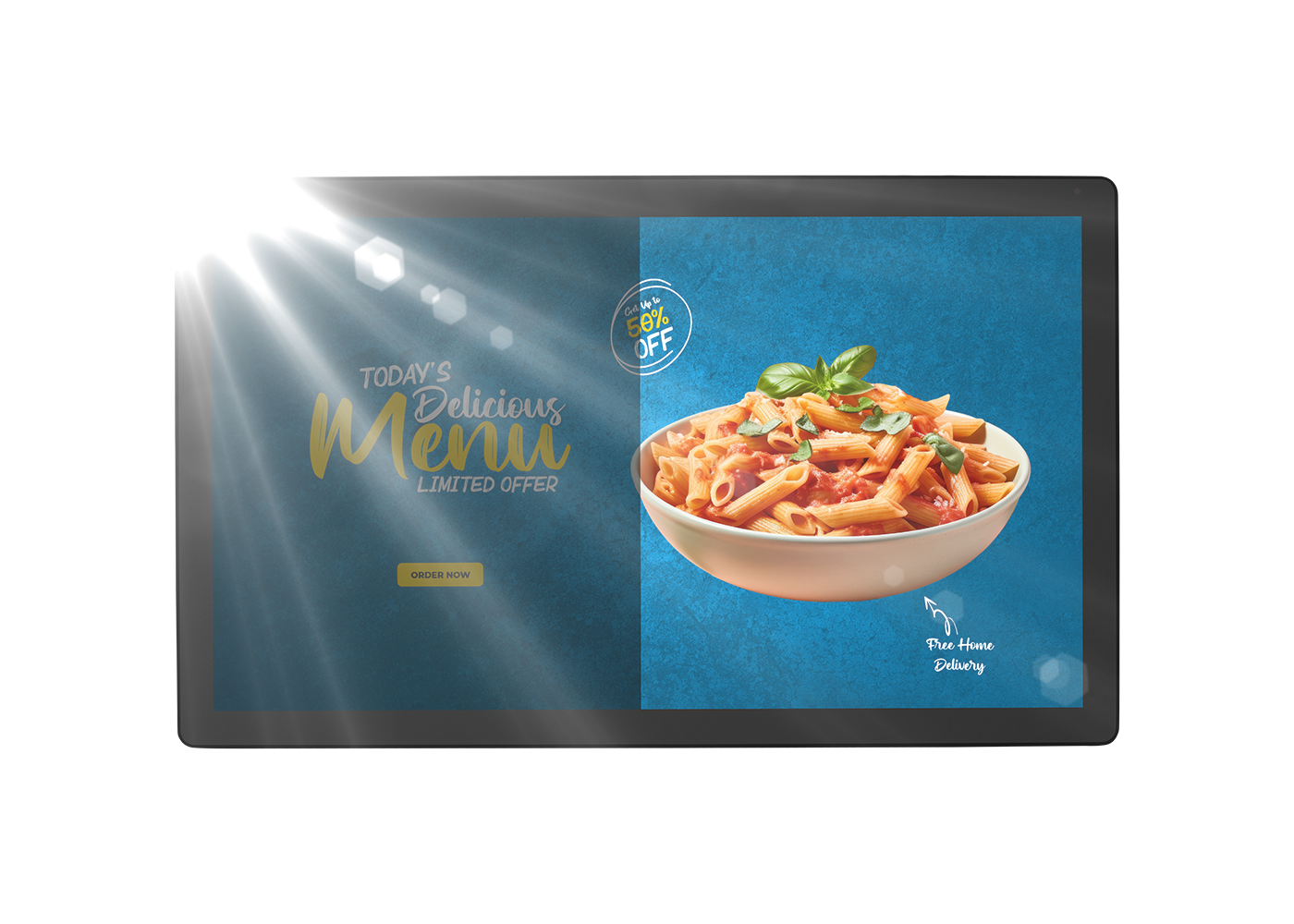
The display offers a brightness of up to 935 cd/m², so that the content displayed on the screen is clearly visible even in very bright environments.
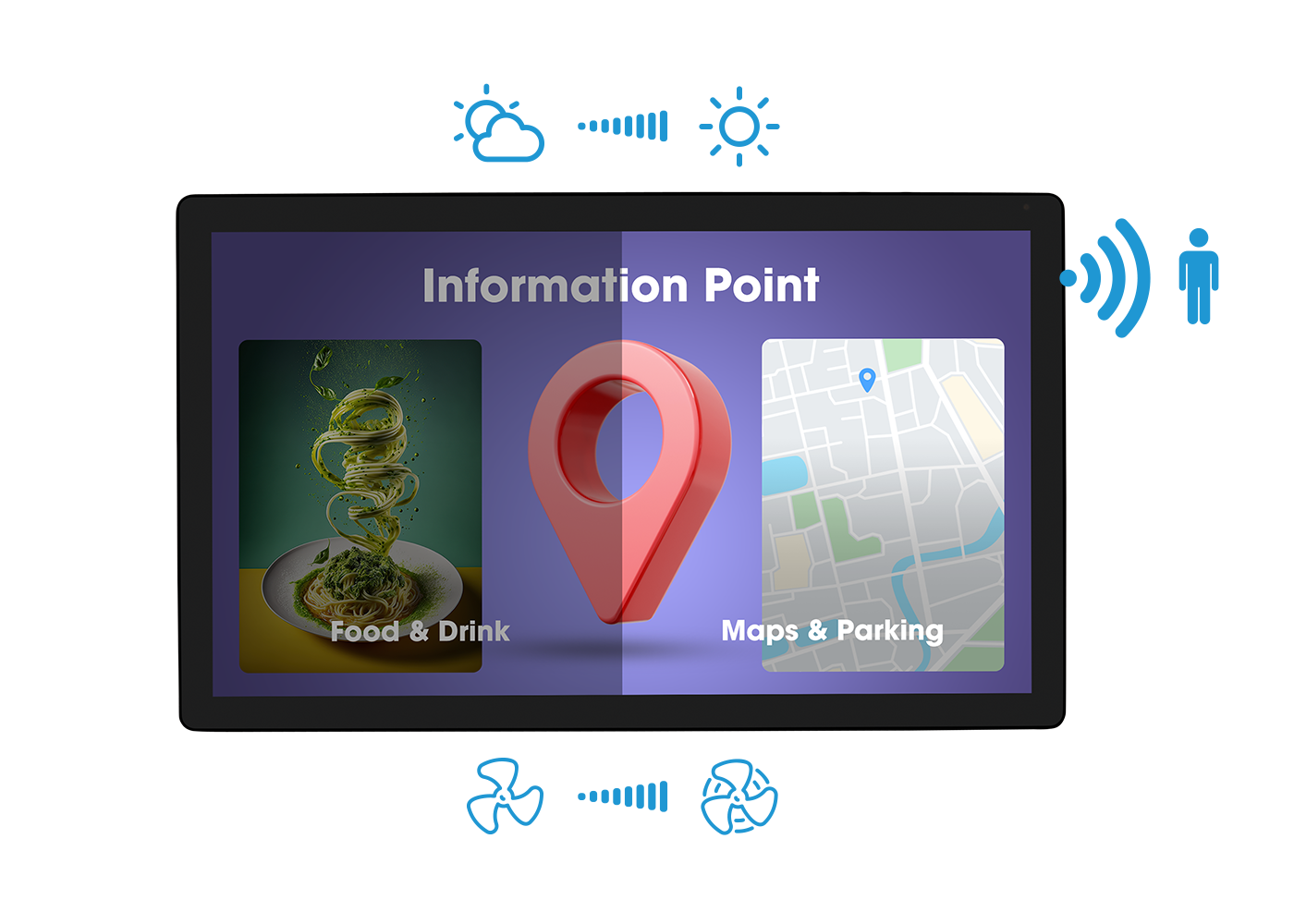
A proximity sensor turns the screen off after a while when it detects no one in the environment, an ambient light sensor adjusts the screen brightness when ambient light changes, and a temperature sensor linearly controls the fan speed, cooling the monitor when the temperature rises, resulting in energy savings and extends the durability of the product.
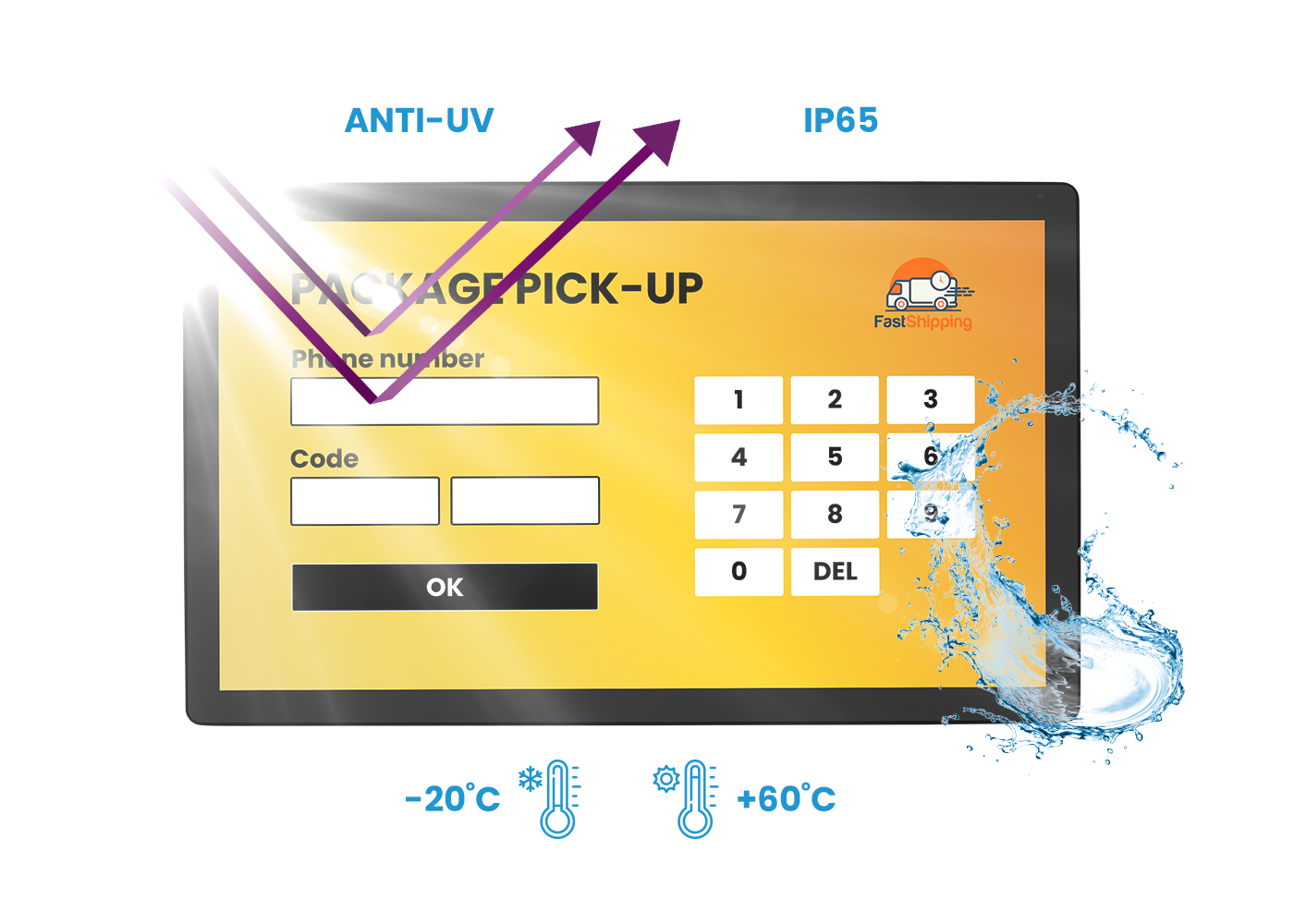
The monitor offers comprehensive protection against various ambient conditions. With UV resistance and IP65 protection, it is safeguarded against sunlight and resulting in dust and water resistance from the front. Additionally, it can operate reliably in temperatures ranging from -20˚C to 60˚C, making it capable of withstanding large temperature variations.
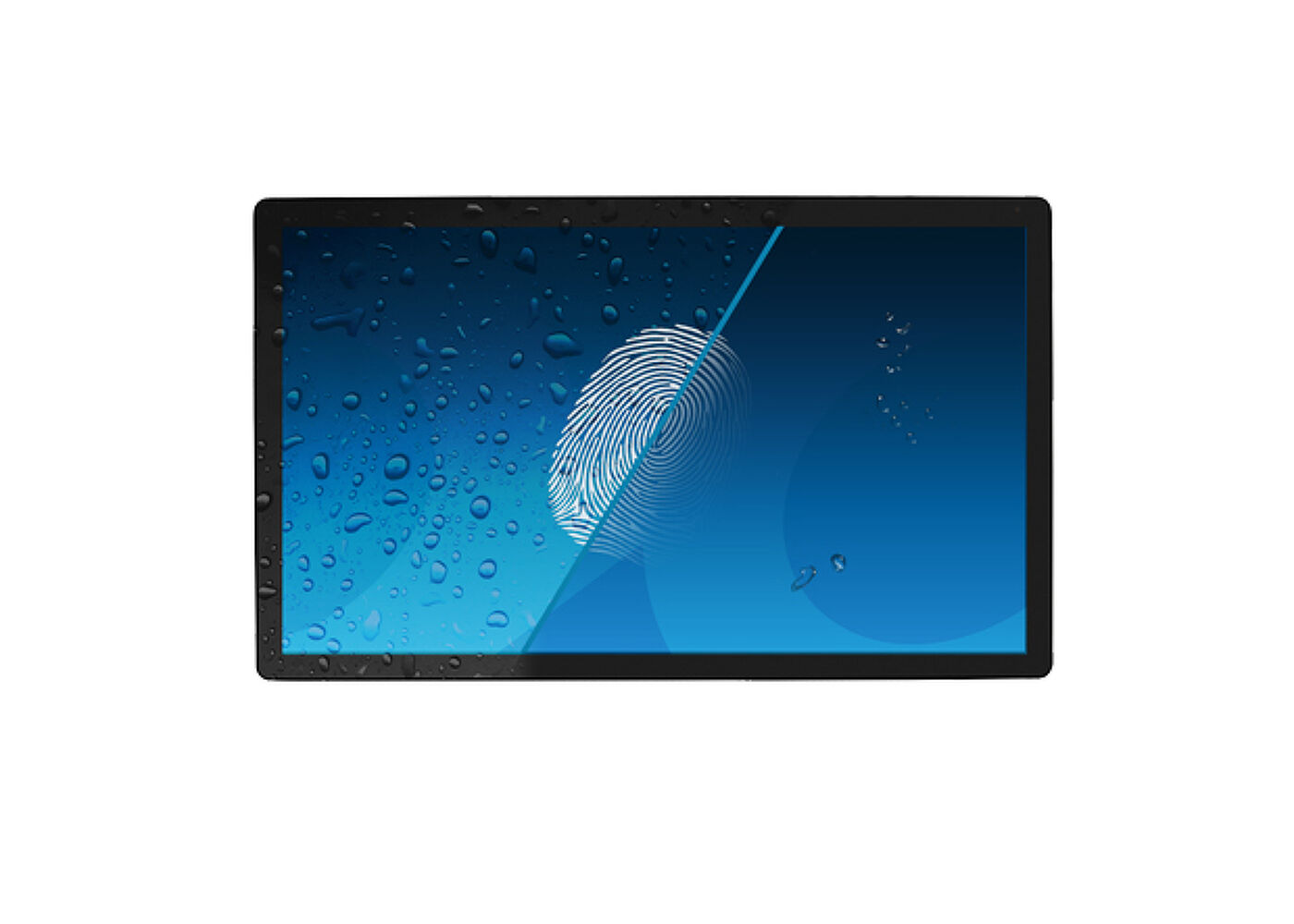
Ovaj poseban Nano premaz osigurava glatkiji dodir i manji otpor pri korišćenju. Čini ekran manje statičkim i podložnim prljavštini, prašini, otiscima prstiju i poboljšava jasnoću sadržaja prikazanog na ekranu.
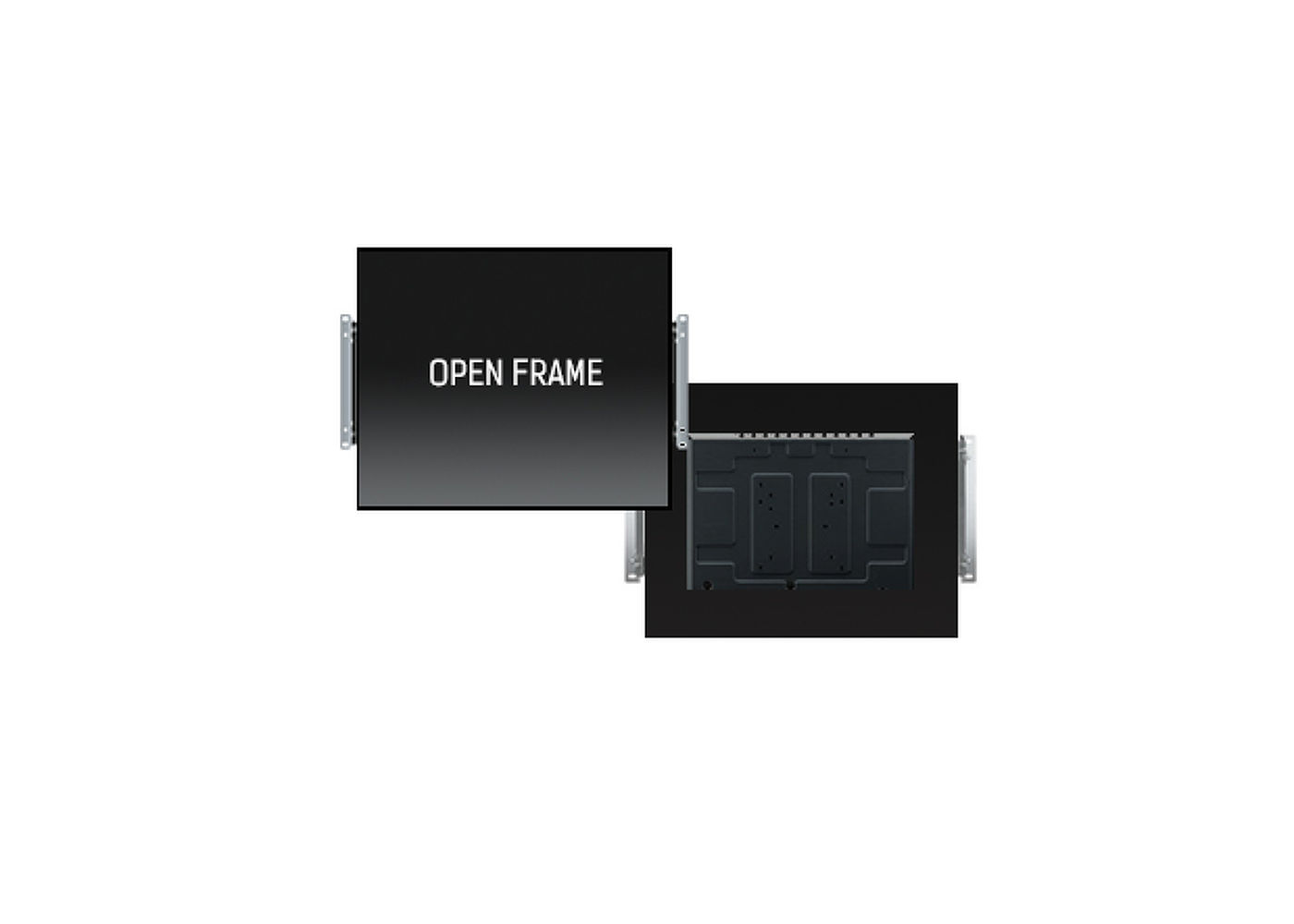
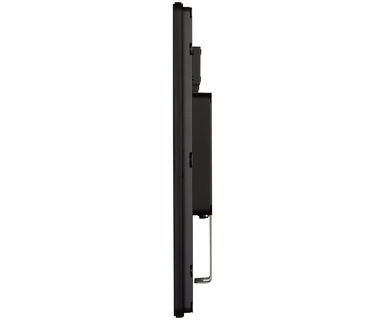
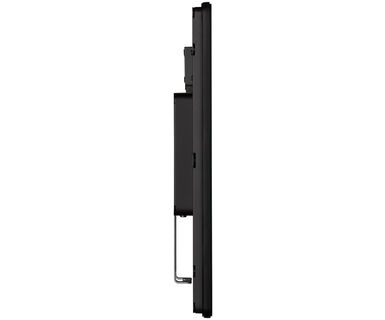
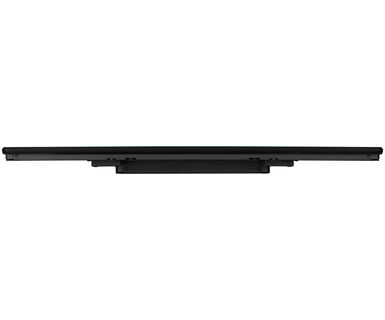
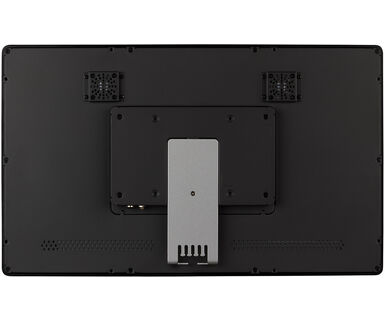
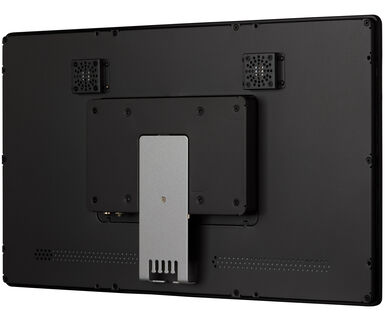
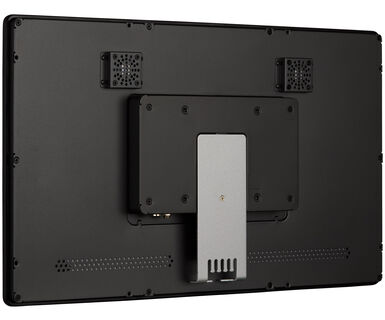
This open frame monitor can be equipped with optional external mounting brackets. It guarantees easy installation and makes it an ideal solution for kiosk integrators and In-store Retail.



| Dizajn | Otvoreni okvir |
| Dijagonala | 21.5", 54.6cm |
| Panel | VA |
| Osnovna rezolucija | 1920 x 1080 @60Hz (2.1 megapixel) |
| Osnovna rezolucija | 60Hz |
| Format ekrana | 16:9 |
| Osvetljenje | 1100 cd/m² |
| Osvetljenje | 935 cd/m² sa dodirom |
| Propusnost svetla | 85% |
| Statički kontrast | 5000:1 |
| Vreme odziva (BTB) | 25ms |
| Zona gledanja | horizontalno/vertikalno: horizontal°/vertical 178°, desno/levo: 0°/0°, gore/dole: 0°/0° |
| Podržane boje | 16.7miliona 8bit |
| Horizontalna sinhronizacija | 31.4 - 82KHz |
| Vidljiva površina Š x V | 477 x 269mm, 18.8 x 10.6" |
| Razmak piksela | 0.248mm |
| Boja okvra | crna |
| Touch tehnologija | projektivni kapacitivni |
| Tačke dodira | 10 (HID, samo uz podržani OS) |
| Način dodira | prst, rukavica (lateks) |
| Interfejs dodira | USB |
| Podržani operativni sistemi | Svi iiyama monitori su Plug & Play i kompatibilni su sa Windows i Linux OS. Za detalje u vezi sa podržanim OS za dodirne monitore, pogledajte datoteku uputstava za upravljački program dostupnu u odeljku za preuzimanja. |
| Odbijanje dlana | da |
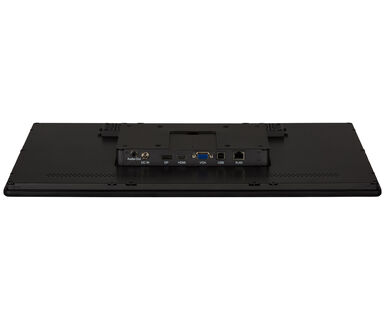
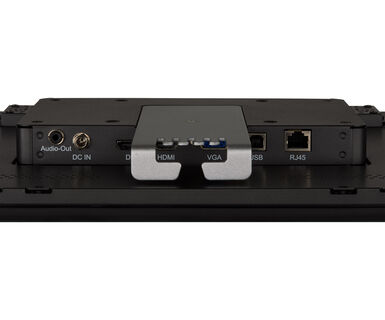
| Ulaz analognog signala | VGA x1 |
| Ulaz digitalnog signala |
HDMI x1 DisplayPort x1 |
| Kontrolni ulaz | RJ45 (LAN) x1 |
| Audio izlaz | Mini konektor x1 |
| HDCP | da |
| Dodatno | premaz protiv otiska prsta, dodirni staklo, dodir kroz staklo, UV otpornost, senzor ambijentalnog svetla, senzor blizine, automatska kontrola ventilatora za hlađenje |
| Debljina stakla | 3.15mm |
| Tvrdoća stakla | 7H |
| 60950 test udara | da |
| Zaštita od vode i prašine | IPIP65 (prednja strana) |
| Kućište (okvir) | metal |
| Vodootporno zaptivanje | da |
| OSD jezici | EN, DE, FR, ES, IT, CN, JP |
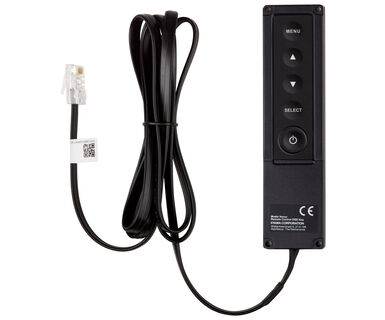
| Kontrolni tasteri | Meni, Pomeranje na gore / Osvetljenost, Pomeranje na dole / Kontrast, Odabir, Pokretanje |
| Plug&Play | DDC2B |
| Orijentacija | pejzaž, portret, face-up |
| VESA montiranje | 100 x 100mm |
| Sistem upravljanja kablovima | da |
| Opseg radne temperature (-°/+°) | -20°C - 60°C |
| MTBF | 60000 sati |
| Kablovi | Strujni kabl, USB, HDMI, DP |
| Upustva | kratko uputstvo, bezbednosni vodič |
| Ostalo | AC adapter |
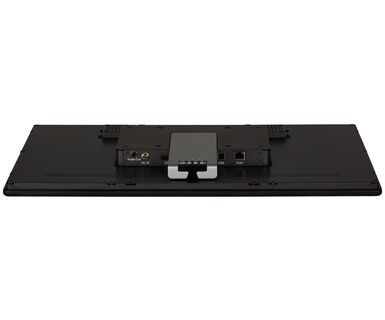
| Poklopac kabla | da |
| Daljinski upravljač | eksterna kontrolna tabla |
| Napajanje | eksterna |
| Potrošnja energije | % 1W tipično, 1.5W stand by, 0.3W iskljucen |
| Propisi | CE, EAC, RoHS podrška, ErP, WEEE, cULus, REACH, UKCA |
| Klasa energetske efikasnosti (Regulation (EU) 2017/1369) | E |
| REACH SVHC | iznad 0.1%: Olova |
| Dimenzije proizvoda Š x V x D | 520 x 315 x 42.5mm |
| Dimenzije kutije Š x V x D | 608 x 400 x 150mm |
| Težina (bez kutije) | 4.6kg |
| Težina (sa kutijom) | 4.5kg |
| EAN kod | 4948570123735 |
| Nosači / Stalci / Ručke | OMK3-1 |

If your touch functionality is not working, please check the following:
1. Ensure your PC is connected to the monitor with the supplied USB cable.
2. Verify in the user manual that your operating system is supported by the screen.
When cleaning, please follow these guidelines to avoid damaging your Touch monitor:
1. Avoid using paper towels, abrasive cloths, or any harsh cleaning agents, as they can scratch the screen or damage the touch sensors.
2. Do not spray the cleaning solution directly onto the screen to prevent liquid from seeping into the monitor.
3. Avoid excessive cleaning, as it can wear out the screen over time.
4. For more details, please check our dedicated Cleaning page.
If your monitor is displaying a "No Signal" message, please check the following:
1. Ensure the cables are properly connected at both ends.
2. Select the correct signal input (HDMI/DP) or choose AUTO.
For guidance on selecting an input while the screen is in standby mode, please consult the user manual. On desktop monitors, common methods include pressing the INPUT, AUTO, or "2" buttons, or moving the joystick backward.
Yes, your iiyama monitor will work with your Apple Mac system. However, it depends on the signal input how to connect. Since Apple Mac systems from 2020 onwards only have Thunderbolt 3 (USB-C) ports for video output, you have two options:
1. Connect directly to the USB-C signal input on your iiyama monitor.
2. In case your monitor only has HDMI or Displayport, you will need a Mac-compatible dongle that supports one of the video inputs available. Apple offers a USB-C Digital AV Multiport Adapter (MW5M3AM) that can be used for this purpose.
3. If your iiyama monitor has touchscreen capabilities, please refer to the user manual to verify touch functionality compatibility with your Mac system.
To resolve the issue of a blinking picture, please follow these steps:
1. Inspect the Signal Cable.
Ensure the signal cable is securely connected at both ends and free from any physical damage. Avoid any sharp bends or squishing of the cable.
2. Use a Shorter Cable.
If possible, use a cable shorter than 3 meters and connect the monitor directly to a wall power socket, avoiding the use of adapters.
3. Disable FreeSync/Adaptive Sync.
For desktop or gaming monitors, try disabling FreeSync or Adaptive Sync in the monitor's settings menu.