Subscribe to our newsletter
Keep up #withiiyama
You have successfully subscribed to our newsletter.


Preciznost i performanse
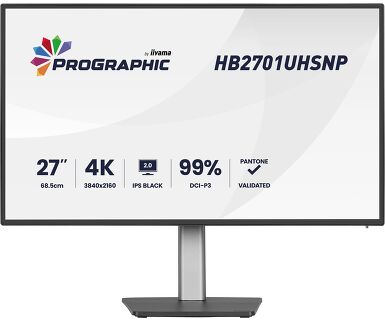
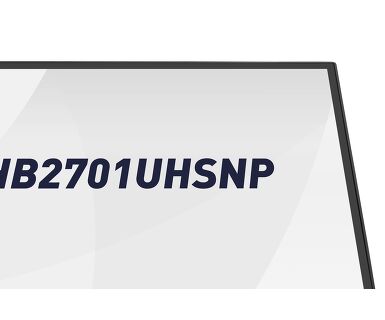
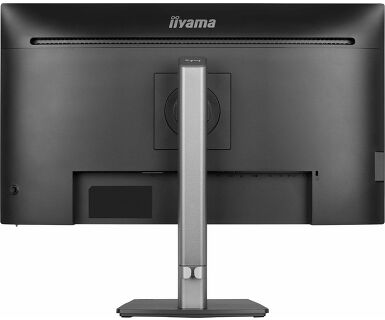
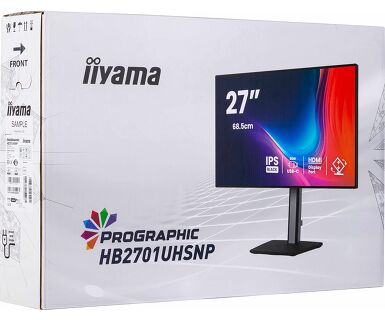
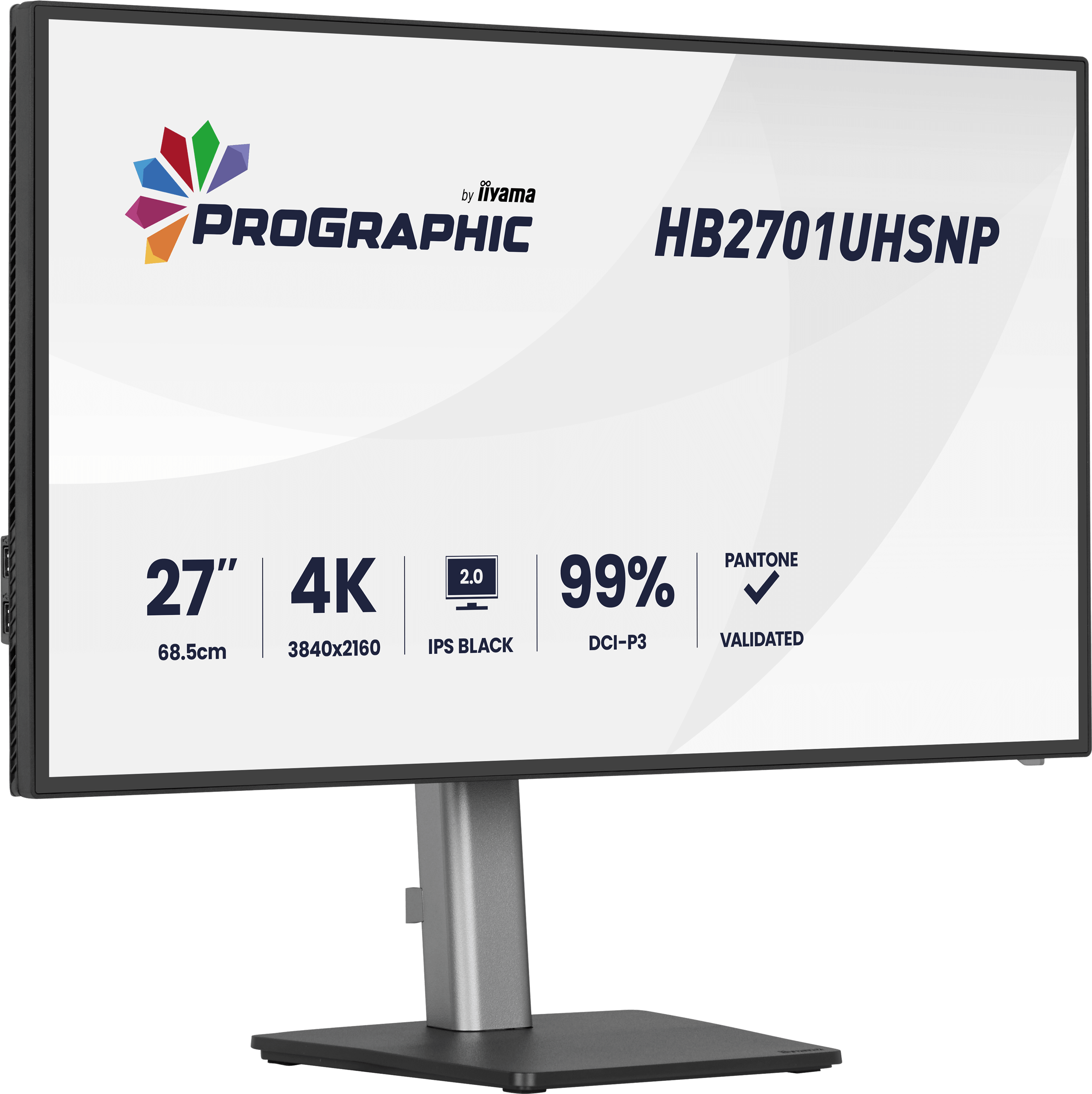
Radite sa samopouzdanjem na 27-inčnom ProGraphic HB2701, 4K UHD monitoru dizajniranom za dizajnere, fotografe i kreatore sadržaja koji zahtevaju beskompromisnu vizuelnu jasnoću.
Pokretan IPS Black 2.0 tehnologijom, pruža dublji kontrast i bogatije crne tonove, osiguravajući da se svaka senka i detalj otkriju sa zapanjujućom preciznošću.
Pokretan sa IPS Black 2.0 tehnologijom pruža dublji kontrast i bogatije crne tonove, osiguravajući da se svaka senka i detalj otkrivaju sa zapanjujućom preciznošću.
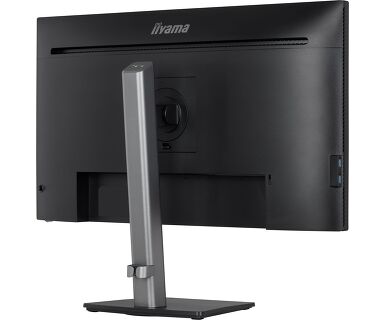
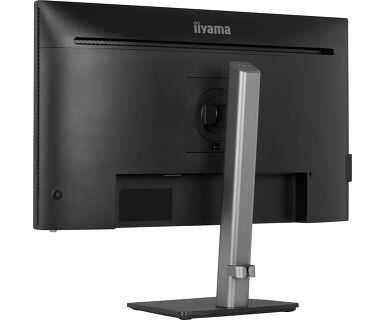
Dizajniran za produktivnost, HB2701 ima postolje podesivo po visini od 150 mm, USB-C priključnu stanicu i ugrađeni KVM prekidač, pružajući vam čistu, povezanu konfiguraciju spremnu za jednostavnu multitasking konfiguraciju.





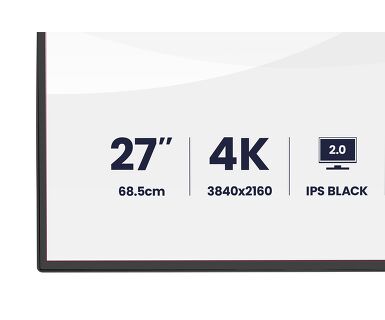
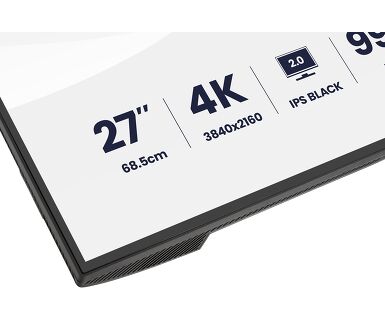
| Dijagonala | 27", 68.5cm |
| Panel | IPS Black 2.0, mat završna obrada |
| Osnovna rezolucija | 3840 x 2160 @60Hz (8.3 megapixel 4K UHD) |
| Osnovna rezolucija | 60Hz |
| Format ekrana | 16:9 |
| Osvetljenje | 450 cd/m² |
| Statički kontrast | 3000:1 |
| Napredni kontrast | 80M:1 |
| Vreme odziva (GTG) | 4ms |
| Zona gledanja | horizontalno/vertikalno: 178°/178°, desno/levo: 89°/89°, gore/dole: 89°/89° |
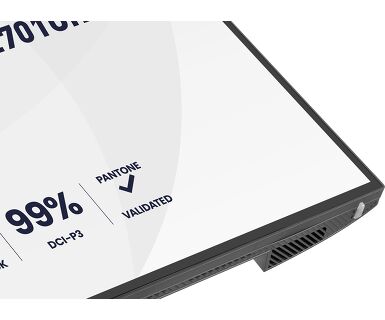
| Podržane boje | 1.07B 8bit (DCI-P3 99%, sRGB: 100%; NTSC: 72%) |
| Horizontalna sinhronizacija | 30 - 140KHz |
| Vidljiva površina Š x V | 596.7 x 335.7mm, 23.5 x 13.2" |
| Razmak piksela | 0.155mm |
| Boja | mat, crna |
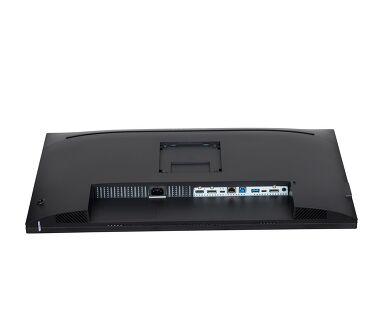
| Ulaz signala |
HDMI x1 (v.2.0) DisplayPort x1 (v.1.2) USB-C x1 (PD 96W) |
| Izlaz signala | DisplayPort x1 (Daisy Chain MST max. 2560 x 1440) |
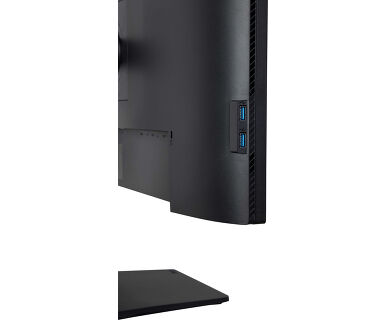
| USB HUB | x4 (3x v.3.2 Gen 1 (5Gbps, 4.5W) 1x Type C (5Gbps, 15W)) |
| USB-C DOCK | x1 (Napajanje 96W, LAN, DP izlaz, (nije podržano na MAC-u) USB v.3.2 (Gen 1, 5Gbit)) |
| HDCP | da |
| Priključak za slušalice | da |
| RJ45 (LAN) | x1 |
| KVM svič | da |
| Smanjeno emitovanje plave svetlosti | da |
| Bez treperenja | da |
| Dodatno | Delta E <2.0, EyeComfort, panel sa niskim nivoom plavog svetla, sertifikovan za Eyesafe®, Pantone Validated™, AGLR polarizator (protiv odsjaja, niska refleksija) |
| HDR | HDR400 |
| OSD jezici | EN, DE, FR, ES, IT, RU, JP, CZ, NL, PL, UA |
| Zvučnici | 2 x 2W |
| Pogodnost | Kensington-lock™ priprema, DDC/CI, DDC2B |
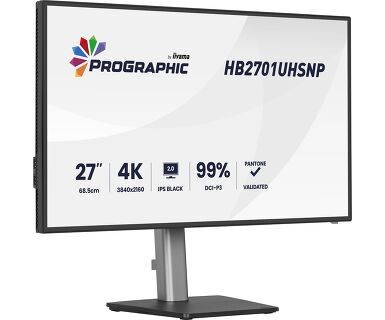
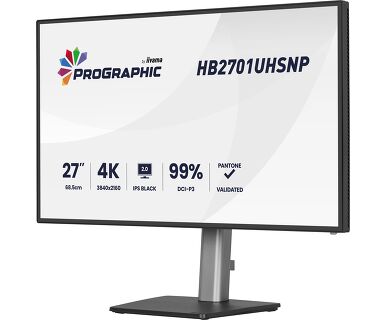
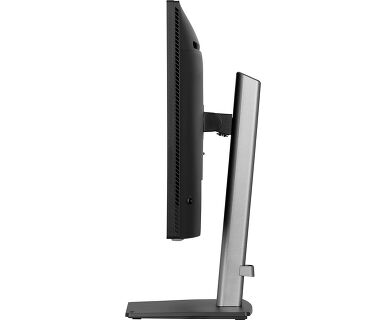
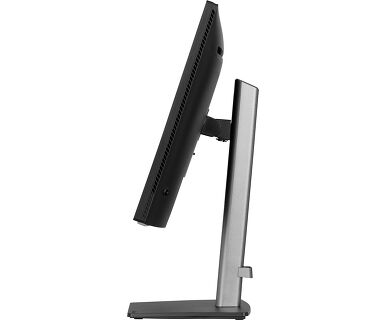
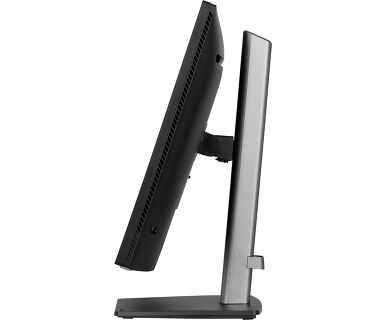
| Podešavanje položaja prikaza | visina, okretanje, nagib, pivot (rotacija u obe strane) |
| Podešavanje visine | 150mm |
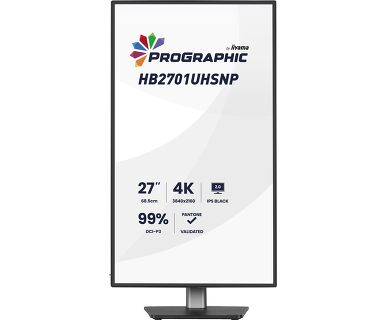
| Rotacija (PIVOT funkcija) | 90° |
| Okretno postolje | 360°; 180° levo; 180° desno |
| Ugao nagiba | 23° gore; 5° dole |
| VESA montiranje | 100 x 100mm |
| Sistem upravljanja kablovima | da |
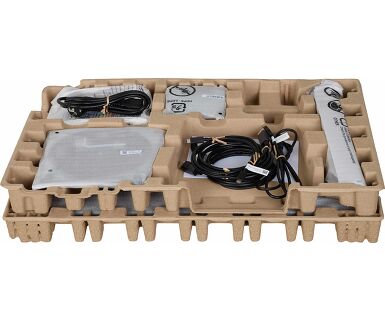
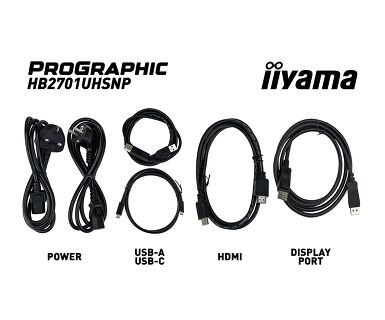
| Kablovi | Strujni kabl (1.8m), USB (1.8m), HDMI (1.8m), DP (1.8m), USB-C (1.0m) |
| Ostalo | kratko uputstvo, bezbednosni vodič |
| Napajanje | interna |
| Potrošnja energije | % 1W tipično, 0.5W stand by, 0.3W iskljucen |
| Propisi | TCO Sertifikat, CE, TÜV-GS, EAC, VCCI-B, PSE, RoHS podrška, ErP, WEEE, REACH, UKCA |
| Klasa energetske efikasnosti (Regulation (EU) 2017/1369) | G |
| EPEAT Silver | EPEAT je sveobuhvatni rejting zaštite okoline koji pomaže u identifikaciji ekološki zelenijih računara i druge elektronske opreme. Srebrna certifikacija znači da monitor ispunjava sve tražene kriterijume plus najmanje 50% neobaveznih zahteva. EPEAT Silver važi u zemljama gde iiyama registruje proizvod. Molimo posetite www.epeat.net radi statusa registracije u vašoj zemlji. |
| REACH SVHC | iznad 0.1%: Olova |
| Dimenzije proizvoda Š x V x D | 614 x 404 (544) x 224.5mm |
| Dimenzije kutije Š x V x D | 688 x 463 x 138mm |
| Težina (bez kutije) | 6.7kg |
| Težina (sa kutijom) | 9.7kg |
| EAN kod | 4948570125401 |
To resolve the issue of your laptop not charging, please try the following steps:
1. Activate USB BC or disable USB standby mode in the monitor’s settings menu.
2. Update your PC’s BIOS/UEFI.
iiyama monitors with USB-C Dock capabilities can be recognized by an "N" in their model names, such as HSN or QSN. For example, XUB****HSN. You can also visit our product selector page and use the available filters.
To explore the features and benefits of a monitor with a USB-C dock, please watch the video below.
To extend the desktop via DP-out, enable the MST function in the screen settings. For detailed instructions, please refer to your user manual.
Yes, Adaptive Sync is compatible with AMD FreeSync and NVIDIA G-Sync.
MBR cannot be selected when FreeSync/AdaptiveSync is activated, because MBR can interfere with the FreeSync/Adaptive Sync technology as they have different methods of improving motion clarity. MBR reduces motion blur (response time), while Adaptive Sync/FreeSync addresses stuttering. We recommend activating Adaptive Sync/FreeSync on systems with fluctuating or unstable frame rates. MBR performs best on powerful systems that maintain a consistently high frame rate.
If your monitor is displaying a "No Signal" message, please check the following:
1. Ensure the cables are properly connected at both ends.
2. Select the correct signal input (HDMI/DP) or choose AUTO.
For guidance on selecting an input while the screen is in standby mode, please consult the user manual. On desktop monitors, common methods include pressing the INPUT, AUTO, or "2" buttons, or moving the joystick backward.
Yes, your iiyama monitor will work with your Apple Mac system. However, it depends on the signal input how to connect. Since Apple Mac systems from 2020 onwards only have Thunderbolt 3 (USB-C) ports for video output, you have two options:
1. Connect directly to the USB-C signal input on your iiyama monitor.
2. In case your monitor only has HDMI or Displayport, you will need a Mac-compatible dongle that supports one of the video inputs available. Apple offers a USB-C Digital AV Multiport Adapter (MW5M3AM) that can be used for this purpose.
3. If your iiyama monitor has touchscreen capabilities, please refer to the user manual to verify touch functionality compatibility with your Mac system.
To resolve the issue of a blinking picture, please follow these steps:
1. Inspect the Signal Cable.
Ensure the signal cable is securely connected at both ends and free from any physical damage. Avoid any sharp bends or squishing of the cable.
2. Use a Shorter Cable.
If possible, use a cable shorter than 3 meters and connect the monitor directly to a wall power socket, avoiding the use of adapters.
3. Disable FreeSync/Adaptive Sync.
For desktop or gaming monitors, try disabling FreeSync or Adaptive Sync in the monitor's settings menu.