Subscribe to our newsletter
Keep up #withiiyama
You have successfully subscribed to our newsletter.
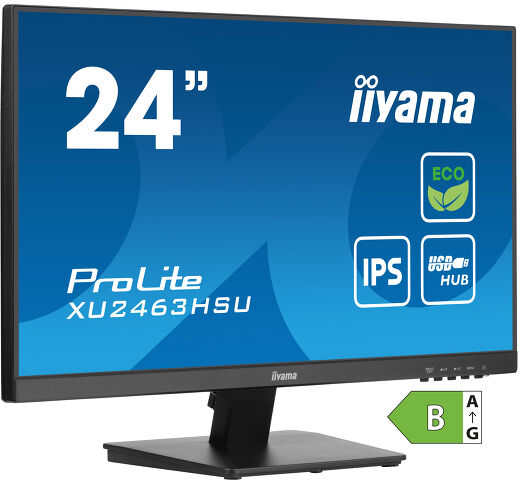
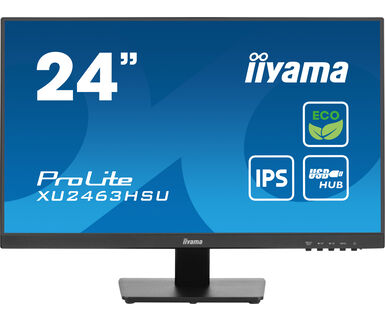
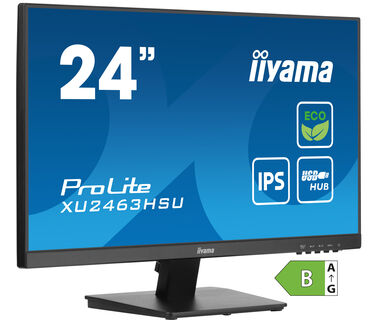
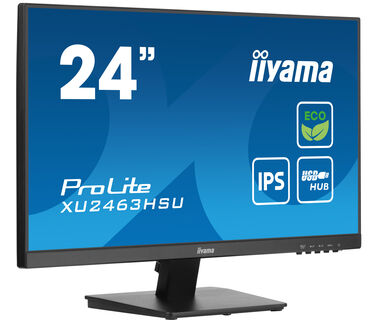
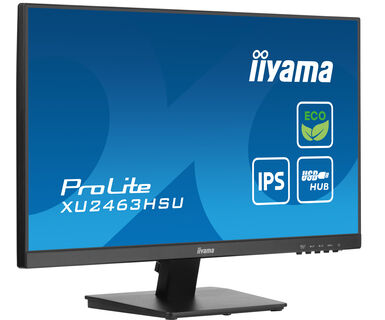
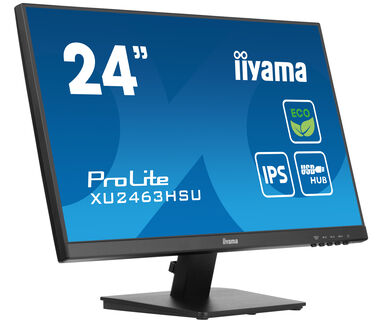
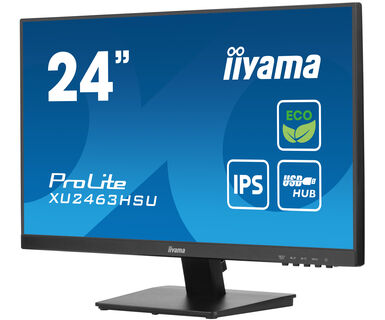
24” IPS, Full HD panel with B energy class
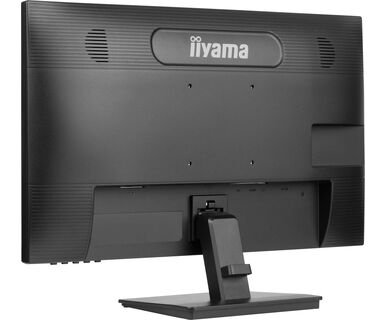
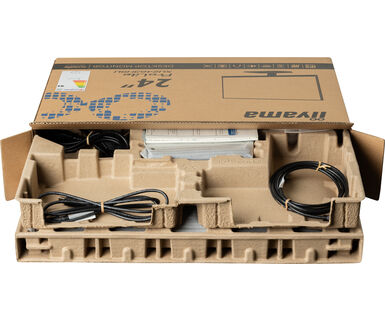
The XU2463HSU-B1 is the product choice for the environmentally aware, a choice that helps drive progress towards a more sustainable future. To achieve this, we use zero plastic to pack this product and the product housing itself is made of 85% post-consumer recycled materials. The monitor is also TCO Certified and meets EPEAT® Silver criteria. To take care of your eye health, it complies with the Eye Safe and Eye Comfort Certifications. Based on IPS panel technology the Full HD XU2463HSU-B1 assures wide viewing angles and highly accurate colours.
Szintén elérhető állítható magasságú állvánnyal : ProLite XUB2463HSU-B1
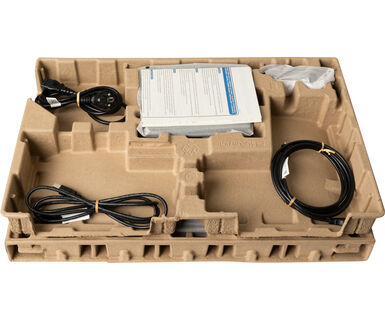
Thank you for making a responsible product choice, that helps drive progress towards a more sustainable future. To achieve this, we use zero plastic to pack this product and the product housing itself is made of 85% post-consumer recycled plastics. 100% of the packing is fully recyclable.
Choosing a monitor with B energy class means you effectively save electricity without compromising on performance - the power-efficient feature using the most efficient LED backlight technology in combination with high efficiency colour filter maintains brightness and vivid colours so the picture performance stays unaffected.
Based on optical testing and research led by optometrists and ophthalmologists from across the globe, the Eye Safe Certification, means this product provides always-on blue light protection reducing high-energy blue light yet maintaining colour performance intact. It also meets the requirements of the Eye Comfort Certification confirming the product has reduced blue light and is flicker free to protect eyes and preserve user vision and allow the user to change body position without compromising visual image quality.
IPS displays are best known for wide viewing angles and natural, highly accurate colours. They are especially suited for colour-critical applications.
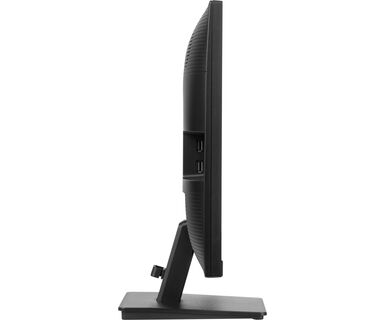
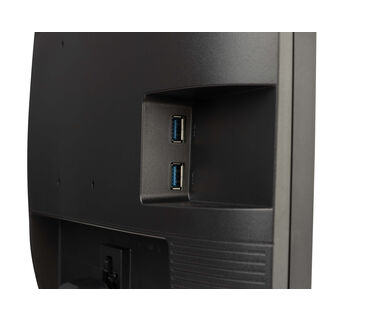
A built-in USB hub allows you to connect multiple USB devices, like for example a headset, to your monitor.




| Design | 3-side borderless |
| Átló | 23.8", 60.5cm |
| Panel | IPS panel technology LED, matte finish |
| Natív felbontás | 1920 x 1080 @100Hz (2.1 megapixel Full HD) |
| Képarány | 16:9 |
| Fényerő | 250 cd/m² |
| Statikus kontraszt | 1300:1 |
| Speciális kontraszt | 80M:1 |
| Válaszidő (GTG) | 3ms |
| Látótér | horizontális/vertikális: 178°/178°, jobb/bal: 89°/89°, fel/le: 89°/89° |
| Szín támogatás | 16.7mln (sRGB: 96%; NTSC: 72%) |
| Horizontális szinkronizálás | 45 - 100kHz |
| Látható terület Sz x M | 527 x 296.5mm, 20 x 11.6" |
| Pixel magasság | 0.275mm |
| Szín | matt, fekete |
| Jelbemenet |
HDMI x1 DisplayPort x1 |
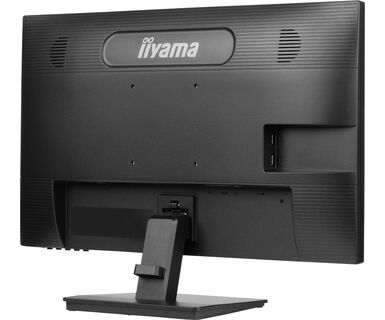
| USB HUB | x2 (v. 3.2 Gen 1 (5Gbps, DC5V, 900mA)) |
| HDCP | igen |
| Hangszóró csatlakozó | igen |
| Kékfény csökkentés | igen |
| Villogásmentes | igen |
| Adaptive Sync támogatás | igen |
| Extra | i-Style colour |
| OSD nyelvek | EN, DE, FR, IT, RU, JP, CZ, NL, PL |
| Vezérlőgombok | Power, Menu, Up / Right / Volume, Down / Left / Eco, Input / Exit |
| Felhasználói vezérlők | picture adjust (brightness, contrast, i-Style colour, ACR, ECO, OD, X-Res Technology), colour settings (gamma, RGB range, colour temp.), image settings (video mode adjust, blue light reducer, sharp and soft), OSD settings (OSD H. position, OSD V. position, OSD time, OSD background, OSD rotate, language), extra (reset, DDC/CI, LED, opening logo, adaptive sync, display information), input select, audio settings (volume, mute) |
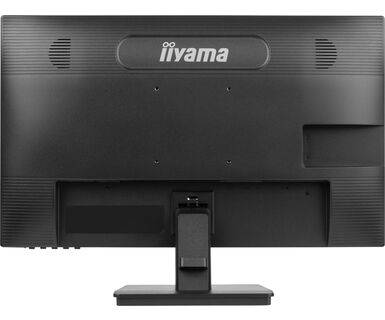
| Hangszórók | 2 x 2W |
| Kényelem | Kensington-lock™ előkészítve, DDC/CI, DDC2B, Mac OSX |
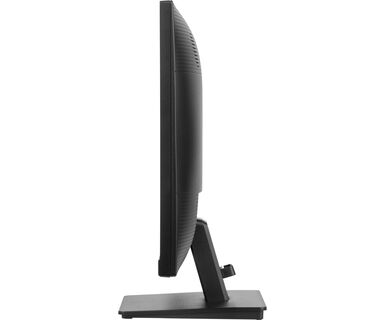
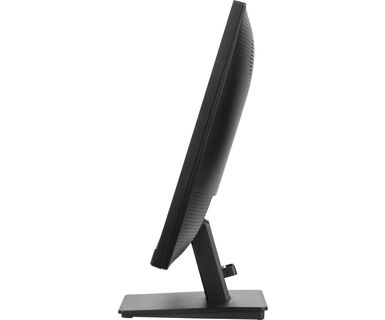
| Kijelző helyzetének beállításai | billenthető |
| Hajlásszög | 20° fel; 4° le |
| VESA állvány | 100 x 100mm |
| Kábelkezelő rendszer | igen |
| Kábelek | áramellátás, USB, HDMI |
| Egyéb | gyors üzembe helyezési útmutató, biztonsági útmutató |
| Tápegység | belső |
| Áramellátás | AC 100 - 240V, 50/60Hz |
| Áramfogyasztás | 9.4W default , 0.5W készenlét, 0.3W kikapcsolva |
| Előírások | TCO Certified, CE, TÜV-Bauart, EAC, VCCI-B, PSE, RoHS támogatás, ErP, WEEE, HATÓTÁVOLSÁG, UKCA |
| Energiahatékonysági osztály ((EU) 2017/1369 rendelet) | B |
| EPEAT Ezüst | *registration varies by country, go to www.epeat.net for details |
| REACH SVHC | 0,1% felett: Vezet |
| Termék méretei Sz x H x M | 540 x 393 x 190mm |
| Súly (doboz nélkül) | 3.4kg |
| EAN kód | 4948570123759 |
Yes, Adaptive Sync is compatible with AMD FreeSync and NVIDIA G-Sync.
MBR cannot be selected when FreeSync/AdaptiveSync is activated, because MBR can interfere with the FreeSync/Adaptive Sync technology as they have different methods of improving motion clarity. MBR reduces motion blur (response time), while Adaptive Sync/FreeSync addresses stuttering. We recommend activating Adaptive Sync/FreeSync on systems with fluctuating or unstable frame rates. MBR performs best on powerful systems that maintain a consistently high frame rate.
If your monitor is displaying a "No Signal" message, please check the following:
1. Ensure the cables are properly connected at both ends.
2. Select the correct signal input (HDMI/DP) or choose AUTO.
For guidance on selecting an input while the screen is in standby mode, please consult the user manual. On desktop monitors, common methods include pressing the INPUT, AUTO, or "2" buttons, or moving the joystick backward.
Yes, your iiyama monitor will work with your Apple Mac system. However, it depends on the signal input how to connect. Since Apple Mac systems from 2020 onwards only have Thunderbolt 3 (USB-C) ports for video output, you have two options:
1. Connect directly to the USB-C signal input on your iiyama monitor.
2. In case your monitor only has HDMI or Displayport, you will need a Mac-compatible dongle that supports one of the video inputs available. Apple offers a USB-C Digital AV Multiport Adapter (MW5M3AM) that can be used for this purpose.
3. If your iiyama monitor has touchscreen capabilities, please refer to the user manual to verify touch functionality compatibility with your Mac system.
To resolve the issue of a blinking picture, please follow these steps:
1. Inspect the Signal Cable.
Ensure the signal cable is securely connected at both ends and free from any physical damage. Avoid any sharp bends or squishing of the cable.
2. Use a Shorter Cable.
If possible, use a cable shorter than 3 meters and connect the monitor directly to a wall power socket, avoiding the use of adapters.
3. Disable FreeSync/Adaptive Sync.
For desktop or gaming monitors, try disabling FreeSync or Adaptive Sync in the monitor's settings menu.