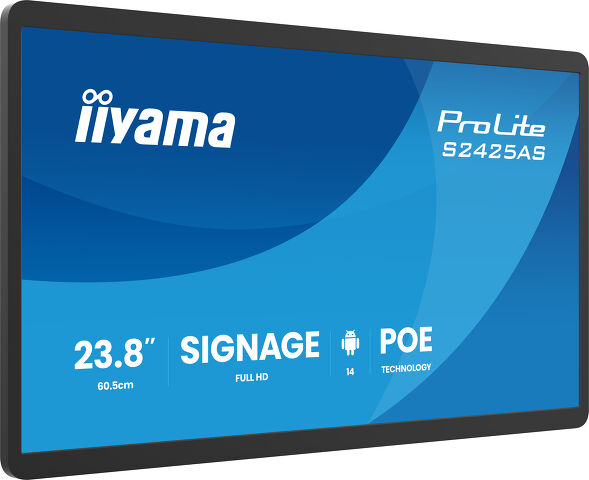
ProLite S2425AS-B1P
Professional Grade Small Format Signage, optimised with on-board iiSignage² Content Management System
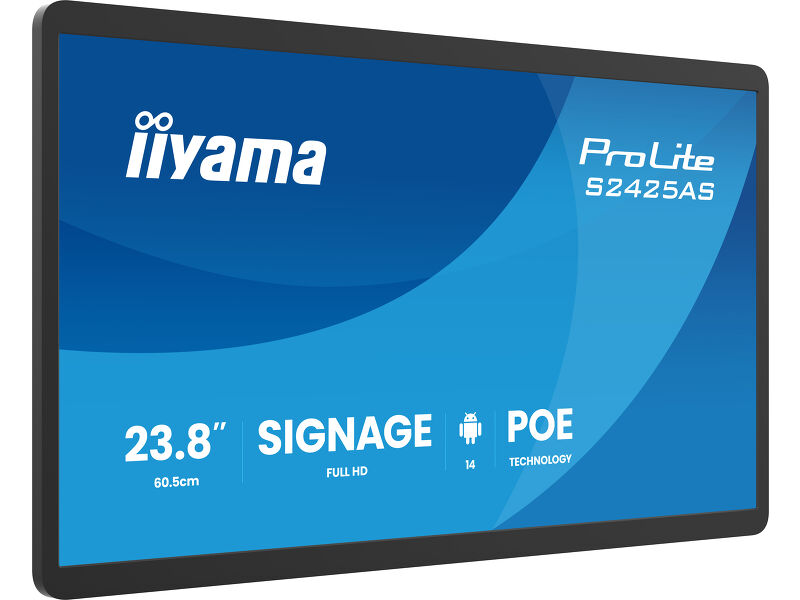
The ProLite S2425AS-B1P is a 23.8” Android display built for stable, secure content presentation in retail and commercial environments. Designed purely for displaying content, it is perfectly suited for supermarkets, shops and information points where interaction is not required. Its high-brightness Full HD IPS panel delivers up to 500cd/m² for excellent visibility, even in bright locations, while Power over Ethernet (PoE) simplifies installation and reduces cabling.
iiyama guarantees compatibility with the platform for a minimum of 5 years, ensuring long-term reliability and peace of mind for professional installations.
Compact design
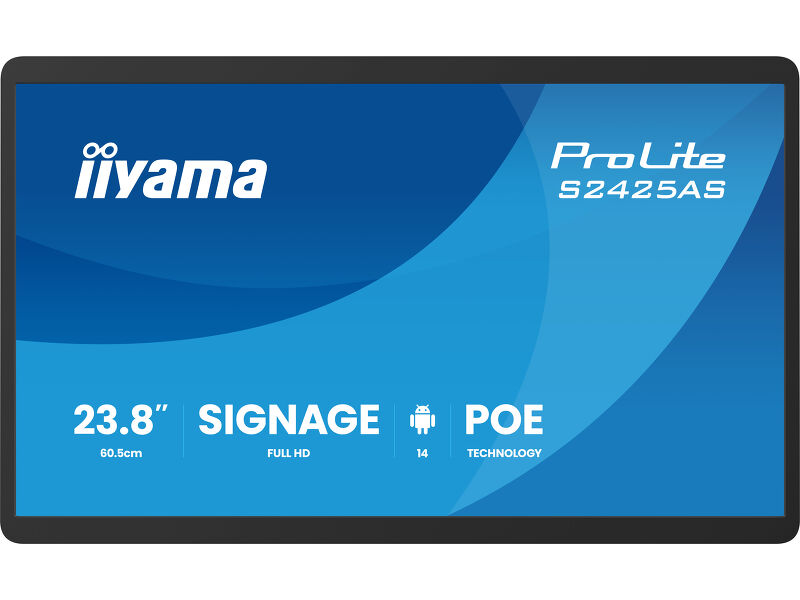
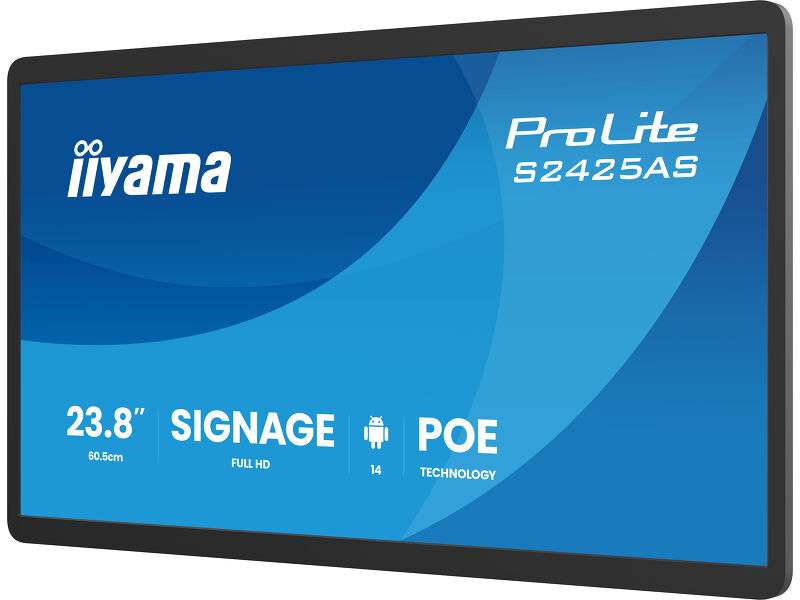
A perfect balance between screen size and slim design. Its narrow profile enables flexible placement in retail stores, supermarkets, and public spaces, where it fits effortlessly into aisles, promotional zones, or wall-mounted installations. The slim housing ensures high visual impact while maintaining a clean, unobtrusive look.
Csatlakoztatás
Az Power over Ethernet technológiát (POE) támogató RJ45 (LAN) csatlakozó lehetővé teszi az adatkapcsolat és az áramellátás egyetlen kábellel történő ellátását, ami egyszerűbbé teszi a telepítését olyan helyeken, ahol sok kábel használata nem lehetséges.
Android OS
Thanks to Android OS, you can easily customize the display to your needs by installing applications directly to it.
iiSignage²
iiSignage² is our digital signage content management platform to easily show and control your content and to manage your displays in a secure way. The Content Management System (CMS) gives you total control of your messaging and advertising remotely and safely.
Műszaki adatok


KIJELZŐ JELLEMZŐI
| Dizájn | Vékony káva |
| Átló | 23.8", 60.5cm |
| Panel | IPS, Anti-Glare, Hard Coating(3H), haze 25% |
| Natív felbontás | 1920 x 1080 (2 megapixel HD) |
| Képarány | 16:9 |
| Fényerő | 500 cd/m² |
| Statikus kontraszt | 1000:1 |
| Válaszidő (GTG) | 14ms |
| Látótér | horizontális/vertikális: 178°/178°, jobb/bal: 89°/89°, fel/le: 89°/89° |
| Szín támogatás | 16.7mln |
| Horizontális szinkronizálás | 31 - 83kHz |
| Látható terület Sz x M | 527.0 x 296.5mm, 20.7 x 11.7" |
| Pixel magasság | 0.275mm |
| Káva színe és felülete | fekete, matt |
INTERFÉSZEK / CSATLAKOZÓK / VEZÉRLŐK
| Digitális jelbemenet | HDMI x1 |
| Monitor vezérlő bemenet | RJ45 (LAN) x1 ((PoE x IEEE802.3at/72W (1000M))) |
| Digitális jelkimenet | USB-C x1 (5Gbps, video output only) |
| Audio kimenet | Hangszórók 2 x 5W |
| USB portok | x2 (1x 2.0 (DC5V, 500mA), 1x v. 3.2 (Gen 1, 5Gbit; DC5V, 900mA)) |
| RJ45 (LAN) | x1 (10M/100M/1000M) |
| Microphone | x1 |
JELLEMZŐK
| Beépített szoftver | Android 14, OS, iiSignage² |
| WiFi | igen (802.11ax/ac/a/b/g/n) |
| Hardver | CPU: RK3576 Octo-core, GPU: G52 MC3, RAM: 4GB, ROM: 32GB |
| Max. non-stop üzemidő | 24/7 |
ÁLTALÁNOS
| Vezérlőgombok | Power switch, Volume |
| Villogásmentes | igen |
MECHANIKUS
| Tájolás | tájkép, portré, oldalával felfelé |
| VESA állvány | 100 x 100mm |
| Működési hőmérséklet tartomány | 0°C - 40°C |
| Tárolási hőmérséklet tartomány | - 20°C - 60°C |
| MTBF | 50000 óra (kivéve háttérvilágítás) |
TARTOZÉKOKAT TARTALMAZZA
| Kábelek | áramellátás (1.8m) |
ENERGIAGAZDÁLKODÁS
| Tápegység | külső |
| Tápellátás | DC 12 V |
| Energiafogyasztás | 17.5W jellemző, 14W készenlét, 3.5W kikapcsolva |
| Áramfogyasztás | 14W készenlét |
FENNTARTHATÓSÁG
| Előírások | CE, EAC, RoHS támogatás, ErP, WEEE, HATÓTÁVOLSÁG, UKCA |
MÉRETEK / SÚLY
| Termék méretei Sz x H x M | 549.5 x 336.0 x 28.0mm |
| Doboz mértei Sz x H x M | 640 x 410 x 121mm |
| Súly (doboz nélkül) | 4.24kg |
| Súly (dobozzal) | 6.15kg |
| EAN kód | 4948570127184 |


FAQS
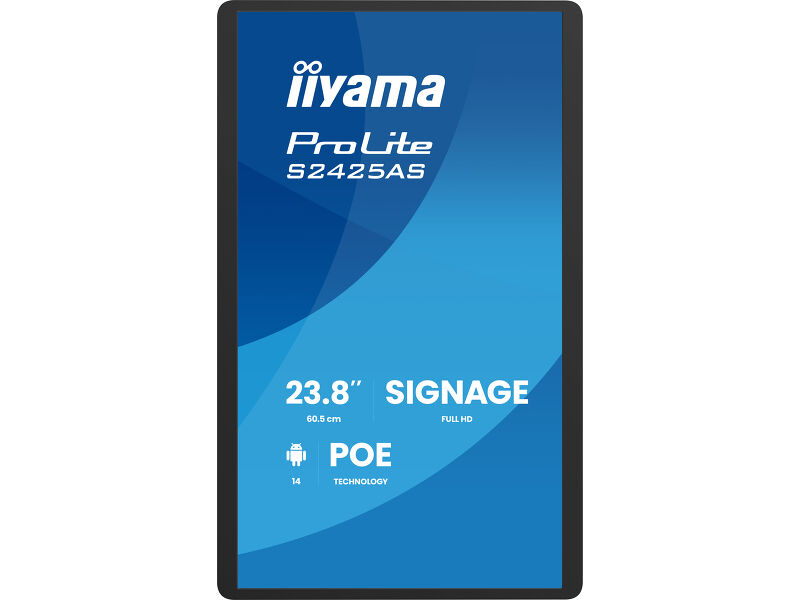
Can I install my monitor in portrait mode?
+All iiyama LFDs and IFP displays can be used in portrait mode, except for products with item names starting with TE or LE, which can only operate in landscape mode. Always follow the installation instructions provided with the monitor and the guidelines in the User Manual.
Why is my monitor displaying a "No Signal" message?
+If your monitor is displaying a "No Signal" message, please check the following:
1. Ensure the cables are properly connected at both ends.
2. Select the correct signal input (HDMI/DP) or choose AUTO.
For guidance on selecting an input while the screen is in standby mode, please consult the user manual. On desktop monitors, common methods include pressing the INPUT, AUTO, or "2" buttons, or moving the joystick backward.
I have an Apple MAC-system, will my iiyama monitor work?
+Yes, your iiyama monitor will work with your Apple Mac system. However, it depends on the signal input how to connect. Since Apple Mac systems from 2020 onwards only have Thunderbolt 3 (USB-C) ports for video output, you have two options:
1. Connect directly to the USB-C signal input on your iiyama monitor.
2. In case your monitor only has HDMI or Displayport, you will need a Mac-compatible dongle that supports one of the video inputs available. Apple offers a USB-C Digital AV Multiport Adapter (MW5M3AM) that can be used for this purpose.
3. If your iiyama monitor has touchscreen capabilities, please refer to the user manual to verify touch functionality compatibility with your Mac system.
The picture on my monitor is flickering. What steps can I take to fix it?
+To resolve the issue of a blinking picture, please follow these steps:
1. Inspect the Signal Cable.
Ensure the signal cable is securely connected at both ends and free from any physical damage. Avoid any sharp bends or squishing of the cable.
2. Use a Shorter Cable.
If possible, use a cable shorter than 3 meters and connect the monitor directly to a wall power socket, avoiding the use of adapters.
3. Disable FreeSync/Adaptive Sync.
For desktop or gaming monitors, try disabling FreeSync or Adaptive Sync in the monitor's settings menu.

