Subscribe to our newsletter
Keep up #withiiyama
You have successfully subscribed to our newsletter.
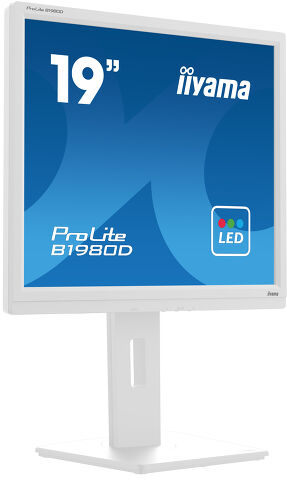
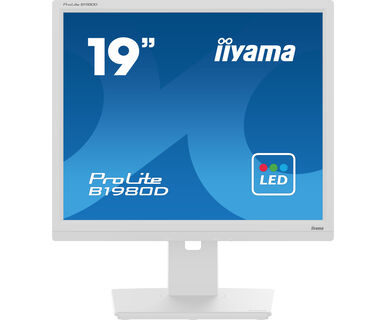
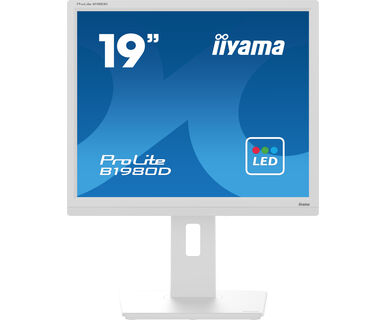
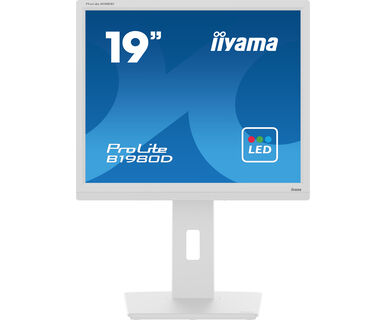
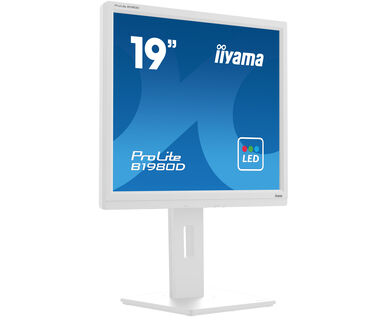
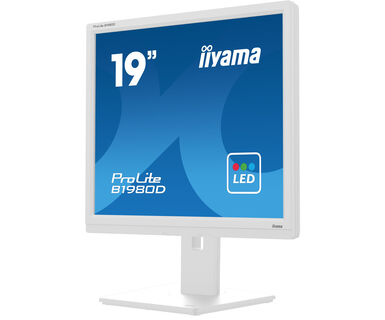
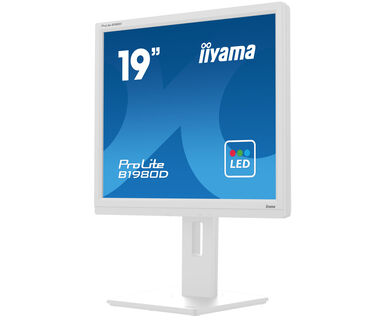
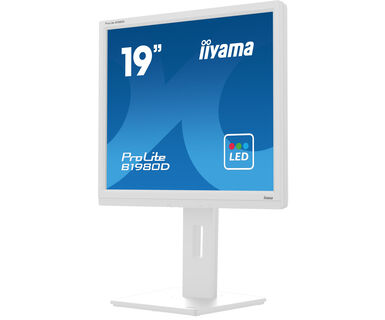
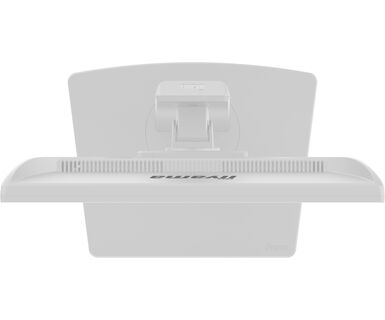
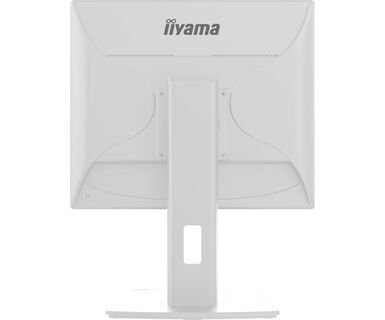
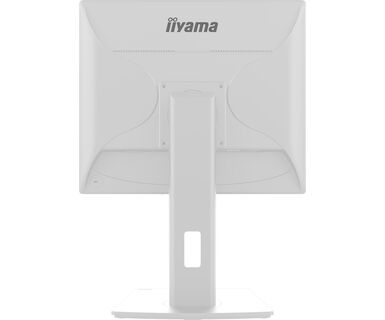
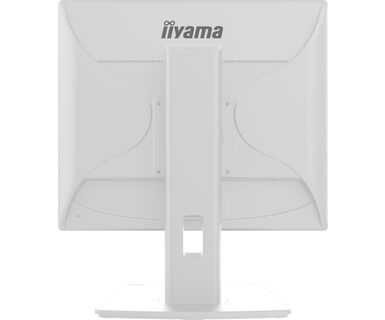
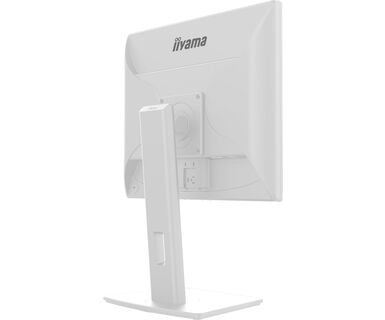
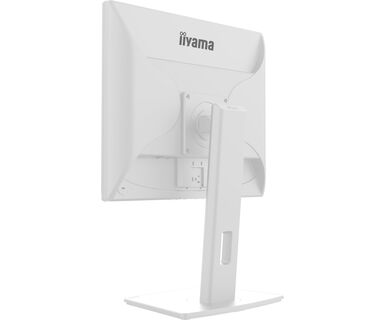
The 19’’ Prolite B1980D designed for business, is an impressive LED-backlit monitor with height adjustable stand
Designed for business, this LED-backlit monitor with the 150mm height adjustability and screen rotation allows you to set the perfect position of the screen ensuring ergonomic posture and optimal viewing comfort. The 5ms response time and high contrast make the B1980D ideal for a wide range of business applications. sRGB and gamma correction functions permit even the finest nuances of colour to be set accurately.
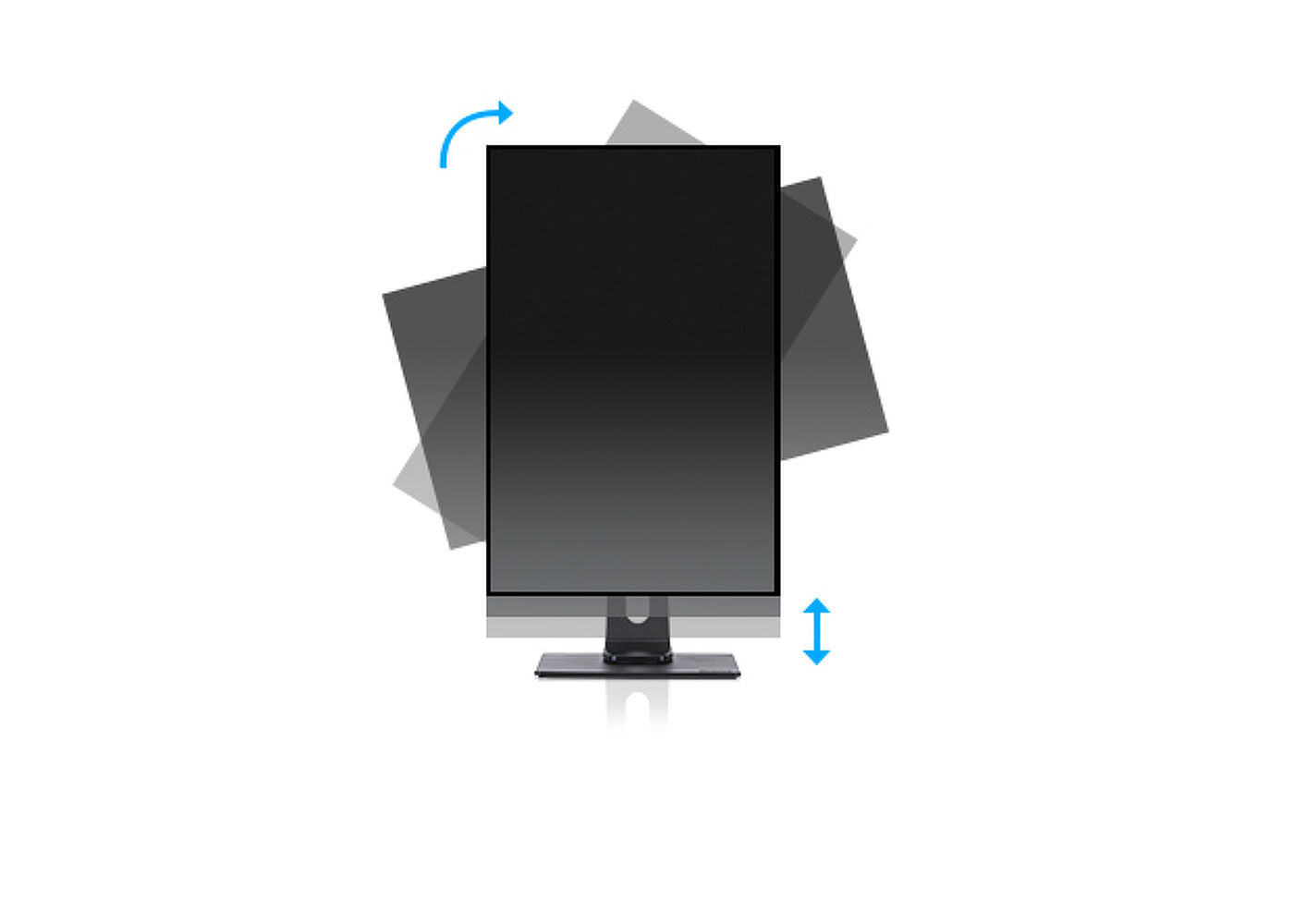
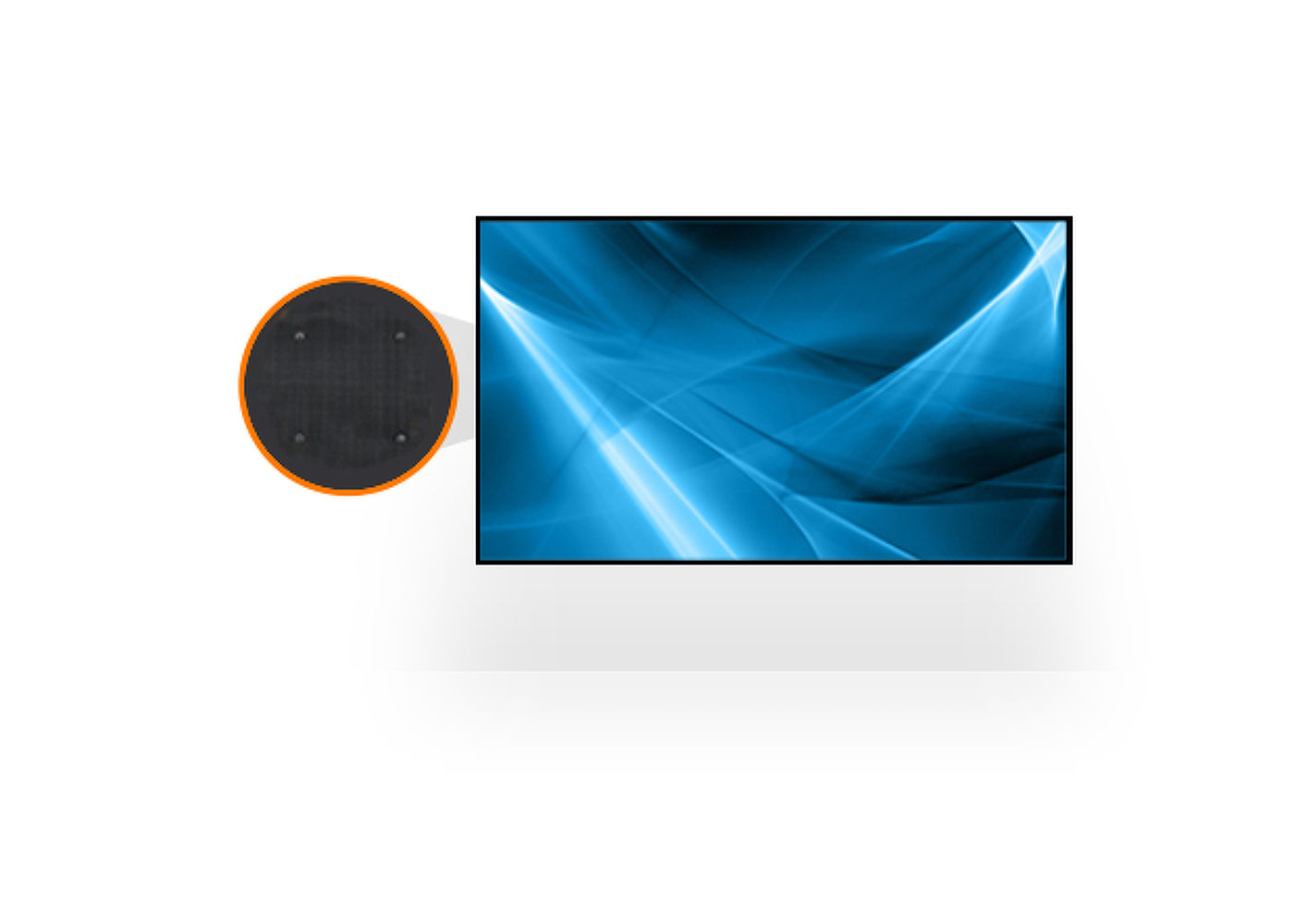
Az állítható magasságú állvánnyal ergonómikus munkapozíciót és testhelyzetet alakíthat ki, amely megfelel az összes egészségügyi és biztonsági követelménynek. Ez nemcsak megelőzi az egészségügyi problémák kialakulását, hanem növeli a termelékenységet is. Az elforgatási funkció lehetővé teszi a képernyő fekvő helyzetből álló helyzetbe történő forgatását, amely akkor lehet hasznos, ha olyan helyen kell alkalmazni, ahol nagyobb magasság, mint szélesség áll rendelkezésre.



| Átló | 19", 48cm |
| Panel | TN |
| Natív felbontás | 1280 x 1024 @60Hz (1.3 megapixel) |
| Képarány | 5:4 |
| Fényerő | 250 cd/m² |
| Statikus kontraszt | 1000:1 |
| Speciális kontraszt | 12M:1 |
| Válaszidő (GTG) | 5ms |
| Látótér | horizontális/vertikális: 170°/160°, jobb/bal: 85°/85°, fel/le: 80°/80° |
| Szín támogatás | 16.7mln (sRGB: 99%; NTSC: 72%) |
| Horizontális szinkronizálás | 24 - 80kHz |
| Látható terület Sz x M | 376.32 x 301.05mm, 14.8 x 11.9" |
| Pixel magasság | 0.294mm |
| Szín | matt, fehér |
| Jelbemenet |
VGA x1 DVI x1 |
| HDCP | igen |
| OSD nyelvek | EN, DE, FR, ES, IT, PT, CN, RU, JP |
| Vezérlőgombok | Power, Menu, + / Volume, -/ Eco, Auto Adjust / Signal Select |
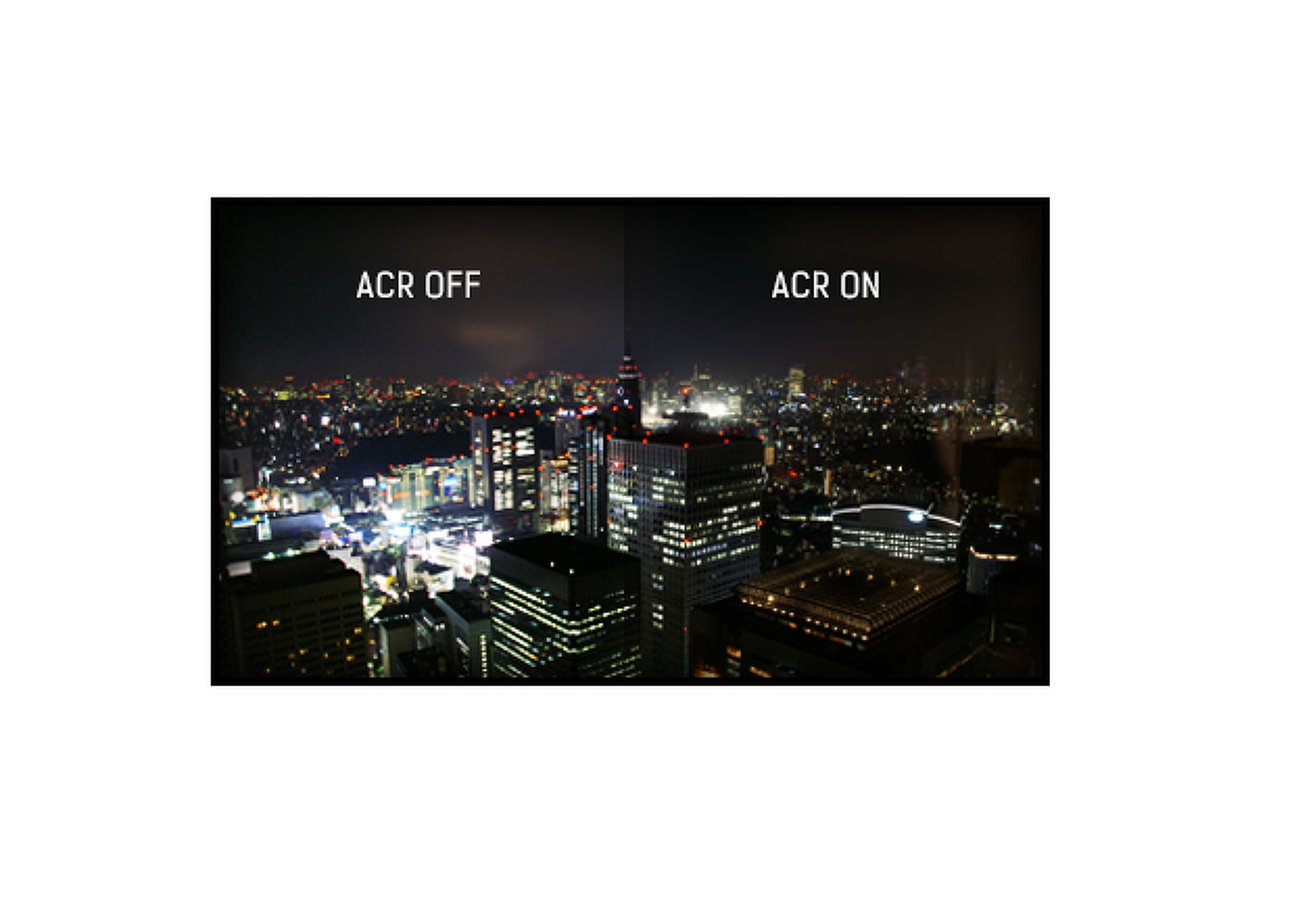
| Felhasználói vezérlők | luminance (contrast, brightness, Eco, i-Style colour, ACR), image setup (clock, phase, H. position, V. position), colour temperature (gamma, colour temperature), OSD setup (H. position, V. position, timeout, language), extra (reset, signal select, information), auto adjust |
| Kényelem | Kensington-lock™ előkészítve, DDC2B, Mac OSX |
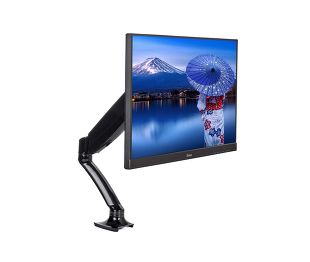
| Kijelző helyzetének beállításai | magasság, forgatás, forgatható, billenthető |
| Magasság beállítása | 150mm |
| Forgatás (PIVOT funkció - portré mód) | 90° |
| Forgó állvány | 90°; 45° bal; 45° jobb |
| Hajlásszög | 23° fel; 5° le |
| VESA állvány | 100 x 100mm |
| Kábelkezelő rendszer | igen |
| Kábelek | áramellátás, DVI |
| Egyéb | gyors üzembe helyezési útmutató, biztonsági útmutató |
| Tápegység | belső |
| Áramellátás | AC 100 - 240V, 50/60Hz |
| Energiafogyasztás | 16W jellemző, 0.5W készenlét, 0.3W kikapcsolva |
| Áramfogyasztás | 0.5W készenlét |
| Előírások | CE, TÜV-GS, RoHS támogatás, ErP, WEEE, HATÓTÁVOLSÁG, UKCA |
| Energiahatékonysági osztály ((EU) 2017/1369 rendelet) | E |
| REACH SVHC | 0,1% felett: Vezet |
| Termék méretei Sz x H x M | 411 x 397 (547) x 2109.5mm |
| Doboz mértei Sz x H x M | 490 x 416 x 162mm |
| Súly (doboz nélkül) | 4.9kg |
| Súly (dobozzal) | 6.0kg |
| EAN kód | 4948570121373 |
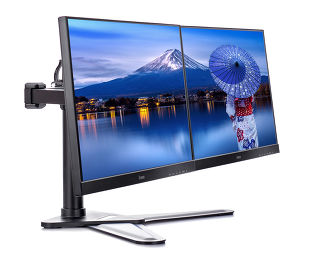

If your monitor is displaying a "No Signal" message, please check the following:
1. Ensure the cables are properly connected at both ends.
2. Select the correct signal input (HDMI/DP) or choose AUTO.
For guidance on selecting an input while the screen is in standby mode, please consult the user manual. On desktop monitors, common methods include pressing the INPUT, AUTO, or "2" buttons, or moving the joystick backward.
Yes, your iiyama monitor will work with your Apple Mac system. However, it depends on the signal input how to connect. Since Apple Mac systems from 2020 onwards only have Thunderbolt 3 (USB-C) ports for video output, you have two options:
1. Connect directly to the USB-C signal input on your iiyama monitor.
2. In case your monitor only has HDMI or Displayport, you will need a Mac-compatible dongle that supports one of the video inputs available. Apple offers a USB-C Digital AV Multiport Adapter (MW5M3AM) that can be used for this purpose.
3. If your iiyama monitor has touchscreen capabilities, please refer to the user manual to verify touch functionality compatibility with your Mac system.
To resolve the issue of a blinking picture, please follow these steps:
1. Inspect the Signal Cable.
Ensure the signal cable is securely connected at both ends and free from any physical damage. Avoid any sharp bends or squishing of the cable.
2. Use a Shorter Cable.
If possible, use a cable shorter than 3 meters and connect the monitor directly to a wall power socket, avoiding the use of adapters.
3. Disable FreeSync/Adaptive Sync.
For desktop or gaming monitors, try disabling FreeSync or Adaptive Sync in the monitor's settings menu.