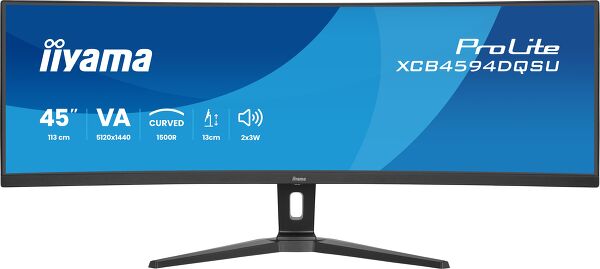
ProLite XCB4594DQSU-B1
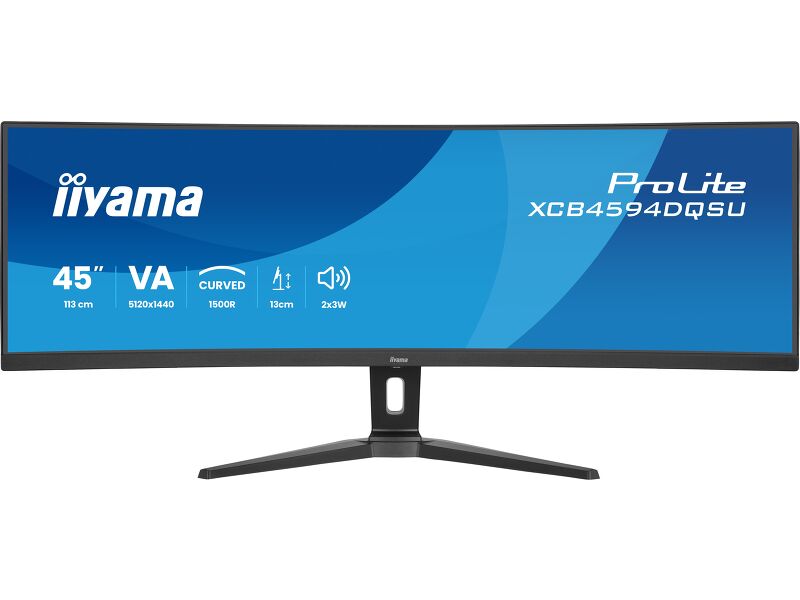
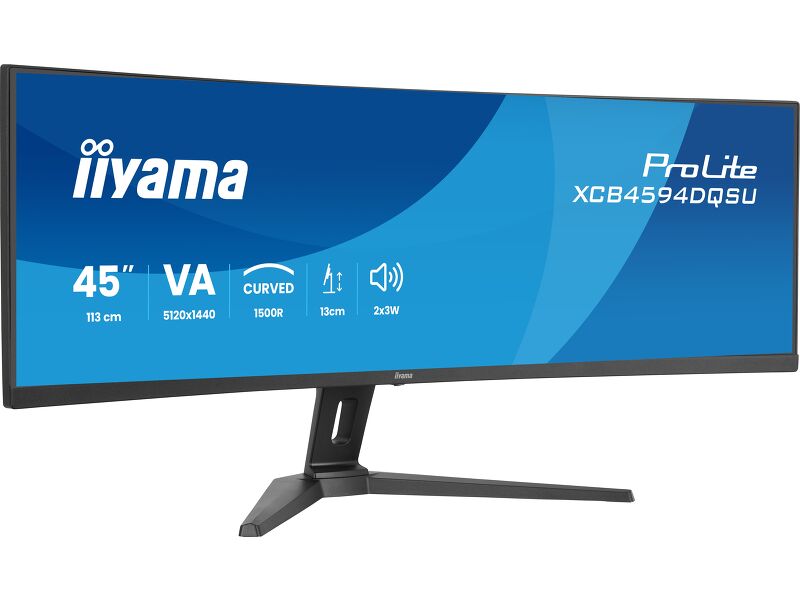
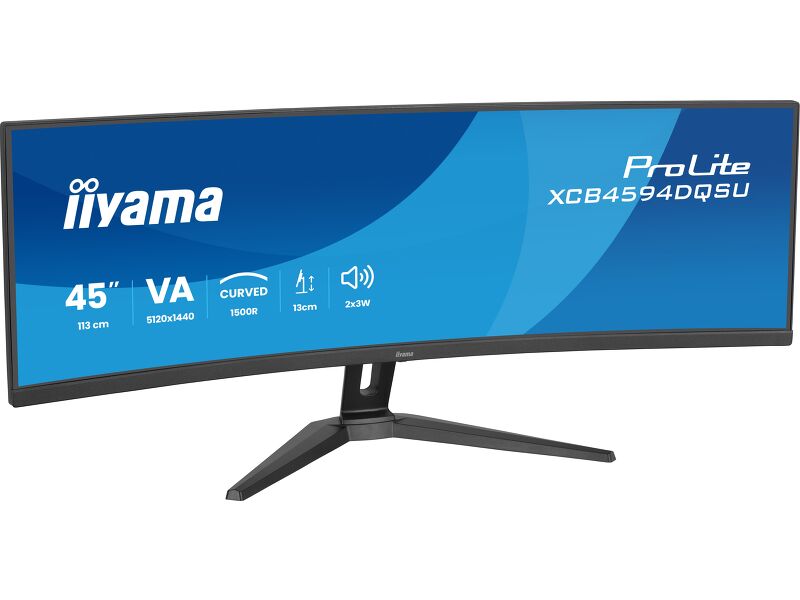
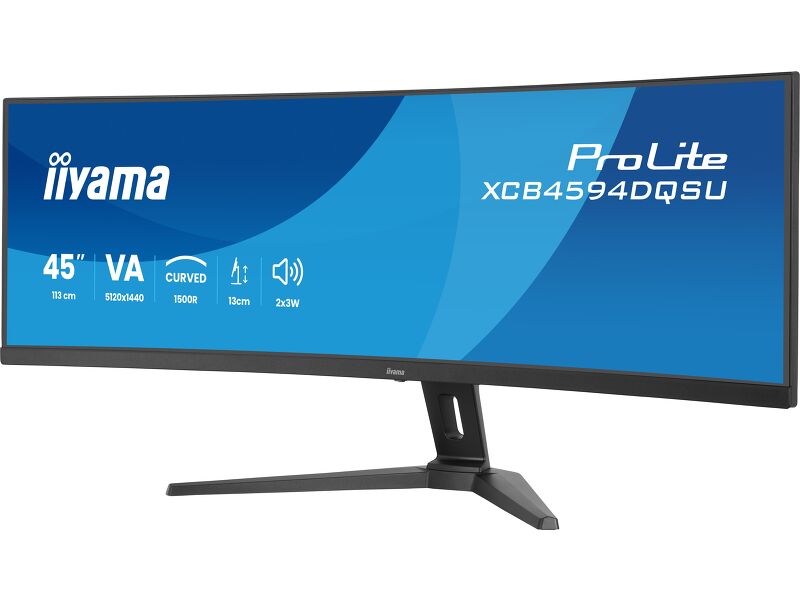
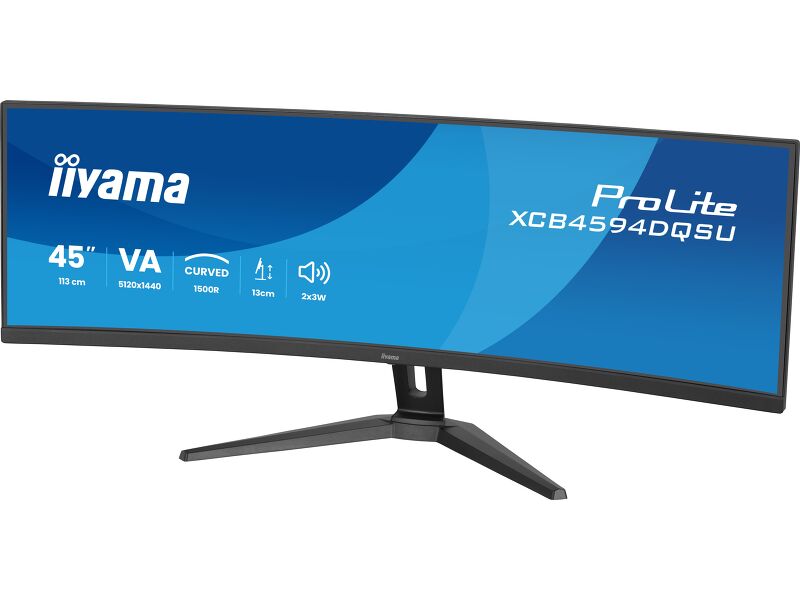
45-inch ultra-wide curved monitor with Dual QHD resolution and height-adjustable stand, ideal for immersive multitasking and creative work
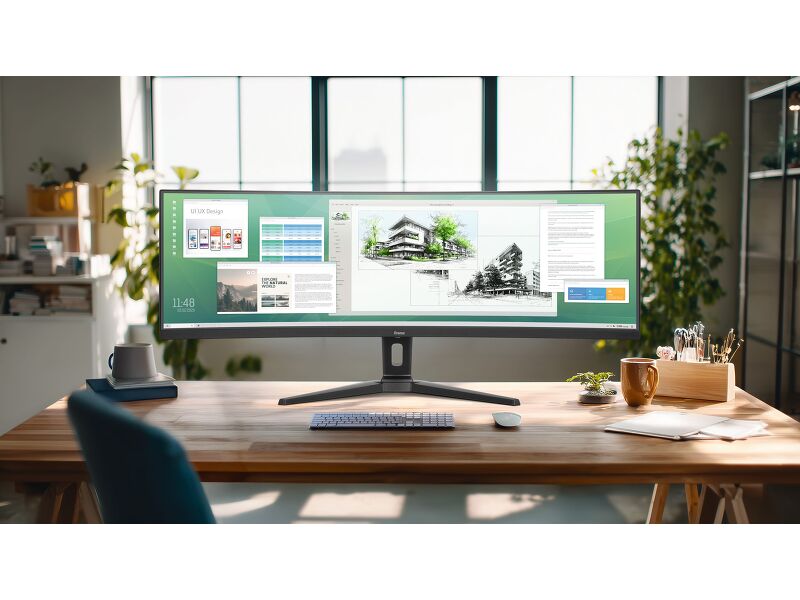
If you work across multiple windows, manage creative projects or want a more immersive setup, the ProLite XCB4594DQSU-B1 is built to support the way you work. This 45-inch ultra-wide curved monitor features a 32:9 aspect ratio and a Dual QHD resolution of 5120x1440, providing the screen space of two QHD monitors in a single, seamless display. It removes the interruptions of bezels and brings everything together for a smoother, more efficient workflow.
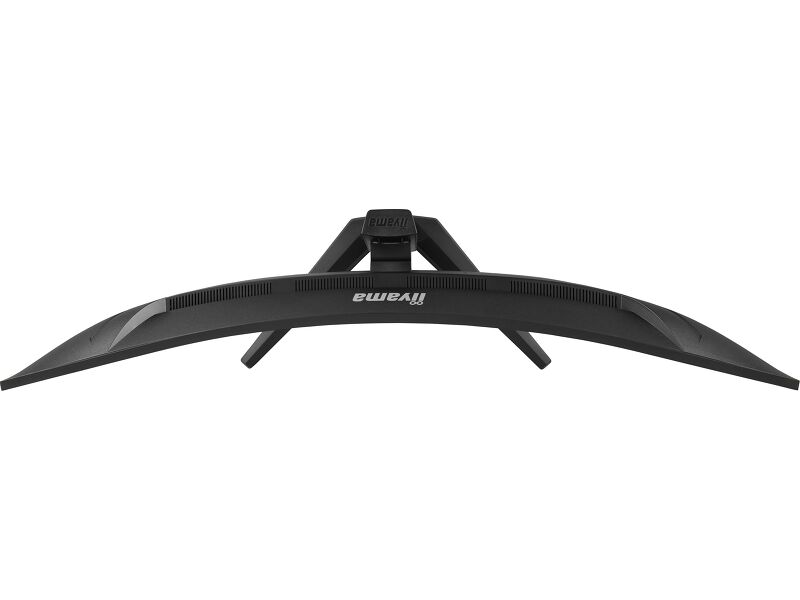
The curved VA panel surrounds your field of view with vivid colours, high contrast and wide viewing angles. The gentle 1500R curvature creates a more natural and comfortable viewing experience, helping reduce eye movement and maintain focus. With a brightness of 450 cd/m², your content stays sharp and clear, even in brightly lit environments.
A 2ms response time (GTG) and Adaptive Sync support ensure smooth motion for video editing, content scrolling or occasional gaming. Flicker-free technology and a blue light reducer are built in to support eye comfort throughout the day.
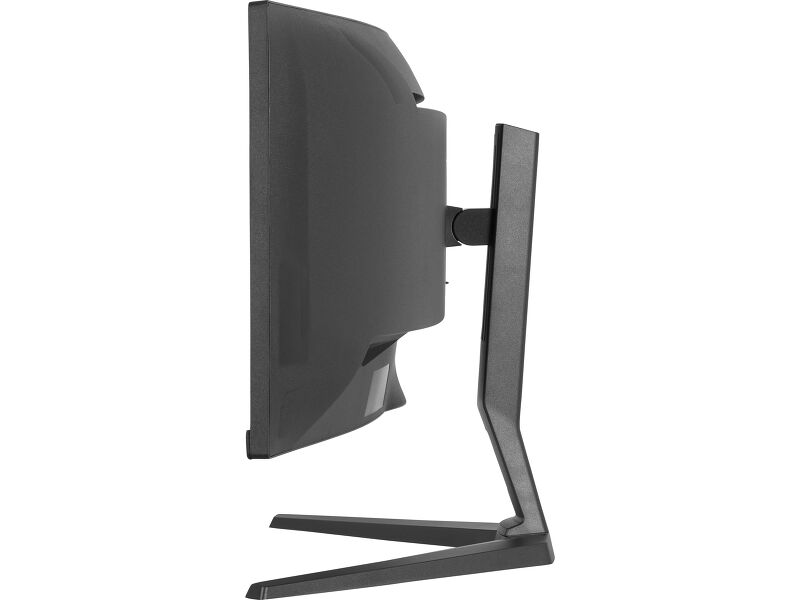
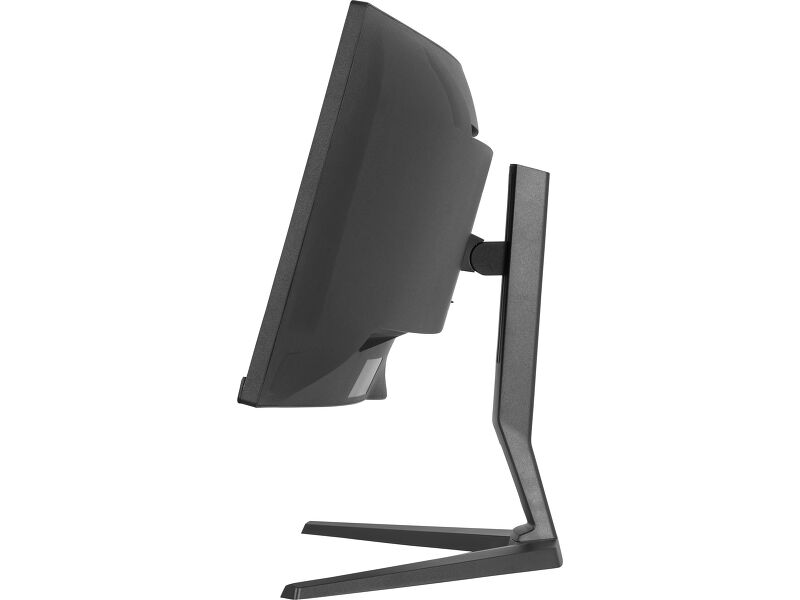
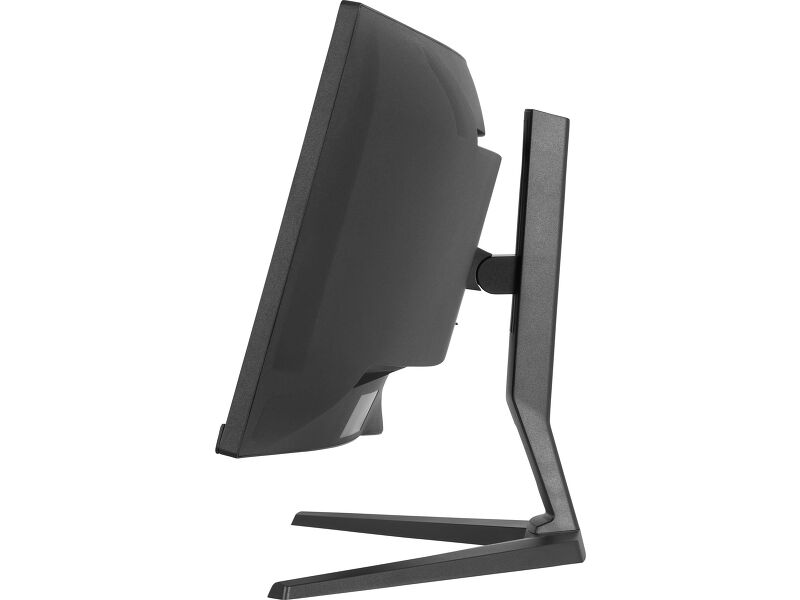
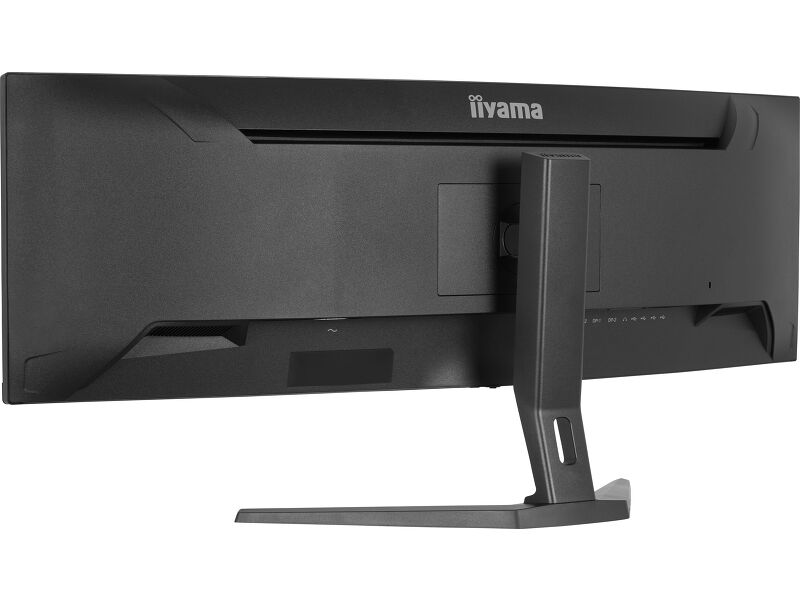
With a modern three-side borderless design, the XCB4594DQSU-B1 also offers height and tilt adjustments so you can set up your workspace to suit your needs. Dual HDMI and DisplayPort inputs make it easy to connect your devices, while the integrated 2x3W speakers deliver clear audio for video calls, media or presentations.
Whether you are editing wide-format content, working with complex data or multitasking across several applications, this ultra-wide monitor gives you the space, clarity and comfort to stay productive.
Curved for immersive viewing
Step into an immersive, natural viewing setup that minimizes distortion and reduces eye strain during long work or entertainment sessions.
Deeper blacks and richer detail with VA panel
The VA panel offers exceptional contrast and deep blacks, revealing every nuance between light and dark. Enjoy vivid, lifelike images with minimal light bleed and excellent color depth, especially in darker scenes. Whether watching movies, editing content, or gaming, benefit from consistent picture quality and wide viewing angles that bring every detail to life.
Maximise your multitasking with ultra-wide Dual QHD clarity
Dual QHD resolution gives you the power of two QHD screens in one seamless ultra-wide display. View multiple apps side by side, work across large spreadsheets or immerse yourself in detailed visuals without switching windows. This expanded workspace helps you boost focus, improve efficiency and maintain creative flow throughout the day.
Versatile connectivity for all your devices
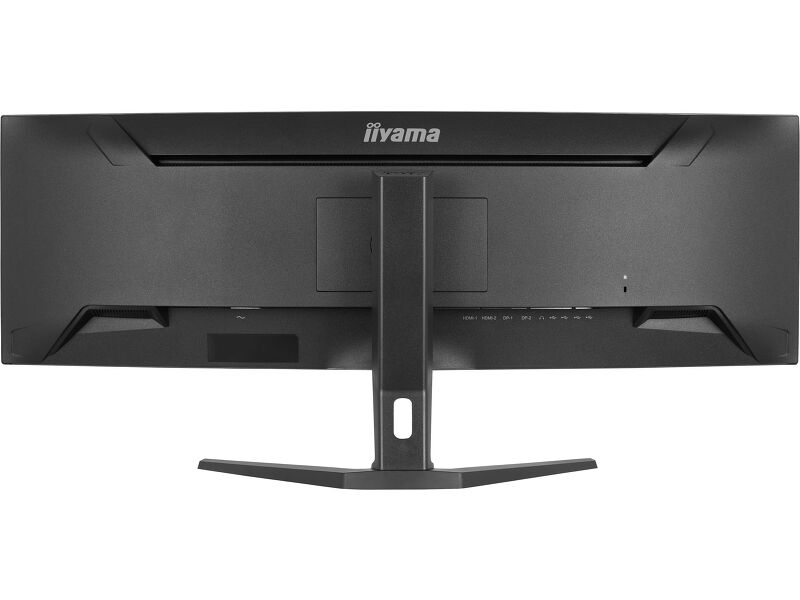
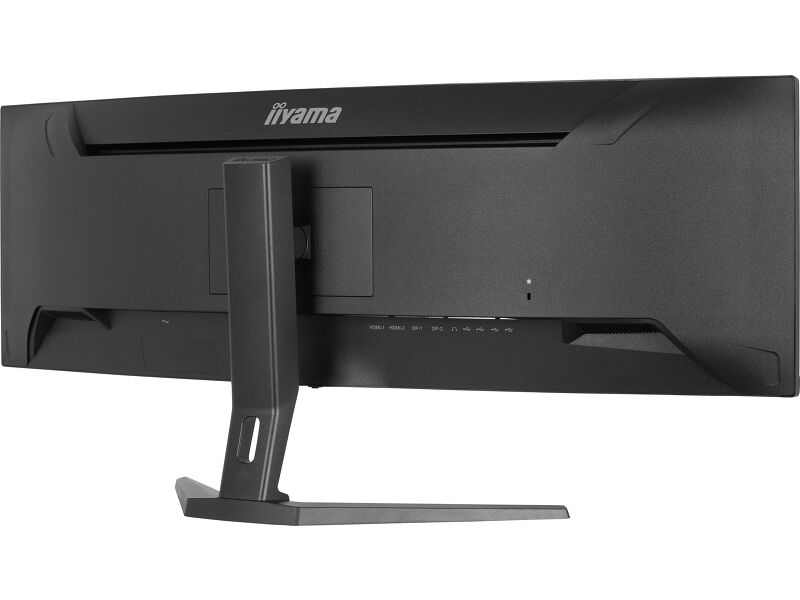
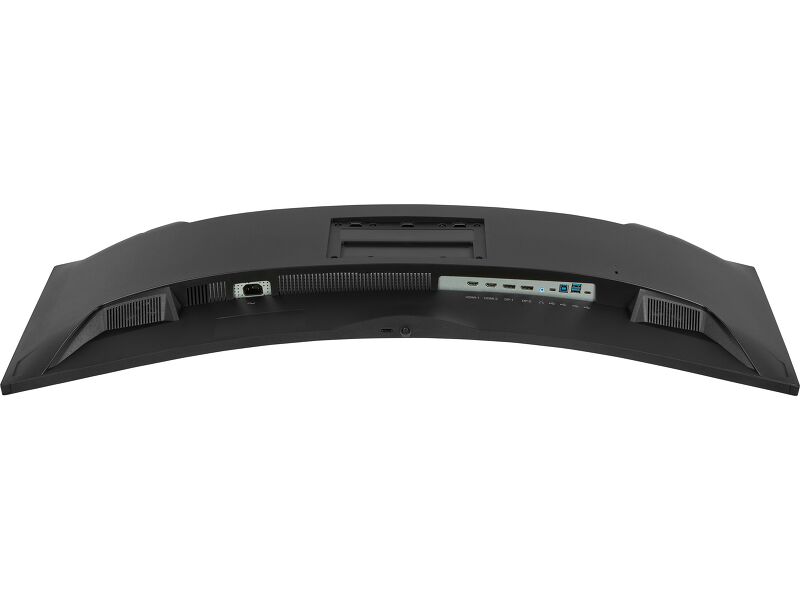
Connect multiple devices and accessories in one simple step with HDMI, DisplayPort and the USB hub, streamlining your workspace for maximum efficiency and ensuring a tidy, uninterrupted workflow.
Master the details with deeper contrast
The 3000:1 contrast ratio reveals rich blacks and gentle tonal transitions, enhancing every shadow and subtle gradient on screen. It’s the perfect companion for visual work, video editing or data-heavy tasks, giving you the precision and clarity needed to stay fully in control of every detail.
Reduced eye strain & fatigue
Work, study or play for longer with greater visual comfort. The Blue Light Reducer feature lets you lower blue light emissions through software settings, helping minimise eye strain during extended screen time. Combined with flicker-free technology, it supports a more comfortable viewing experience so you can stay focused throughout the day.
Video
Technical specification



DISPLAY CHARACTERISTICS
| Design | 3-side borderless |
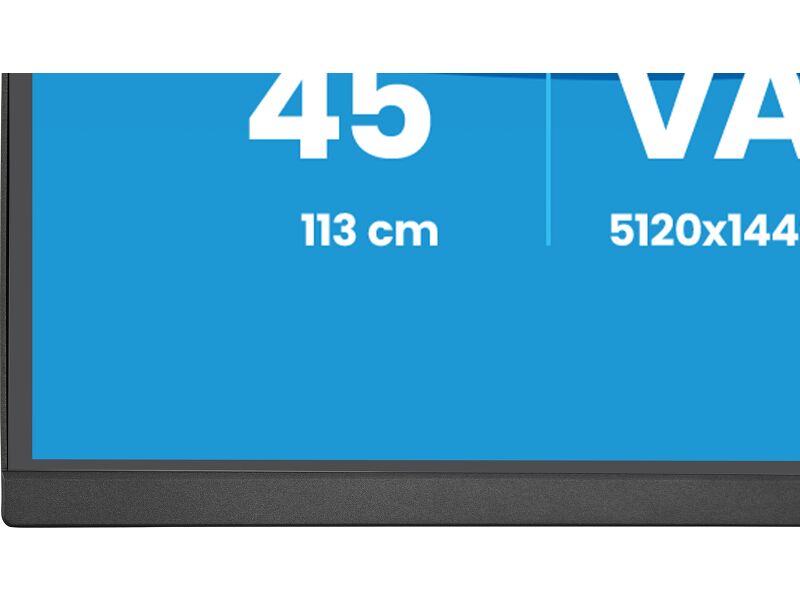
| Diagonal | 44.5", 113cm |
| Panel | VA, matte finish |
| Curved | 1500R |
| Native resolution | 5120 x 1440 @75Hz (7.4 megapixel DQHD) |
| Aspect ratio | 32:9 |
| Panel brightness | 450 cd/m² |
| Static contrast | 3000:1 |
| Advanced contrast | 80M:1 |
| Response time (GTG) | 2ms |
| Viewing zone | horizontal/vertical: 178°/178°, right/left: 89°/89°, up/down: 89°/89° |
| Colour support | 16.7mln (sRGB: 100%; NTSC: 80%) |
| Horizontal Sync | 30 - 135kHz |
| Viewable area W x H | 1087.5 x 305.9mm, 42.8 x 12" |
| Pixel pitch | 0.212mm |
| Colour | matte, black |
INTERFACES / CONNECTORS / CONTROLS
| Signal input |
HDMI x2 (v.2.0) DisplayPort x2 (v.1.2) |
| USB HUB | x4 (2x Type-A v.3.2 Gen 1 (5Gbps, 4.5W), 2x Type-C (5Gbps, 5W)) |
| HDCP | yes |
| Headphone connector | yes |
FEATURES
| Blue light reducer | yes |
| Flicker free | yes |
| Adaptive Sync support | yes |
| Extra | i-Style Colour |
| HDR | yes |
| OSD languages | EN, DE, FR, ES, IT, RU, JP, CZ, NL, PL, UA |
| Control buttons | Navigation (power) button: Center (Menu/Execution), Front (Move Down/Submenu), Back (Move Up/Input Select), Right (Move Right/Volume), Left (Move Left/Volume) |
| User controls | picture adjust (brightness, contrast, ECO, HDR, ACR, OD, Adaptive Sync, X-Res technology, black tuner), colour settings (6-axis, i-Style colour, blue light reducer, gamma RGB range, colour temp., user preset), OSD (OSD H. position, OSD V. position, OSD time, OSD background, display information), language, miscellaneous (sharpness, video mode adjust, opening logo, power LED, USB charge, DDC/CI control), input select, audio settings (volume, mute), recall (recall all?) |
| Speakers | 2 x 3W |
| Convenience | Kensington-lock™ prepared, DDC/CI, DDC2B, Mac OSX |
MECHANICAL
| Display position adjustments | height, tilt |
| Height adjustment | 130mm |
| Tilt angle | 20° up; 3° down |
| VESA mounting | 100 x 100mm, 200 x 100mm |
| Cable management system | yes |
ACCESSORIES INCLUDED
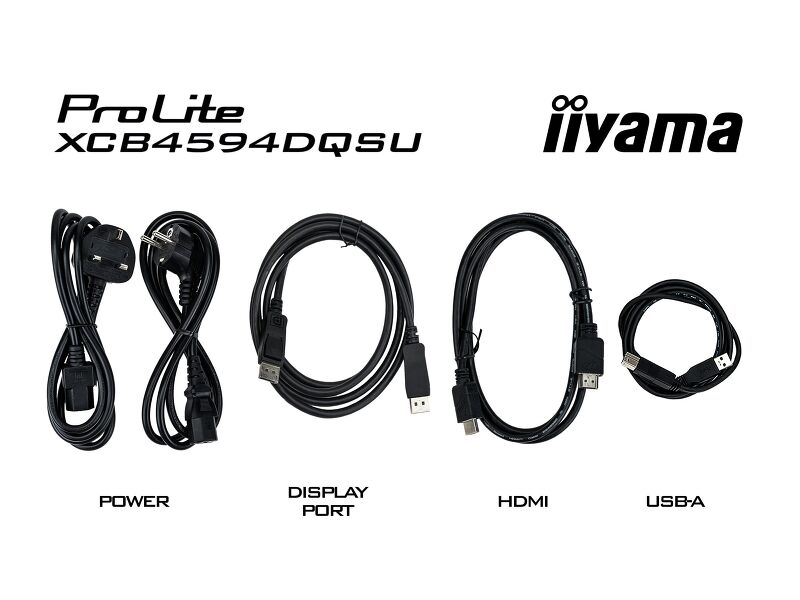
| Cables | power (1.8m), USB (1.5m), HDMI (1.5m), DP (1.8m) |
| Other | quick start guide, safety guide |
POWER MANAGEMENT
| Power supply unit | internal |
| Power supply | AC 100 - 240V, 50/60Hz |
| Power usage | 37W default, 0.5W stand by, 0.3W off mode |
SUSTAINABILITY
| Regulations | CE, TÜV-Bauart, EAC, PSE, RoHS support, ErP, WEEE, VCCI, REACH, UKCA |
| Energy efficiency class (Regulation (EU) 2017/1369) | F |
| REACH SVHC | Lead, Decabromodiphenylethane |
DIMENSIONS / WEIGHT
| Product dimensions W x H x D | 1090 x 409 (539) x 275mm |
| Box dimensions W x H x D | 1260 x 470 x 315mm |
| Weight (without box) | 10.5kg |
| Weight (with box) | 15.5kg |
| EAN code | 4948570126293 |


Downloads
| User manual | XCB4594DQSU-usermanual-e.pdf | Download |
| User manual | XCB4594DQSU-usermanual-sk.pdf | Download |
| Technical specification | ProLite XCB4594DQSU-B1 - en.pdf | Download |
| Drawing | XCB4594DQSU-B1_DIM.pdf | Download |
| EU Energy Label | XCB4594DQSU-B1 EU Energy Label (2468748).pdf | Download |
| UK Energy Label | XCB4594DQSU-B1 UK Energy Label (2468748).pdf | Download |
| Guarantee label | XCB4594DQSU-B1.pdf | Download |
FAQS
Is Adaptive Sync compatible with AMD FreeSync or NVIDIA G-Sync?
+Yes, Adaptive Sync is compatible with AMD FreeSync and NVIDIA G-Sync.
Why can't I select MBR when FreeSync/Adaptive Sync is activated?
+MBR cannot be selected when FreeSync/AdaptiveSync is activated, because MBR can interfere with the FreeSync/Adaptive Sync technology as they have different methods of improving motion clarity. MBR reduces motion blur (response time), while Adaptive Sync/FreeSync addresses stuttering. We recommend activating Adaptive Sync/FreeSync on systems with fluctuating or unstable frame rates. MBR performs best on powerful systems that maintain a consistently high frame rate.
Why is my monitor displaying a "No Signal" message?
+If your monitor is displaying a "No Signal" message, please check the following:
1. Ensure the cables are properly connected at both ends.
2. Select the correct signal input (HDMI/DP) or choose AUTO.
For guidance on selecting an input while the screen is in standby mode, please consult the user manual. On desktop monitors, common methods include pressing the INPUT, AUTO, or "2" buttons, or moving the joystick backward.
I have an Apple MAC-system, will my iiyama monitor work?
+Yes, your iiyama monitor will work with your Apple Mac system. However, it depends on the signal input how to connect. Since Apple Mac systems from 2020 onwards only have Thunderbolt 3 (USB-C) ports for video output, you have two options:
1. Connect directly to the USB-C signal input on your iiyama monitor.
2. In case your monitor only has HDMI or Displayport, you will need a Mac-compatible dongle that supports one of the video inputs available. Apple offers a USB-C Digital AV Multiport Adapter (MW5M3AM) that can be used for this purpose.
3. If your iiyama monitor has touchscreen capabilities, please refer to the user manual to verify touch functionality compatibility with your Mac system.
The picture on my monitor is flickering. What steps can I take to fix it?
+To resolve the issue of a blinking picture, please follow these steps:
1. Inspect the Signal Cable.
Ensure the signal cable is securely connected at both ends and free from any physical damage. Avoid any sharp bends or squishing of the cable.
2. Use a Shorter Cable.
If possible, use a cable shorter than 3 meters and connect the monitor directly to a wall power socket, avoiding the use of adapters.
3. Disable FreeSync/Adaptive Sync.
For desktop or gaming monitors, try disabling FreeSync or Adaptive Sync in the monitor's settings menu.
Compatible accessories