Subscribe to our newsletter
Keep up #withiiyama
You have successfully subscribed to our newsletter.
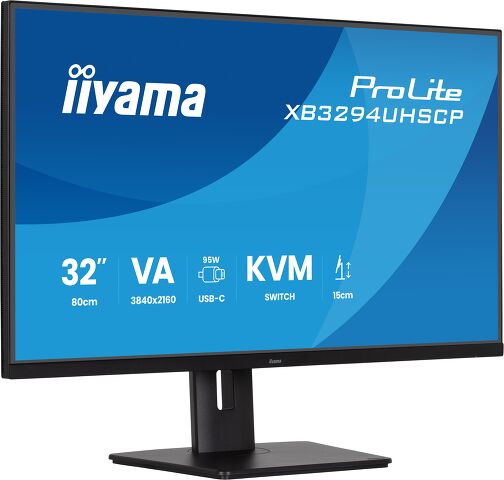
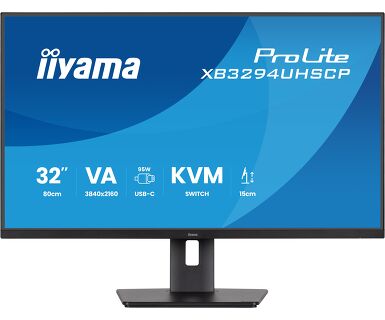
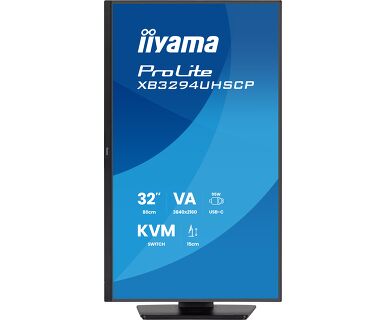
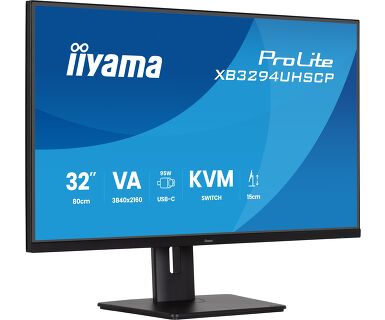
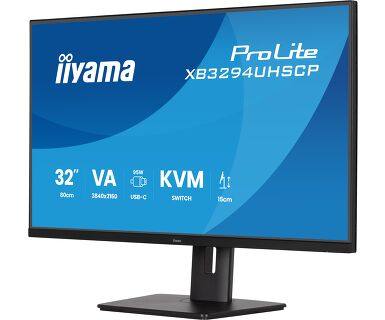
32” 4K VA panel with USB-C connection (95W), KVM Switch and PiP/PbP
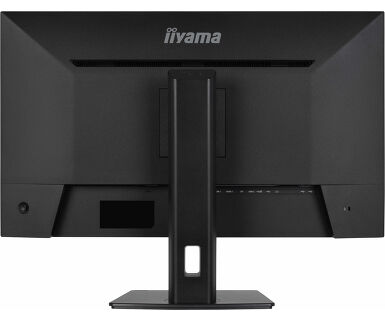
The ProLite XB3294UHSCP-B1 is a 32 inch 4K monitor designed to give you more space, sharper detail, and smoother workflows.
Its VA panel with Ultra HD resolution and a 3000:1 contrast ratio delivers crisp, vibrant visuals. A brightness of 350cd/m², 2ms response time, and Adaptive Sync ensure everything stays smooth and clear, whether you're creating content or working with data.
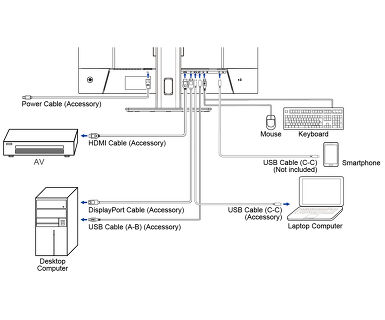
USB-C (95W Power Delivery), HDMI, DisplayPort, and a built-in KVM switch make it easy to manage multiple devices while powering your laptop. PiP (Picture-in-Picture) and PbP (Picture-by-Picture) modes let you view content from two sources at the same time for more efficient multitasking.
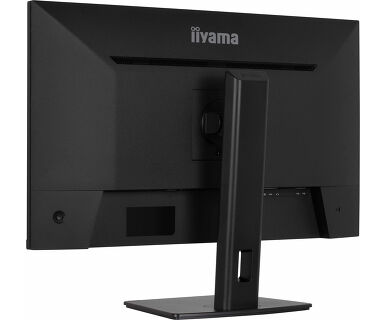
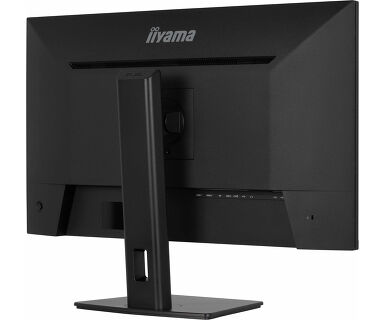
The three side borderless design helps you stay focused and supports seamless multi-monitor setups. The height adjustable stand, built-in speakers, and headphone jack provide comfort and convenience throughout your day.
Certified with TCO, TÜV-GS and EPEAT Silver, it’s a smart, sustainable choice for any modern workspace.
Easily switch between multiple computers using one monitor, keyboard, and mouse, making multitasking smooth and efficient.
Connect multiple ultra-slim bezel monitors to create a panoramic workspace, keep your apps in view, streamline multitasking, and boost productivity.
Work, study or play longer without eye fatigue, thanks to flicker-free technology and reduced blue light emissions. These features help minimize eye strain and improve visual comfort, allowing you to stay focused and productive throughout the day.
Watch two sources at once. Use Picture-in-Picture to overlay a second feed or Picture-by-Picture to split the screen side by side. Perfect for multitasking, comparing content, or staying in control.
The VA panel offers exceptional contrast and deep blacks, revealing every nuance between light and dark. Enjoy vivid, lifelike images with minimal light bleed and excellent color depth, especially in darker scenes. Whether watching movies, editing content, or gaming, benefit from consistent picture quality and wide viewing angles that bring every detail to life.
With USB-C delivering up to 95W, your laptop stays charged while you work, using just a single, clutter-free connection. The reversible design means you never have to fumble or check which way to plug it in. It’s a simple, reliable solution that keeps your focus on what matters most.




| Design | 3-side borderless |
| Diagonal | 31.5", 80cm |
| Panel | VA |
| Native resolution | 3840 x 2160 @60Hz (8.3 megapixel 4K UHD) |
| Aspect ratio | 16:9 |
| Panel brightness | 400 cd/m² |
| Static contrast | 3000:1 |
| Advanced contrast | 80M:1 |
| Response time (GTG) | 2ms |
| Viewing zone | horizontal/vertical: 178°/178°, right/left: 89°/89°, up/down: 89°/89° |
| Colour support | 1.07B 8bit+FRC (sRGB: 99%; NTSC: 93%) |
| Horizontal Sync | 30 - 160kHz |
| Viewable area W x H | 708.9 x 405.7mm, 27.9 x 15.9" |
| Pixel pitch | 0.182mm |
| Colour | matte, black |
| Signal input |
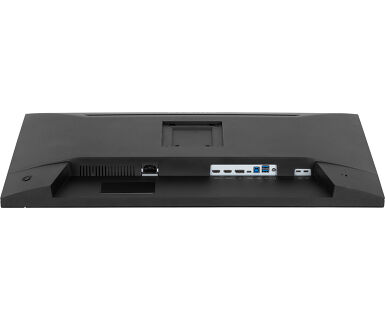
HDMI x2 (v.2.1) DisplayPort x1 (v.1.2) USB-C x1 (PD 95W) |
| USB HUB | x4 (2x Type-A v.3.2 Gen 1 (5Gbps, 4.5W) 2x Type-C (5Gbps, 7.5W)) |
| HDCP | yes |
| Headphone connector | yes |
| KVM switch | yes |
| Blue light reducer | yes |
| Flicker free | yes |
| Adaptive Sync support | yes |
| Extra | i-Style colour |
| HDR | HDR10 |
| OSD languages | EN, DE, FR, ES, IT, RU, JP, CZ, NL, PL, UA |
| Control buttons | Joystick: Center: Power/ Menu, Up/ Input Select, Down, Left: i-Style Colour/ ECO/ Blue Light Reducer, Right/ Volume |
| User controls | picture adjust (brightness, contrast, Eco, ACR, OD, HDR, AdaptiveSync, X-Res technology, black tuner), colour settings (6-axis, i-Style colour, blue light reducer, gamma, RGB range, colour temp.), PiP/PiB ( PiP/PiB, sub source, PiP position, PiP size, swap), OSD (position H, position V, OSD time, background, DDC/CI control, display information), language, miscellaneous (sharpness, video mode adjust, opening logo, power LED, USB charge, USB-C speed), KVM, input select, audio settings (volume, mute, audio input), recall (recall all) |
| Speakers | 2 x 5W |
| Convenience | Kensington-lock™ prepared, DDC/CI, DDC2B |
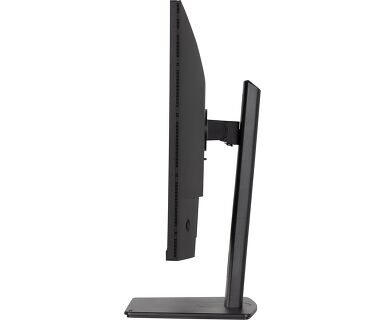
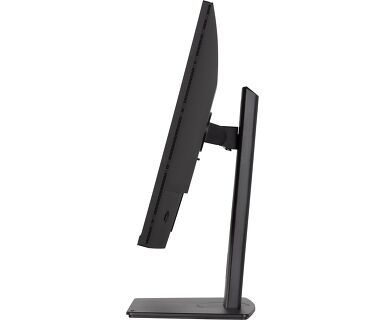
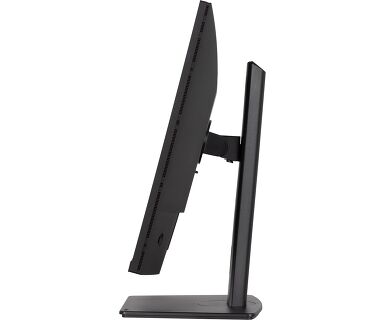
| Display position adjustments | height, swivel, tilt, pivot (rotation both sides) |
| Height adjustment | 150mm |
| Rotation (PIVOT function) | 90° |
| Swivel stand | 90°; 45° left; 45° right |
| Tilt angle | 23° up; 5° down |
| VESA mounting | 100 x 100mm |
| Cable management system | yes |
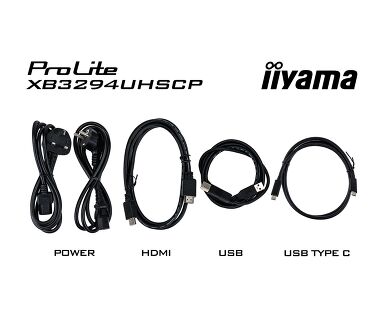
| Cables | power (1.85m), USB (1.5m), HDMI, DP (1.85m), USB-C (1.0m) |
| Other | quick start guide, safety guide |
| Power supply unit | internal |
| Power supply | AC 100 - 240V, 50/60Hz |
| Power usage | 55W typical, 0.5W stand by, 0.3W off mode |
| Regulations | TCO Certified, CE, TÜV-GS, EAC, VCCI-B, PSE, RoHS support, ErP, WEEE, REACH, UKCA |
| Energy efficiency class (Regulation (EU) 2017/1369) | G |
| REACH SVHC | above 0.1%: Lead |
| Product dimensions W x H x D | 713.9 x 428.5 (598.5) x 245.5mm |
| Box dimensions W x H x D | 790 x 510 x 143mm |
| Weight (without box) | 8.5kg |
| Weight (with box) | 11.8kg |
| EAN code | 4948570126279 |
To resolve the issue of your laptop not charging, please try the following steps:
1. Activate USB BC or disable USB standby mode in the monitor’s settings menu.
2. Update your PC’s BIOS/UEFI.
Yes, Adaptive Sync is compatible with AMD FreeSync and NVIDIA G-Sync.
MBR cannot be selected when FreeSync/AdaptiveSync is activated, because MBR can interfere with the FreeSync/Adaptive Sync technology as they have different methods of improving motion clarity. MBR reduces motion blur (response time), while Adaptive Sync/FreeSync addresses stuttering. We recommend activating Adaptive Sync/FreeSync on systems with fluctuating or unstable frame rates. MBR performs best on powerful systems that maintain a consistently high frame rate.
If your monitor is displaying a "No Signal" message, please check the following:
1. Ensure the cables are properly connected at both ends.
2. Select the correct signal input (HDMI/DP) or choose AUTO.
For guidance on selecting an input while the screen is in standby mode, please consult the user manual. On desktop monitors, common methods include pressing the INPUT, AUTO, or "2" buttons, or moving the joystick backward.
Yes, your iiyama monitor will work with your Apple Mac system. However, it depends on the signal input how to connect. Since Apple Mac systems from 2020 onwards only have Thunderbolt 3 (USB-C) ports for video output, you have two options:
1. Connect directly to the USB-C signal input on your iiyama monitor.
2. In case your monitor only has HDMI or Displayport, you will need a Mac-compatible dongle that supports one of the video inputs available. Apple offers a USB-C Digital AV Multiport Adapter (MW5M3AM) that can be used for this purpose.
To resolve the issue of a blinking picture, please follow these steps:
1. Inspect the Signal Cable.
Ensure the signal cable is securely connected at both ends and free from any physical damage. Avoid any sharp bends or squishing of the cable.
2. Use a Shorter Cable.
If possible, use a cable shorter than 3 meters and connect the monitor directly to a wall power socket, avoiding the use of adapters.
3. Disable FreeSync/Adaptive Sync.
For desktop or gaming monitors, try disabling FreeSync or Adaptive Sync in the monitor's settings menu.