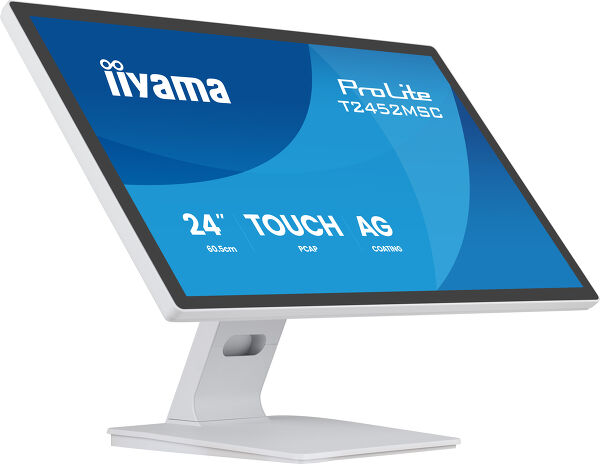
ProLite T2452MSC-W1AG (EOL) Replaced by: ProLite T2452MSC-W2AG
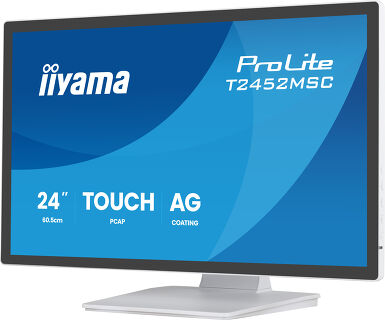
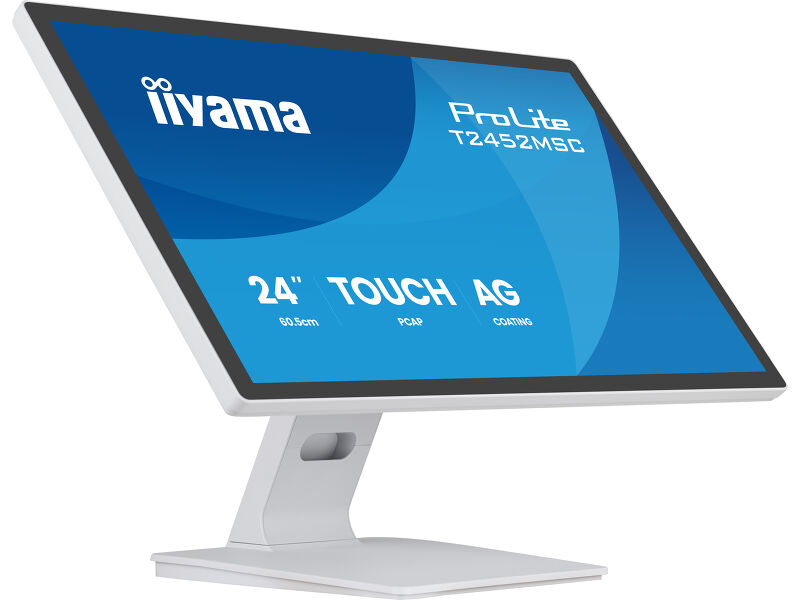
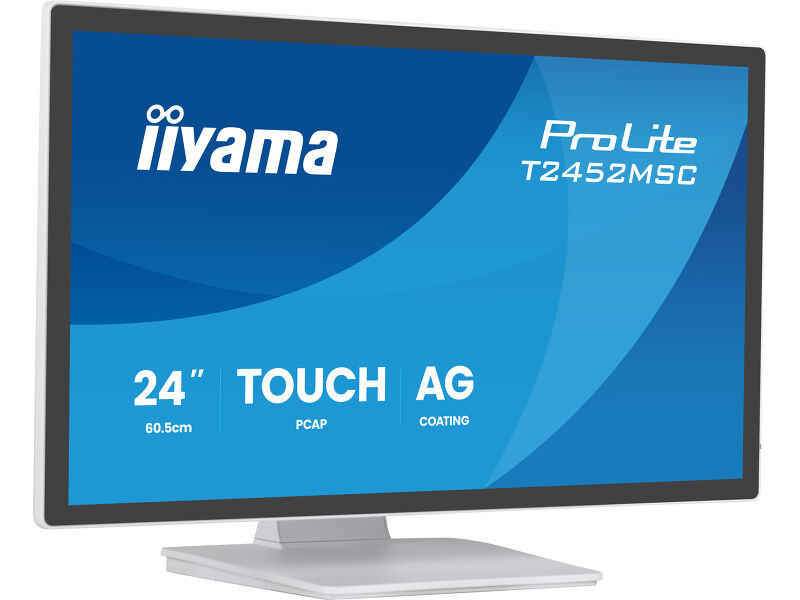
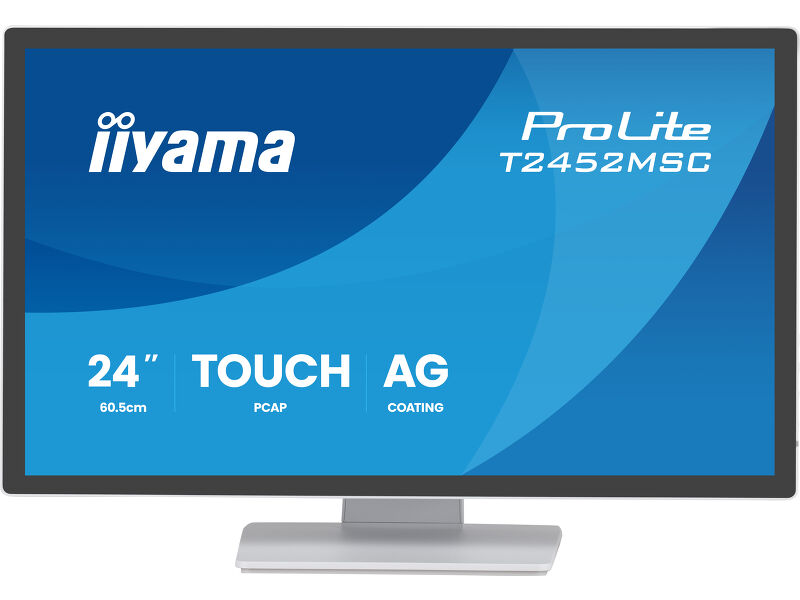
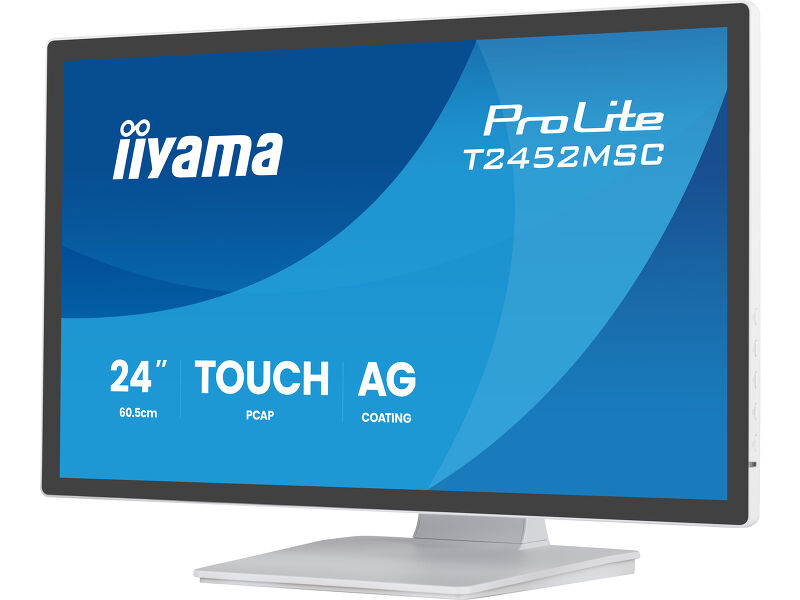
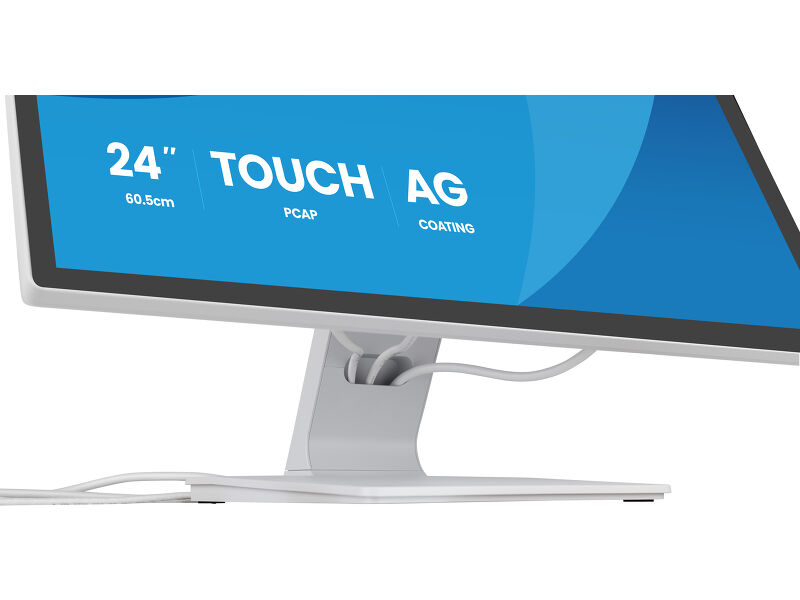
24” DeepContrast PCAP+ 10pt touchscreen monitor featuring IPS panel technology, Edge-to-Edge glass design, anti-fingerprint and anti-glare coating
Enjoy smooth and intuitive control with the ProLite T2452MSC-W1AG, a 24" Full HD touchscreen built for natural and precise touch. Its DeepContrast PCAP+ (Projective Capacitive) 10-point touch technology ensures instant responsiveness, vivid contrast and reduced reflections thanks to optical bonding, in addition, the display is protected from moisture and potential condensation development. The anti-fingerprint and anti-glare coating keeps the screen clean and easy to read, while the IPS panel delivers rich colours and consistent image quality from any angle.
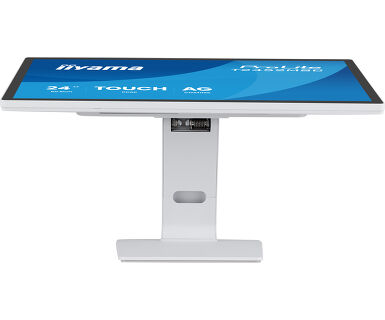
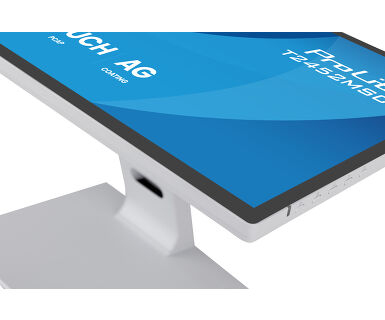
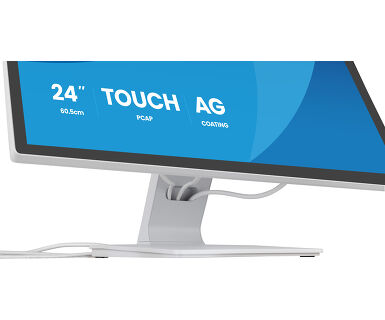
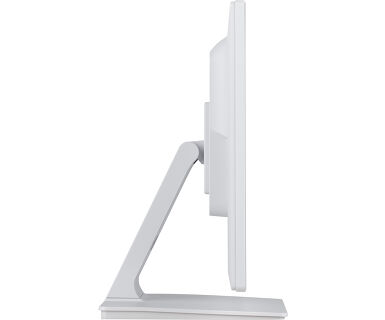
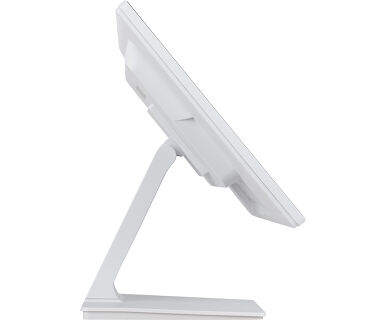
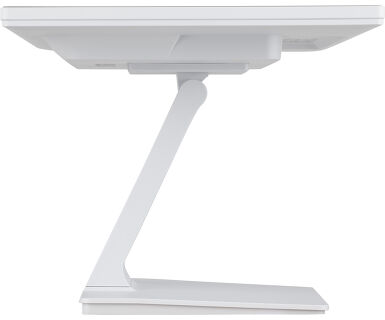
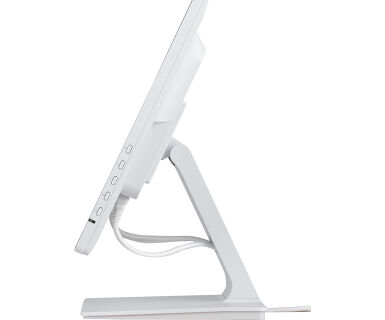
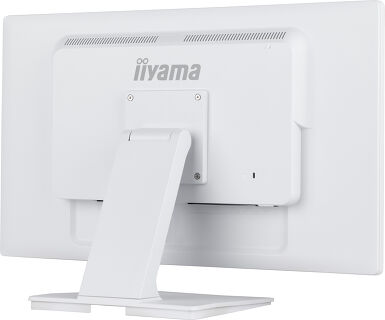
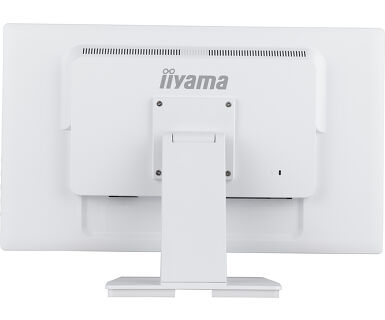
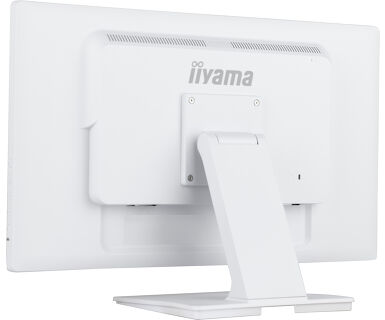
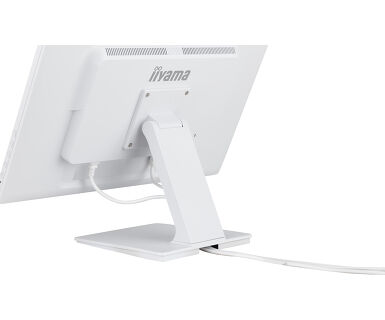
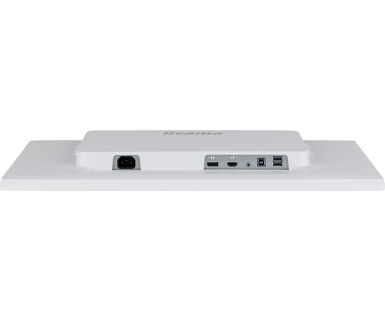
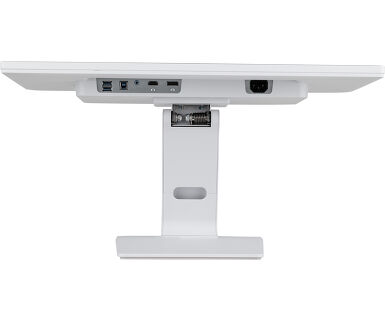
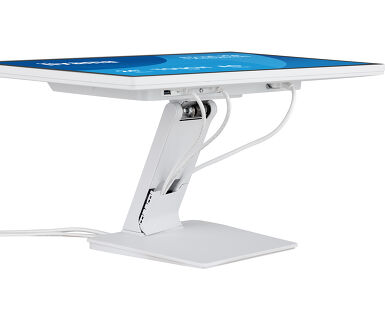
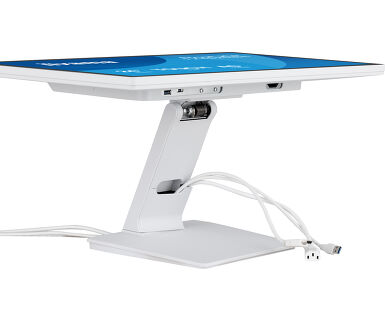
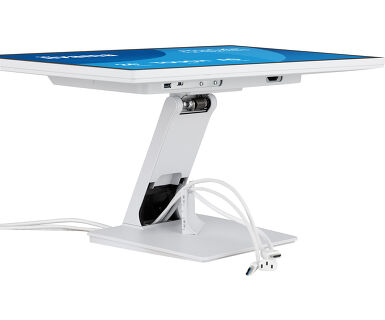
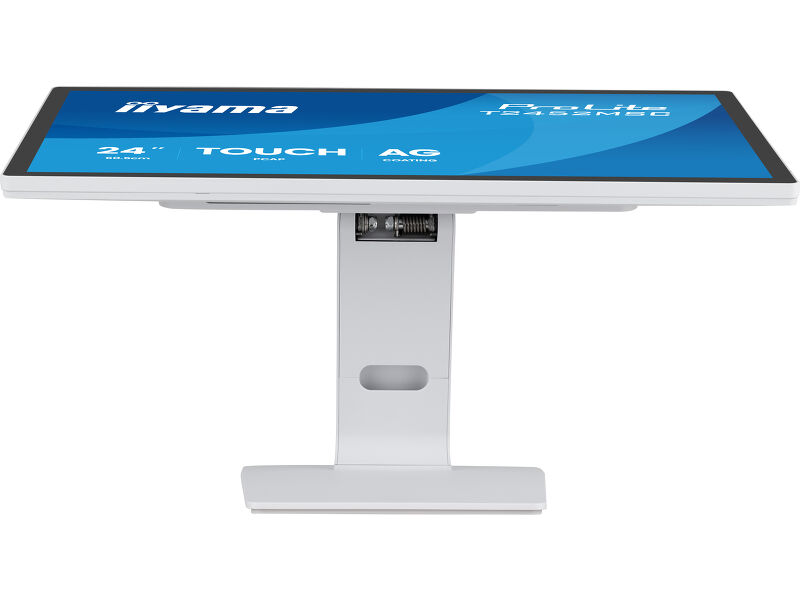
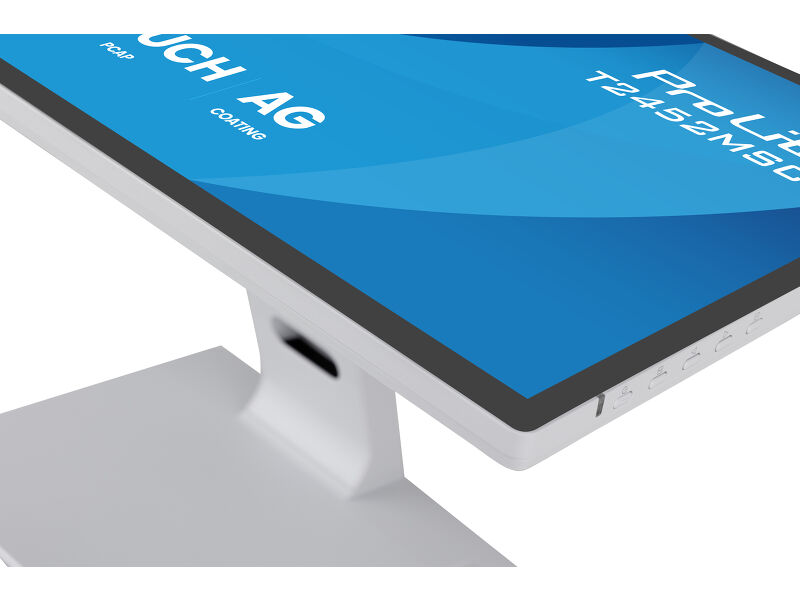
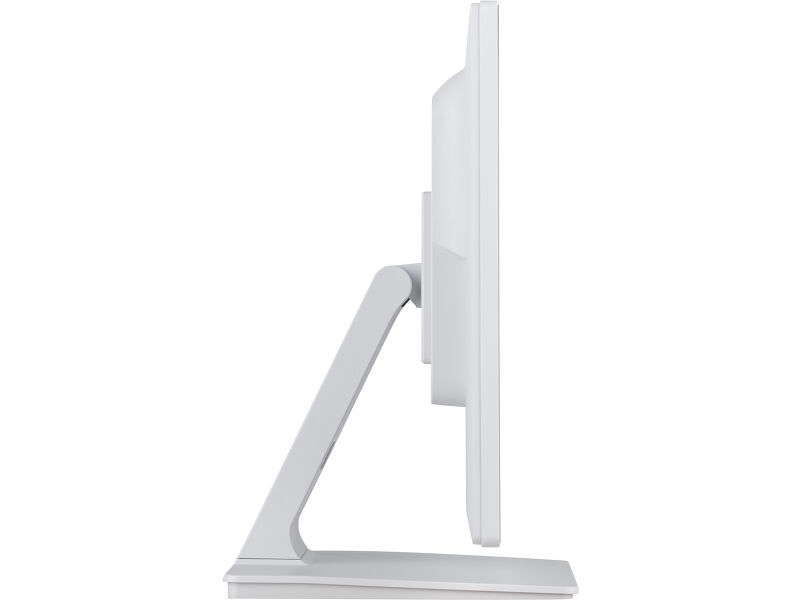
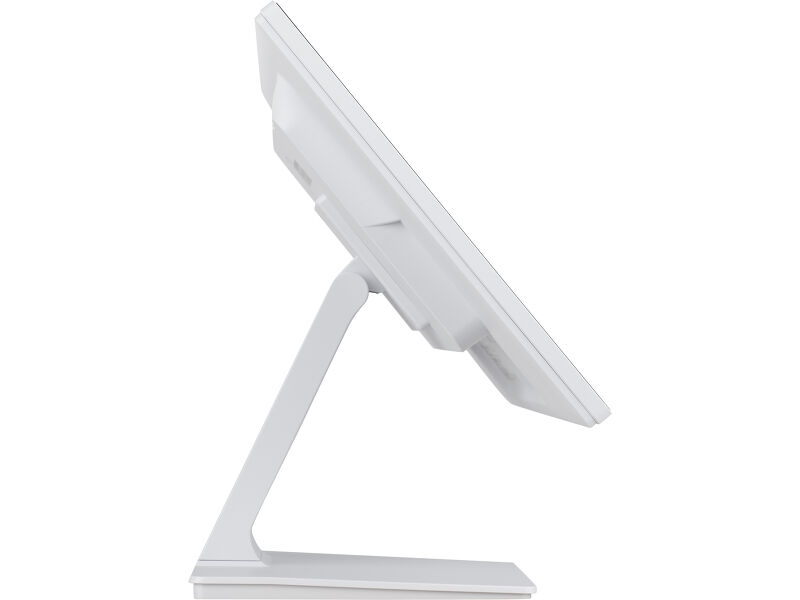
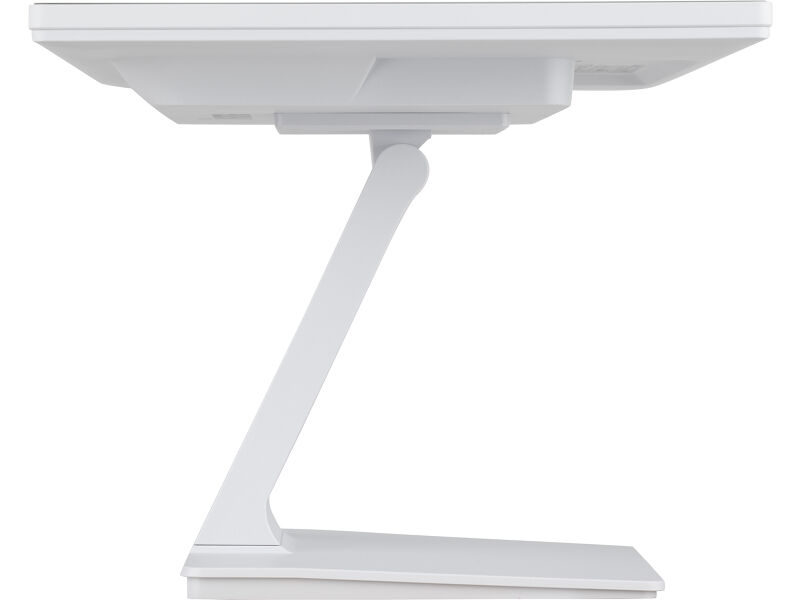
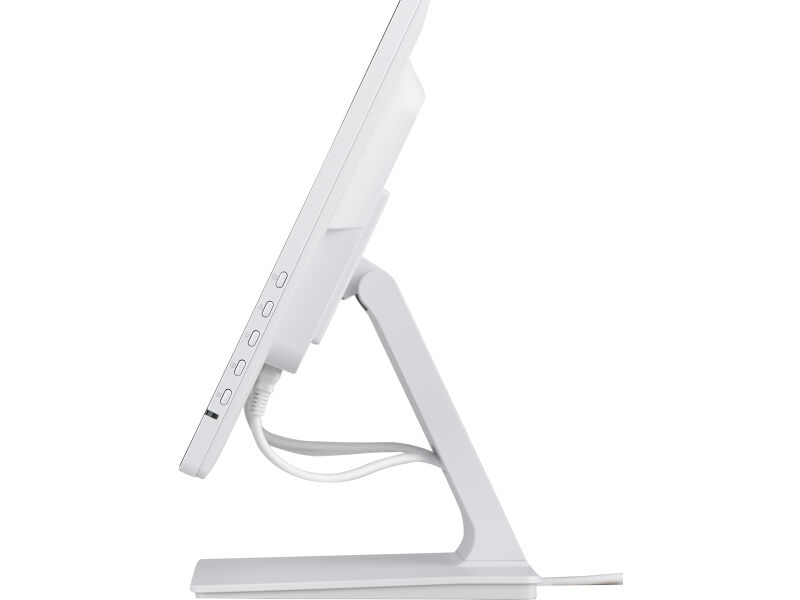
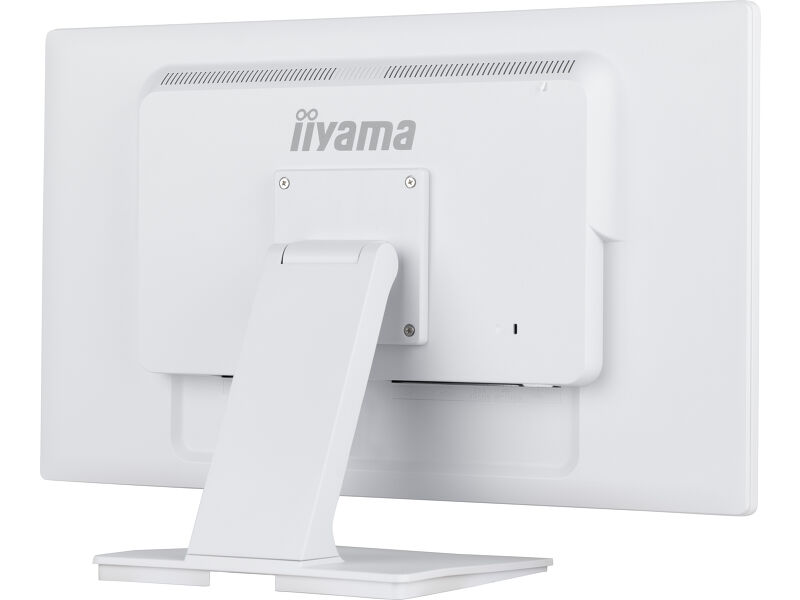
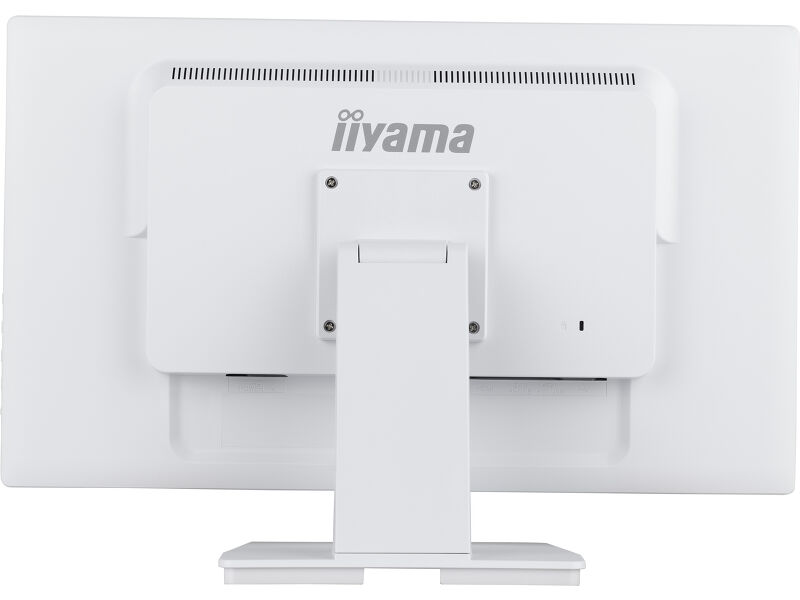
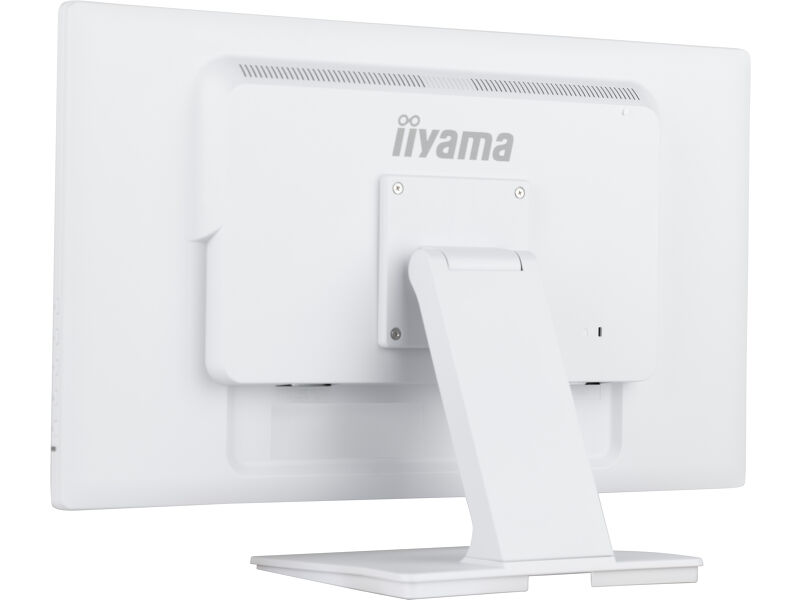
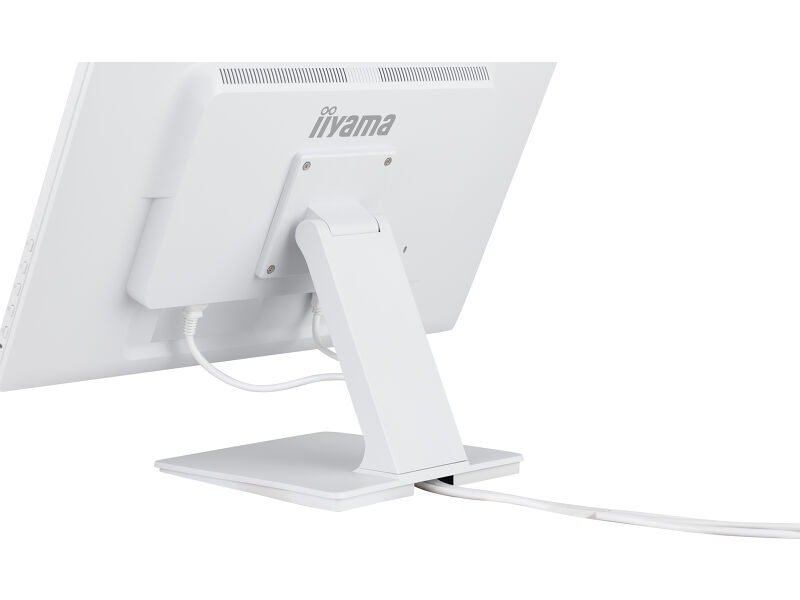
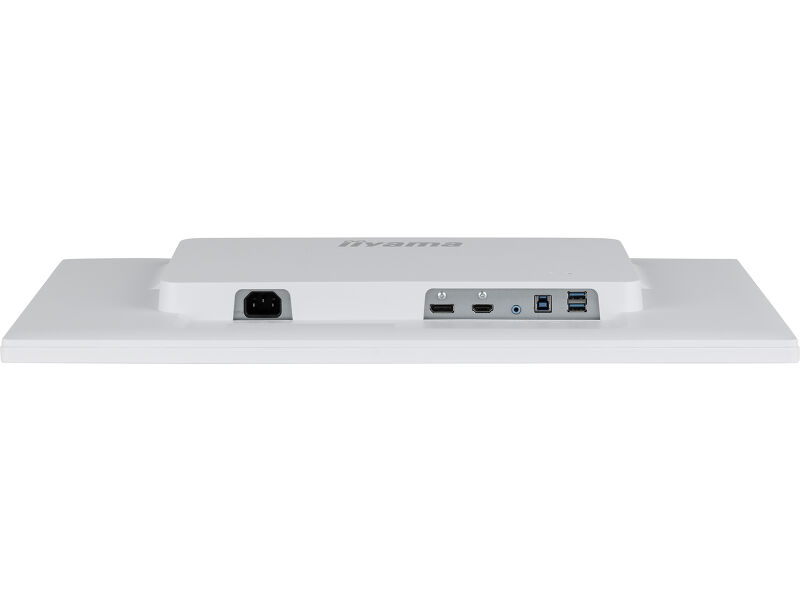
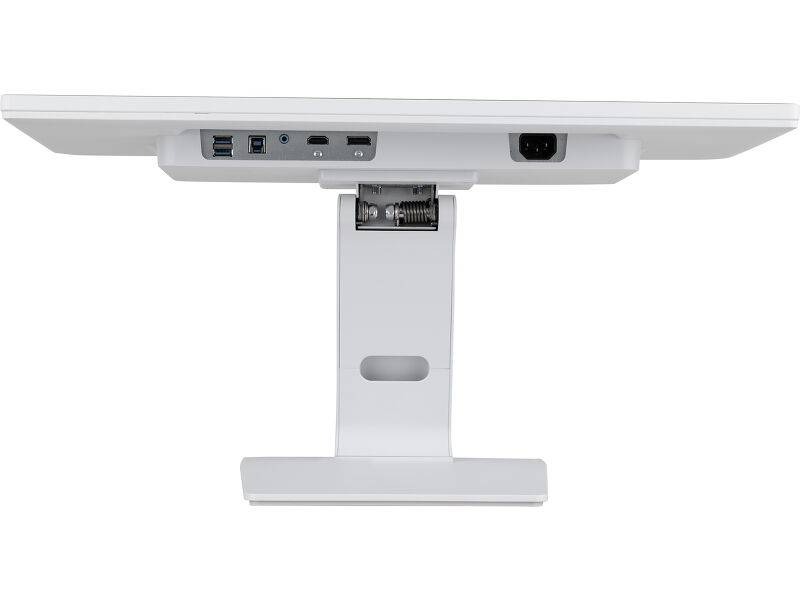
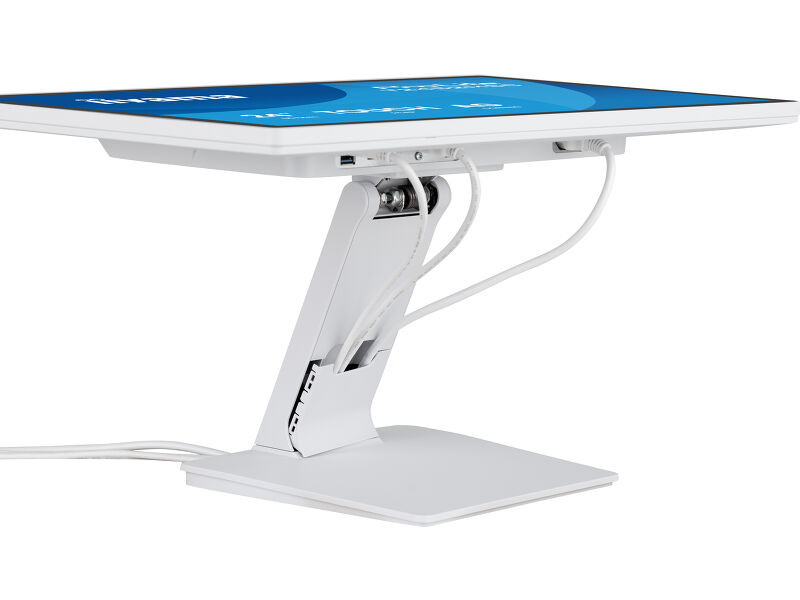
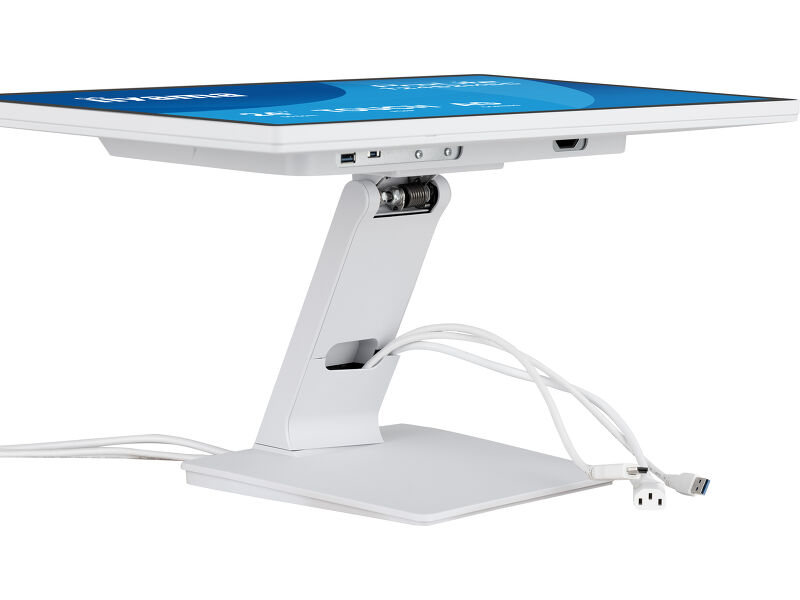
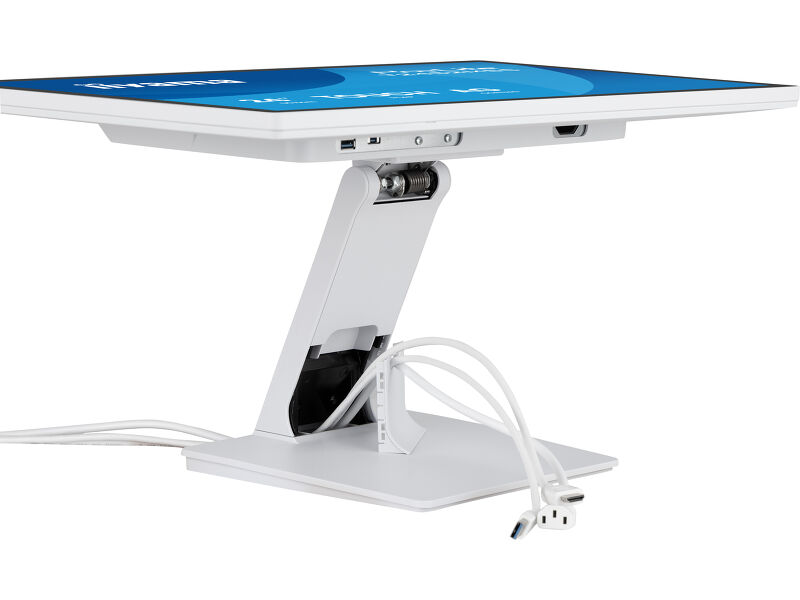
Designed for comfort and efficiency, the adjustable stand supports ergonomic positioning, and the integrated cable management system keeps your workspace neat. With built-in audio and versatile connectivity (HDMI, DisplayPort, USB 3.2 hub), it offers a clean and flexible setup. Sleek edge-to-edge glass and a refined white design make it as stylish as it is functional – perfect for interactive signage, retail, POS, hospitality and creative spaces.
Available also in black : ProLite T2452MSC-B2AG and in black : ProLite T2452MSC-B2
Vivid colors and wide viewing angles
Ensure perfect visibility from any position - The IPS panel delivers vivid, consistent colors and wide viewing angles, ideal for dynamic retail environments and busy commercial spaces.
Responsive interaction and good protection
Featuring intuitive DeepContrast PCAP+ touch technology with Optical Bonding, the screen offers smooth and responsive interaction with reduced glare, while remaining protected from moisture and condensation. Perfect for high-use environments.
Deep contrast and less reflections
Enjoy crystal-clear visuals with deep contrast and less glare - the optical bonded touch panel ensures sharp, easy-to-read content, even under bright retail lighting.
Always clear, always clean
The scratch-resistant, anti-fingerprint coating keeps the screen looking clear and professional even in busy retail settings, reducing visible smudges and protecting the surface from daily wear - your content always shines and the display stays easy to clean.
Technical specification



DISPLAY CHARACTERISTICS
| Design | Edge to edge glass |
| Diagonal | 24", 60.5cm |
| Panel | IPS |
| Native resolution | 1920 x 1080 @100Hz (2.1 megapixel Full HD) |
| Aspect ratio | 16:9 |
| Panel brightness | 400 cd/m² |
| Brightness | 345 cd/m² with touch |
| Light transmittance | 86% |
| Static contrast | 1000:1 with touch |
| Response time (GTG) | 5ms |
| Viewing zone | horizontal/vertical: 178°/178°, right/left: 89°/89°, up/down: 89°/89° |
| Colour support | 16.7mln |
| Horizontal Sync | 30 - 83kHz |
| Viewable area W x H | 527 x 296.5mm, 20.7 x 11.7" |
| Pixel pitch | 0.275mm |
| Bezel colour and finish | white, matte |
TOUCH
| Touch technology | DeepContrast-PCAP+ |
| Touch points | 10 (HID, only with supported OS) |
| Touch accuracy | +- 2mm |
| Touch method | stylus, finger, glove (latex) |
| Touch interface | USB |
| Supported operating systems | All iiyama monitors are Plug & Play and compatible with Windows and Linux. For details regarding the supported OS for the touch models, please refer to the driver instruction file available in the downloads section. |
| Palm rejection | yes |
INTERFACES / CONNECTORS / CONTROLS
| Digital signal input |
HDMI x1 DisplayPort x1 |
| Audio output |
Mini jack x1 Speakers 2 x 1W |
| HDCP | yes |
| USB HUB | x2 (v.3.2 (Gen 1, 5Gbit)) |
FEATURES
| Extra | DeepContrast PCAP+ (оптическое склеивание PCAP), aнтиотпечаточное, антибликовое покрытие, поддержка сенсорного управления в перчатках (толщина +2 мм) |
| Glass hardness | 7H |
| OSD key lock | yes |
GENERAL
| OSD languages | EN, DE, FR, ES, IT, PT, RU, JP, NL, PL |
| Control buttons | Меню, прокрутка вверх / ECO, прокрутка вниз / громкость, выбор / вход, питание |
| User controls | Настройка изображения (яркость, контрастность, i-Style Color, улучшенная контрастность, ECO, OverDrive, технология X-Rs), настройки цвета (гамма, диапазон RGB, цветовая температура), настройки изображения (настройка режима видео, уменьшение синего света, резкость и мягкость), экранное меню (горизонтальное положение, вертикальное положение, время экранного меню, фон экранного меню, язык, информация о дисплее), дополнительные функции (сброс, DDC/CI, выбор сигнала, громкость, выключение, логотип открытия, светодиод, сенсорный переключатель). |
| Convenience | Kensington-lock™ prepared |
| Blue light reducer | yes |
| Flicker free | yes |
| Plug&Play | DDC2B |
MECHANICAL
| Orientation | landscape, face-up |
| Tilt angle | 90° up; 5° down |
| VESA mounting | 100 x 100mm |
| Cable management system | yes |
| MTBF | 50000 hours (excluding backlight) |
ACCESSORIES INCLUDED
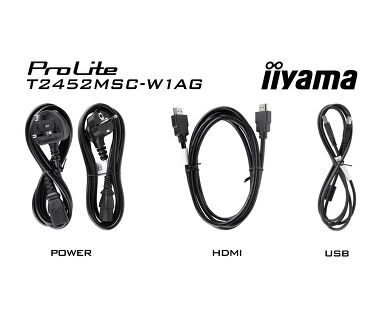
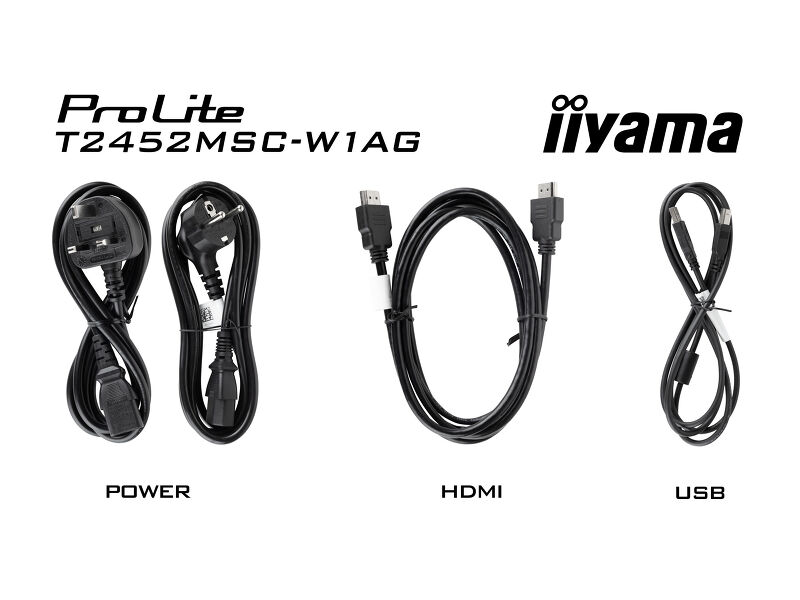
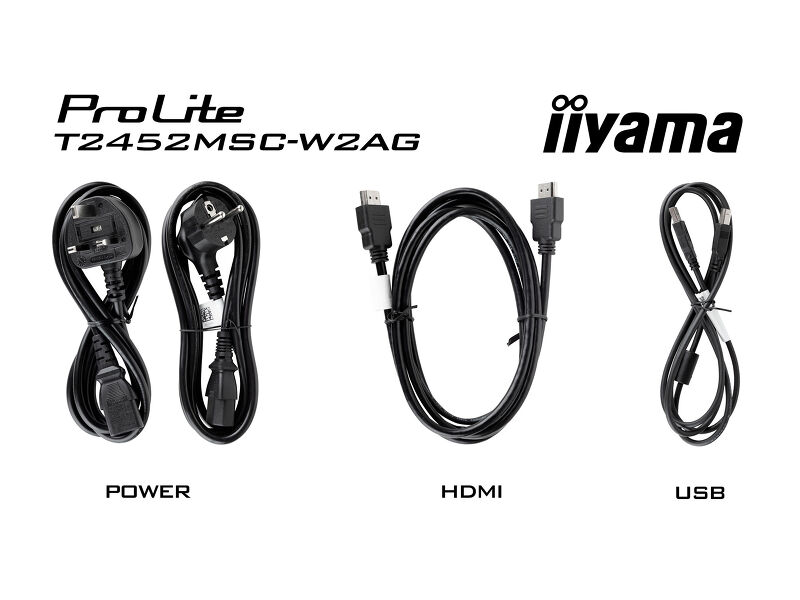
| Cables | power (1.8m), USB (1.5m), HDMI (1.5m) |
| Guides | quick start guide, safety guide |
| Other | Отвертка |
| Cable cover | yes |
POWER MANAGEMENT
| Power supply unit | internal |
| Power supply | AC 100 - 240V, 50/60Hz |
| Power usage | 16W typical, 1.5W stand by, 0.3W off mode |
SUSTAINABILITY
| Regulations | CE, TÜV-Bauart, EAC, RoHS support, ErP, WEEE, REACH, UKCA, cTUVus |
| Energy efficiency class (Regulation (EU) 2017/1369) | E |
| REACH SVHC | above 0.1%: Lead, Lead monoxide (lead oxide) |
DIMENSIONS / WEIGHT
| Product dimensions W x H x D | 567 x 385 x 253.5mm |
| Box dimensions W x H x D | 635 x 405 x 143mm |
| Weight (without box) | 5.6kg |
| Weight (with box) | 7.2kg |
| EAN code | 4948570127207 |

Downloads
| User manual | T2452MSC-B1_W1_B1AG_W1AG-usermanual-ru-revG.pdf | Download |
| Technical specification | ProLite T2452MSC-W1AG - ua_en.pdf | Download |
| Drawing | T2452MSC drawing.pdf | Download |
| EU Energy Label | T2452MSC-W1AG EU Energy Label (2379923).pdf | Download |
| UK Energy Label | T2452MSC-W1AG UK Energy Label (2379923).pdf | Download |
Instructions
| Управление светодиодной лентой RGB | TW1025LASC-B1PNR LED control.zip | Download |
FAQS
How should I clean my Touch monitor?
+When cleaning, please follow these guidelines to avoid damaging your Touch monitor:
1. Avoid using paper towels, abrasive cloths, or any harsh cleaning agents, as they can scratch the screen or damage the touch sensors.
2. Do not spray the cleaning solution directly onto the screen to prevent liquid from seeping into the monitor.
3. Avoid excessive cleaning, as it can wear out the screen over time.
4. For more details, please check our dedicated Cleaning page.
Why is the Touch functionality not working?
+If your touch functionality is not working, please check the following:
1. Ensure your PC is connected to the monitor with the supplied USB cable.
2. Verify in the user manual that your operating system is supported by the screen.

