Subscribe to our newsletter
Keep up #withiiyama
You have successfully subscribed to our newsletter.
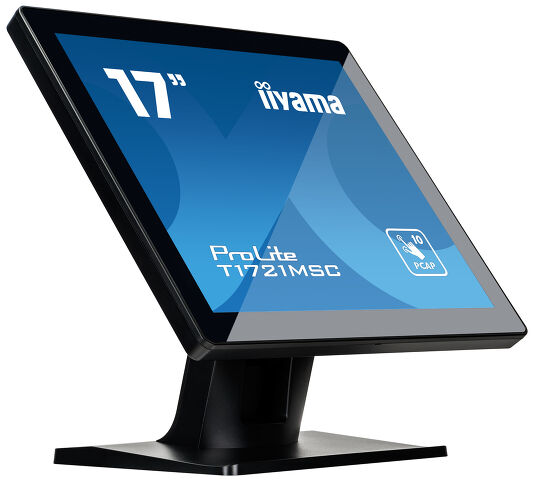
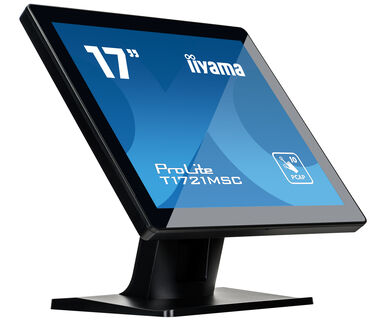
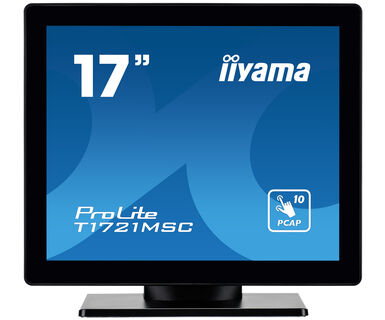
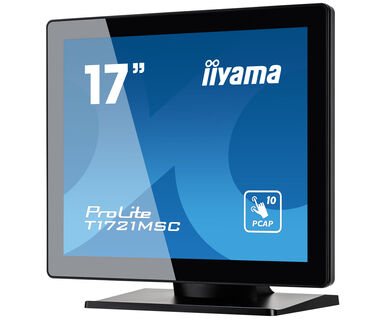
17" touchscreen featuring 10 touch points and PCAP technology
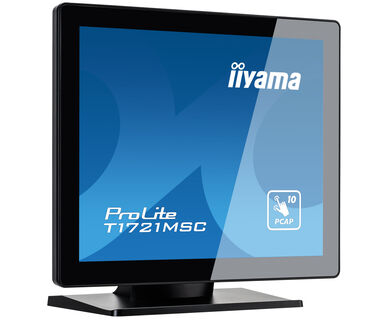
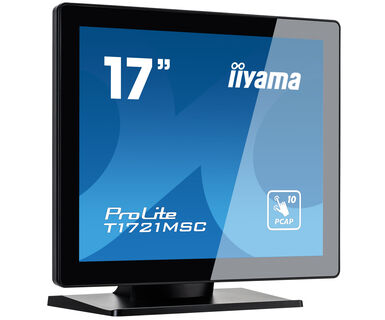
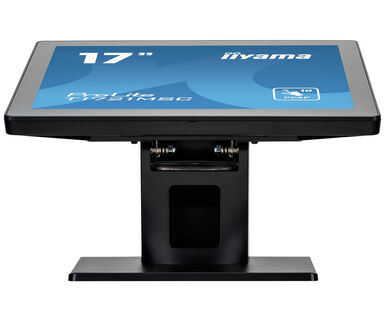
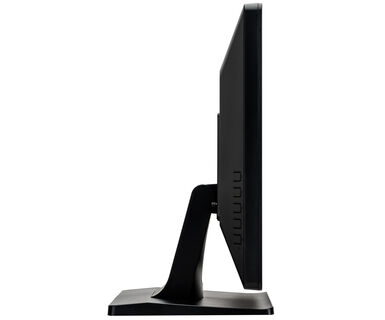
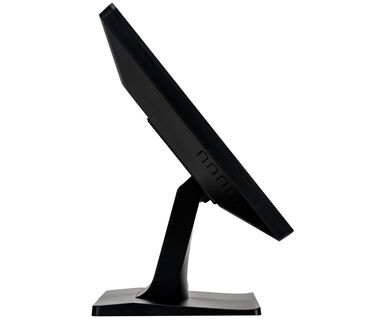
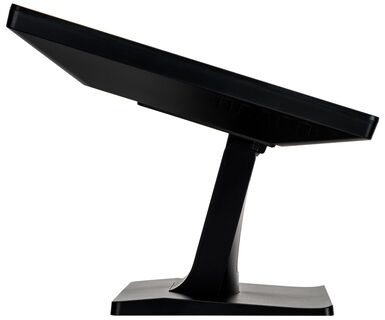
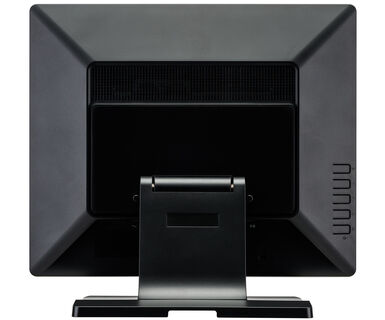
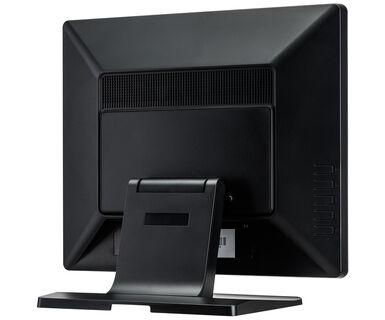
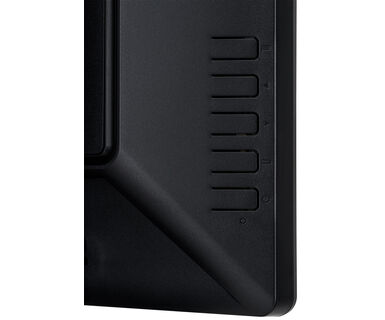
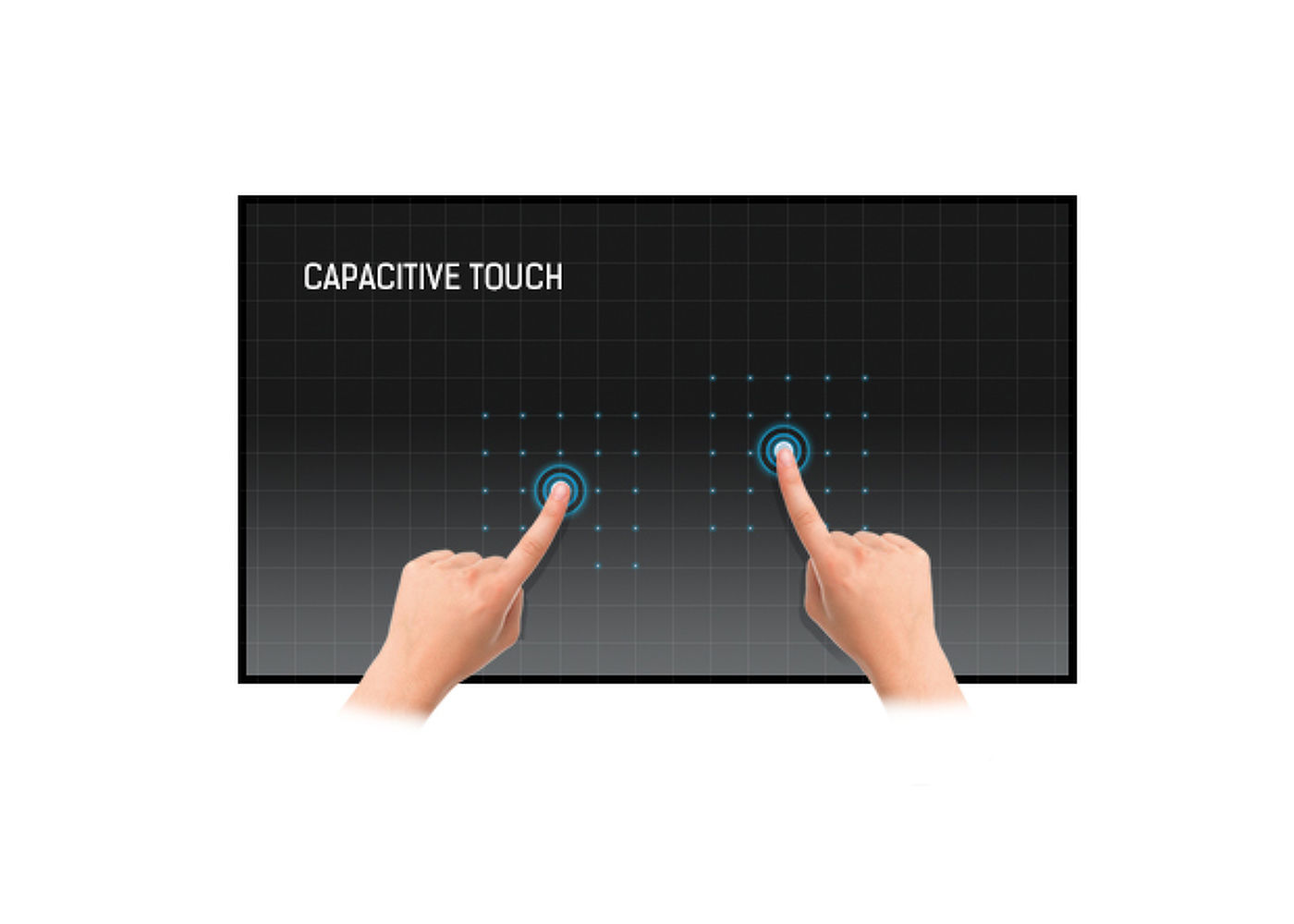
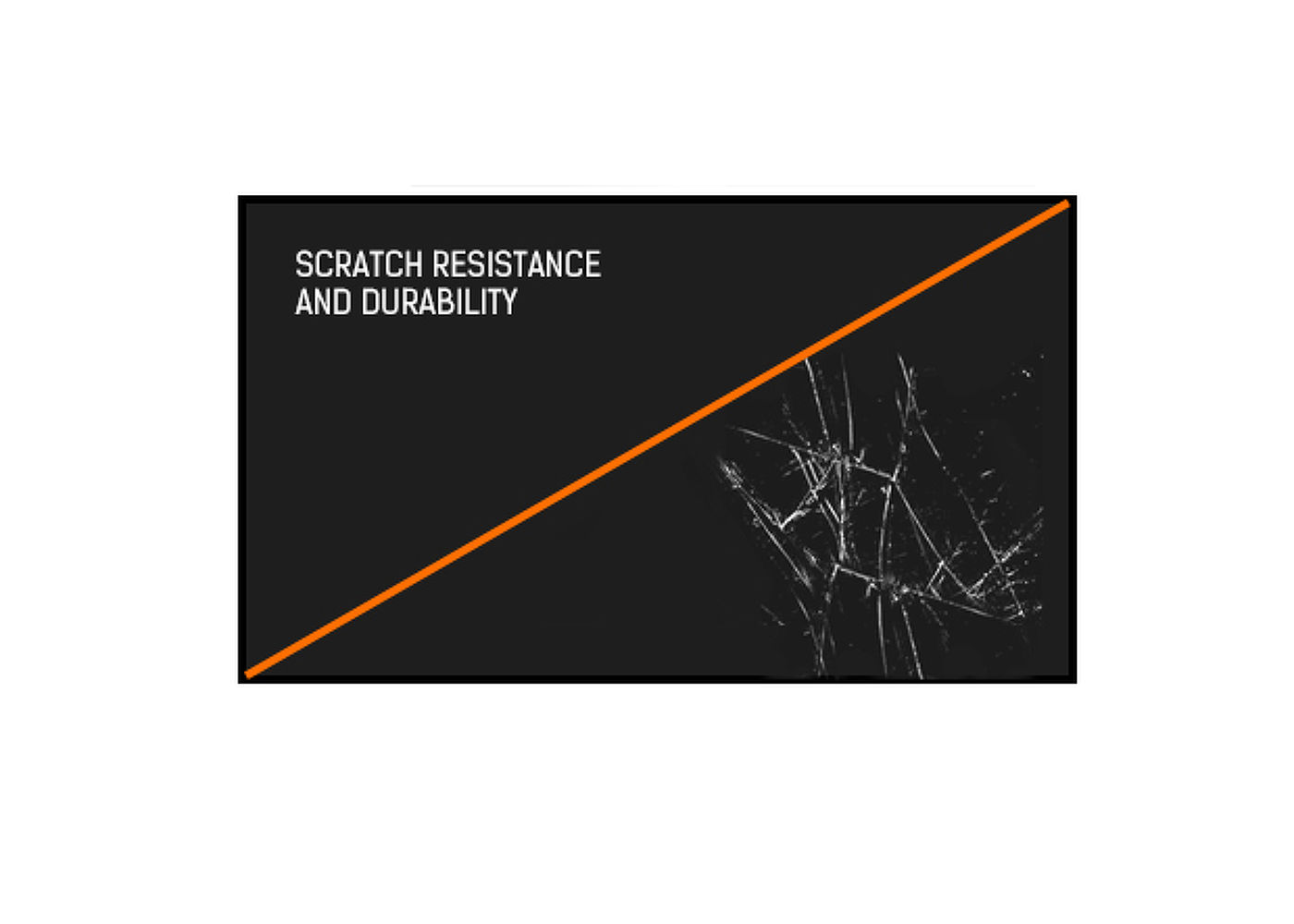
The ProLite T1721MSC-B1 17” touchscreen is based on projected capacitive technology, offering optimal seamless and accurate touch response. Due to its glass overlay, it guarantees high durability, scratch-resistance and perfect picture performance. A solid and steady base supports the touchscreen with an adjustable stand offering up to 80 degree tilt angles. Menu buttons are located on the back of the screen which can be locked to prevent tampering and include a handy function to deactivate the touchscreen for cleaning. The ProLite ProLite T1721MSC-B2 is an incredibly powerful touch solution, perfect for instore retail purposes.

The IP code classifies and rates the degree of protection against water intrusion. IPX3 means that the monitor is protected to water sprays up to 60°.



| Dizájn | Széltől szélig érő üveg |
| Átló | 17", 43cm |
| Panel | TN |
| Natív felbontás | 1280 x 1024 (1.3 megapixel) |
| Képarány | 5:4 |
| Fényerő | 250 cd/m² |
| Fényerősség | 230 cd/m² érintéssel |
| Fényáteresztés | 85% |
| Statikus kontraszt | 1000:1 |
| Válaszidő (BTB) | 5ms |
| Látótér | horizontális/vertikális: 170°/160°, jobb/bal: 85°/85°, fel/le: 80°/80° |
| Szín támogatás | 16.7mln |
| Horizontális szinkronizálás | 31.4 - 80kHz |
| Látható terület Sz x M | 338 x 270.5mm, 13.3 x 10.6" |
| Pixel magasság | 0.264mm |
| Káva színe és felülete | fekete, matt |
| Éríntőképernyős technológia | projektív kapacitív |
| Érintőpontok | 10 (HID, only with supported OS) |
| Érintési mód | ceruza, újj, kesztyű (latex) |
| Érintőképernyő interfész | USB |
| Támogatott operációs rendszerek | Minden iiyama monitor Plug & Play funkcióval rendelkezik, és kompatibilis a Windows és a Linux rendszerekkel. Az érintőképernyős modellek által támogatott operációs rendszerekre vonatkozó részletes információk a letöltések részben található illesztőprogram-fájlban találhatók. |
| Analóg jelbemenet | VGA x1 |
| Digitális jelbemenet | HDMI x1 |
| Audio kimenet |
Mini jack x1 Hangszórók 2 x 2W |
| HDCP | igen |
| USB portok | x1 |
| Üveg vastagsága | 1.5mm |
| Üveg keménysége | 7H |
| Víz- és porvédelem | IPX3 (elől) |
| OSD billentyűzár | igen |
| Képernyőn megjelenő nyelvek | EN, DE, FR, ES, IT, CN, JP |
| Vezérlőgombok | Menu, Up/Left/ Auto adjustment button, Down/Right button, Return/Exit button, Power |
| Felhasználói vezérlők | picture (backlight, brightness, contrast, sharpness) display (auto adjustment, H position, V position, pixel clock, phase) colour (colour temp, picture mode) input, audio (volume, mute, audio source), other (reset, OSD time, OSD H position, OSD V position, language) information |
| Kékfény csökkentés | igen |
| Plug&Play | DDC2B |
| Hajlásszög | 70° fel; 10° le |
| VESA állvány | 100 x 100mm |
| Kábelkezelő rendszer | igen |
| MTBF | 50000 óra |
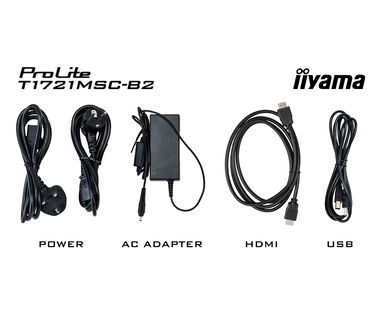
| Kábelek | áramellátás, USB, HDMI |
| Útmutatók | gyors üzembe helyezési útmutató, biztonsági útmutató |
| Egyéb | AC adapter, mylar sheet (for VESA mount) |
| Tápegység | külső |
| Tápellátás | DC 12 V |
| Energiafogyasztás | 20W jellemző, 1.5W készenlét, 0.3W kikapcsolva |
| Áramfogyasztás | 1.5W készenlét |
| Előírások | CE, RoHS támogatás, ErP, WEEE, cULus, HATÓTÁVOLSÁG, UKCA |
| Energiahatékonysági osztály ((EU) 2017/1369 rendelet) | E |
| REACH SVHC | 0,1% felett: Vezet |
| Termék méretei Sz x H x M | 392.5 x 364 x 198mm |
| Doboz mértei Sz x H x M | 537 x 500 x 172mm |
| Súly (doboz nélkül) | 4.4kg |
| Súly (dobozzal) | 5.8kg |
| EAN kód | 4948570120659 |

If your touch functionality is not working, please check the following:
1. Ensure your PC is connected to the monitor with the supplied USB cable.
2. Verify in the user manual that your operating system is supported by the screen.
When cleaning, please follow these guidelines to avoid damaging your Touch monitor:
1. Avoid using paper towels, abrasive cloths, or any harsh cleaning agents, as they can scratch the screen or damage the touch sensors.
2. Do not spray the cleaning solution directly onto the screen to prevent liquid from seeping into the monitor.
3. Avoid excessive cleaning, as it can wear out the screen over time.
4. For more details, please check our dedicated Cleaning page.
If your monitor is displaying a "No Signal" message, please check the following:
1. Ensure the cables are properly connected at both ends.
2. Select the correct signal input (HDMI/DP) or choose AUTO.
For guidance on selecting an input while the screen is in standby mode, please consult the user manual. On desktop monitors, common methods include pressing the INPUT, AUTO, or "2" buttons, or moving the joystick backward.
Yes, your iiyama monitor will work with your Apple Mac system. However, it depends on the signal input how to connect. Since Apple Mac systems from 2020 onwards only have Thunderbolt 3 (USB-C) ports for video output, you have two options:
1. Connect directly to the USB-C signal input on your iiyama monitor.
2. In case your monitor only has HDMI or Displayport, you will need a Mac-compatible dongle that supports one of the video inputs available. Apple offers a USB-C Digital AV Multiport Adapter (MW5M3AM) that can be used for this purpose.
3. If your iiyama monitor has touchscreen capabilities, please refer to the user manual to verify touch functionality compatibility with your Mac system.
To resolve the issue of a blinking picture, please follow these steps:
1. Inspect the Signal Cable.
Ensure the signal cable is securely connected at both ends and free from any physical damage. Avoid any sharp bends or squishing of the cable.
2. Use a Shorter Cable.
If possible, use a cable shorter than 3 meters and connect the monitor directly to a wall power socket, avoiding the use of adapters.
3. Disable FreeSync/Adaptive Sync.
For desktop or gaming monitors, try disabling FreeSync or Adaptive Sync in the monitor's settings menu.