Subscribe to our newsletter
Keep up #withiiyama
You have successfully subscribed to our newsletter.
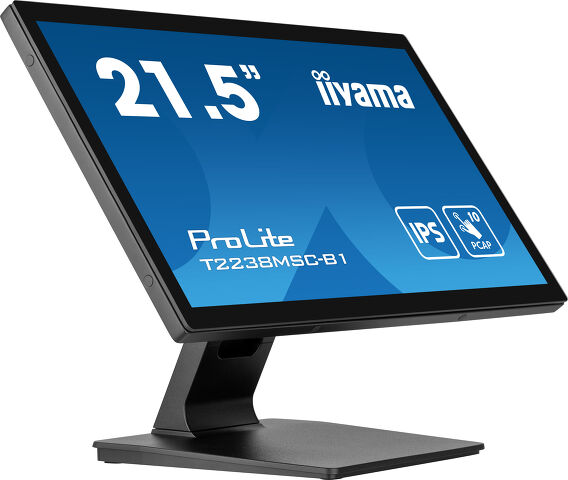
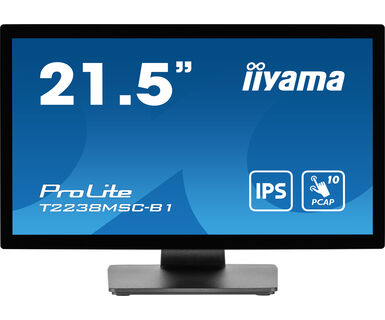
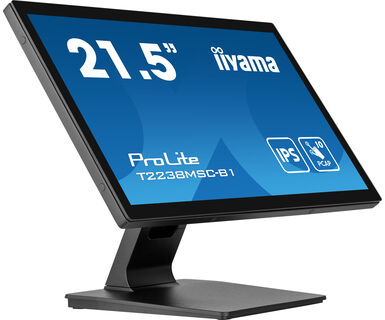
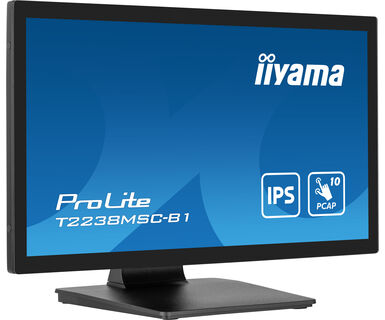
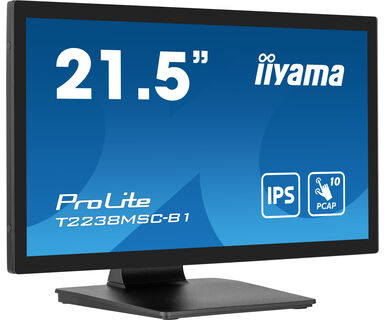
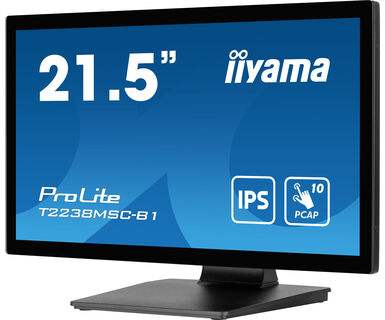
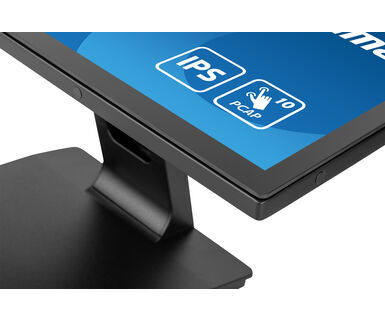
21.5” 10pt Optical Bonded PCAP touchscreen monitor with IPS panel technology, edge-to-edge glass design, anti-fingerprint coating and metal housing
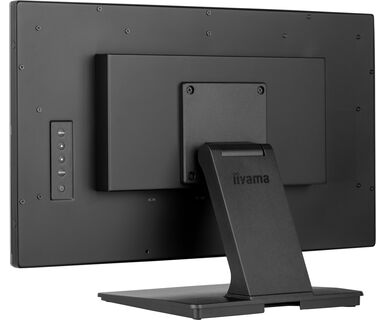
The Full HD (1920x1080) monitor ProLite T2238MSC-B1 with IPS panel technology offers exceptional colors and wide viewing angles. The Optical Bonded Projective Capacitive (PCAP) 10-point touch technology ensures a seamless and accurate touch response and a lower light reflection, in addition, the display is protected against humidity and potential moisture development. A robust metal housing and a scratch-resistant 7H edge-to-edge glass with anti-fingerprint coating make the monitor particularly suitable for integration in demanding environments. The monitor meets also a IPX1 protection rating, making it waterproof for a period of time against dripping water.
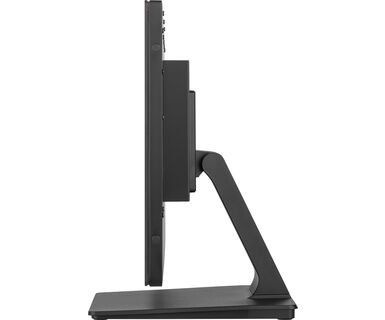
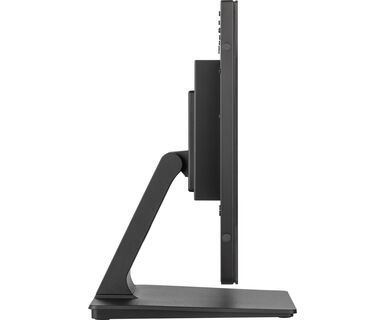
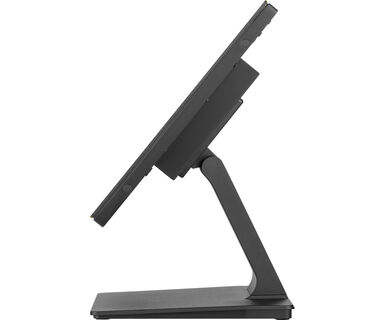
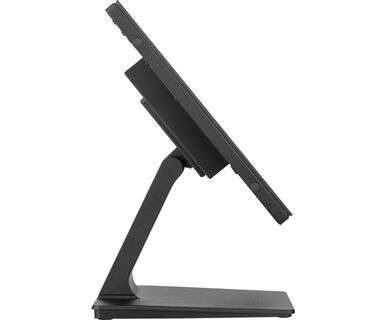
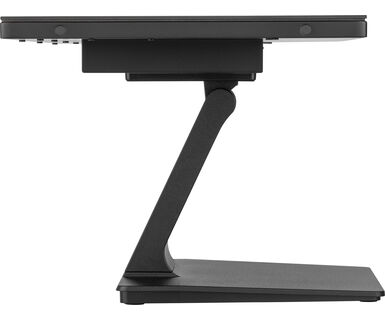
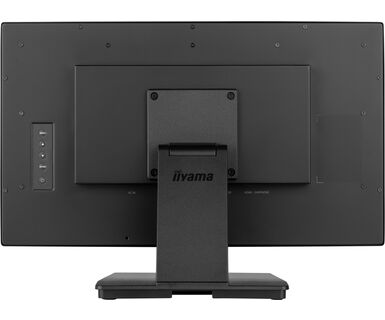
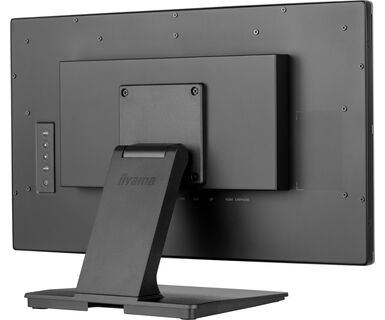
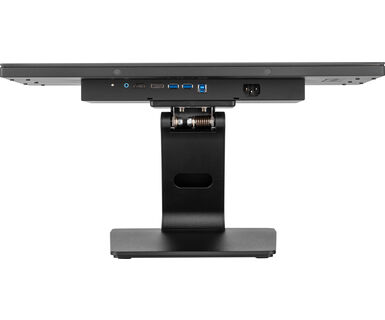
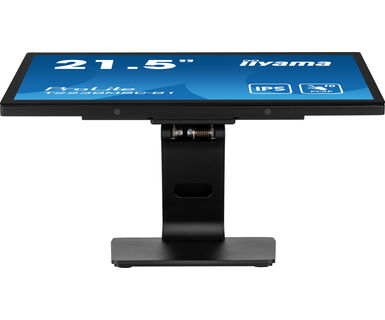
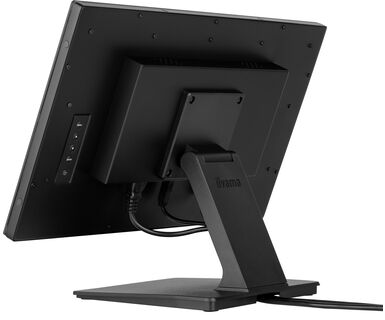
The flexible stand can be positioned at several angles creating a comfortable and ergonomic user experience and the integrated cable management system hides all the cables and electrical wires giving a neat and cable-free workspace. The ProLite T2238MSC-B1 can be used in landscape, portrait and face-up orientation. A perfect solution for interactive signage, instore retail, POS and interactive presentations.
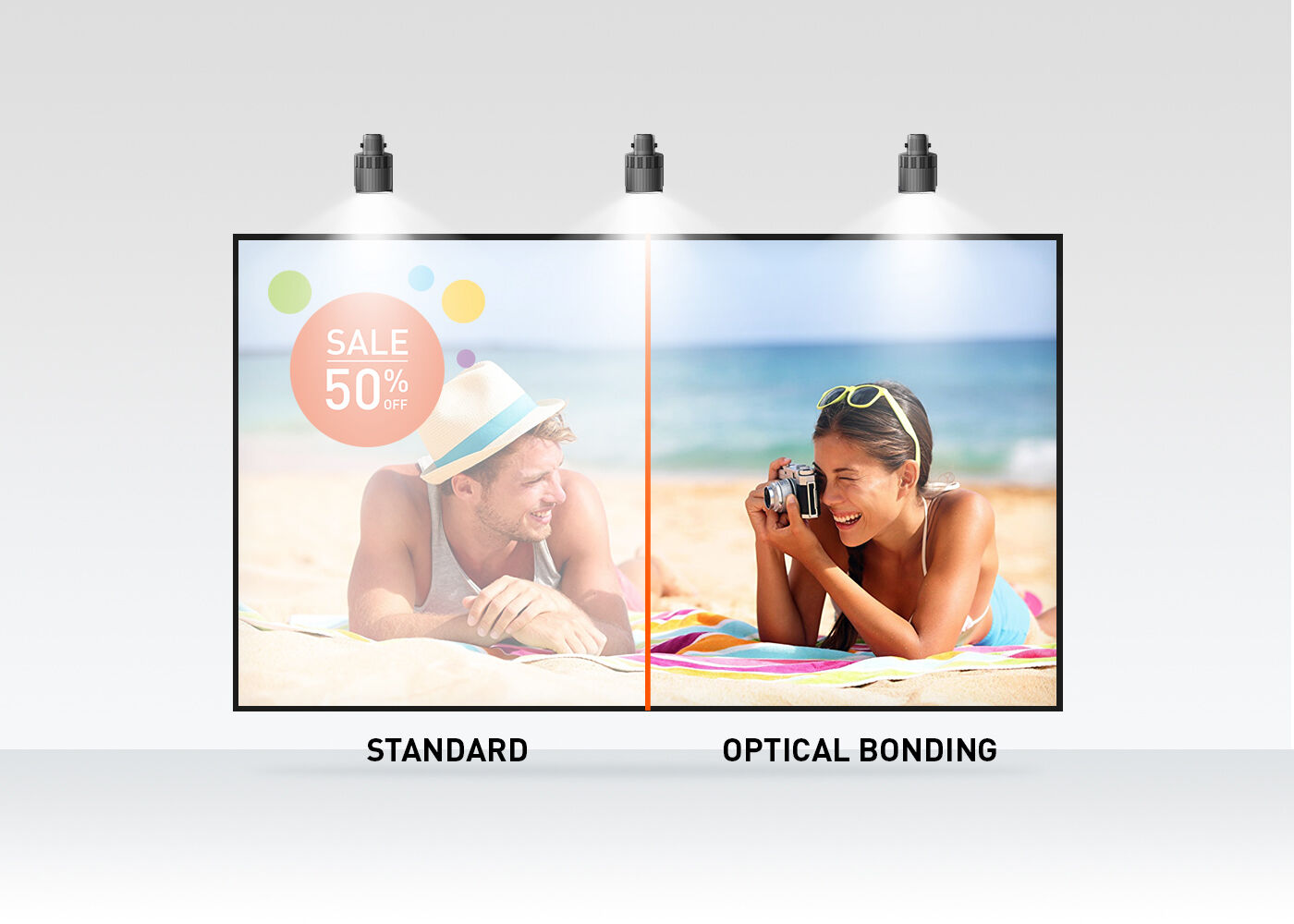
The optical bonded projective capacitive (PCAP) touch technology reduces the air gap between the touch layer and the display making the touch response more accurate. It improves also the visual quality by reducing reflections and glare. In addition the display is protected against dust and potential moisture development.
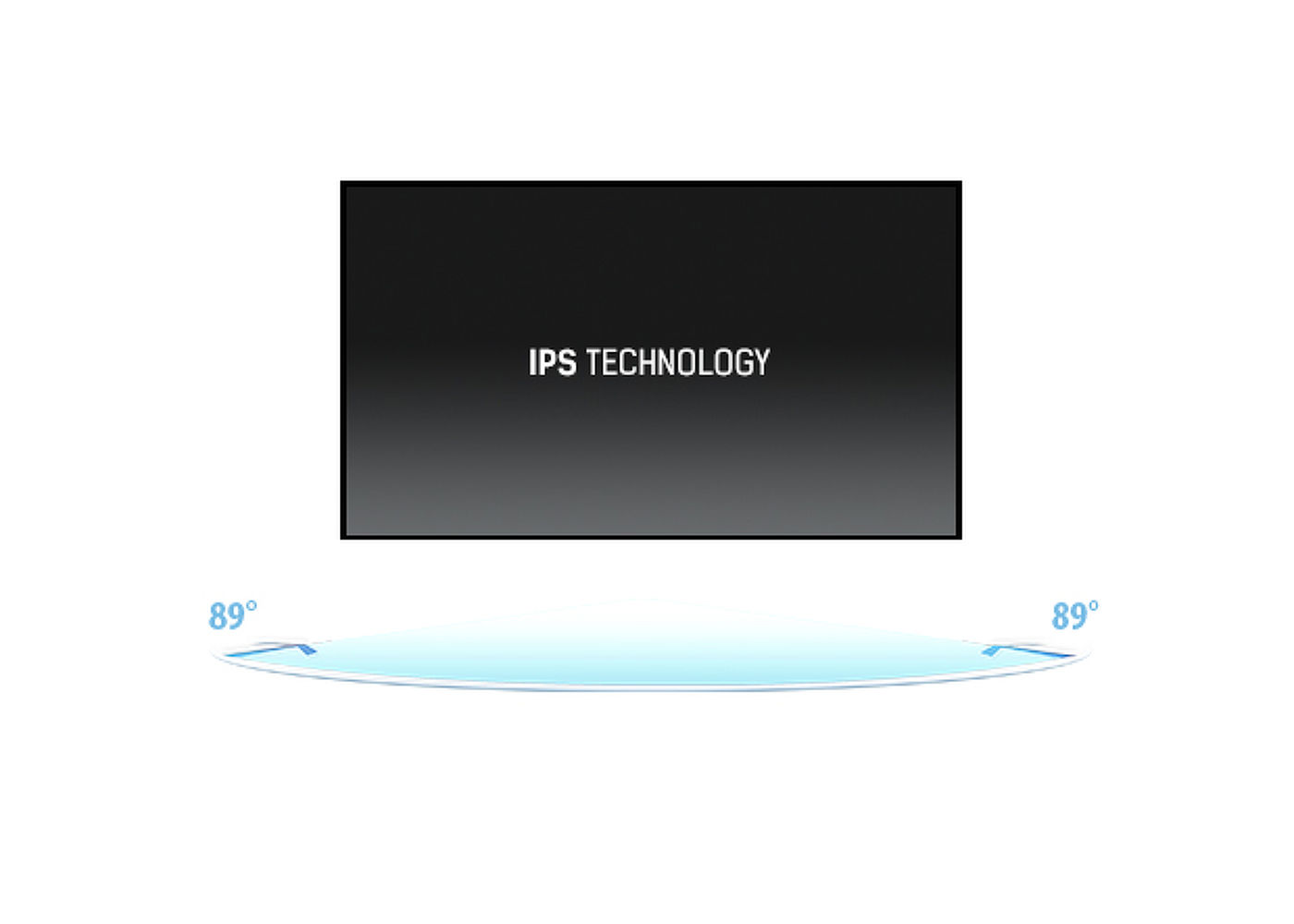
IPS technology offers higher contrast, darker blacks and much better viewing angles than standard TN technology. The screen will look good no matter what angle you look at it.
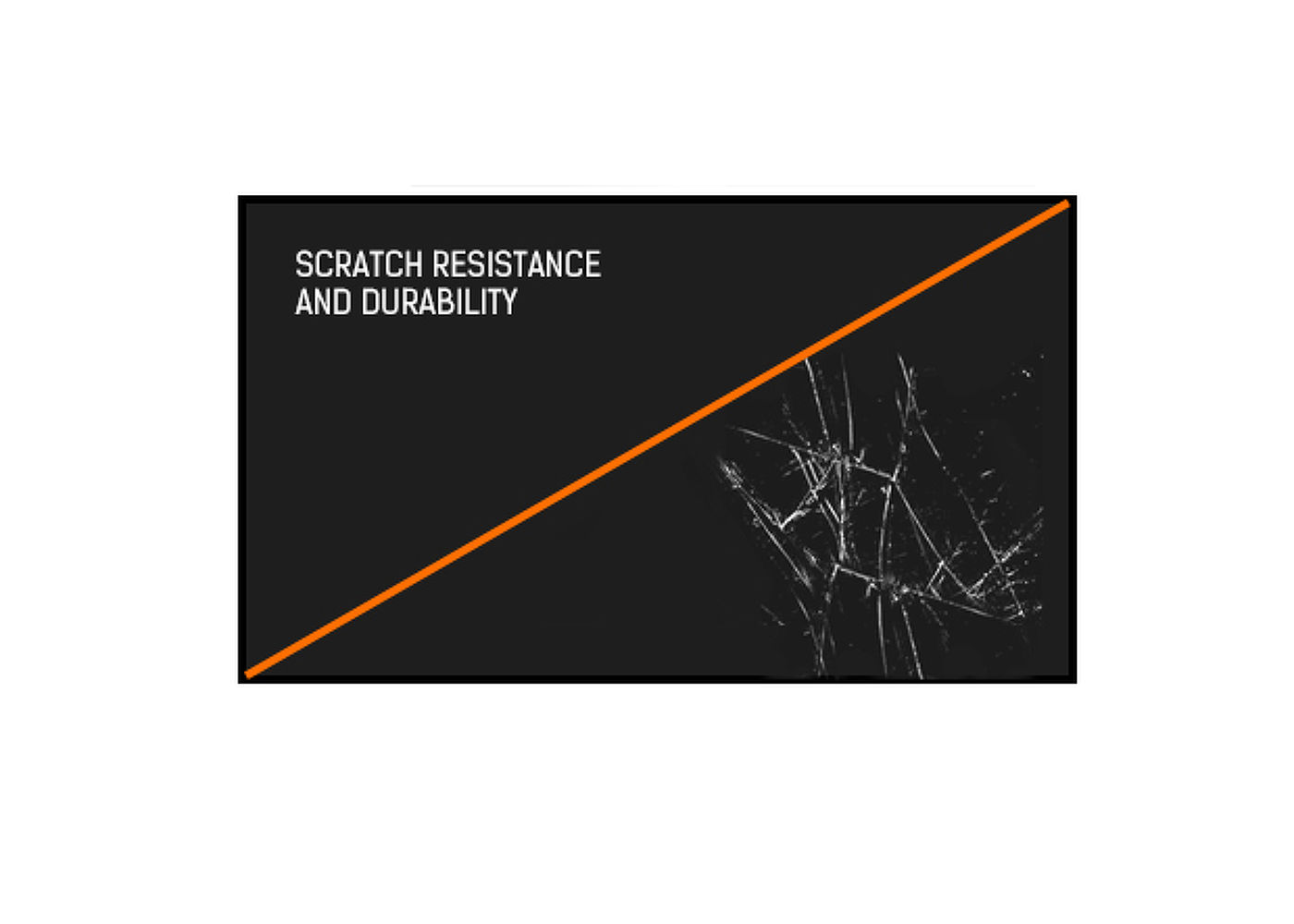
Scratch resistance is essential for touch solutions used in public places and schools. This is achieved thanks to a glass overlay covering the screen. It guarantees high durability of the touch function and even more importantly the touch function remains unaffected even if the glass is scratched.
This LED monitor is equipped with two stereo speakers.



| Design | Edge to edge glass |
| Diagonal | 21.5", 54.5cm |
| Panel | IPS |
| Native resolution | 1920 x 1080 (2.1 megapixel Full HD) |
| Aspect ratio | 16:9 |
| Panel brightness | 600 cd/m² |
| Brightness | 525 cd/m² with touch |
| Light transmittance | 87% |
| Static contrast | 1000:1 |
| Response time (GTG) | 5ms |
| Viewing zone | horizontal/vertical: 178°/178°, right/left: 89°/89°, up/down: 89°/89° |
| Colour support | 16.7mln |
| Horizontal Sync | 30 - 83kHz |
| Viewable area W x H | 479 x 260mm, 20.2 x 11.8" |
| Bezel width (sides, top, bottom) | 17mm, 19.8mm, 19.8mm |
| Pixel pitch | 0.249mm |
| Bezel colour and finish | black, matte |
| Touch points | 10 (HID, only with supported OS) |
| Touch method | stylus, finger, glove |
| Touch interface | USB |
| Supported operating systems | All iiyama monitors are Plug & Play and compatible with Windows and Linux. For details regarding the supported OS for the touch models, please refer to the driver instruction file available in the downloads section. |
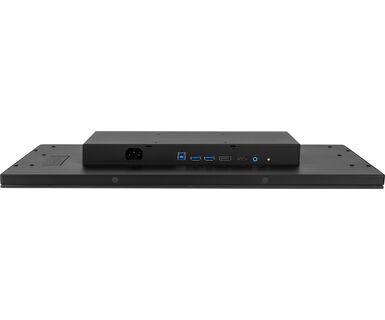
| Digital signal input |
HDMI x1 DisplayPort x1 |
| Audio output | Speakers 2 x 2W |
| HDCP | yes |
| USB HUB | x2 (USB3.2 Gen 1 (5Gbps, 5V, 900mA)) |
| Extra | Optical bonding PCAP, metal housing, anti fingerprint coating, water proof touch function |
| Glass thickness | 3.6mm |
| Glass hardness | 7H |
| 60950 Ball drop test | yes |
| Water and dust protection | IP1X (front) |
| Housing (bezel) | metal |
| OSD key lock | yes |
| OSD languages | EN, DE, FR, CN, RU, JP, NL, PL |
| Control buttons | Menu, Scroll up/ Eco, Scroll down/ Volume, Enter/ Input select, Power |
| User controls | Picture adjust (brightness, contrast, i-Style color, adv. contrast, ECO mode, OD, X-Res), color settings (gamma, RGB range, color. temp.), image settings (video mode adjust, blue light reducer, sharp & soft), OSD (H. pos., V. pos., time, background, rotate, language, display information), extra (reset, DDC/CI, signal select, volume, mute, led, opening logo, touch switch) |
| Blue light reducer | yes |
| Plug&Play | DDC2B |
| Orientation | landscape, portrait, face-up |
| Fanless design | yes |
| VESA mounting | 100 x 100mm |
| Cables | power, USB, HDMI |
| Guides | quick start guide, safety guide |
| Cable cover | yes |
| Power supply unit | internal |
| Power supply | AC 100 - 240V, 50/60Hz |
| Power usage | 17W typical, 1.5W stand by, 0.3W off mode |
| Regulations | CE, TÜV-Bauart, EAC, RoHS support, ErP, WEEE, REACH, UKCA, cTUVus |
| Energy efficiency class (Regulation (EU) 2017/1369) | D |
| REACH SVHC | above 0.1%: Lead |
| Product dimensions W x H x D | 512.5 x 353.5 x 239.5mm |
| Box dimensions W x H x D | 625 x 430 x 150mm |
| Weight (without box) | 6.8kg |
| Weight (with box) | 8.1kg |
| EAN code | 4948570122899 |
| Product series | ProLite T2438MSC-B1 |

If your touch functionality is not working, please check the following:
1. Ensure your PC is connected to the monitor with the supplied USB cable.
2. Verify in the user manual that your operating system is supported by the screen.
When cleaning, please follow these guidelines to avoid damaging your Touch monitor:
1. Avoid using paper towels, abrasive cloths, or any harsh cleaning agents, as they can scratch the screen or damage the touch sensors.
2. Do not spray the cleaning solution directly onto the screen to prevent liquid from seeping into the monitor.
3. Avoid excessive cleaning, as it can wear out the screen over time.
4. For more details, please check our dedicated Cleaning page.
If your monitor is displaying a "No Signal" message, please check the following:
1. Ensure the cables are properly connected at both ends.
2. Select the correct signal input (HDMI/DP) or choose AUTO.
For guidance on selecting an input while the screen is in standby mode, please consult the user manual. On desktop monitors, common methods include pressing the INPUT, AUTO, or "2" buttons, or moving the joystick backward.
Yes, your iiyama monitor will work with your Apple Mac system. However, it depends on the signal input how to connect. Since Apple Mac systems from 2020 onwards only have Thunderbolt 3 (USB-C) ports for video output, you have two options:
1. Connect directly to the USB-C signal input on your iiyama monitor.
2. In case your monitor only has HDMI or Displayport, you will need a Mac-compatible dongle that supports one of the video inputs available. Apple offers a USB-C Digital AV Multiport Adapter (MW5M3AM) that can be used for this purpose.
To resolve the issue of a blinking picture, please follow these steps:
1. Inspect the Signal Cable.
Ensure the signal cable is securely connected at both ends and free from any physical damage. Avoid any sharp bends or squishing of the cable.
2. Use a Shorter Cable.
If possible, use a cable shorter than 3 meters and connect the monitor directly to a wall power socket, avoiding the use of adapters.
3. Disable FreeSync/Adaptive Sync.
For desktop or gaming monitors, try disabling FreeSync or Adaptive Sync in the monitor's settings menu.